Knowledge and approval
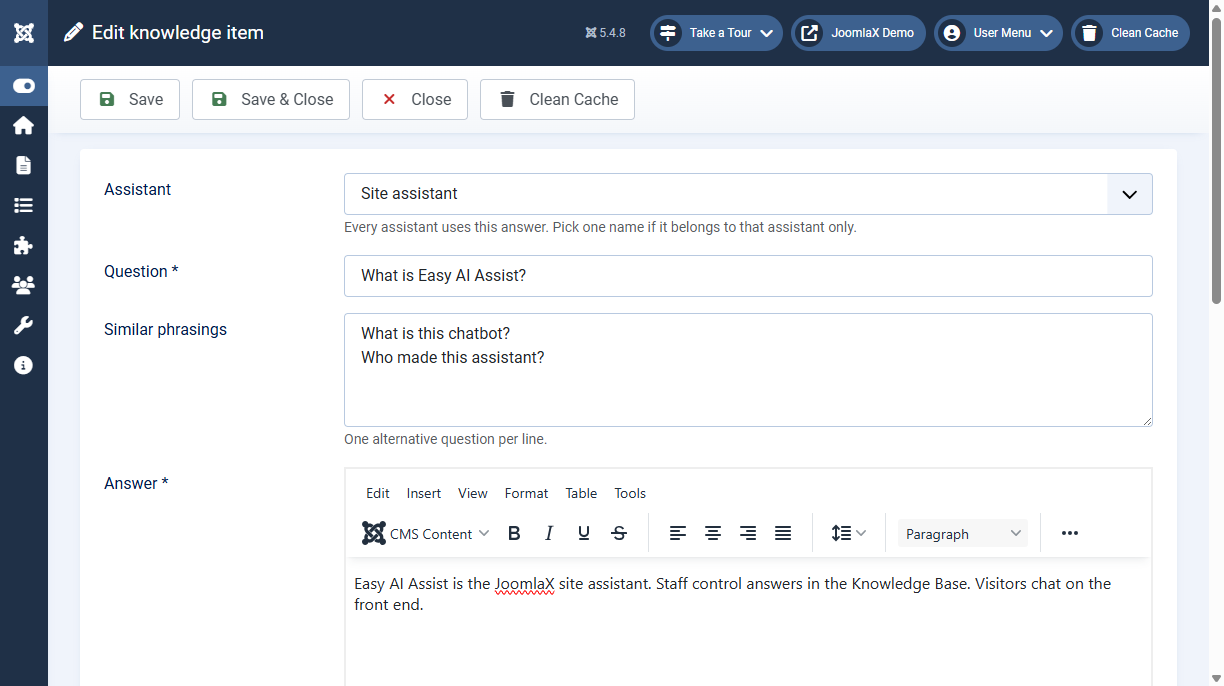
- Components > Easy AI Assist > Knowledge > New
- Write the question, similar phrasings, and the answer.
- Choose Bypass for an exact reply, or Grounded to let the model use the answer with retrieved pages.
- Set the language to All or to one site language.
- Save. New answers stay unpublished until they are approved.
- Select the row and click Approve.
Approve is a separate permission under Configuration, Permissions. Unpublish is still available to users who can edit state. Each approval is stored with the user and the time.