Categories
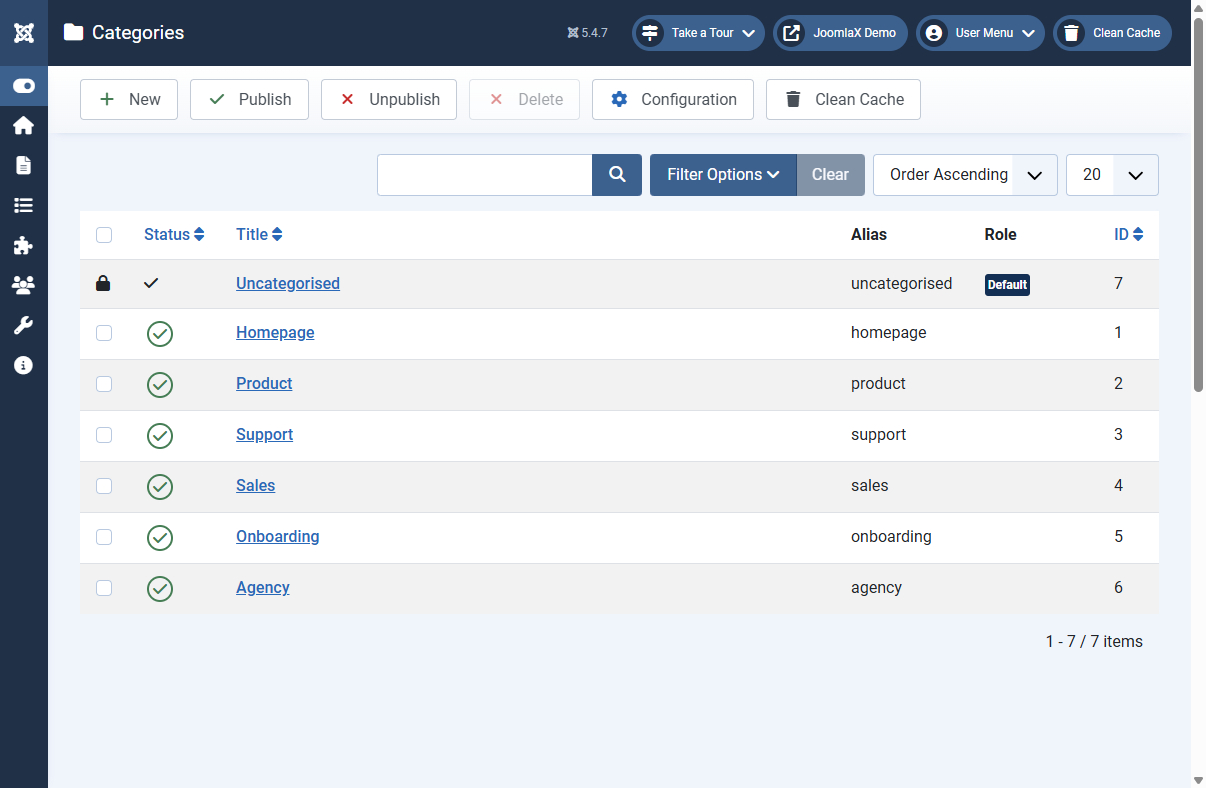
Open Components > Testimonial Fader > Categories.
Why categories matter
Categories let you group reviews (for example Homepage, Product, Support). You can then show only one group on a module, menu item, or shortcode.
How to add one
- Click New.
- Enter a Title (for example Sales).
- Leave Alias blank unless you need a fixed URL-safe name.
- Status = Published.
- Click Save & Close.
Sample install includes
Homepage, Product, Support, Sales, Onboarding, Agency, plus Uncategorised (default fallback).
Student tip
When a visitor picks a category on the public form, assign testimonials to matching categories in admin so filters work the way you expect.