Import and export
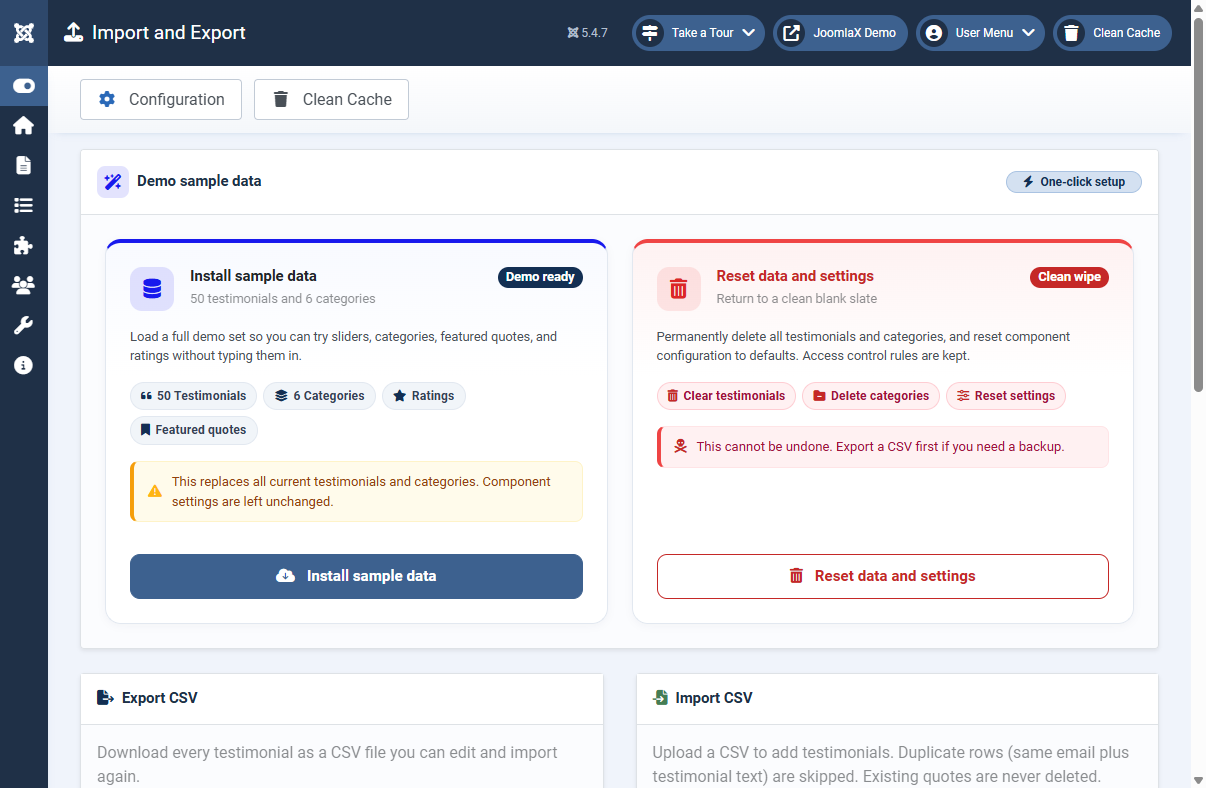
Open Components > Testimonial Fader > Import and Export.
Install sample data
Loads 50 demo testimonials and 6 categories. Great for learning or client previews. Warning: this replaces current testimonials and categories.
Export CSV
- Click Export all.
- Open the file in Excel or Google Sheets.
- Edit quotes, ratings, or categories offline.
Import CSV
- Click Download sample CSV if you need the correct column headers.
- Choose your file and click Import.
- Duplicate rows (same email + same quote) are skipped automatically.
Reset data and settings
Permanently clears testimonials and/or categories and can reset component options. Export first if you might need a backup.
Student tip
Use sample data on a staging site, not on a live shop with real customer reviews.