Download
Step 1: Buy and download
- Purchase WebP Converter from the JoomlaX store.
- Open the email, or log in to the store with the same email you used to buy (not the PayPal address if that one is different).
- Go to Downloads and download
WebPConverter_UNZIP.zip.
Keep the license key from that page. You need it only if you use Joomla's update manager later.
Step 2: Unzip on your computer (not in Joomla)
- On Windows: right-click the file > Extract All. On a Mac: double-click the zip.
- Open the new folder. You must see exactly two things:
plg_system_webpconverter_2.6.2.zip(this is the file Joomla installs)ReadMe.txt
Common mistake: uploading WebPConverter_UNZIP.zip to Joomla. That outer zip is only a wrapper. Also do not unzip the plg_system_... file. Joomla needs that zip as-is.
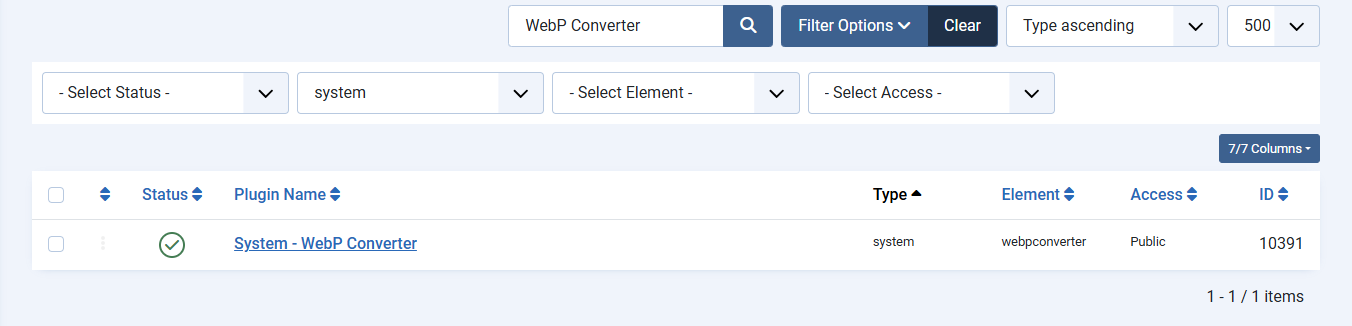
The screenshot is what you should see later in System > Plugins after a good install: one enabled row named System - WebP Converter.