Exclusion Settings
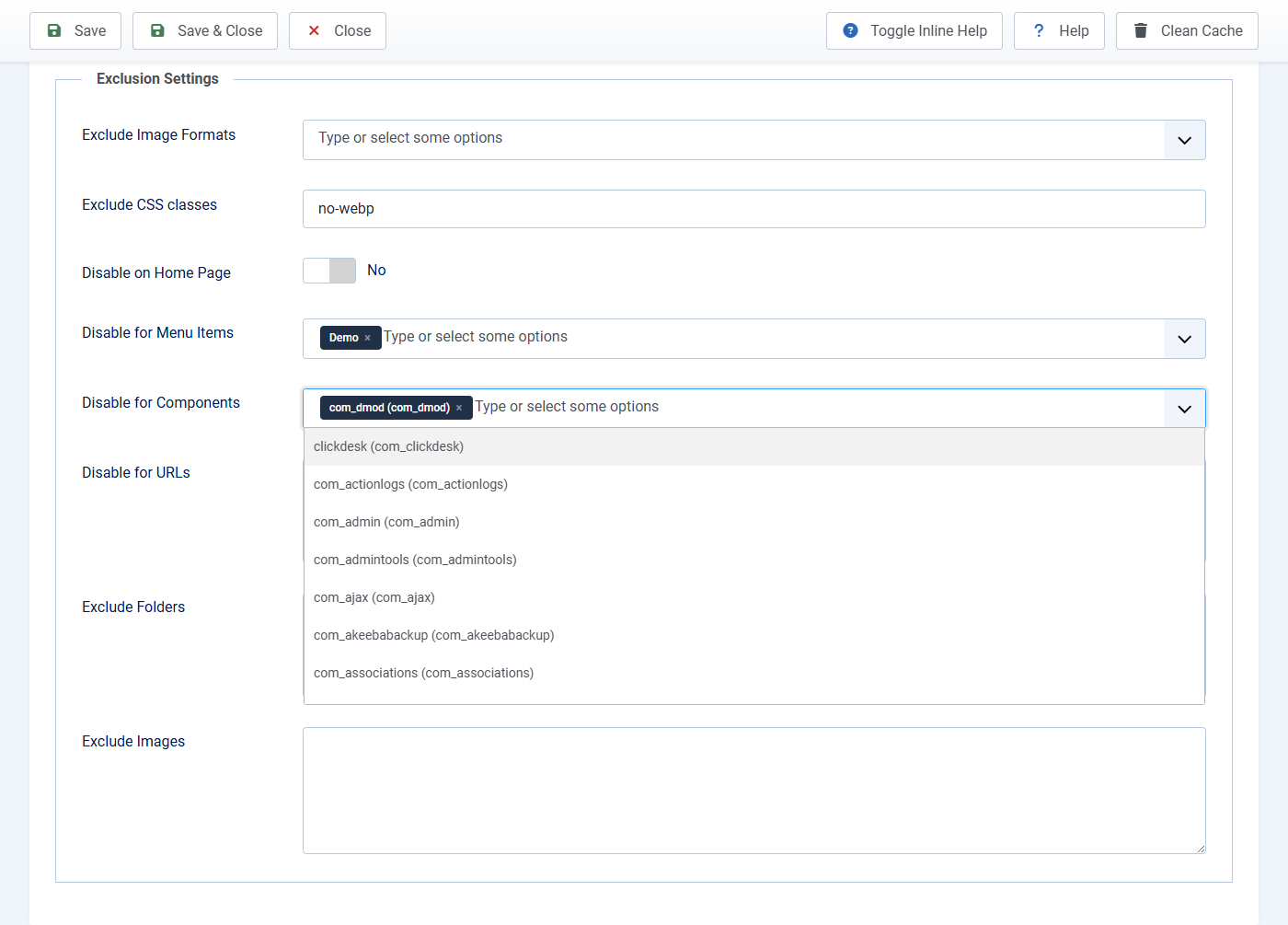
Skip this tab if you want every JPG and PNG converted. Use it when some photos or pages must stay original (logos, animated GIF, checkout pages).
Easy options
- Exclude Image Formats: Click the box and pick JPG, PNG, or GIF. Example: pick GIF if you have moving GIFs. If you pick JPG, files named
.jpegare skipped too. - Exclude CSS classes: Default
no-webpis fine. On a photo you want to skip, add that class in the article (or ask whoever edits HTML to addclass="no-webp"). - Disable on Home Page: Yes only if the home page must not convert.
- Disable for Menu Items: Click the box, type part of the menu name, pick the page.
- Disable for Components: skip conversion on a whole extension (for example a shop). Click the box and pick the name.
Type these yourself, one item per line
- Disable for URLs: part of the web address, for example
*/checkout - Exclude Folders: folder name under Images, for example
headers(not a full Windows path) - Exclude Images: file name, for example
logo.png
Click Save, clear cache, then refresh the public page. These rules also apply when you click Generate Images.