


Eye-Catching
Images With Text and Icon Overlays
- Add text and icons over your images to grab attention. Show overlays on hover or keep them always visible.
Image Overlay Plugin for Joomla
Features
Nine feature areas, one install package for Joomla 4, 5 and 6.
Eye-Catching
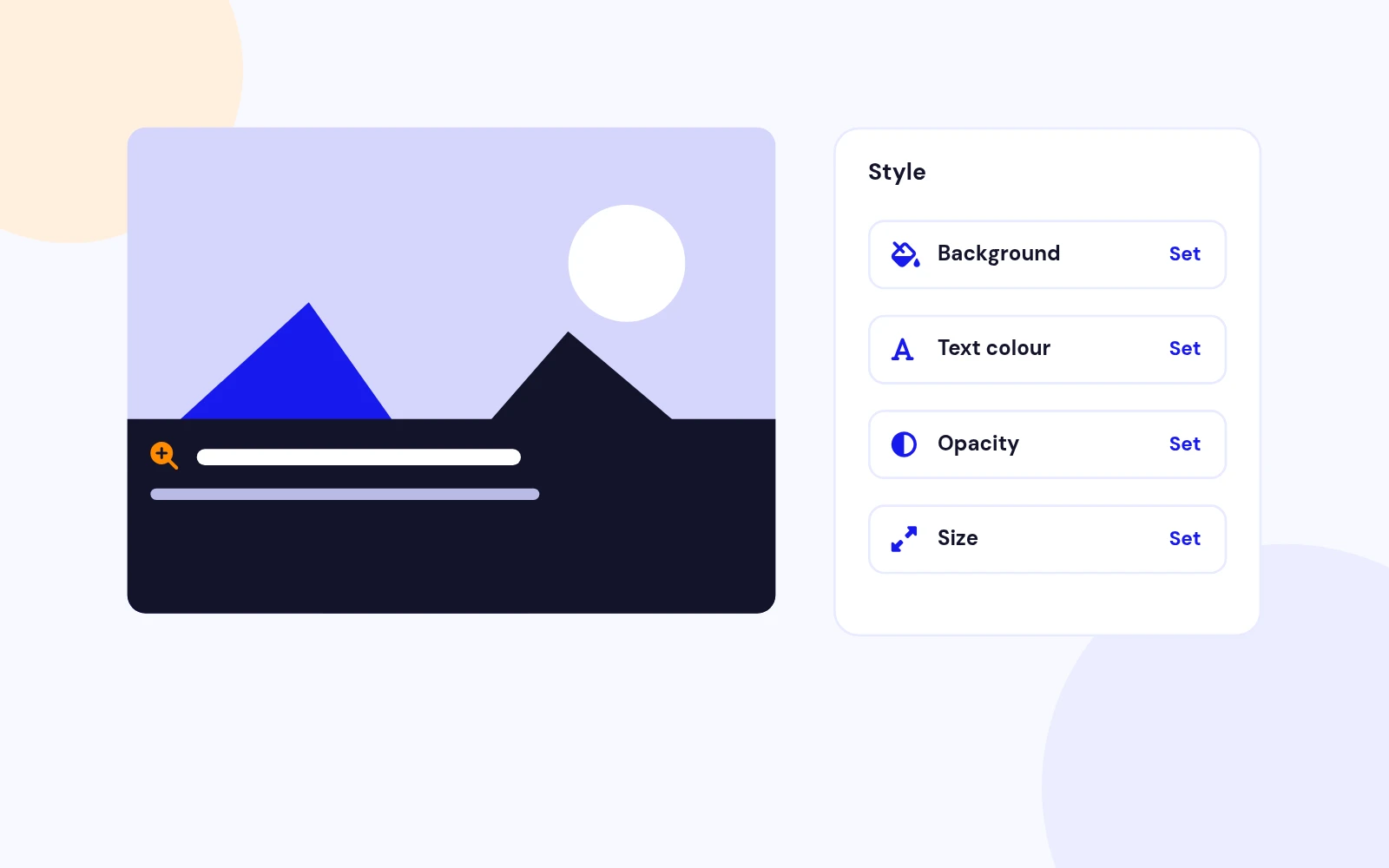
Full Control
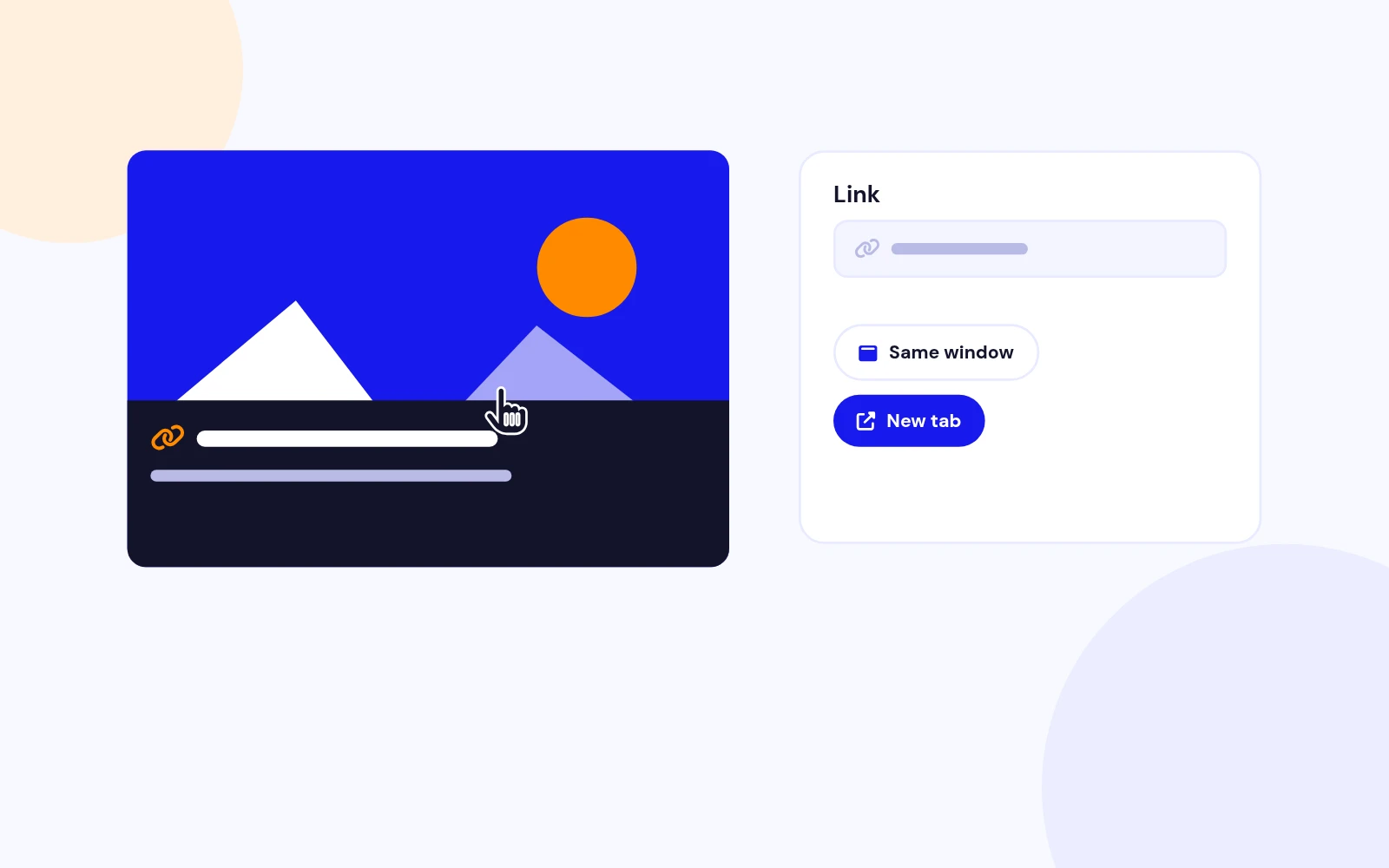
Clickable

Icons
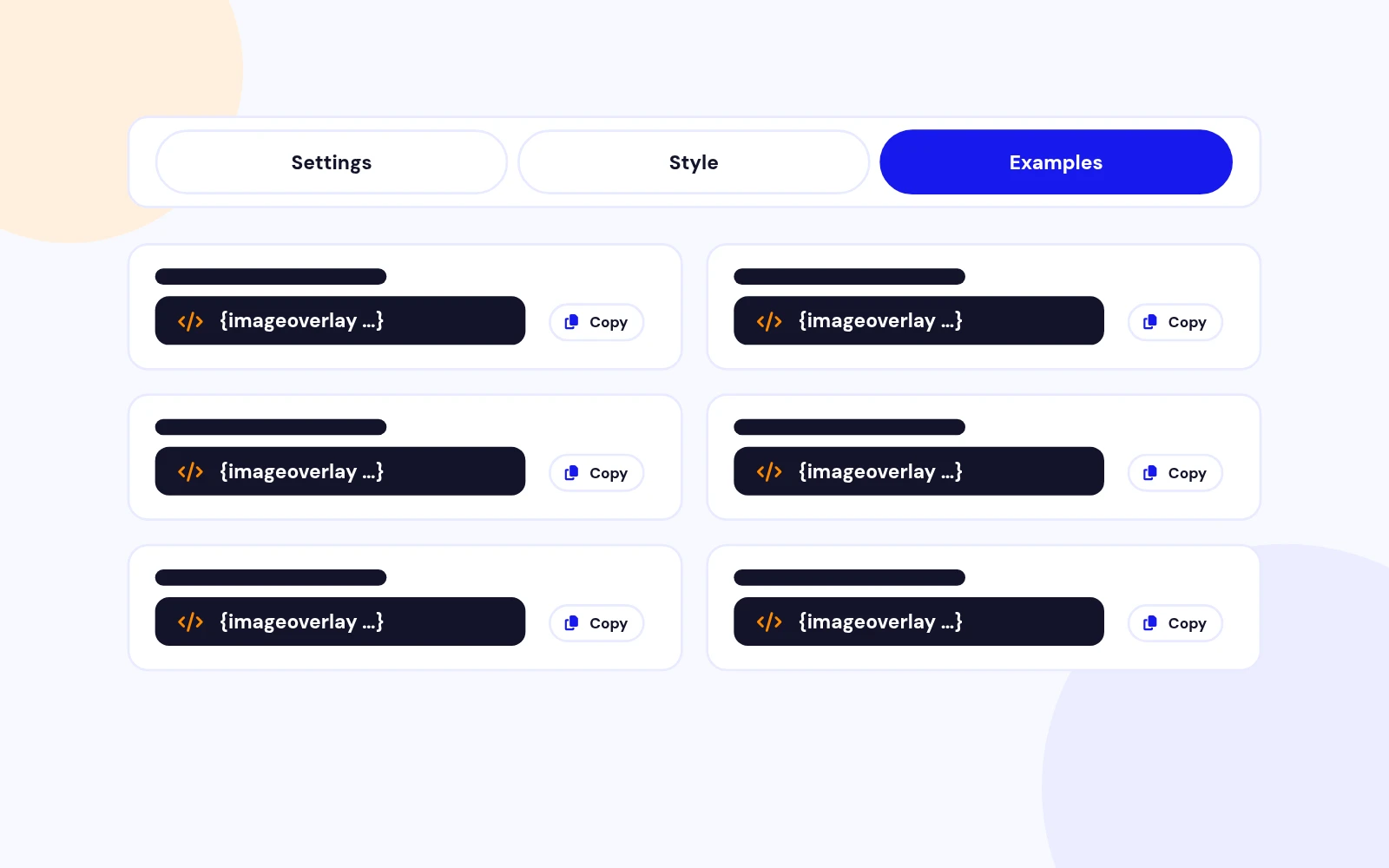
Easy Start

Future-Proof

Fast Pages

Secure

Custom Styling
Changelog
8 releases since version 1.1. Updates install from the Joomla admin with a valid licence.
Docs & setup
Written guides for installing and configuring Easy Image Overlay, from first setup to the options that matter.
Pricing
Save more as you scale — longer access means a bigger discount.
30-day money-back guarantee
30-day money-back guarantee
30-day money-back guarantee
30-day money-back guarantee
Why buy here
All-access bundle
Get all 126 extensions, new releases, ongoing updates and full-time support. Bought one by one, a year of updates for every extension costs over $4,700.
Ideal for small projects and personal sites
$249/ 6 months
Save 91% · $2,900+ value
30-day money-back guarantee
Best for growing businesses and web agencies
$349/ 1 year
Save 92% · $4,700+ value
30-day money-back guarantee
For professional developers and multi-client agencies
$749/ one-time
Pay once · keep forever
30-day money-back guarantee
FAQ
Still unsure? Our support team is one ticket away.
You can add customizable text, icons from Font Awesome, links, and apply styling options like colors, opacity, and font sizes.
Yes! The overlays are fully responsive and adapt perfectly across desktops, tablets, and mobile devices.
Absolutely. You can assign custom links to each overlay and choose whether they open in the same window or a new tab.
You can use simple shortcodes to insert overlays within Joomla articles, custom modules, or anywhere content is accepted.
Yes. You can add ALT text to images in overlays, improving both SEO performance and accessibility.
Yes. The plugin allows you to apply additional CSS via a class suffix, giving you full design flexibility.
Yes. Overlays can include hover effects like color changes, icon animations, and opacity transitions for enhanced interaction.
Yes. You can easily adjust the overlay background opacity to suit your visual preferences.
Yes, it is fully compatible with Joomla versions 3.x, 4.x, and 5.x.
No coding skills are required for standard usage. Advanced users can apply additional CSS if they wish to fine-tune the design.
More like this


Module
Image slideshow with overlay, split, and stacked layouts. No jQuery. Joomla 4, 5, and 6.
v3.5.1
From $19

Module
Responsive Image Slideshow Module for Joomla
v3.7 3,670 downloads
From $19

Module + Plugin
Background Image Animation Extension for Joomla.
v2.4.2 3,322 downloads
From $9

Module
Image Scroll and Gallery Module for Joomla
v1.8 6,003 downloads
From $9

Module
Joomla photo slider that reveals each image with a circle, wipe, split, diamond, or fade transition.
v2.0.1 3,338 downloads
From $19


Module + Plugin + Component
Gallery with modern layouts and advanced lightbox
v1.3.4 3,072 downloads
From $19

Module
Before / After Image Compare Module for Joomla
v1.0.0 3,972 downloads
From $19