


Modern Slideshow
A Polished, Lightweight Slideshow
- Rounded frames, captions and smooth transitions without heavy libraries. Native JavaScript keeps it fast.
Awesome Slider Module for Joomla
Features
Nine feature areas, one install package for Joomla 4, 5 and 6.
Modern Slideshow
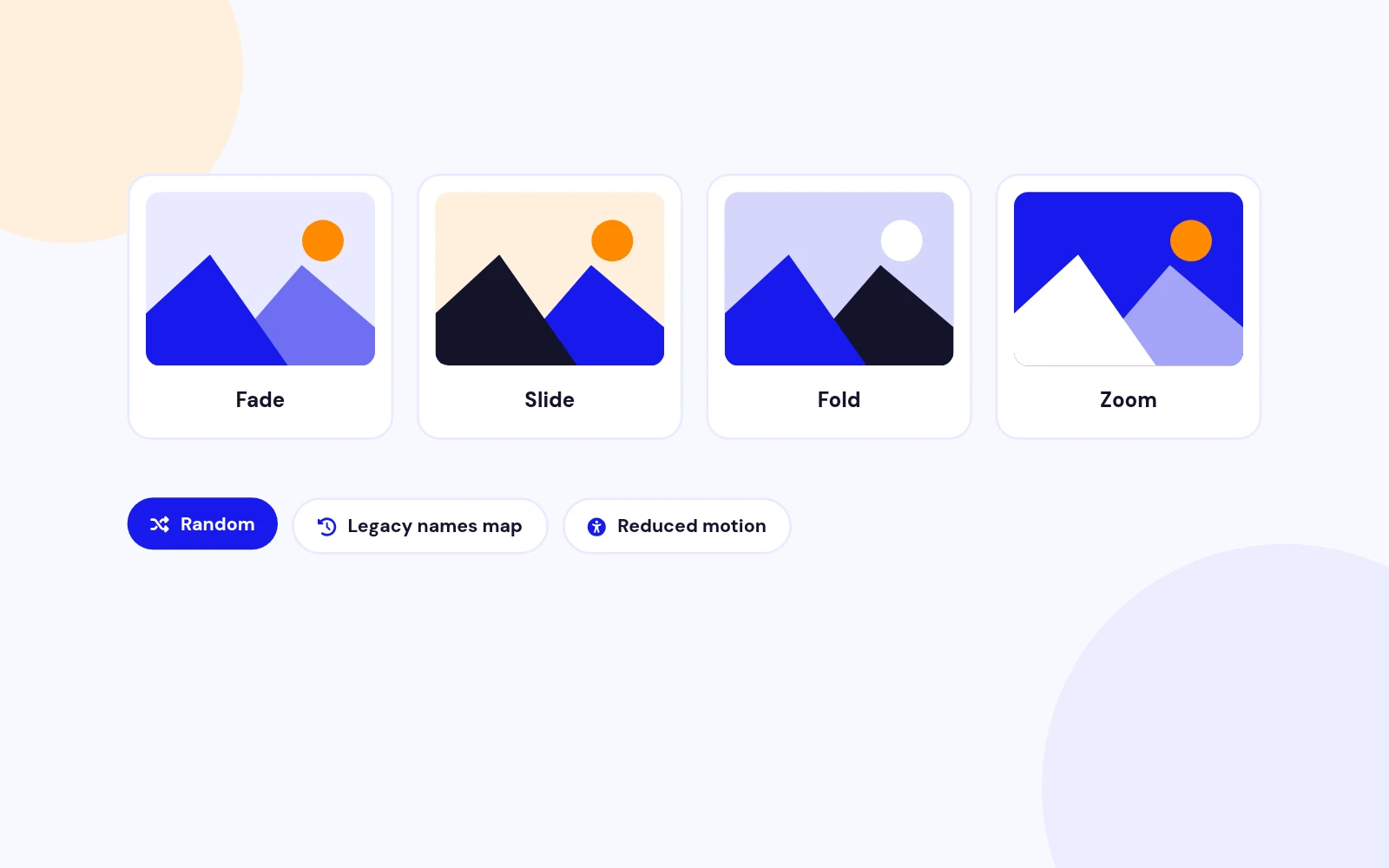
Four Effects
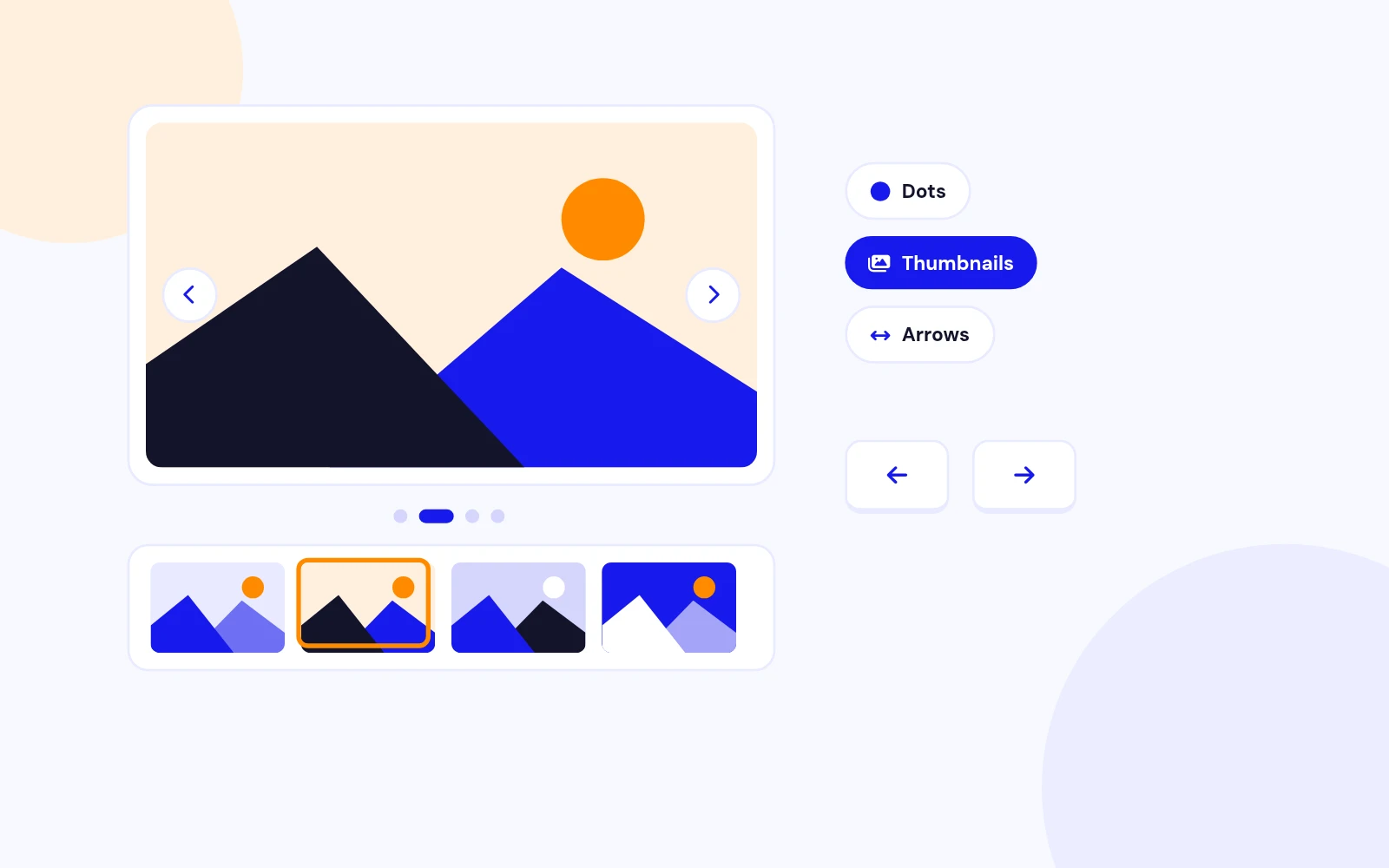
Easy Browsing
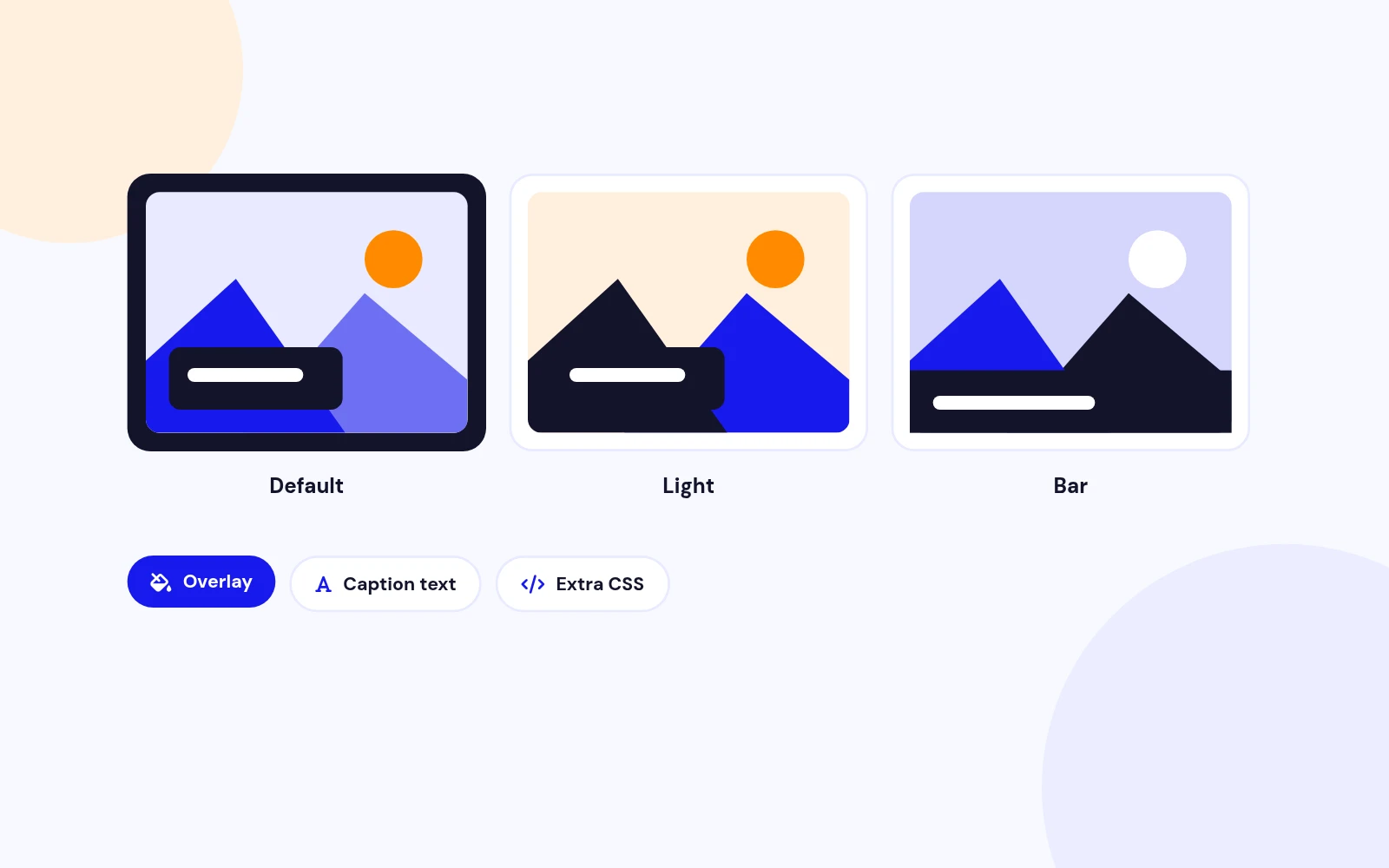
Three Themes
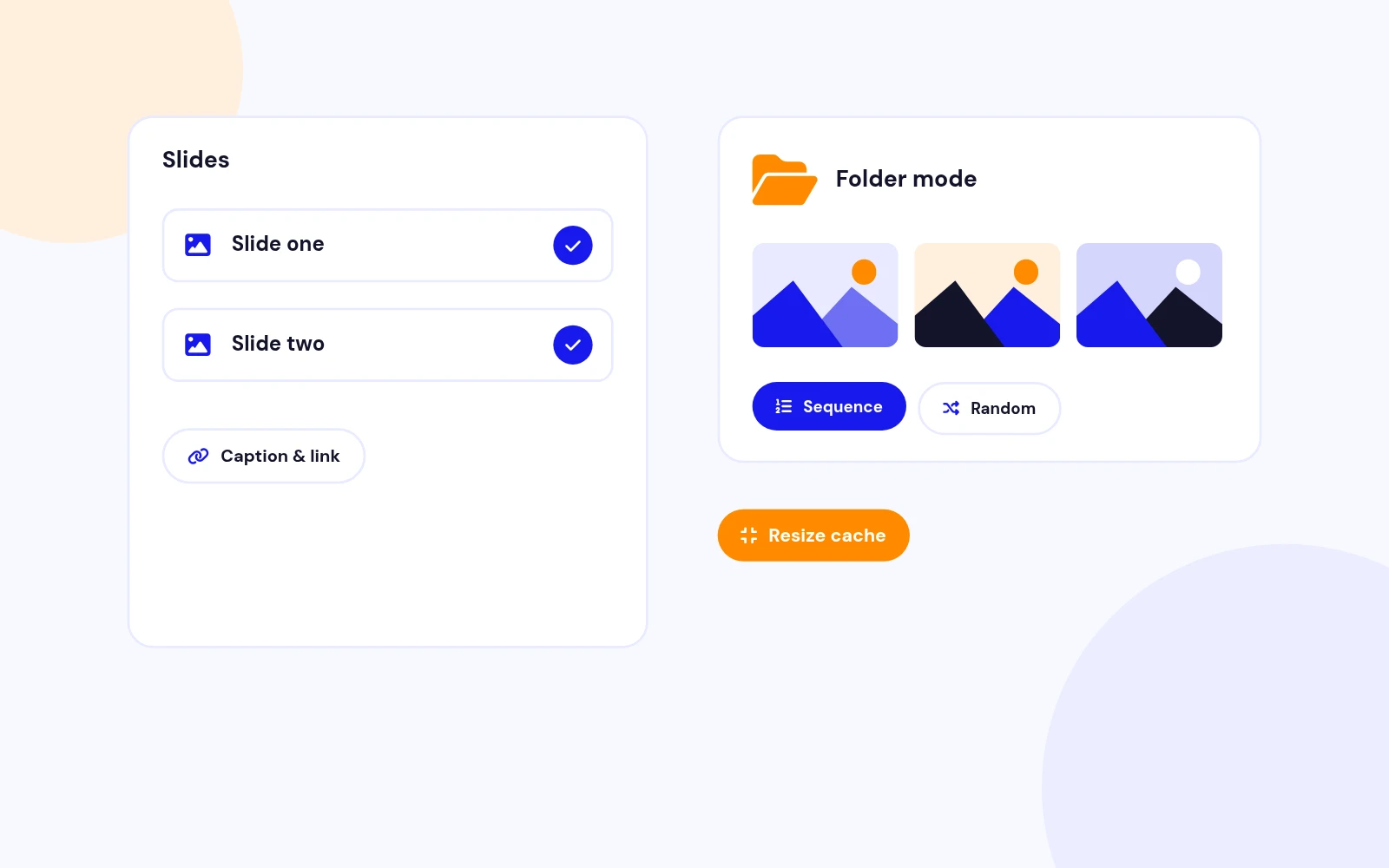
Flexible Sources

Captions and Links

Touch and Keys
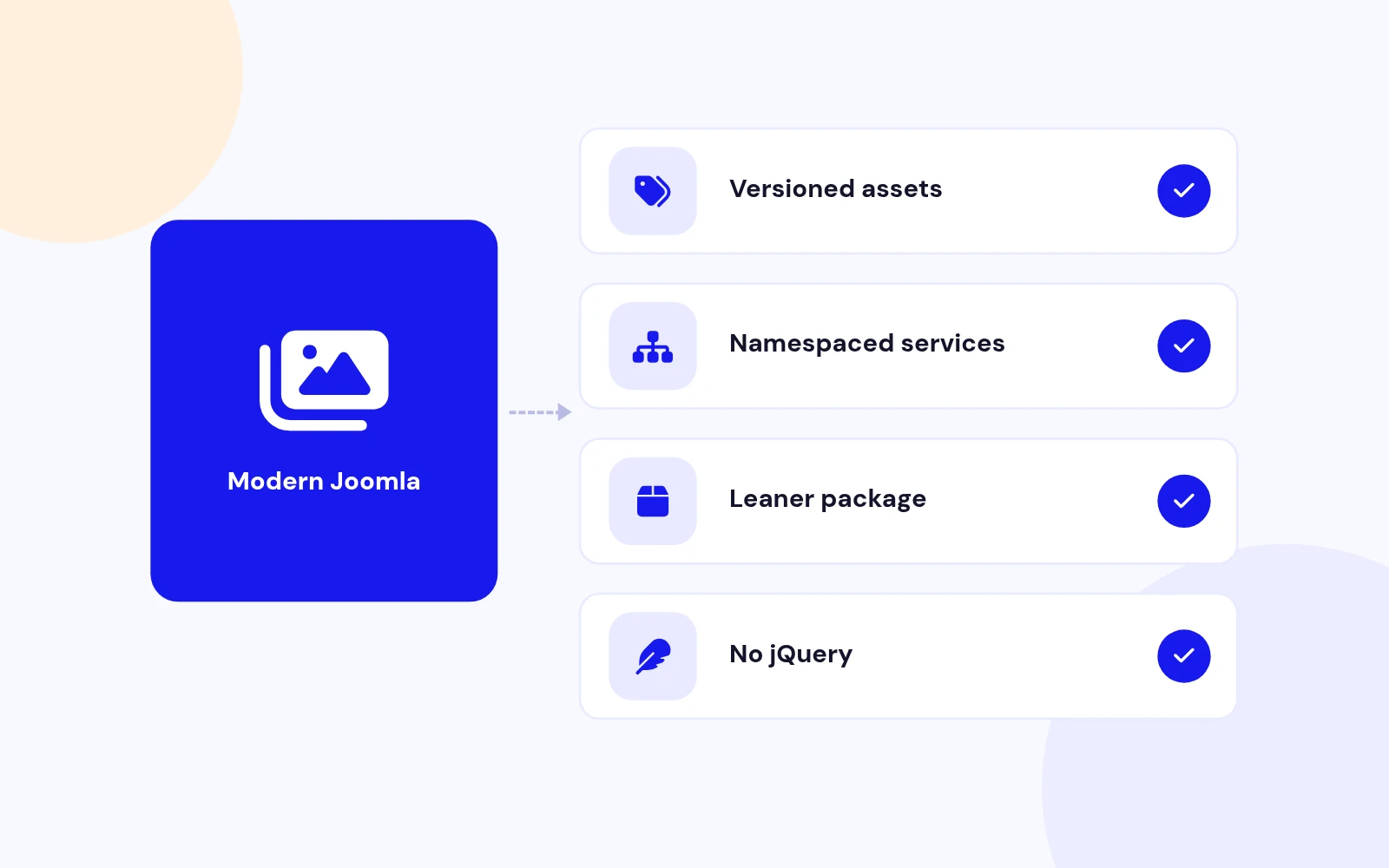
Modern Build

Real-World Ready
Changelog
7 releases since version 1.3. Updates install from the Joomla admin with a valid licence.
Docs & setup
Written guides for installing and configuring Responsive Nivo Slider, from first setup to the options that matter.
Pricing
Save more as you scale — longer access means a bigger discount.
30-day money-back guarantee
30-day money-back guarantee
30-day money-back guarantee
30-day money-back guarantee
Why buy here
All-access bundle
Get all 126 extensions, new releases, ongoing updates and full-time support. Bought one by one, a year of updates for every extension costs over $4,700.
Ideal for small projects and personal sites
$249/ 6 months
Save 91% · $2,900+ value
30-day money-back guarantee
Best for growing businesses and web agencies
$349/ 1 year
Save 92% · $4,700+ value
30-day money-back guarantee
For professional developers and multi-client agencies
$749/ one-time
Pay once · keep forever
30-day money-back guarantee
FAQ
Still unsure? Our support team is one ticket away.
Responsive Nivo Slider 2.0 supports Joomla 4, 5, and 6 with Web Asset Manager assets and PHP 8.1 or later recommended.
It shows a responsive image slideshow with captions, optional links, fade/slide/fold/zoom transitions, and dot or thumbnail pagination.
No. Version 2.0 uses vanilla JavaScript and custom CSS. The old jQuery Nivo files are removed from the package.
Fade, Slide, Fold, Zoom, and Random. Legacy Nivo names such as sliceDown or boxRain still map to Fold or Zoom so existing modules keep working.
Yes. Set Source to From Folder and enter a relative path such as images/gallery/. Supported extensions: jpg, jpeg, png, gif, webp.
Yes. Slide rows, folder path, pagination, and motion settings use the same parameter names.
Enable Pagination, set Pagination Type to Thumbnails, and use at least two slides. Thumbnail images use the same slide image source.
Setting Slideshow Height to auto uses a responsive aspect ratio instead of a fixed pixel height, which works well on fluid layouts. On phones, fixed heights are also capped to a 16:9 band so the stage does not dominate the screen.
Pause On Hover stops while the pointer or focus is on the slider. Reduced-motion browser preferences also disable autoplay.
Visit support.joomlax.com. Include Joomla and PHP versions, page URL, and module settings.
More like this


Module
Image slideshow with overlay, split, and stacked layouts. No jQuery. Joomla 4, 5, and 6.
v3.5.1
From $19

Module
Responsive Image Slideshow Module for Joomla
v3.7 3,670 downloads
From $19

Module + Plugin
Background Image Animation Extension for Joomla.
v2.4.2 3,322 downloads
From $9

Module
Image Scroll and Gallery Module for Joomla
v1.8 6,003 downloads
From $9

Module
Joomla photo slider that reveals each image with a circle, wipe, split, diamond, or fade transition.
v2.0.1 3,338 downloads
From $19


Module + Plugin + Component
Gallery with modern layouts and advanced lightbox
v1.3.4 3,072 downloads
From $19

Module
Before / After Image Compare Module for Joomla
v1.0.0 3,972 downloads
From $19