


Striking Reveals
Reveal Effects That Stop the Scroll
- New photos grow out of a circle or diamond instead of sliding in. Add wipes and split reveals that open from the middle.
Joomla photo slider that reveals each image with a circle, wipe, split, diamond, or fade transition.
Features
Eight feature areas, one install package for Joomla 4, 5 and 6.
Striking Reveals

Easy Sources

Your Motion
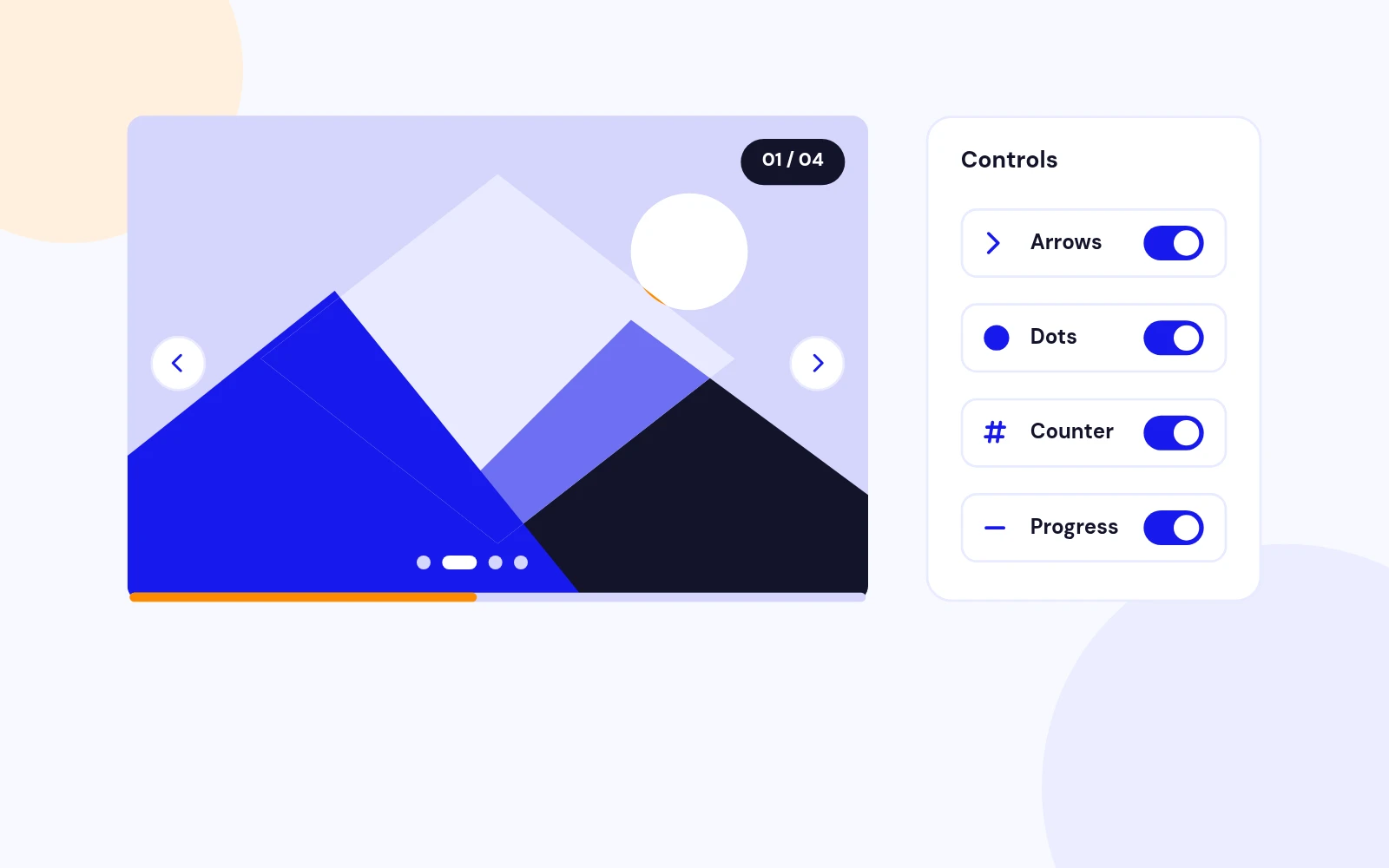
Familiar Controls
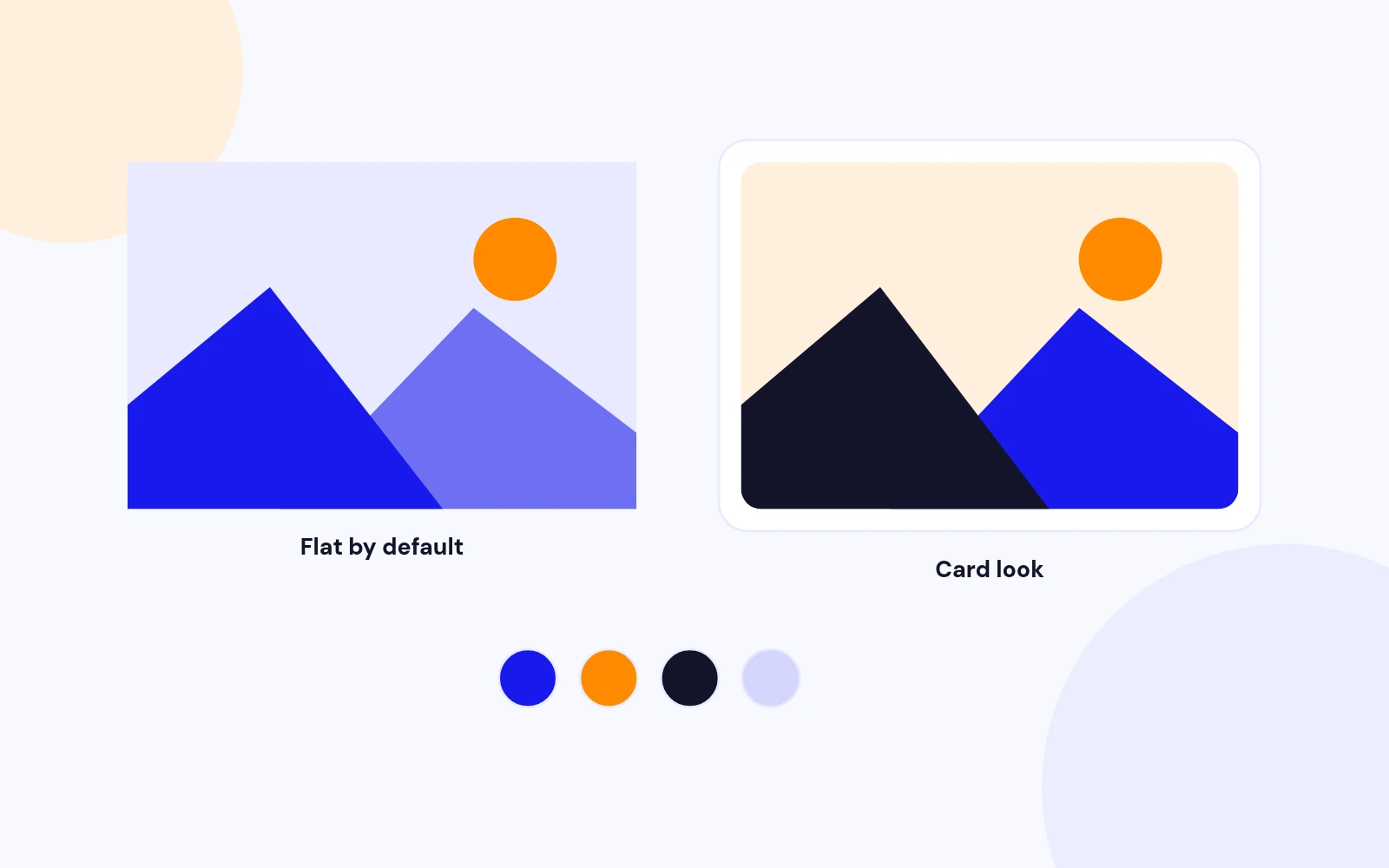
Your Look

Perfect Size
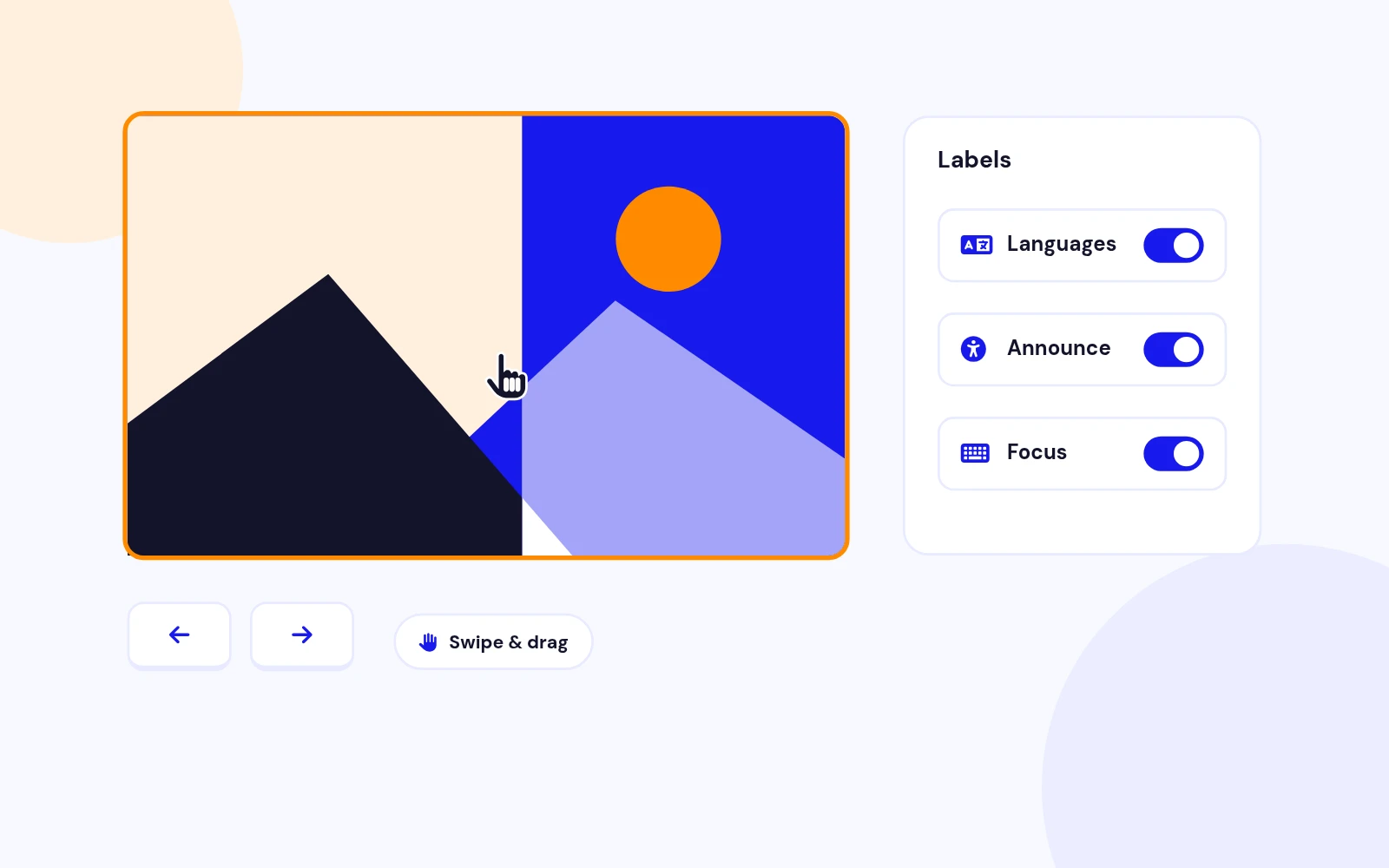
Accessible

Lightweight
Changelog
3 releases since version 1.1. Updates install from the Joomla admin with a valid licence.
Docs & setup
Written guides for installing and configuring Revealing Photo Slider, from first setup to the options that matter.
Pricing
Save more as you scale — longer access means a bigger discount.
30-day money-back guarantee
30-day money-back guarantee
30-day money-back guarantee
30-day money-back guarantee
Why buy here
All-access bundle
Get all 126 extensions, new releases, ongoing updates and full-time support. Bought one by one, a year of updates for every extension costs over $4,700.
Ideal for small projects and personal sites
$249/ 6 months
Save 91% · $2,900+ value
30-day money-back guarantee
Best for growing businesses and web agencies
$349/ 1 year
Save 92% · $4,700+ value
30-day money-back guarantee
For professional developers and multi-client agencies
$749/ one-time
Pay once · keep forever
30-day money-back guarantee
FAQ
Still unsure? Our support team is one ticket away.
It supports Joomla 4.4 or later, Joomla 5, and Joomla 6. PHP 8.1 or later is required.
It is a site module that shows a photo slider where each new image is revealed through a circle, wipe, split, diamond, or fade effect. Add images, pick an effect, and publish it in a module position.
Download PhotoSlider_UNZIP.zip. Unzip it, then install the install package (the .zip inside your download) from System > Install > Extensions.
Choose Manual slides (Media Manager rows), Image folder (files under images/), or Article intro images (intro image, title, and introtext from selected categories). Articles without an intro image are skipped.
No. It is flat by default with square corners, no shadow, and your template font. Add a corner radius, soft shadow, or custom colours only if you want them.
No. The slider is about 11 KB of native JavaScript, loaded through the Joomla Web Asset Manager.
The new version is a fresh module for modern Joomla. Install the package, create a new Revealing Photo Slider module, add your images, then unpublish or uninstall the old one.
Yes. Each module instance is its own slider with its own effect and settings. The CSS and JS load only once.
Visit demo.joomlax.com/demo/utilities/revealing-photo-slider for Circle, Wipe, Split, Diamond, Folder, and Articles variants.
More like this


Module
Image slideshow with overlay, split, and stacked layouts. No jQuery. Joomla 4, 5, and 6.
v3.5.1
From $19

Module
Responsive Image Slideshow Module for Joomla
v3.7 3,670 downloads
From $19

Module + Plugin
Background Image Animation Extension for Joomla.
v2.4.2 3,322 downloads
From $9

Module
Image Scroll and Gallery Module for Joomla
v1.8 6,003 downloads
From $9


Module + Plugin + Component
Gallery with modern layouts and advanced lightbox
v1.3.4 3,072 downloads
From $19

Module
Before / After Image Compare Module for Joomla
v1.0.0 3,972 downloads
From $19