

All in One
Everything You Need in One Install
- Get the gallery manager, article shortcodes, editor button and a module in one package. Build a gallery once and show it anywhere.
Gallery with modern layouts and advanced lightbox
Features
Ten feature areas, one install package for Joomla 4, 5 and 6.
All in One

Editor Workflow

Easy Images
Live Folders
Two Layouts

Full Lightbox
Easy Browsing
Article Friendly

Faster Pages

Anywhere
Changelog
7 releases since version 1.0.0. Updates install from the Joomla admin with a valid licence.
Docs & setup
Written guides for installing and configuring Vertex Gallery, from first setup to the options that matter.
Pricing
Save more as you scale — longer access means a bigger discount.
30-day money-back guarantee
30-day money-back guarantee
30-day money-back guarantee
30-day money-back guarantee
Why buy here
All-access bundle
Get all 126 extensions, new releases, ongoing updates and full-time support. Bought one by one, a year of updates for every extension costs over $4,700.
Ideal for small projects and personal sites
$249/ 6 months
Save 91% · $2,900+ value
30-day money-back guarantee
Best for growing businesses and web agencies
$349/ 1 year
Save 92% · $4,700+ value
30-day money-back guarantee
For professional developers and multi-client agencies
$749/ one-time
Pay once · keep forever
30-day money-back guarantee
FAQ
Still unsure? Our support team is one ticket away.
Vertex Gallery is a modern photo gallery for Joomla sites that need polished grids, masonry layouts, category filters, and a full lightbox. One package gives you a component, module, content shortcode, and editor button so you can publish albums on articles, menu pages, or any module position.
Agencies, photographers, portfolio sites, real estate and travel brands, clubs, and any Joomla site that wants image galleries visitors enjoy browsing. If you already keep photos in folders, or you want captioned albums with filters, it fits both workflows.
You get a reusable gallery library, Managed images or Live folder sources, responsive grid and masonry, visitor filters, caption styles, and a feature-rich lightbox (themes, autoplay, thumbnails, zoom, fullscreen, optional download and share). Create once, then place the same gallery in articles, modules, or a dedicated menu page.
Vertex Gallery supports Joomla 4, 5, and 6. It uses native JavaScript and the Web Asset Manager. No jQuery dependency, so it stays light on modern templates.
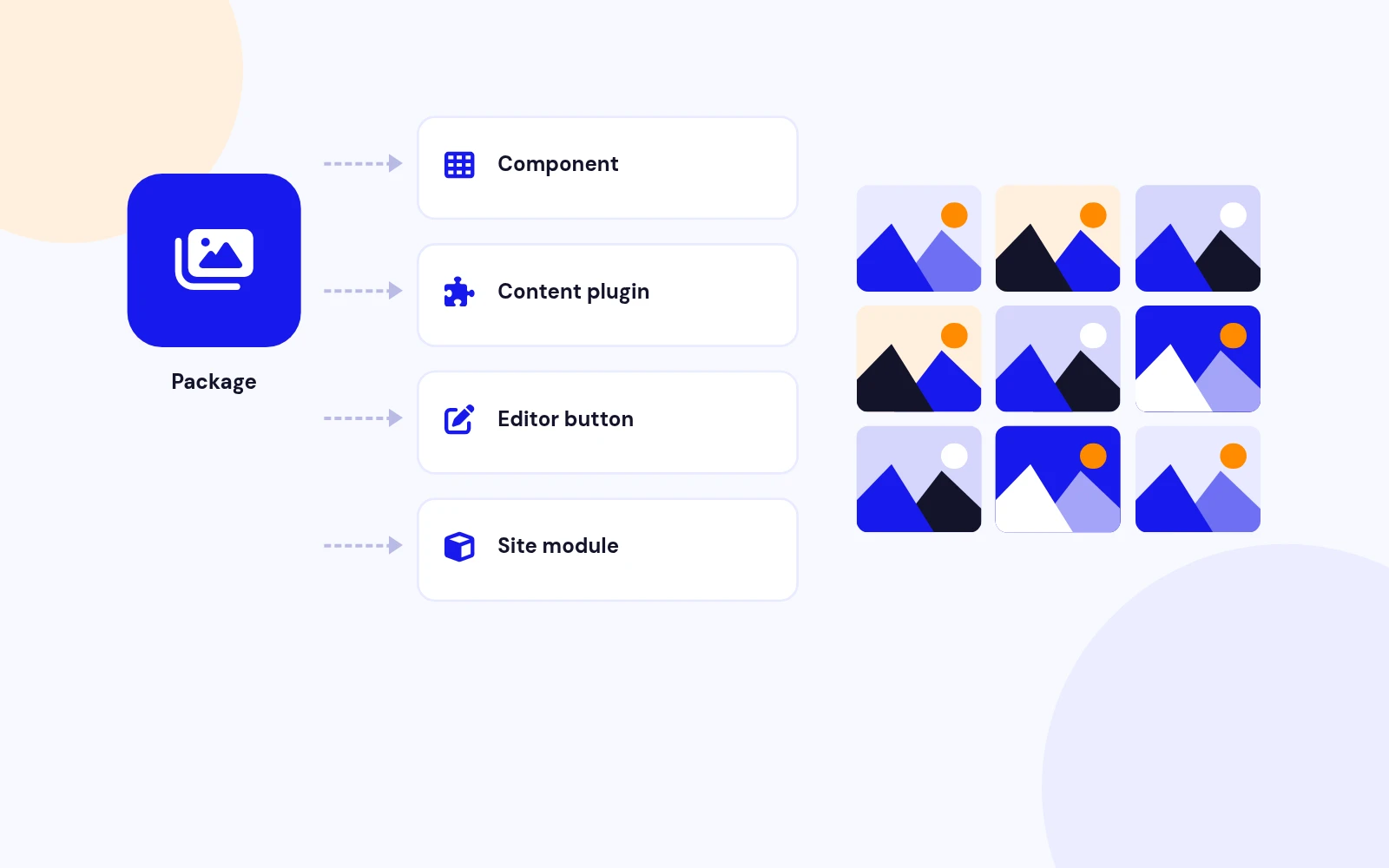
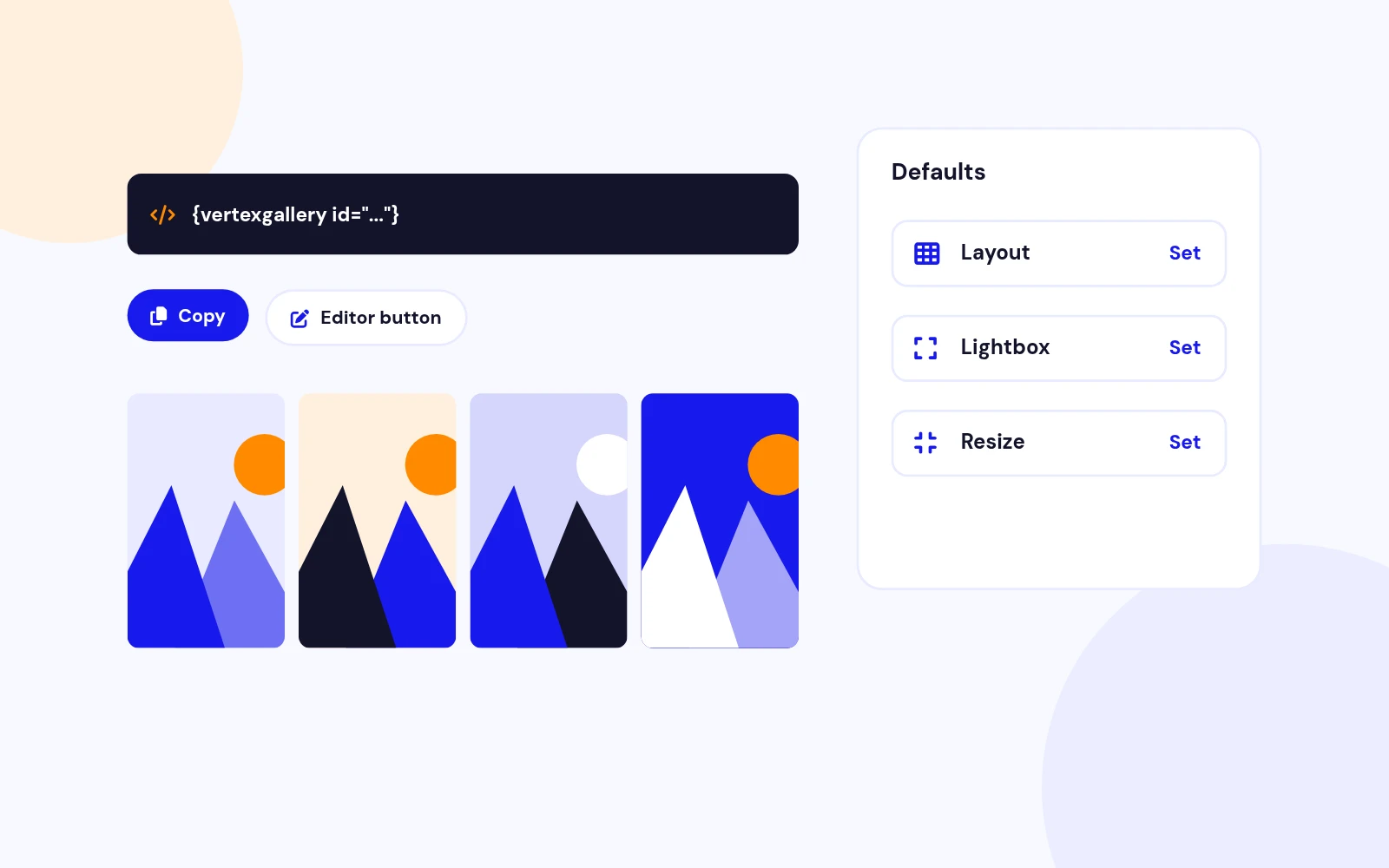
Four tools in one install: the Vertex Gallery component to store albums, a site module for any template position, a content plugin for {vertexgallery id="X"} shortcodes, and an editor button to insert or create galleries while writing articles.
Managed images is ideal when every photo needs a title, description, category, and custom order.
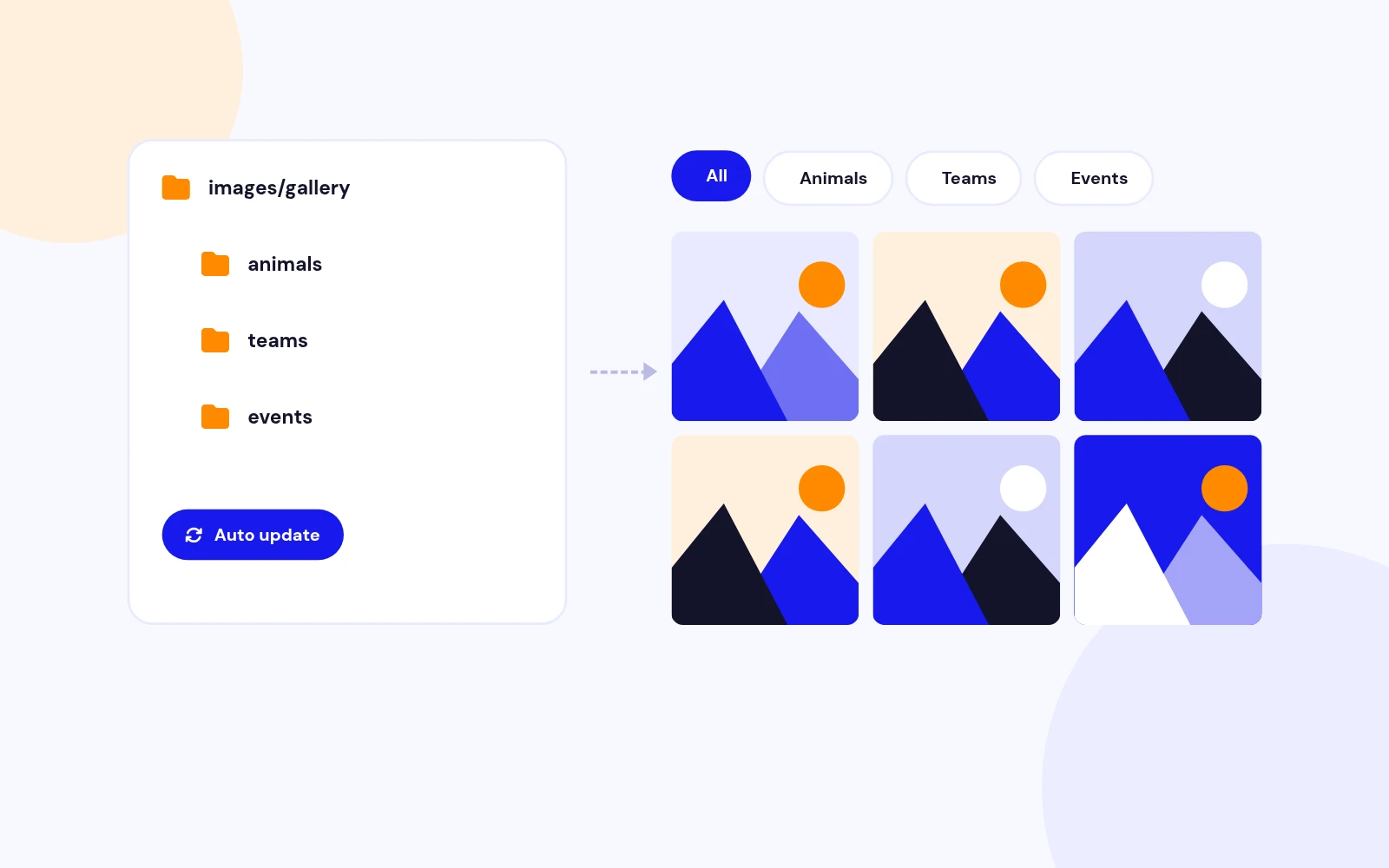
Live folder is ideal when an album grows from files on the server: drop new images into the folder and the gallery updates itself. You can also import a folder into Managed images later if you want captions and fine control.
Yes. Use the shortcode in articles, place the module anywhere your template allows, or open a gallery as a full menu page. One gallery ID can power all three, so your design stays consistent across the site.
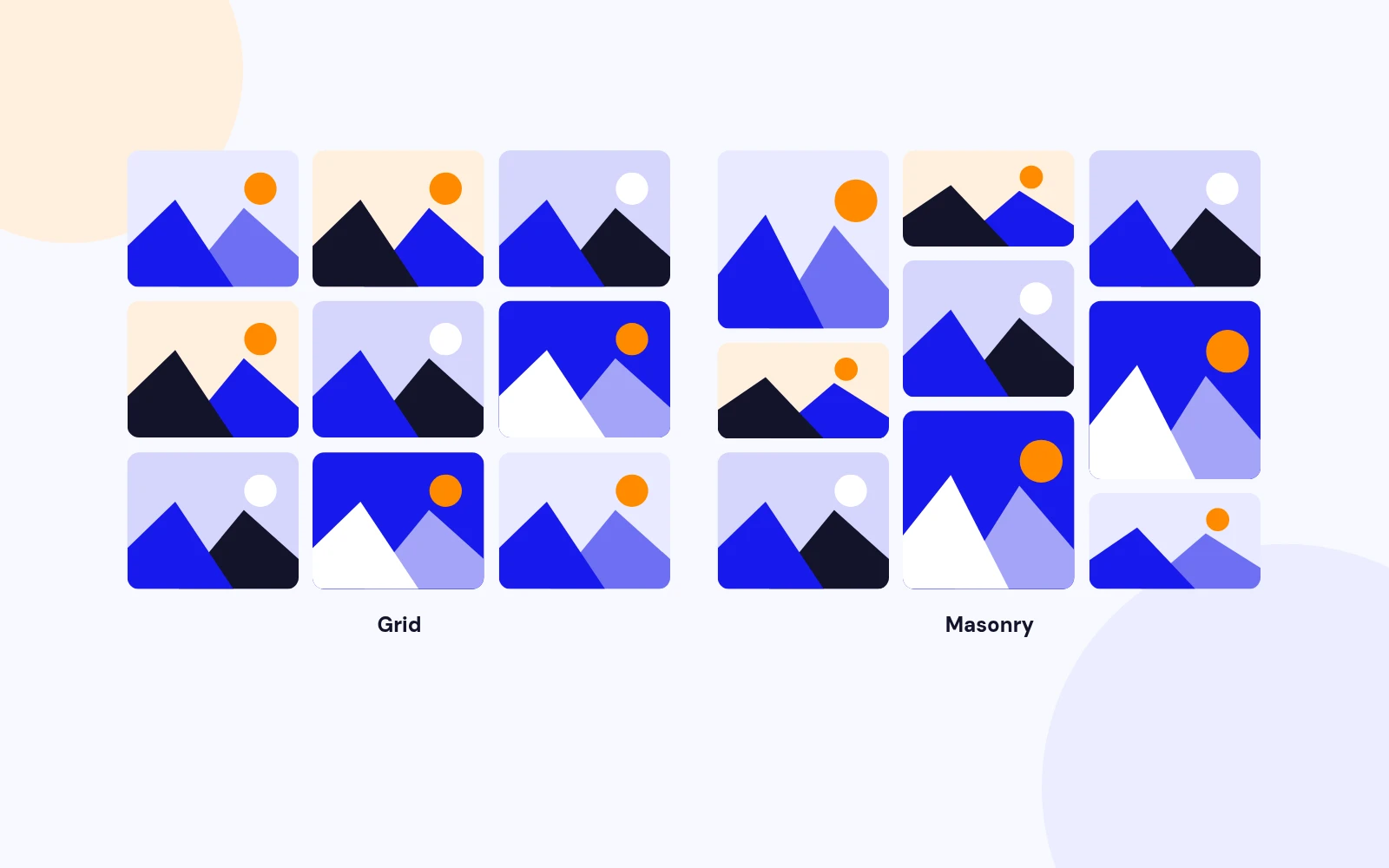
Grid gives even rows and a clean catalogue feel. Pair it with an aspect ratio when you want matching tiles.
Masonry suits mixed photo sizes and editorial portfolios, where tall and short images sit naturally. Pick the layout that matches your brand, not a one-size template.
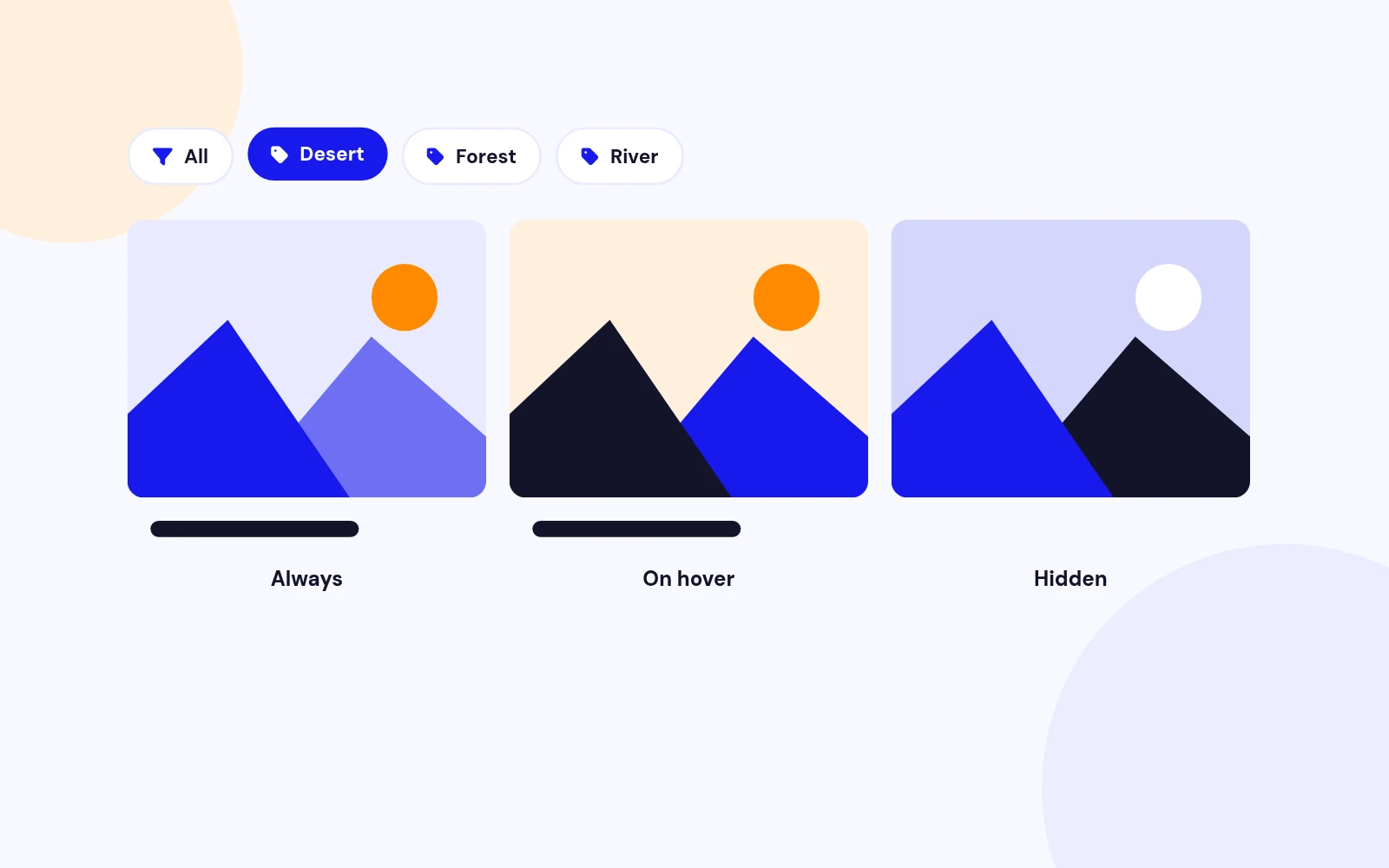
Yes. Add categories on Managed images, or use Live folder subfolders / multiple folder paths as filter buttons. Visitors switch between All and each category without leaving the page, which keeps large albums easy to explore.
The modal is built for modern browsing: dark or light theme, fade or slide transitions, swipe on phones, autoplay with optional progress, thumbnails, count, fullscreen, zoom, rotate, flip, and optional download or share. You choose which controls appear so the viewer matches your brand.
Yes. You can resize thumbnails and lightbox images independently, and optionally serve WebP when the server supports it. Native JavaScript keeps the front end lean without stacking old jQuery gallery scripts.
Yes. The editor button lets writers search existing galleries or create a new one with the same options as the component, then insert the shortcode in one flow. That keeps content teams productive without bouncing between screens.
Yes. Each shortcode and each module instance runs independently. Mix a hero album, a filtered portfolio, and a folder-based scrapbook on the same landing page without them conflicting.
Yes. Keep one saved gallery, then override layout, columns, theme, or gap in that article’s shortcode. Your master album stays intact while each page can feel tailored.
Yes. Responsive columns (including values like 1,2,3 for phone, tablet, and desktop), touch swipe in the lightbox, and flexible grid or masonry layouts help galleries look intentional on every screen size.
Yes. Control gap, max width, corners, card shadow, accent colour, caption behaviour, optional CSS image filters, and Advanced options for a class suffix plus Extra CSS scoped to that gallery.
Open the live demo at demo.joomlax.com/demo/image-gallery/vertex-gallery and switch between Module, Plugin, Component, and Live folder examples.
Visit support.joomlax.com. JoomlaX support covers setup questions, configuration advice, and updates for your subscription.
More like this


Module
Image slideshow with overlay, split, and stacked layouts. No jQuery. Joomla 4, 5, and 6.
v3.5.1
From $19

Module
Responsive Image Slideshow Module for Joomla
v3.7 3,670 downloads
From $19

Module + Plugin
Background Image Animation Extension for Joomla.
v2.4.2 3,322 downloads
From $9

Module
Image Scroll and Gallery Module for Joomla
v1.8 6,003 downloads
From $9

Module
Joomla photo slider that reveals each image with a circle, wipe, split, diamond, or fade transition.
v2.0.1 3,338 downloads
From $19



Module
Before / After Image Compare Module for Joomla
v1.0.0 3,972 downloads
From $19