

Lightweight
A Fast Popup With No jQuery
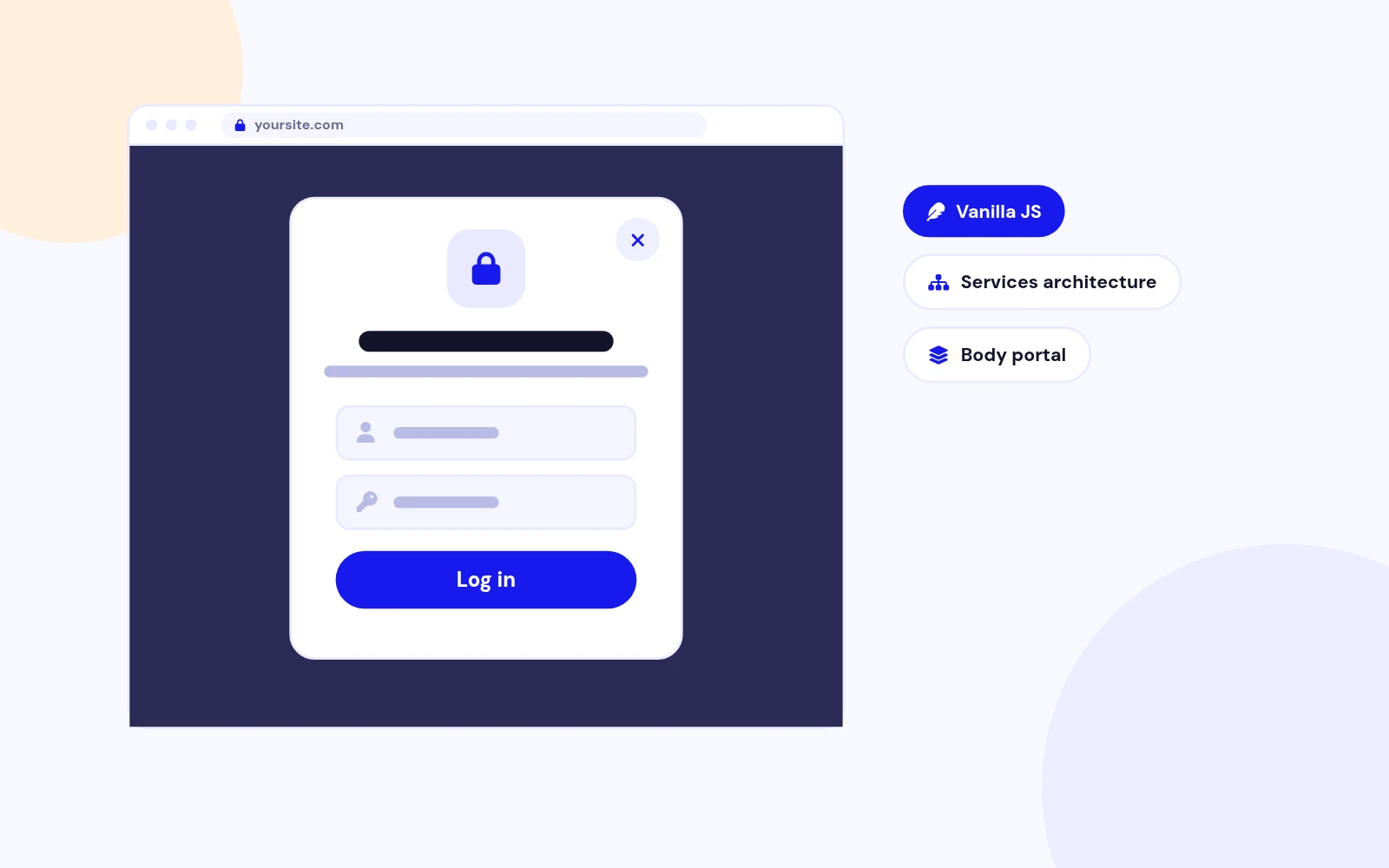
- Rebuilt for Joomla 4, 5 and 6 with lightweight files. The popup never flashes in the page before opening.
Content Restriction Module for Joomla
Features
Seven feature areas, one install package for Joomla 4, 5 and 6.
Lightweight
Your Look
Login Gate
Smart Triggers
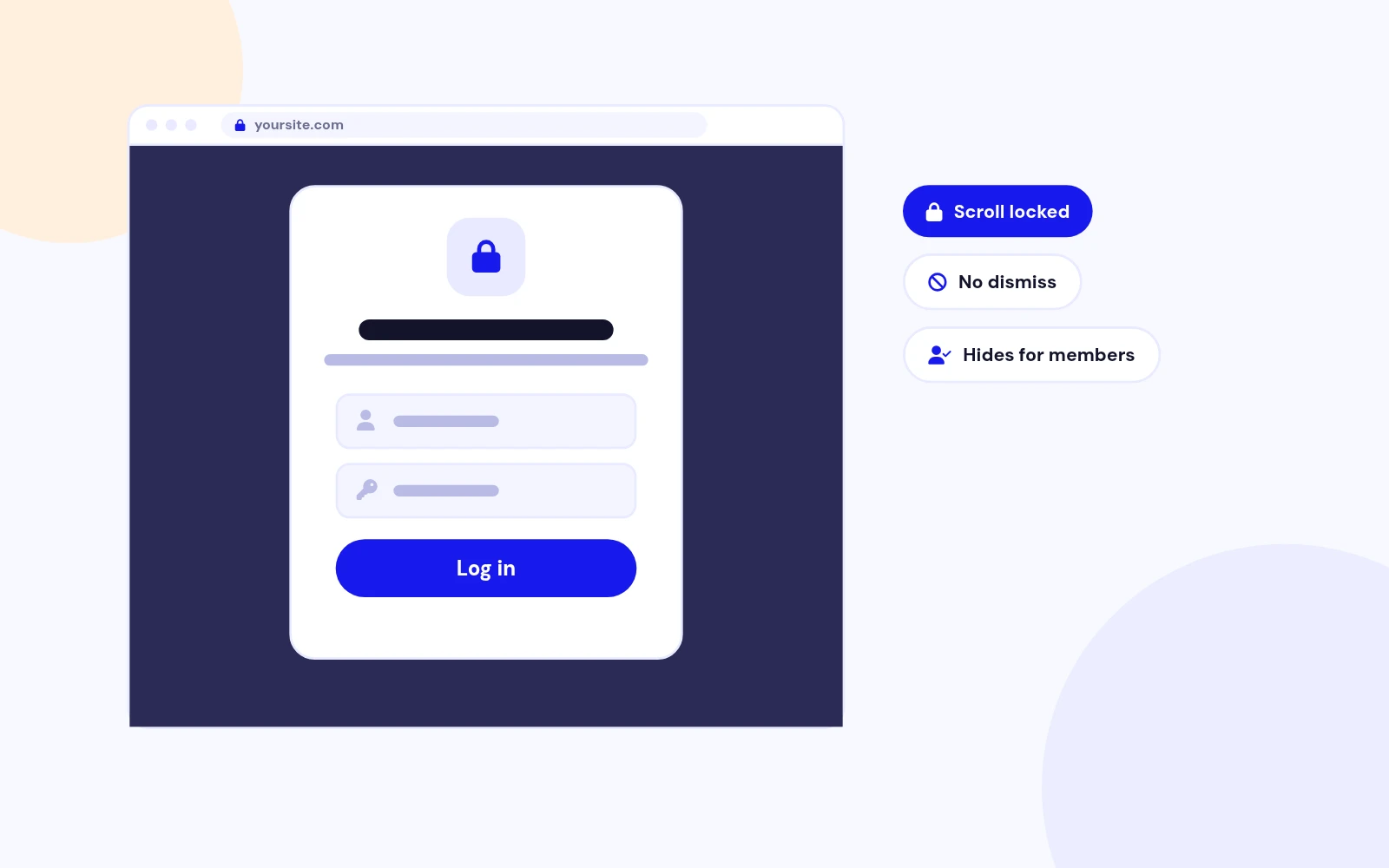
Members Only
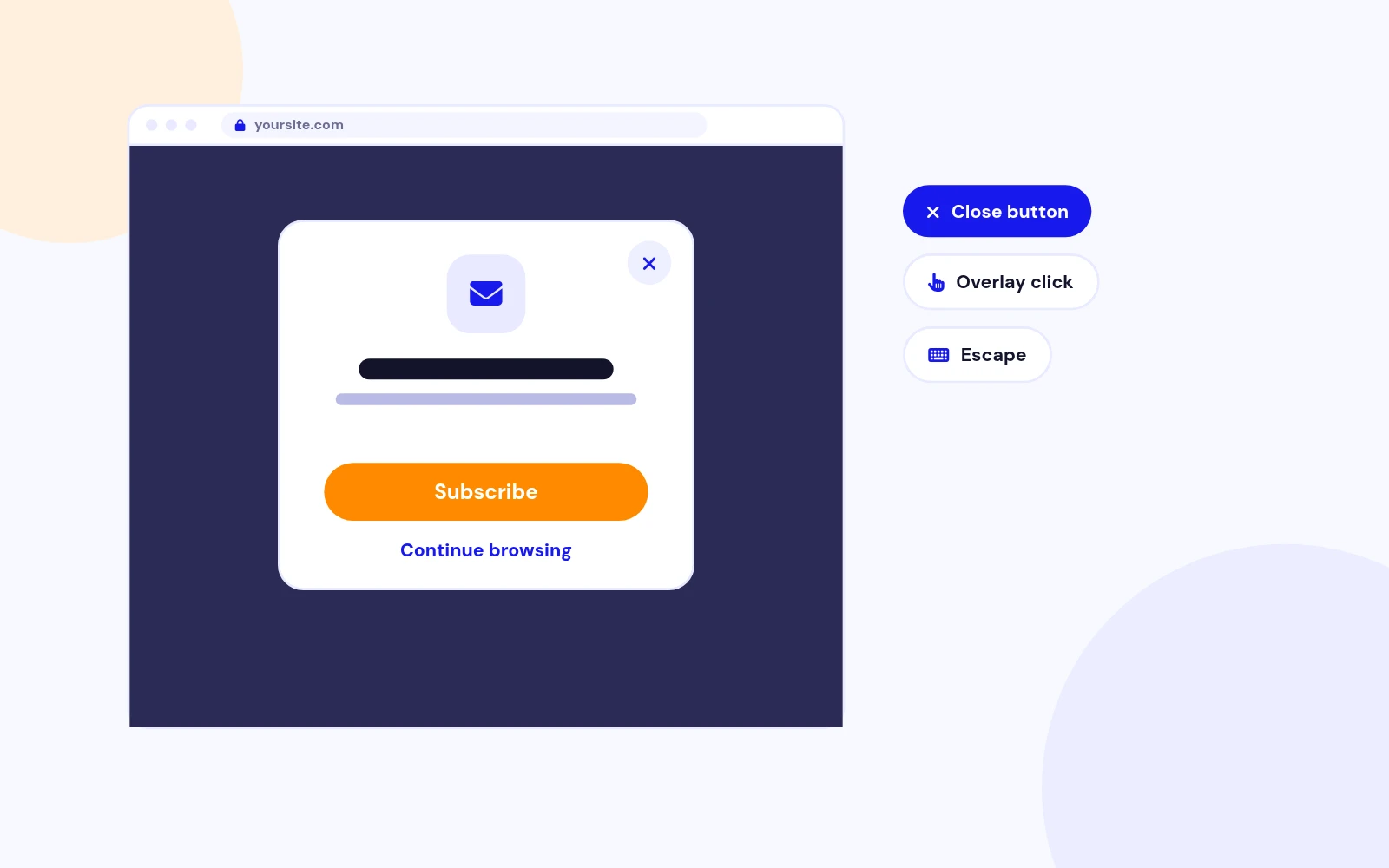
Soft Pitch
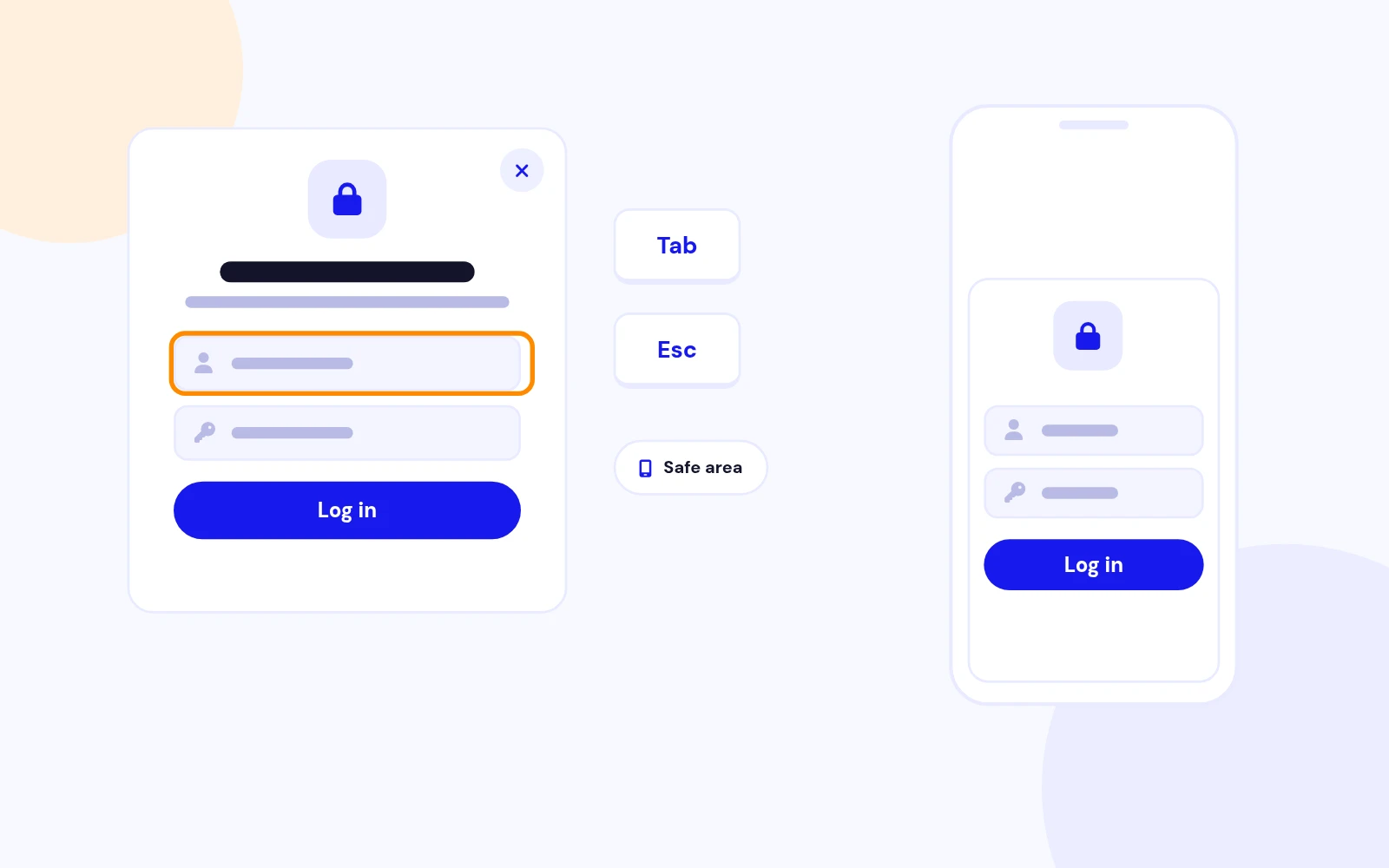
Polished
Changelog
9 releases since version 1.1. Updates install from the Joomla admin with a valid licence.
Docs & setup
Written guides for installing and configuring Content Restriction Popup, from first setup to the options that matter.
Pricing
Save more as you scale — longer access means a bigger discount.
30-day money-back guarantee
30-day money-back guarantee
30-day money-back guarantee
30-day money-back guarantee
Why buy here
All-access bundle
Get all 126 extensions, new releases, ongoing updates and full-time support. Bought one by one, a year of updates for every extension costs over $4,700.
Ideal for small projects and personal sites
$249/ 6 months
Save 91% · $2,900+ value
30-day money-back guarantee
Best for growing businesses and web agencies
$349/ 1 year
Save 92% · $4,700+ value
30-day money-back guarantee
For professional developers and multi-client agencies
$749/ one-time
Pay once · keep forever
30-day money-back guarantee
FAQ
Still unsure? Our support team is one ticket away.
Content Restriction Popup shows a modern login or module dialog to guests before they can browse protected content.
Version 2.0 is a full rebuild with vanilla JS, themes, triggers, and Pop Any Article style presentation.
No. Version 2.0 supports Joomla 4, 5, and 6 only.
If your site still runs Joomla 3, keep using the legacy 1.x release until you upgrade Joomla.
No. Version 2.0 uses vanilla JS and CSS only.
Legacy jQuery FancyBox assets from v1.x are no longer included.
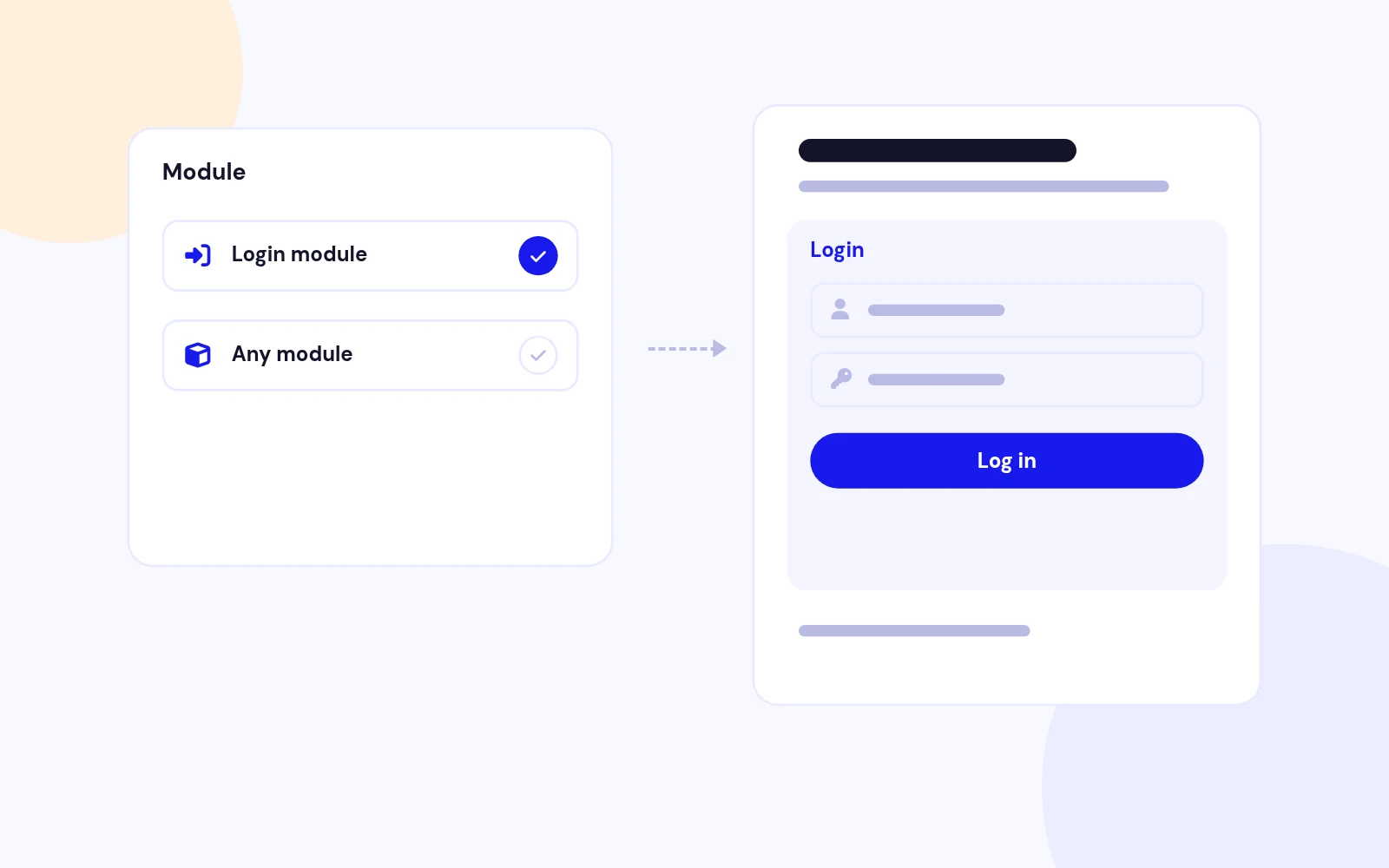
Any published front-end module except another Content Restriction Popup instance.
Most sites use a Login module, but registration or newsletter modules work too.
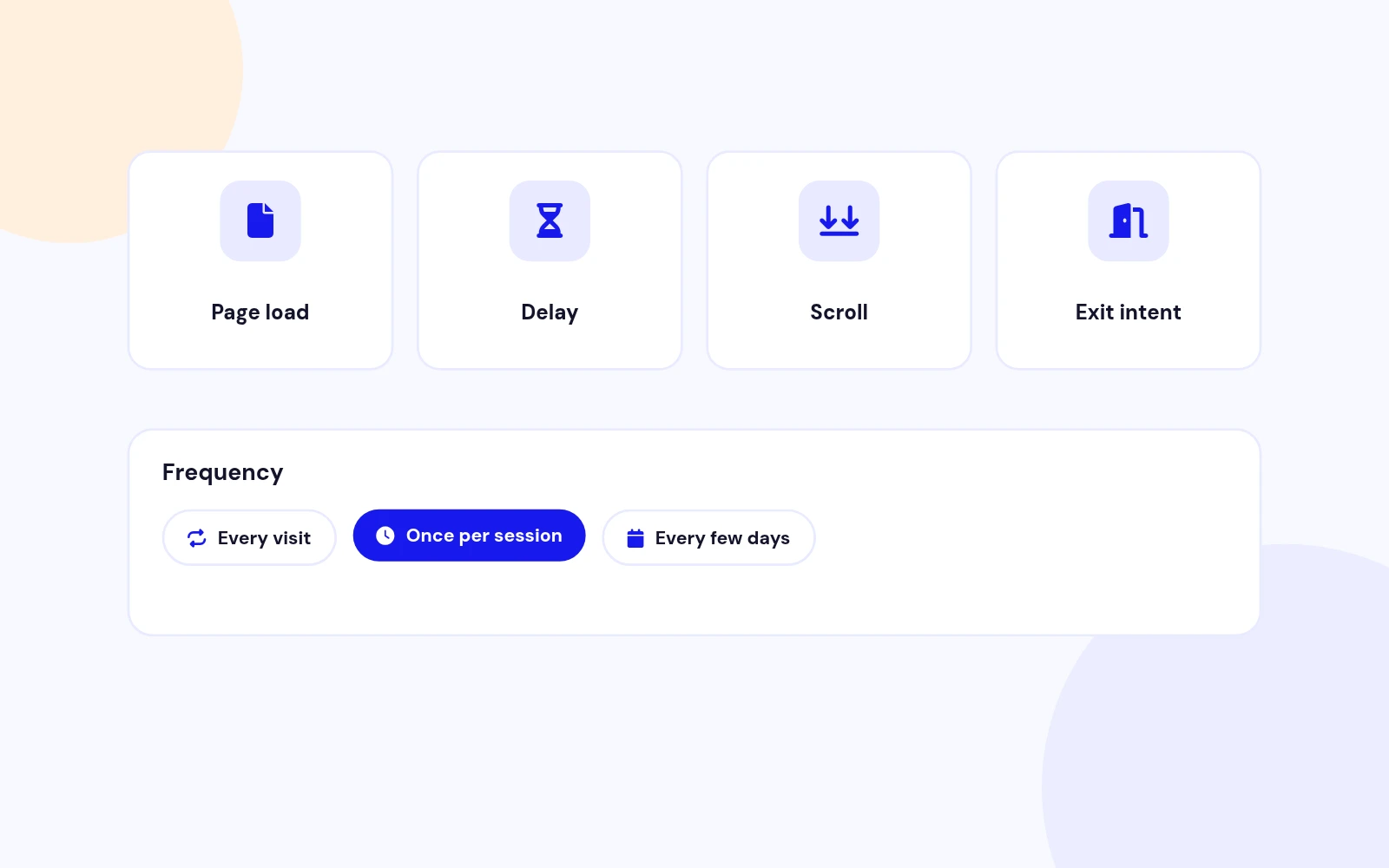
On page load, After delay, On scroll percent, and Exit intent.
Combine triggers with frequency rules when visitors are allowed to dismiss the dialog.
When enabled, visitors cannot dismiss the dialog until they sign in.
Overlay click, Escape, and Continue browsing stay disabled unless you explicitly allow close.
Yes, when Allow close is enabled.
You can also allow overlay click, Escape, and a Continue browsing button for softer gates.
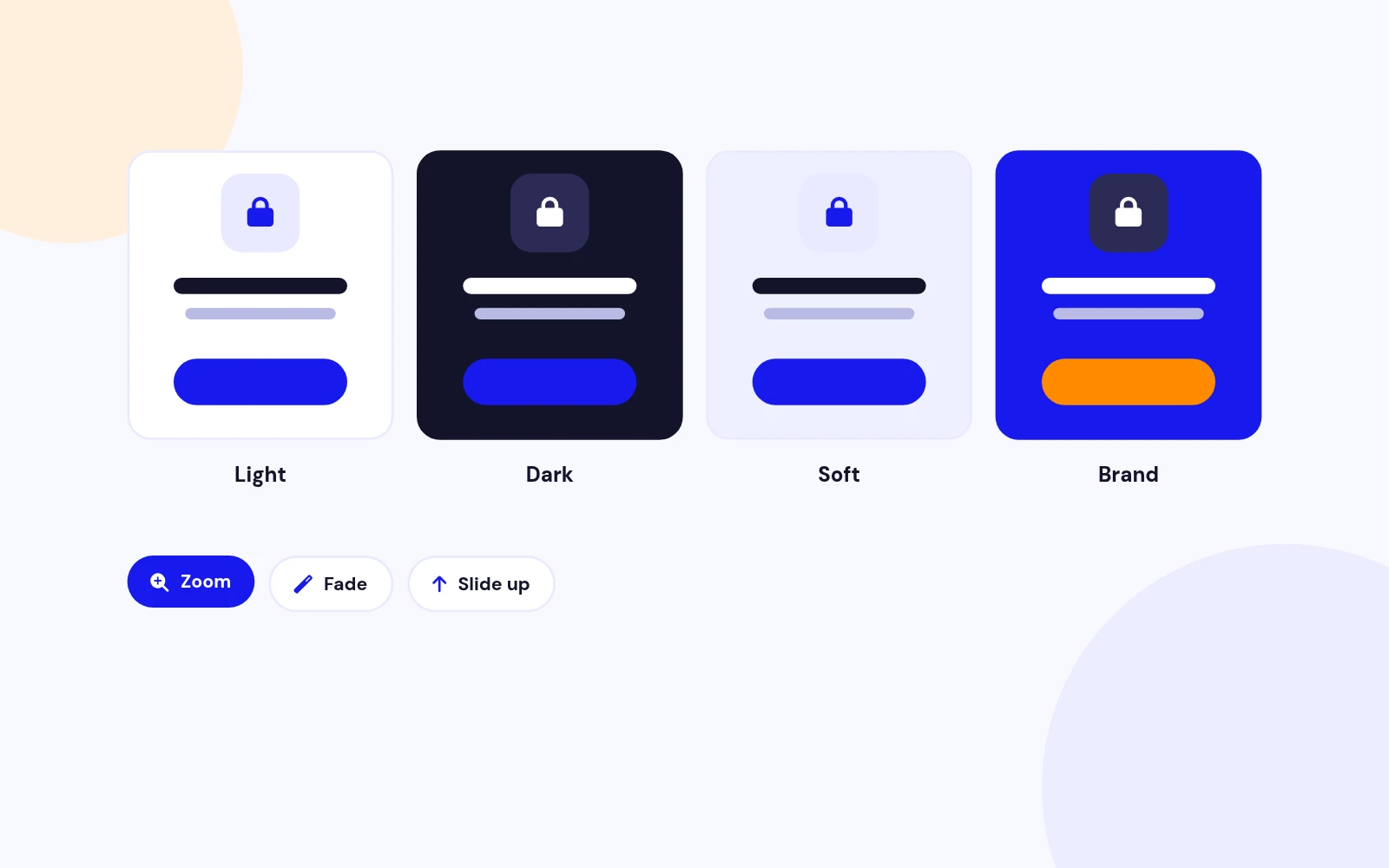
Themes: Light, Dark, Soft, and Brand with accent colour and corner radius.
Effects: Zoom, Fade, and Slide up with blur overlay.
Yes. The dialog is responsive with safe-area support, stacked form actions, and short landscape handling.
Login forms inside the dialog are styled for touch-friendly targets.
Any template position works. Debug is a convenient default. Hide the module title.
The UI portals to the document body for a clean, flash-free presentation.
Yes. Version 2.0 uses the Joomla services architecture with a namespaced Dispatcher and Helper.
PHP 8.0+ is required. Joomla 3.x is not supported.
More like this


Module
Multi-purpose Popup Gallery Joomla Module
v6.1 7,203 downloads
From $19

Module
Age Verification and Disclaimer module for Joomla
v3.8 5,472 downloads
From $19


Plugin
Customizable Joomla popup login with flexible styling and user-friendly features.
v1.5.4 3,173 downloads
From $29
Module + Component
Drag and Drop Popup Builder for Joomla
v1.0 3,972 downloads
From $19