

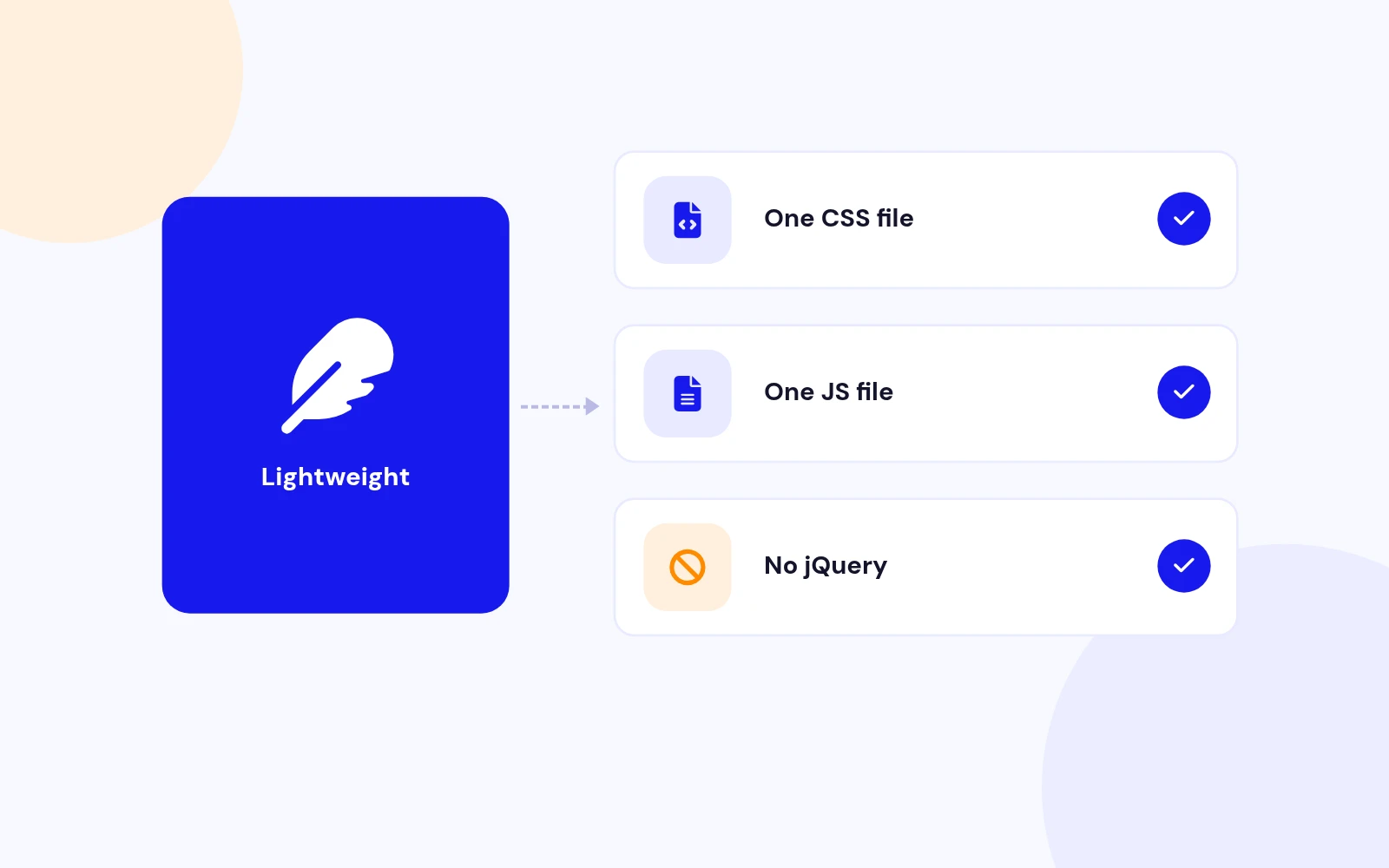
Lightweight
A Fast Lightbox With No jQuery
- Just one small CSS file and one deferred script keep your pages quick. Built for Joomla 4, 5 and 6.
Multi-purpose Popup Gallery Joomla Module
Features
Eleven feature areas, one install package for Joomla 4, 5 and 6.
Lightweight
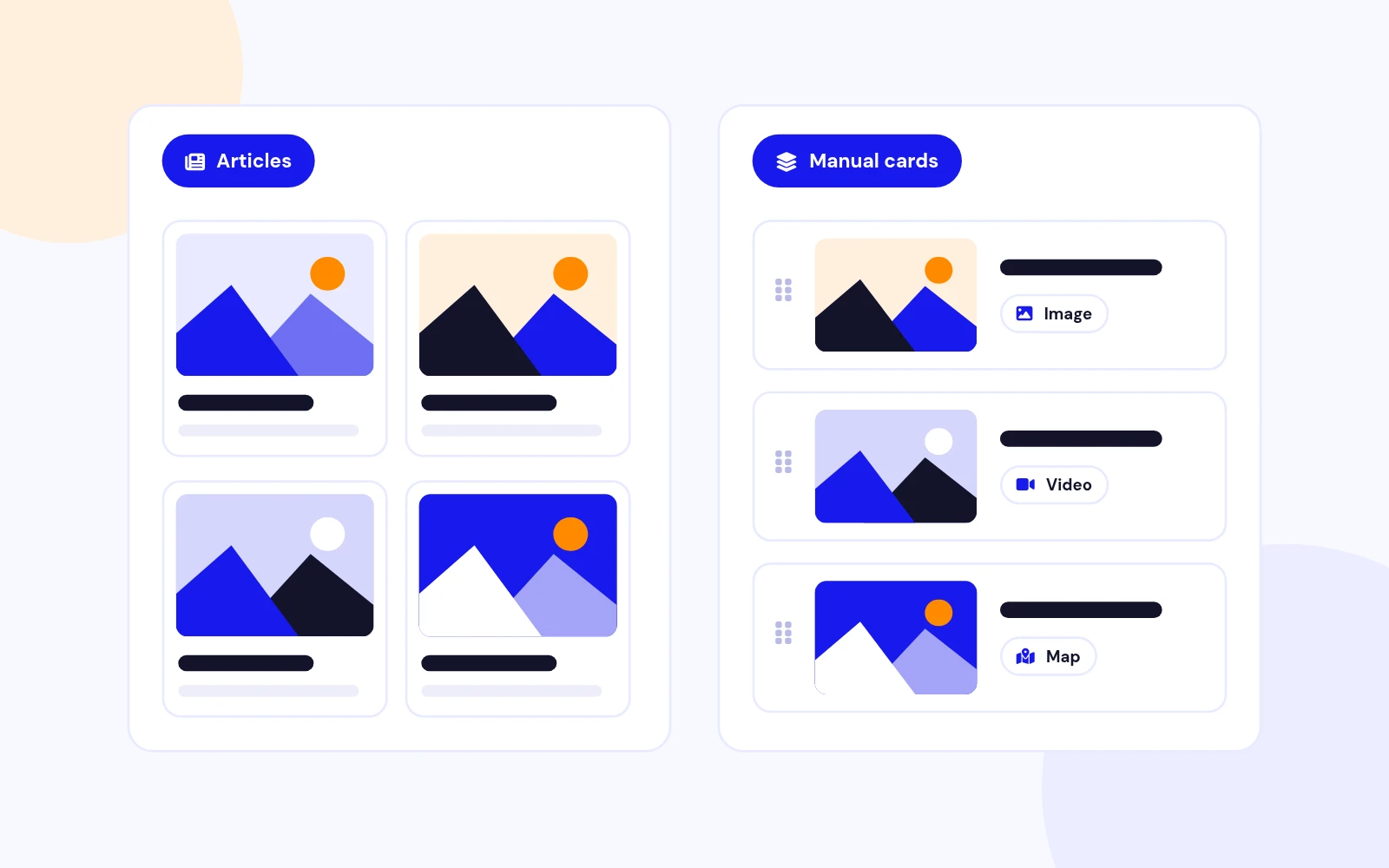
Two Sources

Rich Media
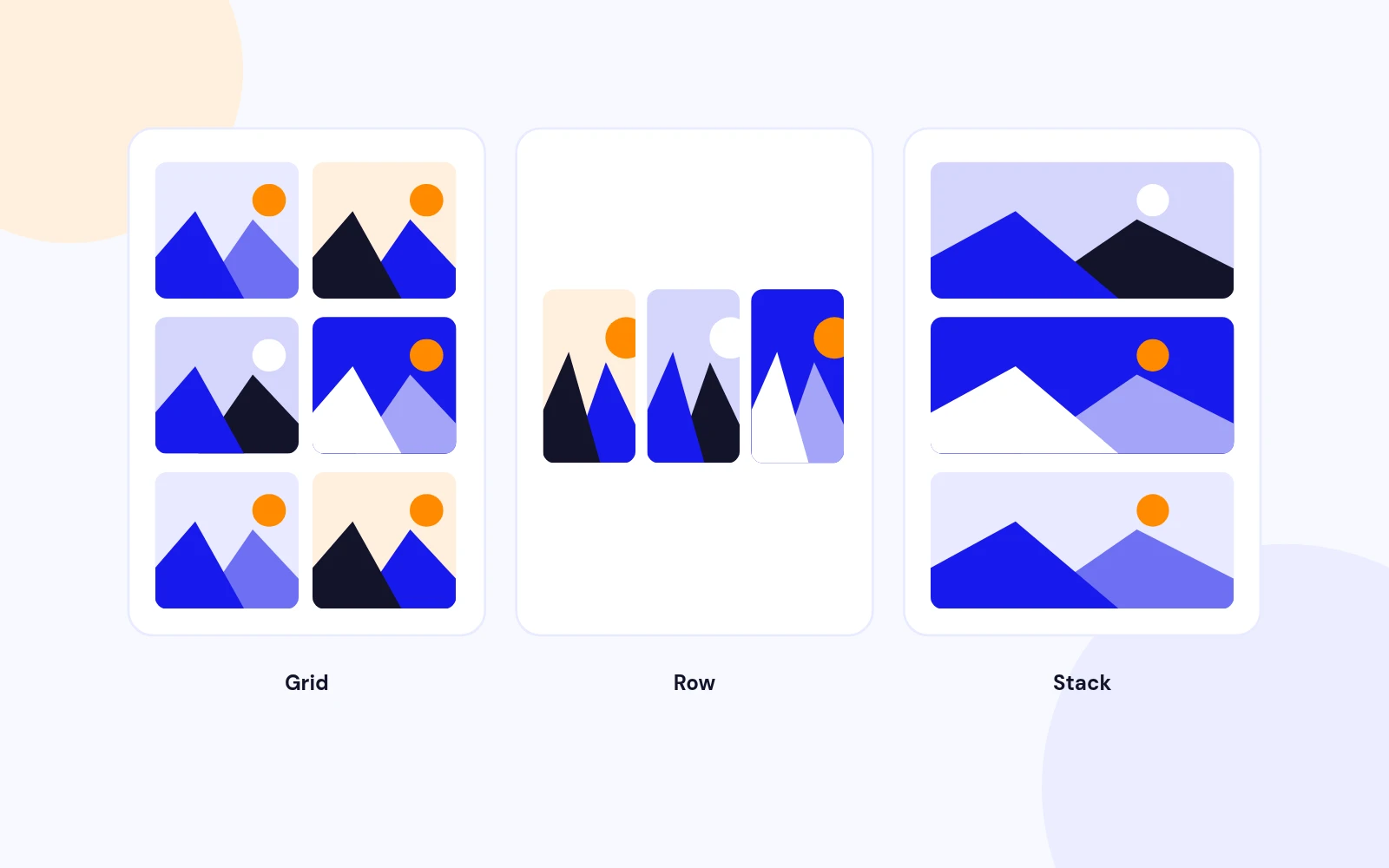
Auto-Fit Layouts
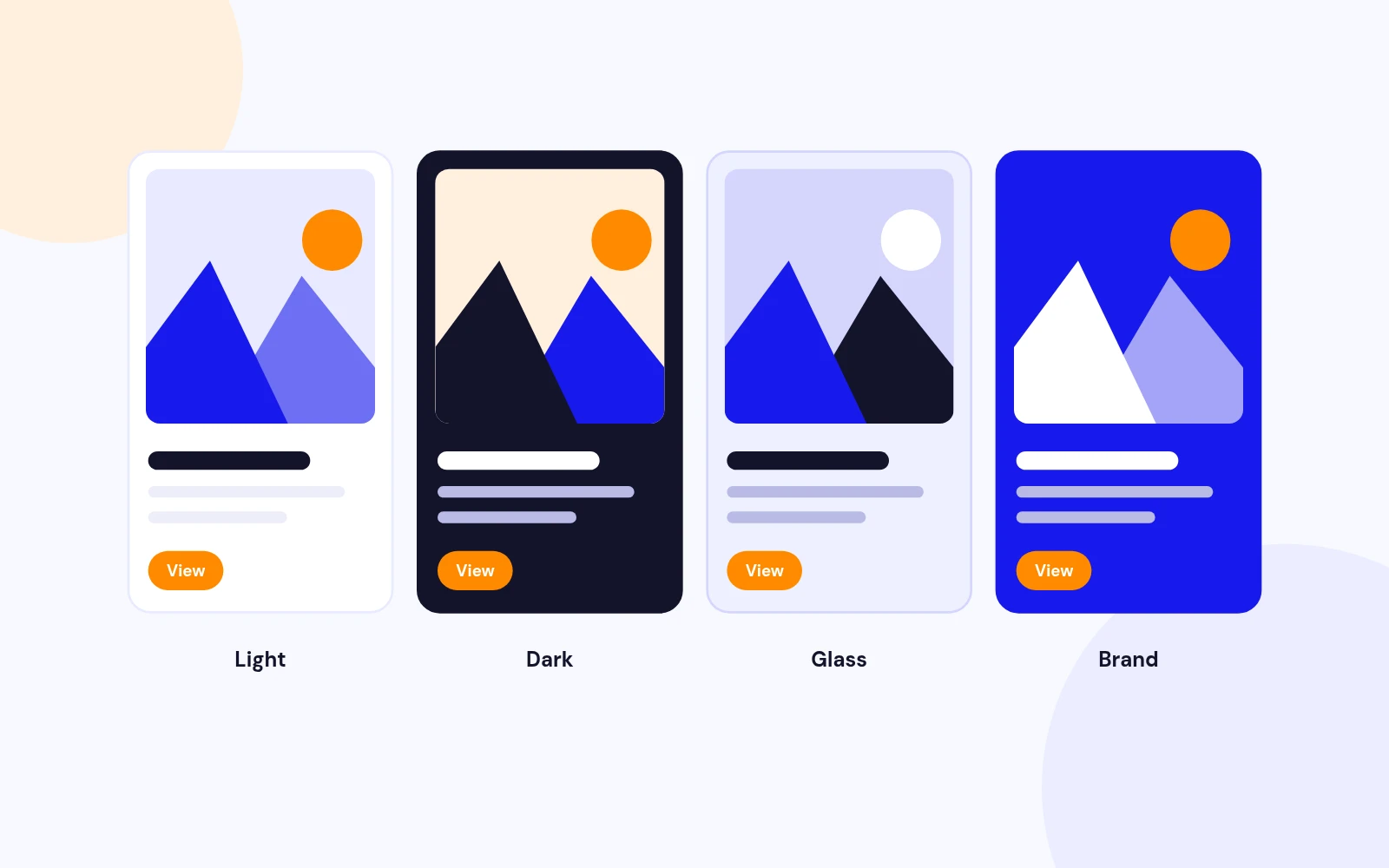
Ready Themes
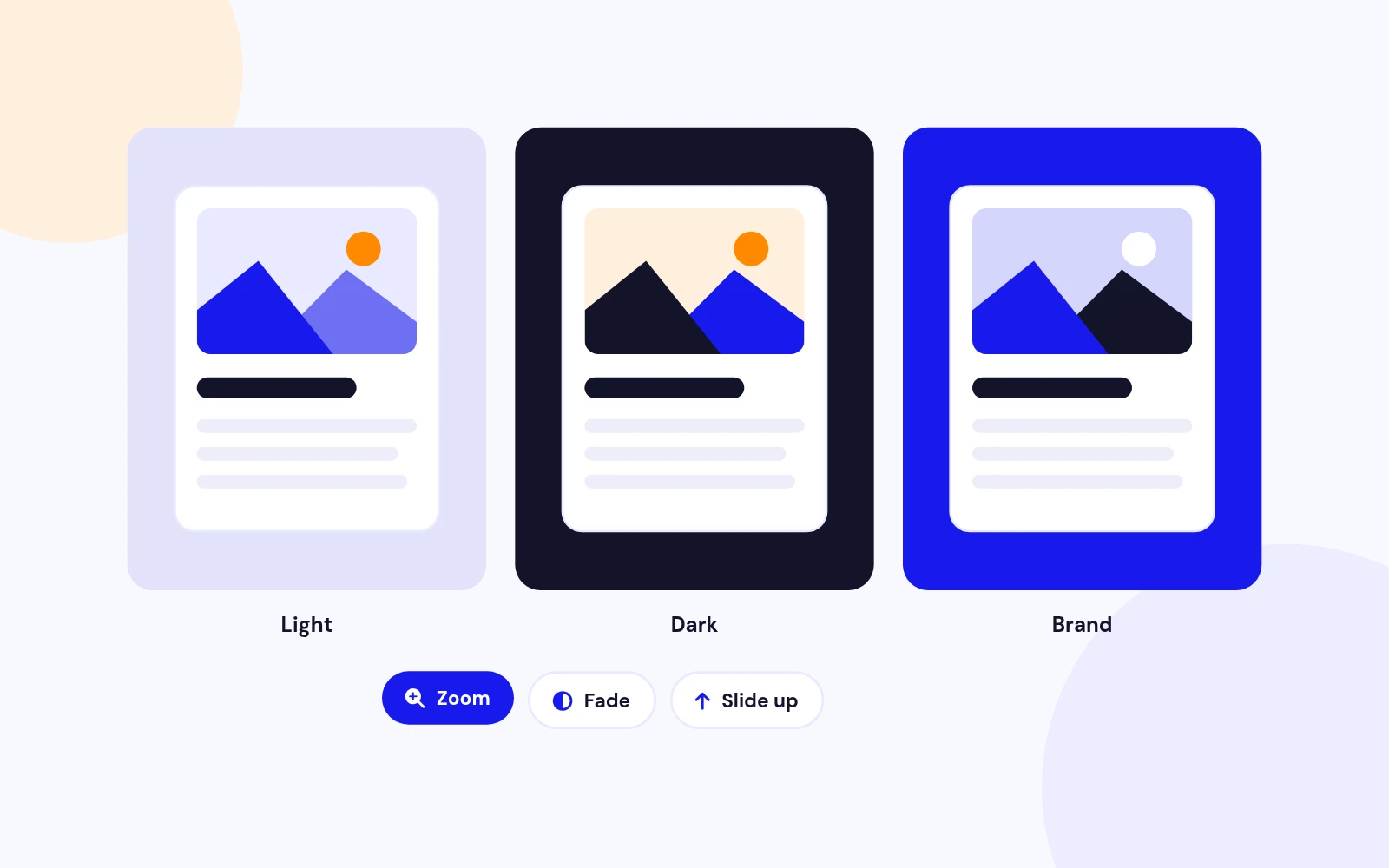
Match Your Site
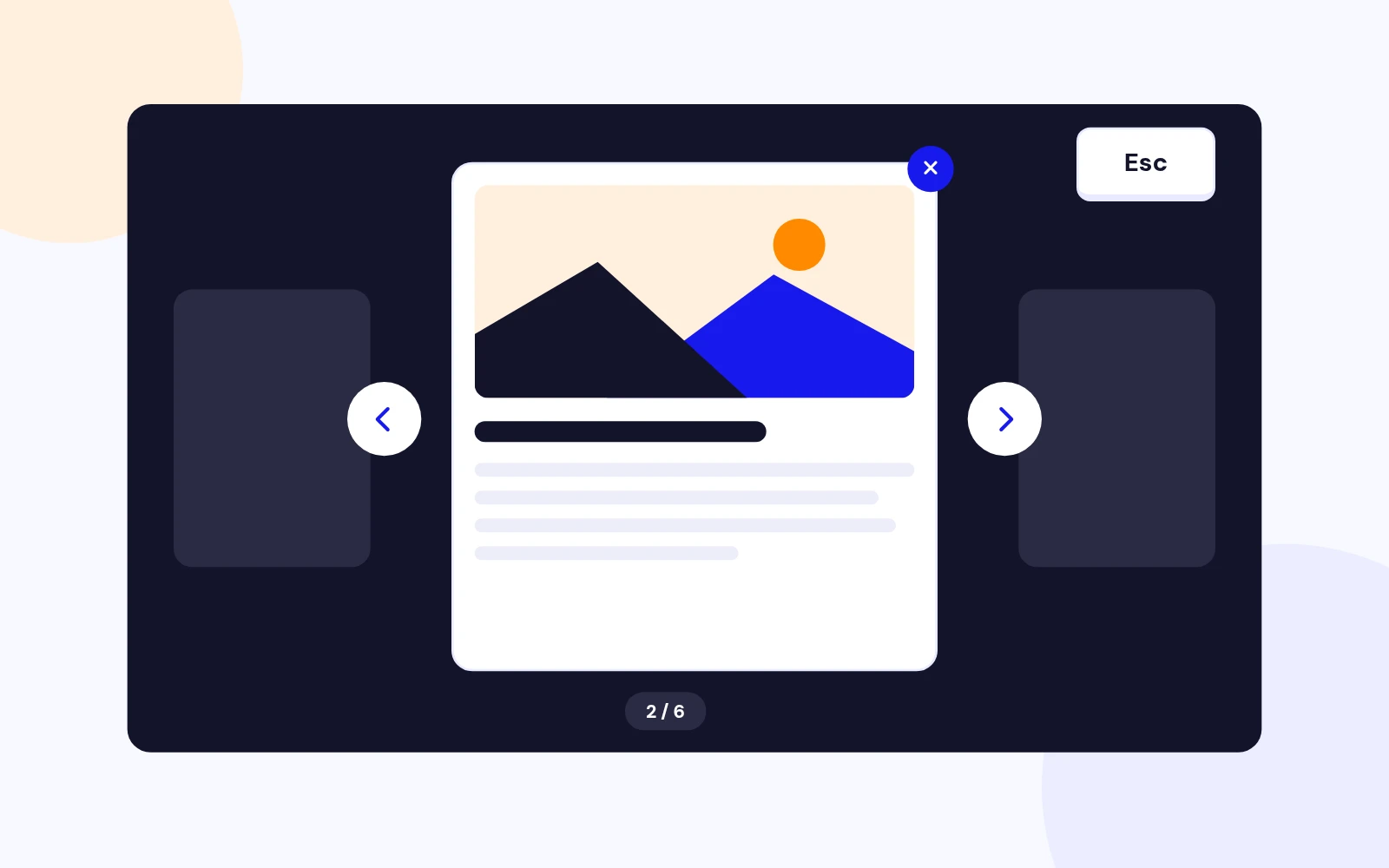
Easy Browsing
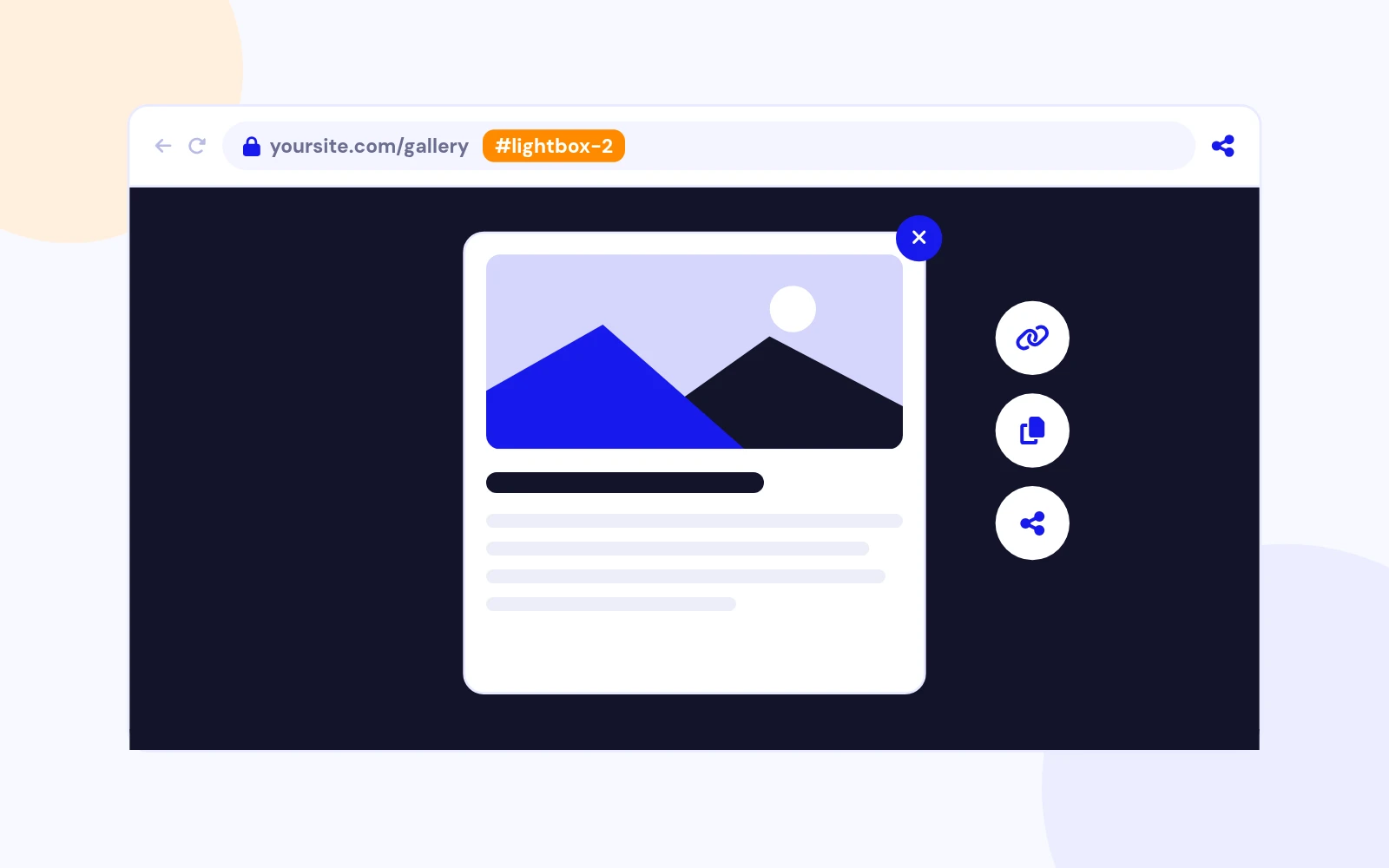
Shareable Links
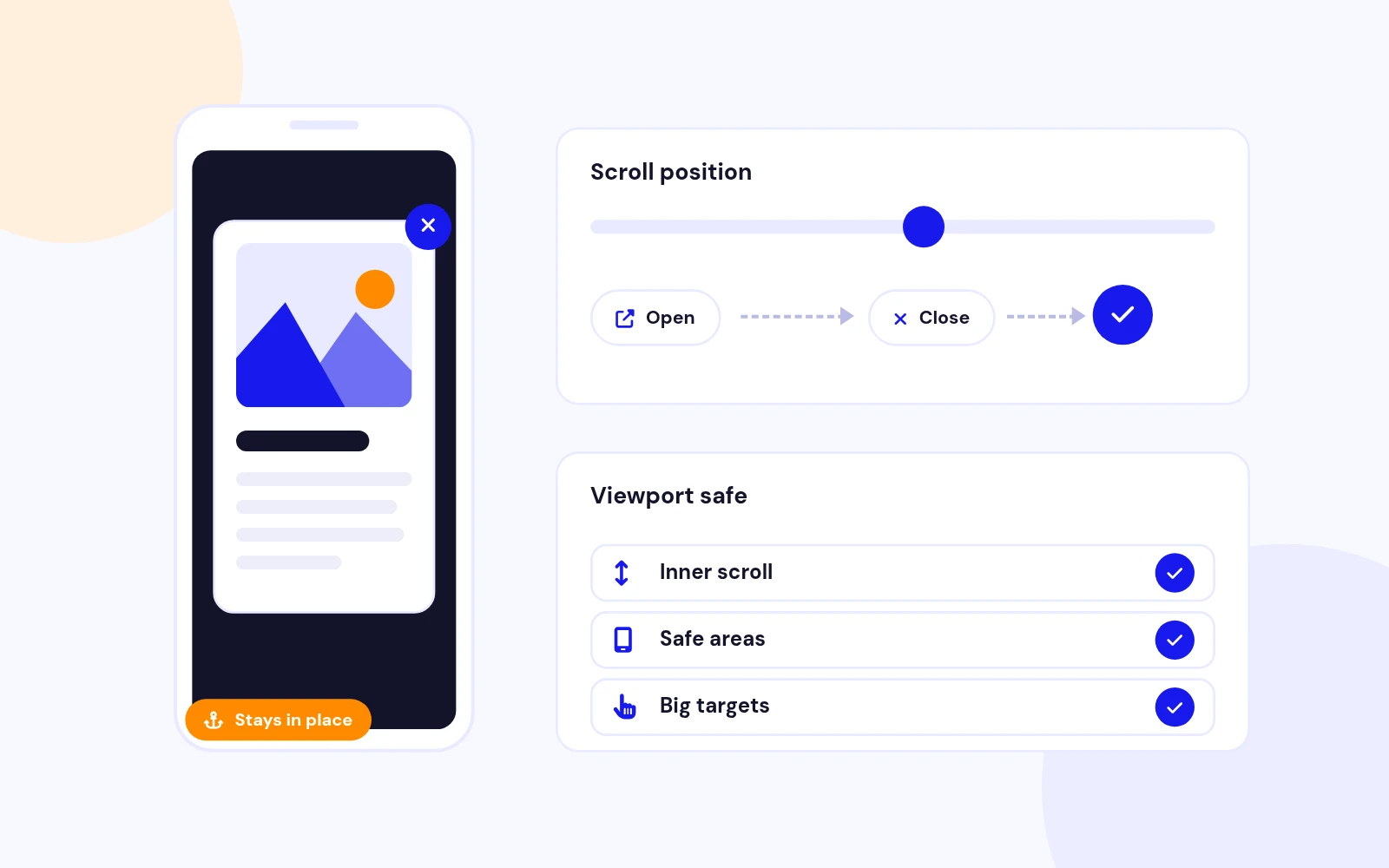
Smooth Experience
Easy Settings
Quick Start
Changelog
14 releases since version 4.0. Updates install from the Joomla admin with a valid licence.
Docs & setup
Written guides for installing and configuring Lightbox Content Popup, from first setup to the options that matter.
Pricing
Save more as you scale — longer access means a bigger discount.
30-day money-back guarantee
30-day money-back guarantee
30-day money-back guarantee
30-day money-back guarantee
Reviews
Average from 10 reviews on the Joomla Extension Directory
Functionality: 80/100. Ease of use: 80/100. Support: 80/100. Documentation: 80/100. Value for money: 80/100. I used this to build social community website with quiz, videos, recipes and forum features. pardakhte gas
armandi Joomla Extension Directory
You can let pop up a lightbox with content you want, as often and where you want on the site and in the shape needed. Just what I want! Extremely easy, surprisingly low expense. No preparing of any sets, uploading of folders, changing of settings online on the fly. Support is very quick, generous and active. From same minute to few minutes. Documentation describes all functions. Additional are given hints and the rest is self-explanatory. It is absolutely worth the money, cause it's useful for video(all sources), HTML, article, pictures. Far more than initially expected. I use this for a commercial website (private ballet school).
Peter Hinz Joomla Extension Directory
I don't write any reviews, but this time I was so impressed that I had to take the time to do it. I had an issue that had nothing to do with the module, but I was just curious if the module developers seen this issue in the past, so I emailed them. I received a quick reply and to my surprise these guys not only fixed the issue but went as far as improving my code to make things look and function better. Great thanks and wish the rest of the world would function as these guys.
Laimis Galkauskas Joomla Extension Directory
I purchased a different Joomla extension from this company. Started a support ticket for help with that extension and story short it was not gonna do what I wanted. So they log into the back end of my Joomla site and confirm this. So they installed -Lightbox Content Popup- extension that would work YES. From now on I will check these guys first for all my Joomla extensions!!
mark w Joomla Extension Directory
I had numerous questions for the support staff. They were very responsive and helpful each time I contacted them.
Michael Ferguson Joomla Extension Directory
Truly excellent support, very responsive, polite and professional. Before buying any Commercial extensions, I will always check first to see if these guys have something for the job! Highly recommended!
Alexander Ioannidis Joomla Extension Directory
I had a few issues getting Chronoforms to display in my yootheme Zoo business directory. My support request was answered within minutes and taken very seriously. Within 24 hours it was sorted and working perfectly! Well worth the money
woogy Joomla Extension Directory
I've only just started using the extension but the support to get going has been great. Very fast response via the support page and although I installed the wrong version and didn't read the FAQ fully the support person was very good and guided me in the right direction. The popup is now working fine and looks good. Thanks.
Allan Morris Joomla Extension Directory
Easy to use and it does what it says. To be the "definitive popup extension" it should have some functions of "auto-open".
Andrea Joomla Extension Directory
The module is very good; customer support via the ticketing system is excellent, professional, and very fast.
grass00 Joomla Extension Directory
Why buy here
All-access bundle
Get all 126 extensions, new releases, ongoing updates and full-time support. Bought one by one, a year of updates for every extension costs over $4,700.
Ideal for small projects and personal sites
$249/ 6 months
Save 91% · $2,900+ value
30-day money-back guarantee
Best for growing businesses and web agencies
$349/ 1 year
Save 92% · $4,700+ value
30-day money-back guarantee
For professional developers and multi-client agencies
$749/ one-time
Pay once · keep forever
30-day money-back guarantee
FAQ
Still unsure? Our support team is one ticket away.
Lightbox Content Popup 6.0 supports Joomla 4, Joomla 5, and Joomla 6 with PHP 8.0 or newer.
Joomla 3 is not supported. Joomla 3 sites must continue using the legacy 5.x package.
No. Version 6.0 is built with vanilla JavaScript and modern CSS.
The package contains no jQuery, FancyBox, animate.css, legacy sprites, or related compatibility code.
Joomla Articles automatically creates cards from selected categories and opens prepared article content.
Manual Cards lets you build each card with its own image, caption, content type, and popup content.
Manual Cards can display formatted HTML, YouTube videos, Vimeo videos, Google Maps, or an iframe URL.
Use formatted HTML for product details, staff profiles, service descriptions, portfolios, and promotional content.
Yes. The popup uses the Full Article Image when available and falls back to the Intro Image.
It renders the prepared intro text and full text, including supported Joomla content-plugin output.
Choose Responsive Grid, Horizontal Row, or Vertical Stack.
The grid adapts from multiple desktop columns to two tablet columns and one phone column. The row auto-fits cards without a scrollbar, then wraps on tablets and stacks on phones.
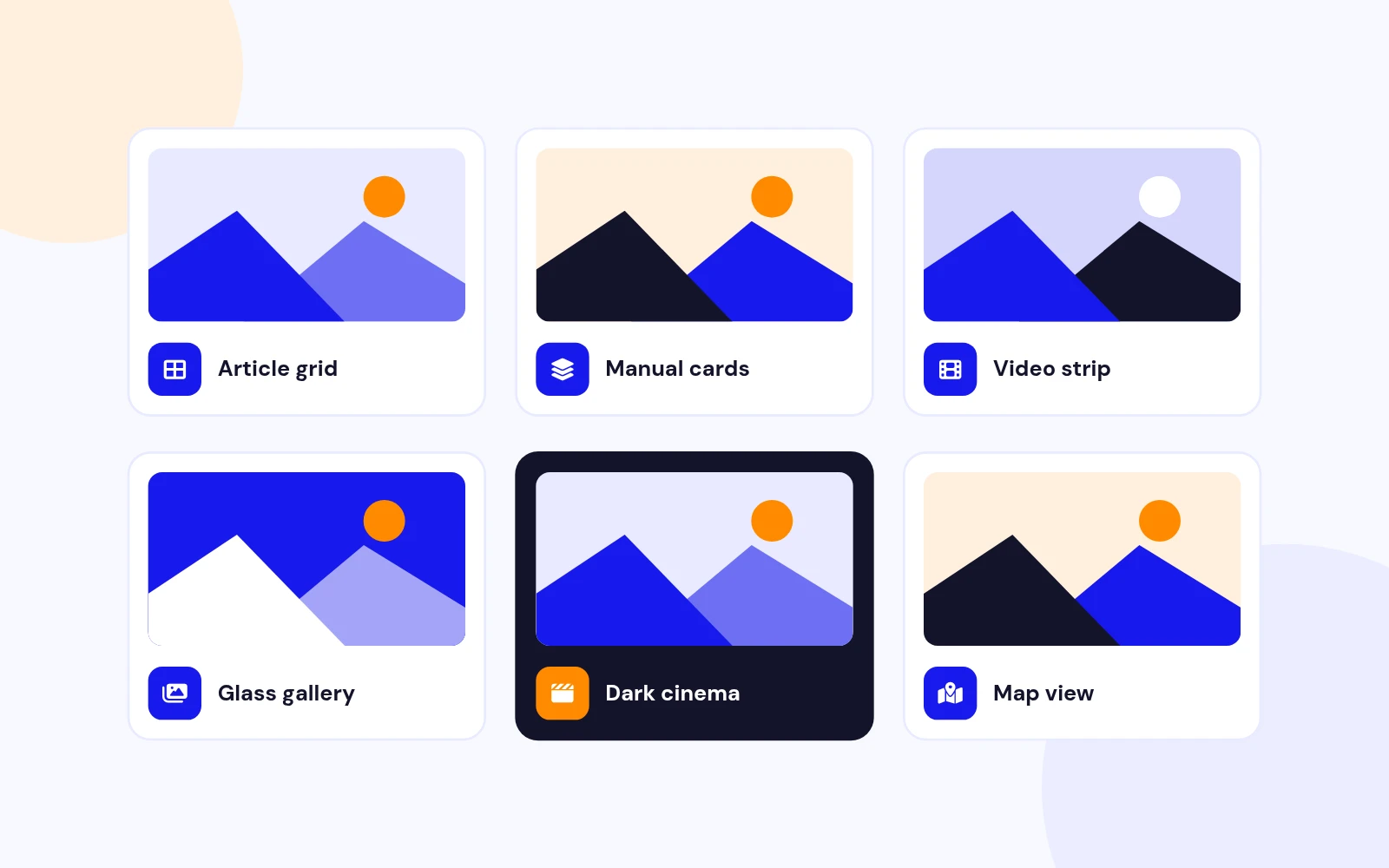
Card themes are Light, Dark, Glass, and Brand. Lightbox themes are Light, Dark, and Brand.
Opening effects are Zoom, Fade, and Slide up. Browser reduced-motion preferences are respected automatically.
Yes. Set the desktop width from 320 to 1200 pixels and maximum height from 240 to 900 pixels.
The popup automatically shrinks to remain inside smaller viewports. Long content scrolls inside the popup instead of overflowing the screen.
Yes. Choose Popup top-right or Window top-right under the Lightbox tab.
The window option uses a larger 48-pixel control placed inside the browser safe area.
Yes. Enable Shareable URL hash to create an address such as #lightbox-189-2.
Opening that URL automatically opens the matching item. Closing the popup restores the original URL without changing the page scroll position.
The remote website may block iframe embedding using X-Frame-Options or Content-Security-Policy headers.
This is a security policy controlled by the remote site and cannot be bypassed by the module.
Use a complete public video page URL. The module converts supported URLs into responsive embeds.
Private, age-restricted, region-restricted, removed, or embedding-disabled videos may not play inside an iframe.
No. Version 6.0 locks the page at its current position and compensates for the missing browser scrollbar to prevent layout movement.
Closing restores the exact horizontal and vertical position and returns keyboard focus to the card that opened the popup.
When Keyboard navigation is enabled, Left Arrow and Right Arrow move between items and Escape closes the popup.
All icon-only controls include accessible labels and visible keyboard focus.
Yes. Configure card background, border, text colour, text size, weight, font family, and content padding.
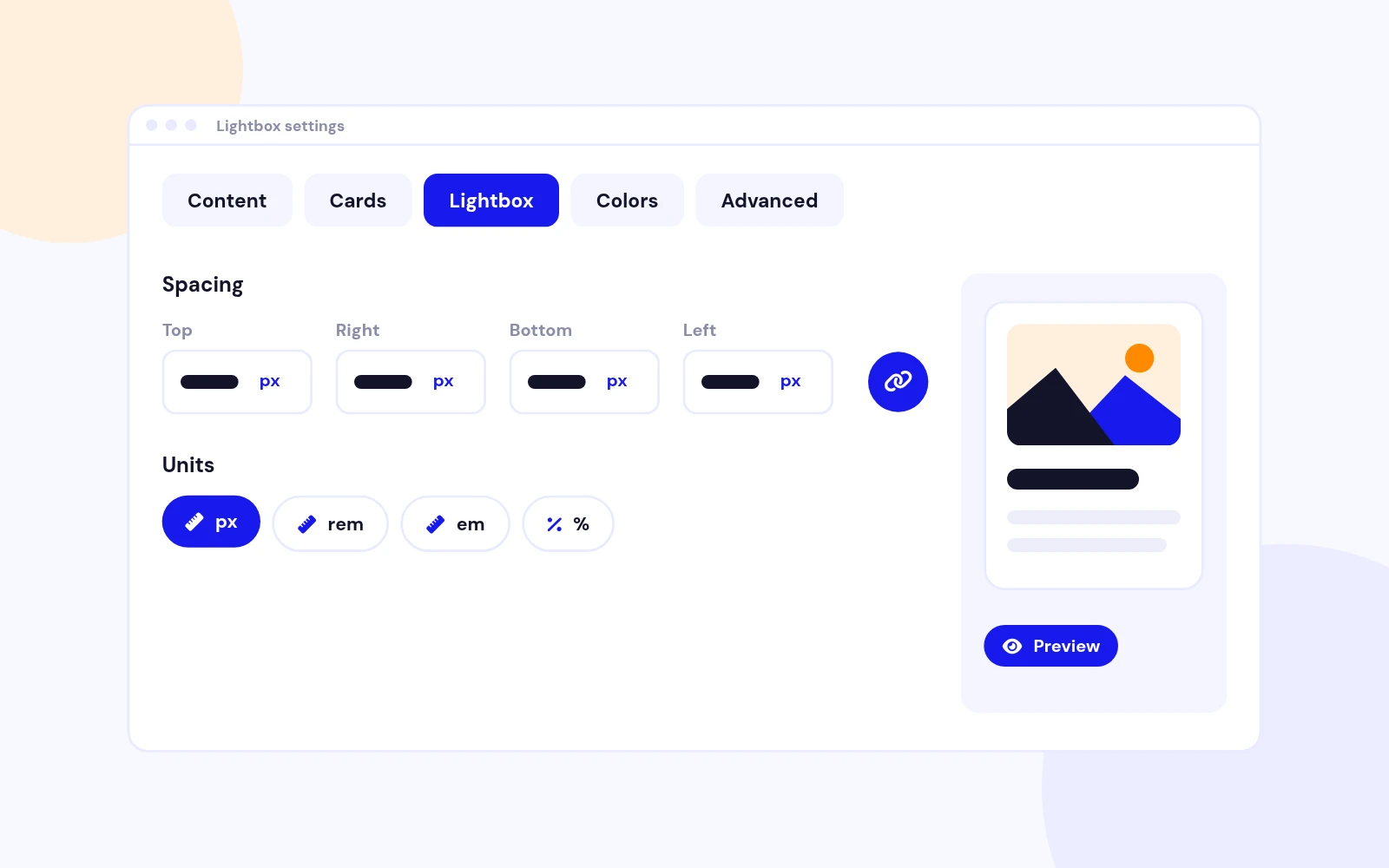
The padding control supports linked or individual Top, Right, Bottom, and Left values with px, rem, em, or percent units.
Install version 6.0 over the existing module using Joomla's extension installer, then open and save each module instance after reviewing the new tabs.
Clear Joomla, template optimisation, CDN, and browser caches so old FancyBox files are no longer served.
Confirm that the selected media file exists and is a valid, readable image. Select it again in Media Manager after replacing a damaged upload.
Also clear Joomla image caches and any CDN or image-optimisation cache.
Yes. Every module instance has its own gallery options, navigation set, and generated URL hash.
Use different hash prefixes if another lightbox system on the same page uses a similar URL format.
More like this


Module
Age Verification and Disclaimer module for Joomla
v3.8 5,472 downloads
From $19


Module
Content Restriction Module for Joomla
v2.1.1 3,932 downloads
From $9

Plugin
Customizable Joomla popup login with flexible styling and user-friendly features.
v1.5.4 3,173 downloads
From $29
Module + Component
Drag and Drop Popup Builder for Joomla
v1.0 3,972 downloads
From $19