

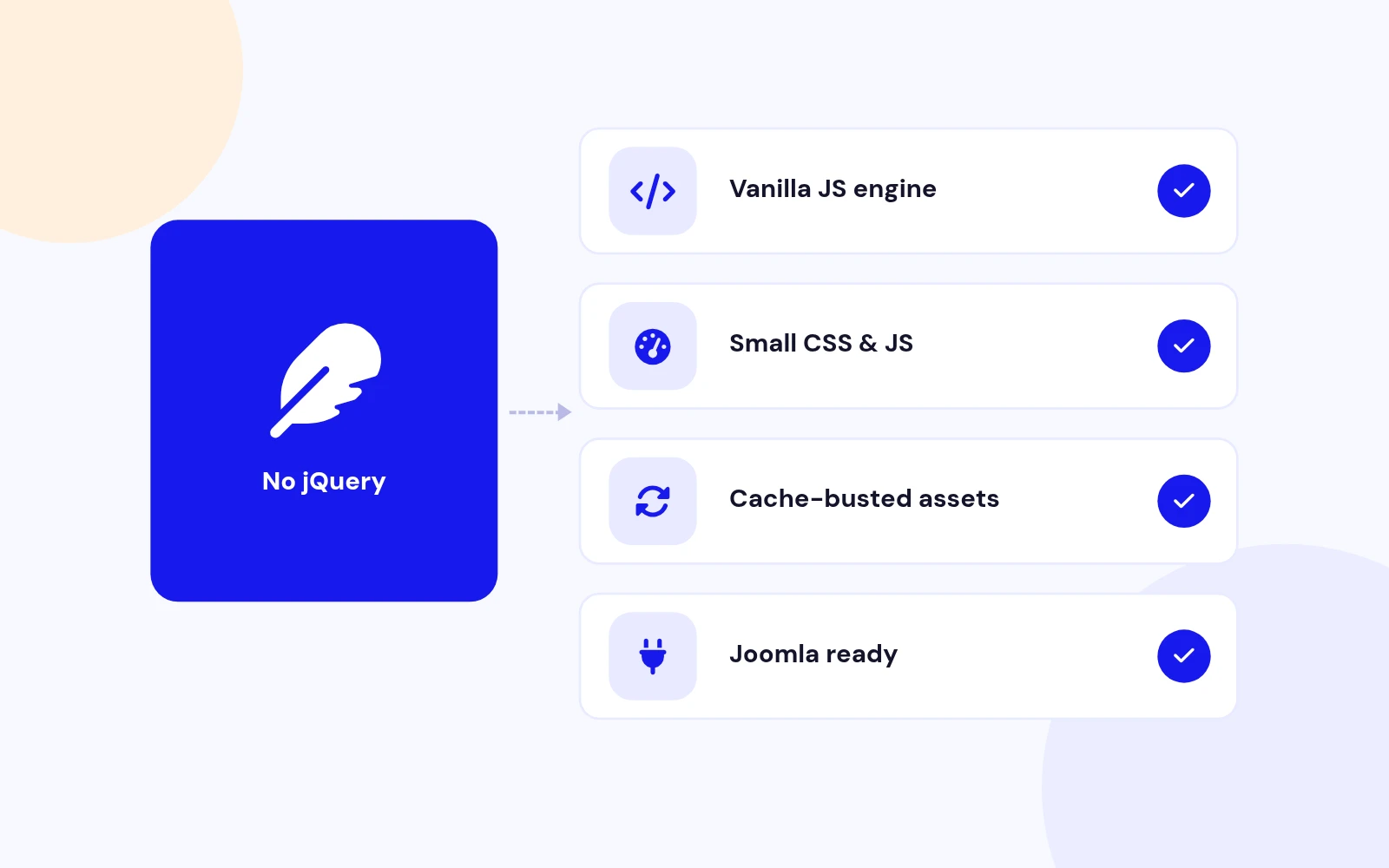
Lightweight
Fast Modals, No jQuery
- A small, lightweight script keeps pages quick. Files refresh cleanly after updates.
Popup Modal Plugin for Joomla
Features
Fourteen feature areas, one install package for Joomla 4, 5 and 6.
Lightweight
Easy to Use

Polished Look
Your Motion
Perfect Fit
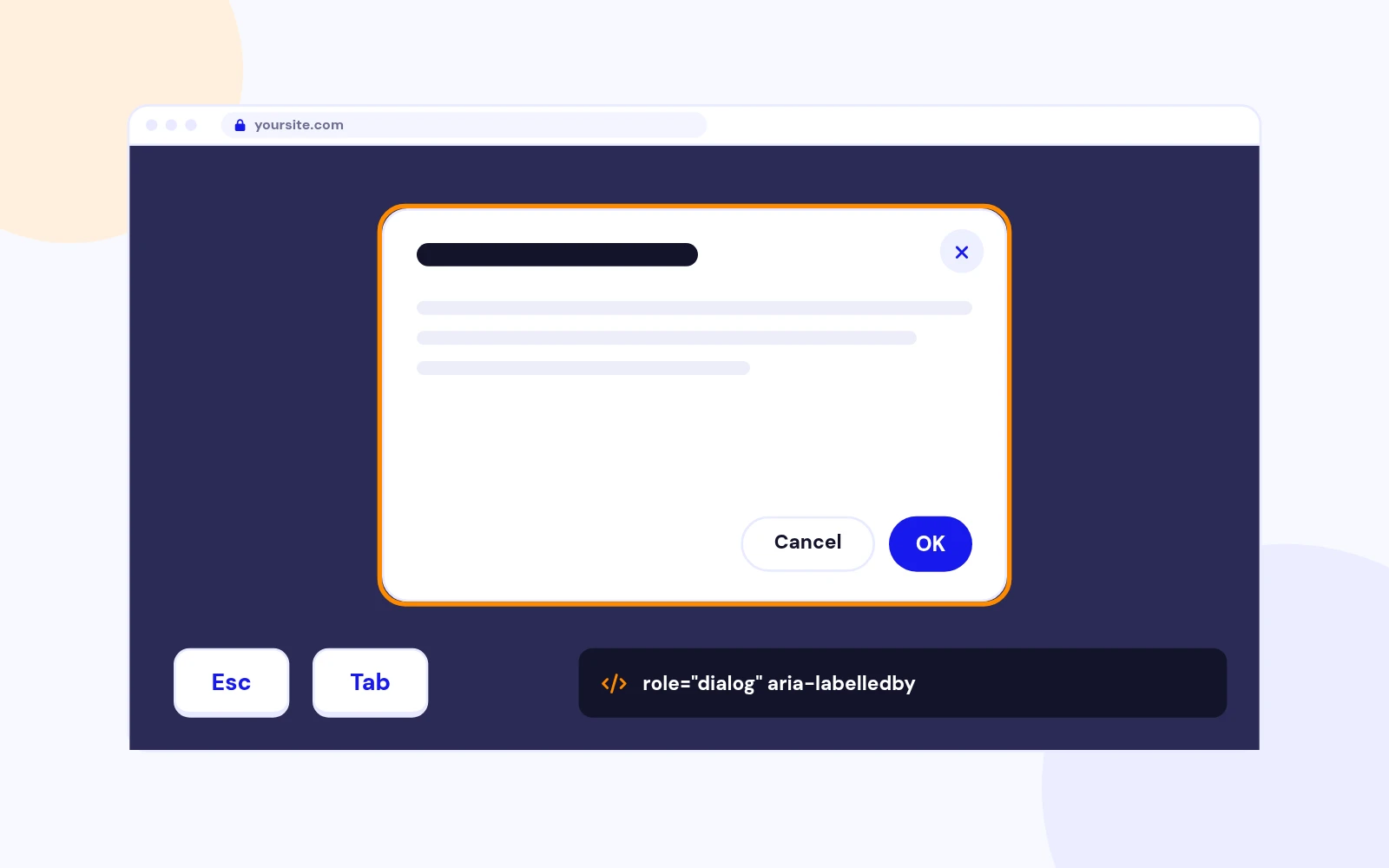
Accessible
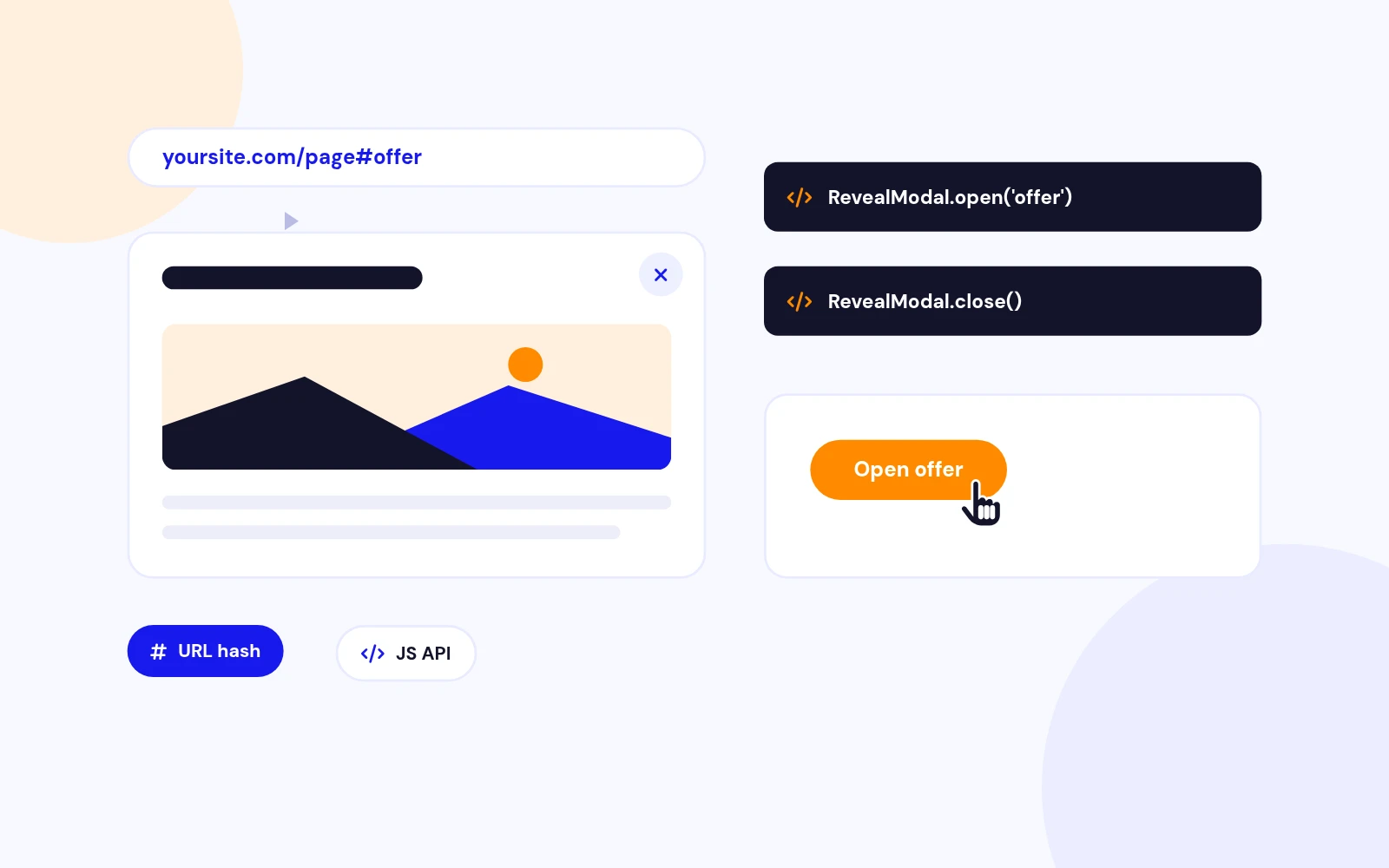
Shareable
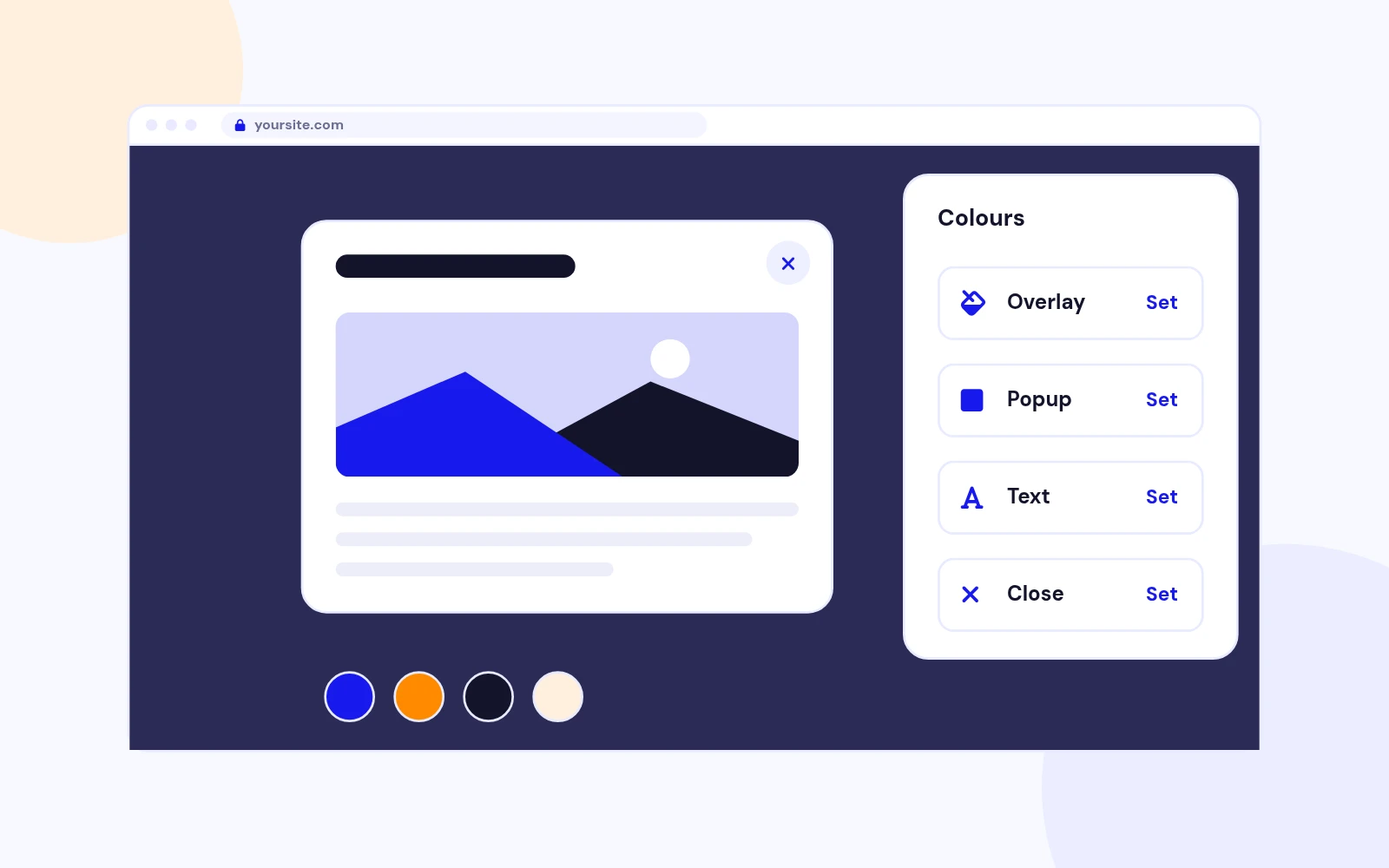
On-Brand

Any Content
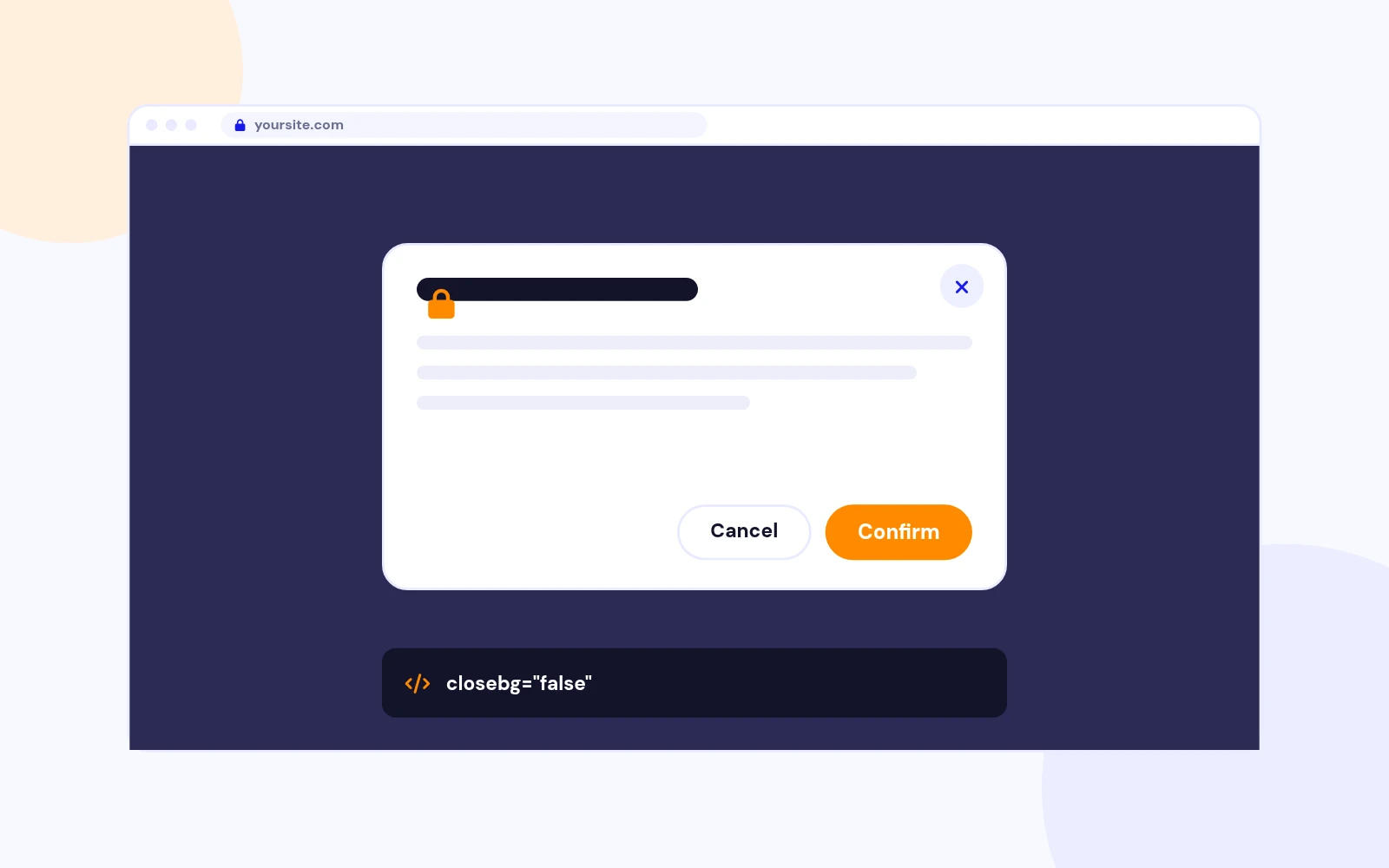
Clear Decisions
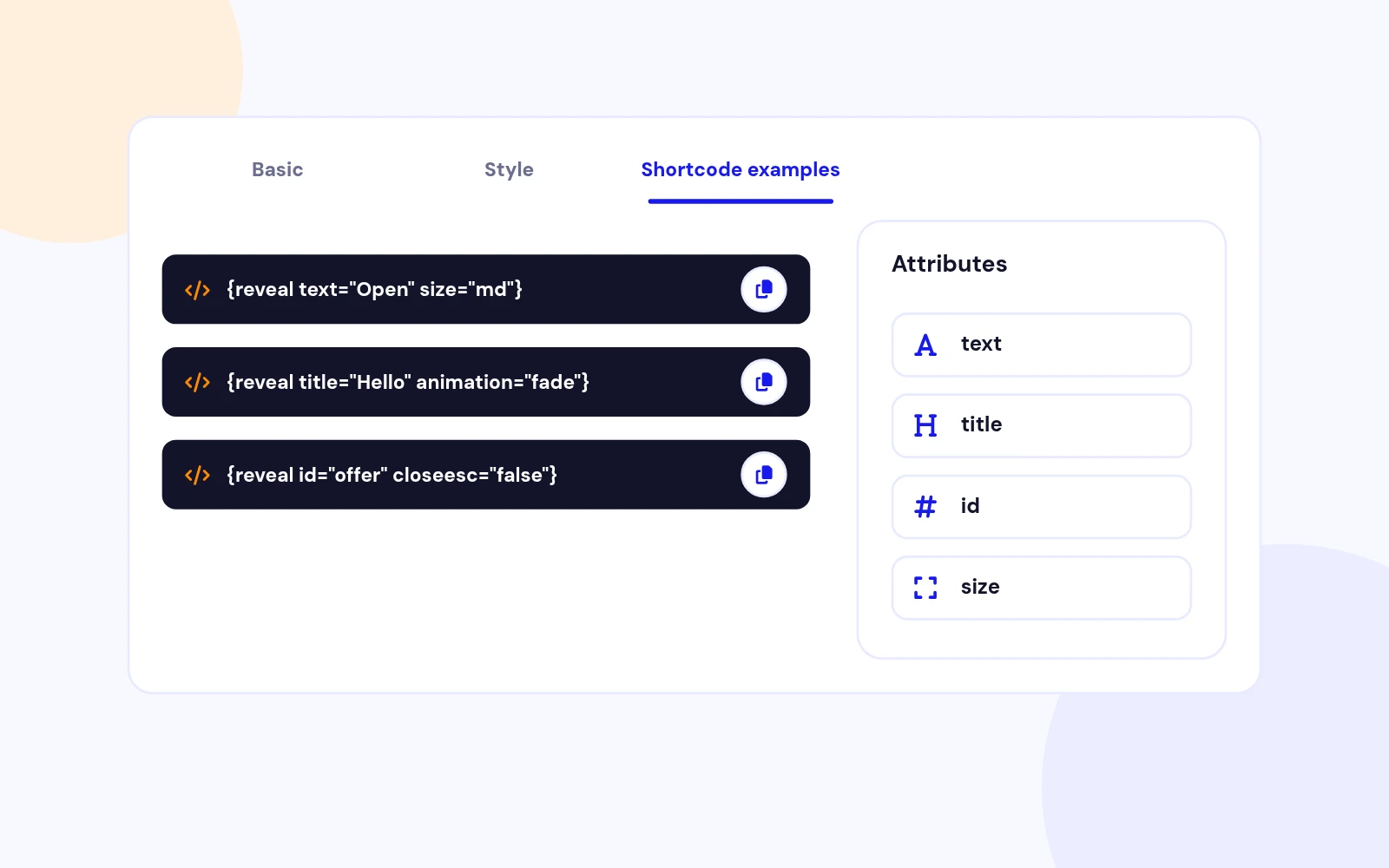
Built-In Help
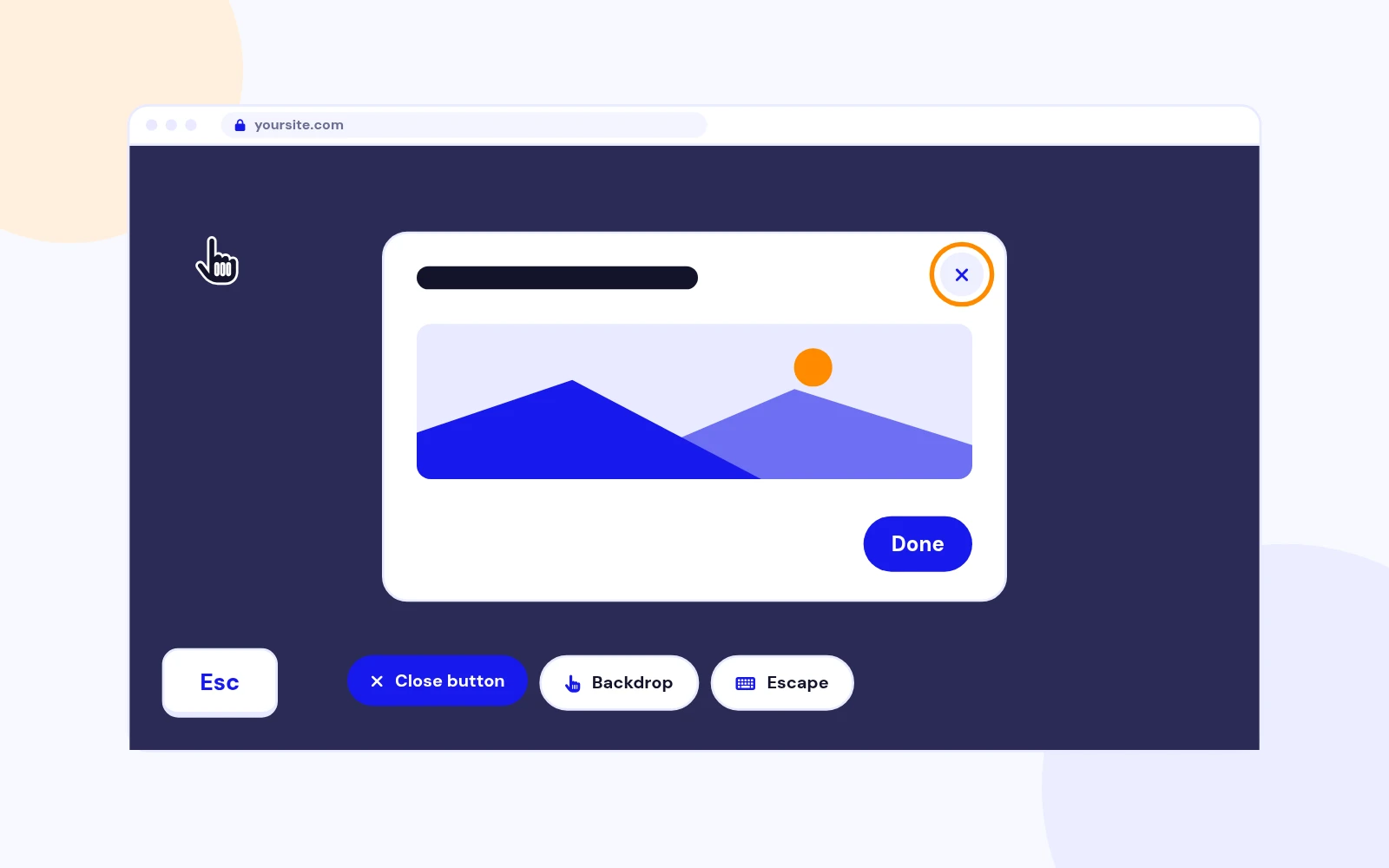
Easy Closing

Unlimited
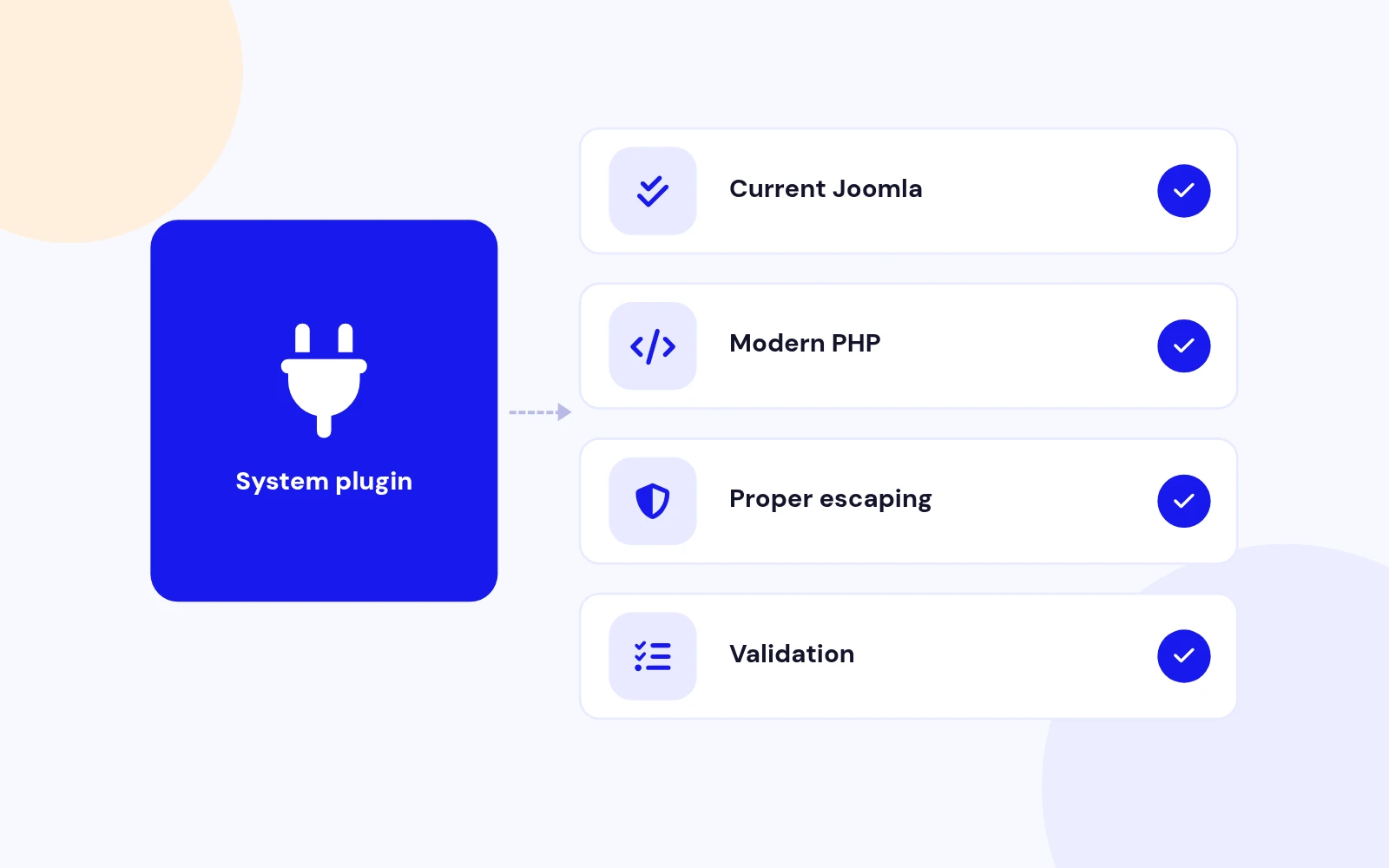
Future-Proof
Changelog
9 releases since version 1.2. Updates install from the Joomla admin with a valid licence.
Docs & setup
Written guides for installing and configuring Reveal Modal, from first setup to the options that matter.
Pricing
Save more as you scale — longer access means a bigger discount.
30-day money-back guarantee
30-day money-back guarantee
30-day money-back guarantee
30-day money-back guarantee
Why buy here
All-access bundle
Get all 126 extensions, new releases, ongoing updates and full-time support. Bought one by one, a year of updates for every extension costs over $4,700.
Ideal for small projects and personal sites
$249/ 6 months
Save 91% · $2,900+ value
30-day money-back guarantee
Best for growing businesses and web agencies
$349/ 1 year
Save 92% · $4,700+ value
30-day money-back guarantee
For professional developers and multi-client agencies
$749/ one-time
Pay once · keep forever
30-day money-back guarantee
FAQ
Still unsure? Our support team is one ticket away.
No. Version 1.5 is pure vanilla JavaScript with no jQuery dependency.
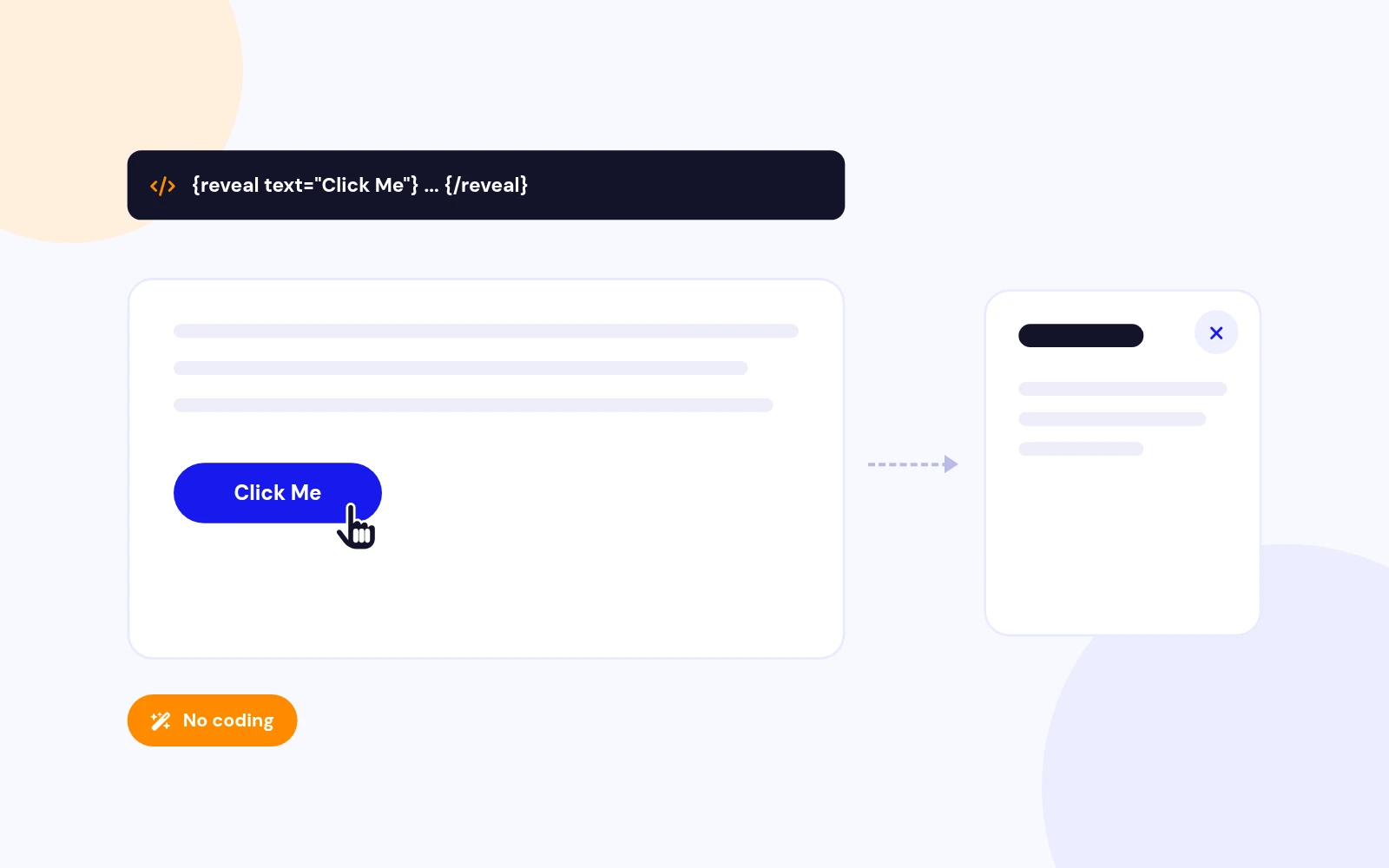
Use {reveal text="Click Here"}Your HTML content{/reveal} in an article or Custom HTML module.
text, class, title, id, size (sm|md|lg|xl|full), width, height, animation (scale|fade|slide|none), speed, closebg, and closeesc.
Add template button classes, for example class="btn btn-primary".
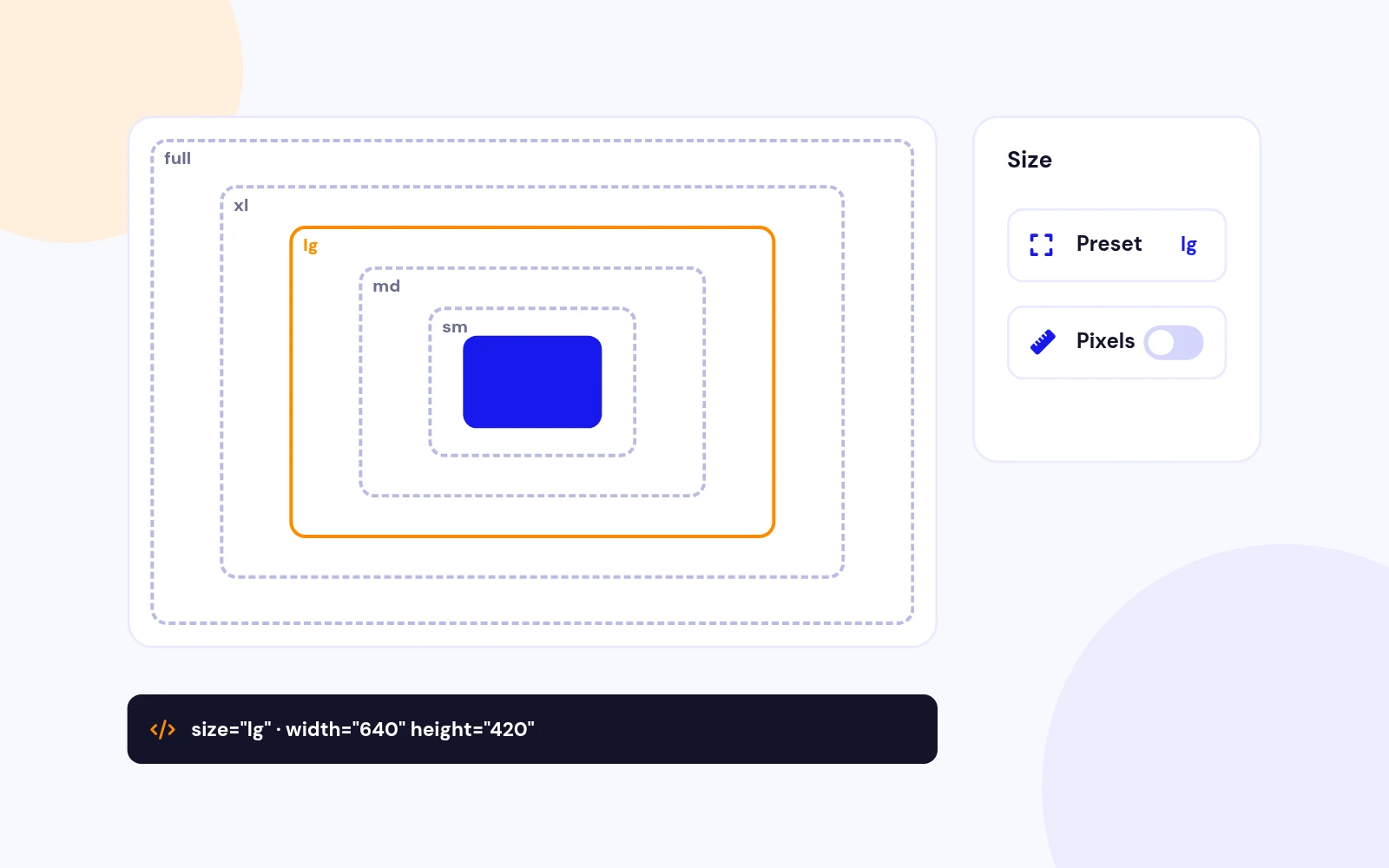
Use size="sm|md|lg|xl|full", or set exact width / height such as width="800px" height="500px".
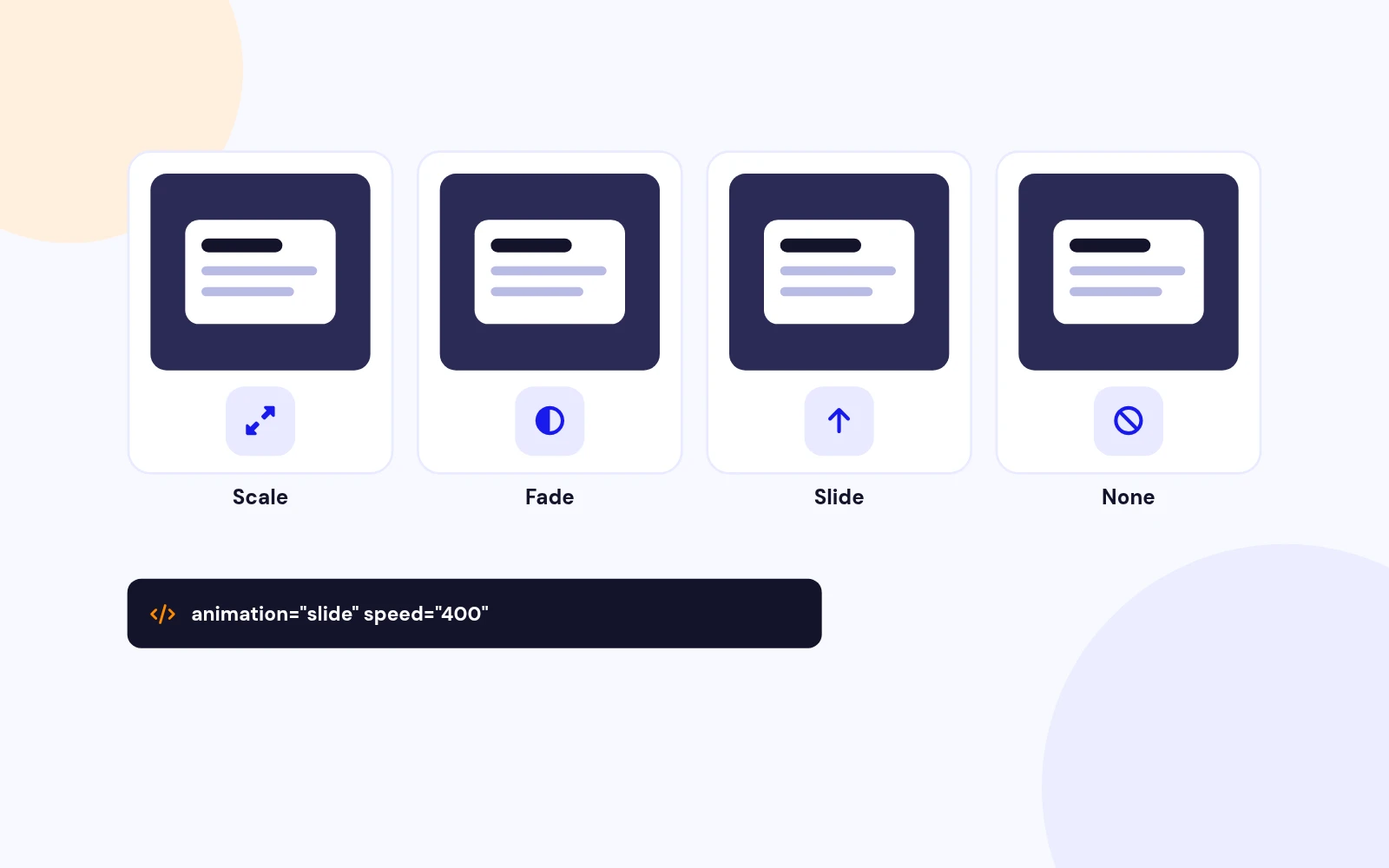
Set animation="scale", fade, slide, or none. Optionally add speed="400" (milliseconds).
Yes. Use title="Welcome" for an accessible heading wired to aria-labelledby.
Give the shortcode a stable id="welcome-modal", then link to #welcome-modal or call RevealModal.open('welcome-modal').
Place an iframe between the shortcode tags (preferably inside <div class="reveal-modal__media">…</div>). Playback pauses when the popup closes.
Use closebg="false" so backdrop click does not dismiss, and add Cancel / Confirm buttons with class close-reveal-modal.
Yes. In plugin Styling Settings set overlay colour, blur, popup background, text colour, close button colour, padding, margin, and border radius.
Yes. Each modal gets a unique id automatically, or set your own with the id attribute.
Use the × button, backdrop click (if enabled), Escape (if enabled), or a button with class close-reveal-modal.
Open System - Reveal Modal plugin parameters and use the Shortcode Examples tab — each snippet has a Copy button.
Yes. On small screens the dialog uses a bottom-sheet layout with a grab handle. Animations stay distinct on mobile.
Joomla 4.x, 5.x, and 6.x with PHP 8.0+.
In articles or Custom HTML modules — not in CSS. Styling belongs in the plugin Styling Settings or your template CSS.
More like this


Module
Multi-purpose Popup Gallery Joomla Module
v6.1 7,203 downloads
From $19

Module
Age Verification and Disclaimer module for Joomla
v3.8 5,472 downloads
From $19


Module
Content Restriction Module for Joomla
v2.1.1 3,932 downloads
From $9

Plugin
Customizable Joomla popup login with flexible styling and user-friendly features.
v1.5.4 3,173 downloads
From $29
Module + Component
Drag and Drop Popup Builder for Joomla
v1.0 3,972 downloads
From $19