

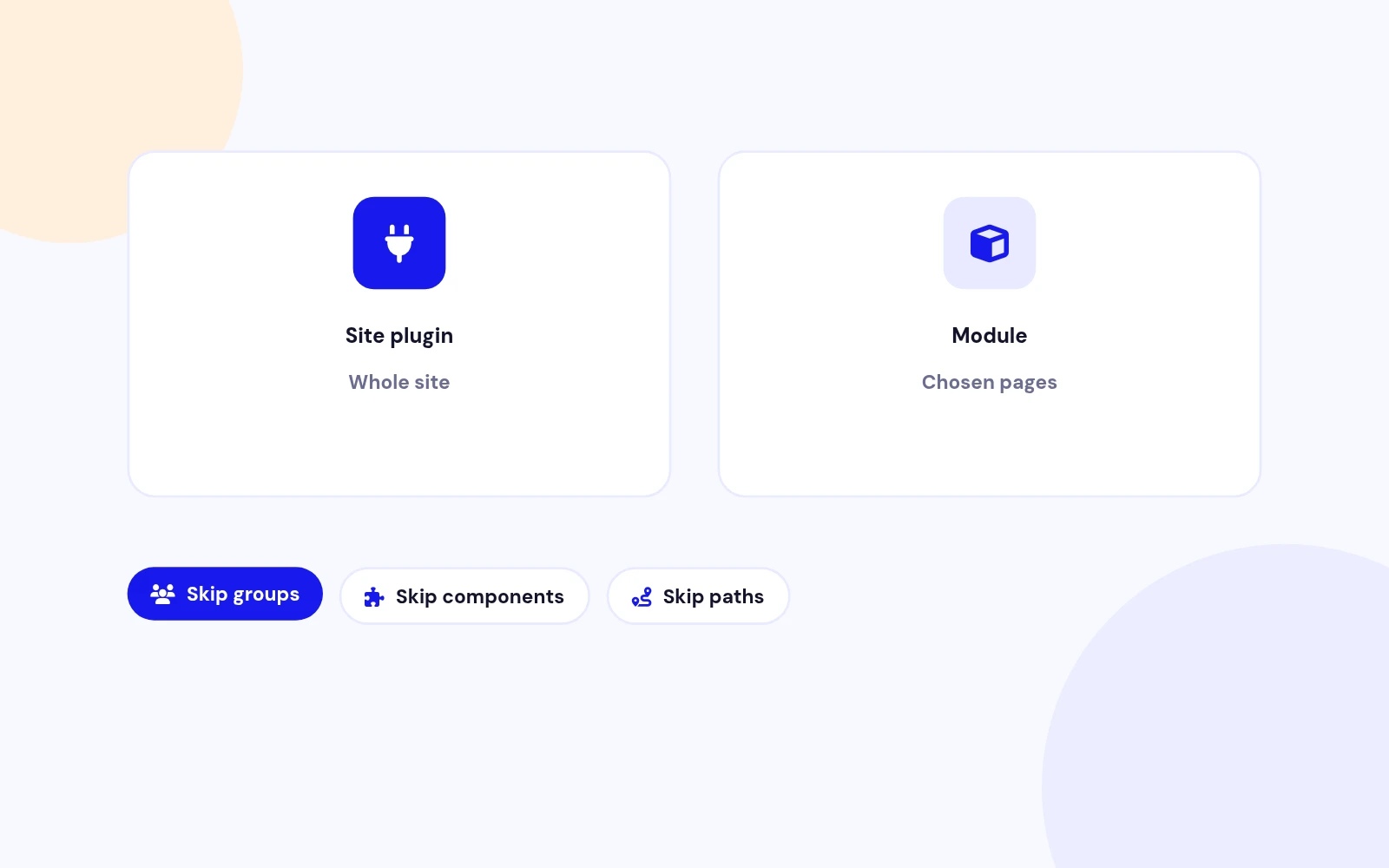
Site-Wide
Protect Your Whole Site at Once
- Switch it on once to cover most of your site. Skip chosen user groups, components or pages when needed.
Joomla Extension to Disable Right Click on Mouse
Features
Ten feature areas, one install package for Joomla 4, 5 and 6.
Site-Wide
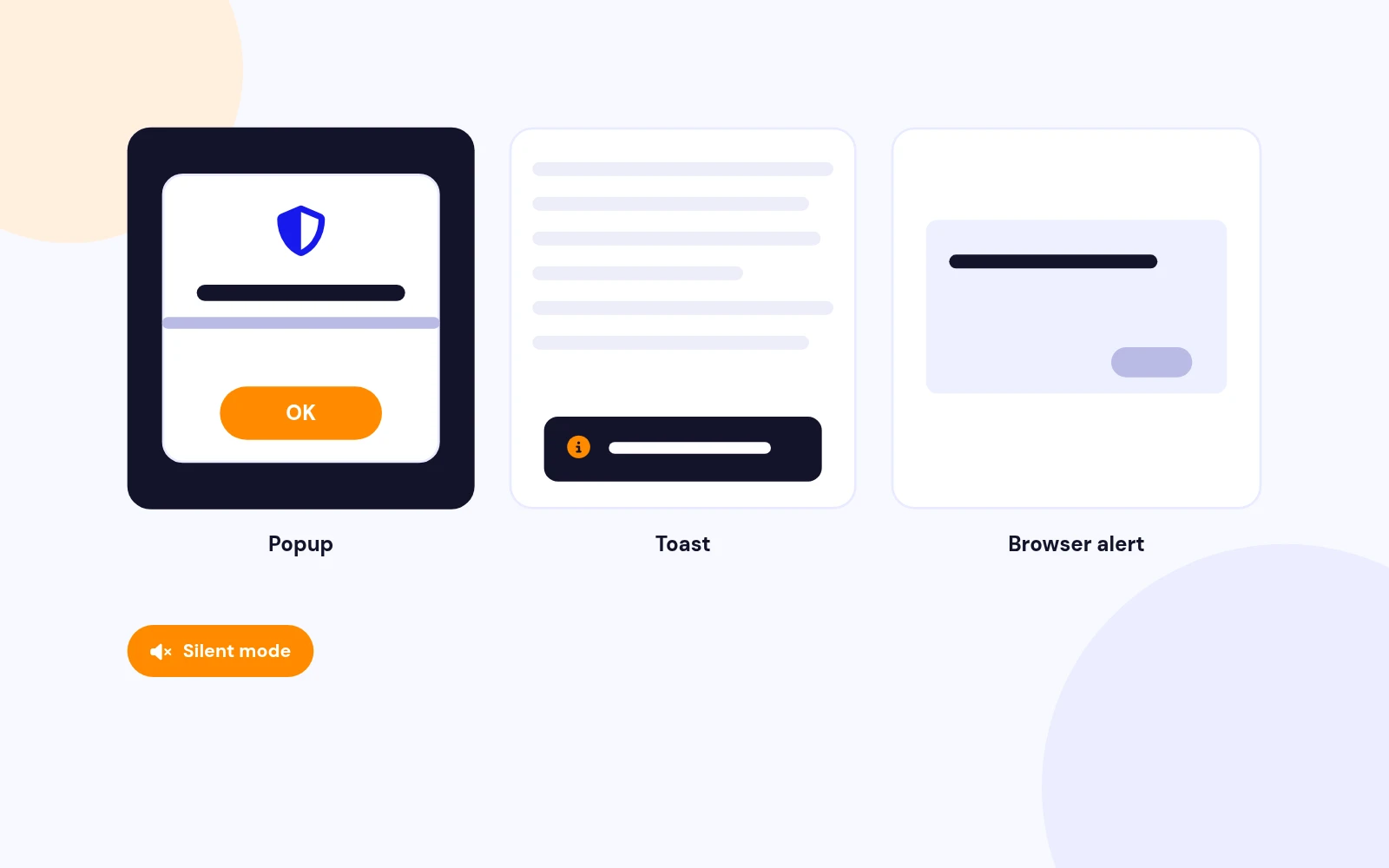
Your Style
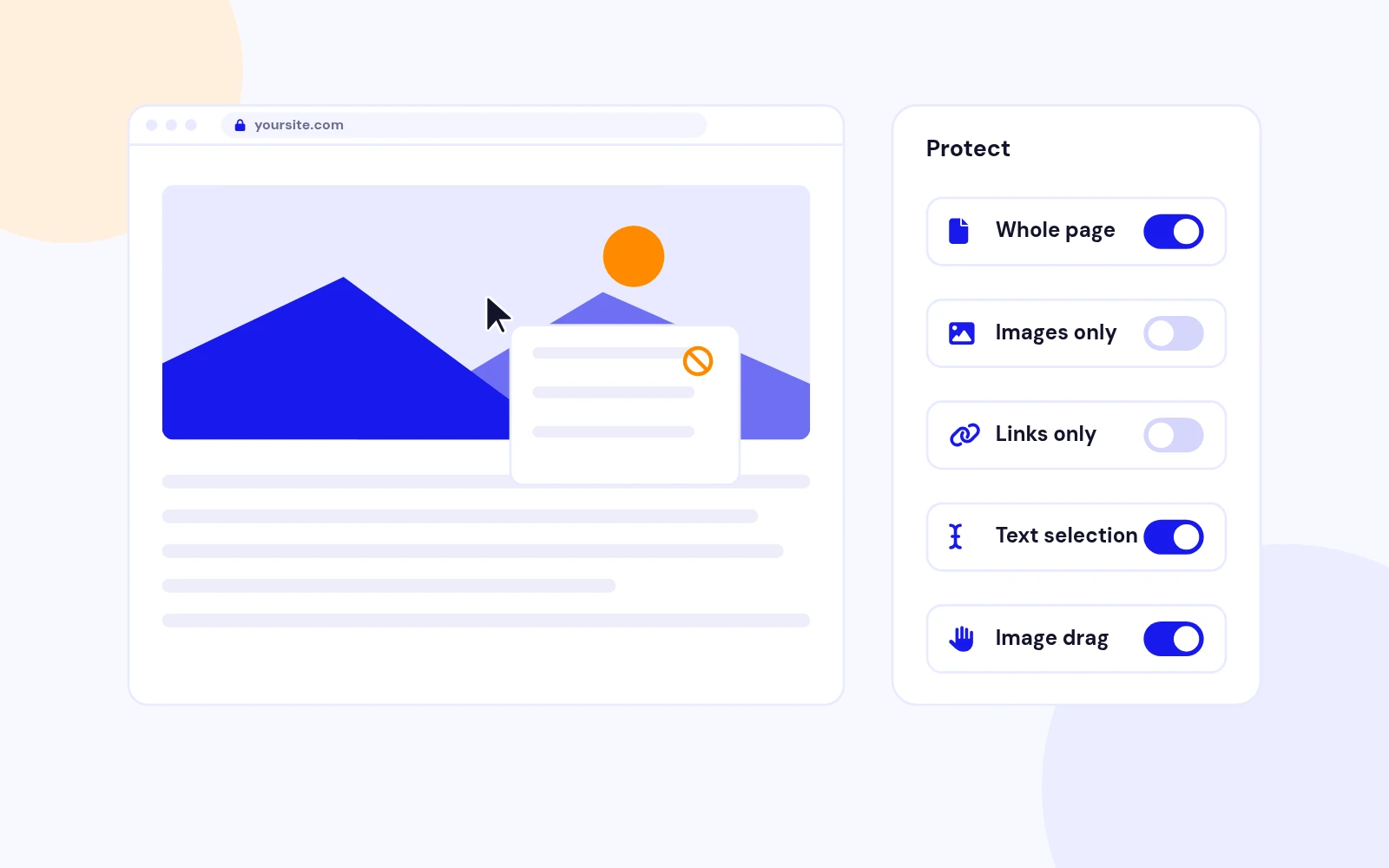
Stop Casual Copying
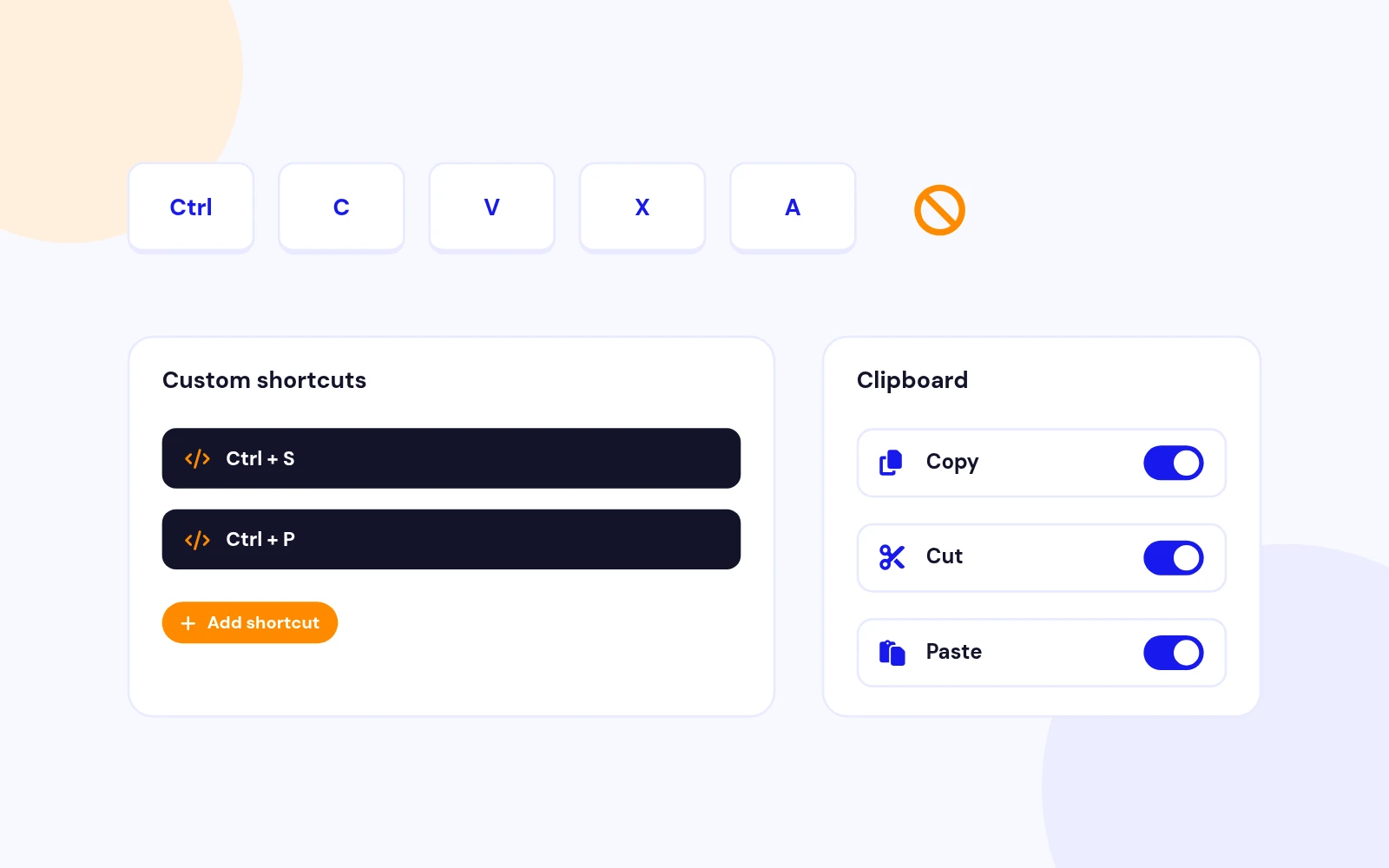
Clipboard Control
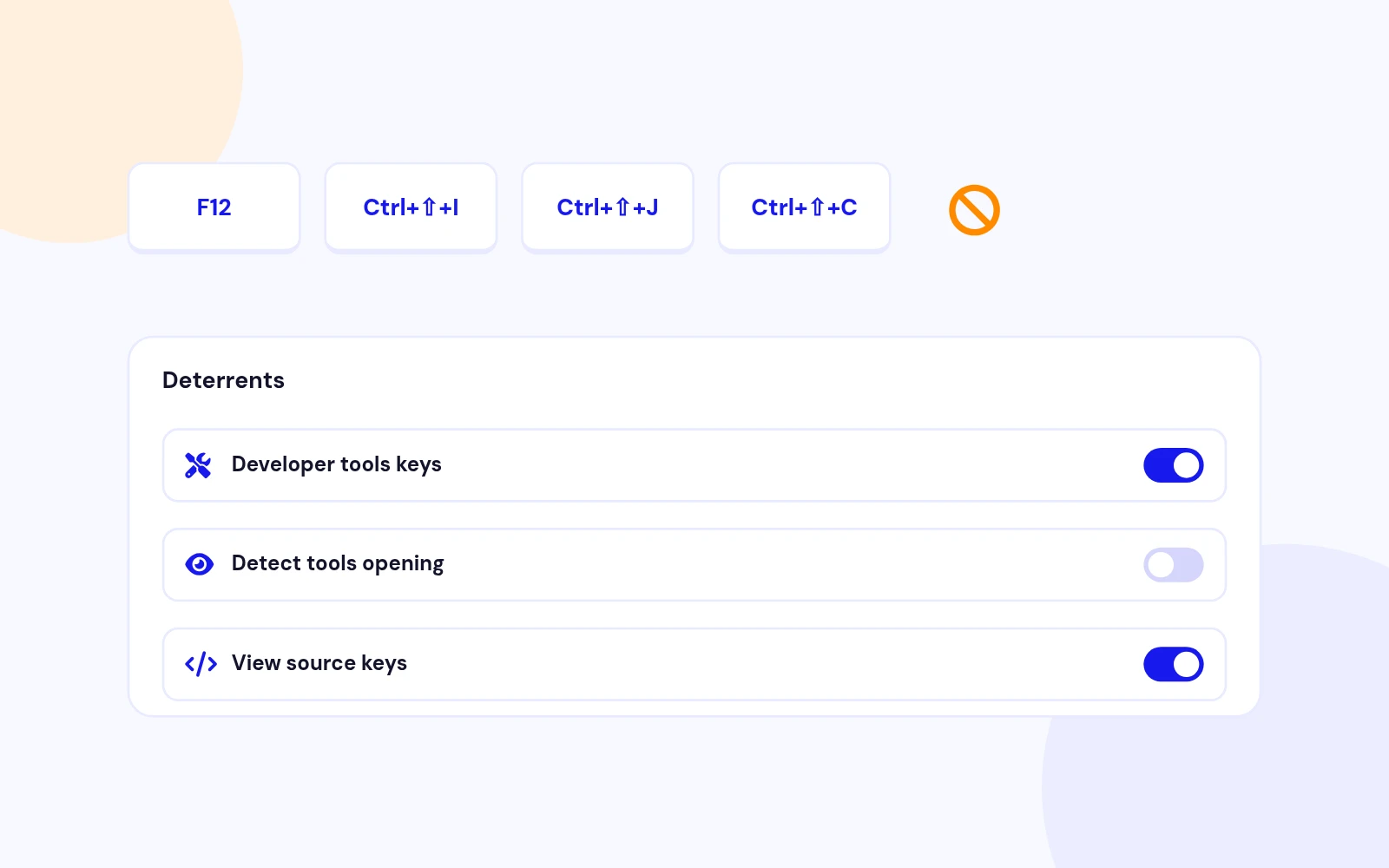
Extra Deterrents
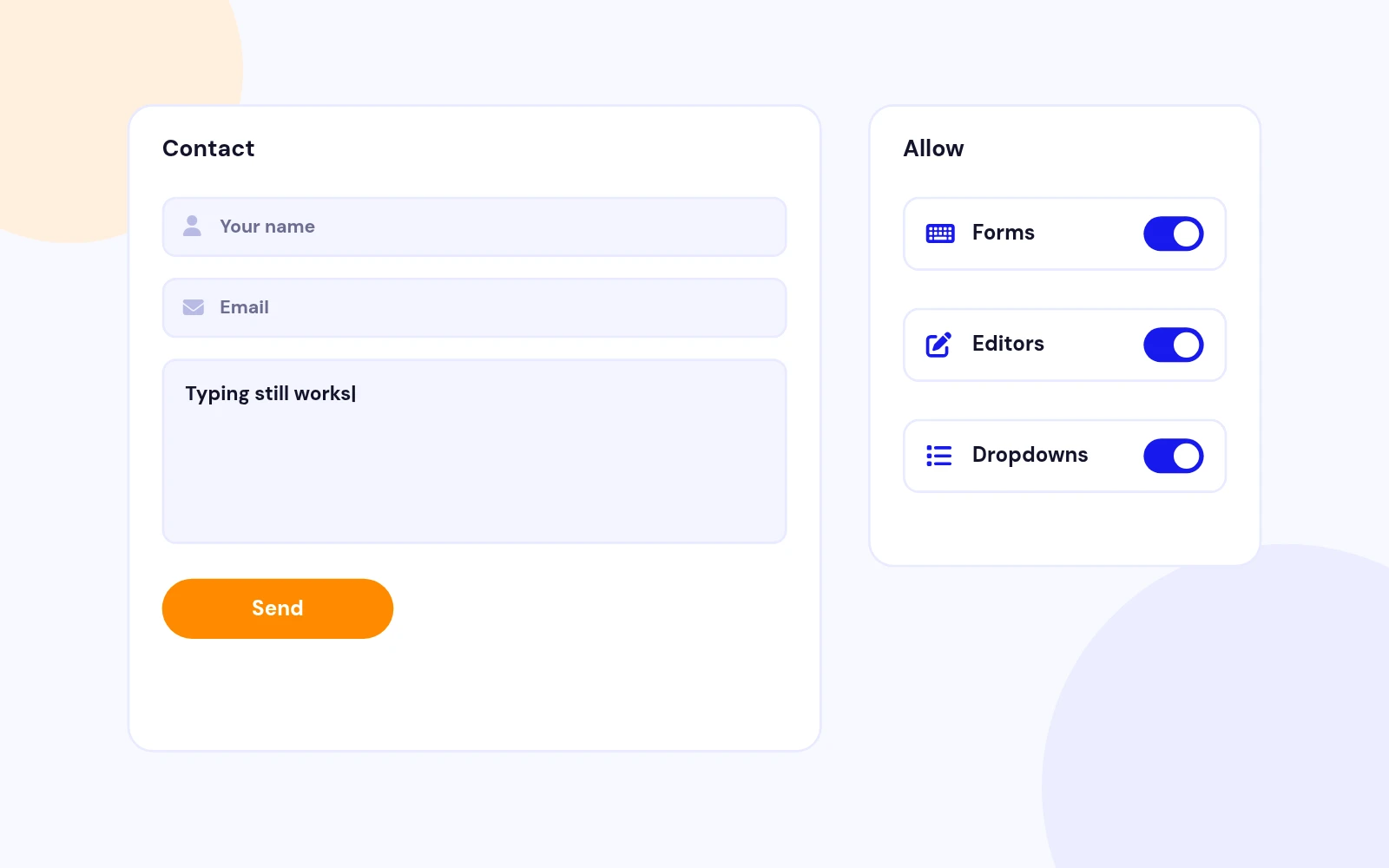
Safe by Default
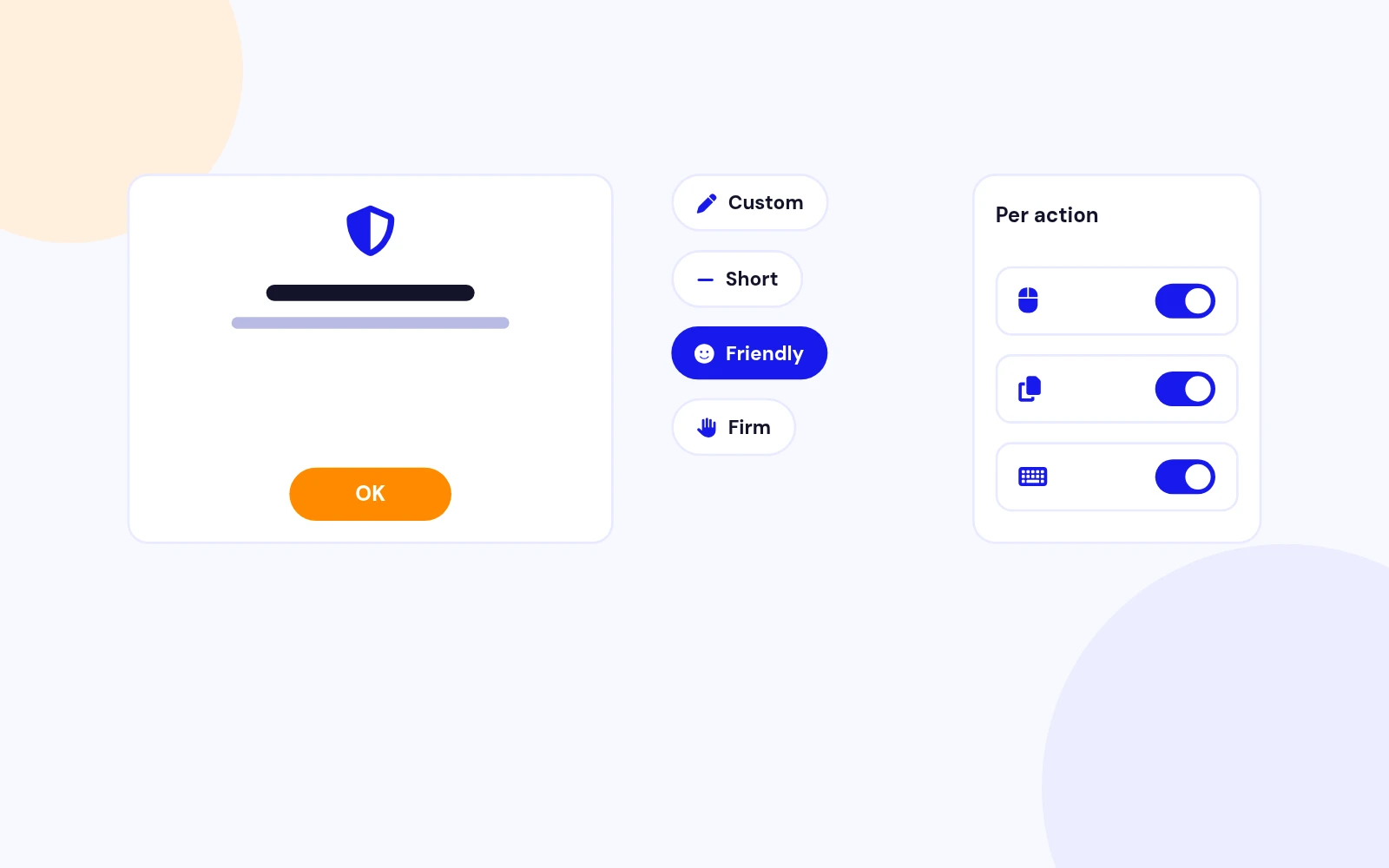
Clear Messages
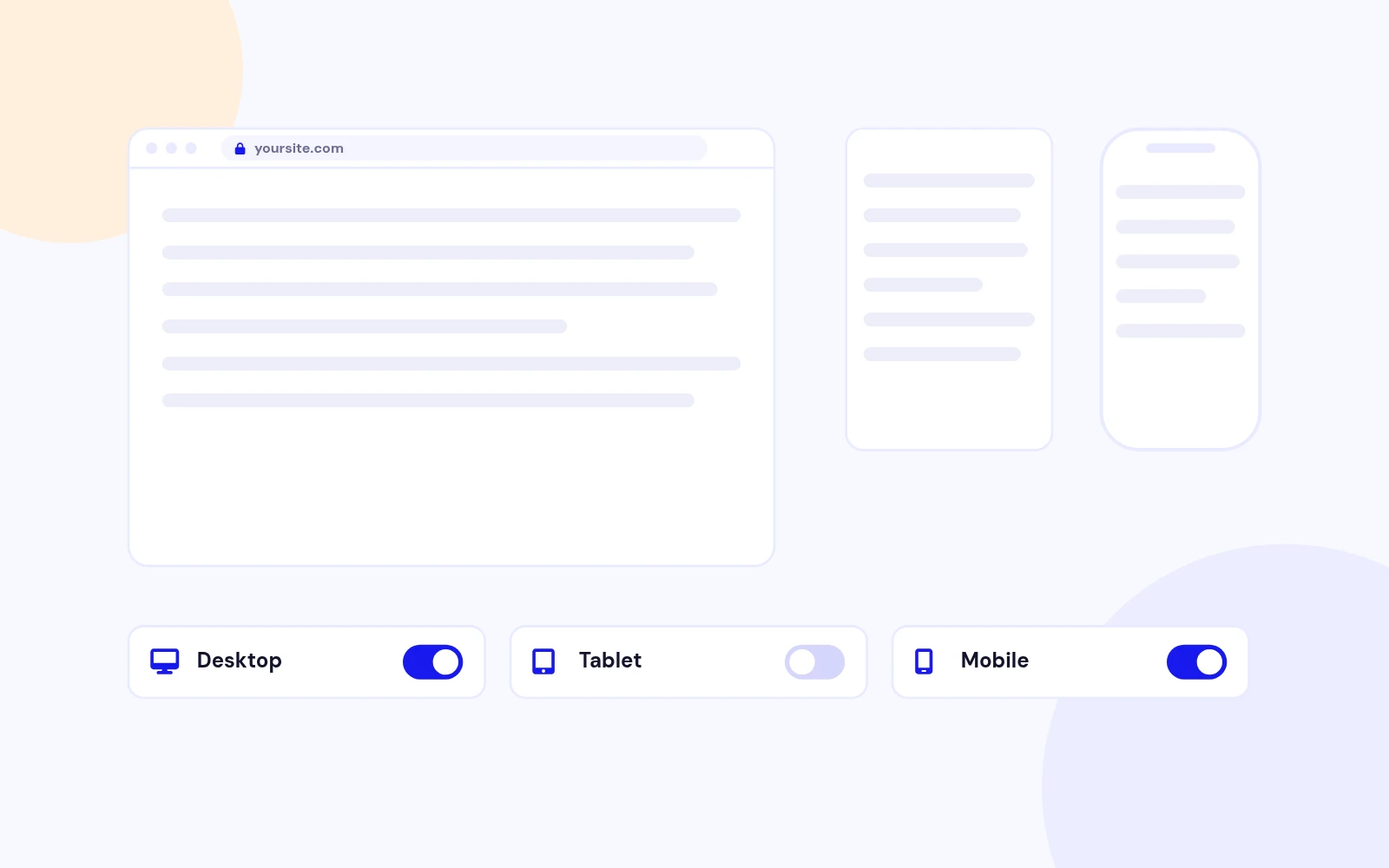
Per-Device Rules
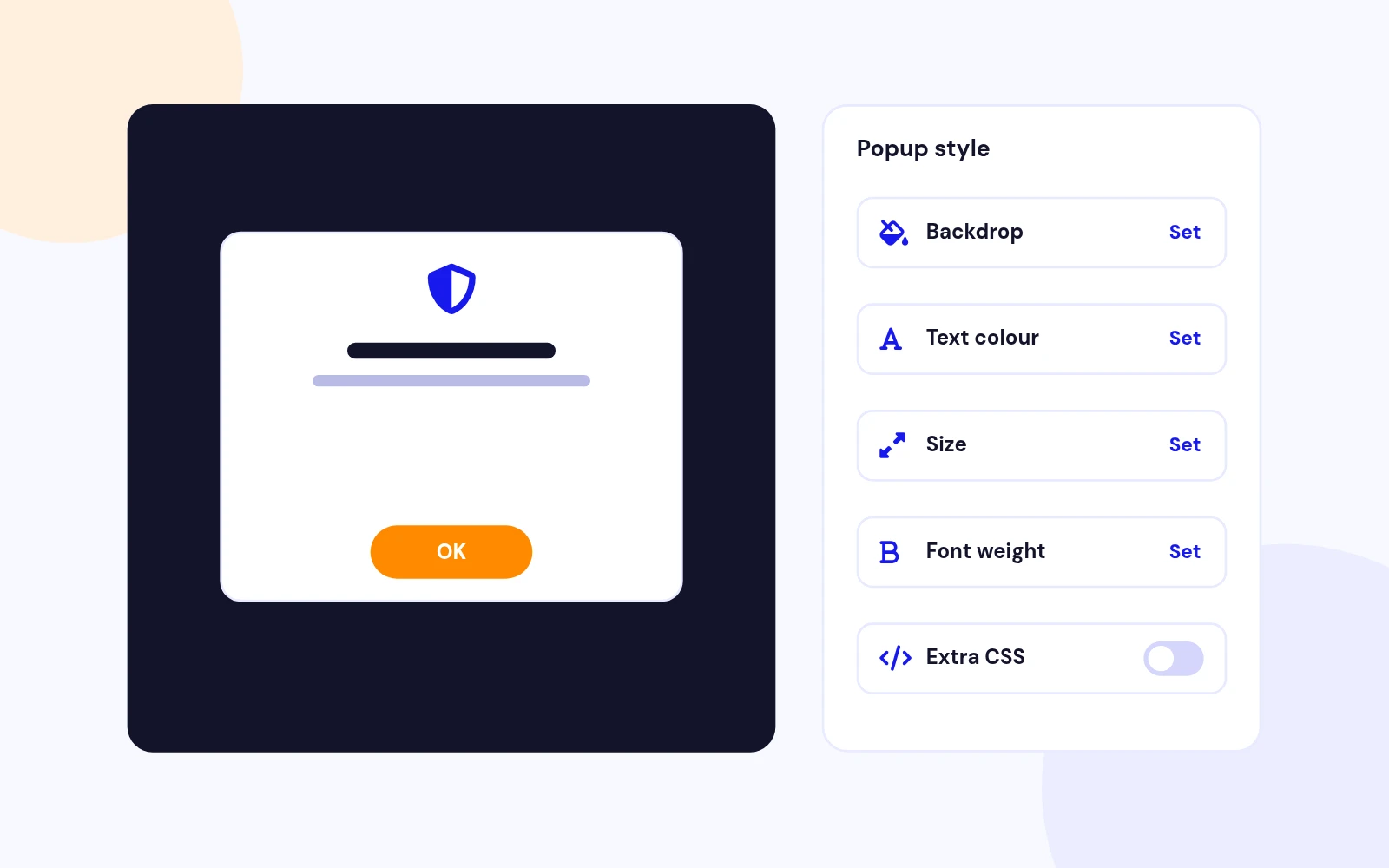
On-Brand
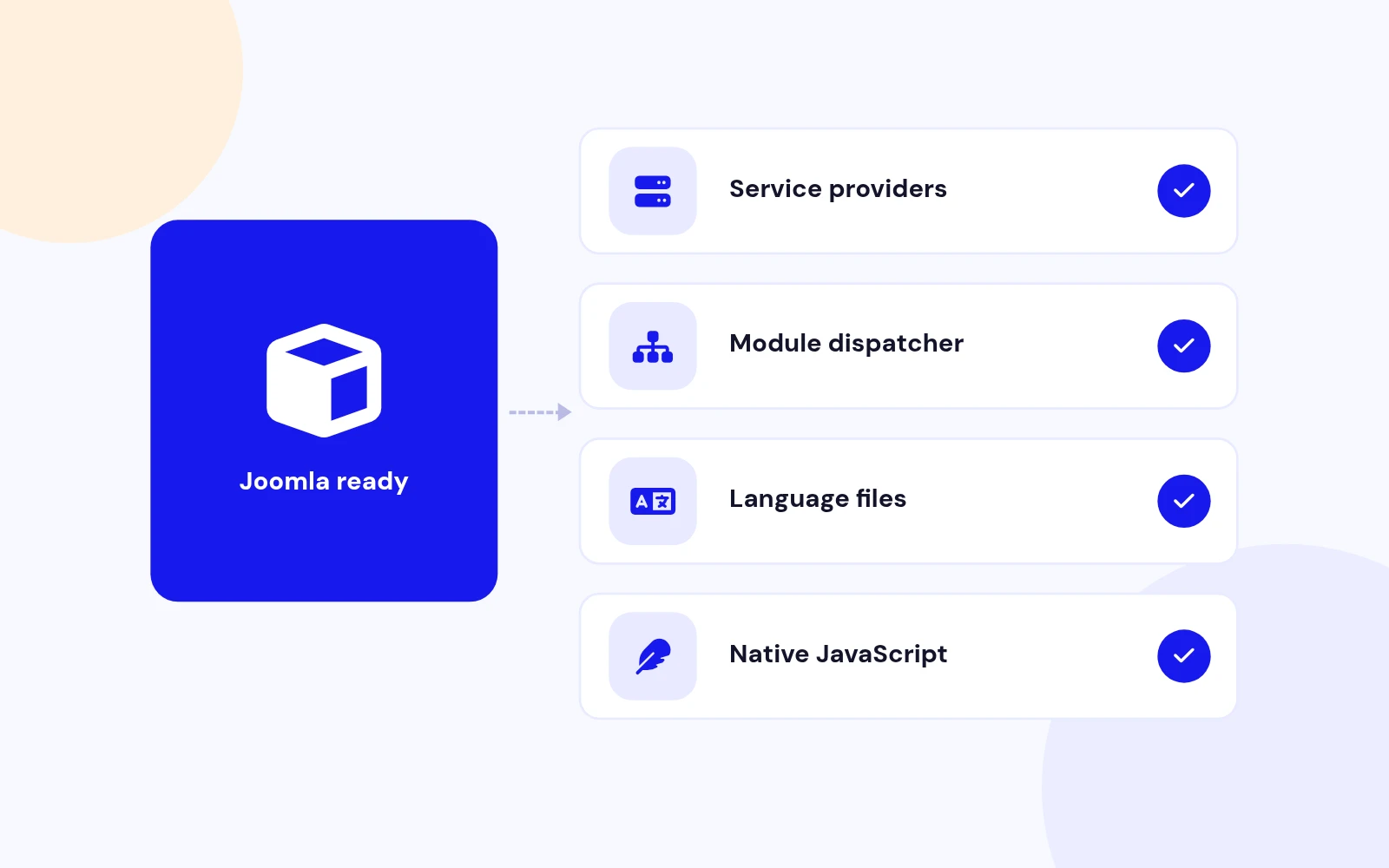
Future-Proof
Changelog
13 releases since version 1.3. Updates install from the Joomla admin with a valid licence.
Docs & setup
Written guides for installing and configuring Right Click Disable, from first setup to the options that matter.
Pricing
Save more as you scale — longer access means a bigger discount.
30-day money-back guarantee
30-day money-back guarantee
30-day money-back guarantee
30-day money-back guarantee
Why buy here
All-access bundle
Get all 126 extensions, new releases, ongoing updates and full-time support. Bought one by one, a year of updates for every extension costs over $4,700.
Ideal for small projects and personal sites
$249/ 6 months
Save 91% · $2,900+ value
30-day money-back guarantee
Best for growing businesses and web agencies
$349/ 1 year
Save 92% · $4,700+ value
30-day money-back guarantee
For professional developers and multi-client agencies
$749/ one-time
Pay once · keep forever
30-day money-back guarantee
FAQ
Still unsure? Our support team is one ticket away.
Yes. Install and use only the system plugin for site-wide rules, or only the module for selected pages. Neither requires the other.
You should not target the same page with both. When both configurations are present, the frontend prefers the plugin, and the module admin shows a conflict warning.
No. These are browser-side deterrents. Visitors can still access content through browser features, cached resources, screenshots, assistive tools, or direct network requests. Do not use it to protect secrets or licensed source files.
Right Click Disable 2.5 supports Joomla 4, Joomla 5, and Joomla 6. It uses the modern service-provider architecture for both the system plugin and the site module. PHP 8.1 or later is recommended.
Use Joomla's native Access field. Create an access level that contains only the groups that should receive the module (for example Guest only), then assign that level to the module.
Yes. Version 2.5 uses document-level delegated listeners for right-click and image dragging, so newly added images and links are covered without rebinding.
Allow Forms and Editors is enabled by default. Inputs, textareas, selects, editable regions, labels, TinyMCE, CodeMirror, and Joomla editor containers stay usable. Turn it off only when those exceptions are not required.
Choose Popup, Toast, Alert (native browser dialog), or None for silent prevention. Toast supports position, duration, colours, accent, and maximum width.
Yes. Enable action-specific messages and provide separate text for right-click, keyboard, developer-tools, and screenshot signals. Empty fields fall back to the main message or selected preset.
Yes. Version 2.5 blocks clipboard copy, cut, and paste events in addition to common keyboard shortcuts, while still allowing those actions inside excepted form and editor controls.
Install the install package (the .zip inside your download) for both extensions. Standalone zips are also available for the module or the plugin alone.
Visit support.joomlax.com. Include the Joomla and PHP versions, whether you use the plugin or module, page URL, and any browser-console errors.
More like this


Plugin + Component
Code Highlighter Plugin for Joomla
v2.2.1 3,537 downloads
From $9


Plugin
Plugin to Include Javascript or CSS files to Joomla
v2.1.1 10,538 downloads
Free


Module
Show Joomla Modules and Articles Randomly in a Position
v1.5.1 3,128 downloads
From $19


Plugin
Joomla plugin for typewriter text effect with adjustable speed and cursor.
v1.4.1 4,412 downloads
From $9

Plugin
Displays reading time and progress bar for Joomla articles.
v1.8.1 3,472 downloads
From $19