

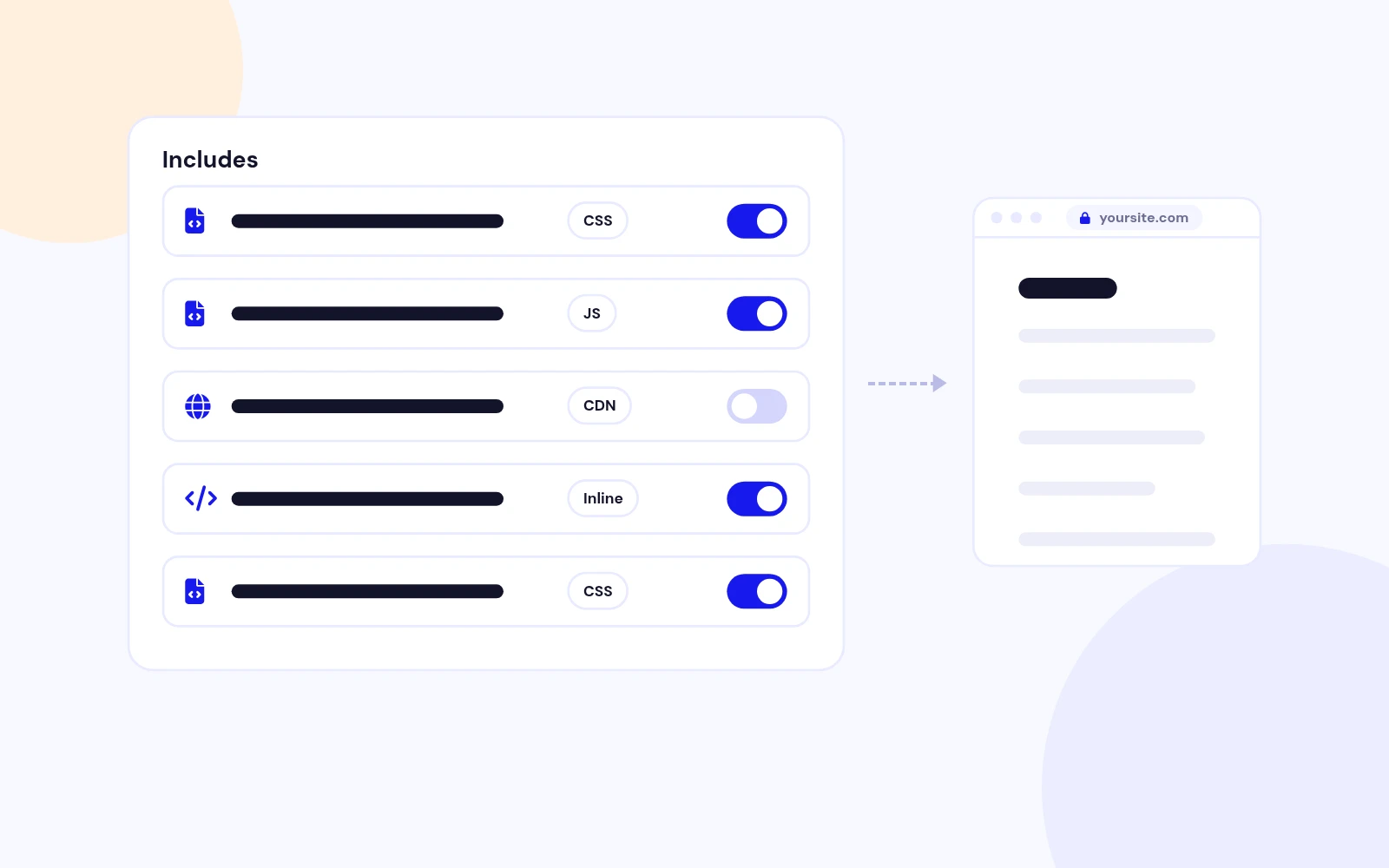
No Template Edits
Add CSS and JavaScript the Easy Way
- Add files, CDN links or trusted inline code from the plugin settings. Switch any item on or off without deleting it.
Plugin to Include Javascript or CSS files to Joomla

Features
Eight feature areas, one install package for Joomla 4, 5 and 6.
No Template Edits
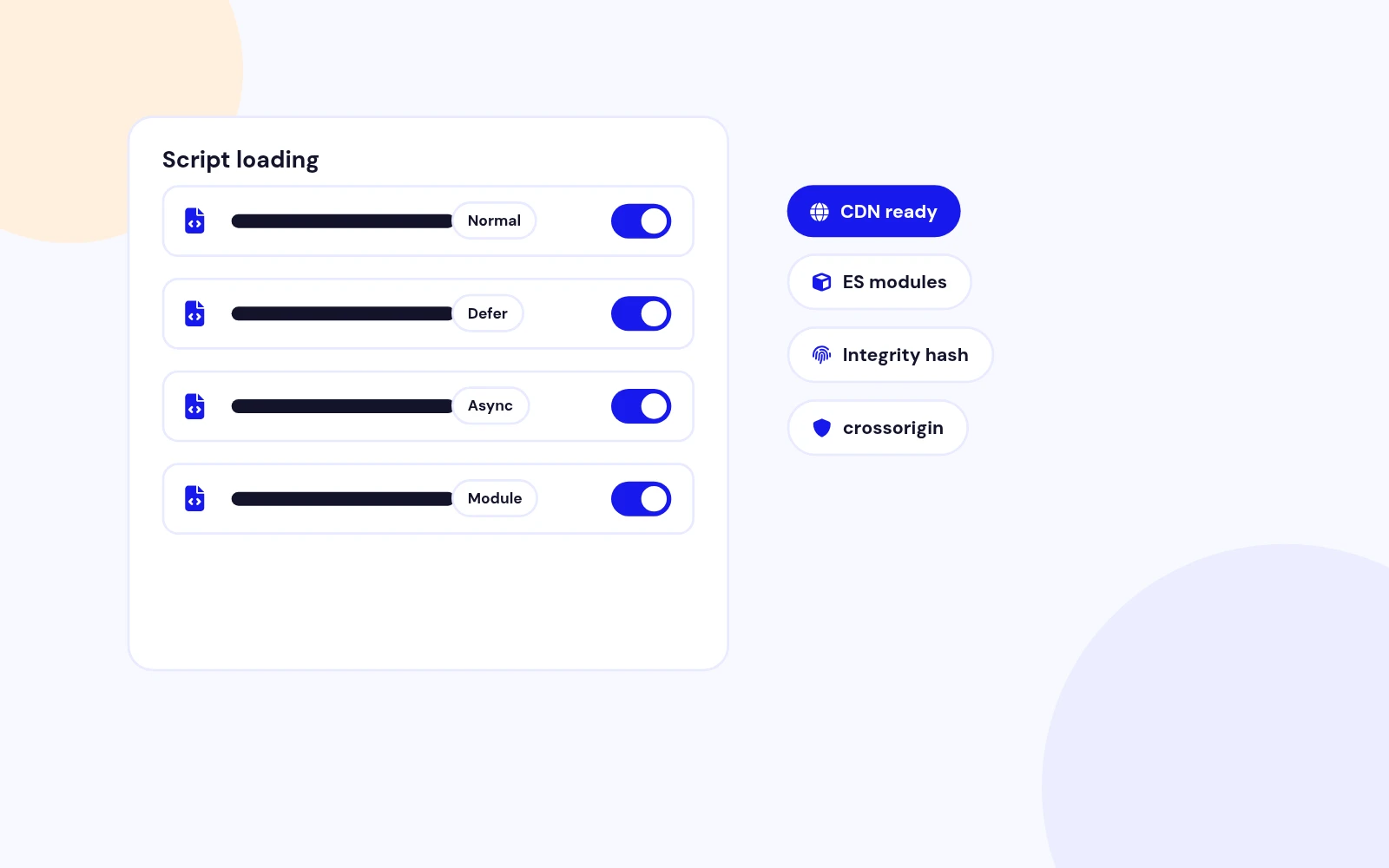
Modern Loading
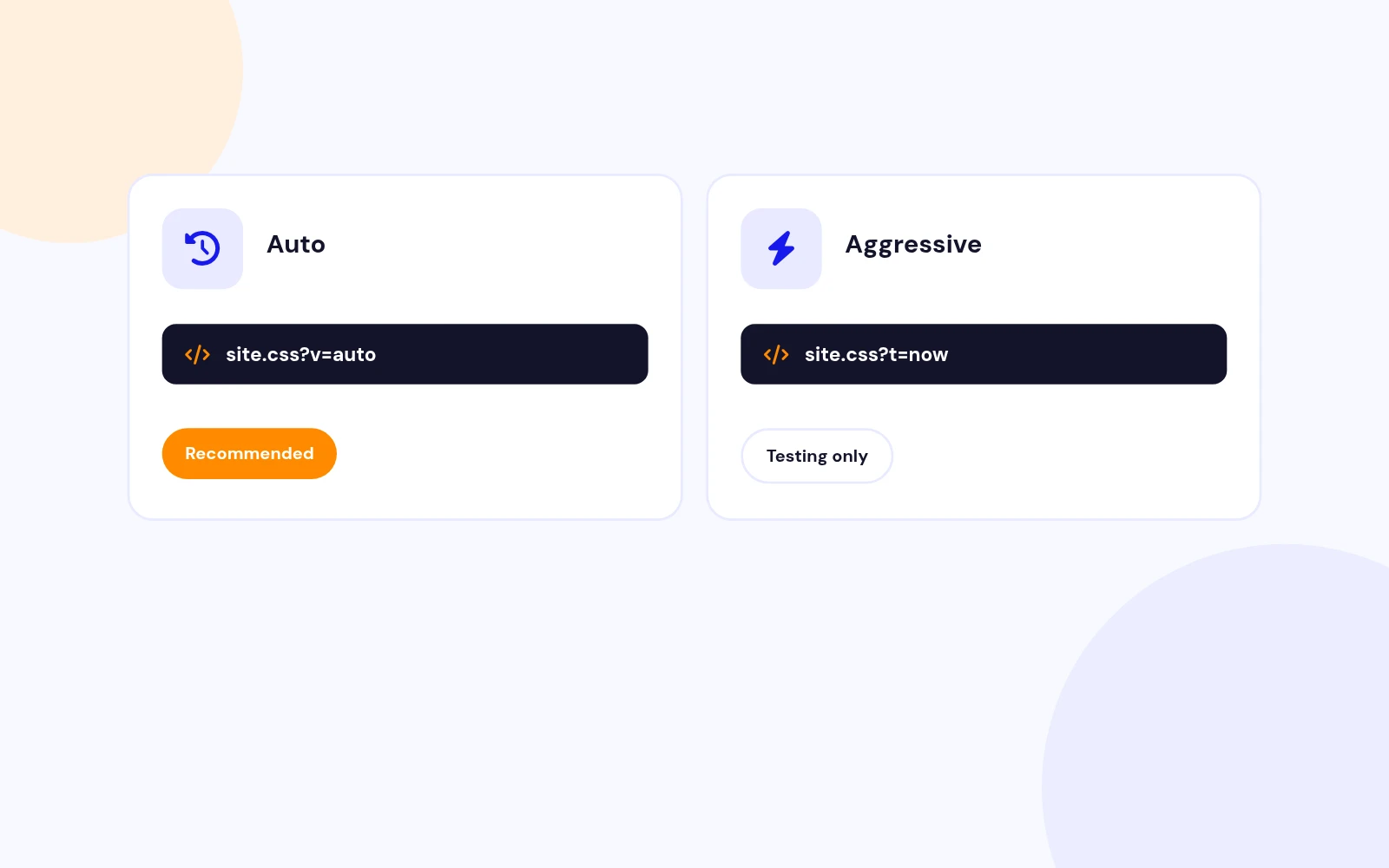
Fresh Files
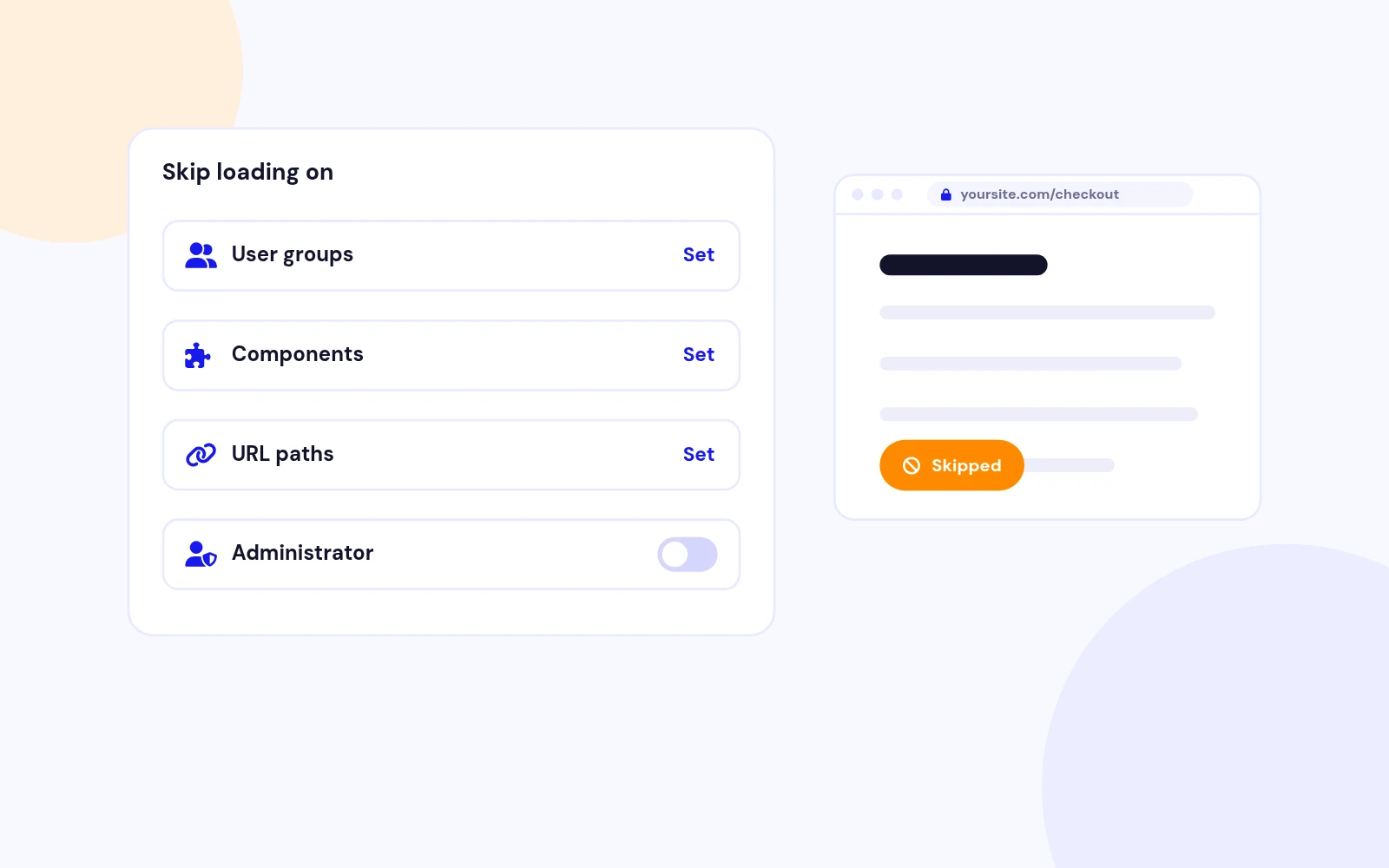
Smart Exclusions
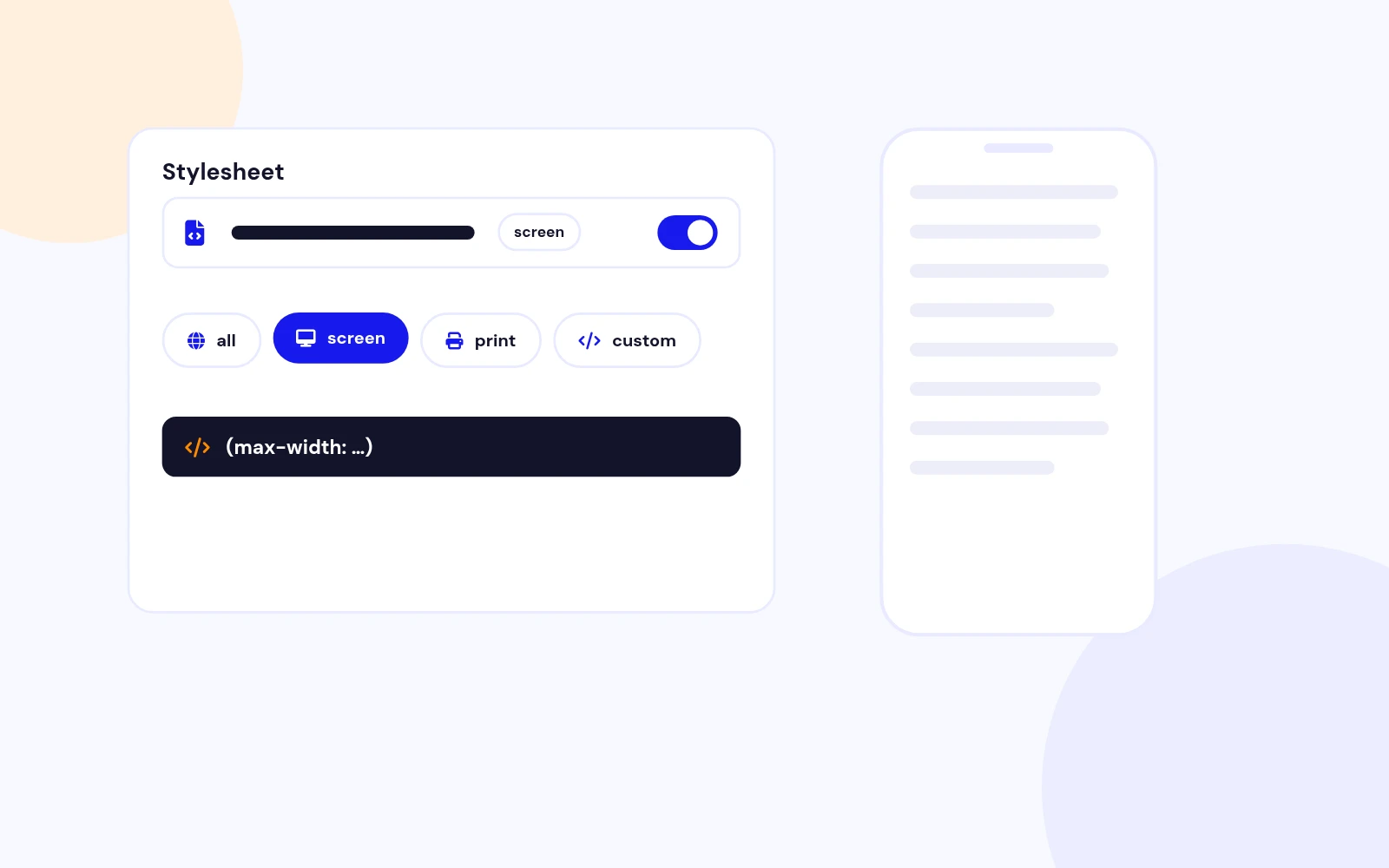
Media Targeting

Safe and Clear
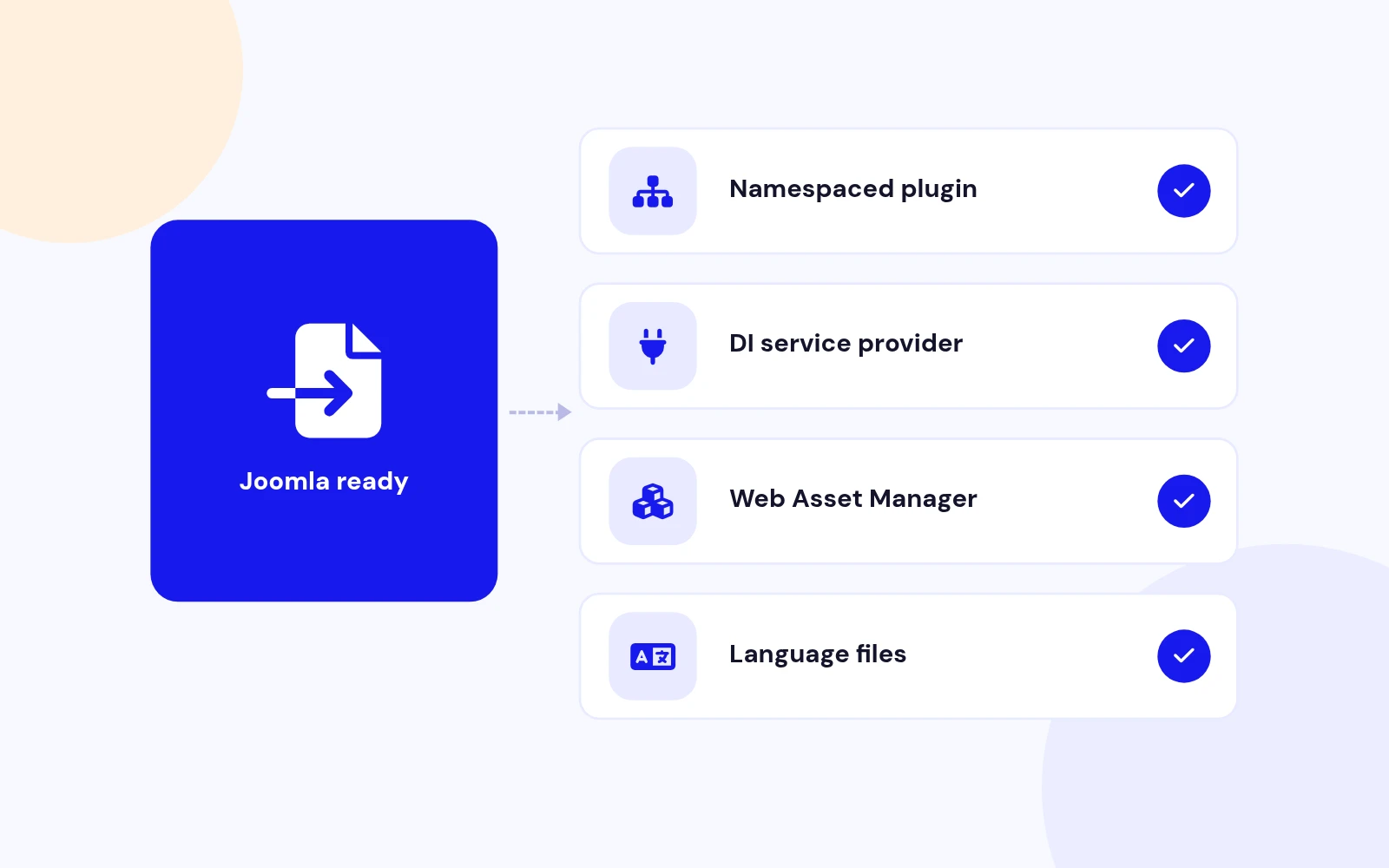
Future-Proof
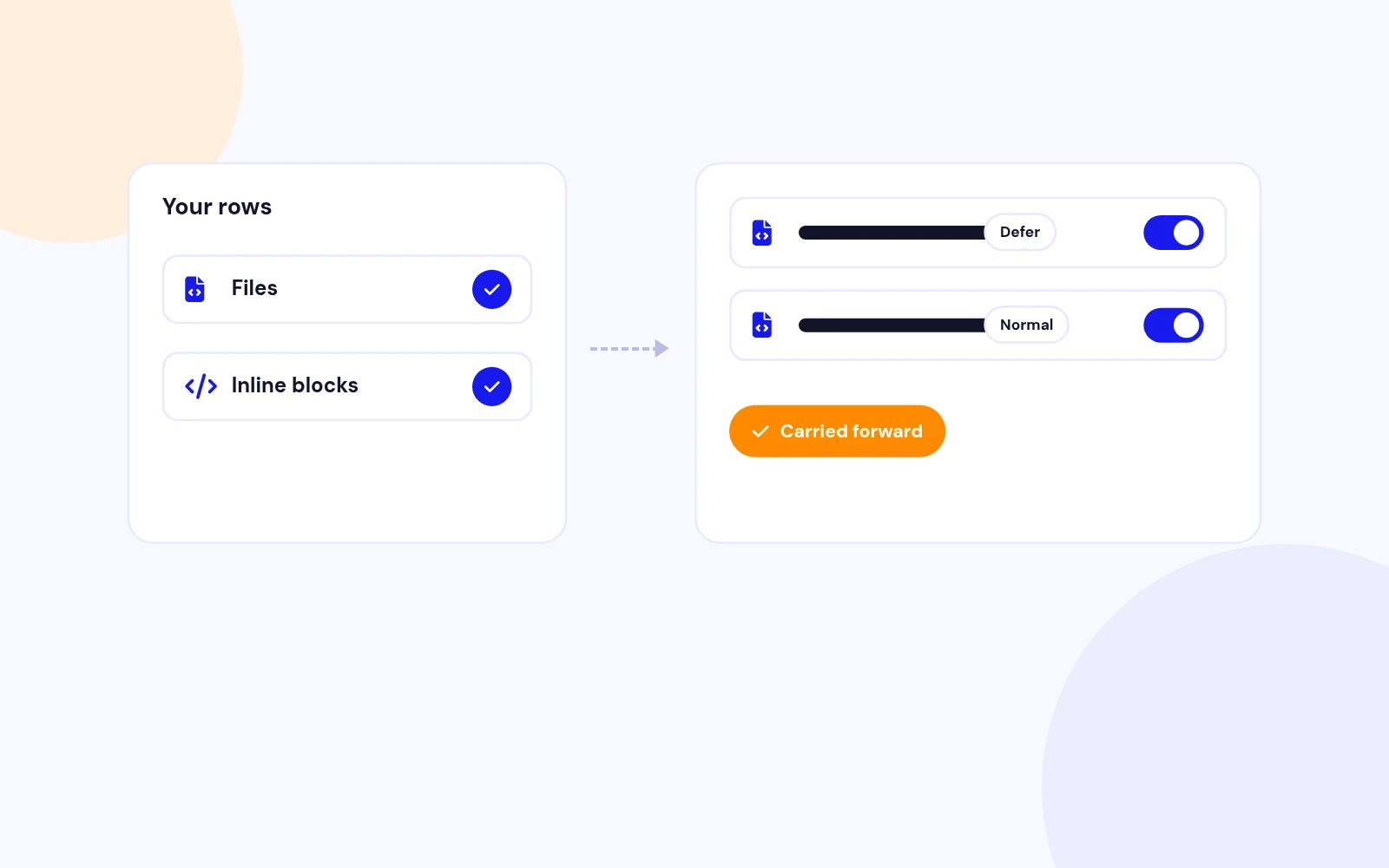
Upgrade Safe
Changelog
7 releases since version 1.1. Updates install from the Joomla admin with a valid licence.
Docs & setup
Written guides for installing and configuring Easy Includes, from first setup to the options that matter.
Why buy here
All-access bundle
Get all 126 extensions, new releases, ongoing updates and full-time support. Bought one by one, a year of updates for every extension costs over $4,700.
Ideal for small projects and personal sites
$249/ 6 months
Save 91% · $2,900+ value
30-day money-back guarantee
Best for growing businesses and web agencies
$349/ 1 year
Save 92% · $4,700+ value
30-day money-back guarantee
For professional developers and multi-client agencies
$749/ one-time
Pay once · keep forever
30-day money-back guarantee
FAQ
Still unsure? Our support team is one ticket away.
Easy Includes 2.0 supports Joomla 4, Joomla 5, and Joomla 6. PHP 8.1 or later is recommended.
No. Add CSS and JavaScript from System - Easy Includes. The plugin registers assets through Joomla Web Asset Manager.
Use a site-relative path such as templates/cassiopeia/css/custom.css, or a full https:// CDN URL. Do not use .. path segments.
Defer downloads the script and runs it after HTML parsing. Async downloads in parallel and runs as soon as it is ready, which may change order relative to other scripts.
Use Off for stable production URLs, Auto after editing local files, and Aggressive only while testing because it changes the URL on every request.
Yes. Use Exclusions for user groups, component names such as com_content, or URL path fragments such as /checkout.
Not by default. Turn on Enable in Administrator only if you intentionally want the same assets in the admin area.
Inline JavaScript is trusted administrator input and is not HTML-filtered. Only trusted admins should add it. Inline CSS rejects a few obvious dangerous patterns.
File and inline rows are kept. Open the plugin, review Script Loading and Advanced options, then save. Old Body load position values map to Defer.
Visit support.joomlax.com. Include your Joomla and PHP versions, plugin settings, page URL, and any log messages when Debug Logging is enabled.
More like this

Module + Plugin
Joomla Extension to Disable Right Click on Mouse
v2.6.1 6,022 downloads
From $9


Plugin + Component
Code Highlighter Plugin for Joomla
v2.2.1 3,537 downloads
From $9


Module
Show Joomla Modules and Articles Randomly in a Position
v1.5.1 3,128 downloads
From $19


Plugin
Joomla plugin for typewriter text effect with adjustable speed and cursor.
v1.4.1 4,412 downloads
From $9

Plugin
Displays reading time and progress bar for Joomla articles.
v1.8.1 3,472 downloads
From $19