First-time setup
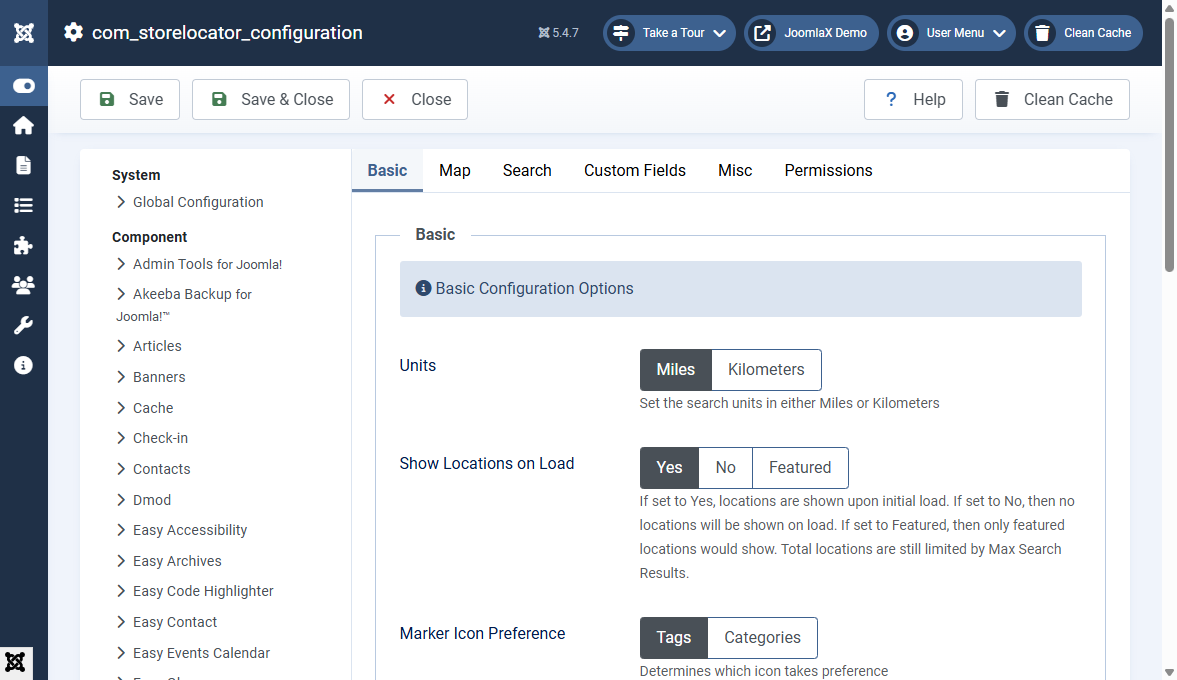
Follow these steps once after install.
- Open Components > Store Locator Pro > Options (or System > Global Configuration > Store Locator Pro).
- On the Map tab, paste your Google Maps API Key.
- Set Units (Miles or Kilometers), map height, cluster method, and default zoom if needed.
- On the Search tab, enable radius / featured / list as you want for the site.
- Save Options.
- Add a few Locations (or Import CSV), Categories, and Tags.
- Menus > New > Store Locator Pro > Map. Choose Responsive or Classic layout.
- Clear cache and open the menu item on the front end.
Tip: start with Show Locations on Load = Yes so the map is not empty while you test.