

Trusted Foundation
Built on Sysgen Store Locator
- A maintained JoomlaX version of the familiar Sysgen Store Locator. Sites on older Sysgen installs can upgrade in place after a backup and a move to Joomla 4.4 or later.
Google Maps store, dealer, and office locator for Joomla.
Features
Ten feature areas, one install package for Joomla 4, 5 and 6.
Trusted Foundation
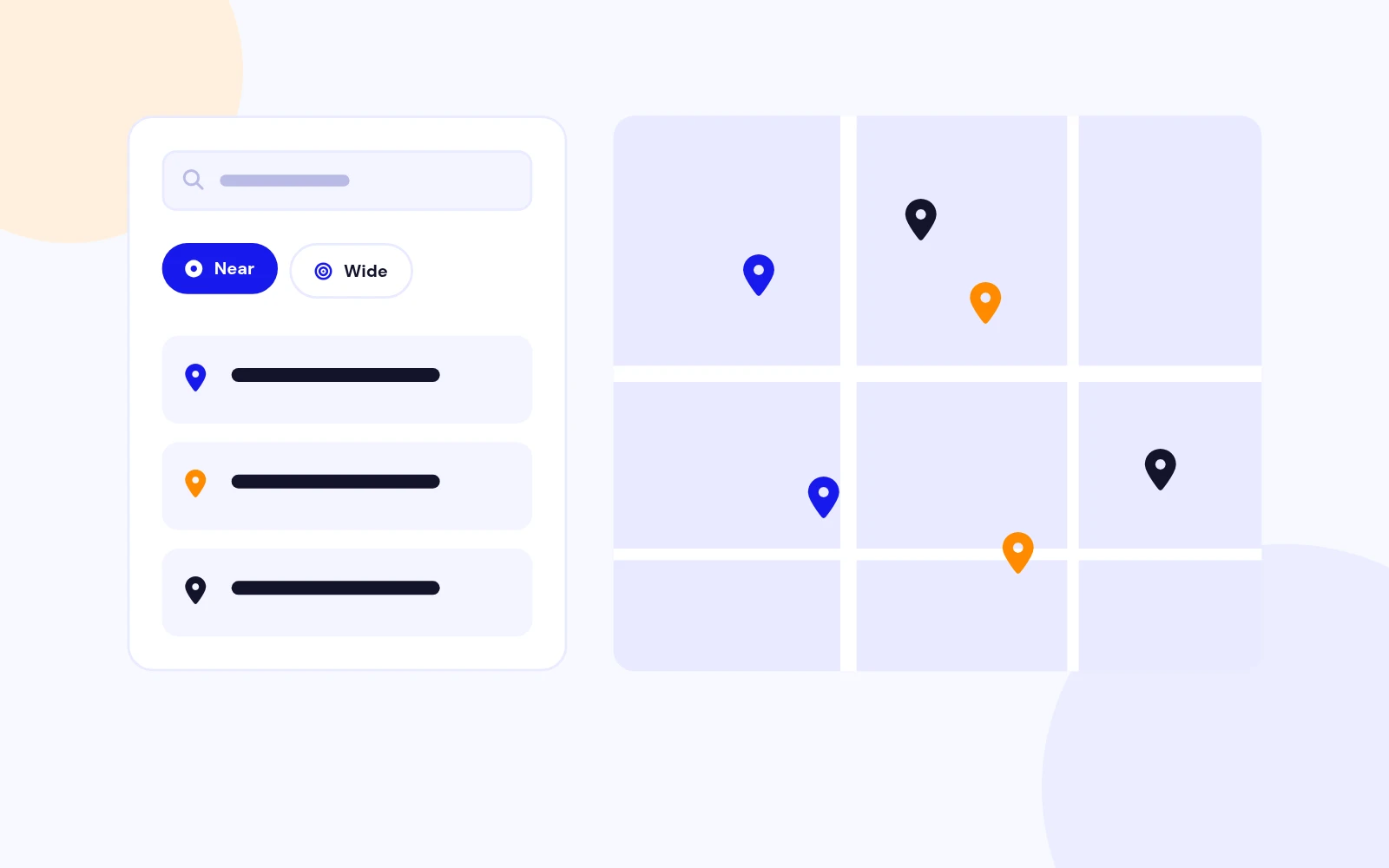
Find Every Branch
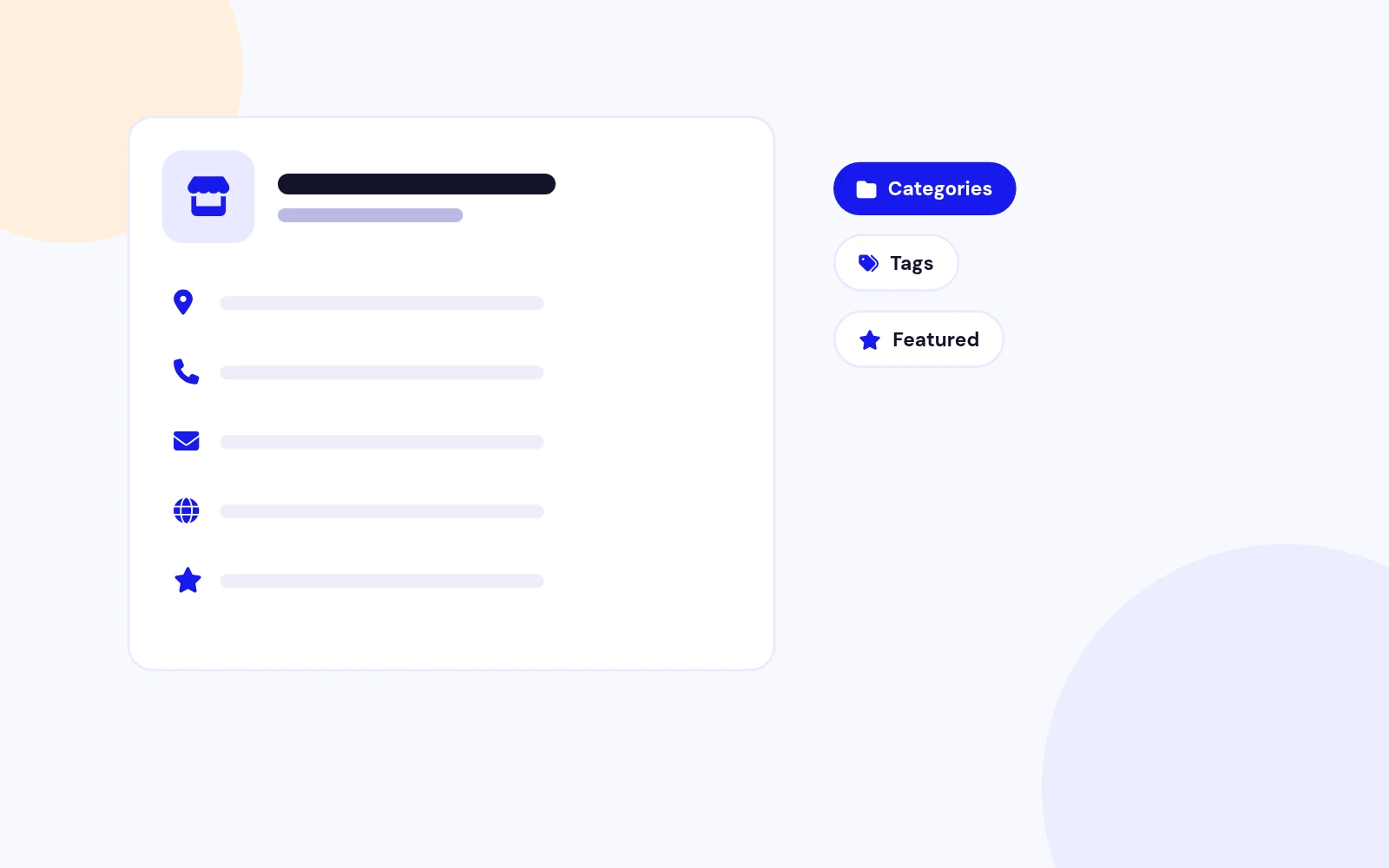
Store Details
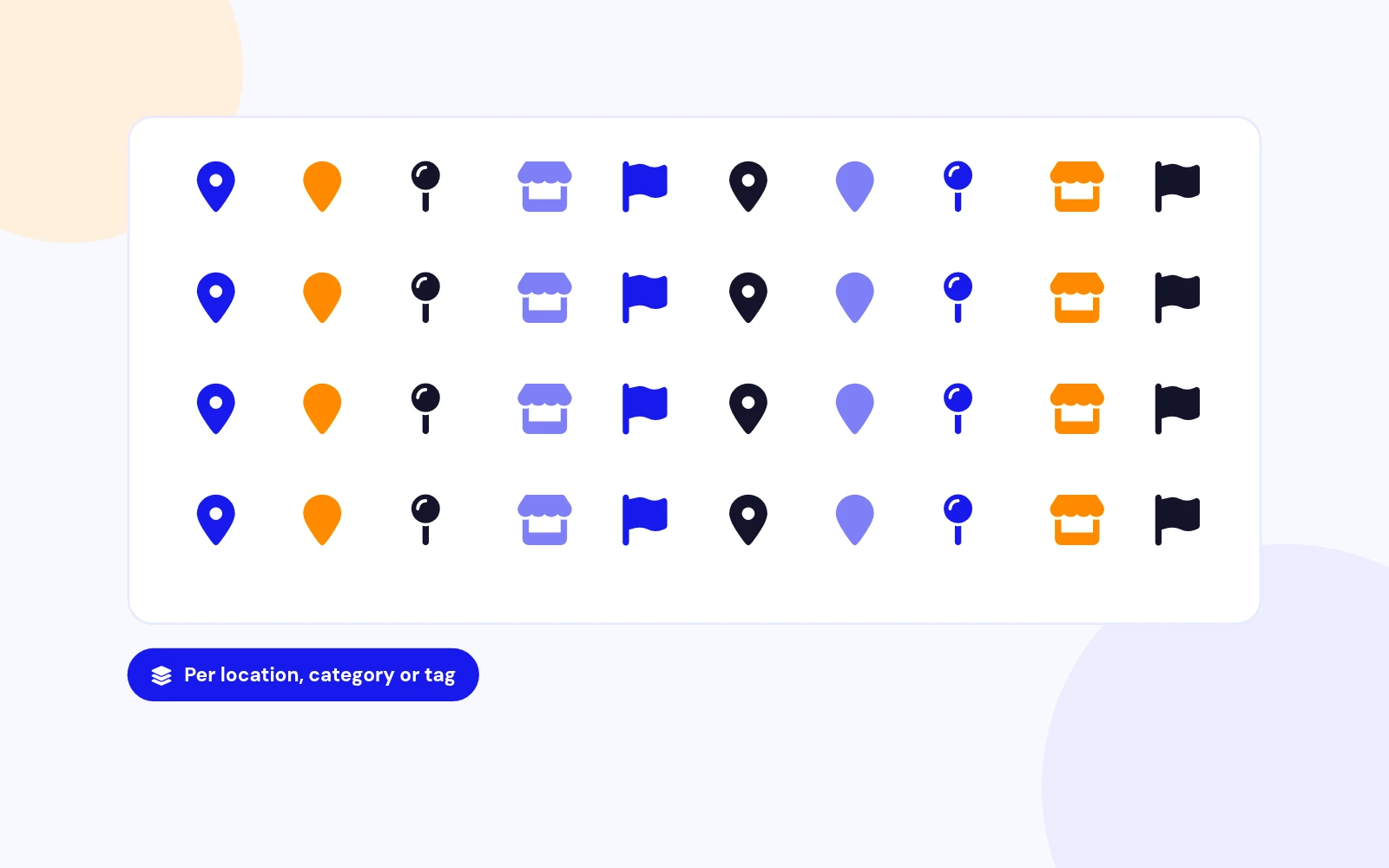
91 Markers
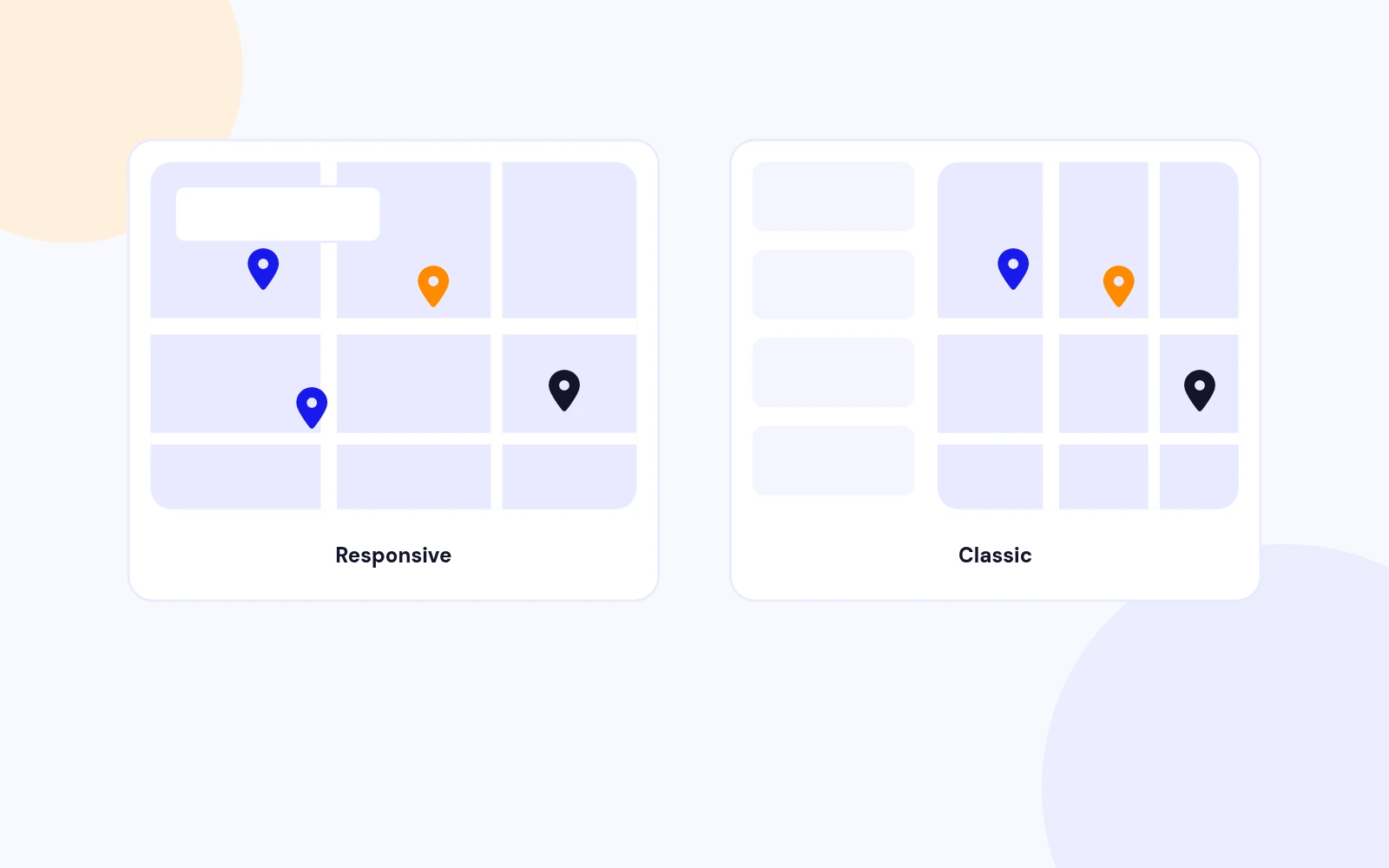
Two Layouts
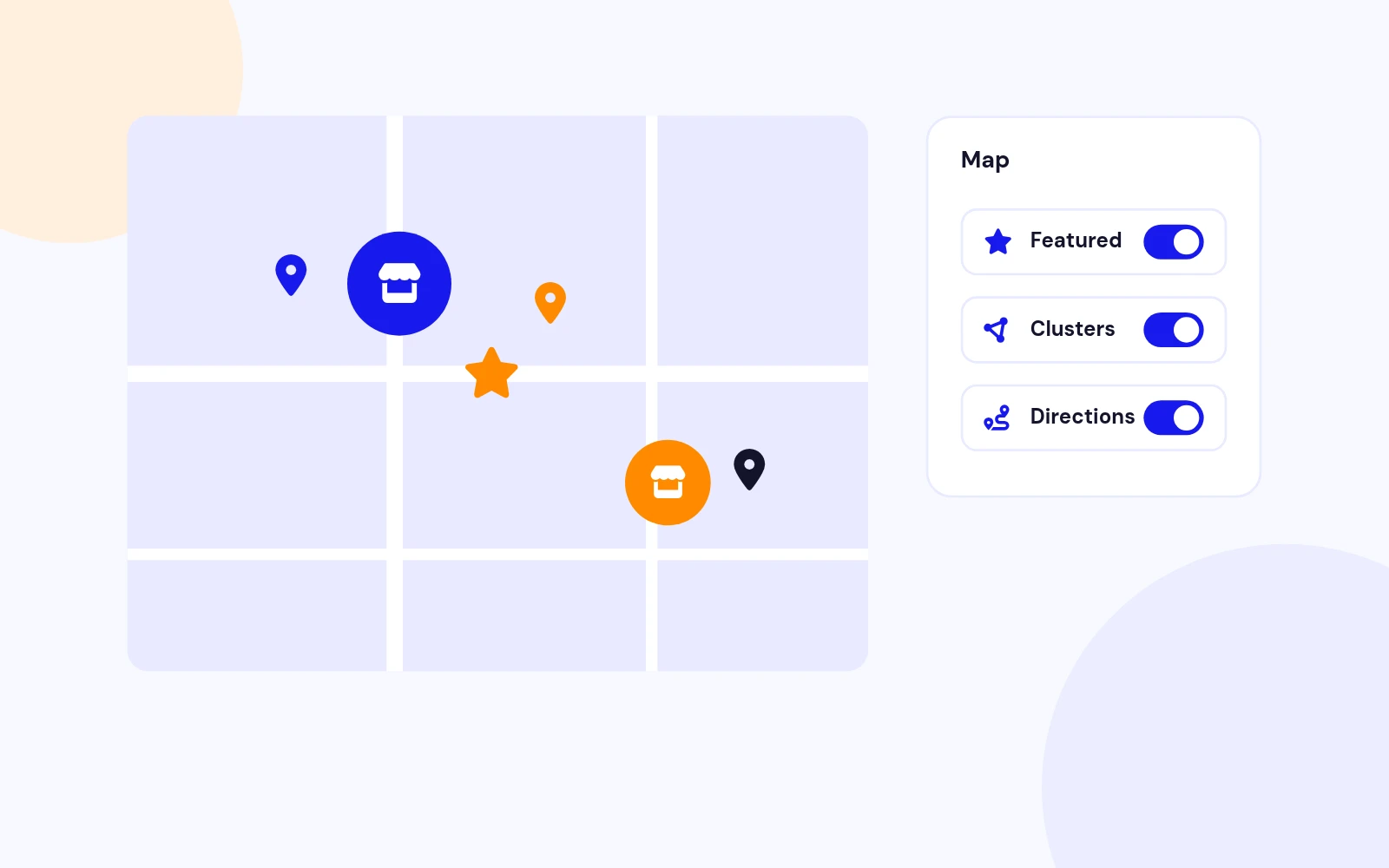
Map Polish
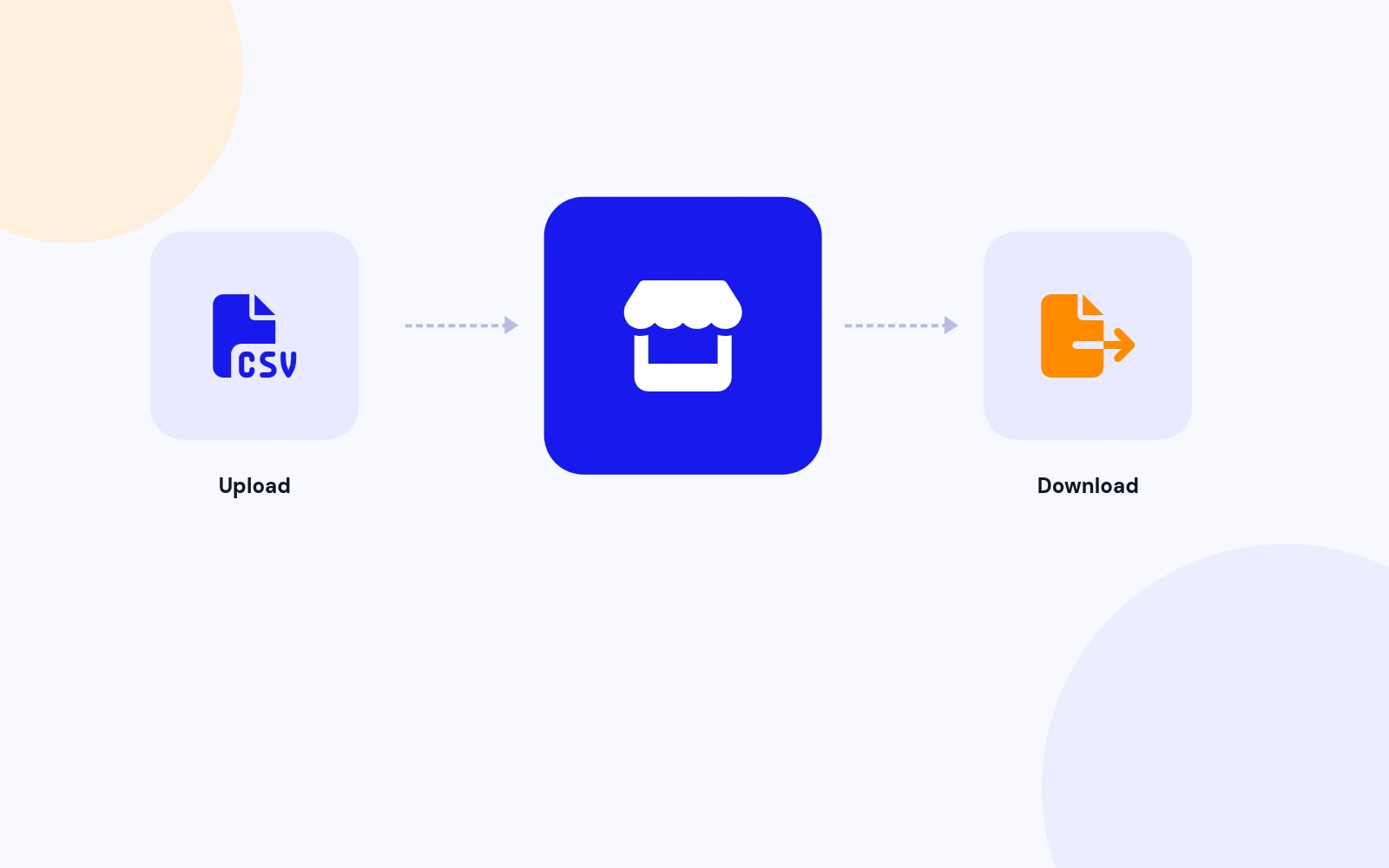
Bulk Import
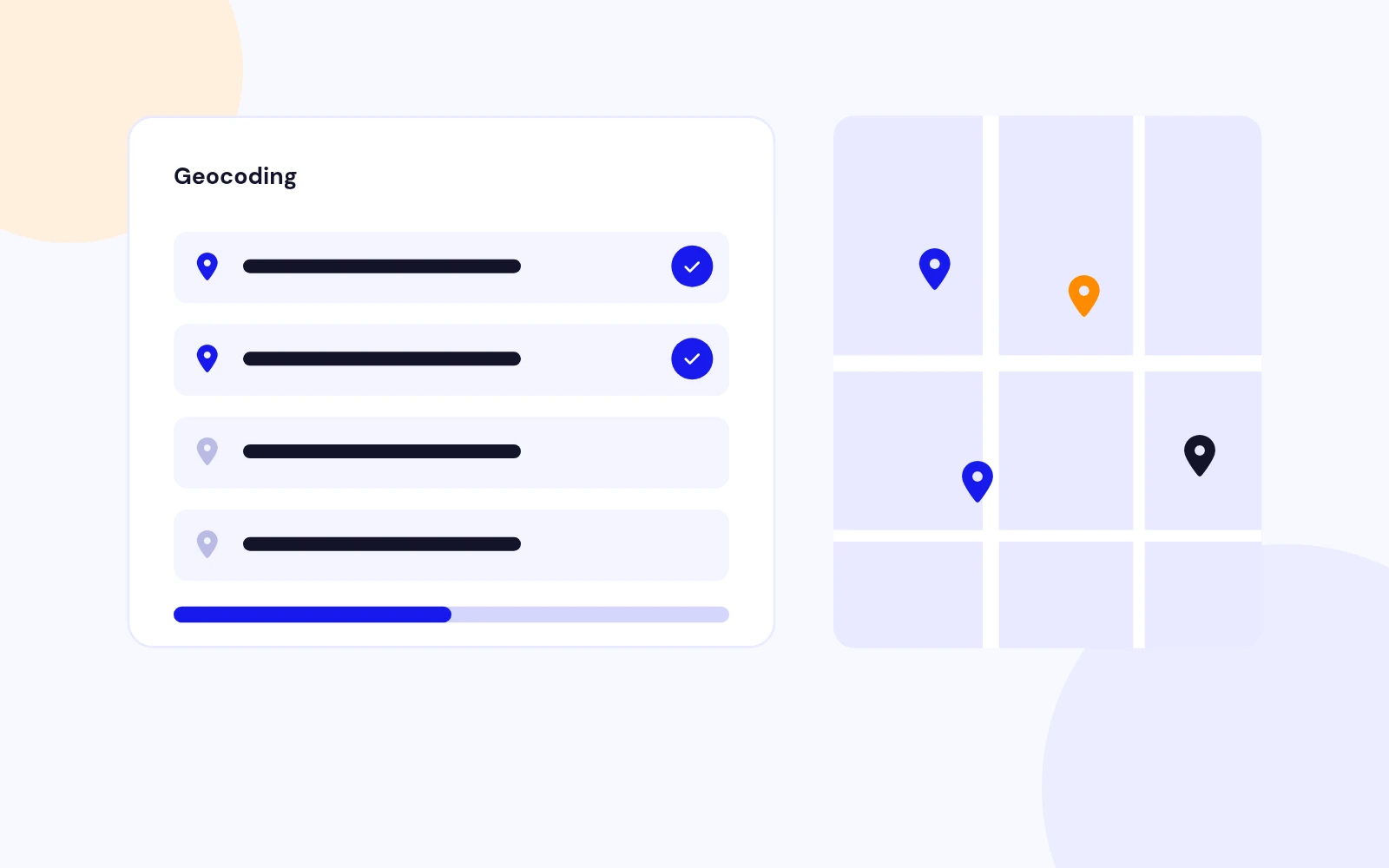
Batch Geocoding
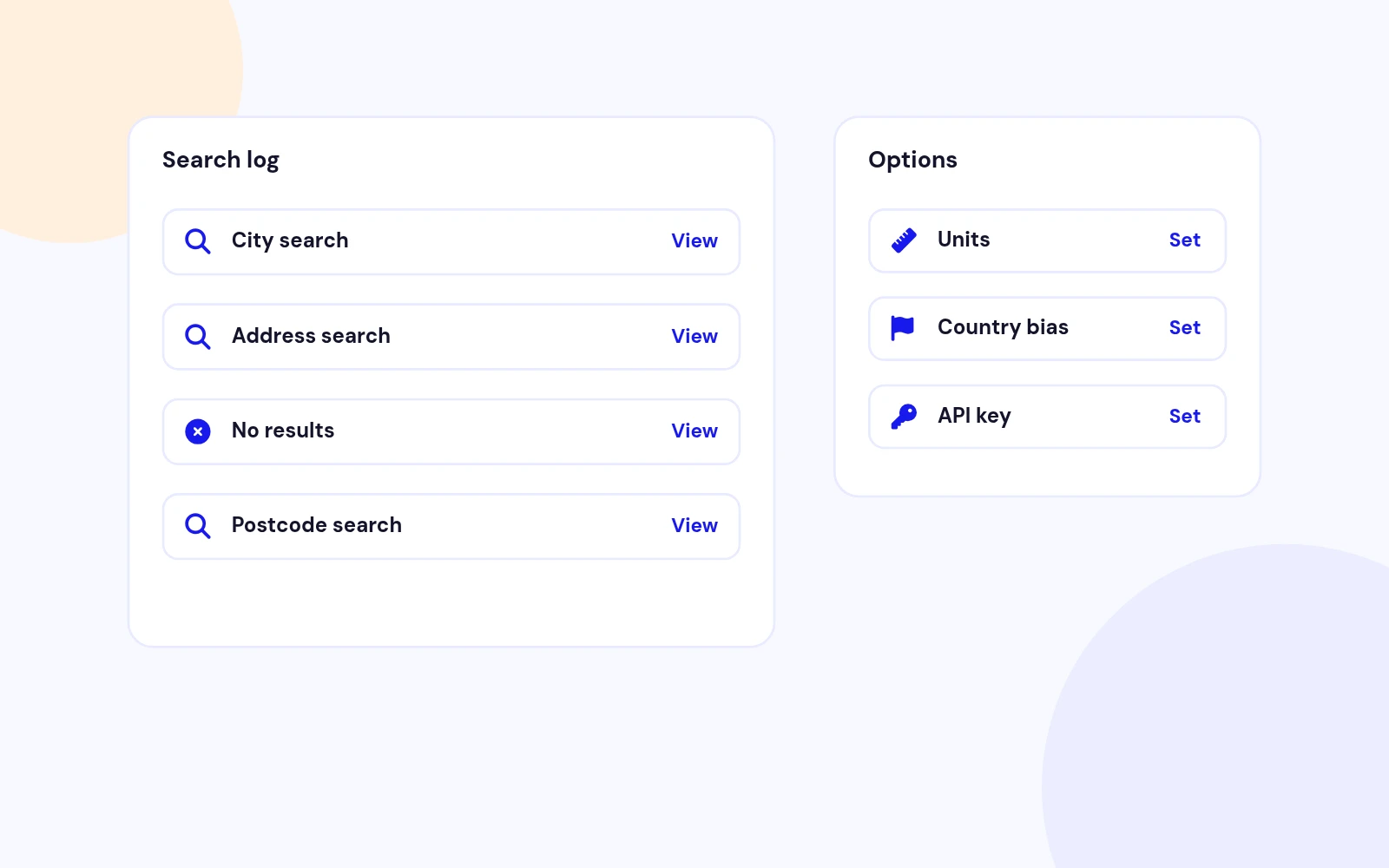
Search Insights
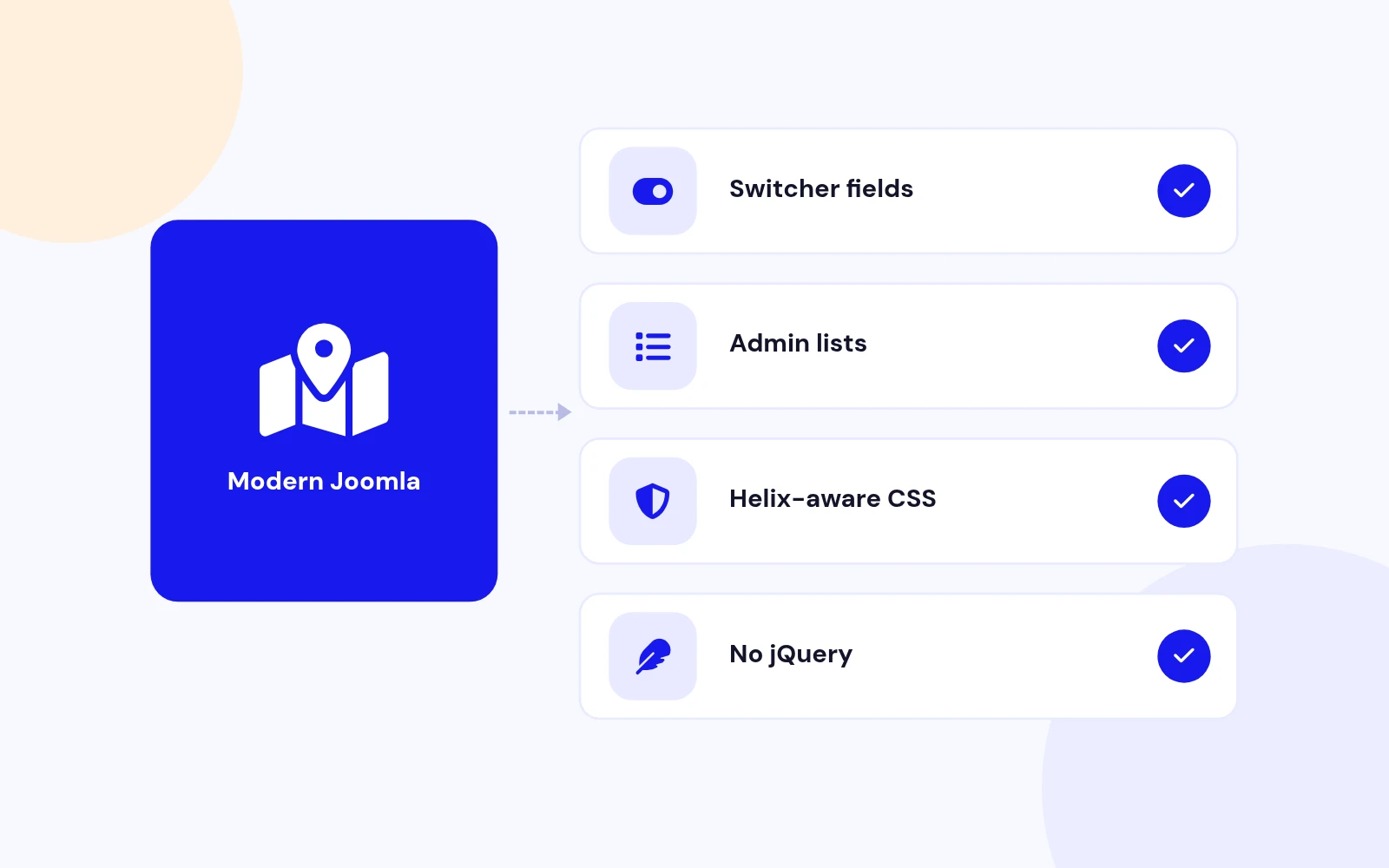
Future-Proof
Changelog
4 releases since version 3.0.1. Updates install from the Joomla admin with a valid licence.
Docs & setup
Written guides for installing and configuring Store Locator Pro, from first setup to the options that matter.
Pricing
Save more as you scale — longer access means a bigger discount.
30-day money-back guarantee
30-day money-back guarantee
Why buy here
All-access bundle
Get all 126 extensions, new releases, ongoing updates and full-time support. Bought one by one, a year of updates for every extension costs over $4,700.
Ideal for small projects and personal sites
$249/ 6 months
Save 91% · $2,900+ value
30-day money-back guarantee
Best for growing businesses and web agencies
$349/ 1 year
Save 92% · $4,700+ value
30-day money-back guarantee
For professional developers and multi-client agencies
$749/ one-time
Pay once · keep forever
30-day money-back guarantee
FAQ
Still unsure? Our support team is one ticket away.
Yes. Store Locator Pro is a JoomlaX-maintained fork of Sysgen Media Store Locator 2.6. It keeps the same com_storelocator element and familiar admin workflow, and is rebuilt for Joomla 4, 5, and 6.
Easy Store Locator is a separate JoomlaX product (a component + module) with Google Maps or OpenStreetMap. Store Locator Pro is the Sysgen-compatible component fork focused on Google Maps, classic and responsive map layouts, markers, categories, tags, CSV, and batch geocoding.
Yes, after you backup files and the database and upgrade the site to Joomla 4.4 or later. Install the install package (the .zip inside your download). It replaces com_storelocator in place. Then confirm your Google Maps API key in Options and test your map menu items.
Enable the Maps JavaScript API and create an API key. Add the key under Components > Store Locator Pro > Options > Map. For address search and batch geocoding you also need the Geocoding API. Google Suggest uses Places when enabled in your Google Cloud project.
Download StoreLocatorPro_UNZIP.zip, extract it, then install the install package (the .zip inside your download) from System > Install > Extensions.
Create a menu item of type Store Locator Pro > Map. Choose the Responsive or Classic (default) layout, set menu options if needed, save, clear cache, and open the page.
By default you can keep data on uninstall from Options. Leave the keep-data setting enabled if you may reinstall later. Always backup before uninstalling.
A fresh install seeds 91 Google micons into the Markers catalog. You can assign them per location, category, or tag, and add your own marker images.
More like this

Module + Plugin
Joomla Extension to Disable Right Click on Mouse
v2.6.1 6,022 downloads
From $9


Plugin + Component
Code Highlighter Plugin for Joomla
v2.2.1 3,537 downloads
From $9


Plugin
Plugin to Include Javascript or CSS files to Joomla
v2.1.1 10,538 downloads
Free


Module
Show Joomla Modules and Articles Randomly in a Position
v1.5.1 3,128 downloads
From $19


Plugin
Joomla plugin for typewriter text effect with adjustable speed and cursor.
v1.4.1 4,412 downloads
From $9