Import / Export
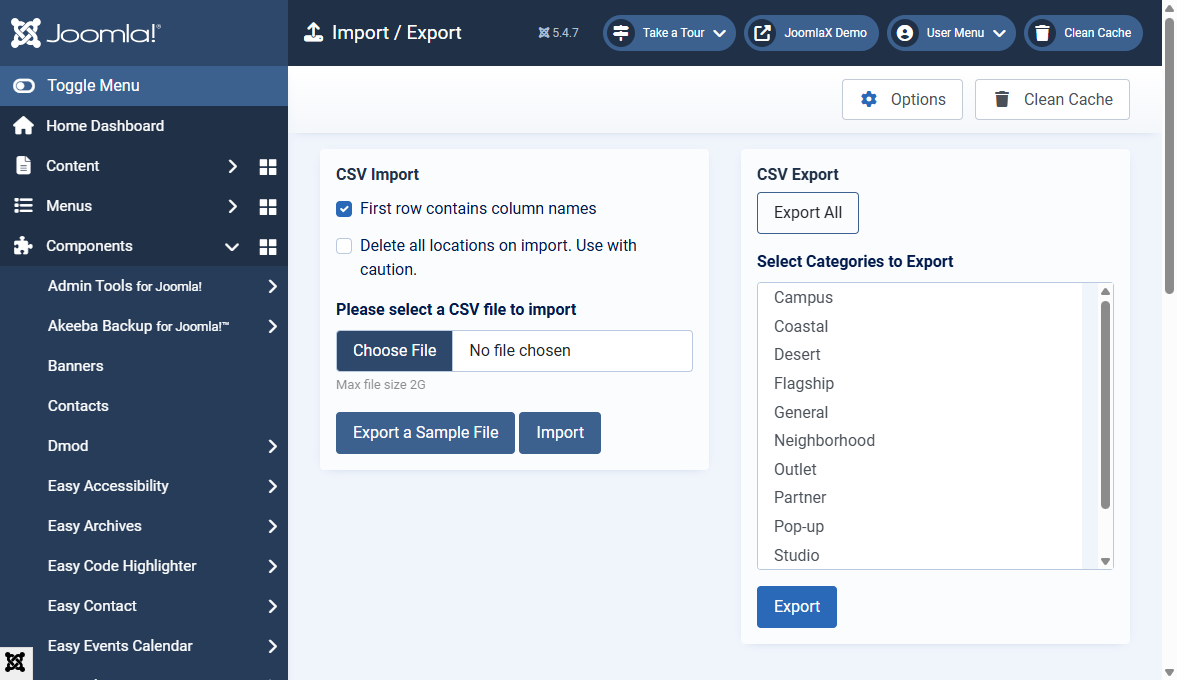
Open Components > Store Locator Pro > Import / Export.
Export
Download every location as CSV for backup or spreadsheet edits. Export ignores Locations list pagination so you get the full catalog.
Import
- Prepare a CSV matching the expected columns
- Upload the file on this screen
- Review new or updated locations in the Locations list
- Use Batch Geocoding if addresses still lack coordinates