Component Plugin
Utilities

Login Redirect Manager

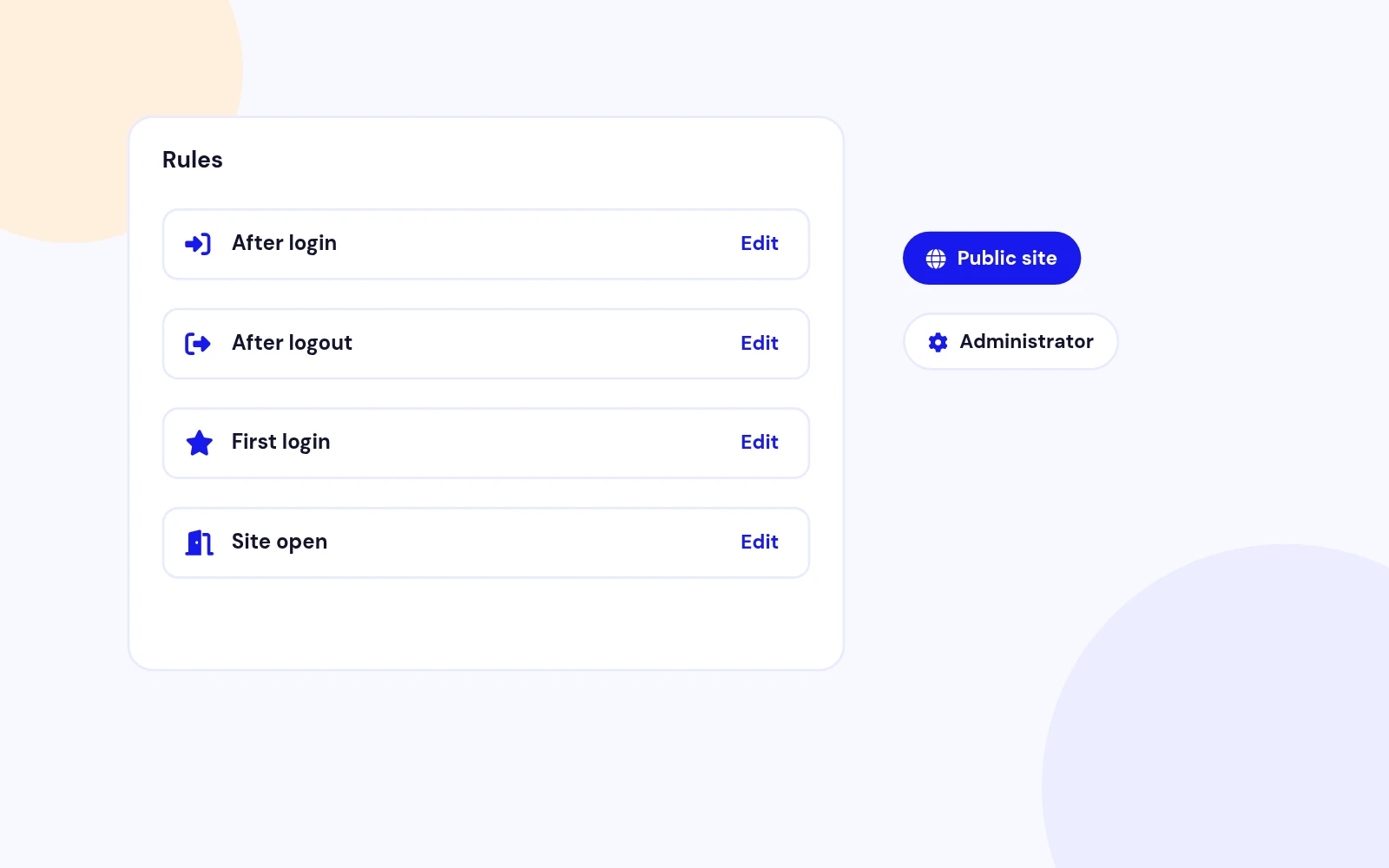
One rule list decides where a person goes after login, after logout, on their first login, and when they open the site.

Instant access after purchase One-click Joomla updates Lifetime option available

30-day money-back guarantee

v1.0.05.0 ratingUpdated today

Works with
Joomla 4 Joomla 5 Joomla 6
Login Redirect Manager

What can Login Redirect Manager do for you?

Built for real Joomla sites

Login Redirect Manager is a component plus system and user plugins. Publish rules for after login, after logout, first login, and opening the site. The first matching rule wins. A simulator uses the same engine without signing anyone in.

Login, logout, first visit

One Rule List

Where they go next
Decide the page after login, after logout, on the first login, and when someone opens the site.

Public site or administrator
A rule can apply to the public site, the administrator, or both.

Package install
One zip installs the component, the system plugin, and the user plugin.

Person, group, access

Who It Matches

Exact person or a role
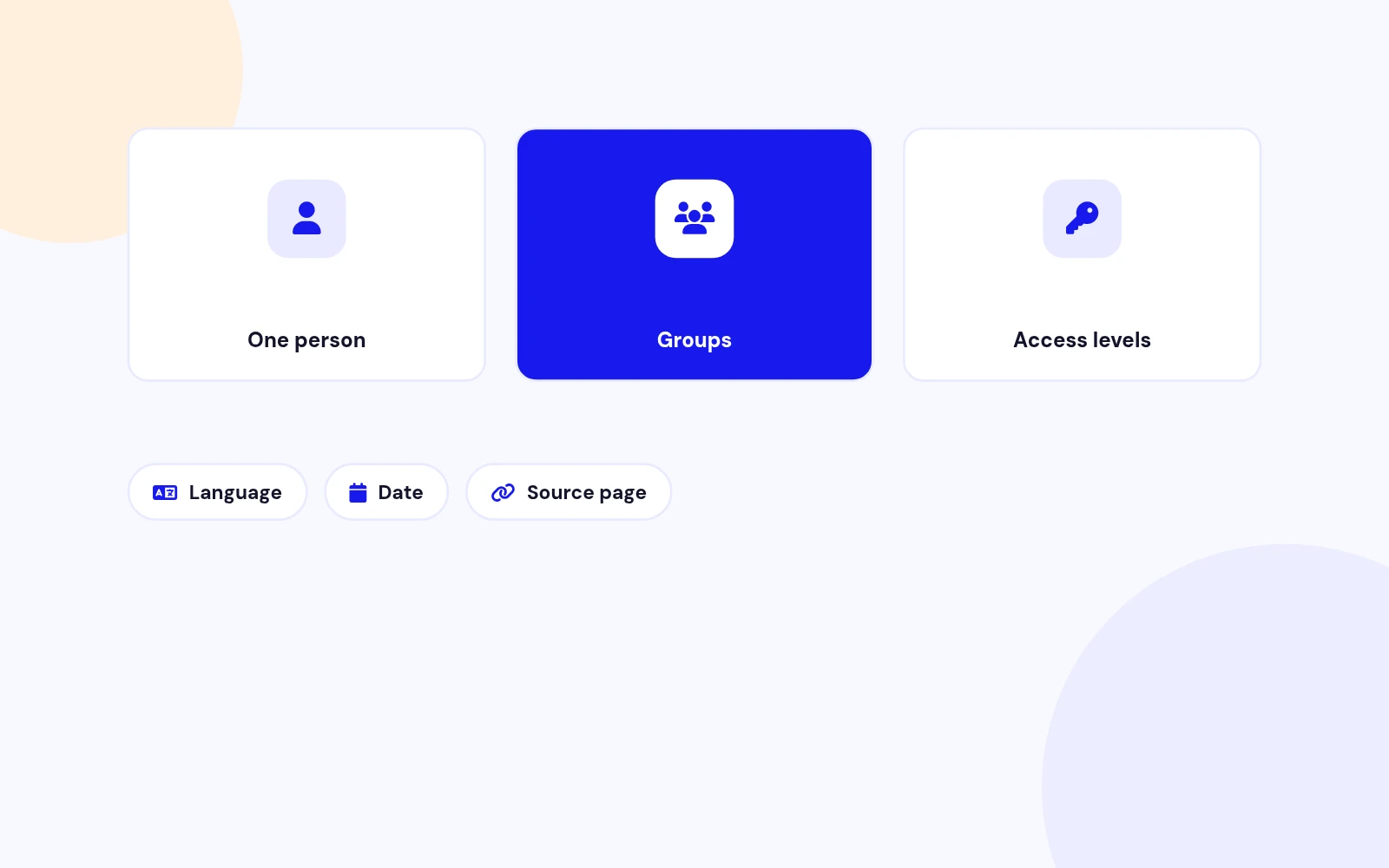
Limit a rule to one user, selected groups, or access levels. Empty means everyone.

Language, date, and source page
Optional filters for the language, an active date range, and the page they came from.

Priority
Lower numbers are checked first. The first published match wins.

Menu, URL, or nowhere

Destinations

Menu item
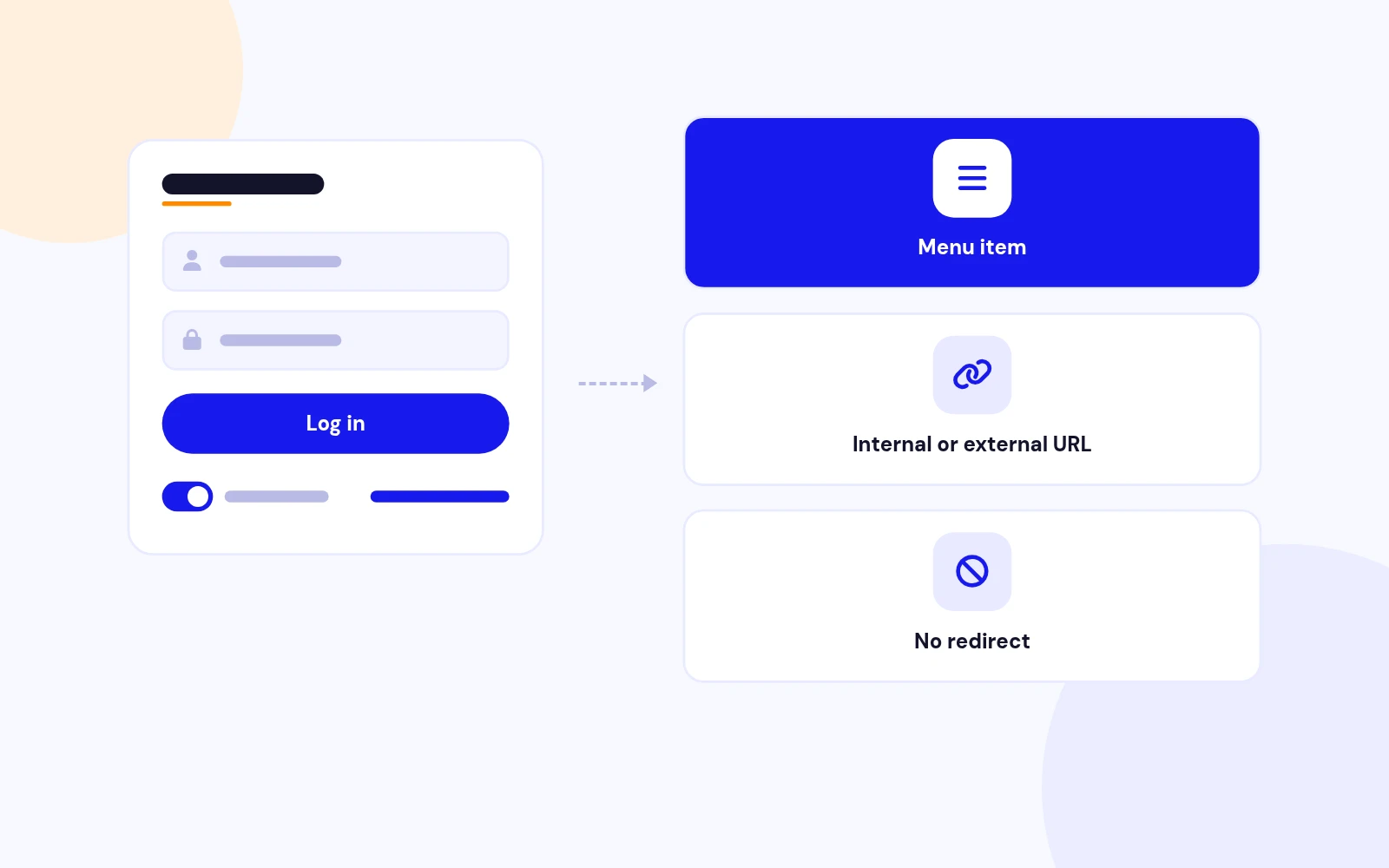
Send them to a published menu item.

Internal or external URL
Use a path on your site, or an outside address when the host policy allows it.

No redirect
A matching rule can deliberately leave Joomla's own return address alone.

Loops and Super Users

Safe By Default

No loops
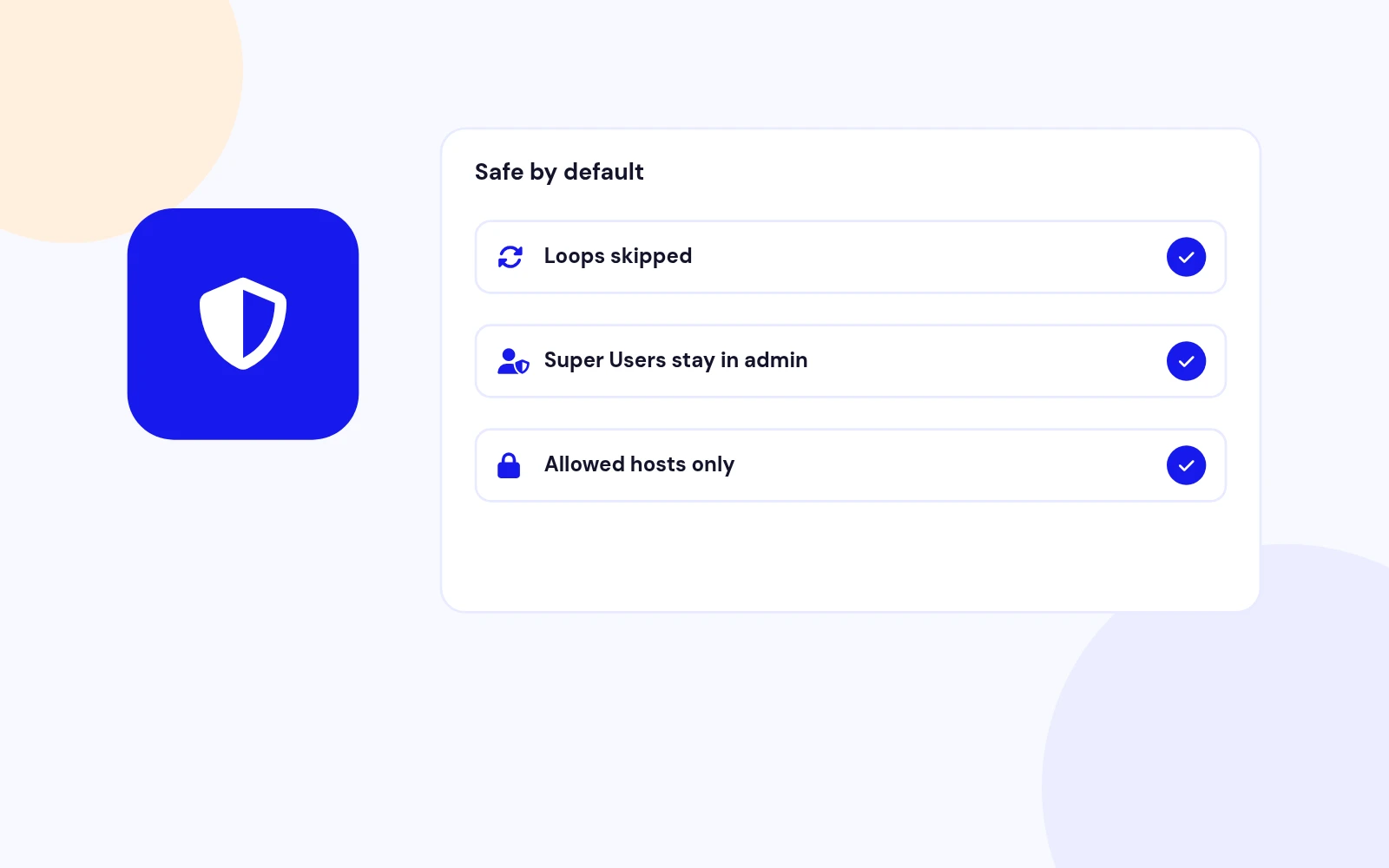
A destination that is the login page, or the same page they are already on, is skipped.

Super Users stay in admin
An administrator login cannot be sent out to the public site.

rol=no
Add rol=no to a login link when that one request should skip these rules.

Same engine, no sign-in

Simulator

Try a person before you publish
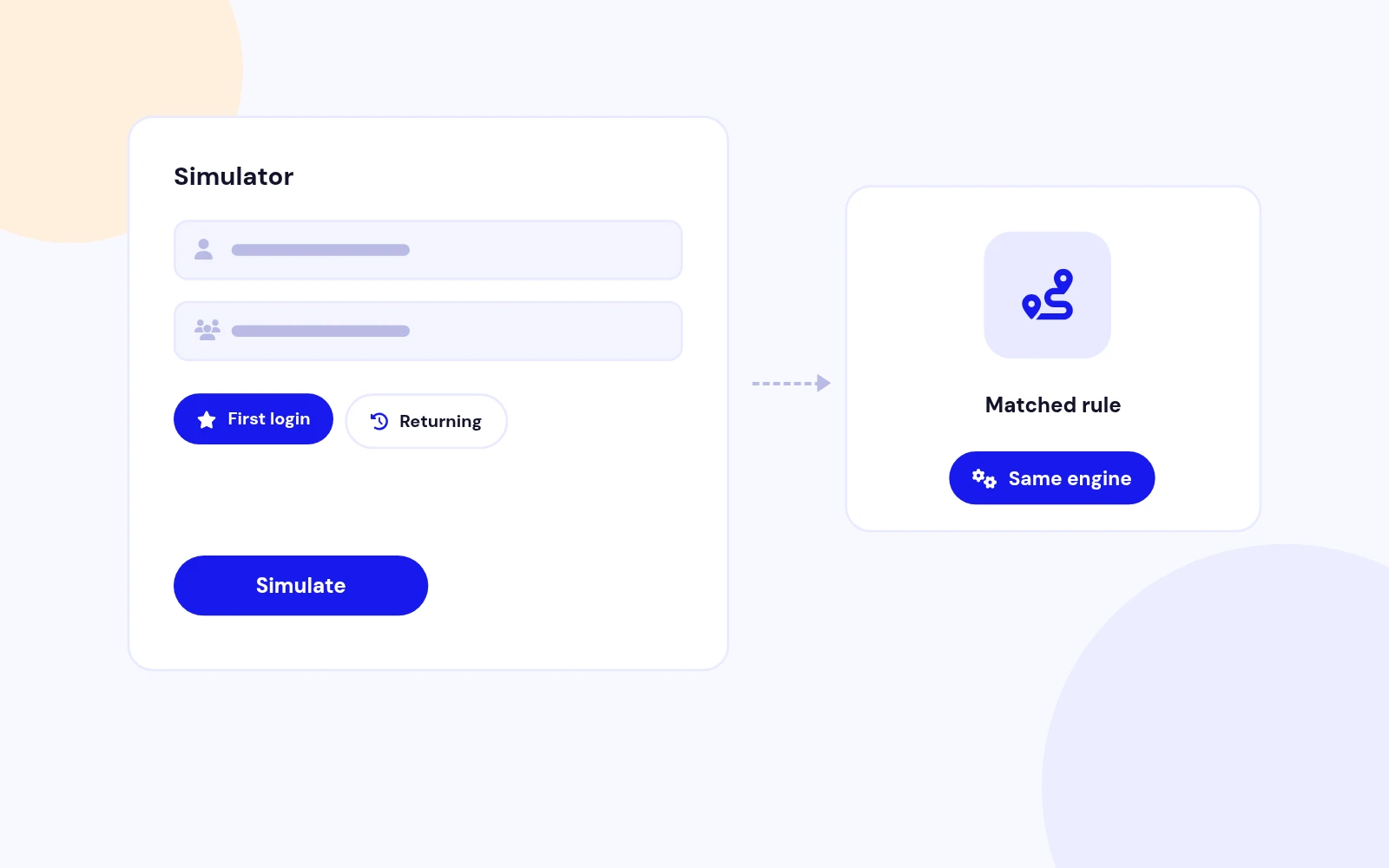
The simulator uses the same matcher as a real login.

First login and return
Mark a test as a first login, a remembered session, or a return from a page that refused them.

Nothing is changed
Running it does not sign anyone in and does not mark a first login as seen.

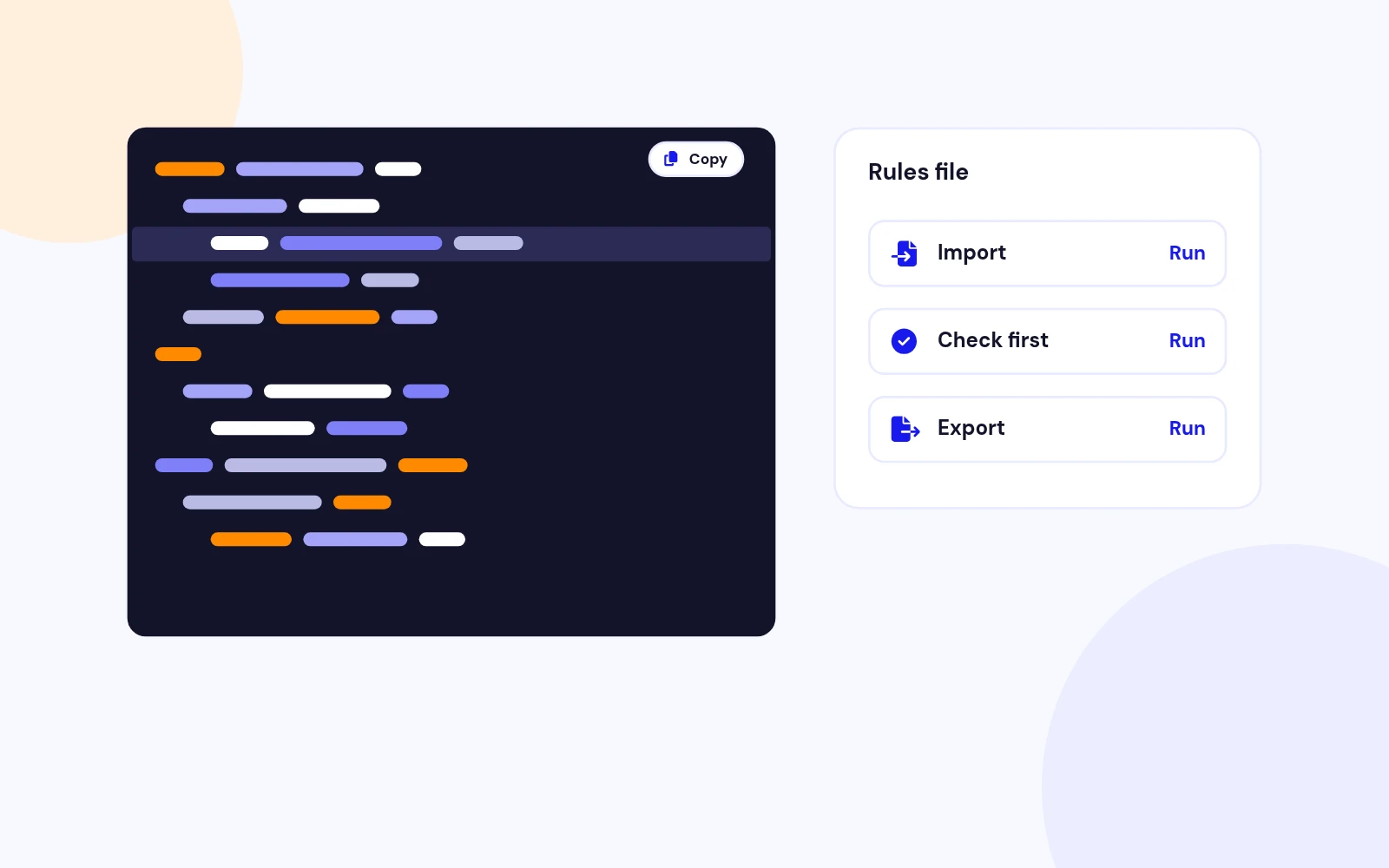
JSON you can check first

Import And Export

Check before save
Paste or upload JSON. Rows with errors cannot be saved.

Export everything
Download every rule, including unpublished ones.

Preferred group
The user plugin can store a preferred group used when several groups match.

Where they go next
Decide the page after login, after logout, on the first login, and when someone opens the site.

Public site or administrator
A rule can apply to the public site, the administrator, or both.

Package install
One zip installs the component, the system plugin, and the user plugin.

Exact person or a role
Limit a rule to one user, selected groups, or access levels. Empty means everyone.

Language, date, and source page
Optional filters for the language, an active date range, and the page they came from.

Priority
Lower numbers are checked first. The first published match wins.

Menu item
Send them to a published menu item.

Internal or external URL
Use a path on your site, or an outside address when the host policy allows it.

No redirect
A matching rule can deliberately leave Joomla's own return address alone.

No loops
A destination that is the login page, or the same page they are already on, is skipped.

Super Users stay in admin
An administrator login cannot be sent out to the public site.

rol=no
Add rol=no to a login link when that one request should skip these rules.

Try a person before you publish
The simulator uses the same matcher as a real login.

First login and return
Mark a test as a first login, a remembered session, or a return from a page that refused them.

Nothing is changed
Running it does not sign anyone in and does not mark a first login as seen.

Check before save
Paste or upload JSON. Rows with errors cannot be saved.

Export everything
Download every rule, including unpublished ones.

Preferred group
The user plugin can store a preferred group used when several groups match.

Docs & setup

Get up and running fast

Written guides for installing and configuring Login Redirect Manager — from first setup to the options that matter.

  • Installation steps
  • Configuration options
  • Practical usage tips

Pricing

Choose the plan that fits

Save more as you scale — longer access means a bigger discount.

Compatible with
Joomla 4 Joomla 5 Joomla 6
Tester plan
30 Days
Basic testing plan. 30 days access only. No priority support. Access expires after 30 days - no future updates.
$19

$19

You save zero
Download Access - 30 Days
Support - 30 Days Email Support
1 Website License
Unlimited Downloads
No Priority Support
No Future Updates After 30 Days
Limited to Testing Only
30-Day Money Back Guarantee
Commercial Use License
6 Months
6 months access with priority support & bug fixes. Perfect for short-term projects and growing businesses.
$114

$29

You save $85
Download Access - 6 Months
Support - 6 Months + Priority Updates
2 Websites License
Unlimited Downloads
Priority Email Support
Priority Bug Fixes
6 Months Free Updates
30-Day Money Back Guarantee
Commercial Use License
Pay once
Lifetime
Lifetime access with dedicated support agent. Never pay again - unlimited updates & custom development support included.
$1,980

$99

You save 95%
Download Access - Lifetime
Support - Lifetime + Dedicated Support
Unlimited Websites License
Unlimited Downloads
Dedicated Support Agent
Lifetime Free Updates
Feature Request Priority
Custom Development Support
30-Day Money Back Guarantee
Commercial Use License

Common questions

Joomla 4.4, 5, and 6. PHP 8.1 or newer.

It sends a person to a chosen page after login, after logout, on their first login, or when they open the site. One published rule list decides the winner.

Download LoginRedirectManager_UNZIP.zip, unzip it, and install the pkg_loginredirectmanager zip. That installs the component, the system plugin, and the user plugin.

Yes. Create one rule per destination and set the user groups or access levels. Give the more specific rule a lower priority number so it is checked first.

Yes. Set Destination to Menu item and pick a published item. You can also use an internal URL or, when the host policy allows it, an external URL.

No. A Super User who signs in to the administrator stays there, even if a rule points at the public site.

Add rol=no to that login or return address. That request keeps Joomla's own return address.

Yes. Open Components > Login Redirect Manager > Simulator. It uses the same engine and does not change the first-login record.

Still have questions?

All-access bundle

Unlock every JoomlaX extension in one plan

Get all 116 extensions, ongoing updates, and full-time support. Plans start at $99.

  • Satisfaction guarantee
  • Secure SSL payment
  • Updates included

Sign in to your account

Don't have an account yet? Register Now!