Vanilla JavaScript
Modern Social Icons
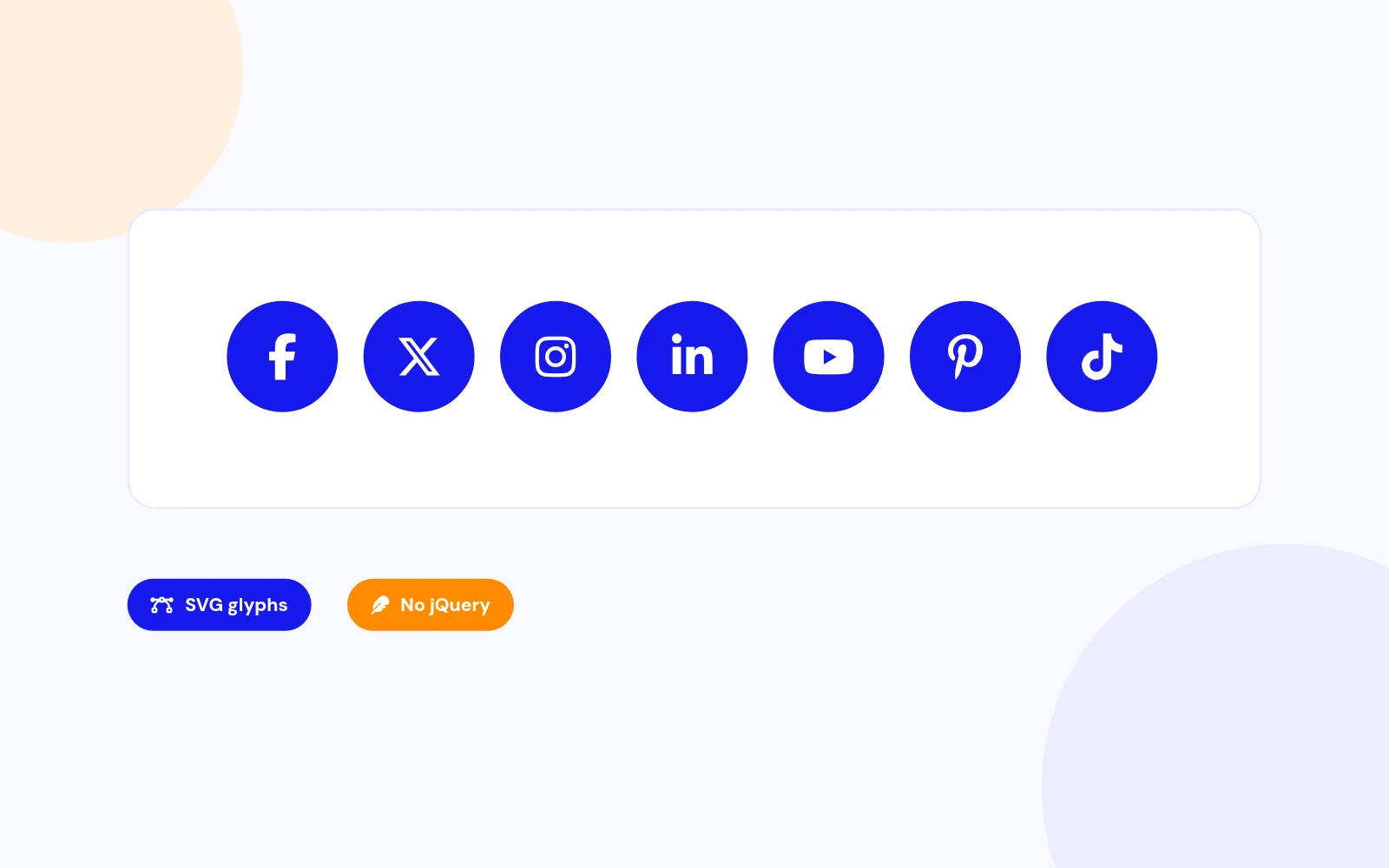
- Clean profile row: Show polished social buttons with SVG glyphs and brand colours.
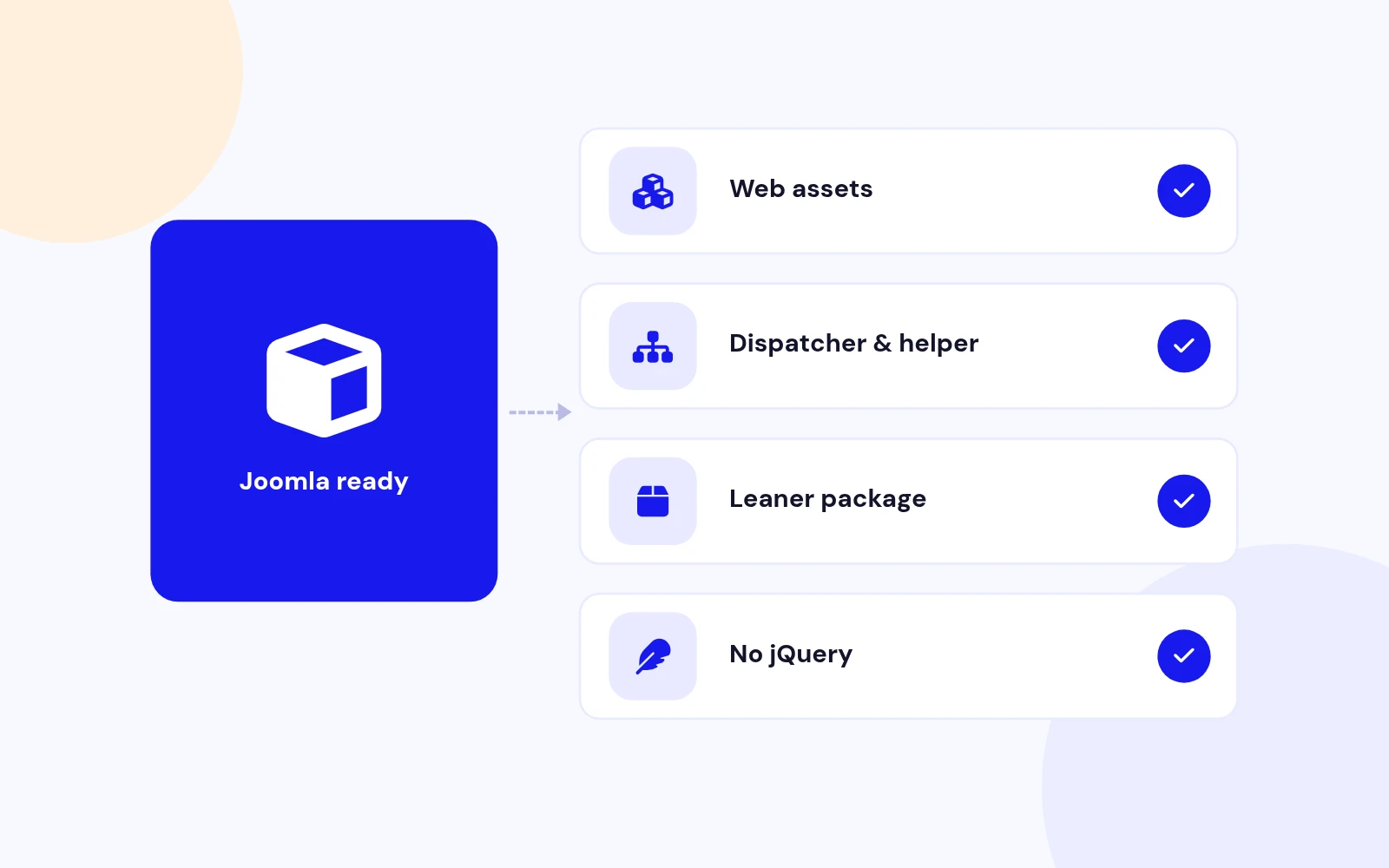
- No jQuery: Version 2.2 ships native JavaScript through Web Asset Manager.
Social Network Display Icons Module for Joomla
Features
Six feature areas, one install package for Joomla 4, 5 and 6.
Vanilla JavaScript
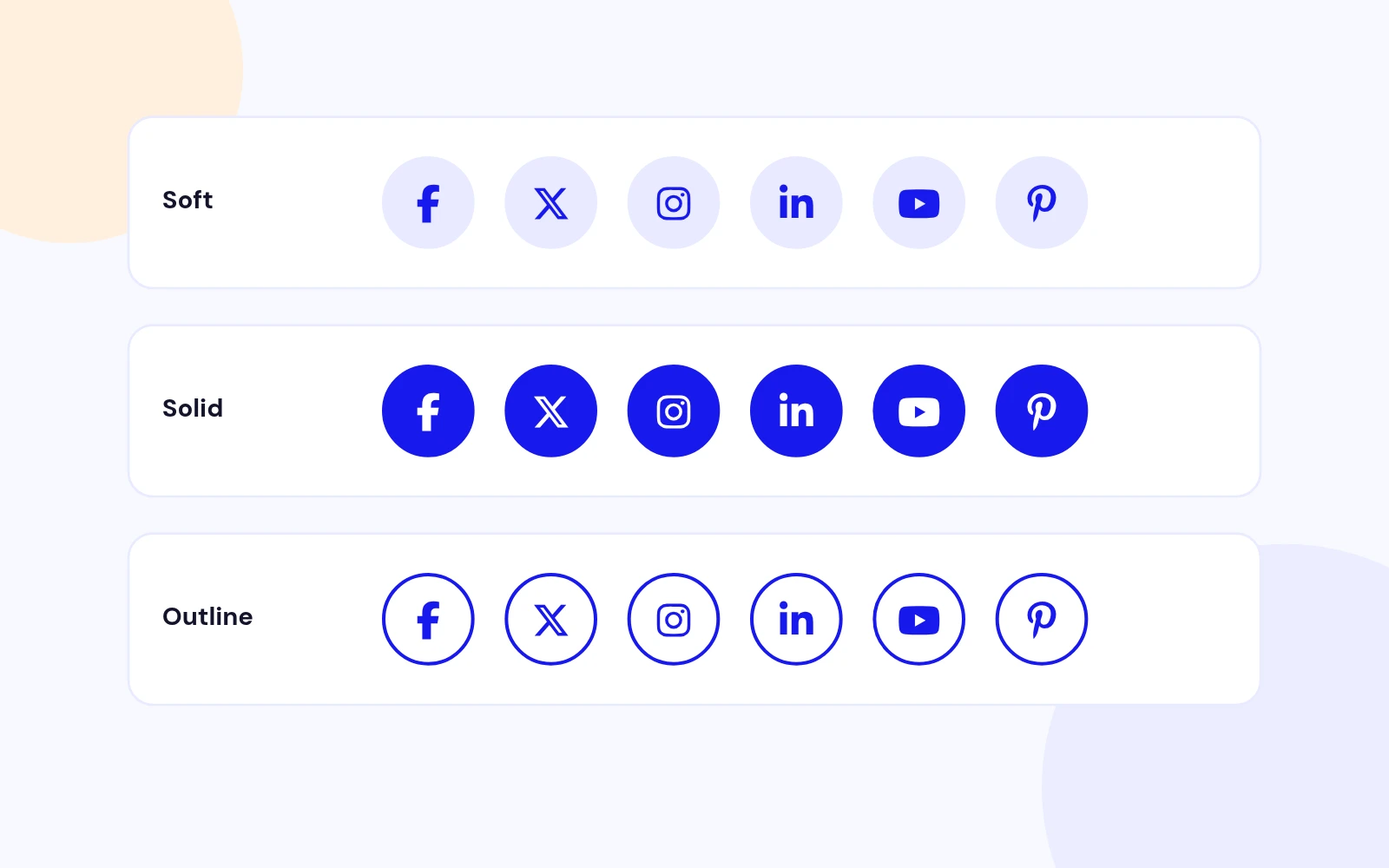
Soft · Solid · Outline
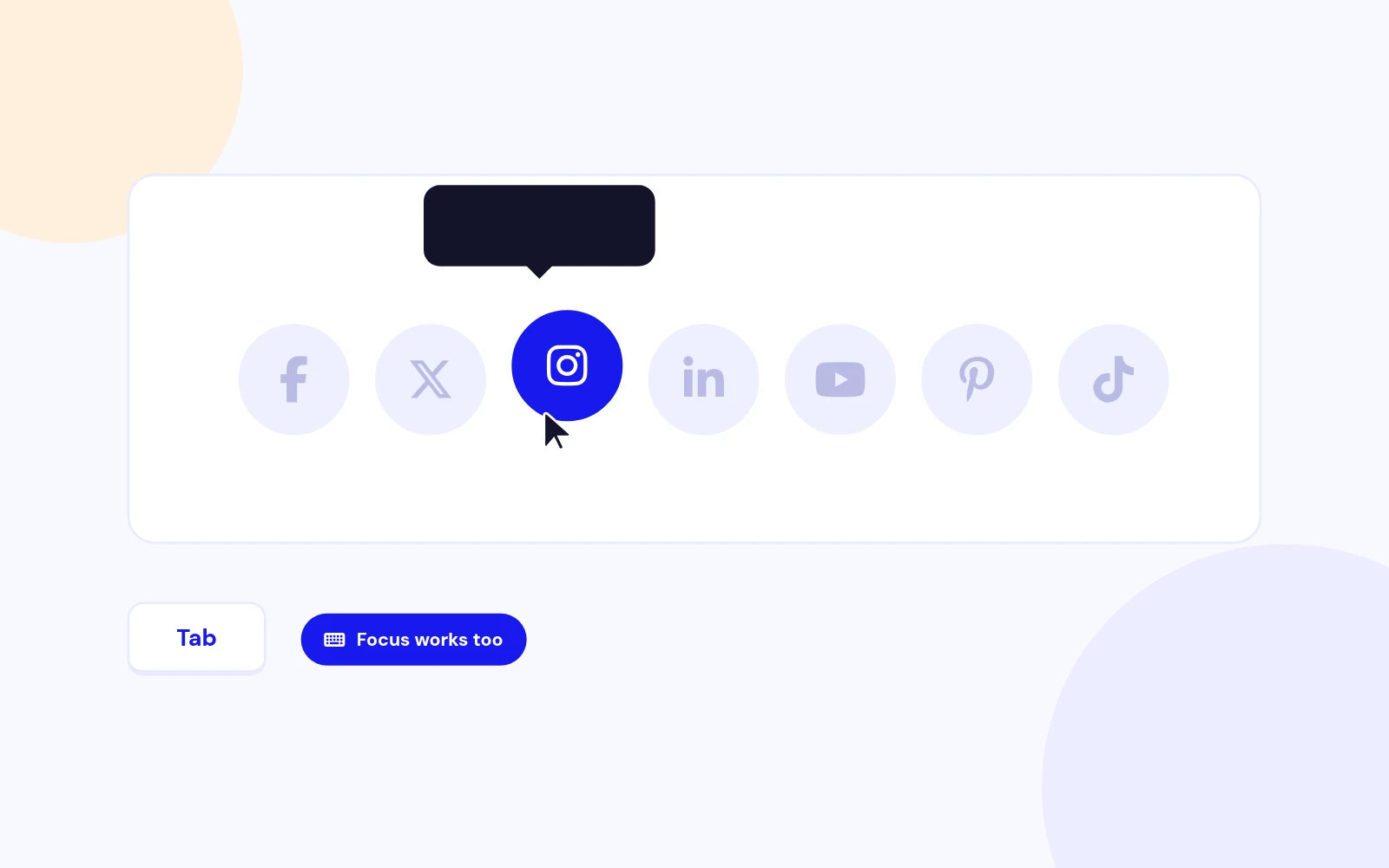
Dim · Highlight · Tip
SVG Glyphs
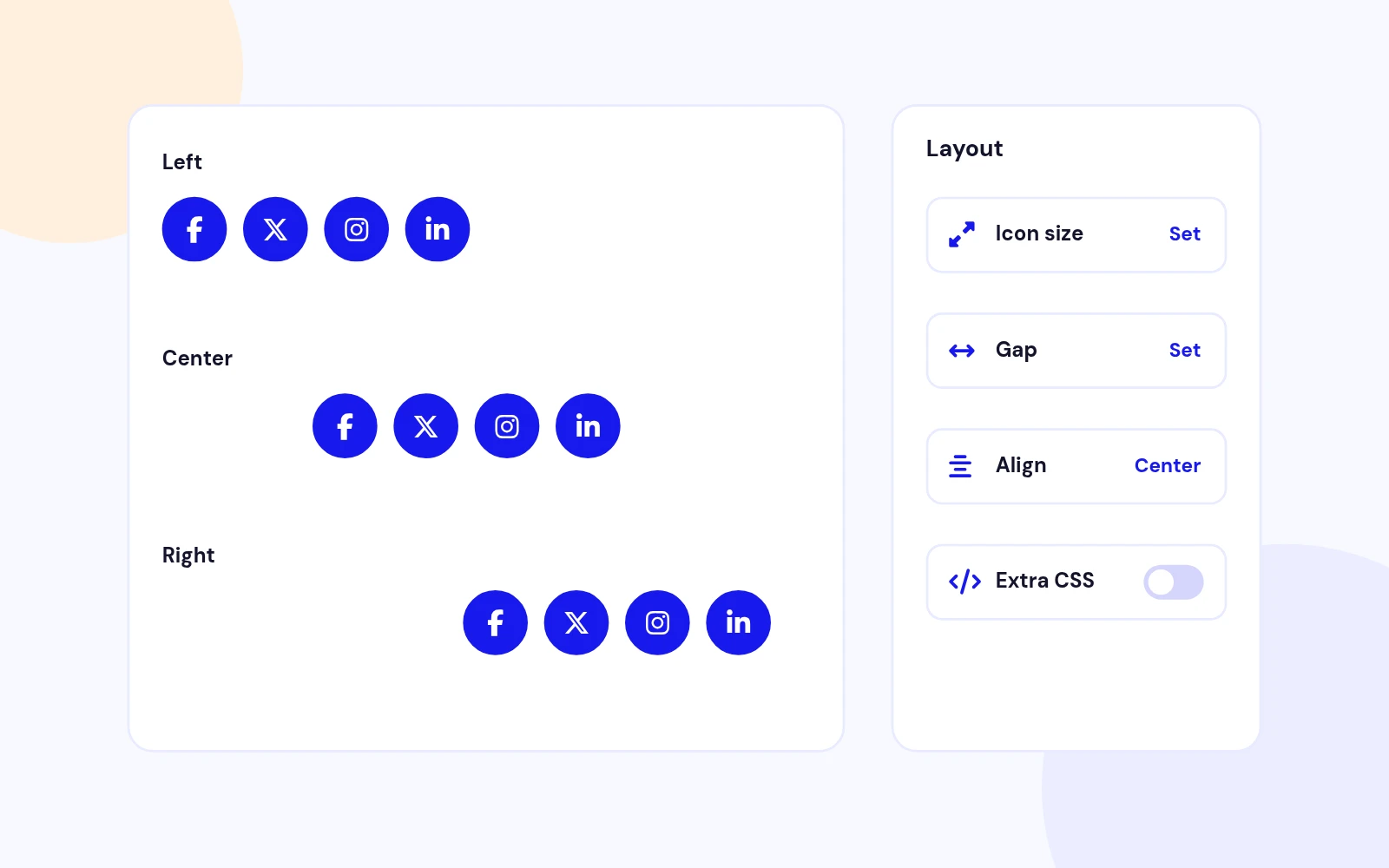
Size · Gap · Align
WAM · J4 / J5 / J6
Changelog
6 releases since version 1.6. Updates install from the Joomla admin with a valid licence.
Docs & setup
Written guides for installing and configuring Social Icon Display, from first setup to the options that matter.
Pricing
Save more as you scale — longer access means a bigger discount.
30-day money-back guarantee
30-day money-back guarantee
30-day money-back guarantee
Why buy here
All-access bundle
Get all 126 extensions, new releases, ongoing updates and full-time support. Bought one by one, a year of updates for every extension costs over $4,700.
Ideal for small projects and personal sites
$249/ 6 months
Save 91% · $2,900+ value
30-day money-back guarantee
Best for growing businesses and web agencies
$349/ 1 year
Save 92% · $4,700+ value
30-day money-back guarantee
For professional developers and multi-client agencies
$749/ one-time
Pay once · keep forever
30-day money-back guarantee
FAQ
Still unsure? Our support team is one ticket away.
Social Icon Display 2.2 supports Joomla 4, 5, and 6 with Web Asset Manager assets and PHP 8.1 or later recommended.
It shows a responsive row of social profile icons with Soft, Solid, or Outline styles, brand colours, tooltips, and an optional hover focus effect.
No. Version 2.2 uses vanilla JavaScript and inline SVG glyphs. The old PNG and jQuery files are removed.
Yes. Icon rows still use the same slide fields: network name, URL, title, and status.
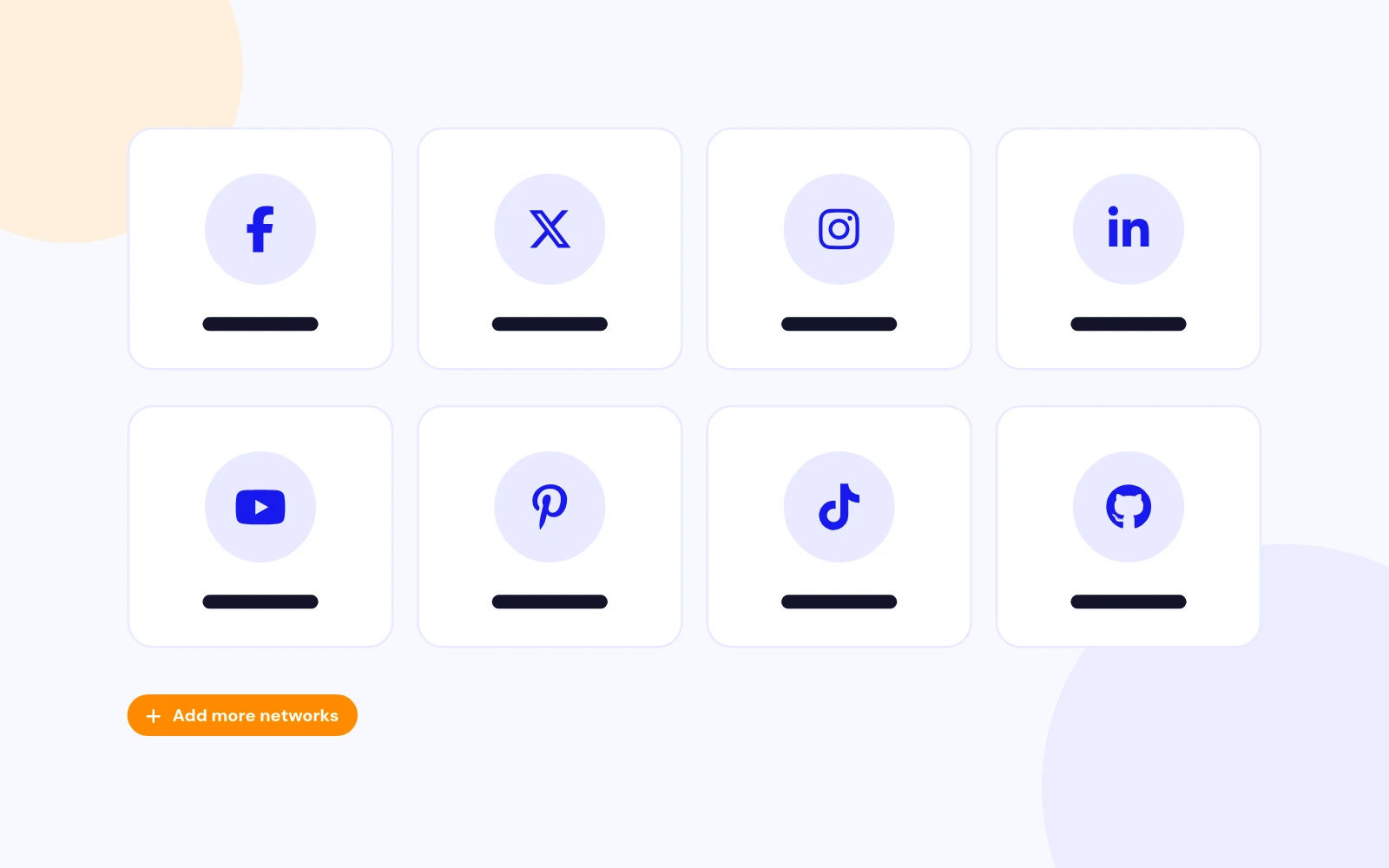
Facebook, Twitter/X, Instagram, LinkedIn, YouTube, Flickr, Reddit, RSS, Email, Pinterest, TikTok, WhatsApp, Telegram, GitHub, Vimeo, Delicious, and Digg.
Soft uses a light tinted button, Solid fills with the brand colour, and Outline keeps a transparent button with a coloured border.
Hover Focus dims the other icons while one is hovered or focused. Turn it off in the module settings if you prefer a static row.
Visit support.joomlax.com.
More like this
Module + Plugin
Share buttons for Joomla, with twelve networks and eleven styles.
v4.0.4 4,934 downloads
From $19
Module + Plugin + Component
Enter each social profile once, then reuse it as a header, footer, article, WhatsApp button, or link-in-bio page.
v1.7.1 3,423 downloads
From $19
Module
Multi-Agent WhatsApp Support Module for Joomla
v1.0.2 3,071 downloads
From $19