Component
Utilities

Store Locator Pro

Google Maps store, dealer, and office locator for Joomla.

  • Zero B/C pluginRuns without the B/C pluginRuns on Joomla 5 and 6 without the Behaviour - Backward Compatibility plugin, so you can keep it switched off.
  • Joomla 4, 5 & 6Tested and supported on Joomla 4, 5 and 6.
  • Instant accessReady to install right after checkout
  • One-click updatesNew releases install from the Joomla administrator
  • Lifetime optionPay once and keep future releases
  • 30-day guaranteeFull refund if it is not the right fit

Features

What can Store Locator Pro do for you?

Ten feature areas, one install package for Joomla 4, 5 and 6.

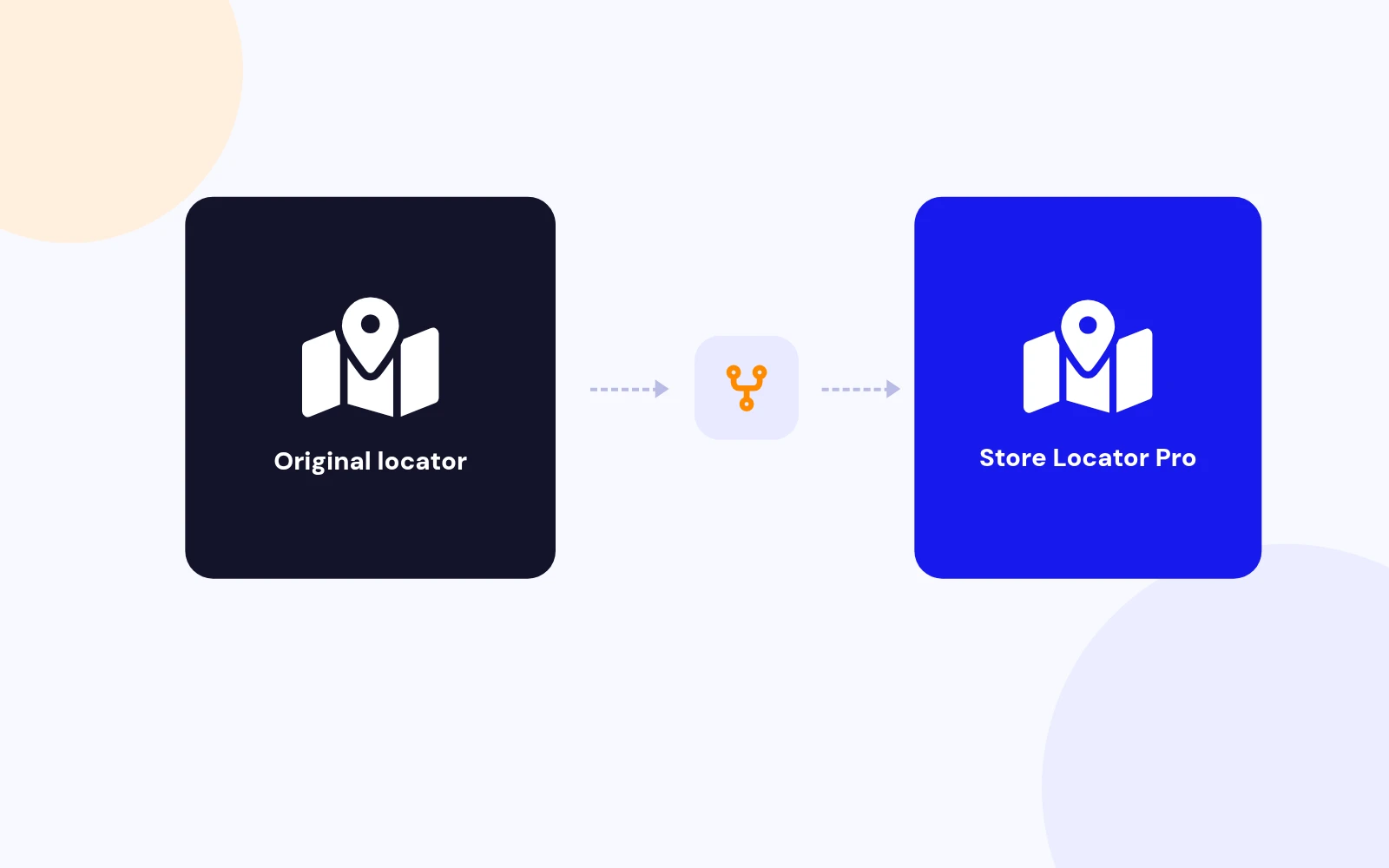
JoomlaX Fork of Sysgen Store Locator

Know what you are buying

JoomlaX Fork of Sysgen Store Locator

  • Transparent origin: Store Locator Pro is a maintained fork of Sysgen Media Store Locator 2.6 for Joomla 4, 5, and 6. Same com_storelocator element and familiar workflow, rebuilt with modern Joomla services.
  • Upgrade path: Sites moving from Joomla 3 Sysgen installs can upgrade in place after backing up and moving to Joomla 4.4+.
Google Maps Store Locator

Find every branch

Google Maps Store Locator

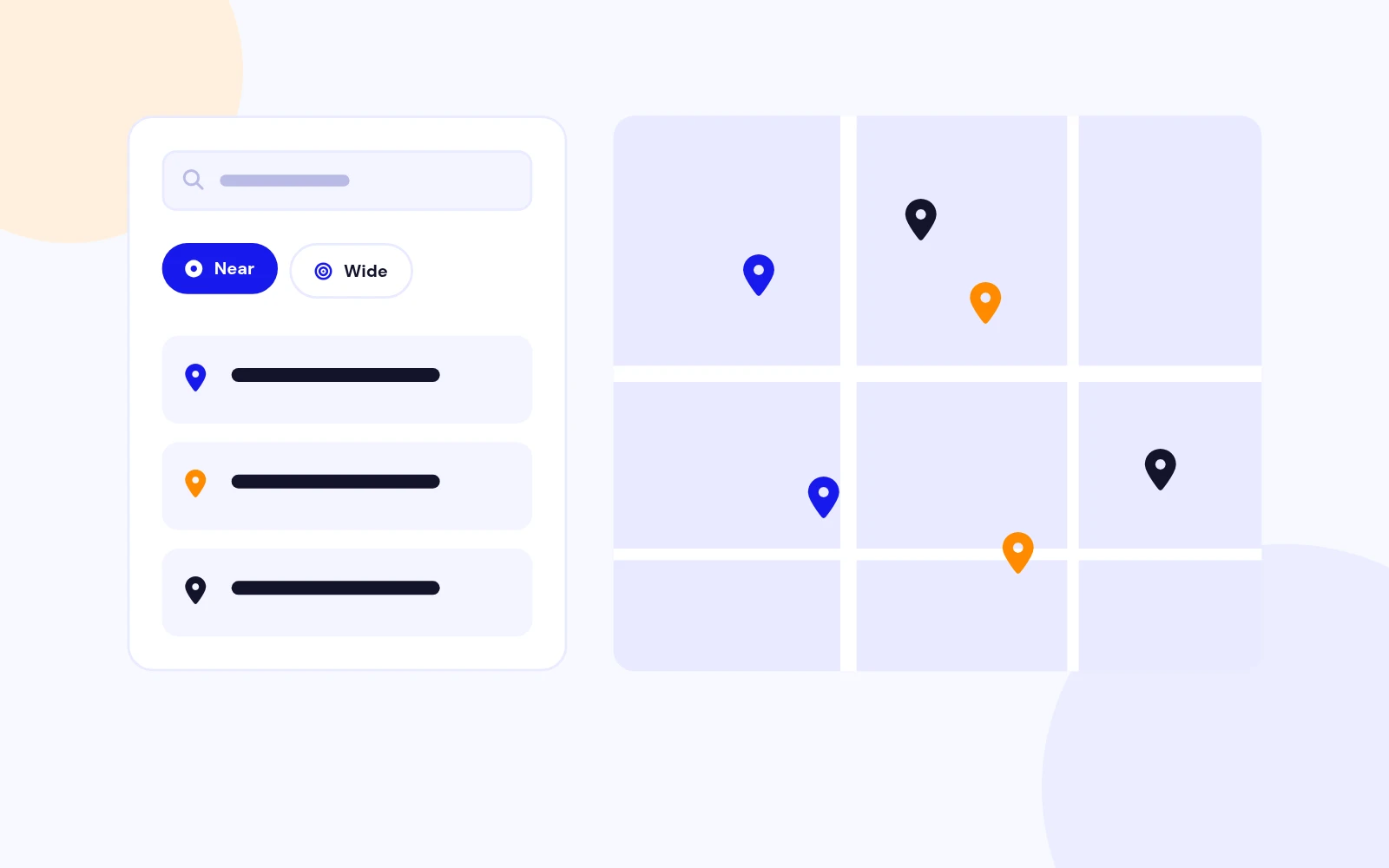
  • Radius search: City, ZIP, or address search with miles or kilometers, custom radius list, country bias, and Google suggestions.
  • Geolocation: Optional "near me" button so visitors can search from their current position.
Locations, Categories, Tags

Central store data

Locations, Categories, Tags

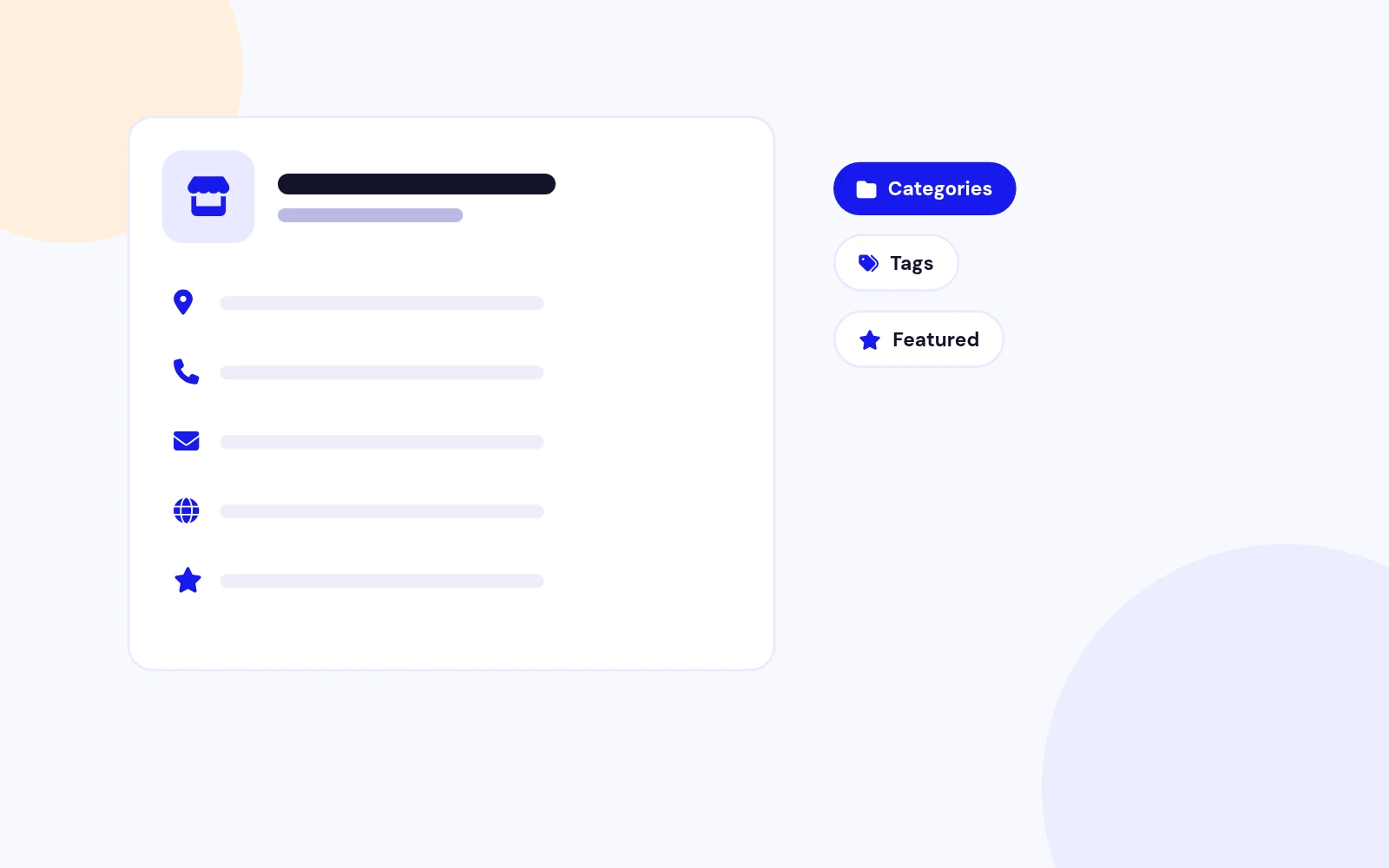
  • Full location records: Name, address, phone, email, website, Facebook, logo, description, featured flag, category, tags, and custom marker.
  • Categories and tags: Filter the map with dropdowns or checkboxes. Marker icons can prefer tags or categories.
91 Custom Map Markers

Pin catalog included

91 Custom Map Markers

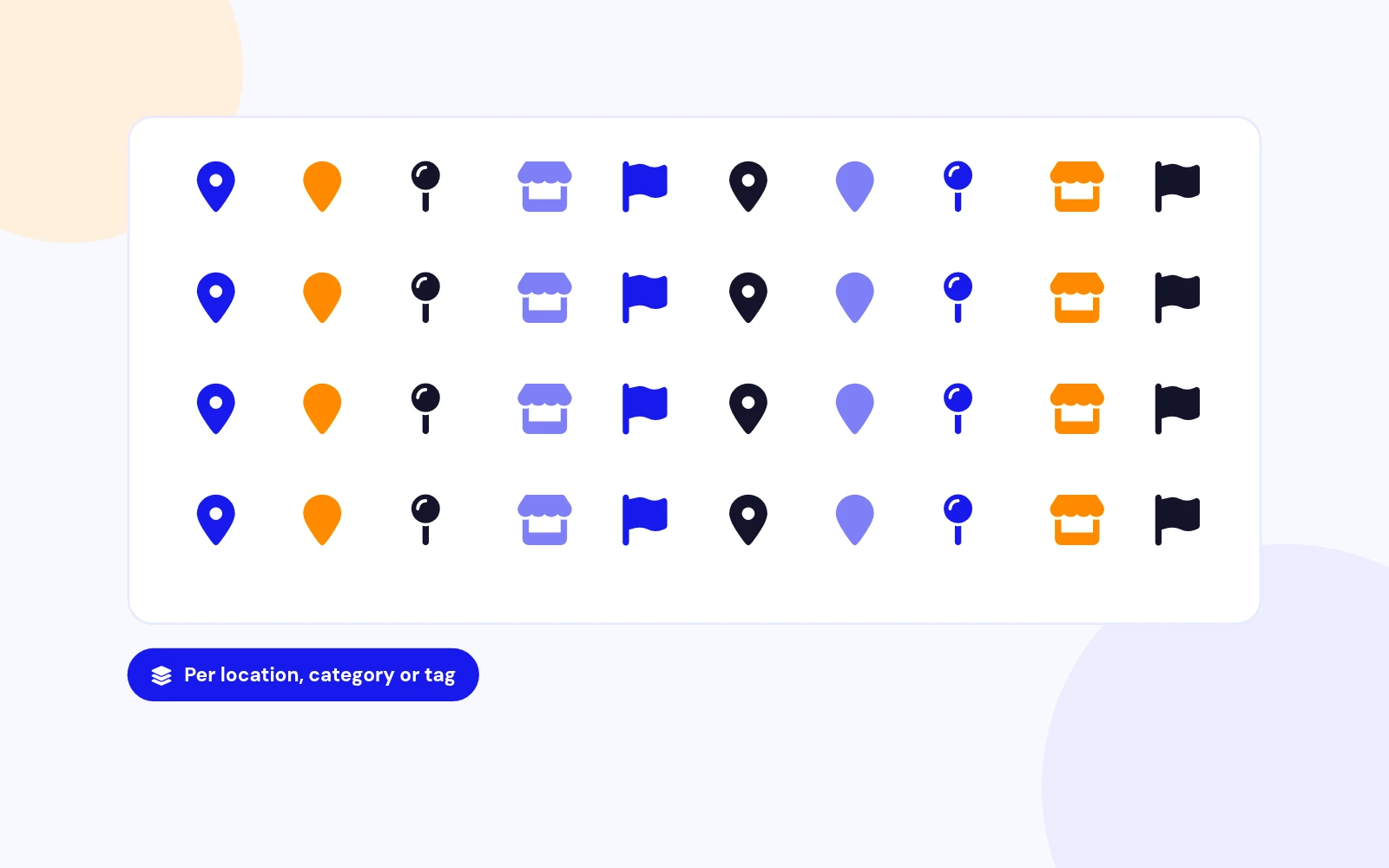
  • Google micons pack: Install seeds 91 marker icons you can assign per location, category, or tag.
  • Markers manager: Add, rename, or replace icons under Components > Store Locator Pro > Markers.
Responsive and Classic Layouts

Two map experiences

Responsive and Classic Layouts

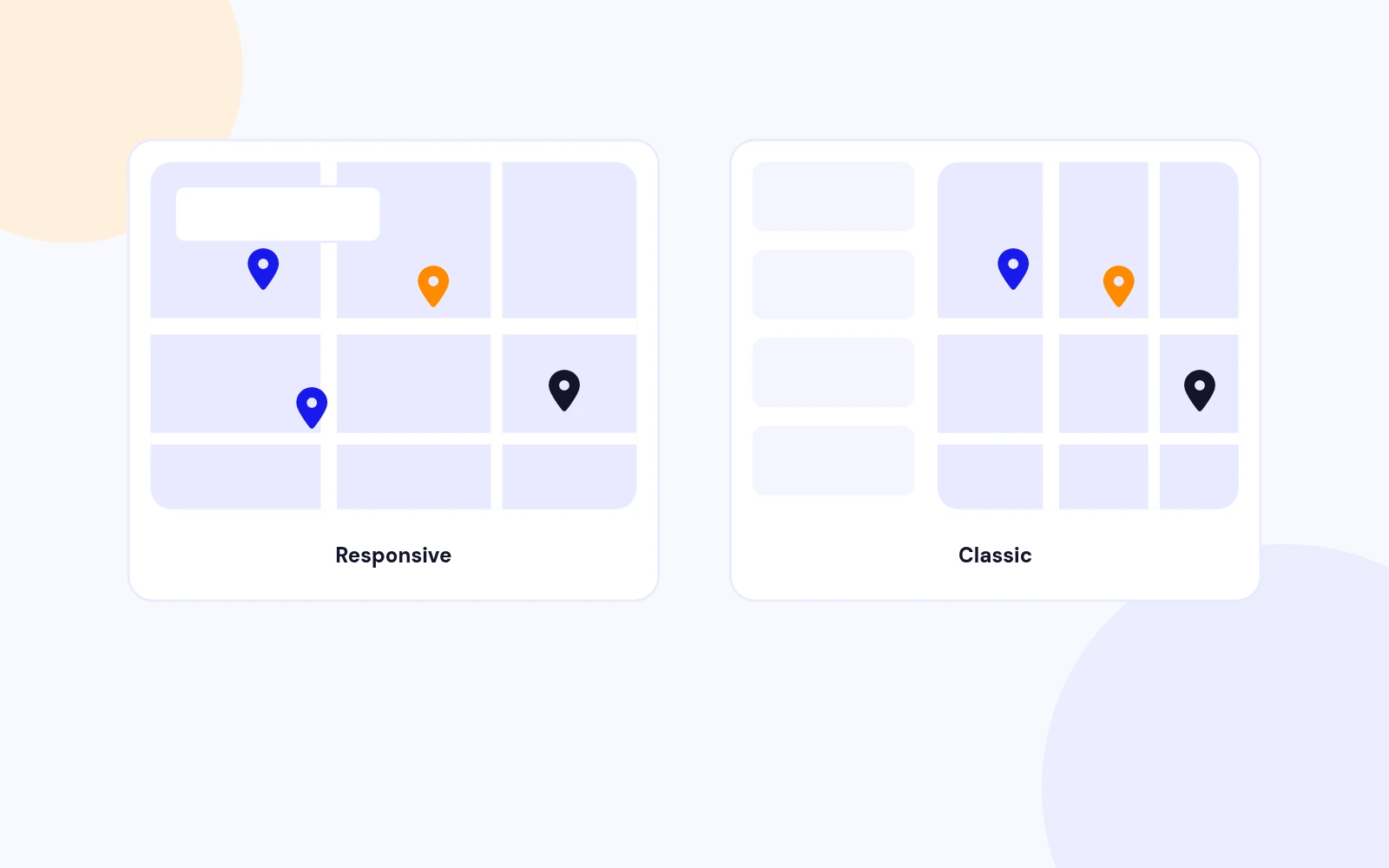
  • Responsive layout: Modern map overlay search with filter drawer, clusters, and mobile-friendly controls.
  • Classic layout: Sysgen-style search form above the map with optional sidebar or bottom results list.
Featured, Clusters, Directions

Map polish

Featured, Clusters, Directions

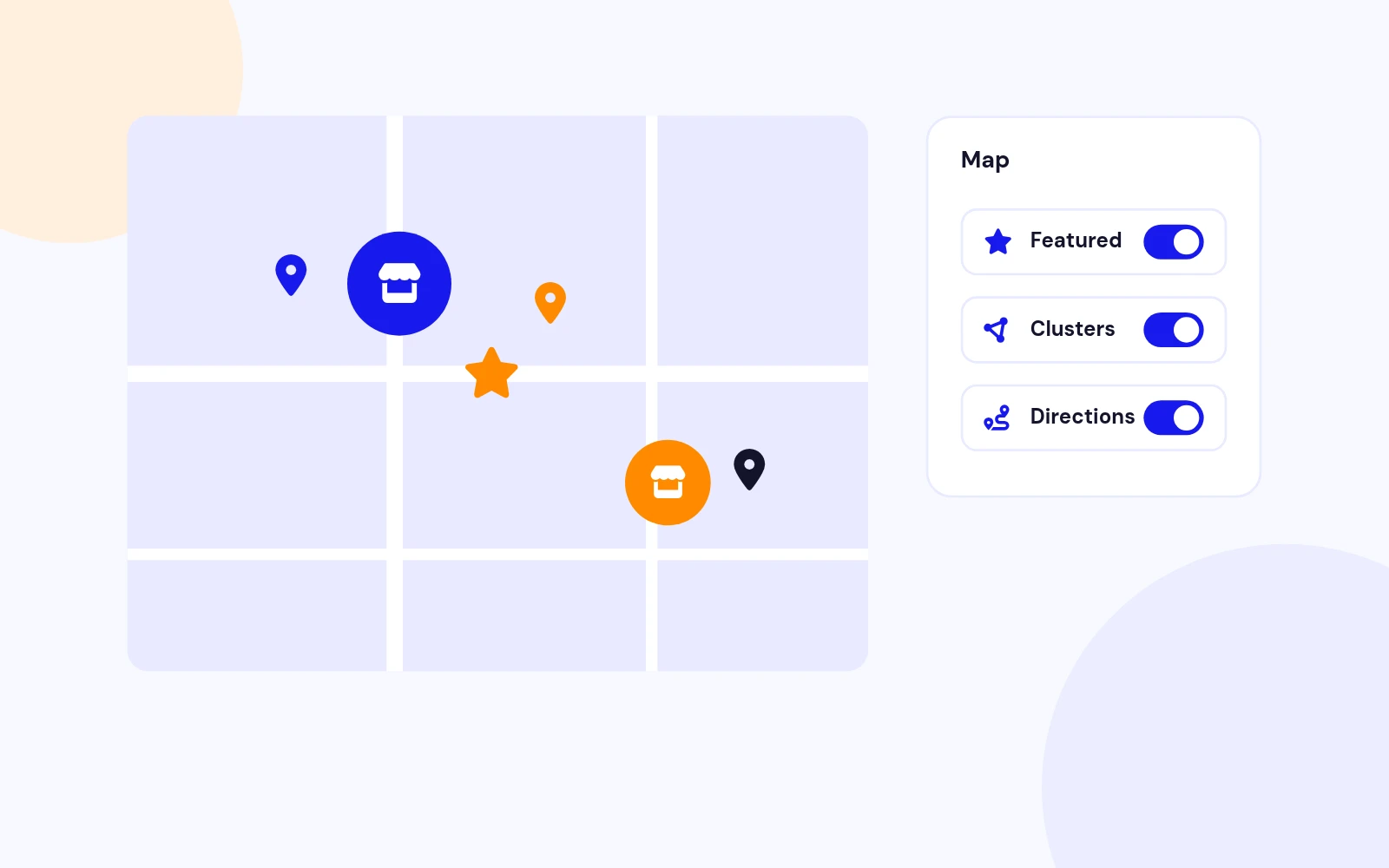
  • Featured filter: Highlight priority stores and optionally show only featured locations on load.
  • Clustering and directions: Google MarkerCluster or Spiderfier, plus Get Directions that opens Google Maps for the visitor.
CSV Import / Export

Bulk store data

CSV Import / Export

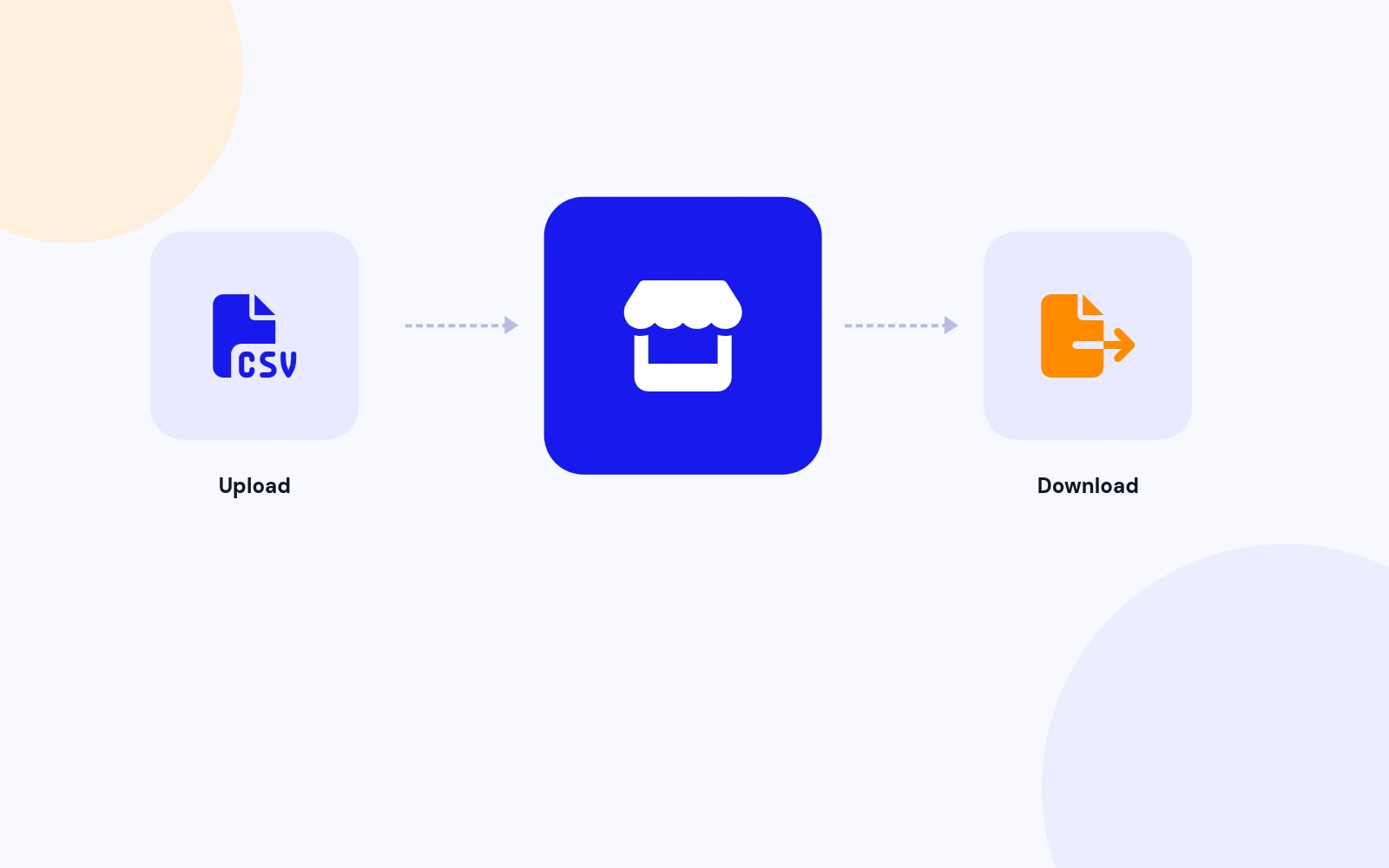
  • Import: Upload a CSV to create or update locations in bulk.
  • Export: Download every location from the Import / Export screen for backup or spreadsheet edits.
Batch Geocoding

Fill missing coordinates

Batch Geocoding

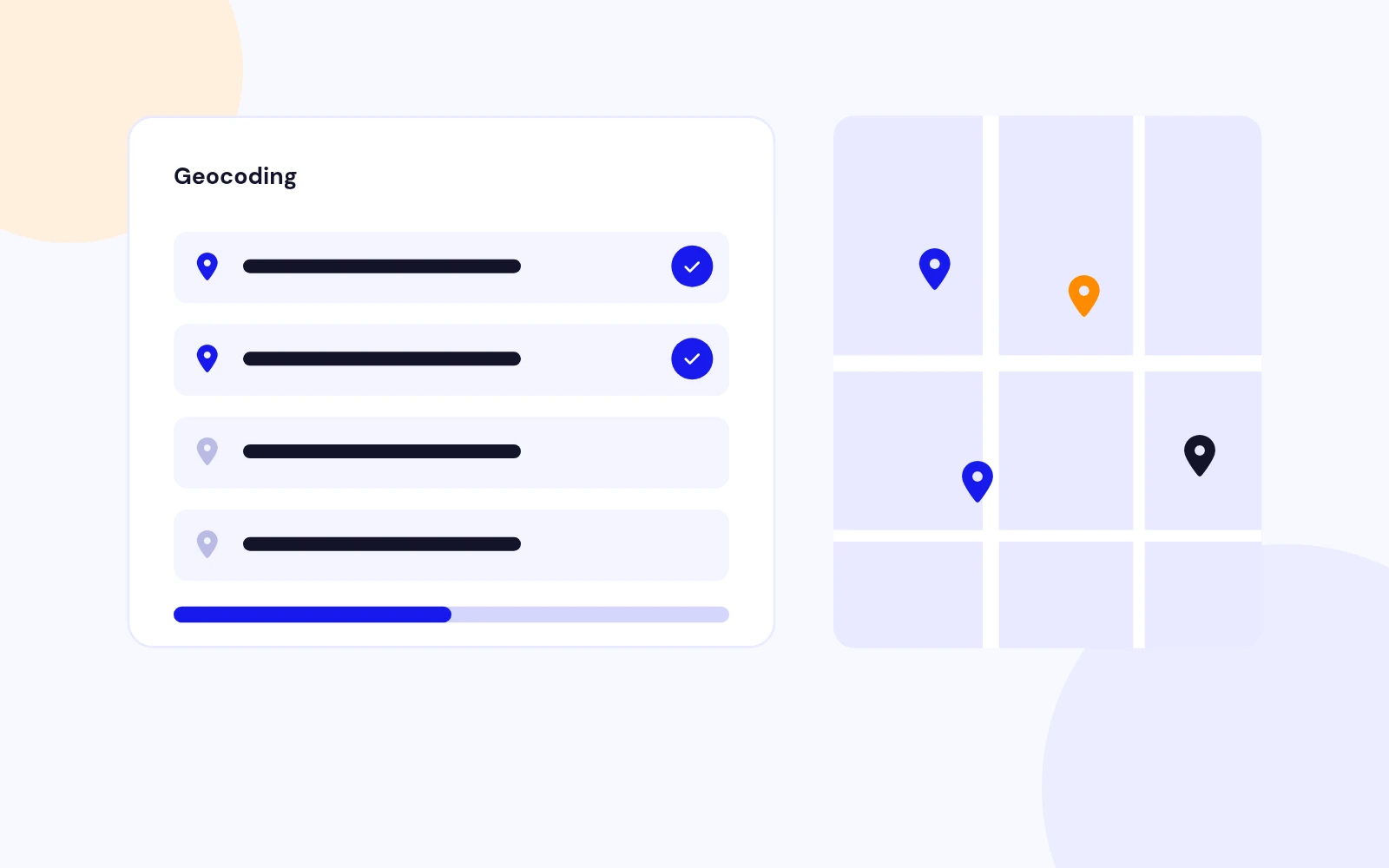
  • Address to lat / lon: Process locations that still need coordinates using your Google Geocoding API key.
  • Safer go-live: Import addresses first, geocode in batches, then publish the map menu item.
Search Log and Options

Ops and controls

Search Log and Options

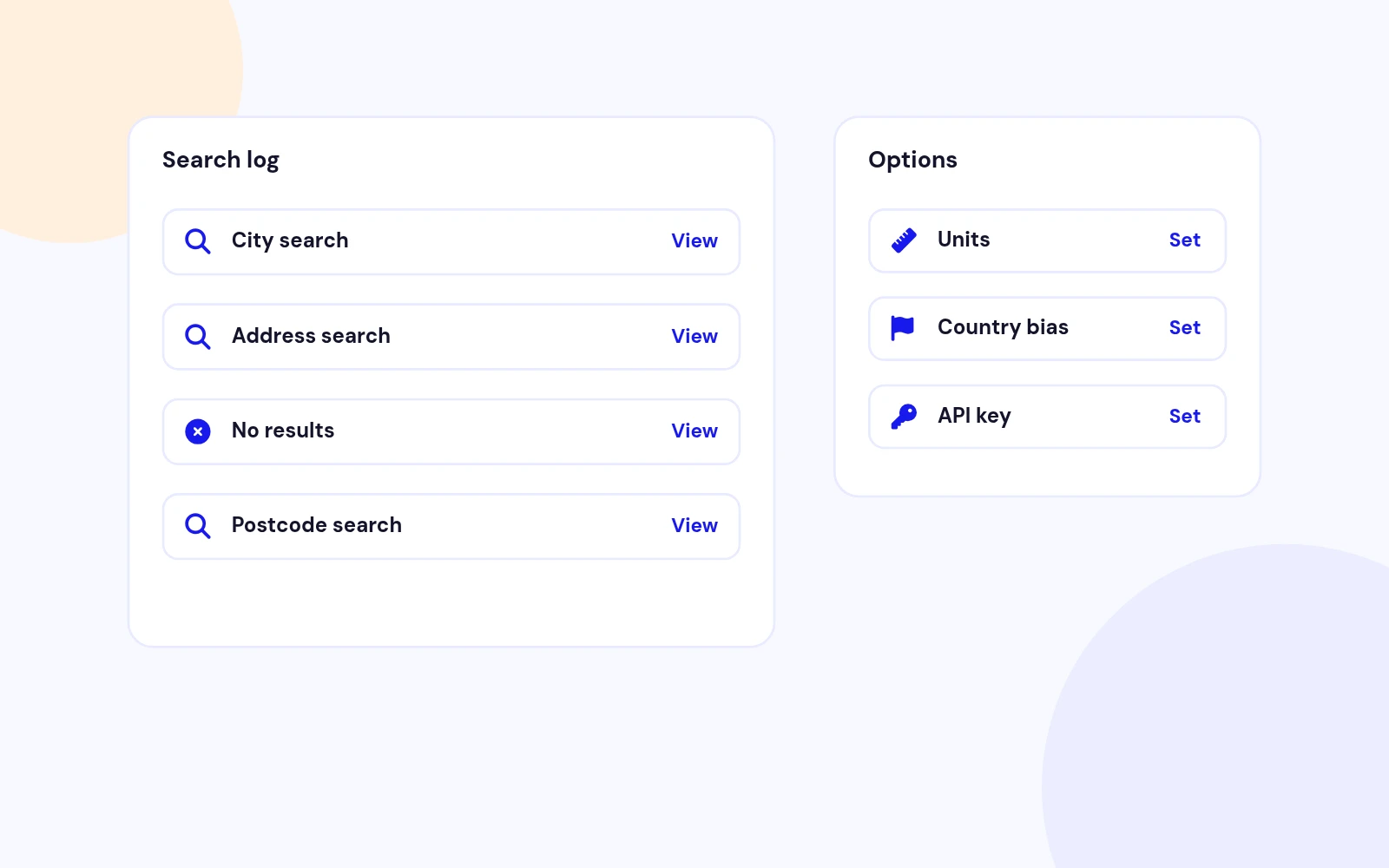
  • Search Log: Review front-end queries to see what visitors type and which searches return results.
  • Global Options: API key, units, map height, cluster method, search limits, themes, and uninstall data retention.
Joomla 4 / 5 / 6 Ready

Modern stack

Joomla 4 / 5 / 6 Ready

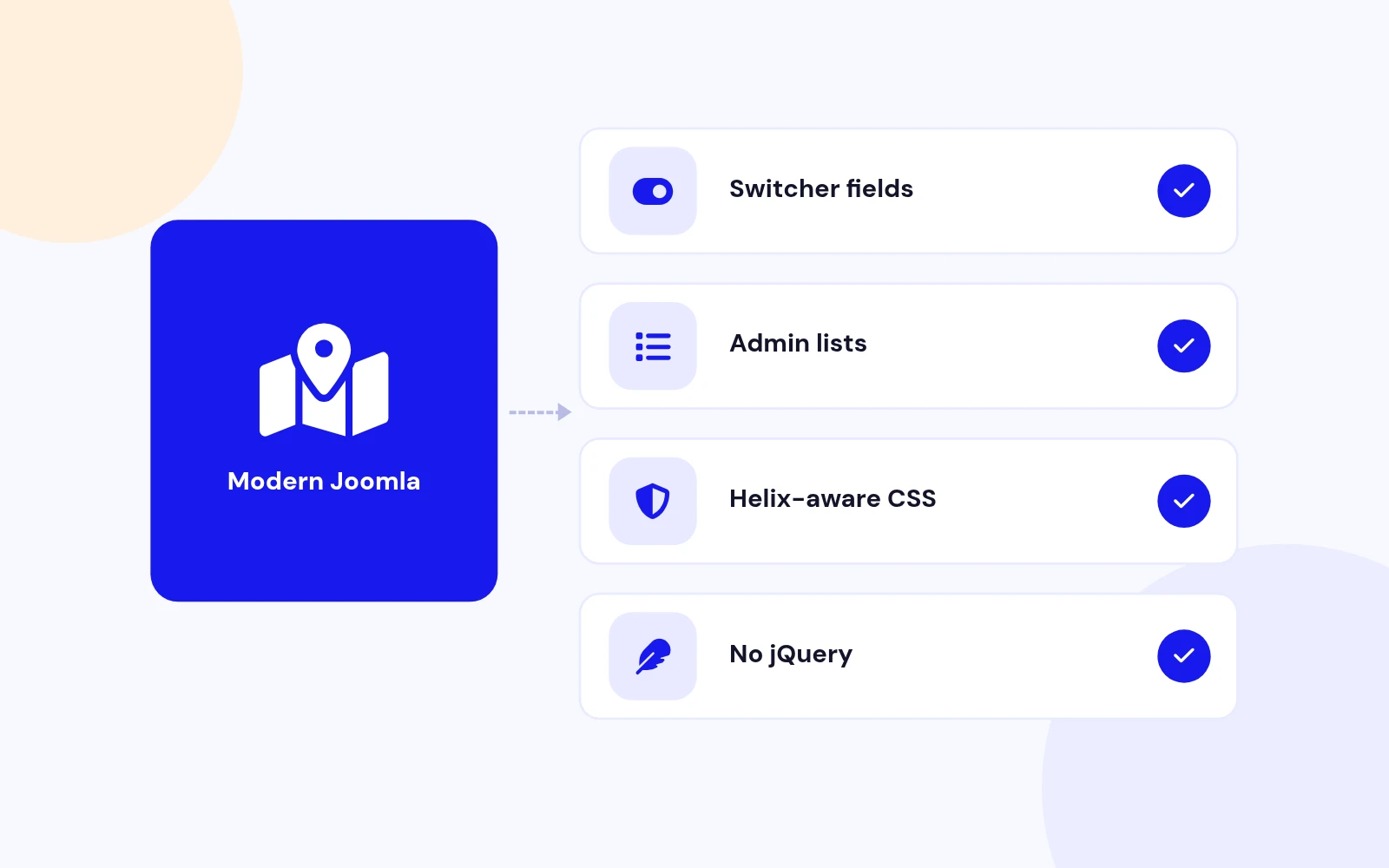
  • Current Joomla UI: Switcher fields, Bootstrap-friendly admin lists, and Helix-aware frontend CSS isolation.
  • Package install: One zip: pkg_storelocator_3.0.1.zip inside StoreLocatorPro_UNZIP.zip.

Changelog

What's new

4 releases since version 3.0.1. Updates install from the Joomla admin with a valid licence.

    • Download Key support on the update site (dlid).

Docs & setup

Get up and running fast

Written guides for installing and configuring Store Locator Pro, from first setup to the options that matter.

  • Installation stepsOne install zip for Joomla 4, 5 and 6, installed from System, Install, Extensions.
  • Configuration optionsThe settings in the guide, from first setup to the options that matter.
  • Practical usage tipsShort examples you can adapt to your site.

Pricing

Choose the plan that fits

Save more as you scale — longer access means a bigger discount.

Compatible with
Joomla 4 Joomla 5 Joomla 6
Pay once
Lifetime
Lifetime access with dedicated support agent. Never pay again - unlimited updates & custom development support included.
$1,980

$99

You save 95%
Download Access - Lifetime
Support - Lifetime + Dedicated Support
Unlimited Websites License
Unlimited Downloads
Dedicated Support Agent
Lifetime Free Updates
Feature Request Priority
Custom Development Support
30-Day Money Back Guarantee
Commercial Use License

Why buy here

Why JoomlaX

  • Built, maintained and supported by one team Every product sold on JoomlaX is developed, maintained and supported by Infyways, building Joomla solutions since 2010.
  • Ready for Joomla 4, 5 and 6 118 extensions support Joomla 5 and 6, and 114 support Joomla 4. Each product page lists the versions it works with.
  • One-click Joomla updates Regular updates and feature improvements for licensed customers, delivered straight to your Joomla admin.
  • Support from the developers Tickets go straight to the developers. First replies within 24 business hours.

All-access bundle

Unlock every JoomlaX extension in one plan

Get all 126 extensions, new releases, ongoing updates and full-time support. Bought one by one, a year of updates for every extension costs over $4,700.

  • Basic

    Ideal for small projects and personal sites

    $249/ 6 months

    Save 91% · $2,900+ value

    • Access to 126 extensions
    • Access to new extensions during period
    • 3 websites license
    • 6 months support and updates
    • Unlimited downloads and domain activations
    • Full-time expert technical support
    Buy Basic plan

    30-day money-back guarantee

  • Most popular

    Premium

    Best for growing businesses and web agencies

    $349/ 1 year

    Save 92% · $4,700+ value

    • Access to 126 extensions
    • Access to new extensions during period
    • 5 websites license
    • 1 year support and updates
    • Unlimited downloads and domain activations
    • Priority full-time technical support
    Buy Premium plan

    30-day money-back guarantee

  • Developer

    For professional developers and multi-client agencies

    $749/ one-time

    Pay once · keep forever

    • Access to 126 extensions
    • Access to all future new extensions
    • Unlimited websites license
    • Lifetime support and updates
    • Unlimited downloads and domain activations
    • VIP priority full-time technical support
    Buy Developer plan

    30-day money-back guarantee

FAQ

Questions about Store Locator Pro

Still unsure? Our support team is one ticket away.

Is Store Locator Pro a fork of Sysgen Store Locator?

Yes. Store Locator Pro is a JoomlaX-maintained fork of Sysgen Media Store Locator 2.6. It keeps the same com_storelocator element and familiar admin workflow, and is rebuilt for Joomla 4, 5, and 6.

How is this different from Easy Store Locator?

Easy Store Locator is a separate JoomlaX product (com_easystorelocator + module) with Google Maps or OpenStreetMap. Store Locator Pro is the Sysgen-compatible component fork focused on Google Maps, classic and responsive map layouts, markers, categories, tags, CSV, and batch geocoding.

Can I upgrade from Sysgen Store Locator on Joomla 3?

Yes, after you backup files and the database and upgrade the site to Joomla 4.4 or later. Install pkg_storelocator_3.0.1.zip. It replaces com_storelocator in place. Then confirm your Google Maps API key in Options and test your map menu items.

What Google APIs do I need?

Enable the Maps JavaScript API and create an API key. Add the key under Components > Store Locator Pro > Options > Map. For address search and batch geocoding you also need the Geocoding API. Google Suggest uses Places when enabled in your Google Cloud project.

Which file do I install?

Download StoreLocatorPro_UNZIP.zip, extract it, then install pkg_storelocator_3.0.1.zip from System > Install > Extensions.

How do I publish the map on the site?

Create a menu item of type Store Locator Pro > Map. Choose the Responsive or Classic (default) layout, set menu options if needed, save, clear cache, and open the page.

Does uninstall remove my locations?

By default you can keep data on uninstall from Options. Leave the keep-data setting enabled if you may reinstall later. Always backup before uninstalling.

How many marker icons are included?

A fresh install seeds 91 Google micons into the Markers catalog. You can assign them per location, category, or tag, and add your own marker images.

Help from the people who built it

Don't have an account yet? Register Now!

Sign in to your account