

Your Picks
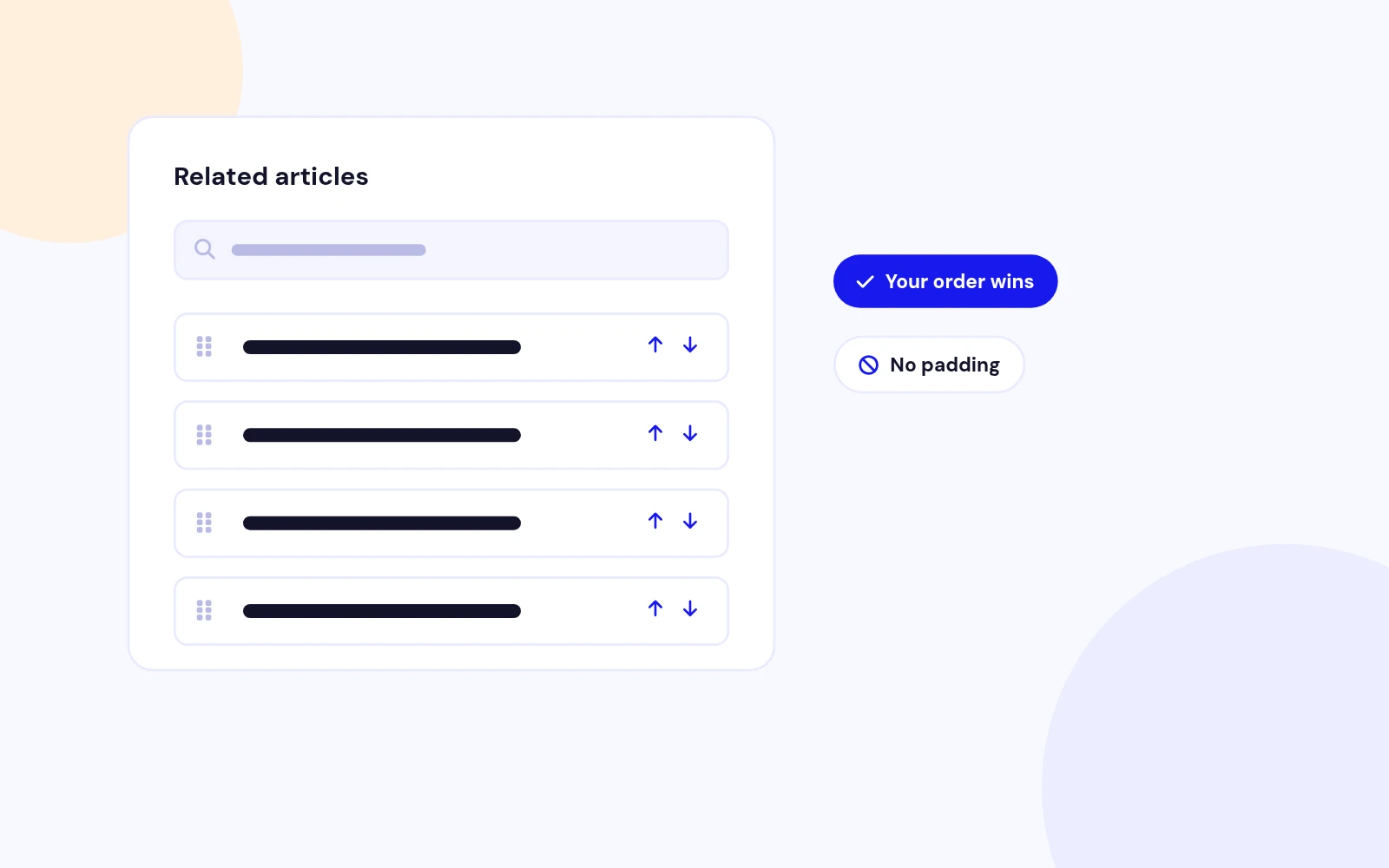
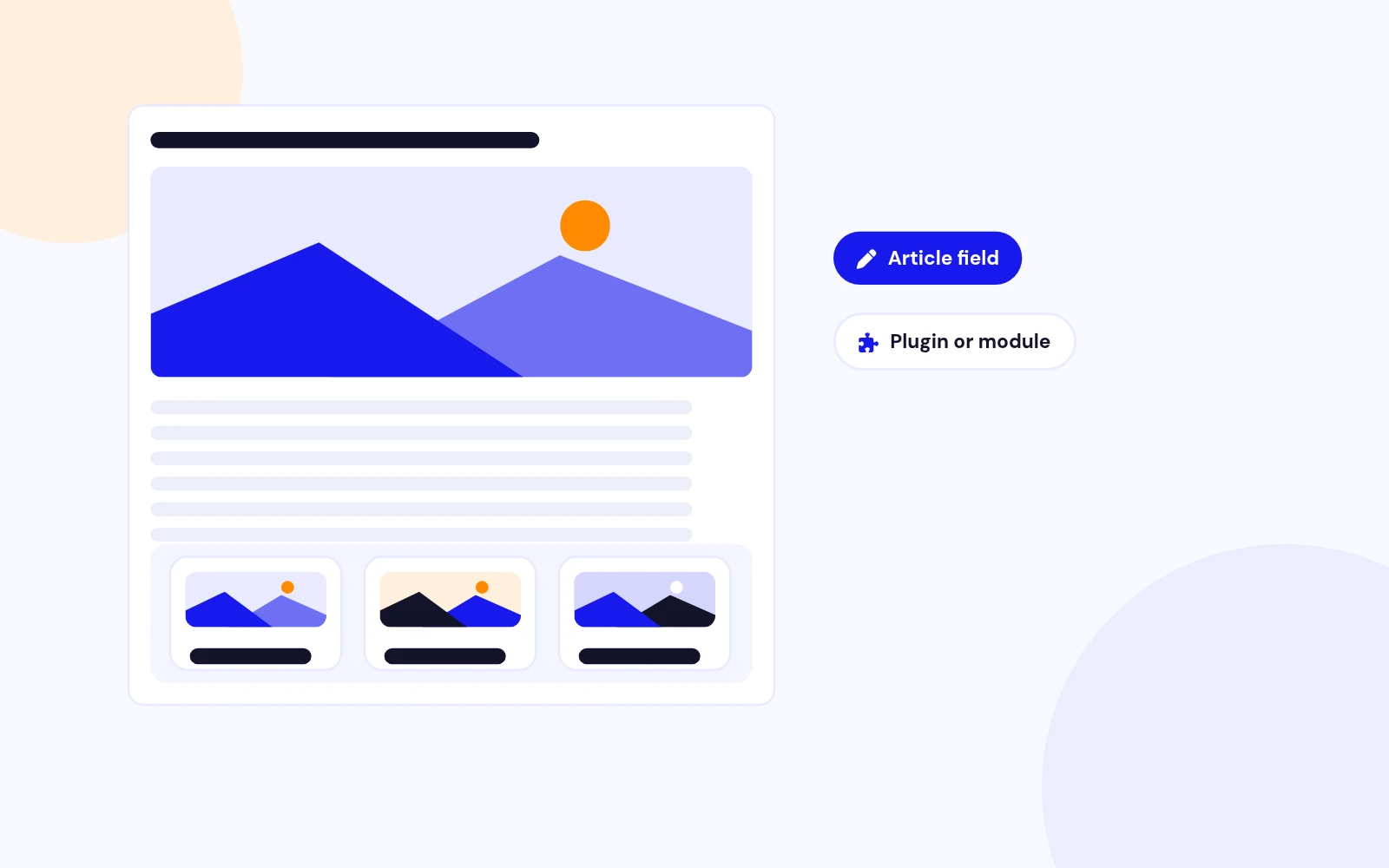
Hand-Pick Related Articles
- Find articles and drag them into the order you want. Your list is never padded with automatic picks.
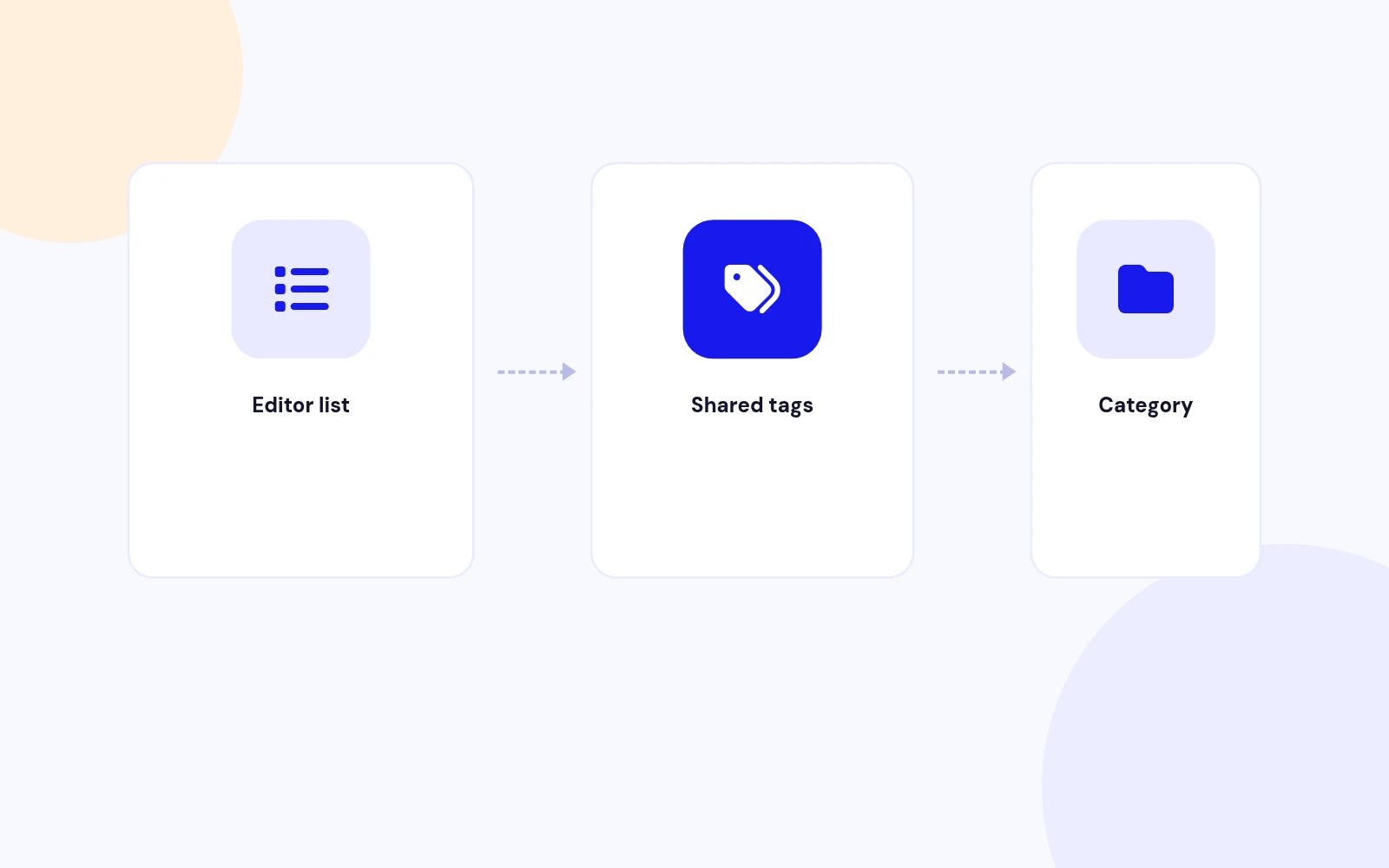
Assign related articles on each article, with tag and category fill when that list is empty.
Features
Five feature areas, one install package for Joomla 4, 5 and 6.
Your Picks
Smart Backup
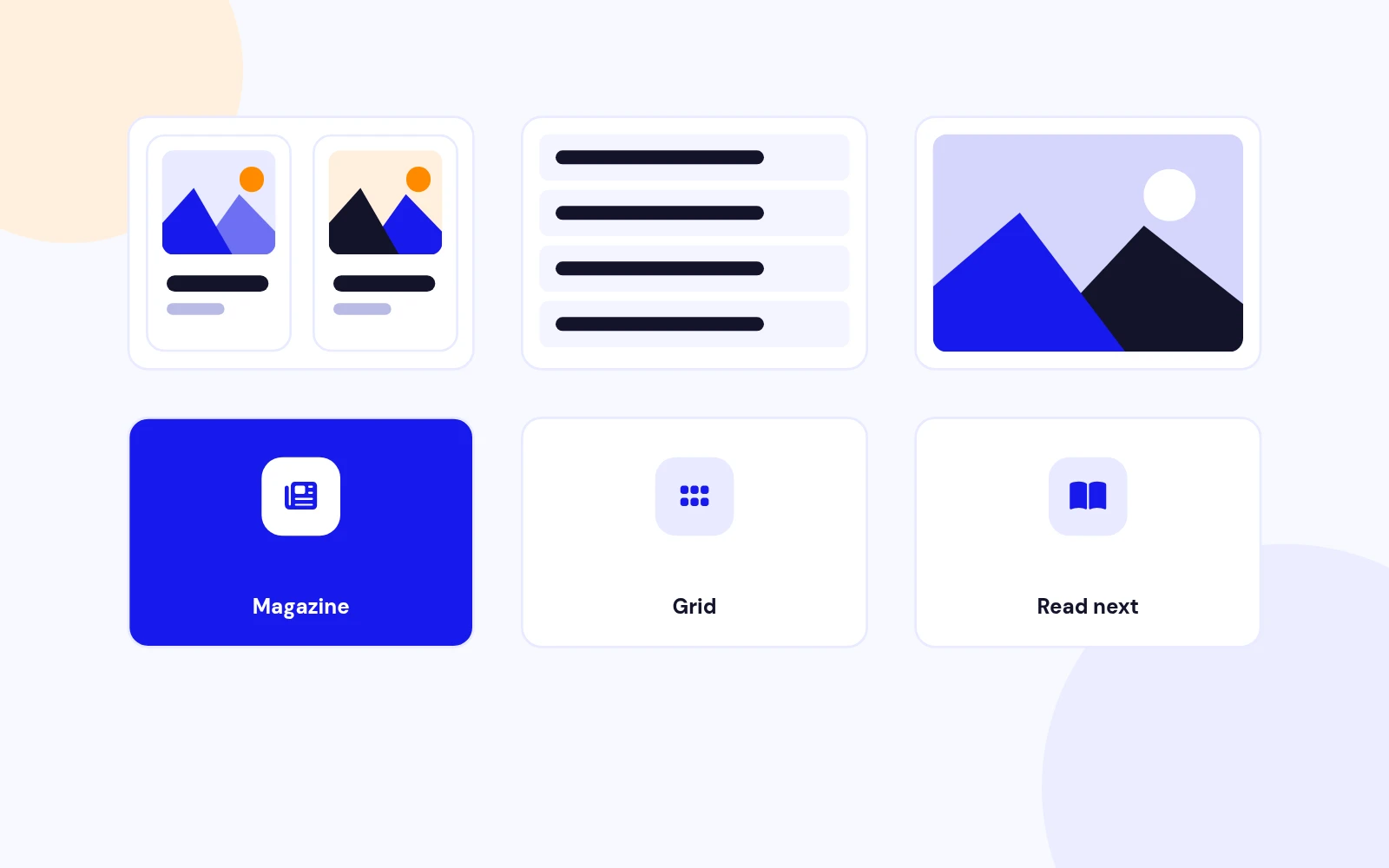
Many Layouts
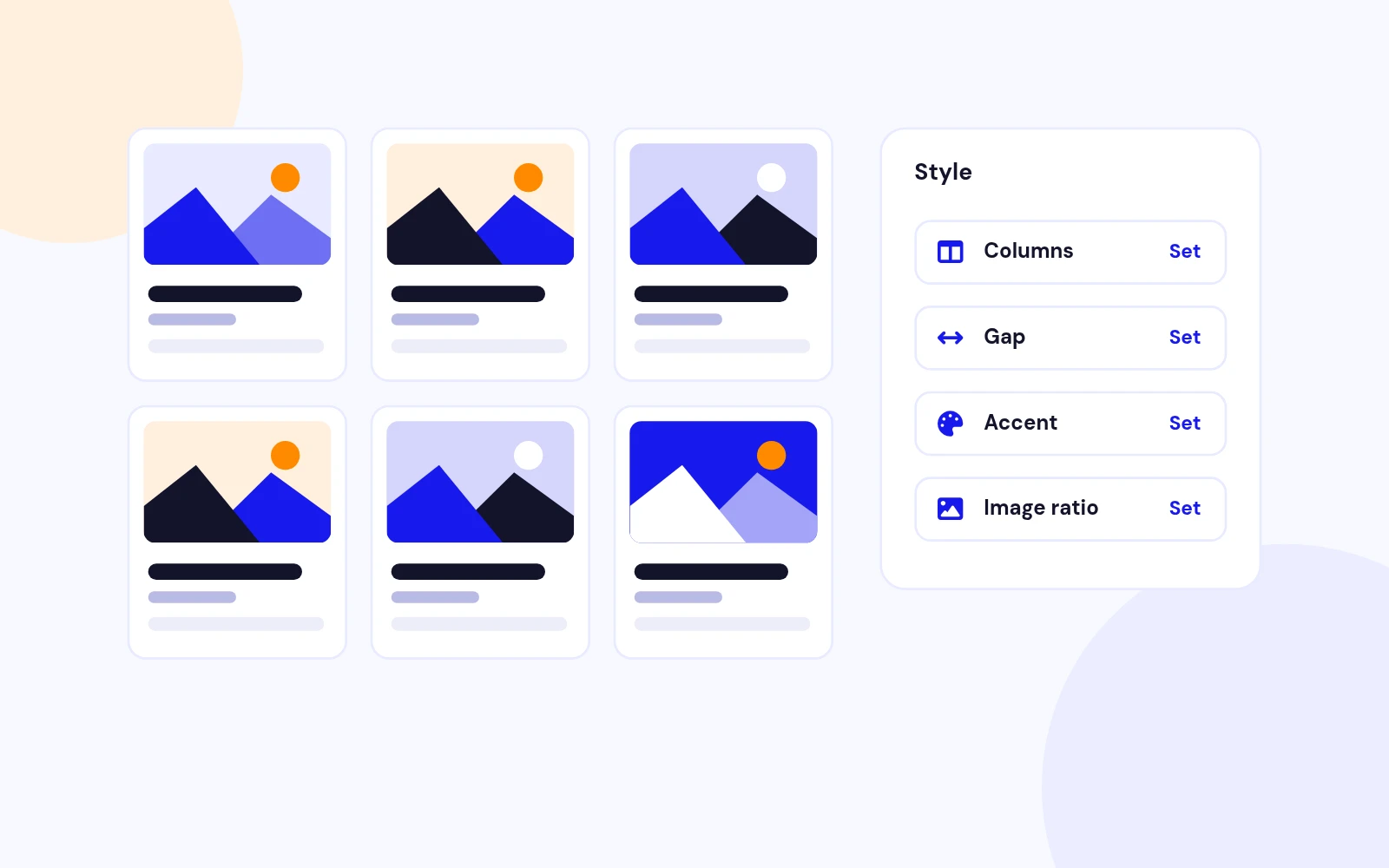
Easy Styling
Future-Proof
Changelog
3 releases since version 1.0.0. Updates install from the Joomla admin with a valid licence.
Docs & setup
Written guides for installing and configuring Easy Related Articles, from first setup to the options that matter.
Pricing
Save more as you scale — longer access means a bigger discount.
30-day money-back guarantee
30-day money-back guarantee
30-day money-back guarantee
30-day money-back guarantee
Why buy here
All-access bundle
Get all 127 extensions, new releases, ongoing updates and full-time support.
Ideal for small projects & personal sites
$249/ 6 months
30-day money-back guarantee
Every JoomlaX extension. Unlimited sites. One price.
$365/ year
Renews manually at $365/year, no auto-renewal
30-day money-back guarantee
Lifetime All Access: every extension, unlimited sites, lifetime updates. For developers & agencies.
$749/ one-time
Pay Once · Keep Forever
30-day money-back guarantee
FAQ
Still unsure? Our support team is one ticket away.
Easy Related Articles 1.0 supports Joomla 4, 5, and 6. The package is a content plugin and a site module. PHP 8.1 or later is recommended.
Install both. The plugin stores the related list on each article. Use Show after the article to print that list under the article, or publish the module in a position and assign it to one article.
Those two articles, in the order you set. The list is not filled up to the limit. Tags and category are used only when no assigned article is visible to the visitor.
Shared tags come first, most tags shared, then the newest publish date. If that still does not reach the limit, newer articles from the same category are added. Choose Show nothing if you want an empty list to stay empty.
Unpublished articles, articles outside the publish window, articles the visitor cannot access, articles in another language, and the article they are already reading.
Yes. Zoom image on hover is a switch on the module and on the plugin. It only applies when images are shown. Visitors who prefer reduced motion do not get the zoom.
No. It stays off until you enable it, and then it prints only under the article being viewed. The assignment field remains on the article edit screen either way.
More like this
Plugin + Component
Coming soon and maintenance pages for Joomla 5 and 6 with a waiting list, video backgrounds, preview links and admin bypass.
v1.0.7
From $19

Module + Plugin
Joomla Extension to Disable Right Click on Mouse
v2.6.1 6,025 downloads
From $9


Plugin + Component
Code Highlighter Plugin for Joomla
v2.2.1 3,540 downloads
From $9


Plugin
Plugin to Include Javascript or CSS files to Joomla
v2.1.1 10,541 downloads
Free


Module
Show Joomla Modules and Articles Randomly in a Position
v1.5.1 3,131 downloads
From $19
