

One Click
See Your Site as Any User
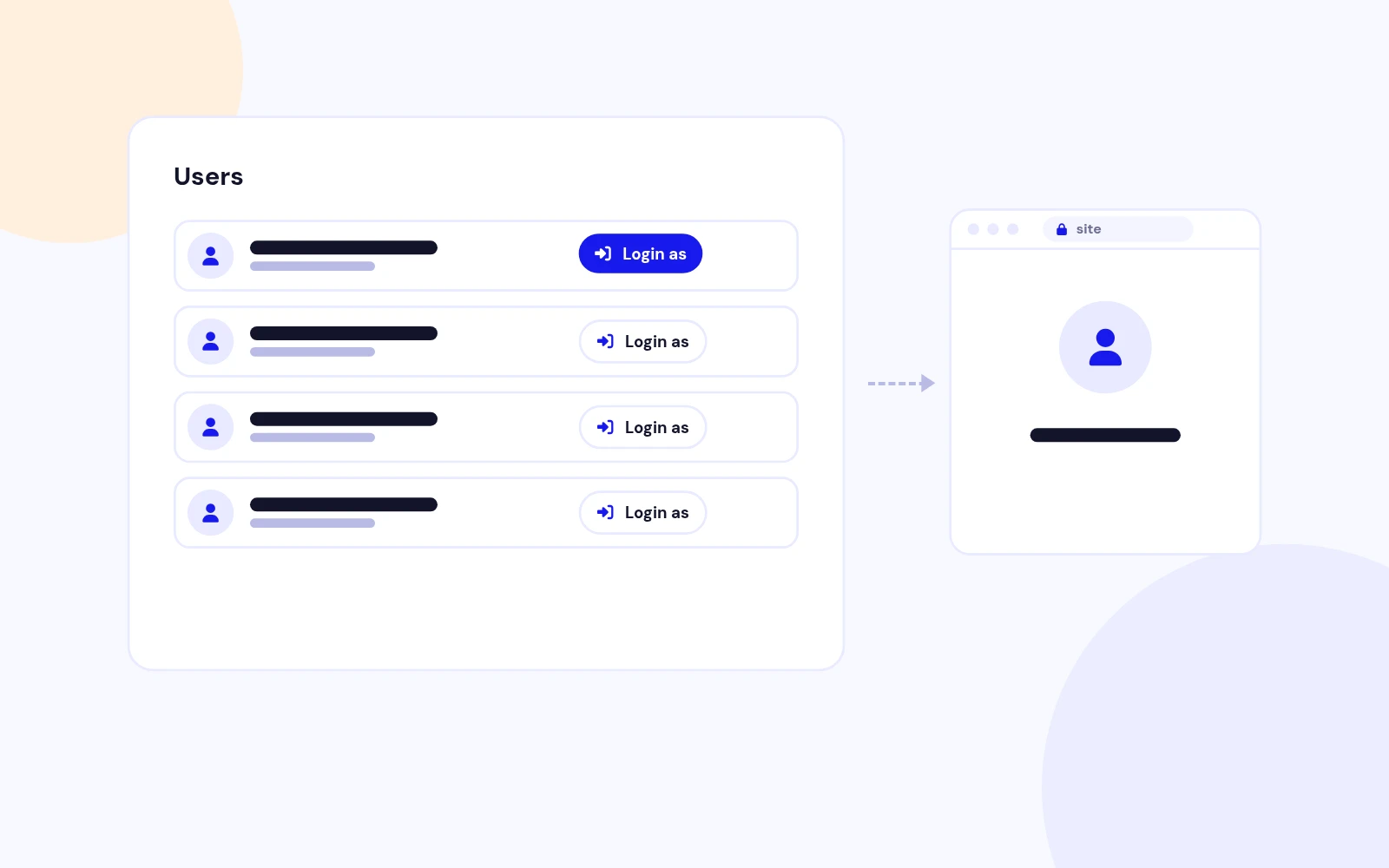
- A Login As button opens the site as that user. Secure one-time links never reveal or change passwords.
Open the public site as a chosen user from the Users list, with a one-time link and an audit log.
Features
Six feature areas, one install package for Joomla 5 and 6.
One Click
Safe Access
Redirect
Audit Trail
Integrations
Future-Proof
Changelog
3 releases since version 1.0.0. Updates install from the Joomla admin with a valid licence.
Docs & setup
Written guides for installing and configuring Easy Login As, from first setup to the options that matter.
Pricing
Save more as you scale — longer access means a bigger discount.
30-day money-back guarantee
30-day money-back guarantee
30-day money-back guarantee
30-day money-back guarantee
Why buy here
All-access bundle
Get all 127 extensions, new releases, ongoing updates and full-time support.
Ideal for small projects & personal sites
$249/ 6 months
30-day money-back guarantee
Every JoomlaX extension. Unlimited sites. One price.
$365/ year
Renews manually at $365/year, no auto-renewal
30-day money-back guarantee
Lifetime All Access: every extension, unlimited sites, lifetime updates. For developers & agencies.
$749/ one-time
Pay Once · Keep Forever
30-day money-back guarantee
FAQ
Still unsure? Our support team is one ticket away.
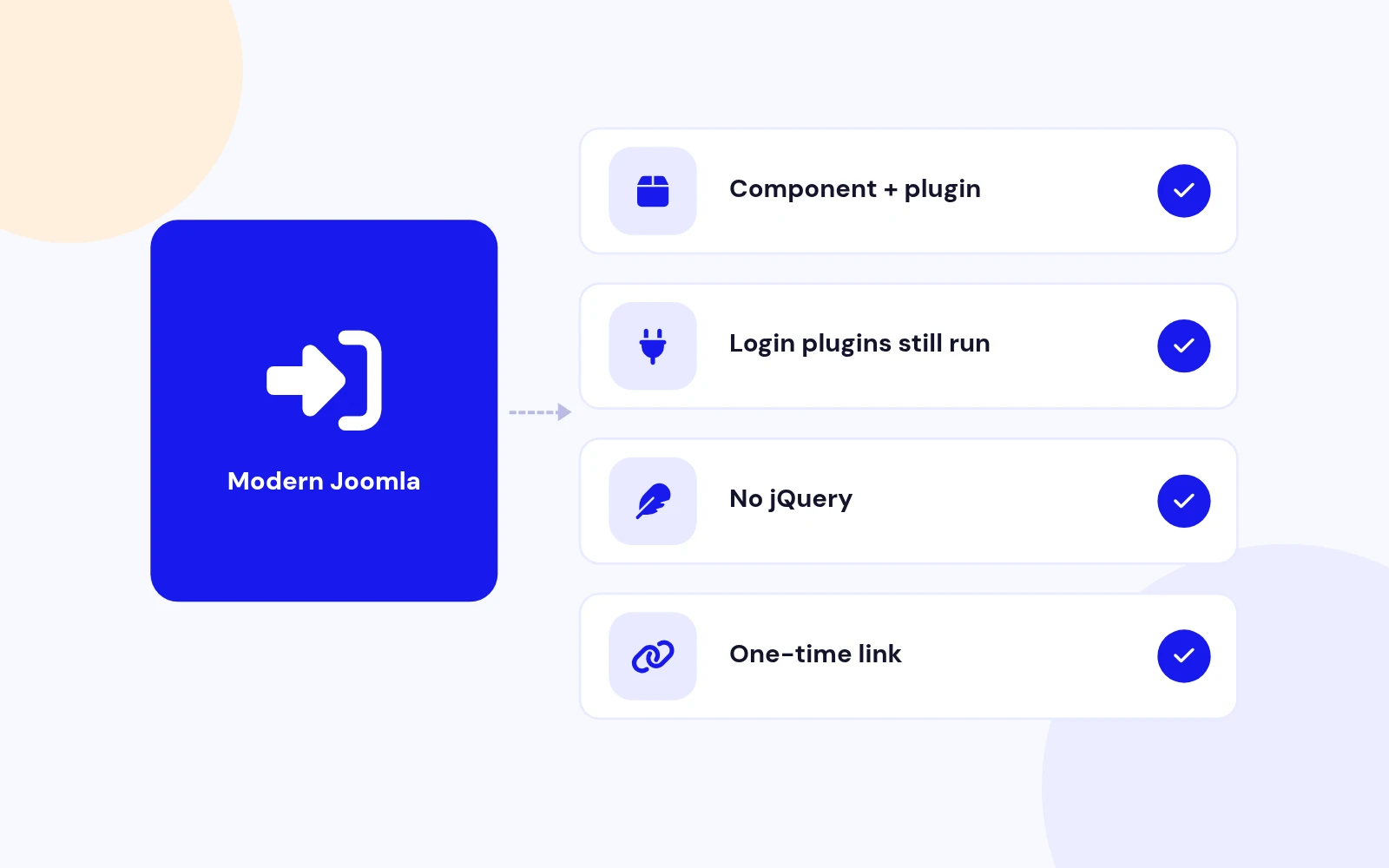
Easy Login As supports Joomla 5 and 6. PHP 8.1 or later is required.
No. A Super User (or someone with the Login as user permission) clicks a button. The site opens with a one-time link that expires in two minutes. The password is never shown or changed.
Download EasyLoginAs_UNZIP.zip, unzip it, and install the package zip inside. That installs the component and the system plugin together.
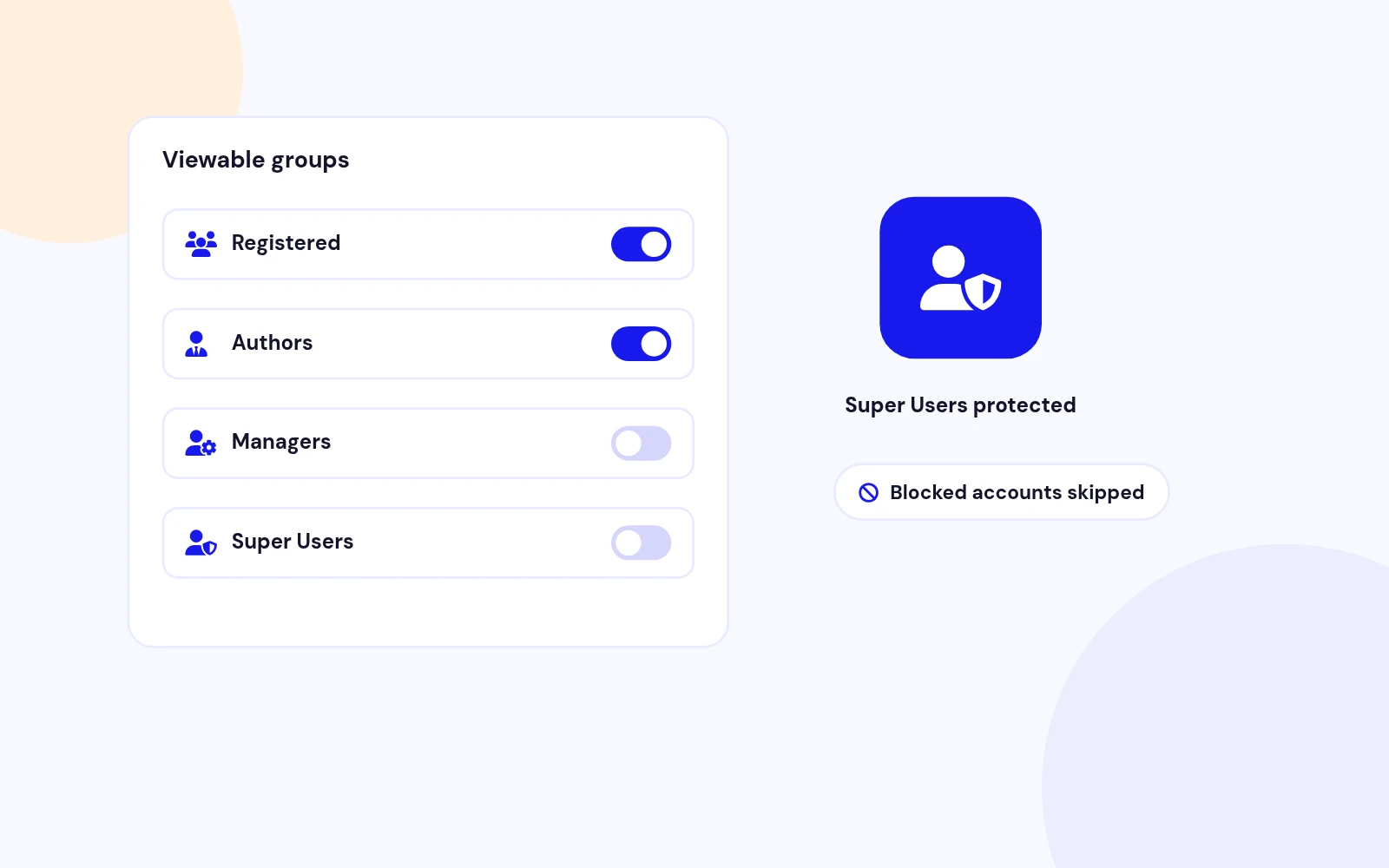
Open Users > Manage. Allowed accounts show a Login as button in the last column. Blocked accounts, protected groups, and your own account do not.
Yes. Super User groups stay protected even if you remove them from the protected list. You can also map each administrator group to the user groups that group may open.
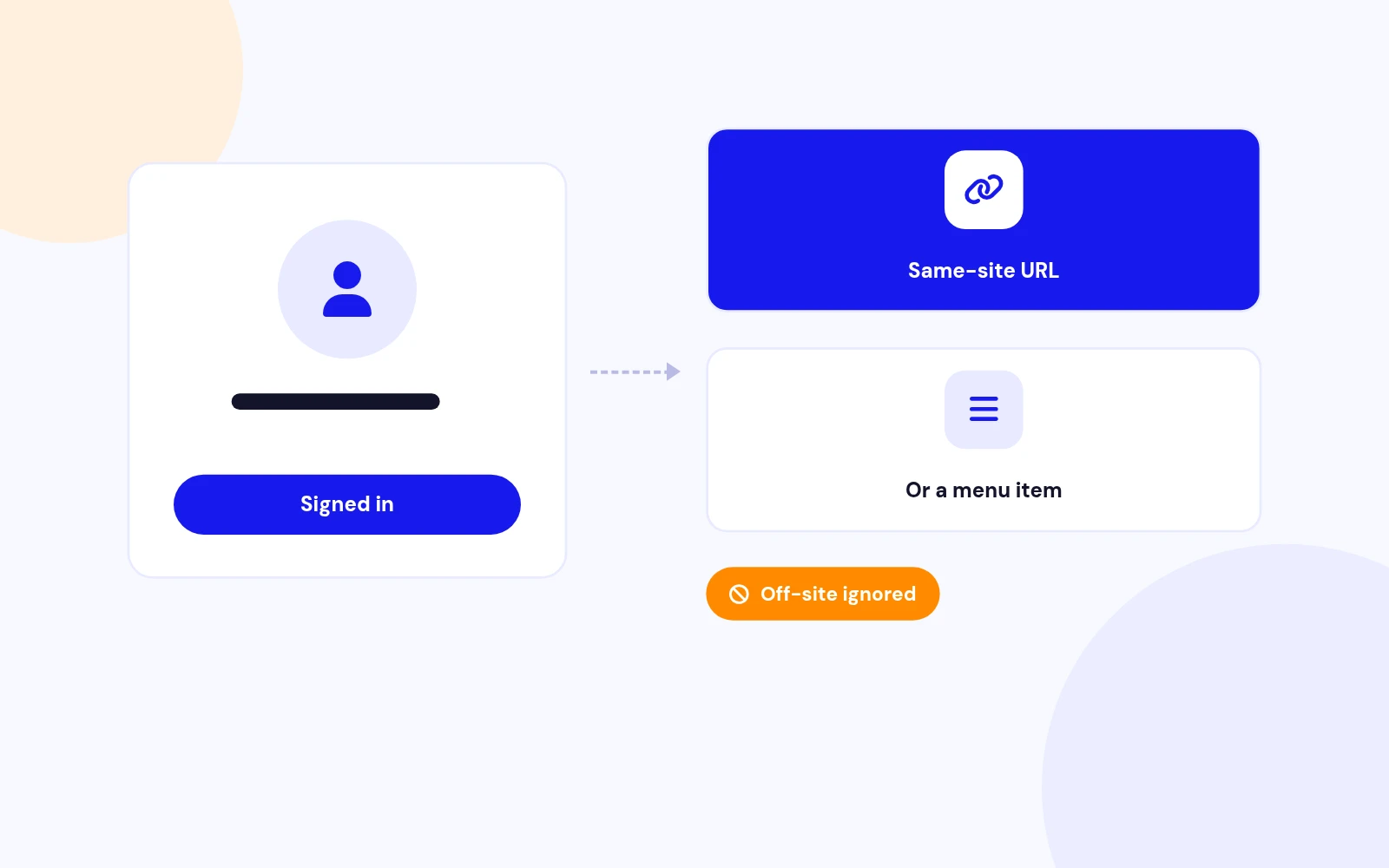
Yes. In Configuration, set a Redirect URL on this site, or choose a menu item. An address on another site is ignored.
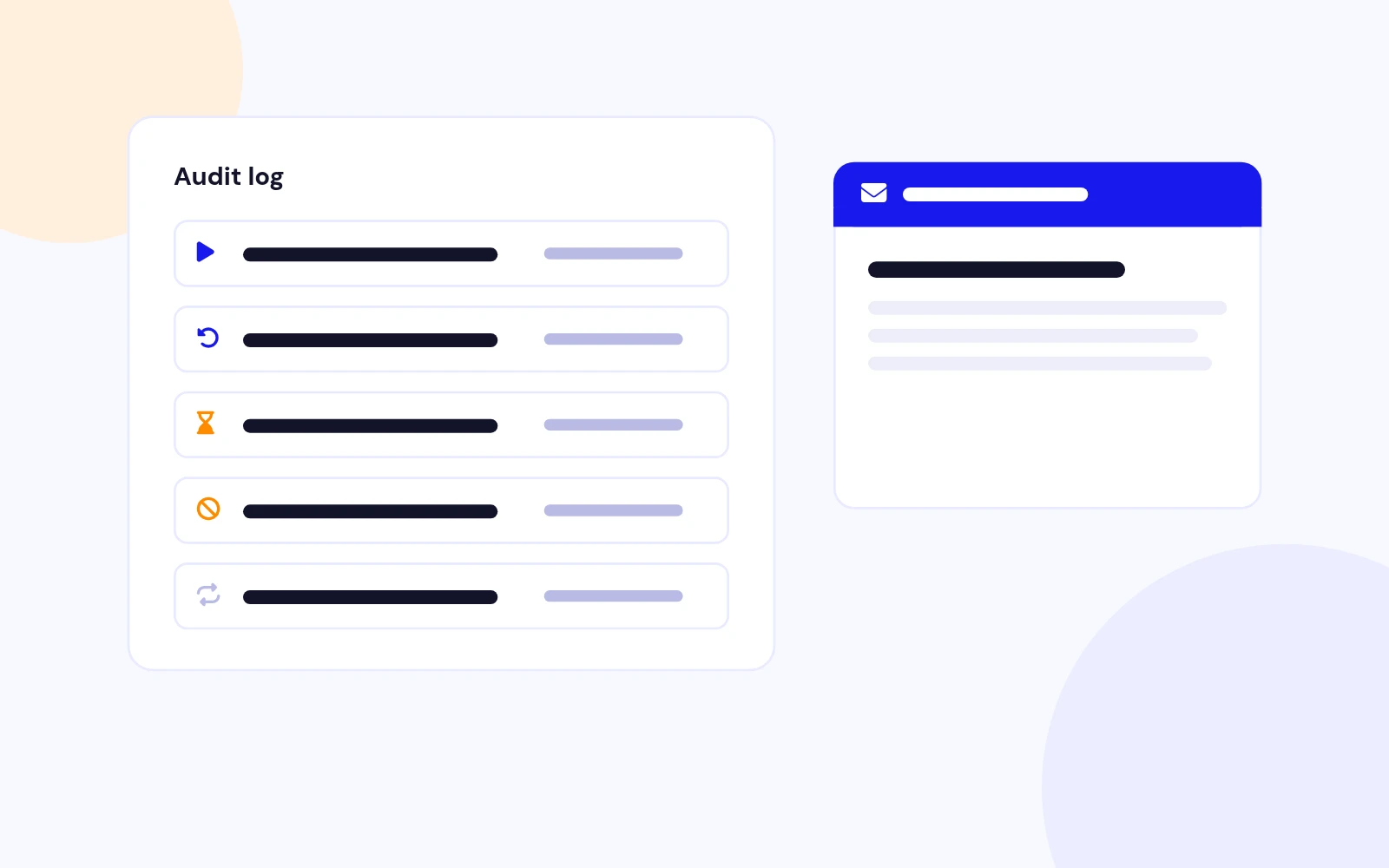
Only if you turn Email on each login on. You can set the subject and body. Placeholders are {admin}, {user}, {username}, and {audit}. The one-time link is not included.
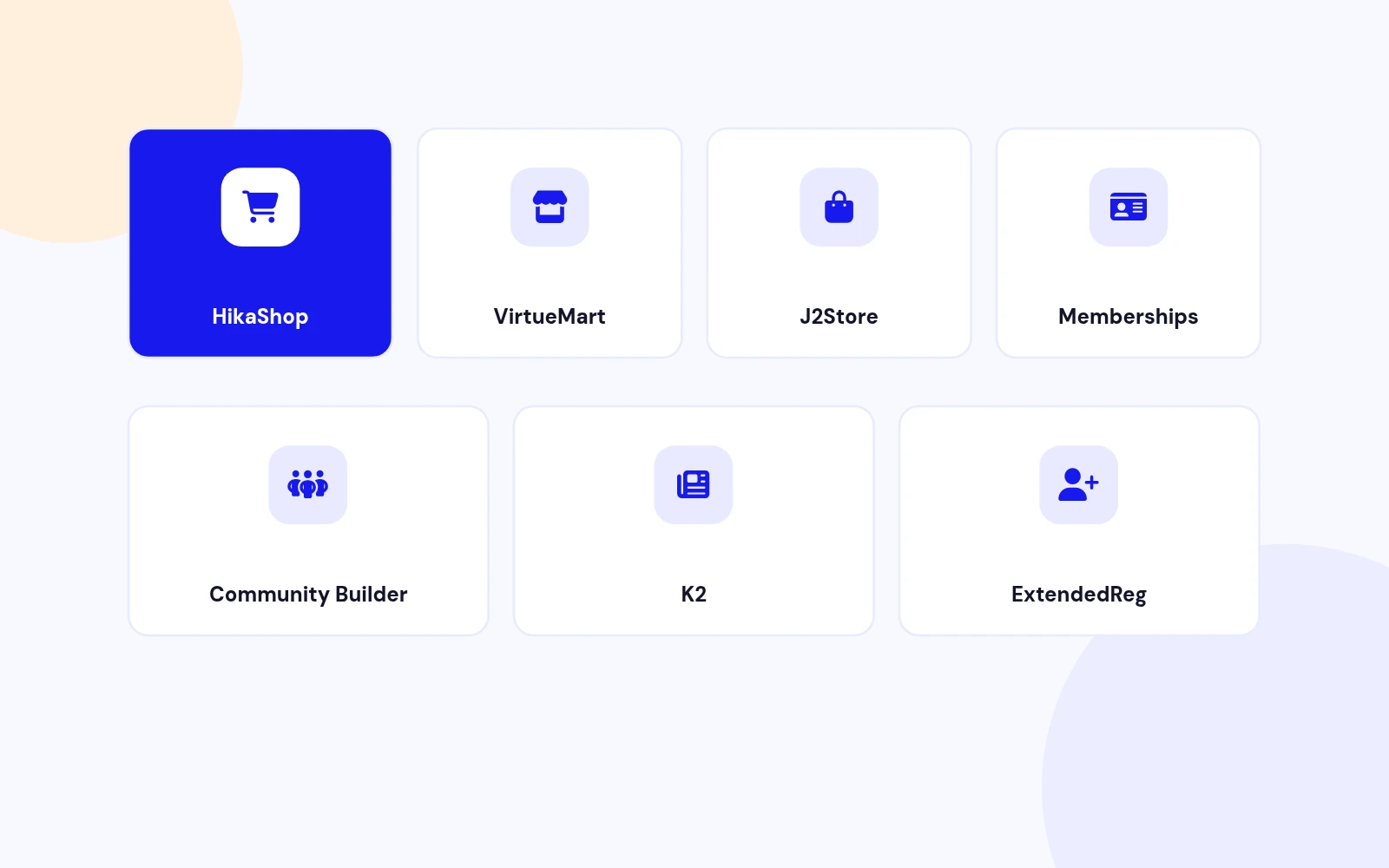
When that extension is installed, yes: HikaShop, VirtueMart, J2Store, OS Membership, Community Builder, K2, and ExtendedReg. If it is not installed, the list is left alone.
More like this
Plugin + Component
Coming soon and maintenance pages for Joomla 5 and 6 with a waiting list, video backgrounds, preview links and admin bypass.
v1.0.7
From $19

Module + Plugin
Joomla Extension to Disable Right Click on Mouse
v2.6.1 6,025 downloads
From $9


Plugin + Component
Code Highlighter Plugin for Joomla
v2.2.1 3,540 downloads
From $9


Plugin
Plugin to Include Javascript or CSS files to Joomla
v2.1.1 10,541 downloads
Free


Module
Show Joomla Modules and Articles Randomly in a Position
v1.5.1 3,131 downloads
From $19
