

Accurate
Reading Times Readers Trust
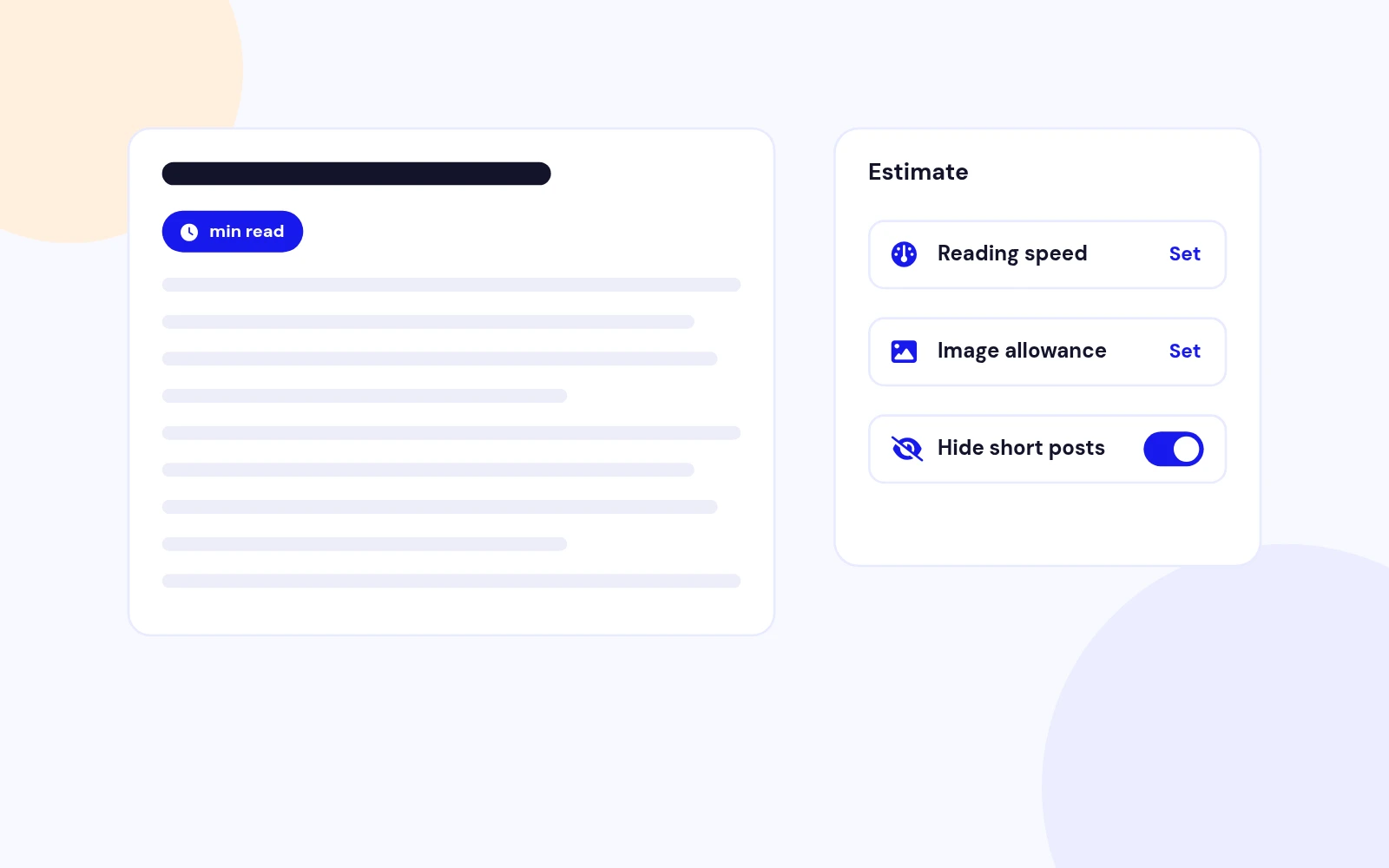
- Set a reading speed range for a balanced estimate, with extra time for images. Hide it on short articles.
Displays reading time and progress bar for Joomla articles.
Features
Ten feature areas, one install package for Joomla 4, 5 and 6.
Accurate
Your Placement

Per-Spot Control

Your Style
Useful Details

Smart Progress
Global Ready
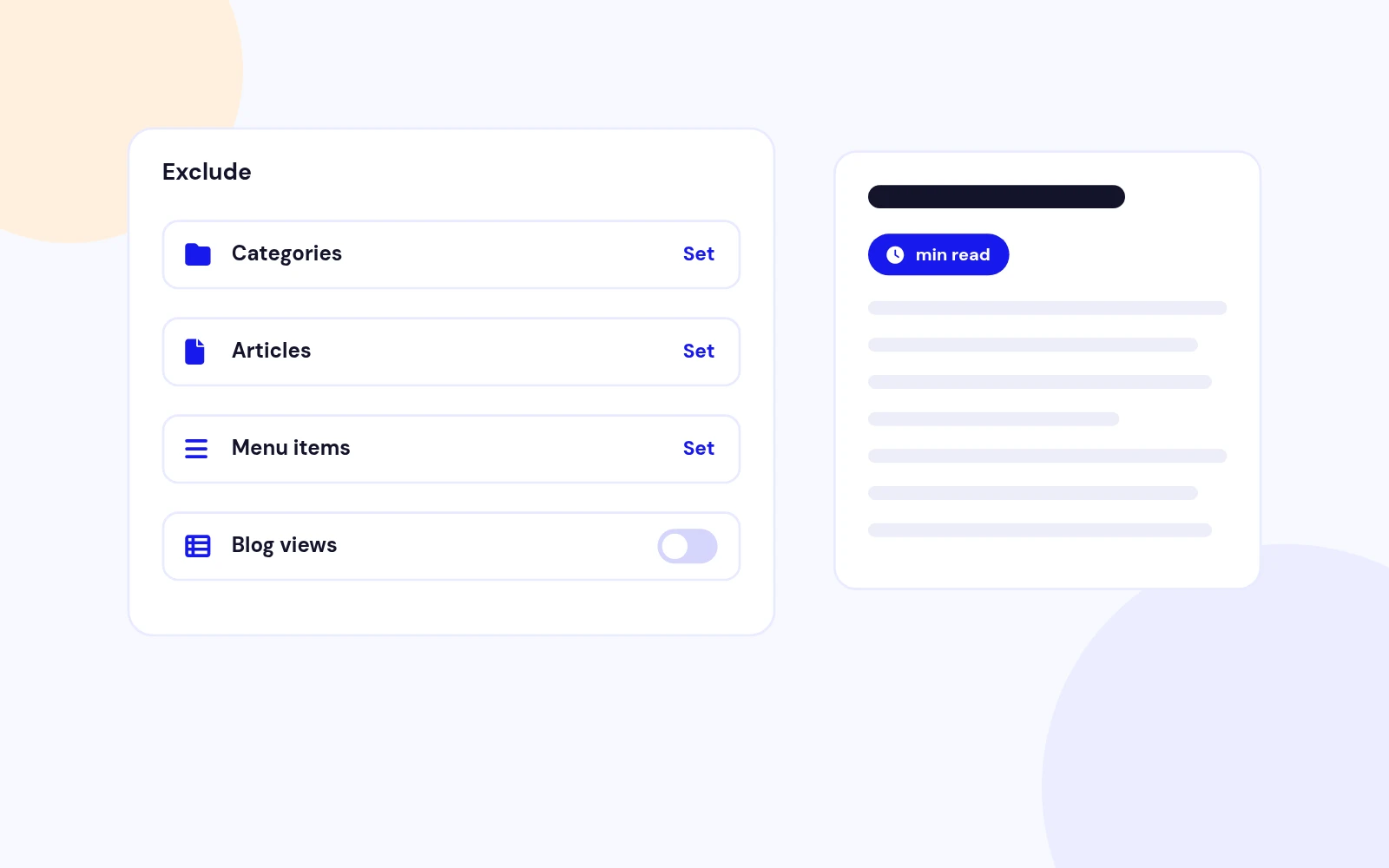
Exclusions
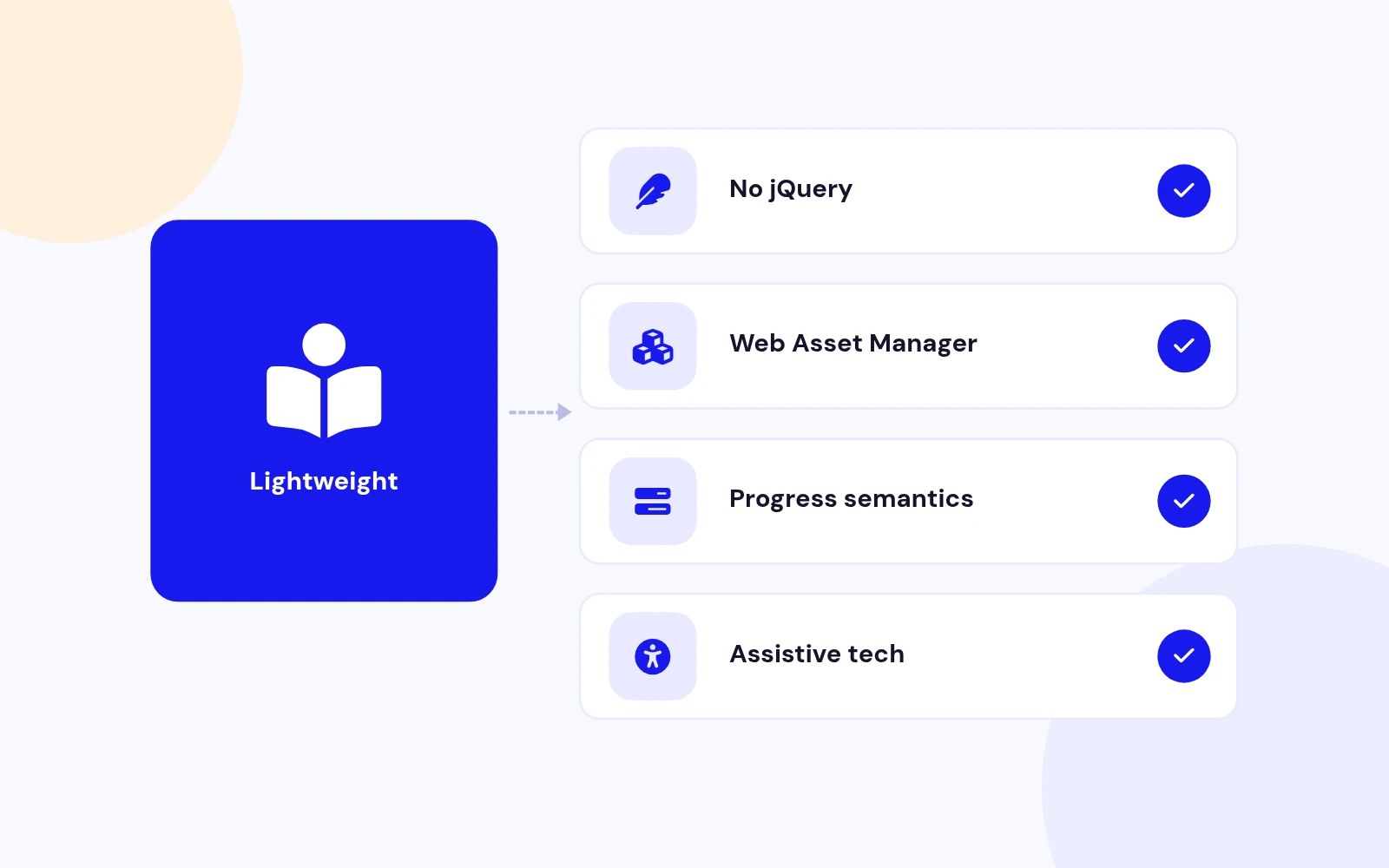
Lightweight
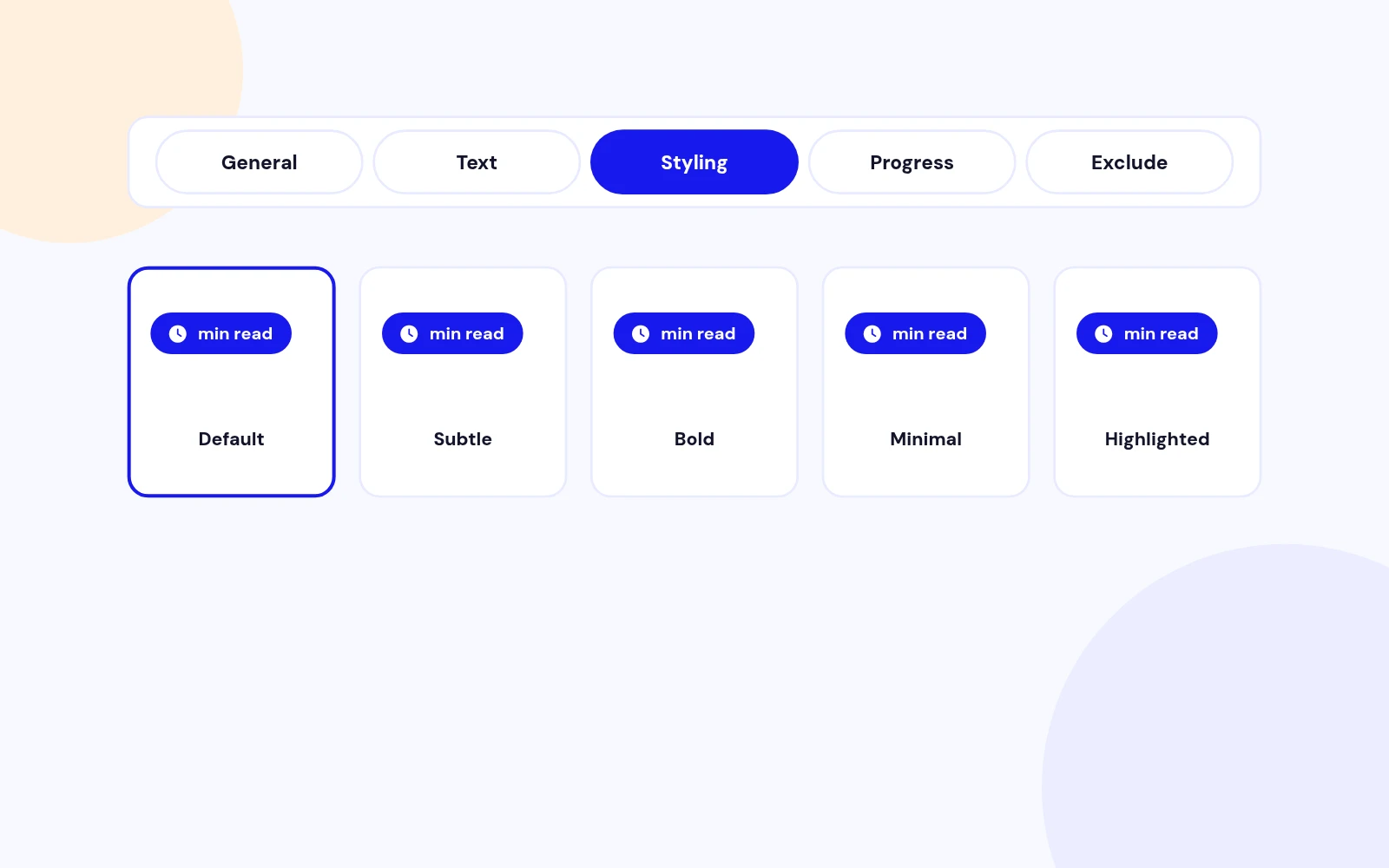
Easy Settings
Changelog
9 releases since version 1.0. Updates install from the Joomla admin with a valid licence.
Docs & setup
Written guides for installing and configuring ReadTime, from first setup to the options that matter.
Pricing
Save more as you scale — longer access means a bigger discount.
30-day money-back guarantee
30-day money-back guarantee
30-day money-back guarantee
30-day money-back guarantee
Why buy here
All-access bundle
Get all 127 extensions, new releases, ongoing updates and full-time support.
Ideal for small projects & personal sites
$249/ 6 months
30-day money-back guarantee
Every JoomlaX extension. Unlimited sites. One price.
$365/ year
Renews manually at $365/year, no auto-renewal
30-day money-back guarantee
Lifetime All Access: every extension, unlimited sites, lifetime updates. For developers & agencies.
$749/ one-time
Pay Once · Keep Forever
30-day money-back guarantee
FAQ
Still unsure? Our support team is one ticket away.
ReadTime 1.6 supports Joomla 4, Joomla 5, and Joomla 6. PHP 8.1 or later is recommended.
No. ReadTime uses native JavaScript and registers its versioned CSS and JavaScript through Joomla Web Asset Manager.
Yes. The plugin provides 35 backend parameters covering reading speed, metrics, text, placement, layouts, icons, style presets, custom typography, progress behaviour, and exclusions. Shortcode attributes are optional per-instance overrides.
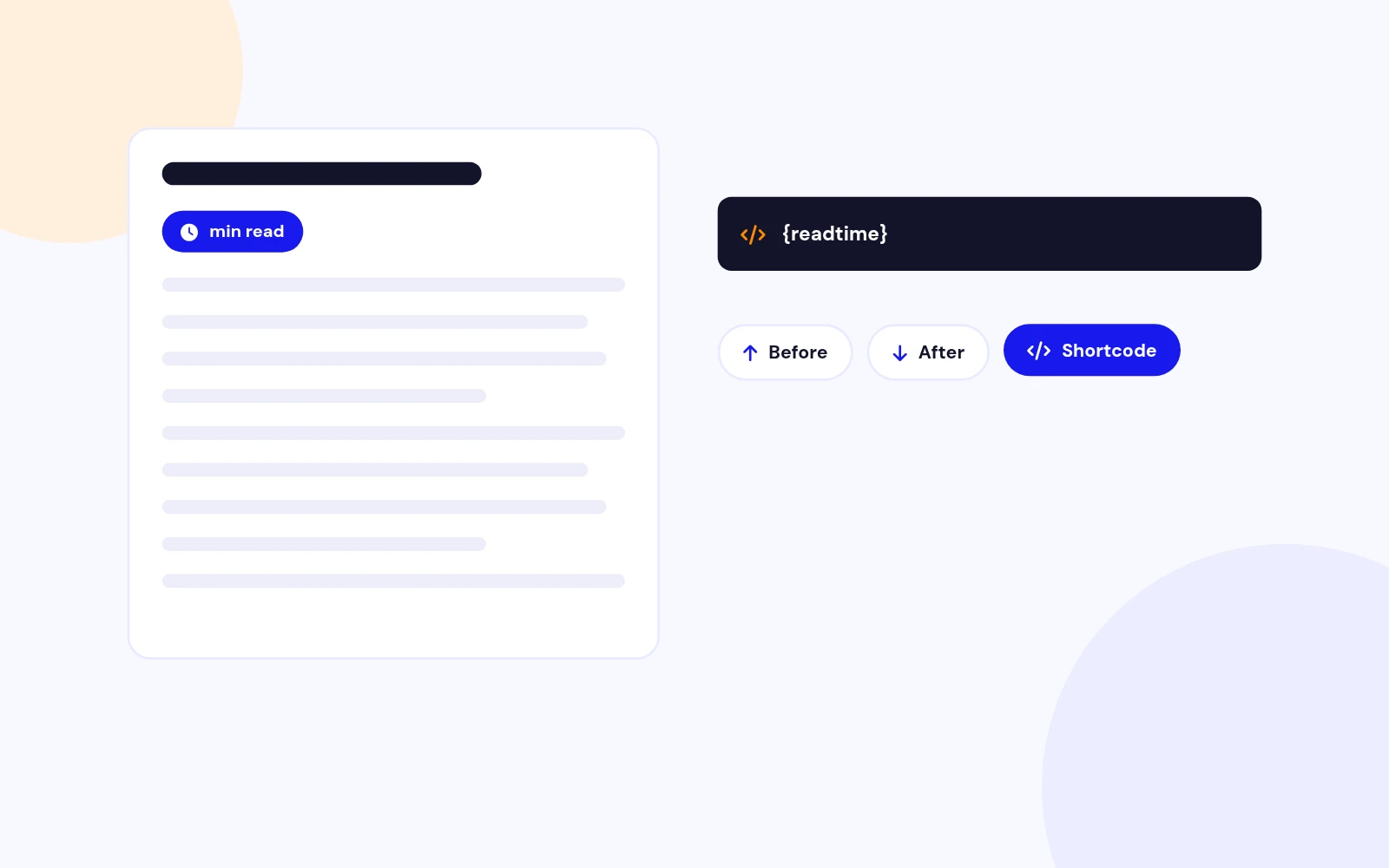
Choose Before Article, After Article, or Shortcode {readtime}. Shortcode mode places the indicator exactly where the token appears and falls back to the beginning when no token is present.
Yes. Version 1.6 supports multiple {readtime} shortcodes in the same article. Each shortcode can use its own display attributes while inheriting every omitted value from the backend settings.
You can override layout, style, icon, words, finish, seconds, percentage, label, wpm, alignment, scope, and image_seconds.
Plain provides a minimal reading line, Rounded Badge provides a compact pill, and Information Card provides a full-width summary. Each layout works with the five presets or custom styling.
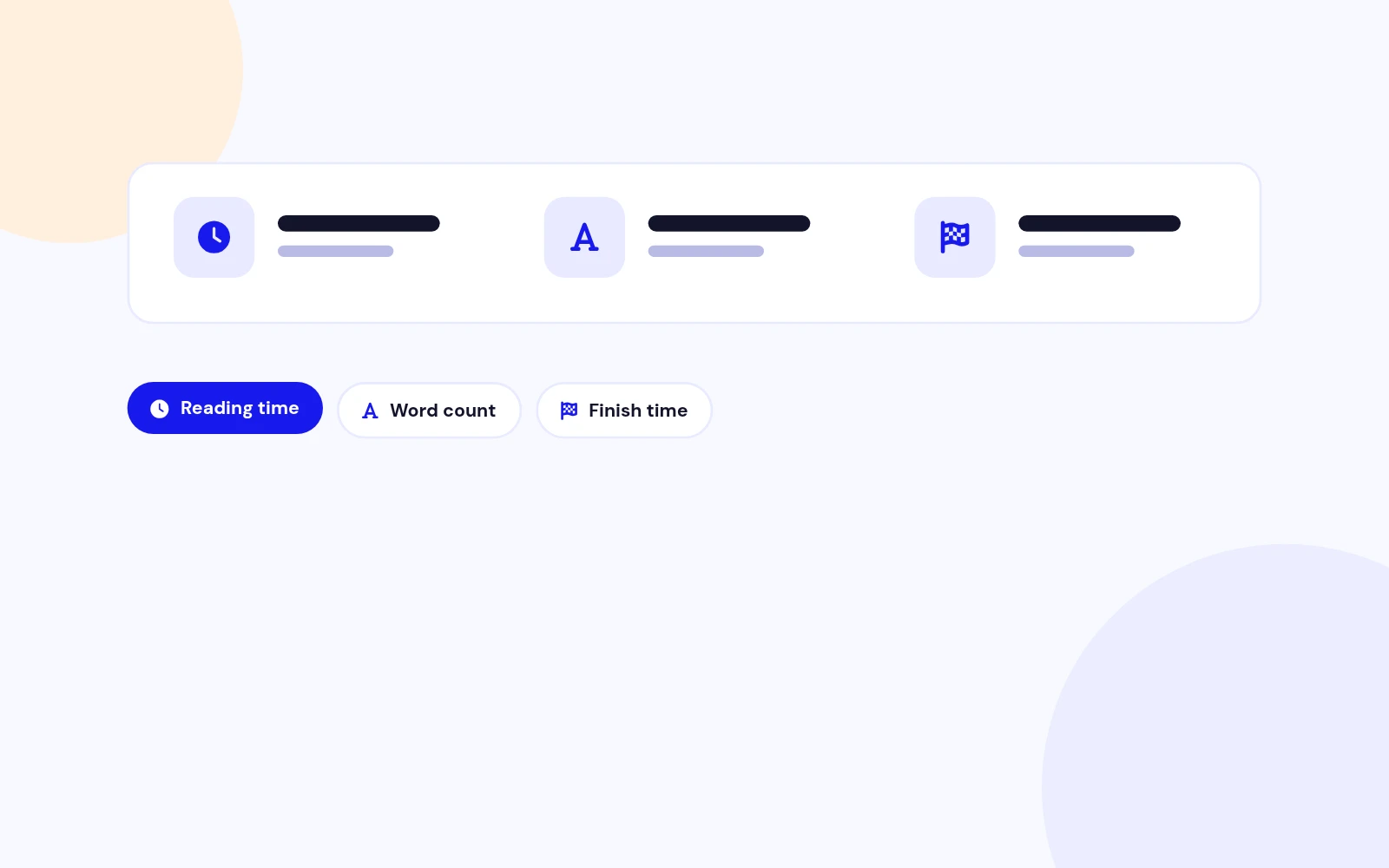
ReadTime averages the configured Minimum and Maximum WPM values, divides the article word count by that speed, then adds the configured seconds-per-image allowance. It can display the result in minutes or seconds.
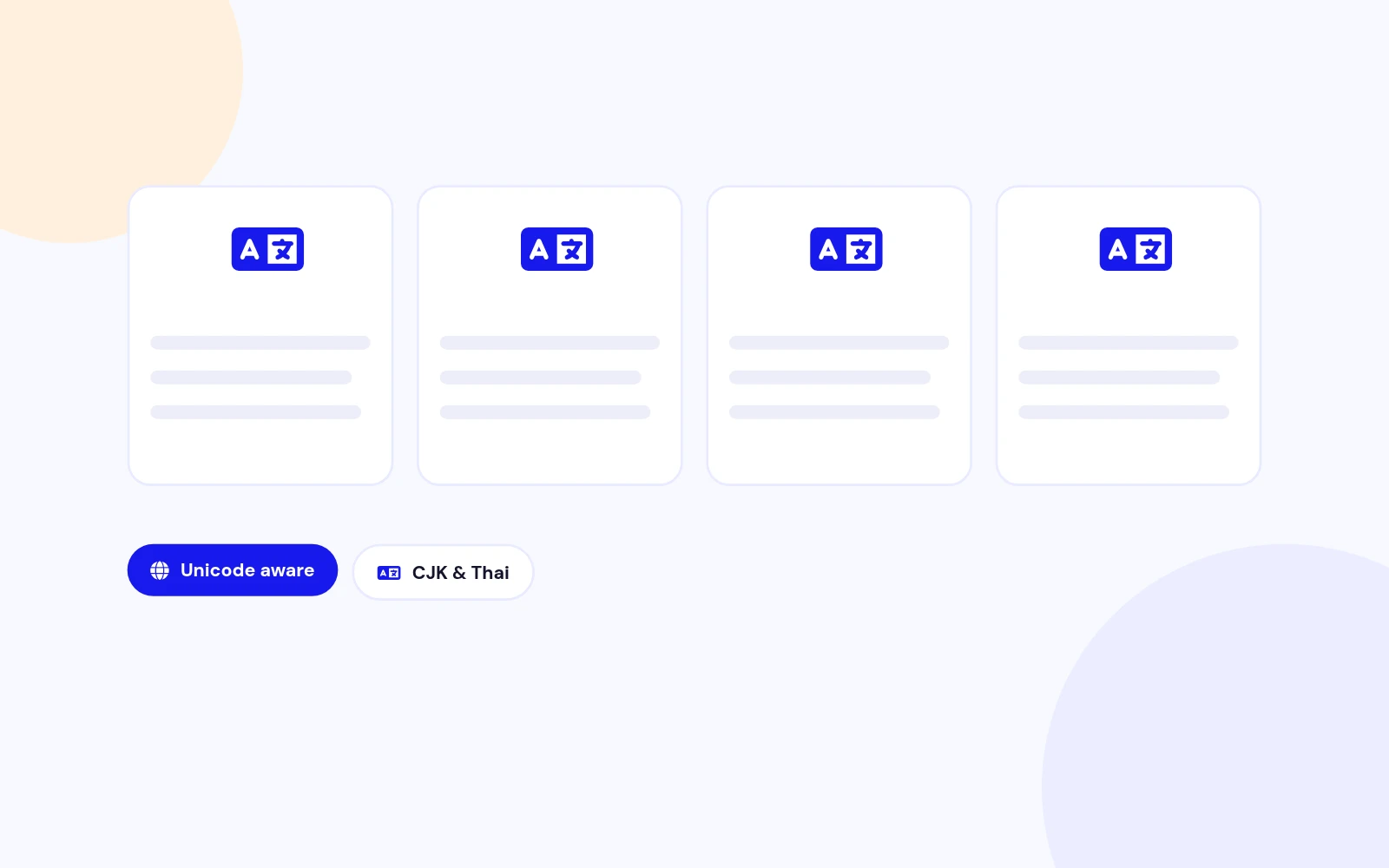
Yes. It uses Unicode-aware word matching and applies a character-based estimate for CJK and Thai scripts that do not separate every word with spaces.
Article Content measures only the article body and ignores unrelated headers, footers, and modules. Entire Page measures the full document scroll length.
Yes. Set Minimum Word Count to the shortest content length that should display an estimate. A value of 0 allows every non-empty eligible article.
Yes. Exclude categories, menu items, individual articles, Featured Articles, blog layouts, or category views from the plugin settings.
Yes. It exposes progressbar semantics, an accessible label, and a numeric value from 0 to 100. ReadTime also honours reduced-motion preferences, hides decorative SVG icons from assistive technology, and includes print styles.
Confirm that Content - ReadTime is enabled and Display Position is set to Shortcode {readtime}. Check the attribute quotes and verify that the current article, category, menu item, or view is not excluded.
Visit support.joomlax.com. Include the Joomla and PHP versions, page URL, plugin settings, and any browser-console errors.
More like this

Plugin + Component
Coming soon and maintenance pages for Joomla 5 and 6 with a waiting list, video backgrounds, preview links and admin bypass.
v1.0.7
From $19

Module + Plugin
Joomla Extension to Disable Right Click on Mouse
v2.6.1 6,025 downloads
From $9


Plugin + Component
Code Highlighter Plugin for Joomla
v2.2.1 3,540 downloads
From $9


Plugin
Plugin to Include Javascript or CSS files to Joomla
v2.1.1 10,541 downloads
Free


Module
Show Joomla Modules and Articles Randomly in a Position
v1.5.1 3,131 downloads
From $19
