

Gate Content
Lock Any Content Behind Login
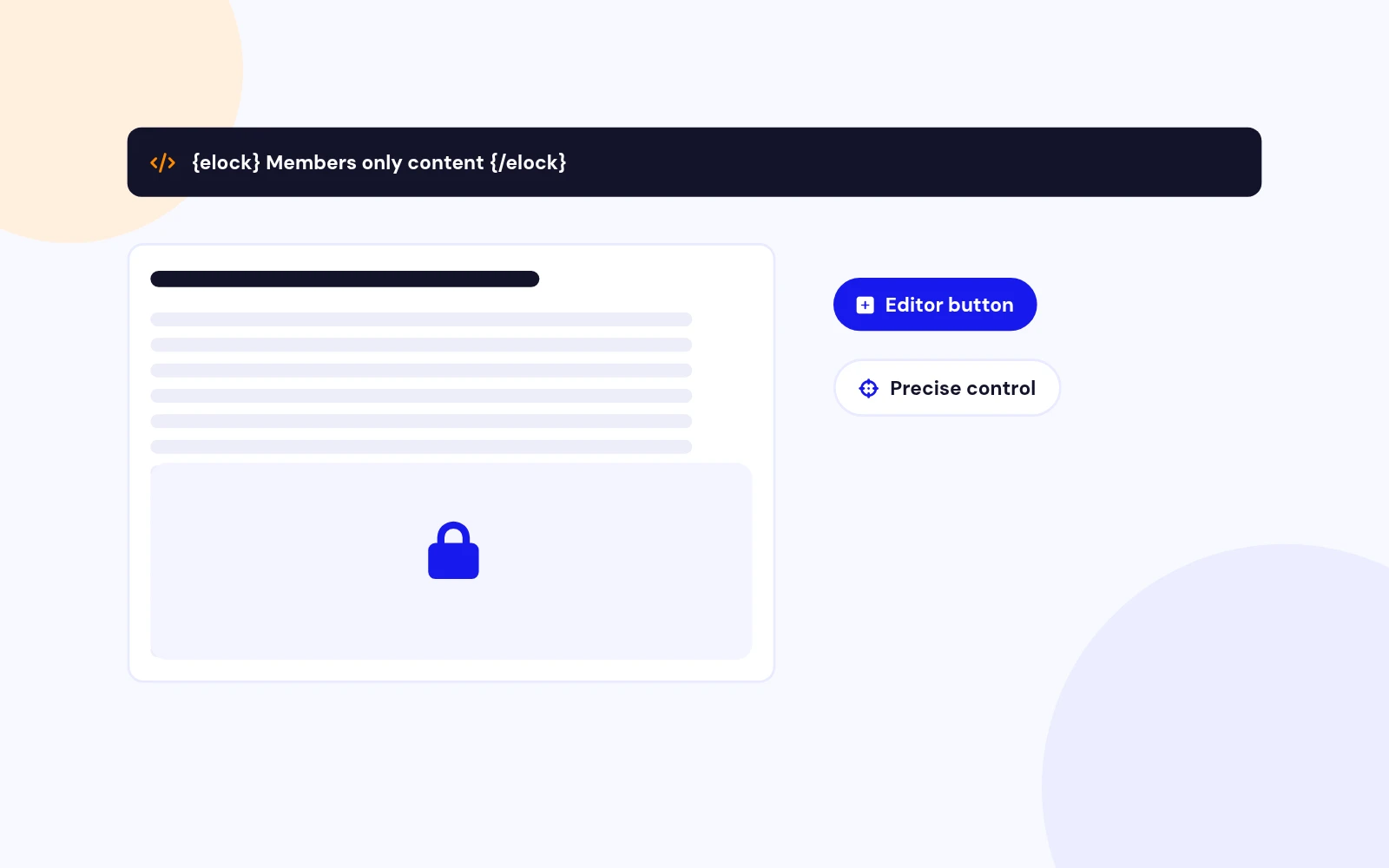
- Wrap content in a shortcode and guests never see it. Insert it straight from the editor.
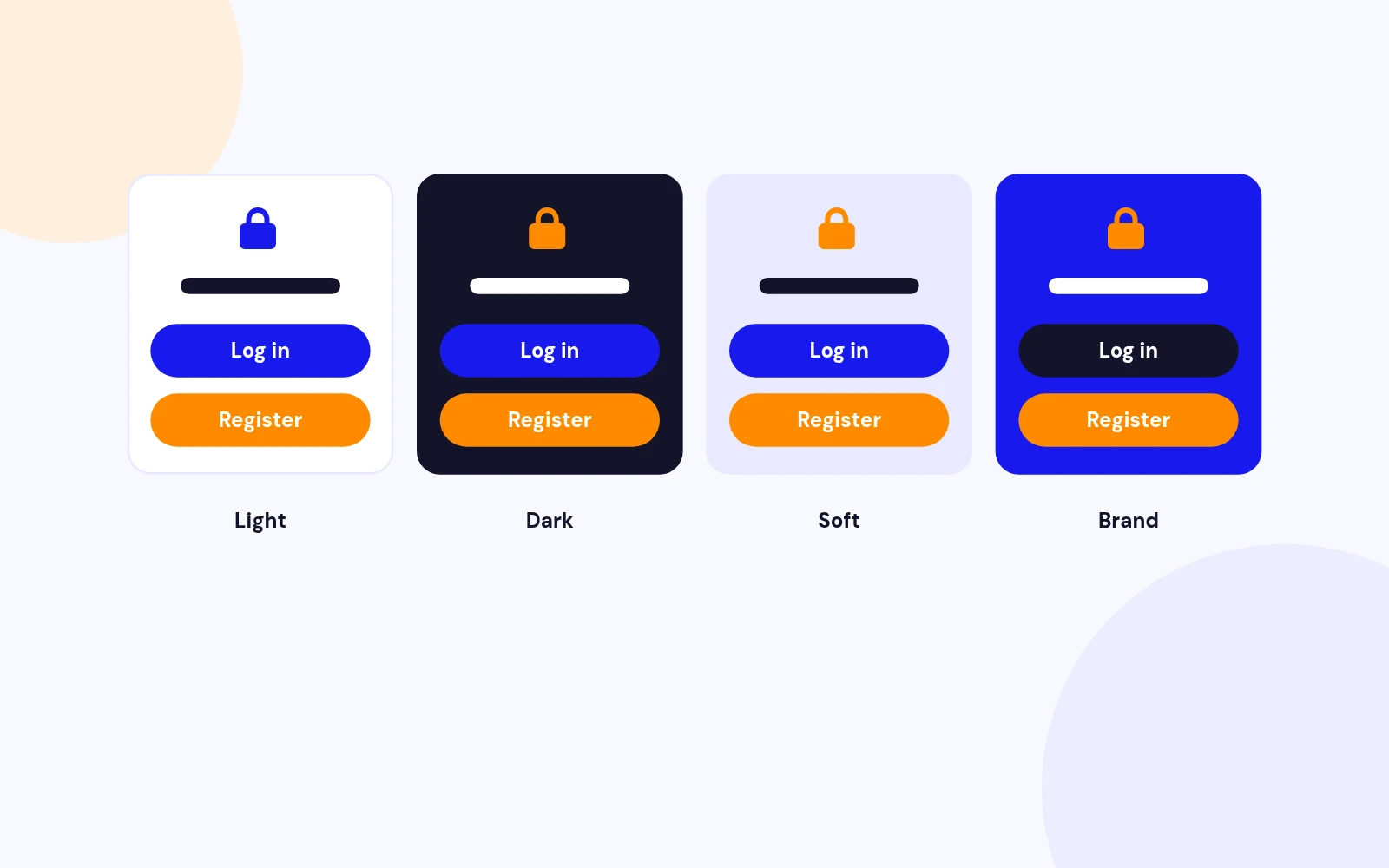
Gate article content behind login or register with a themed signup card. Shortcode or auto teaser. No leak. Joomla 4, 5, and 6.
Features
Six feature areas, one install package for Joomla 4, 5 and 6.
Gate Content
Signup Card
No Leaks
Auto Teaser
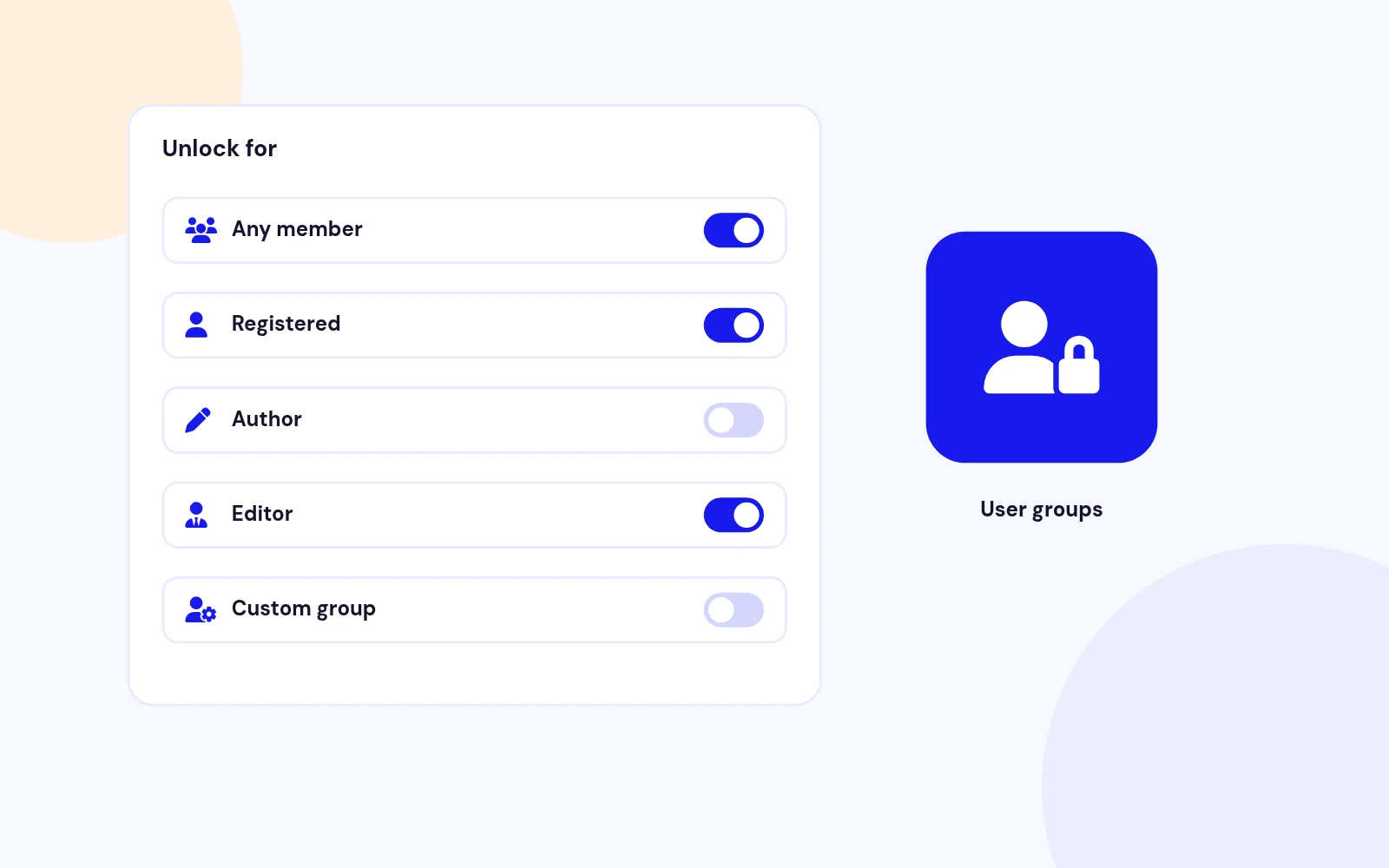
User Groups
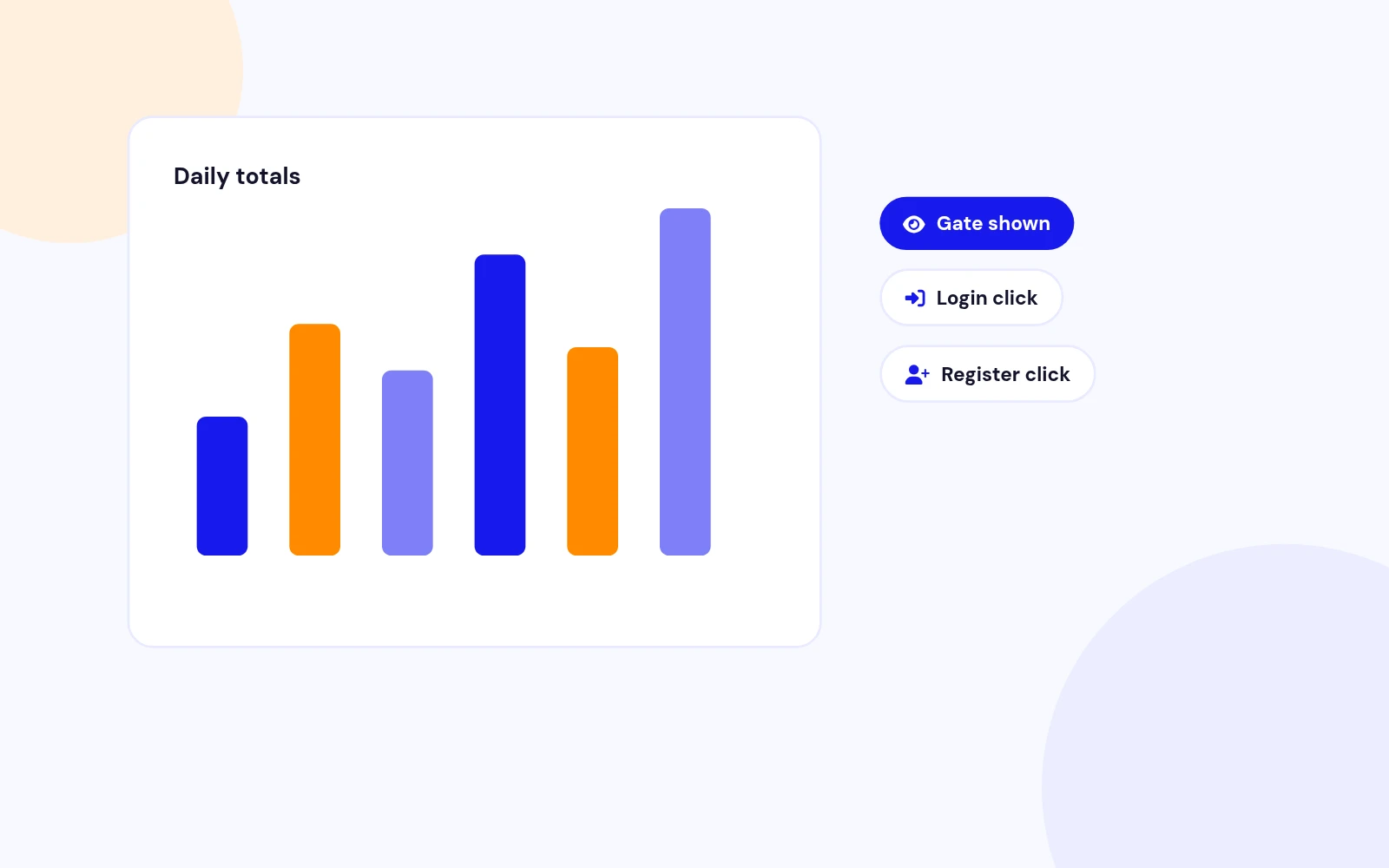
See Results
Changelog
2 releases since version 1.0.0. Updates install from the Joomla admin with a valid licence.
Docs & setup
Written guides for installing and configuring Easy Lock, from first setup to the options that matter.
Pricing
Save more as you scale — longer access means a bigger discount.
30-day money-back guarantee
30-day money-back guarantee
30-day money-back guarantee
30-day money-back guarantee
Why buy here
All-access bundle
Get all 127 extensions, new releases, ongoing updates and full-time support.
Ideal for small projects & personal sites
$249/ 6 months
30-day money-back guarantee
Every JoomlaX extension. Unlimited sites. One price.
$365/ year
Renews manually at $365/year, no auto-renewal
30-day money-back guarantee
Lifetime All Access: every extension, unlimited sites, lifetime updates. For developers & agencies.
$749/ one-time
Pay Once · Keep Forever
30-day money-back guarantee
FAQ
Still unsure? Our support team is one ticket away.
Easy Lock supports Joomla 4, 5, and 6. PHP 8.1 or later is recommended.
It hides chosen parts of a Joomla article until the visitor logs in or registers. Guests see a themed signup card. Members see the original HTML.
Content - Easy Lock is required. Button - Easy Lock inserts the shortcode. System - Easy Lock strips leftover tags for guests and shows the preview bar. The package installs and enables all three.
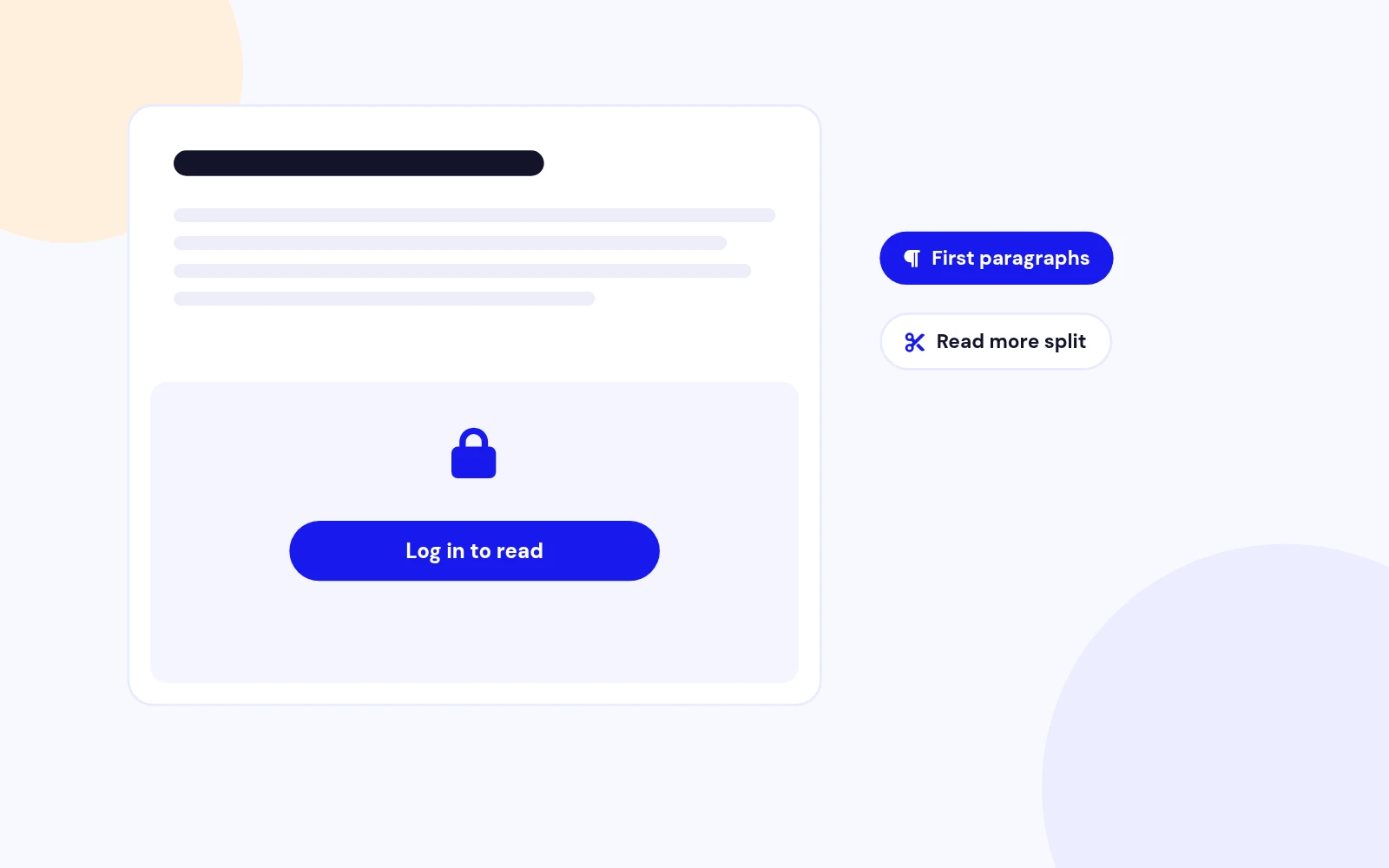
No. Keep the article Public so listings stay visible. Easy Lock hides only the wrapped (or auto-teased) portion.
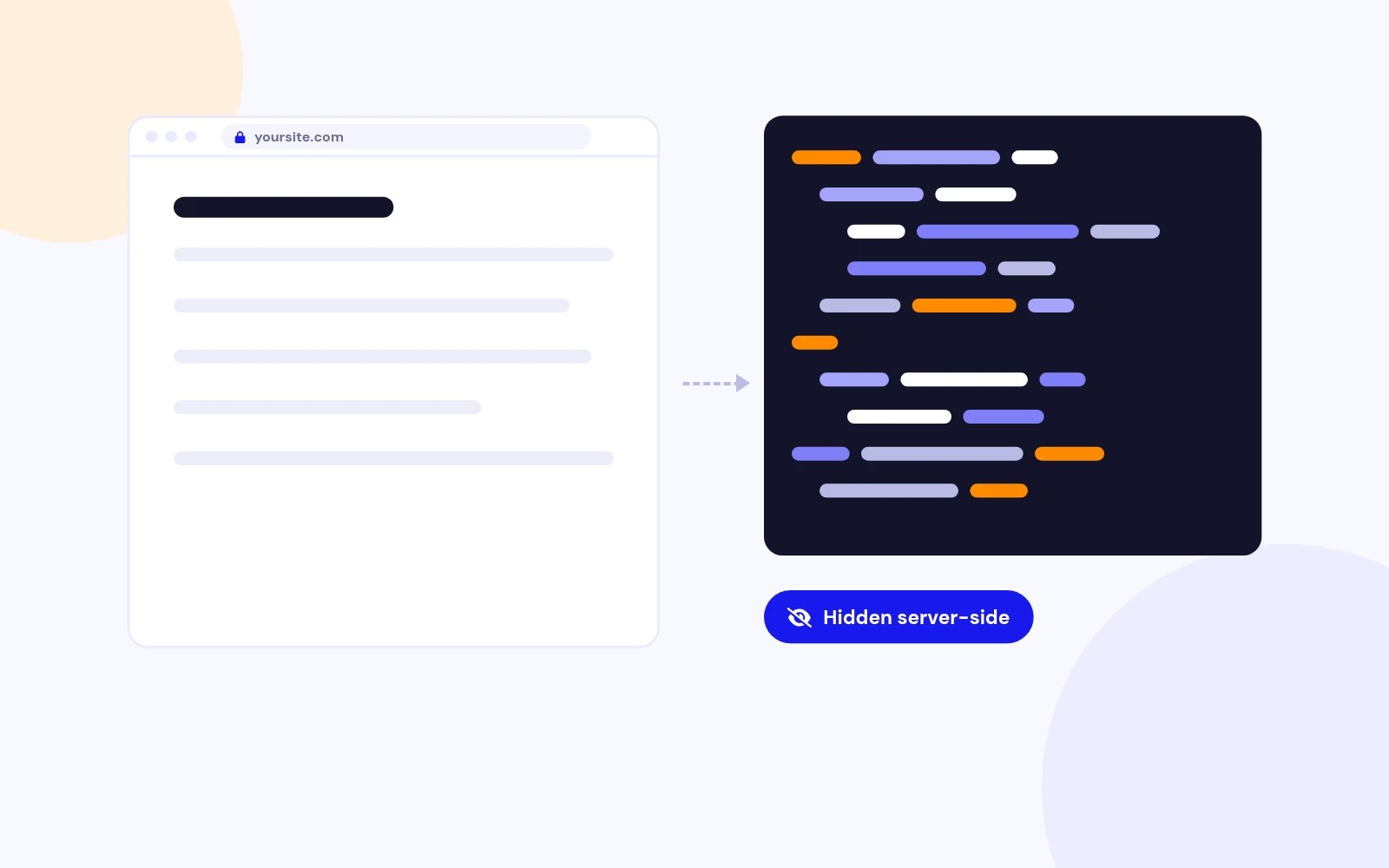
No. Gated inner HTML is removed on the server. It is not commented out or stored in data attributes.
Edit a Public article, click Easy Lock in the editor (or paste {elock} around the private HTML), save, confirm the three plugins are enabled, clear cache, then open the article while logged out.
Download EasyLock_UNZIP.zip. Unzip it, then install the install package (the .zip inside your download) from System > Install > Extensions.
No. Easy Lock uses native JavaScript.
Visit demo.joomlax.com/easy-lock.
Visit support.joomlax.com. Include your Joomla version, PHP version, page URL, and whether you were logged in.
Yes. Open Content - Easy Lock, then the Popup login tab. You can set the title, a note under the heading (for example demo username and password), the Log in label, Remember me, Register now, Forgot username, and Forgot password. Each extra can be turned on or off.
More like this
Plugin + Component
Coming soon and maintenance pages for Joomla 5 and 6 with a waiting list, video backgrounds, preview links and admin bypass.
v1.0.7
From $19

Module + Plugin
Joomla Extension to Disable Right Click on Mouse
v2.6.1 6,025 downloads
From $9


Plugin + Component
Code Highlighter Plugin for Joomla
v2.2.1 3,540 downloads
From $9


Plugin
Plugin to Include Javascript or CSS files to Joomla
v2.1.1 10,541 downloads
Free


Module
Show Joomla Modules and Articles Randomly in a Position
v1.5.1 3,131 downloads
From $19
