

Knowledge Base
Answers From Your Own Site
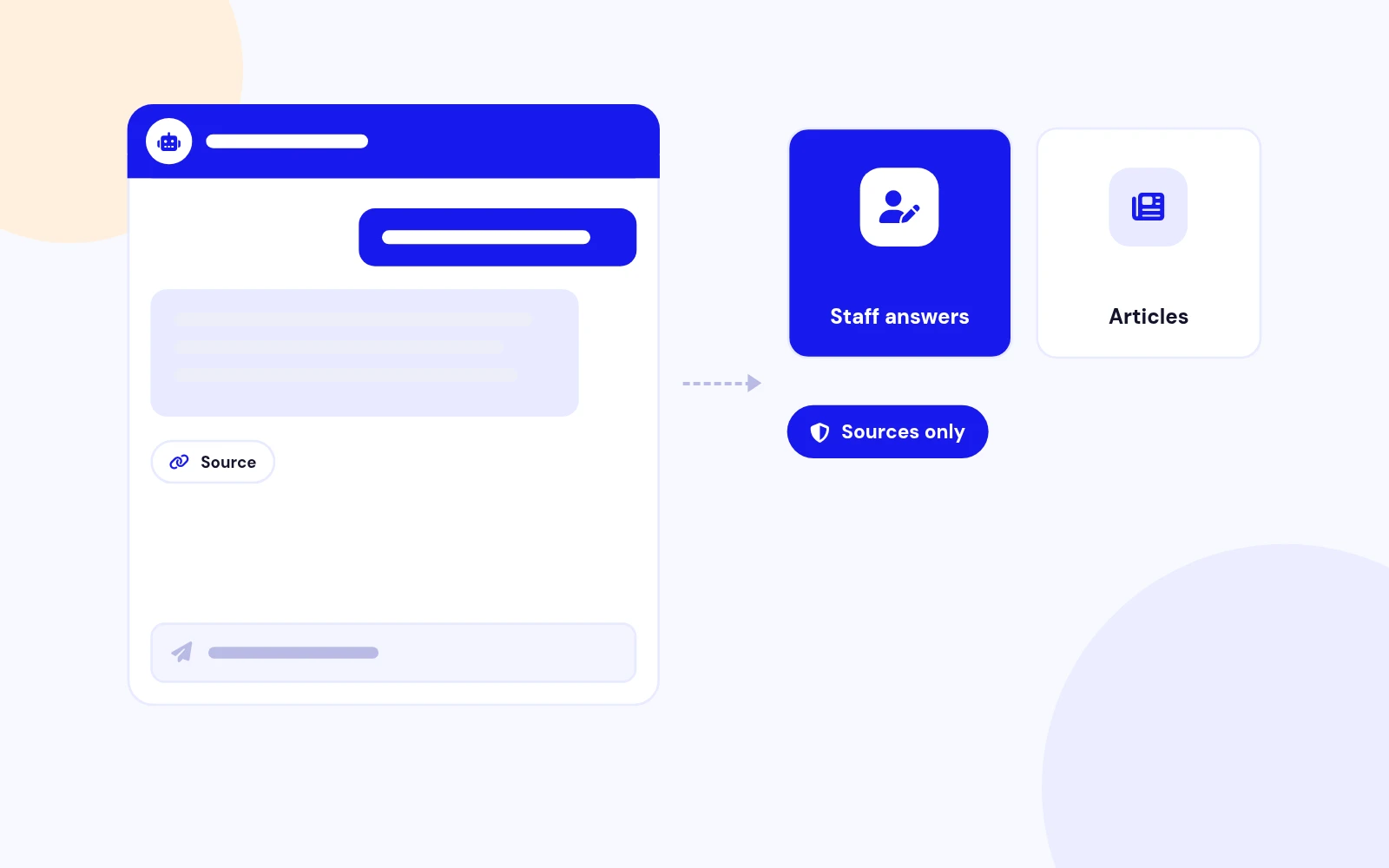
- Give exact replies to questions you already know. Other answers come from your published articles.
AI site assistant with a Knowledge Base, streaming chat, and staff approval for Joomla 4, 5, and 6.
Features
Four feature areas, one install package for Joomla 4, 5 and 6.
Knowledge Base
Staff Control
Connectors
One Widget
Changelog
11 releases since version 1.0.0. Updates install from the Joomla admin with a valid licence.
Docs & setup
Written guides for installing and configuring Easy AI Assist, from first setup to the options that matter.
Pricing
Save more as you scale — longer access means a bigger discount.
30-day money-back guarantee
30-day money-back guarantee
30-day money-back guarantee
30-day money-back guarantee
Why buy here
All-access bundle
Get all 127 extensions, new releases, ongoing updates and full-time support.
Ideal for small projects & personal sites
$249/ 6 months
30-day money-back guarantee
Every JoomlaX extension. Unlimited sites. One price.
$365/ year
Renews manually at $365/year, no auto-renewal
30-day money-back guarantee
Lifetime All Access: every extension, unlimited sites, lifetime updates. For developers & agencies.
$749/ one-time
Pay Once · Keep Forever
30-day money-back guarantee
FAQ
Still unsure? Our support team is one ticket away.
Easy AI Assist supports Joomla 4, 5, and 6. PHP 8.1 or later is required. The provider must speak the OpenAI chat API, or use a model name that starts with claude for Anthropic.
Published Knowledge Base items can answer immediately. Other replies use retrieved articles and enabled connector plugins. Sources-only mode refuses when none of those contain the answer.
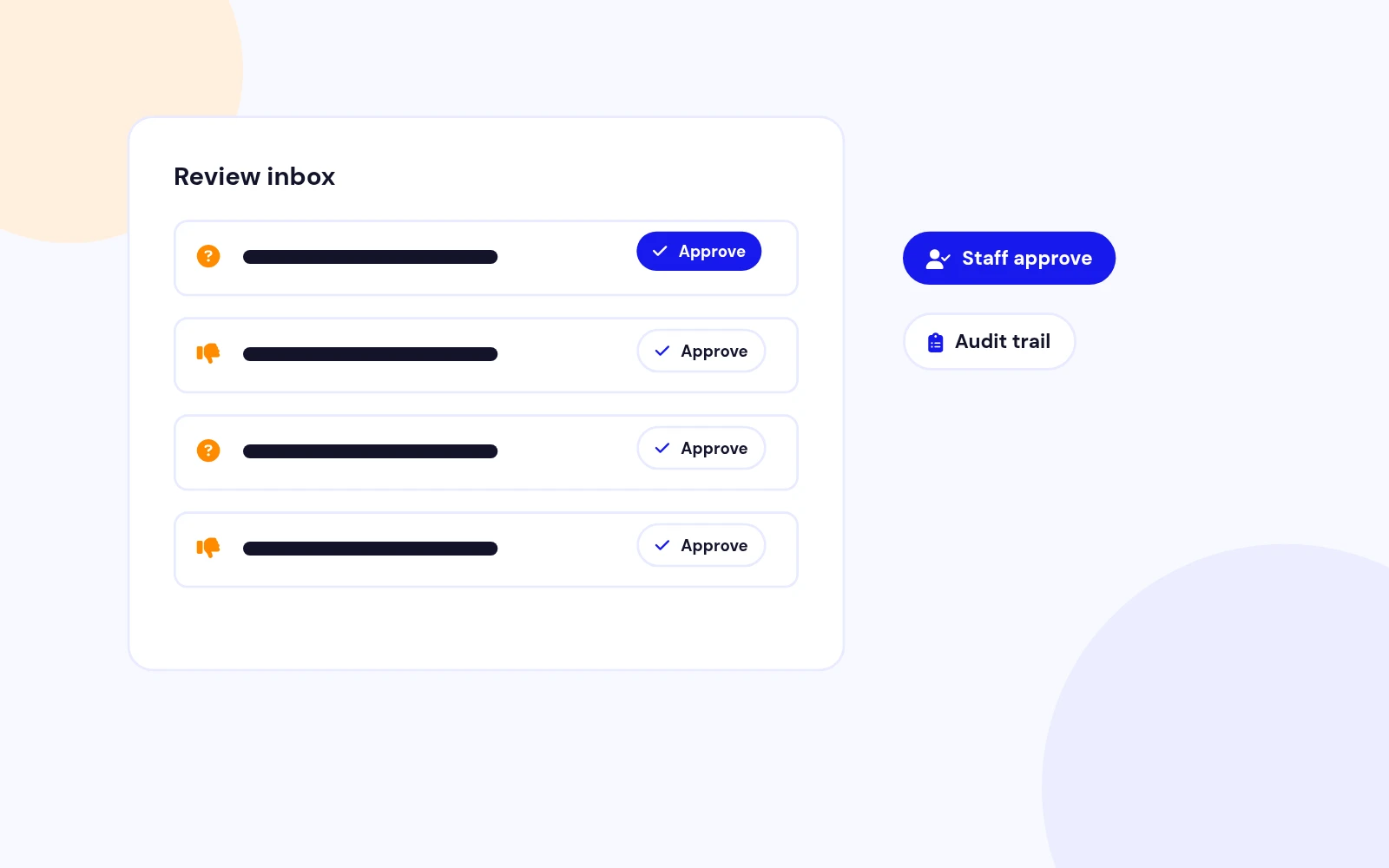
Save it as Pending, then click Approve. Only a user with the Approve permission can publish it. The approval is stored with that user and the time.
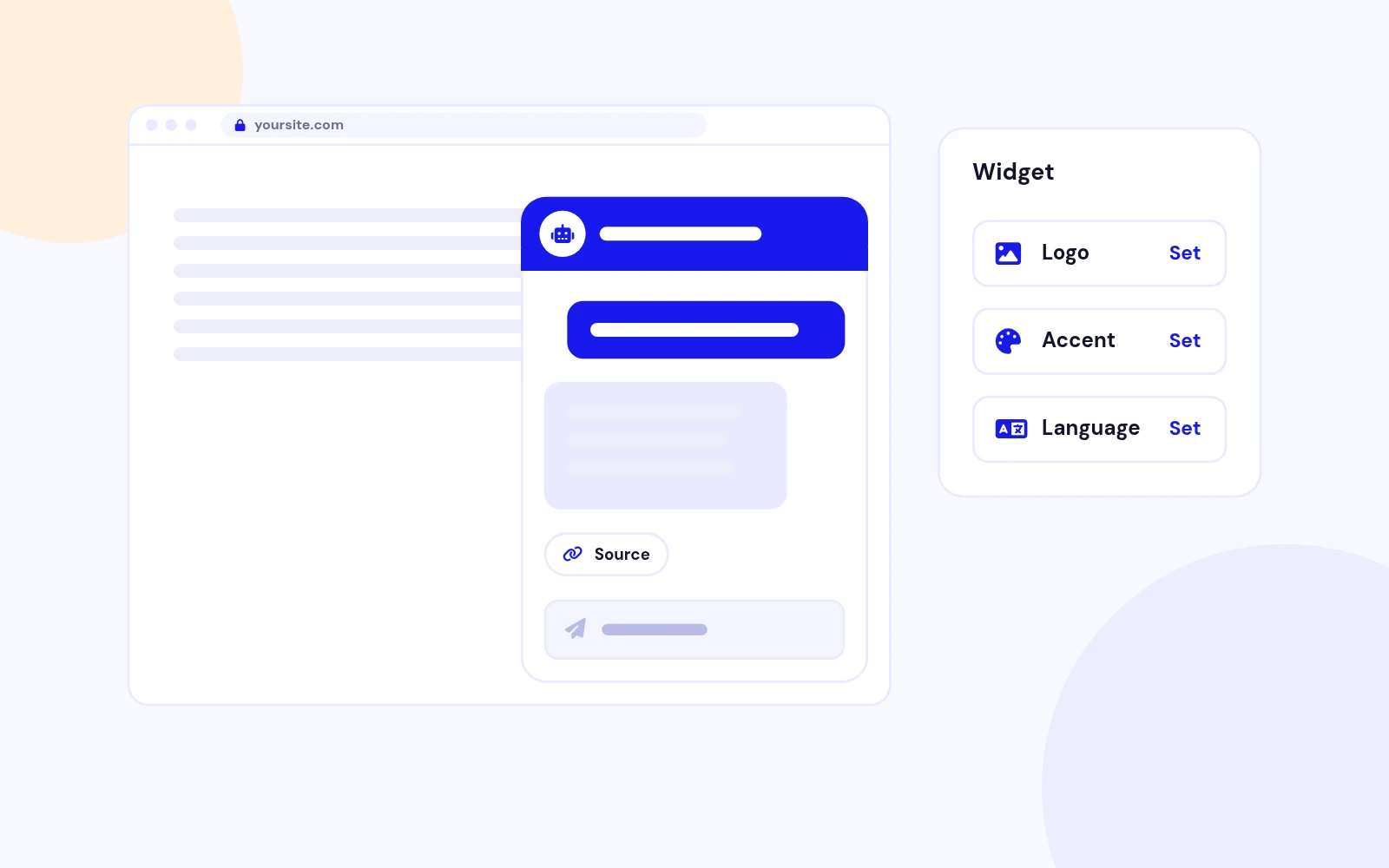
Yes. Knowledge items and assistants have a language, including All. Chat uses All plus the language of the current page. You can also publish one module per language and point each module at its own assistant.
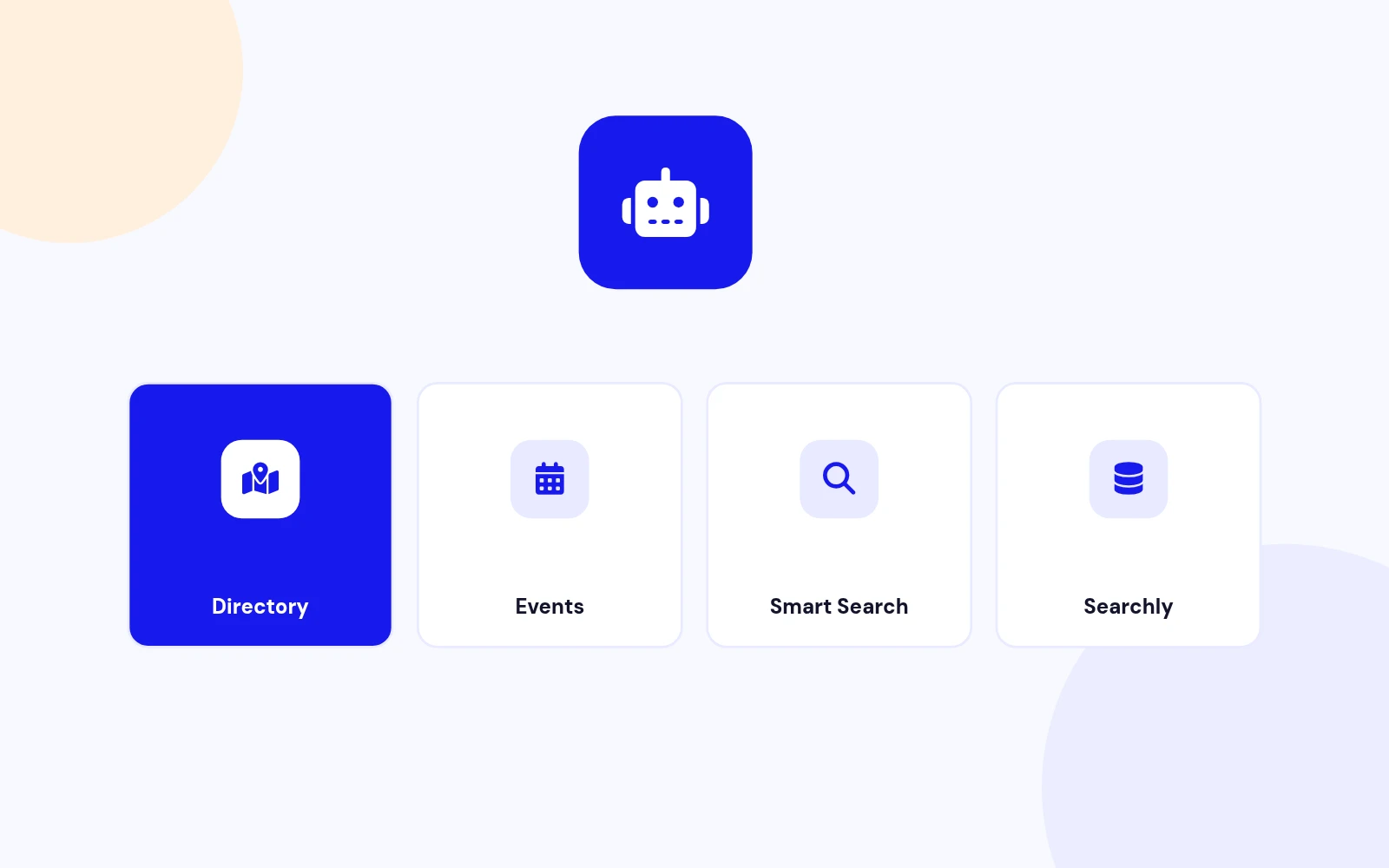
They are plugins in the easyaiassist group. Enable the ones you use under System, Plugins. Searchly stays off until you add an Elasticsearch endpoint or install Geek Elasticsearch.
More like this

Plugin + Component
Coming soon and maintenance pages for Joomla 5 and 6 with a waiting list, video backgrounds, preview links and admin bypass.
v1.0.7
From $19

Module + Plugin
Joomla Extension to Disable Right Click on Mouse
v2.6.1 6,025 downloads
From $9


Plugin + Component
Code Highlighter Plugin for Joomla
v2.2.1 3,540 downloads
From $9


Plugin
Plugin to Include Javascript or CSS files to Joomla
v2.1.1 10,541 downloads
Free


Module
Show Joomla Modules and Articles Randomly in a Position
v1.5.1 3,131 downloads
From $19
