

Reusable Snippets
Write Code Once, Show It Anywhere
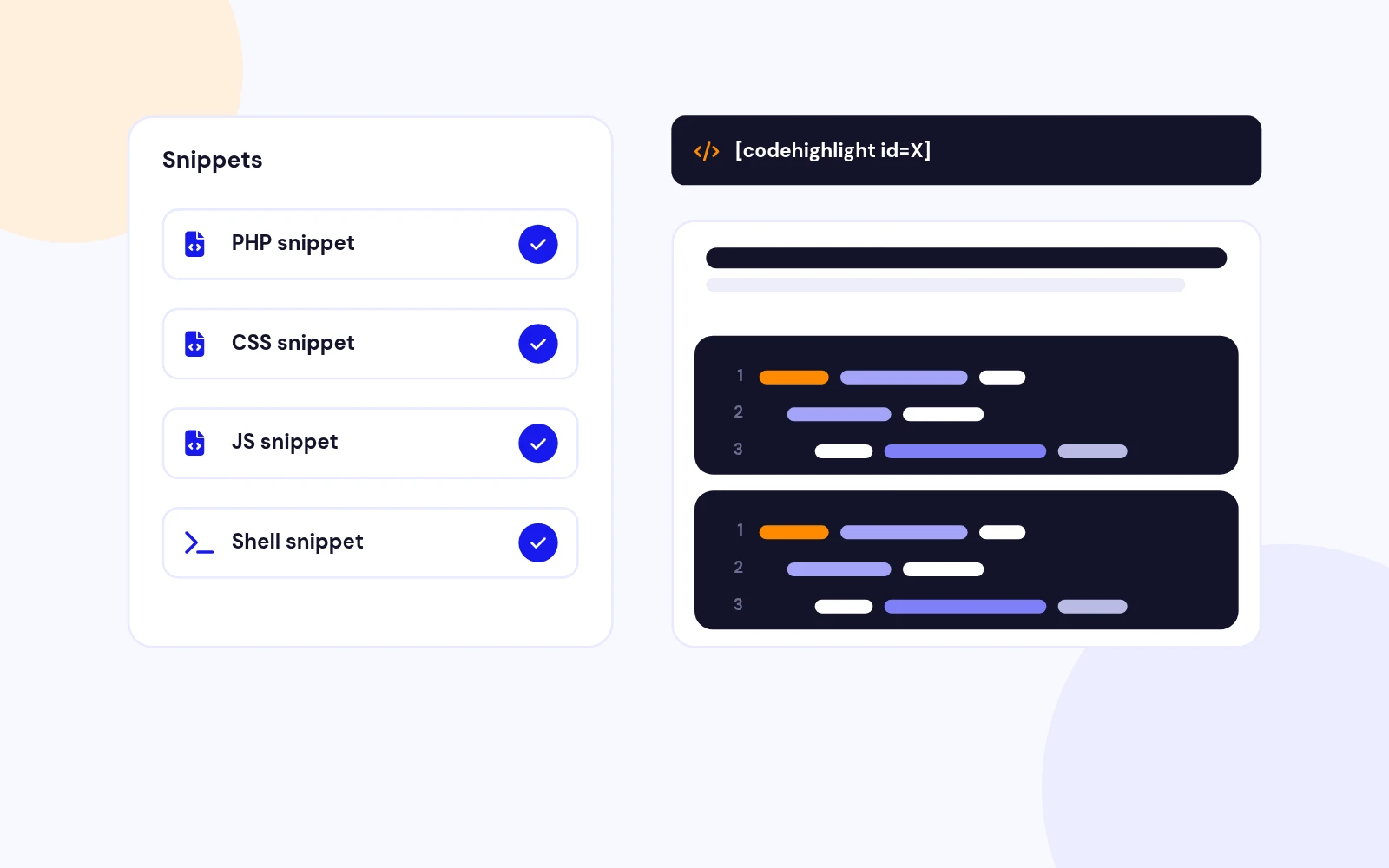
- Save code snippets in the admin and drop them into articles or modules with a shortcode. Show PHP, CSS, JavaScript and more on one page.
Code Highlighter Plugin for Joomla
Features
Six feature areas, one install package for Joomla 4, 5 and 6.
Reusable Snippets
Modern Highlighting
Pro Features
Quick Insert
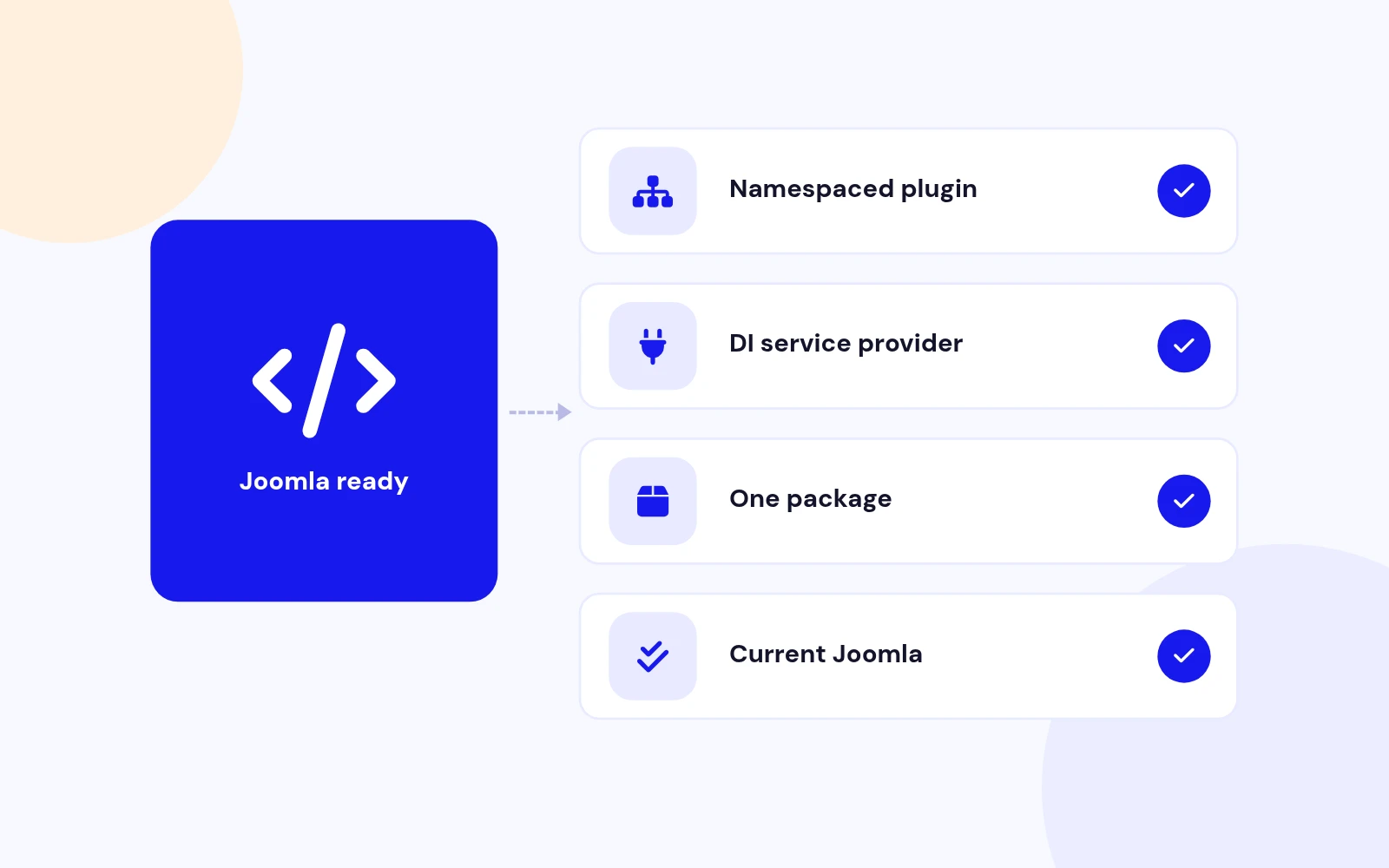
Modern Build
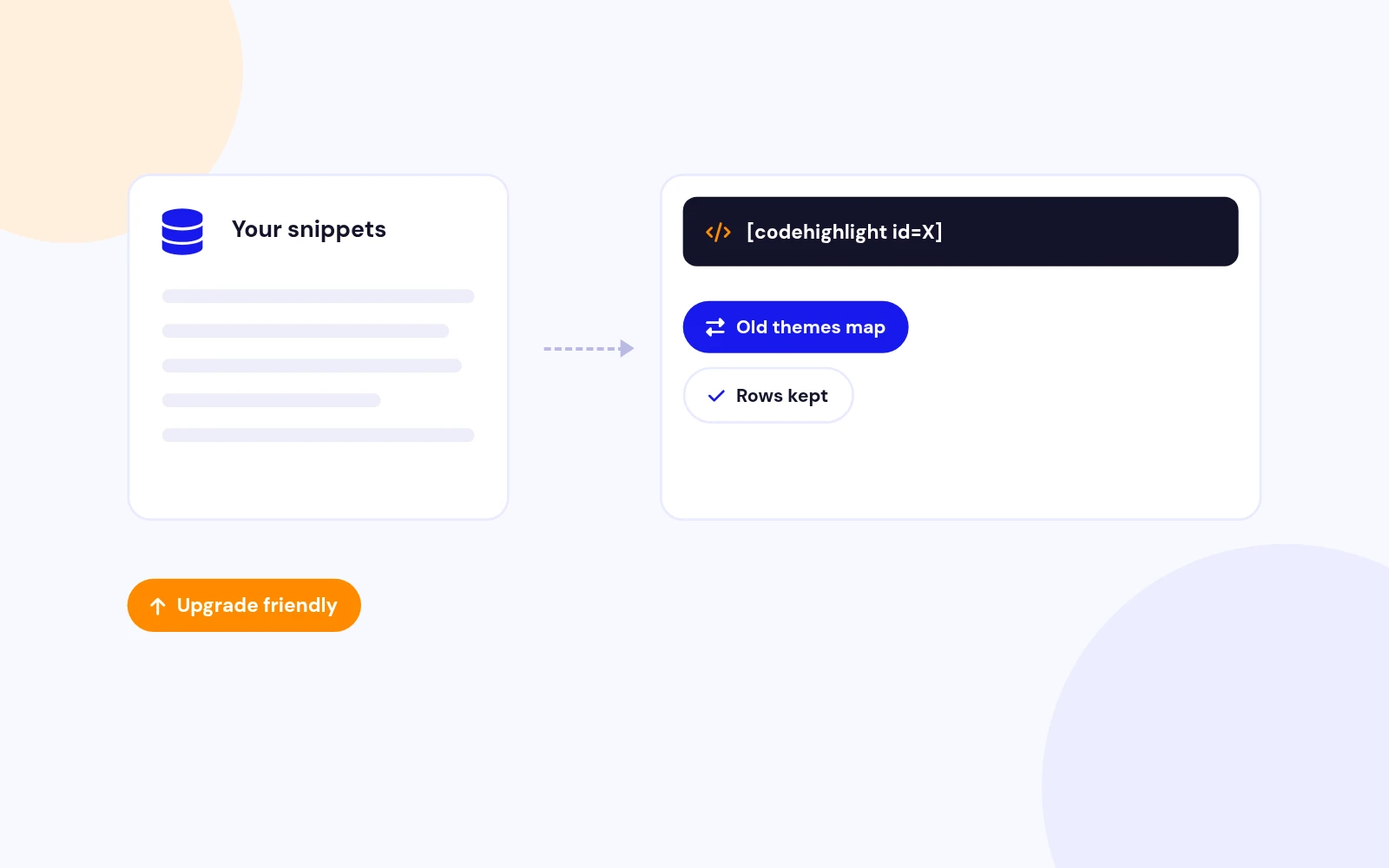
Upgrade Safe
Changelog
9 releases since version 1.2. Updates install from the Joomla admin with a valid licence.
Docs & setup
Written guides for installing and configuring Easy Code Highlighter, from first setup to the options that matter.
Pricing
Save more as you scale — longer access means a bigger discount.
30-day money-back guarantee
30-day money-back guarantee
30-day money-back guarantee
30-day money-back guarantee
Why buy here
All-access bundle
Get all 127 extensions, new releases, ongoing updates and full-time support.
Ideal for small projects & personal sites
$249/ 6 months
30-day money-back guarantee
Every JoomlaX extension. Unlimited sites. One price.
$365/ year
Renews manually at $365/year, no auto-renewal
30-day money-back guarantee
Lifetime All Access: every extension, unlimited sites, lifetime updates. For developers & agencies.
$749/ one-time
Pay Once · Keep Forever
30-day money-back guarantee
FAQ
Still unsure? Our support team is one ticket away.
Easy Code Highlighter 2.0 supports Joomla 4, Joomla 5, and Joomla 6. PHP 8.1 or later is recommended.
Use [codehighlight id=X] where X is the published snippet ID from Components → Easy Code Highlighter.
Yes. Create one published snippet per sample, then place multiple [codehighlight id=X] shortcodes in the same article. You do not need separate Plugin menu pages for that.
It is removed in 2.0. Create snippets in the component and replace old {code}...{end-code} blocks with [codehighlight id=X].
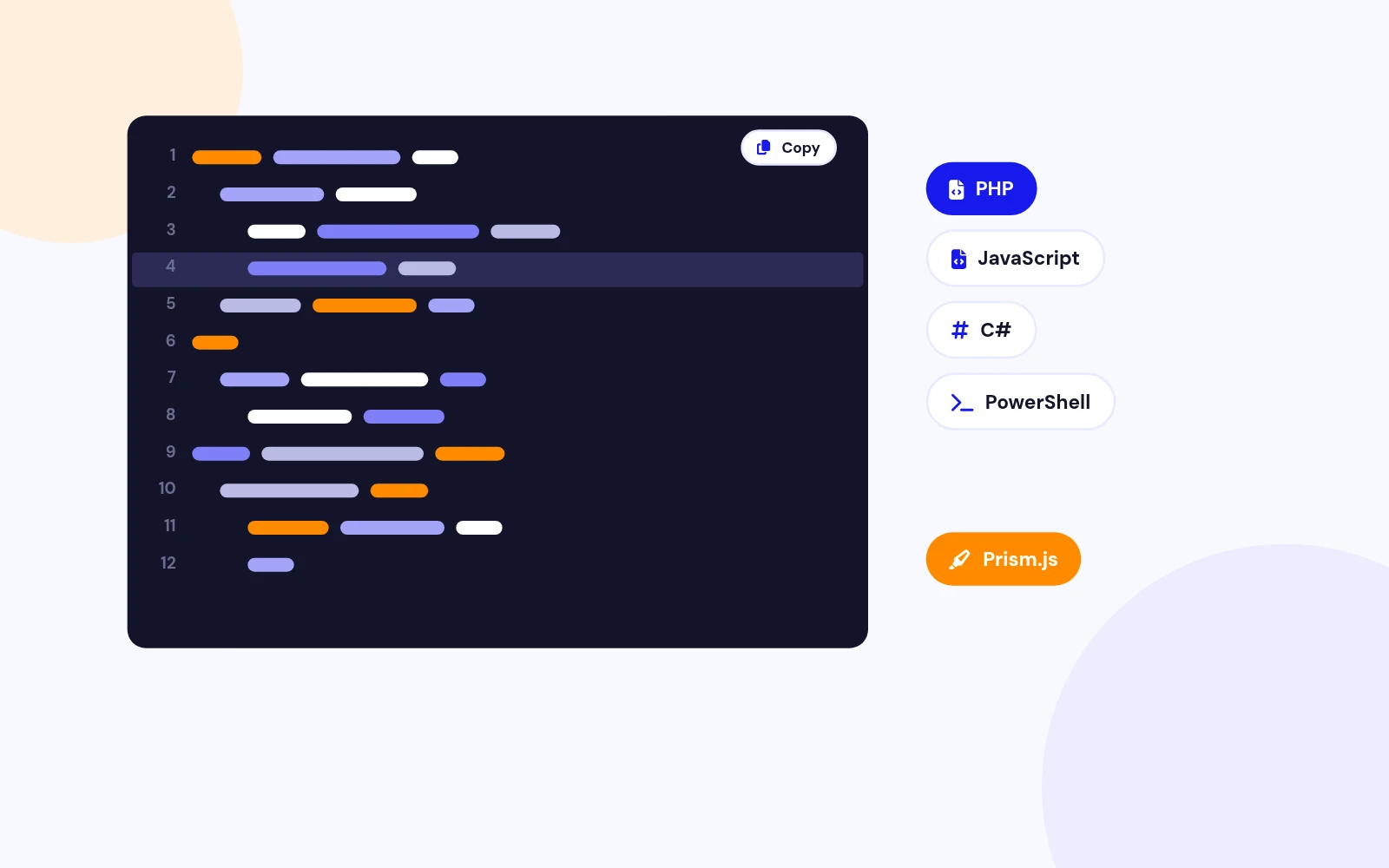
The front-end engine is now Prism.js. The system plugin uses a Joomla service provider. An editor insert button is included. SyntaxHighlighter assets are gone.
Yes. Snippets stay in the database. Update article markup to the new shortcode, open the system plugin, review the theme, Save, and clear cache.
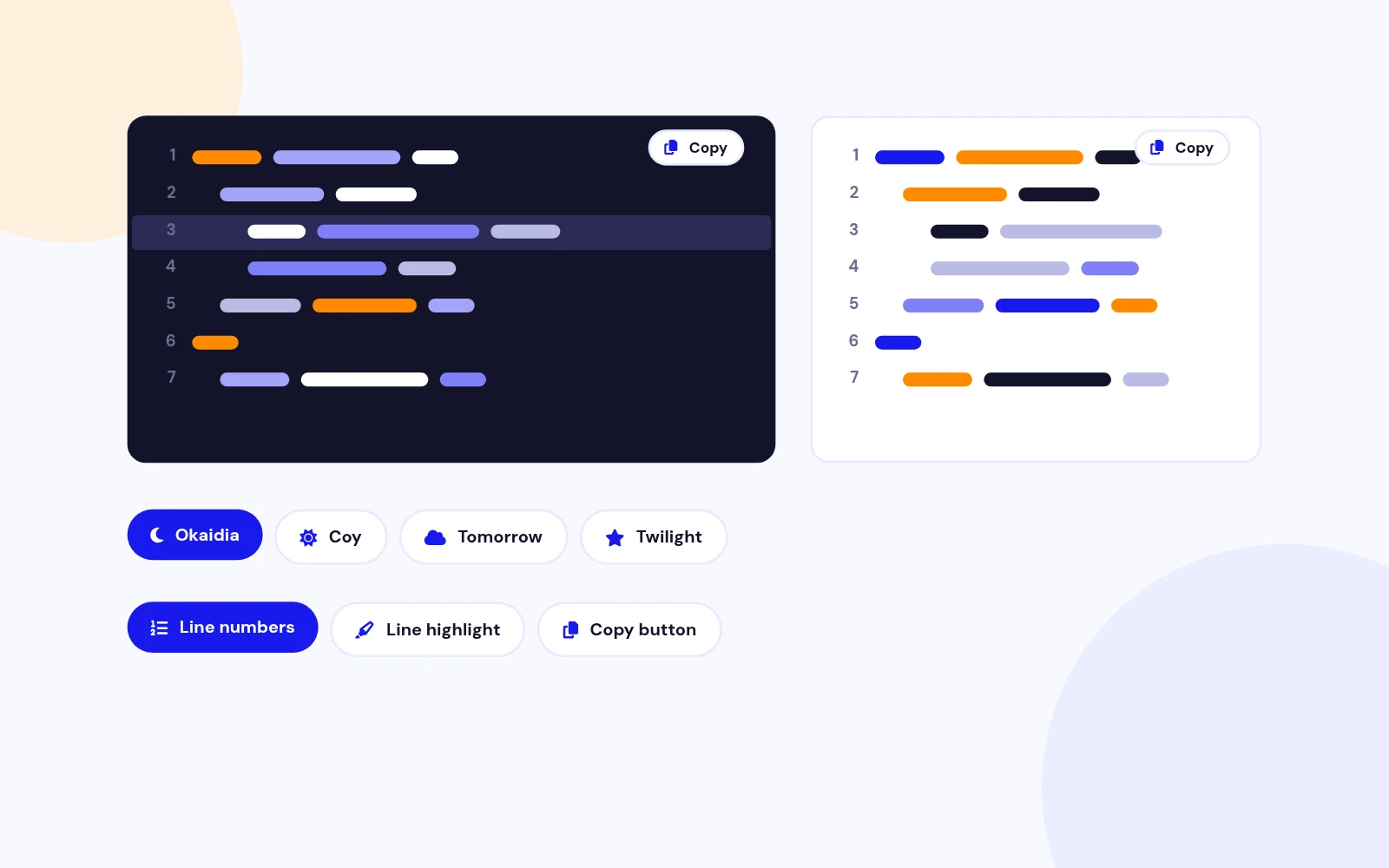
In the snippet, set Highlight Lines to values such as 1,3,5-7.
Version 1.x could load the wrong brush filename for js. Version 2.0 maps JavaScript correctly through Prism.
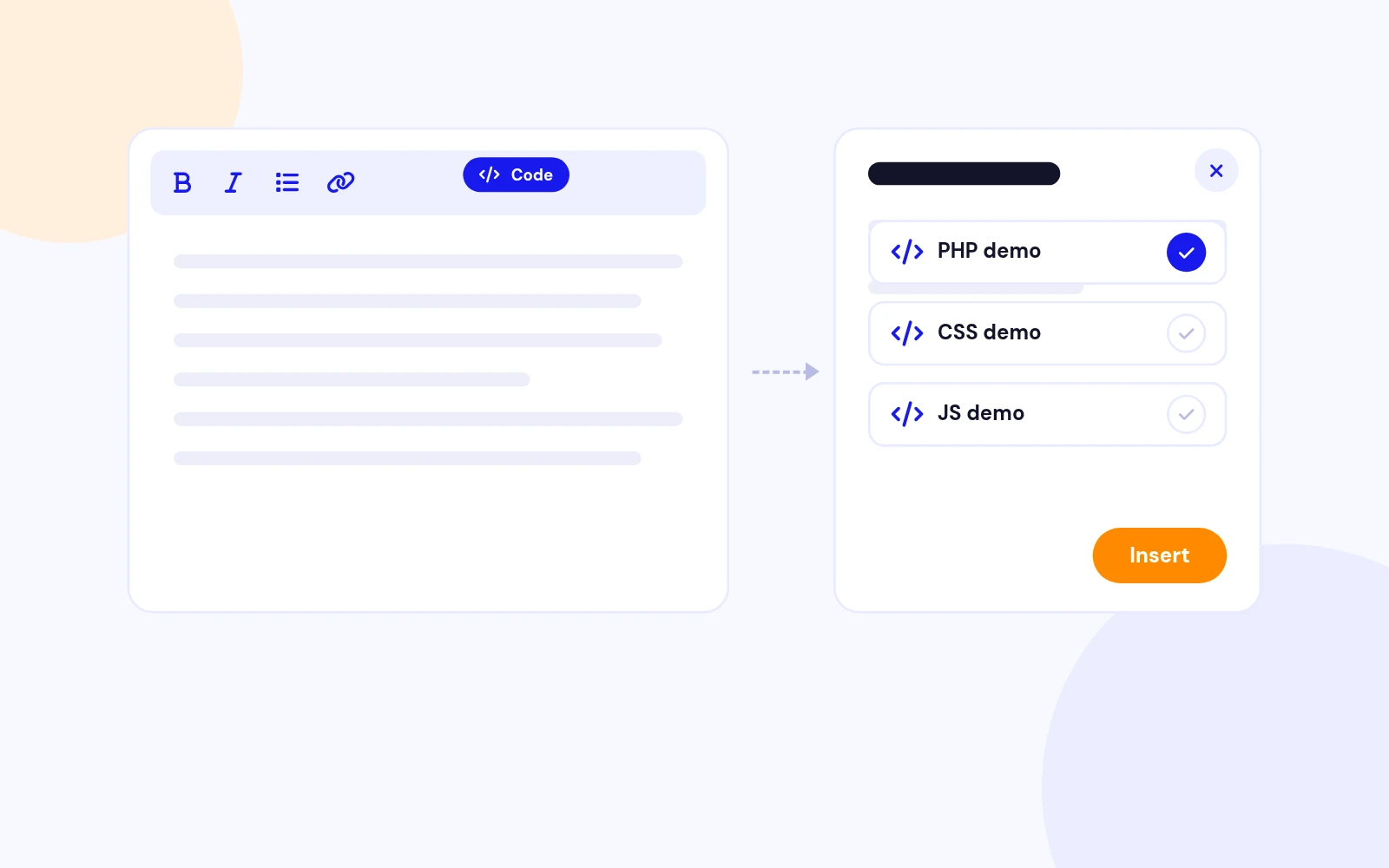
No. It is optional. You can always copy the shortcode from the component list.
Visit support.joomlax.com. Include your Joomla and PHP versions, theme setting, snippet language, and page URL.
More like this
Plugin + Component
Coming soon and maintenance pages for Joomla 5 and 6 with a waiting list, video backgrounds, preview links and admin bypass.
v1.0.7
From $19

Module + Plugin
Joomla Extension to Disable Right Click on Mouse
v2.6.1 6,025 downloads
From $9


Plugin
Plugin to Include Javascript or CSS files to Joomla
v2.1.1 10,541 downloads
Free


Module
Show Joomla Modules and Articles Randomly in a Position
v1.5.1 3,131 downloads
From $19


Plugin
Joomla plugin for typewriter text effect with adjustable speed and cursor.
v1.4.1 4,415 downloads
From $9