Password access
Password access is turned on and off only from the Dashboard's Password access card:
- Enter a password (at least 4 characters) and click Set password to turn it on.
- Click Remove password to turn it off.
There's no switch in Options. Saving Options never changes the password or turns password access on or off. Unlock lasts (days) and Wrong passwords per IP per hour stay on the Access & exceptions tab.
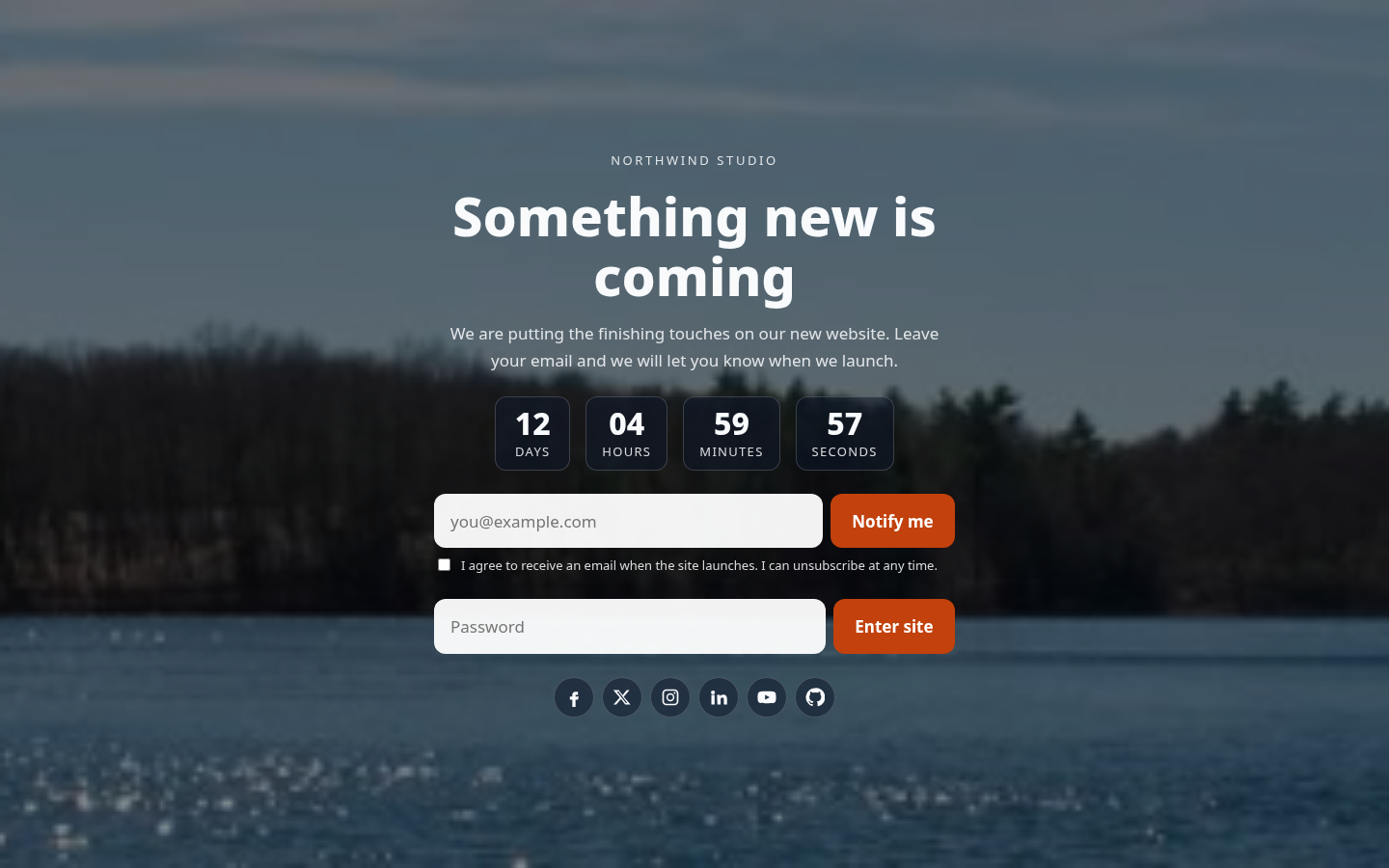
While it's on, visitors get a password box with an Enter site button. After the right password, they see the real site for Unlock lasts (days).