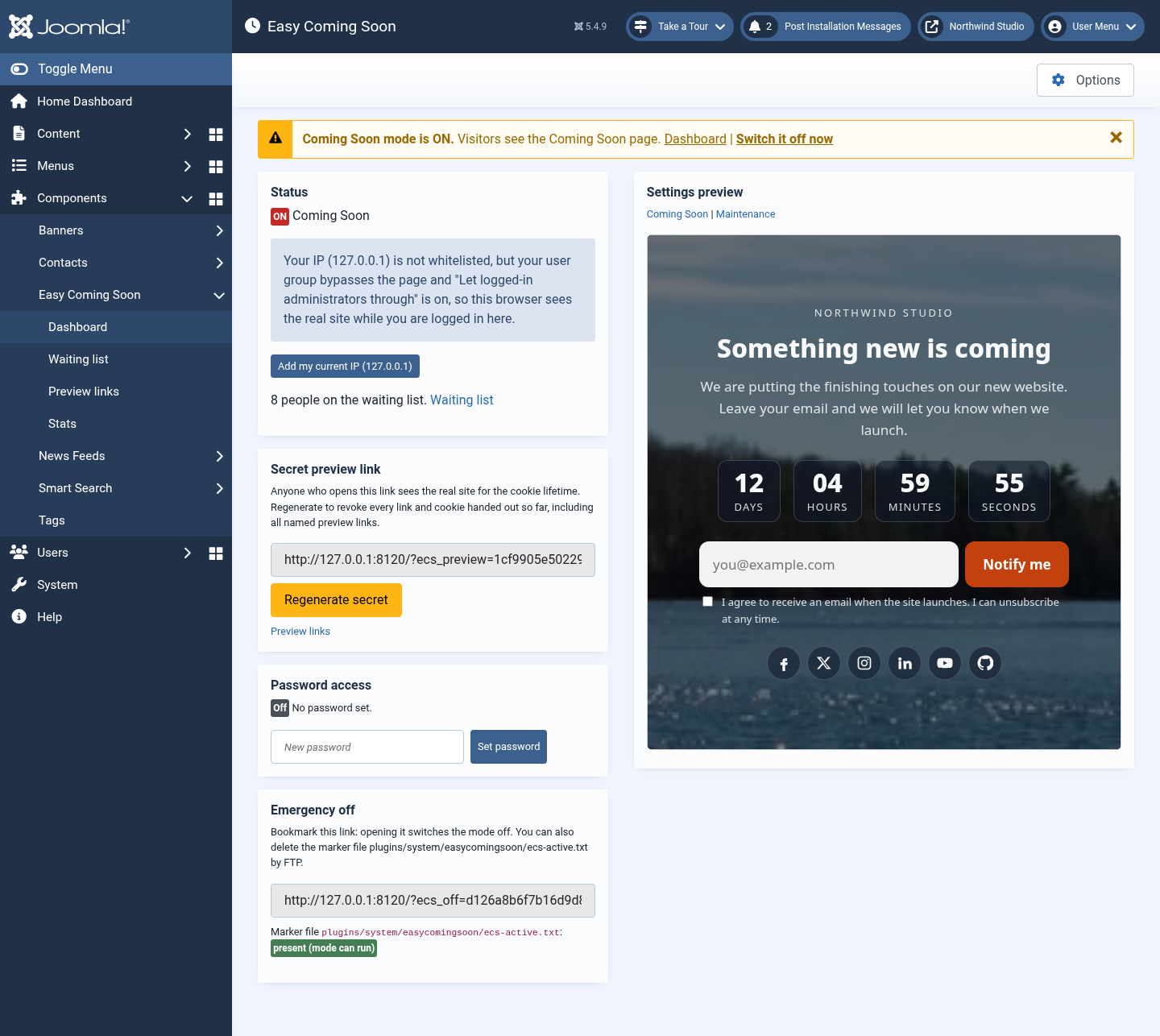
Quick start (2 minutes)
- Go to Components → Easy Coming Soon → Options.
- On the General tab, set Switch on to Yes and choose a Mode: Coming Soon or Maintenance.
- On the Coming Soon (or Maintenance) tab, pick a layout and write your heading and text.
- On the Design tab, add your logo and background.
- Click Save & Close.
- Open your site in a private window to see the page the way visitors do. In your normal browser you still see the real site, because you're logged in as an administrator.