Module
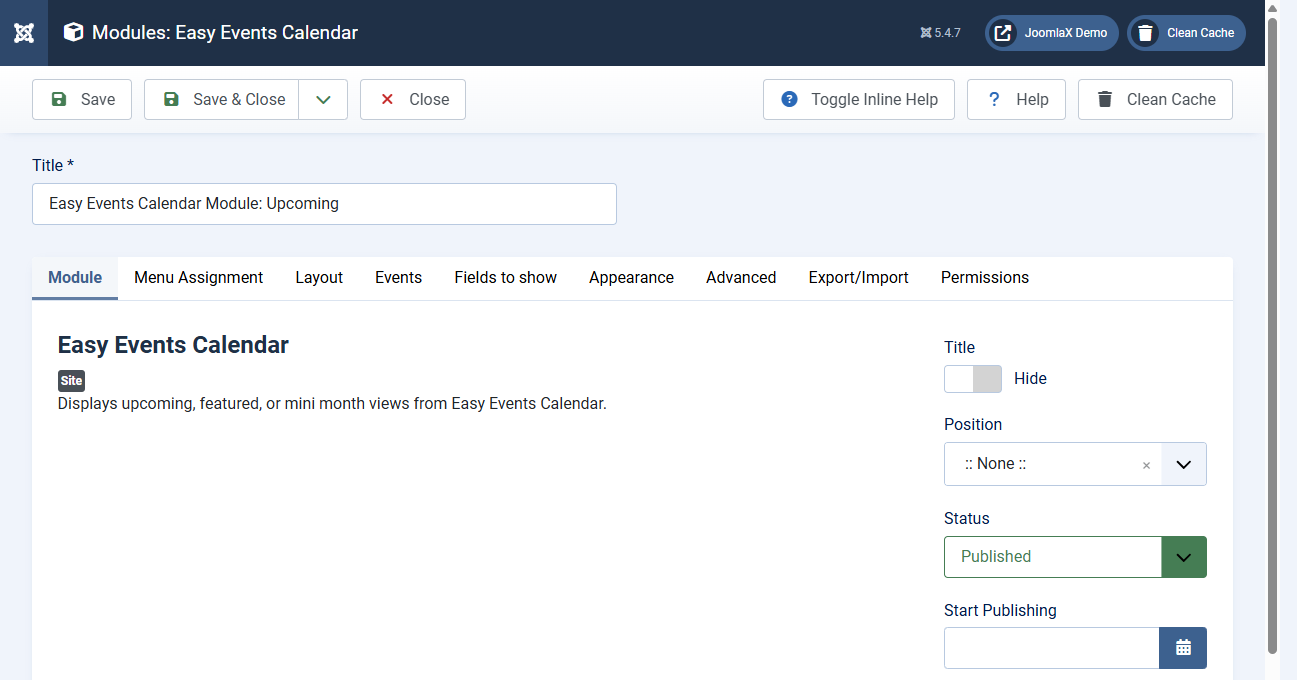
Go to Content > Site Modules > New and select Easy Events Calendar.
Modes
- Upcoming: compact list for sidebars
- Cards: card presentation for homepage strips
- Timeline: chronological module list
- Mini month: small month navigator
- Featured: featured events only
- Dashboard: three-panel dashboard block
- Map: sidebar event list beside OpenStreetMap or Google Maps (set Map height, sidebar side, and Map provider)
Cards layouts
- Grid: static responsive cards
- Slide: horizontal carousel with swipe
- Fade: fade carousel with swipe
Useful options
- Count / limit, category filter, ordering
- Show/hide image, category, date, time, intro, location
- Thumbnail and card image size overrides
- Corner style, Load More, View all events
- Position, Menu Assignment, Published
Clear cache after saving. Confirm the module position exists in your template.
Friendly URLs
Event links need a published Calendar menu item when Search Engine Friendly URLs are enabled. See the Friendly URLs tab. Dashboard modules on 1.0.2+ navigate months in place, so a Dashboard menu item is optional for modules.