Dashboard
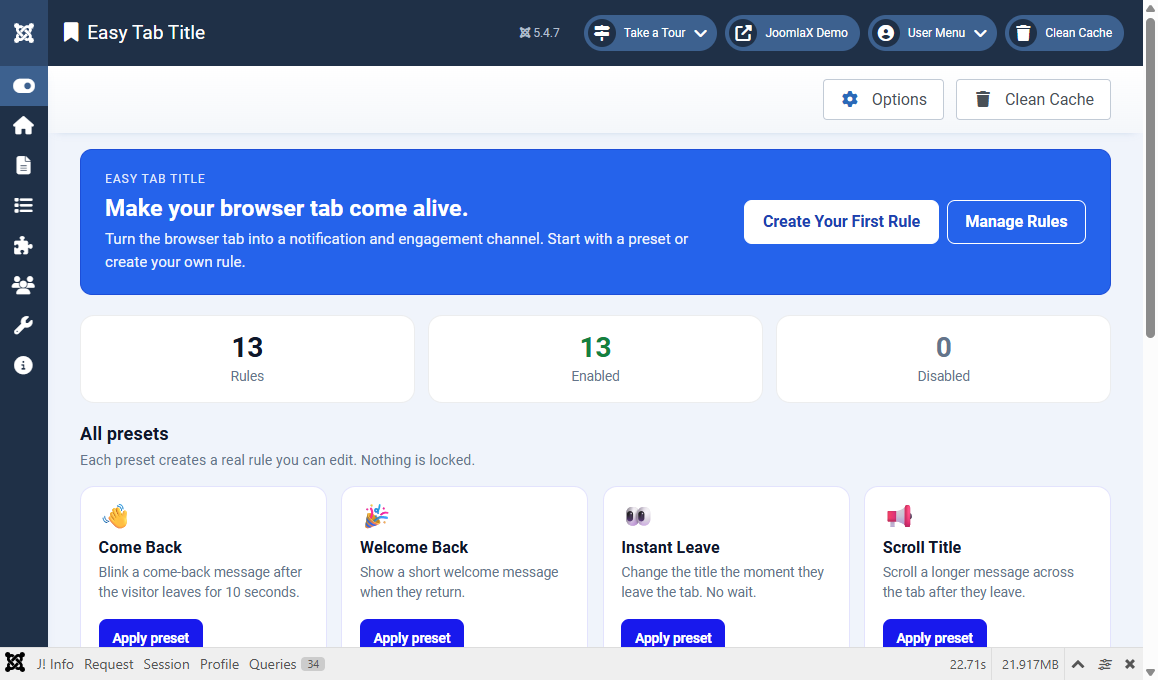
Open Components > Easy Tab Title. The Dashboard is your home screen.
What you see
- Hero summary: quick counts for total rules and published rules
- Quick links: jump to Rules or Options
- Preset cards: one-click starters such as Come Back, Welcome Back, Instant Leave, Scroll Title, and more
How to use a preset
- Click a preset card.
- Confirm if asked.
- Open Rules and edit the new rule if you want a different message or page assignment.
- Save, clear cache, then test on the front end.
Student tip
Presets are training wheels. They create a normal rule you can open and change later. Nothing is locked.