System plugin list
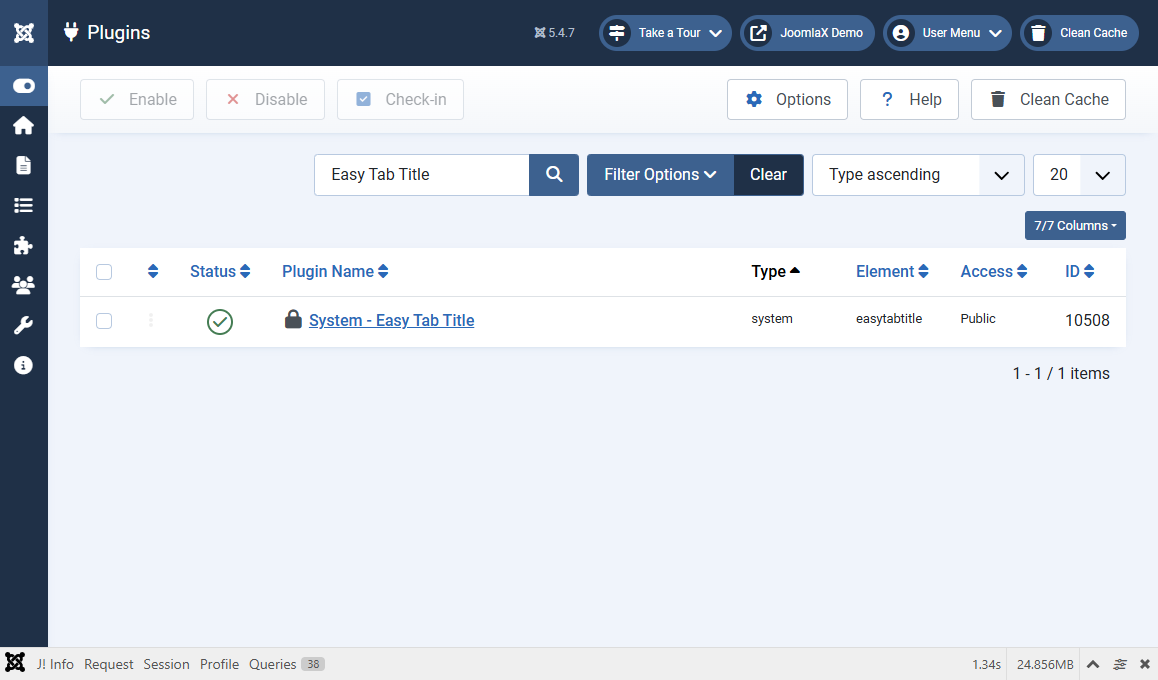
Go to System > Plugins and search for Easy Tab Title.
You should see one row:
- Name: System - Easy Tab Title
- Type: system
- Element: easytabtitle
- Status: Enabled (green)
If the plugin is disabled
- Tick the checkbox next to the plugin.
- Click Enable.
- Clear cache.
- Test the front end again.
Click the plugin name to open its settings (next tab).