Test on the front end
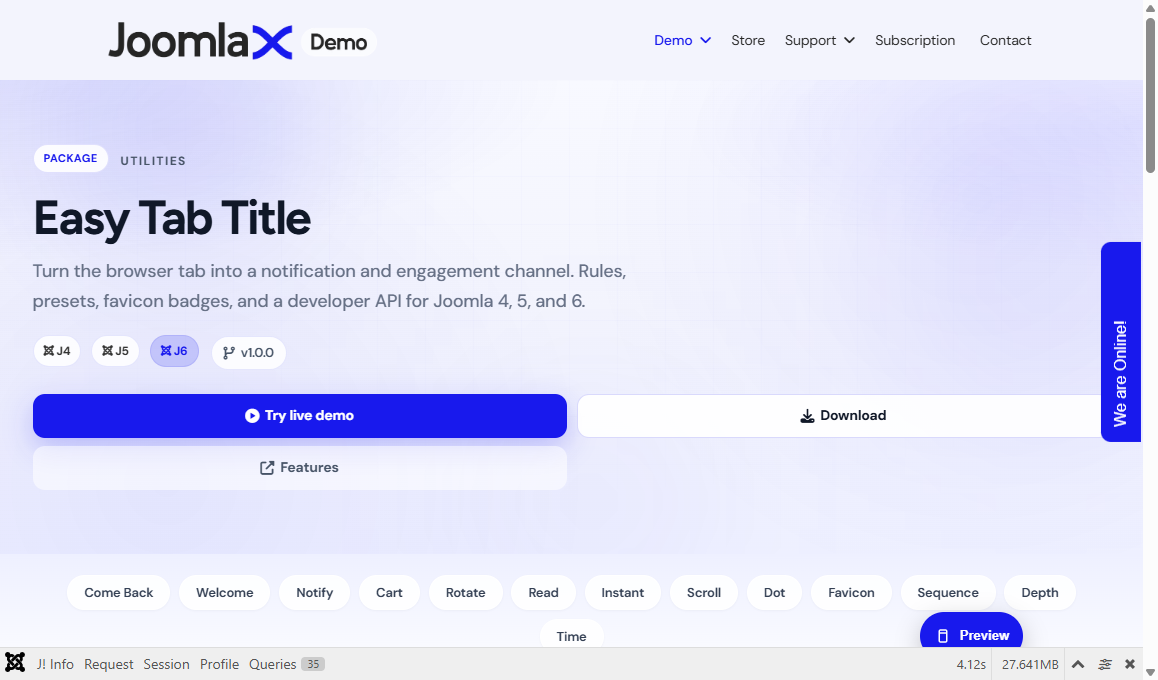
After a rule is published and the plugin is enabled, test like a visitor.
Checklist
- Clear Joomla cache.
- Open the target page in a normal browser tab.
- Hard-refresh once (Ctrl+F5).
- Follow the rule trigger: leave the tab, wait, scroll, or stay on the page.
- Watch the browser tab title (and favicon if you configured one).
Live demo
Try the public demo hub: demo.joomlax.com/demo/utilities/easy-tab-title
Use the preset tabs (Come Back, Welcome, Notify, and others). Each tab is tied to its own demo rule.
Come Back test (most common)
- Open the Come Back demo or your own page with that rule.
- Click another browser tab and wait about 10 seconds.
- Look at your site tab: the title should blink or show Come back!
- Return to the site tab to see the welcome-back message if configured.