

Fully Customizable
A Toolbar You Can Fully Customize
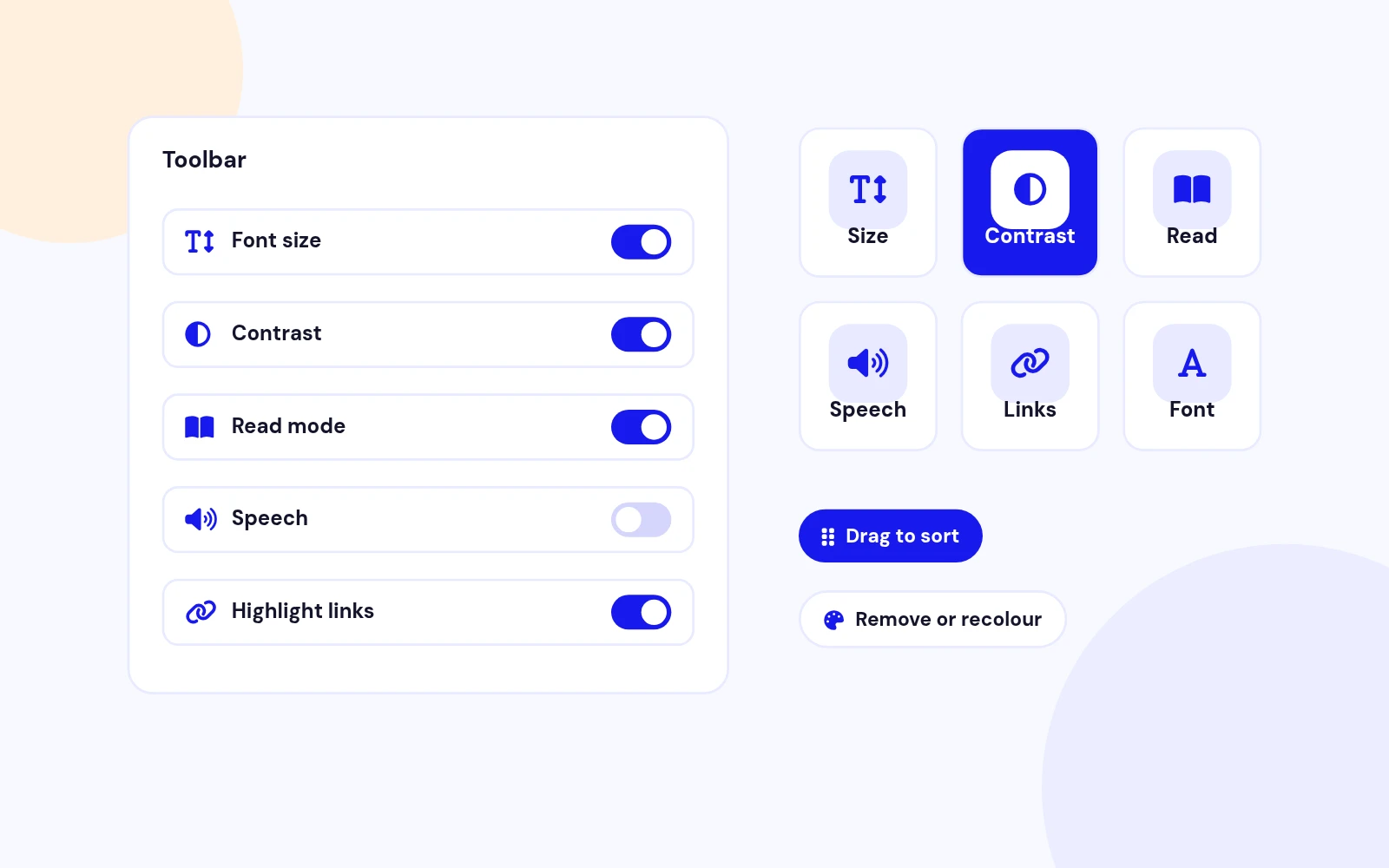
- Drag tools into the order that fits your site. Turn off whole sections or single controls, and visitors never see them.
Most Customizable Accessibility Toolbar for Joomla
Features
Ten feature areas, one install package for Joomla 4, 5 and 6.
Fully Customizable
PageSpeed Friendly
Color Control
Your Placement
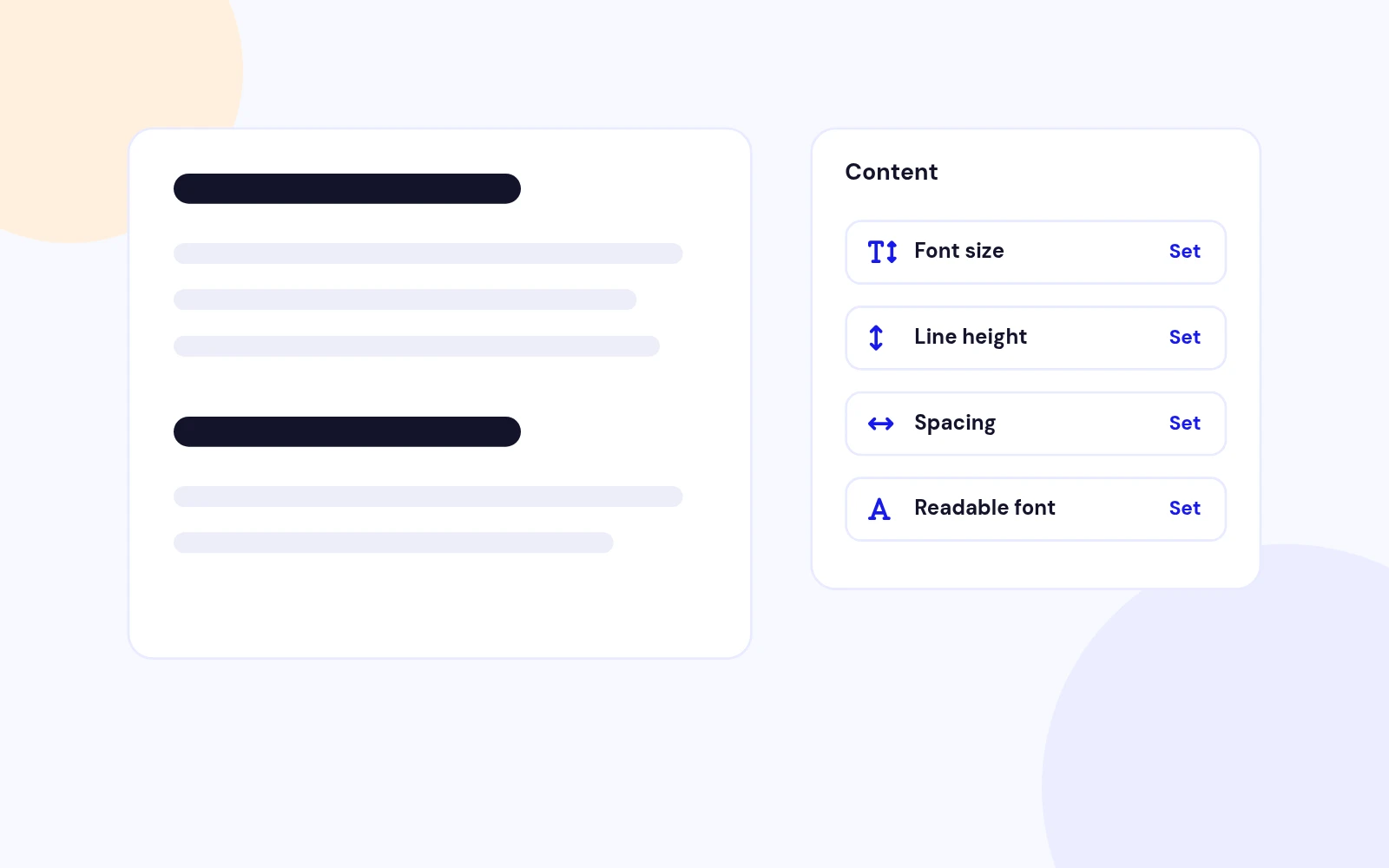
Readable Text

Calm Reading
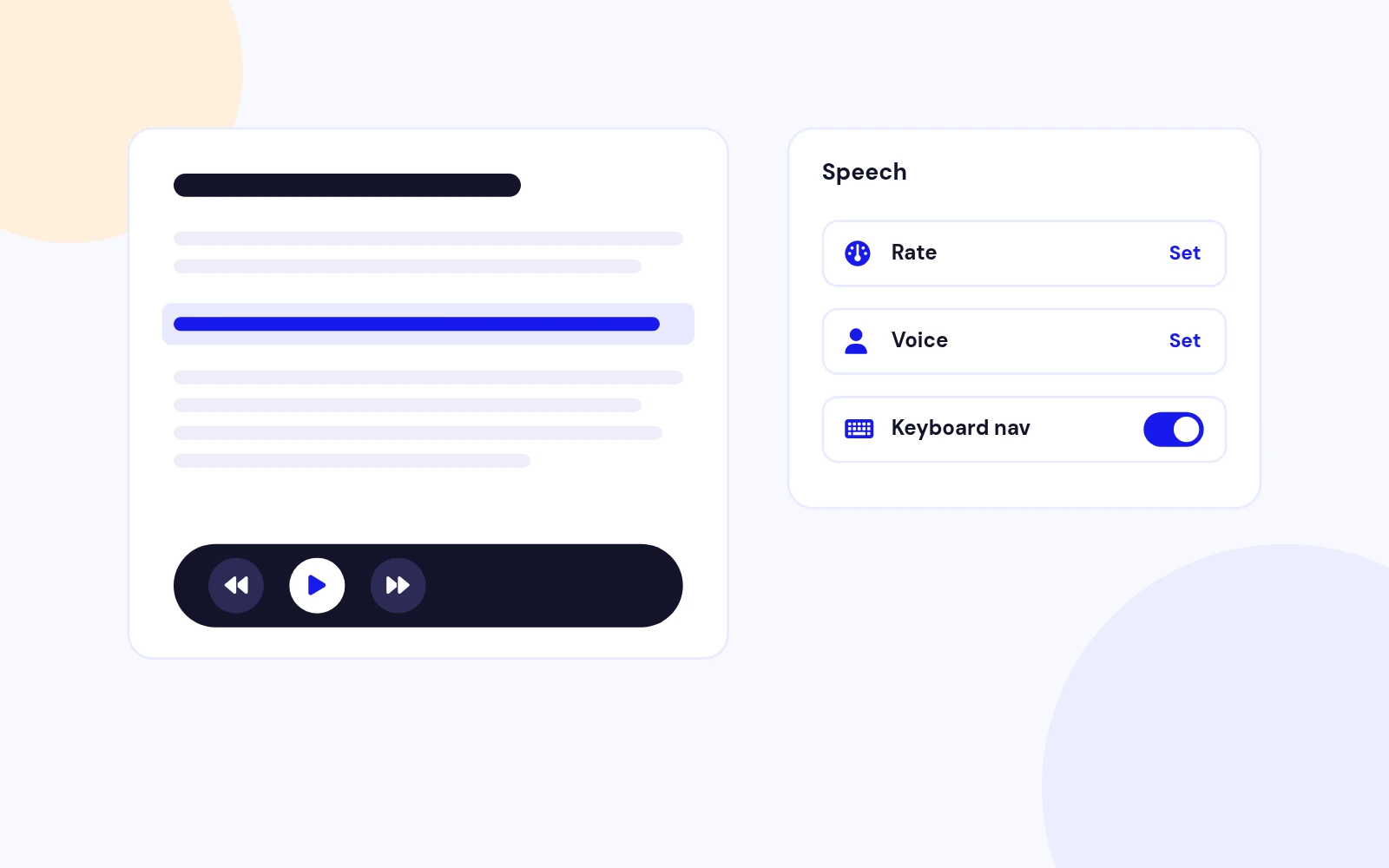
Read Aloud
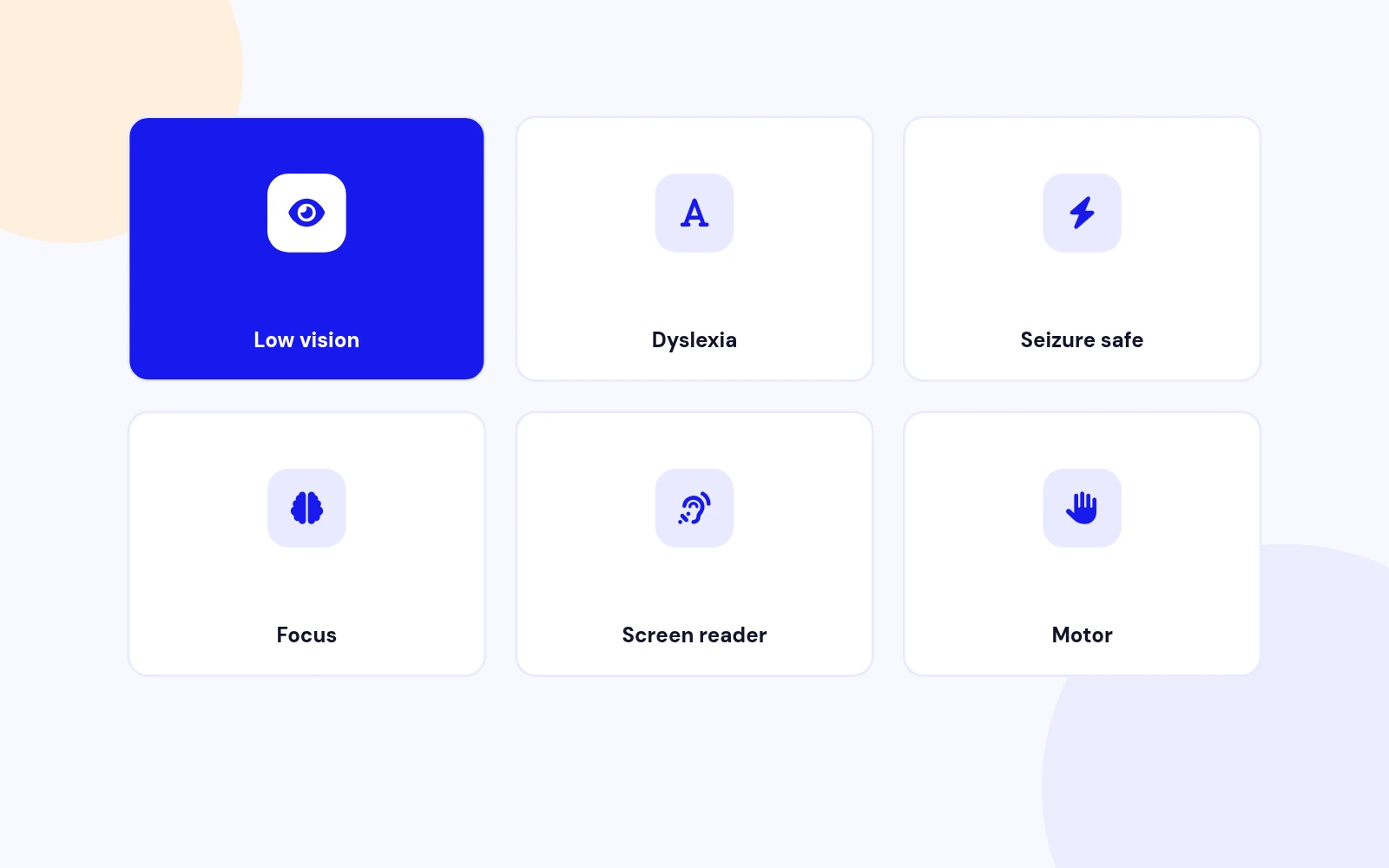
One-Tap Profiles
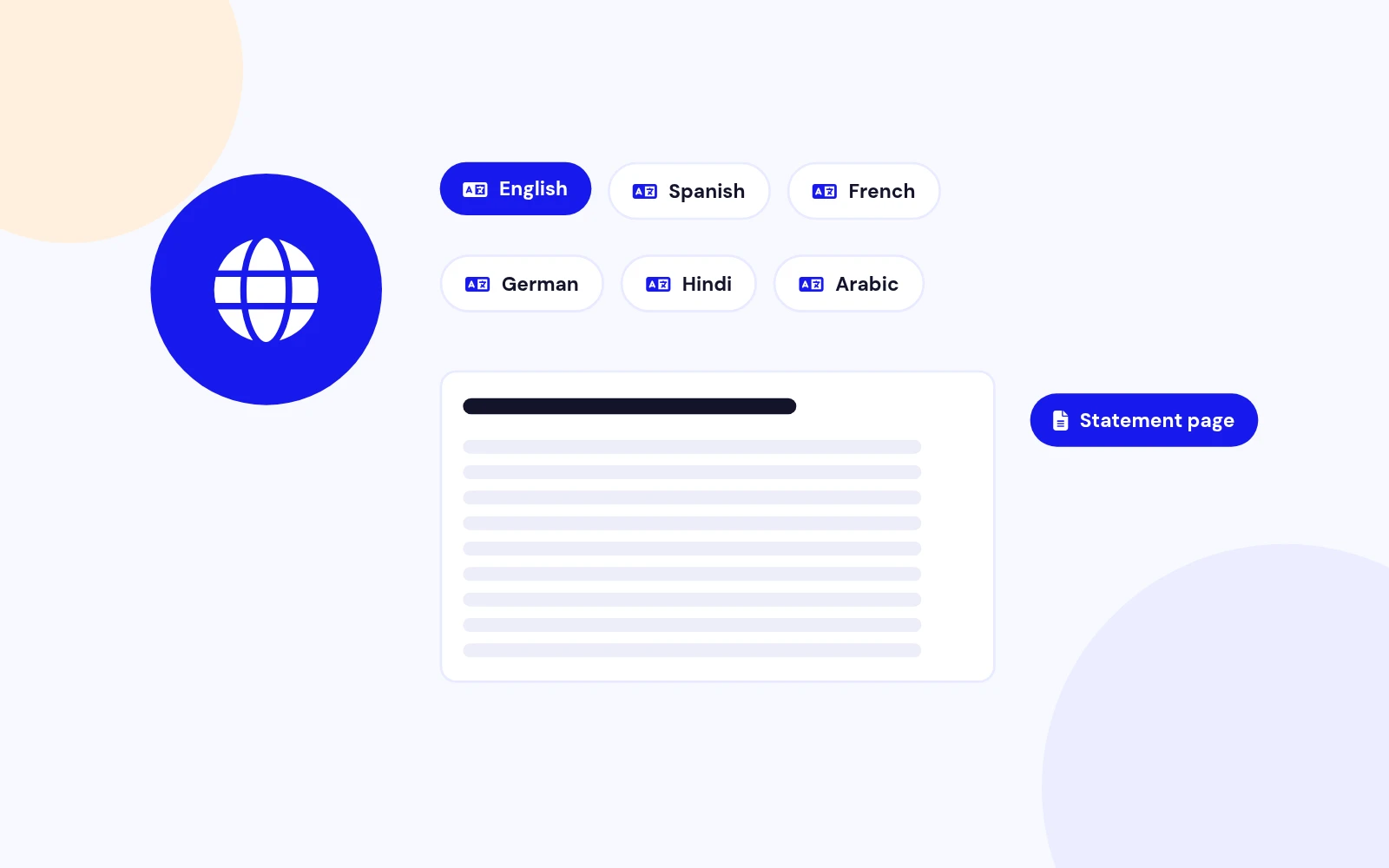
Multilingual
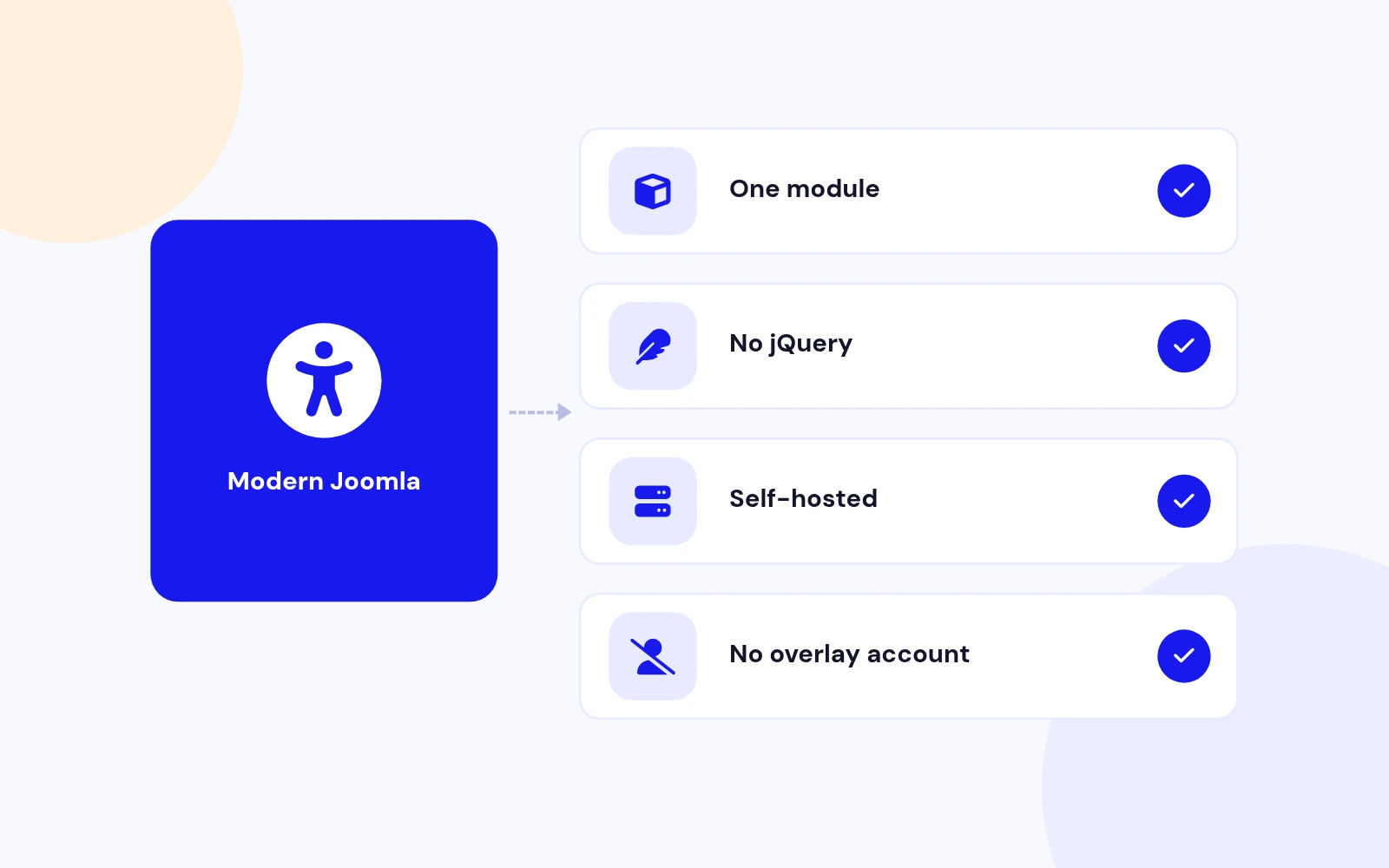
Future-Proof
Changelog
4 releases since version 1.0.13. Updates install from the Joomla admin with a valid licence.
Docs & setup
Written guides for installing and configuring Easy Accessibility, from first setup to the options that matter.
Pricing
Save more as you scale — longer access means a bigger discount.
30-day money-back guarantee
30-day money-back guarantee
30-day money-back guarantee
30-day money-back guarantee
Why buy here
All-access bundle
Get all 126 extensions, new releases, ongoing updates and full-time support. Bought one by one, a year of updates for every extension costs over $4,700.
Ideal for small projects and personal sites
$249/ 6 months
Save 91% · $2,900+ value
30-day money-back guarantee
Best for growing businesses and web agencies
$349/ 1 year
Save 92% · $4,700+ value
30-day money-back guarantee
For professional developers and multi-client agencies
$749/ one-time
Pay once · keep forever
30-day money-back guarantee
FAQ
Still unsure? Our support team is one ticket away.
Easy Accessibility supports Joomla 4, 5, and 6. PHP 8.1 or later is recommended. It is a site module with a service provider, dispatcher, and namespaces.
It adds the most customizable self-hosted visitor toolbar for Joomla: contrast, text sizing, Read Mode, speech, cursors, and more. You can sort tools, remove what you do not need, and change colours. Preferences stay on the visitor's device.
It is a site module only. There is no component Options screen and no system plugin to enable. Publish the module, then use Joomla Menu Assignment, Access, and Language.
No. Easy Accessibility does not claim WCAG AA or any certification. It is a visitor preference toolbar. Pair it with Easy WCAG for a few mechanical HTML fixes, and with a real review when you need a compliance claim.
On the visitor's device only. Clearing site data resets the toolbar. Prefs are not stored in Joomla user accounts.
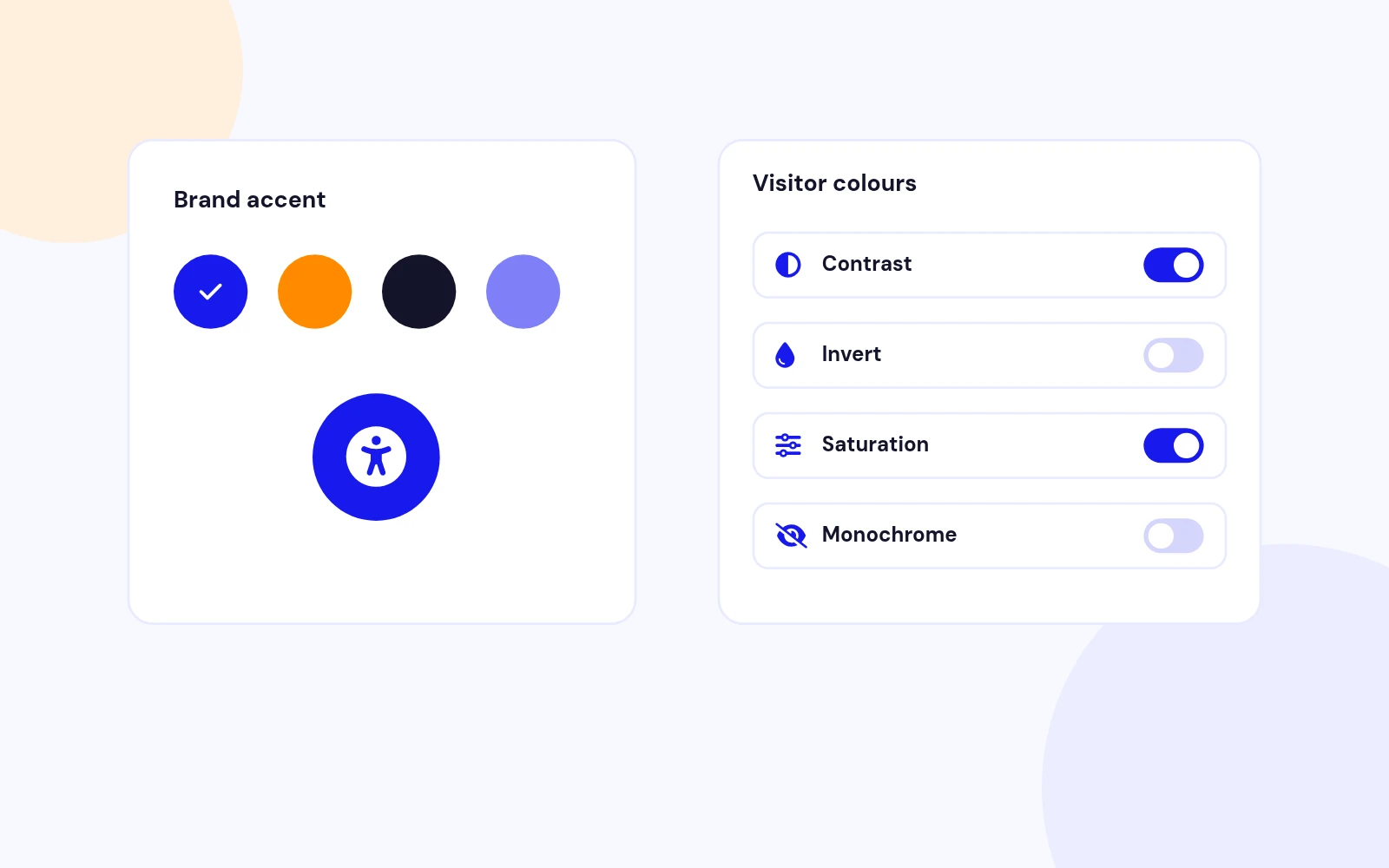
Yes. That is the point. Open Toolbar features: switch off whole sections or single controls, then drag Feature order. On Toolbar, set the launcher accent colour. Visitors still get contrast, invert, saturation, and colour pickers when you leave those tools on. CDN overlays rarely let you own this.
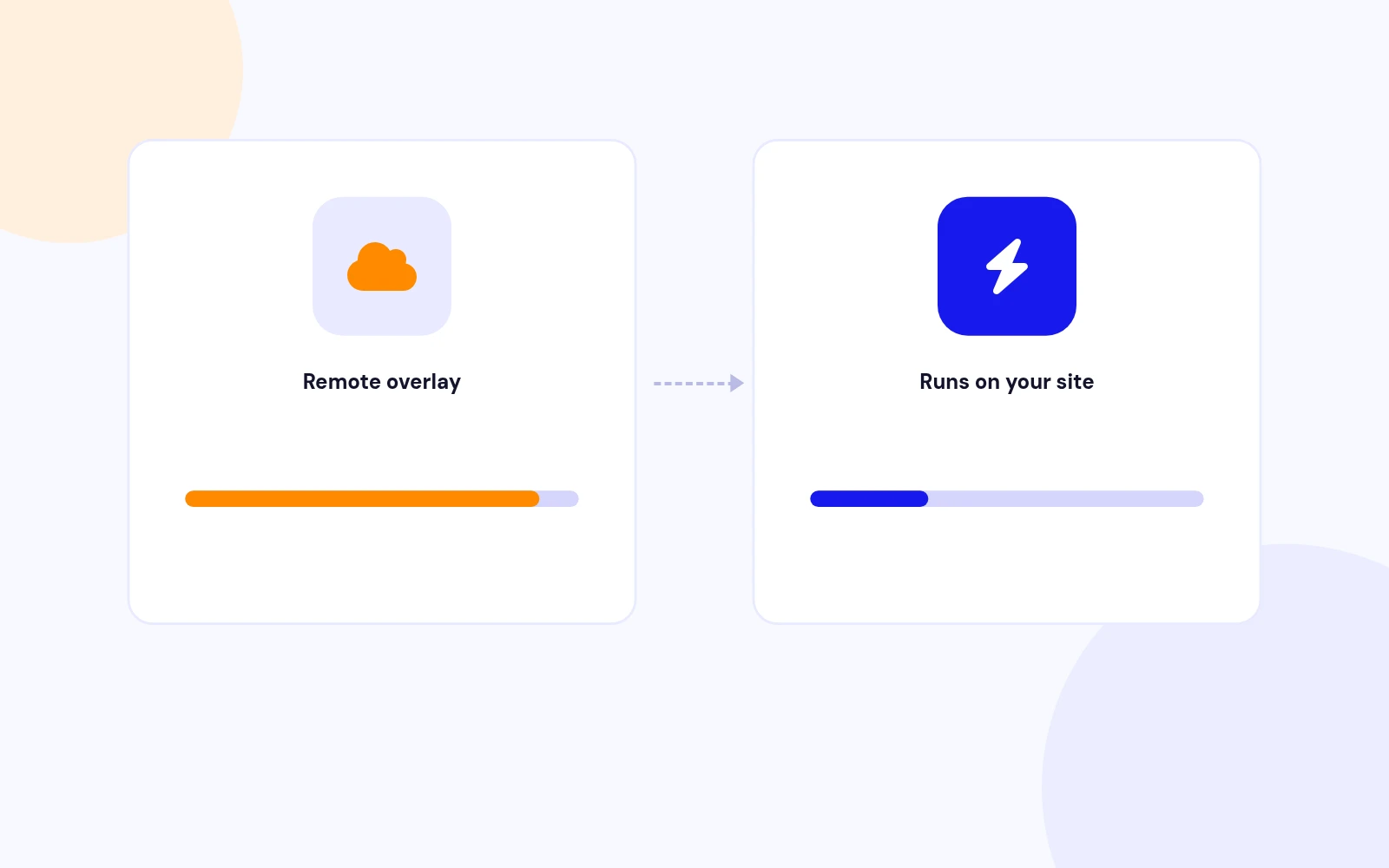
CDN overlays load remote scripts on every page, which slows Google PageSpeed and locks you into a fixed widget. Easy Accessibility runs on your Joomla site. You sort tools, remove tools, and change colours. Visitor prefs stay on their device. No overlay vendor, no extra third-party request.
No. It is included with the module and hosted on your own site, so it does not add a third-party request.
Add the logo selector to Exclude selectors (for example img.logo, .logo). Matching elements skip contrast and filter effects.
No. Easy Accessibility uses native JavaScript and CSS. Speech uses voices already on the visitor's device when available.
Download EasyAccessibility_UNZIP.zip. Unzip it, then install the install package (the .zip inside your download) from System > Install > Extensions.
Visit support.joomlax.com. Include your Joomla version, PHP version, page URL, and whether the module is published.
More like this

Module + Plugin
Joomla Extension to Disable Right Click on Mouse
v2.6.1 6,022 downloads
From $9


Plugin + Component
Code Highlighter Plugin for Joomla
v2.2.1 3,537 downloads
From $9


Plugin
Plugin to Include Javascript or CSS files to Joomla
v2.1.1 10,538 downloads
Free


Module
Show Joomla Modules and Articles Randomly in a Position
v1.5.1 3,128 downloads
From $19


Plugin
Joomla plugin for typewriter text effect with adjustable speed and cursor.
v1.4.1 4,412 downloads
From $9