Module
Content Display

Easy Articles Grid

Article Grid Module for Joomla

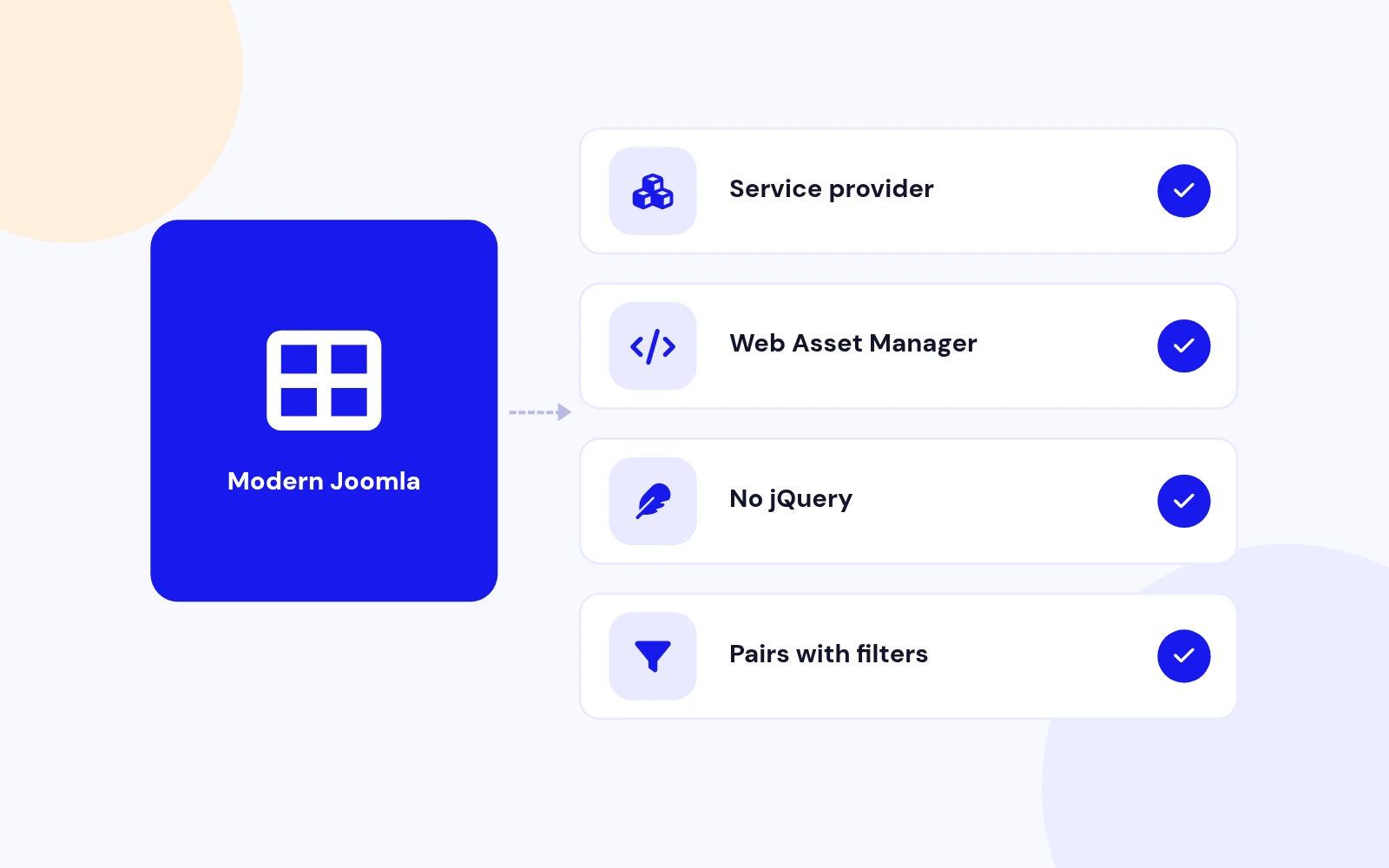
  • Zero B/C pluginRuns without the B/C pluginRuns on Joomla 5 and 6 without the Behaviour - Backward Compatibility plugin, so you can keep it switched off.
  • Joomla 4, 5 & 6Tested and supported on Joomla 4, 5 and 6.
  • Instant accessReady to install right after checkout
  • One-click updatesNew releases install from the Joomla administrator
  • Lifetime optionPay once and keep future releases
  • 30-day guaranteeFull refund if it is not the right fit

Features

What can Easy Articles Grid do for you?

Ten feature areas, one install package for Joomla 4, 5 and 6.

Layouts for Every Page

Many Layouts

Layouts for Every Page

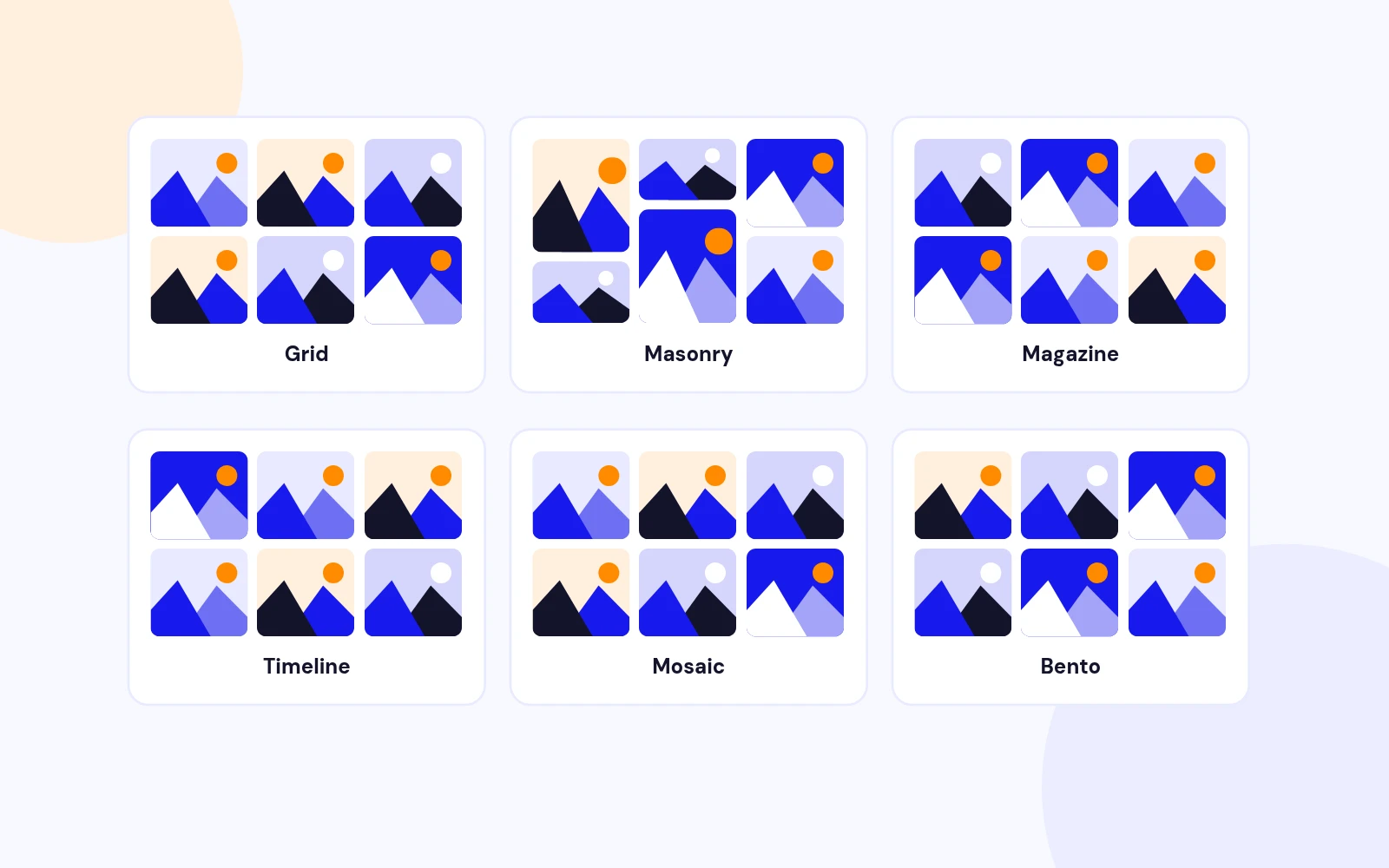
  • Grid, masonry, list, magazine, news portal, timeline, carousel, mosaic, bento and more.
Themes to Match Your Brand

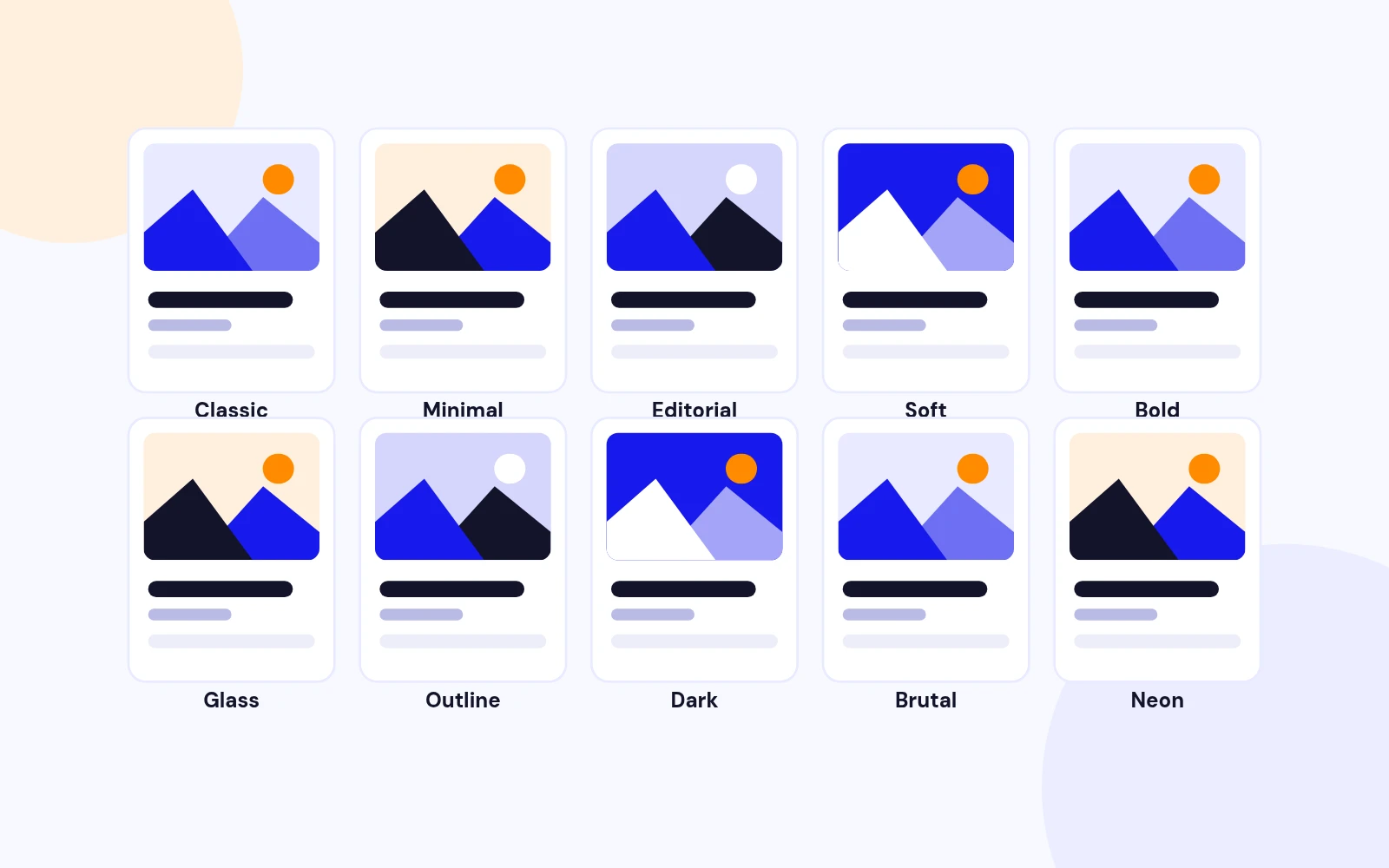
Ten Themes

Themes to Match Your Brand

  • Classic, minimal, editorial, soft, bold, glass, dark, neon and more. Use your template's link color or pick your own.
Load More Without Reloading

No Page Reload

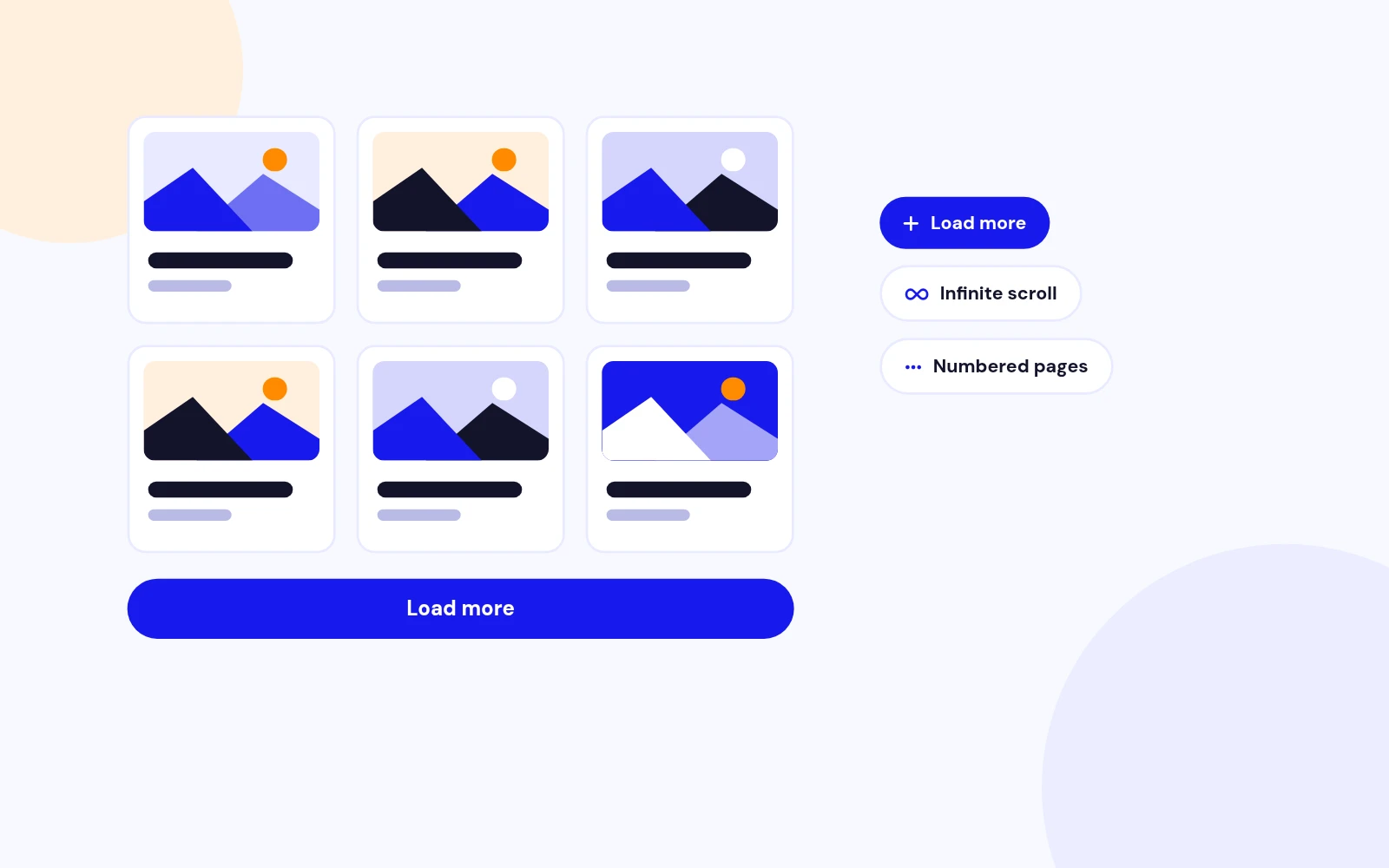
Load More Without Reloading

  • More articles load in place, with optional prefetching. A clear loading state shows progress.
Help Visitors Find Articles

Search and Filters

Help Visitors Find Articles

  • Instant search by title, intro or full text. Filter the same articles shown in the grid.
Images That Look Right

Image Control

Images That Look Right

  • Boxed, full, floating or background images. Control fit, ratio, focus point and corners.
Style Every Detail

On-Brand

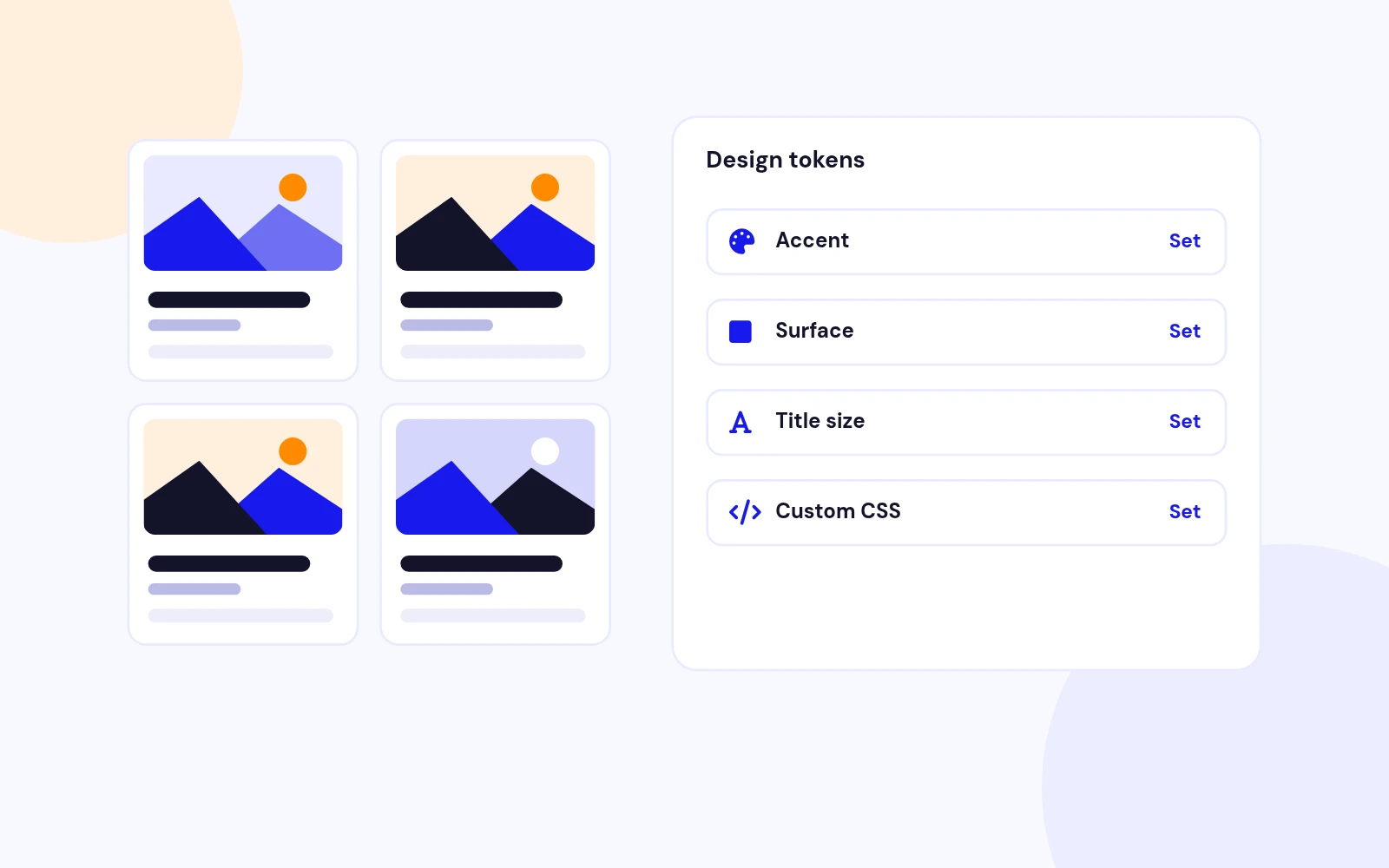
Style Every Detail

  • Set accent, surface, text, border and badge colors. Control title size, meta size, intro length and card height.
Cards With Everything Readers Need

Rich Cards

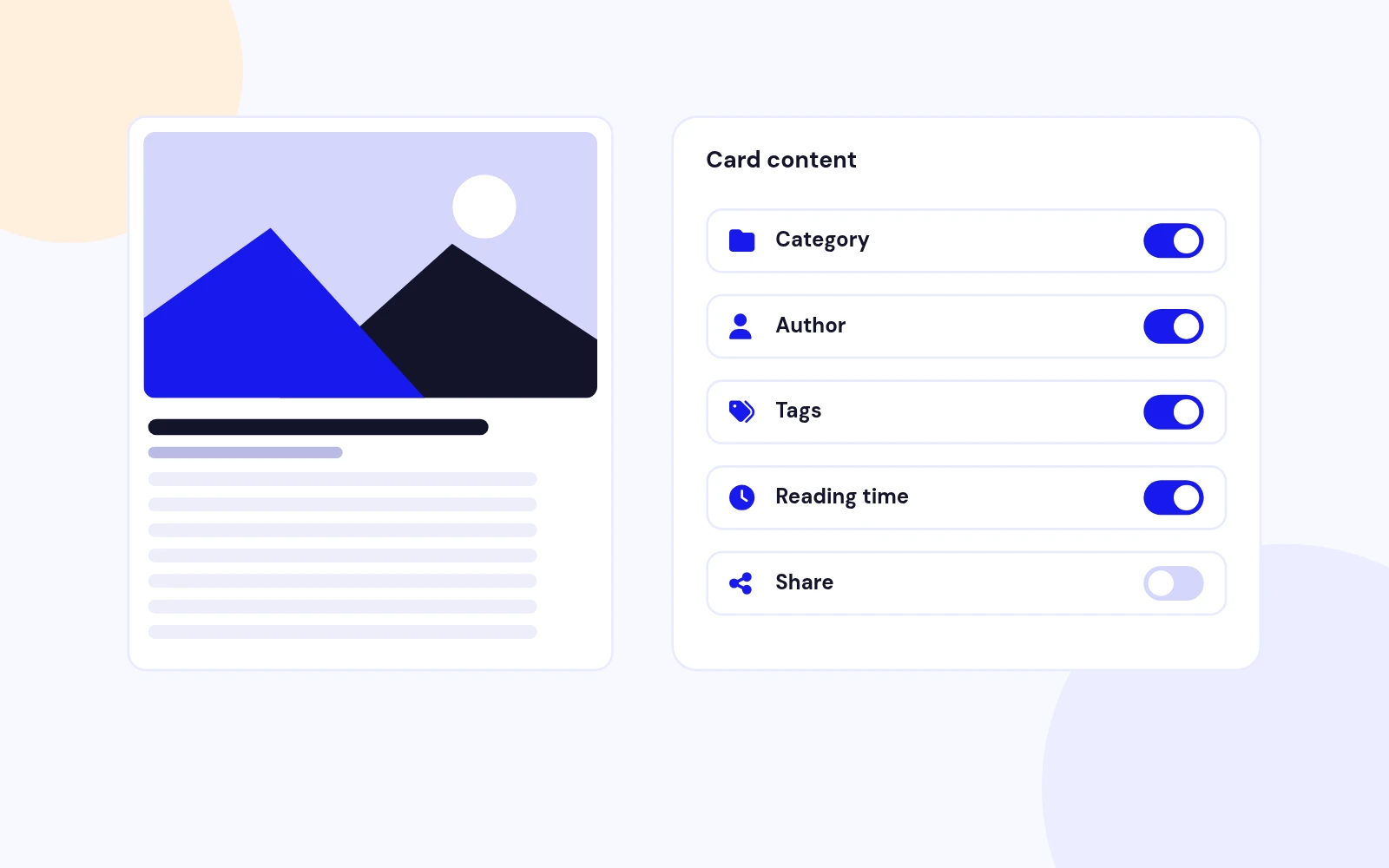
Cards With Everything Readers Need

  • Show category, date, author, tags, hits, reading time and a featured badge. Control intro length and formatting.
Helpful Admin Hints

Editor Friendly

Helpful Admin Hints

  • A notice tells you when short article links are available. Show selected custom fields under the intro.
Looks Right in Any Template

Template Safe

Looks Right in Any Template

  • Controls and cards hold up against template overrides, including Helix and Bootstrap.
Built for Modern Joomla and PHP

Future-Proof

Built for Modern Joomla and PHP

  • A modern Joomla structure with plain JavaScript only.

Changelog

What's new

16 releases since version 1.1.0. Updates install from the Joomla admin with a valid licence.

    • Download Key support on the update site (dlid).
Show 10 older releases

Docs & setup

Get up and running fast

Written guides for installing and configuring Easy Articles Grid, from first setup to the options that matter.

  • Installation stepsOne install zip for Joomla 4, 5 and 6, installed from System, Install, Extensions.
  • Configuration optionsThe settings in the guide, from first setup to the options that matter.
  • Practical usage tipsShort examples you can adapt to your site.

Pricing

Choose the plan that fits

Save more as you scale — longer access means a bigger discount.

Compatible with
Joomla 4 Joomla 5 Joomla 6
Tester plan
30 Days
Basic testing plan. 30 days access only. No priority support. Access expires after 30 days - no future updates.
$19

$19

You save zero
Download Access - 30 Days
Support - 30 Days Email Support
1 Website License
Unlimited Downloads
No Priority Support
No Future Updates After 30 Days
Limited to Testing Only
30-Day Money Back Guarantee
Commercial Use License
6 Months
6 months access with priority support & bug fixes. Perfect for short-term projects and growing businesses.
$114

$29

You save $85
Download Access - 6 Months
Support - 6 Months + Priority Updates
2 Websites License
Unlimited Downloads
Priority Email Support
Priority Bug Fixes
6 Months Free Updates
30-Day Money Back Guarantee
Commercial Use License
Pay once
Lifetime
Lifetime access with dedicated support agent. Never pay again - unlimited updates & custom development support included.
$1,980

$99

You save 95%
Download Access - Lifetime
Support - Lifetime + Dedicated Support
Unlimited Websites License
Unlimited Downloads
Dedicated Support Agent
Lifetime Free Updates
Feature Request Priority
Custom Development Support
30-Day Money Back Guarantee
Commercial Use License

Why buy here

Why JoomlaX

  • Built, maintained and supported by one team Every product sold on JoomlaX is developed, maintained and supported by Infyways, building Joomla solutions since 2010.
  • Ready for Joomla 4, 5 and 6 118 extensions support Joomla 5 and 6, and 114 support Joomla 4. Each product page lists the versions it works with.
  • One-click Joomla updates Regular updates and feature improvements for licensed customers, delivered straight to your Joomla admin.
  • Support from the developers Tickets go straight to the developers. First replies within 24 business hours.

All-access bundle

Unlock every JoomlaX extension in one plan

Get all 126 extensions, new releases, ongoing updates and full-time support. Bought one by one, a year of updates for every extension costs over $4,700.

  • Basic

    Ideal for small projects and personal sites

    $249/ 6 months

    Save 91% · $2,900+ value

    • Access to 126 extensions
    • Access to new extensions during period
    • 3 websites license
    • 6 months support and updates
    • Unlimited downloads and domain activations
    • Full-time expert technical support
    Buy Basic plan

    30-day money-back guarantee

  • Most popular

    Premium

    Best for growing businesses and web agencies

    $349/ 1 year

    Save 92% · $4,700+ value

    • Access to 126 extensions
    • Access to new extensions during period
    • 5 websites license
    • 1 year support and updates
    • Unlimited downloads and domain activations
    • Priority full-time technical support
    Buy Premium plan

    30-day money-back guarantee

  • Developer

    For professional developers and multi-client agencies

    $749/ one-time

    Pay once · keep forever

    • Access to 126 extensions
    • Access to all future new extensions
    • Unlimited websites license
    • Lifetime support and updates
    • Unlimited downloads and domain activations
    • VIP priority full-time technical support
    Buy Developer plan

    30-day money-back guarantee

FAQ

Questions about Easy Articles Grid

Still unsure? Our support team is one ticket away.

Which Joomla versions does Easy Articles Grid support?

Easy Articles Grid supports Joomla 5 and 6 with a service provider, dispatcher, namespace, Web Asset Manager assets, and PHP 8.1 or later recommended.

What does Easy Articles Grid do?

It displays standard Joomla articles in twelve layouts and ten themes, with Ajax pagination, optional live search, category pills, image styling, and design tokens. It does not create a custom content table.

Which layouts are included?

Grid, Masonry, List, Compact, Magazine, News Portal, Featured List, Overlay, Timeline, Carousel, Mosaic, and Bento.

How is this different from Smart Content Filter?

Easy Articles Grid is layout-first: pick a structure and theme, then optionally add light discovery. Smart Content Filter is filter-first for Ajax catalogues with richer filter chrome. Many sites use both.

Does Load more hide when there is nothing left?

Yes. When hasMore is false, the pager and button use the HTML hidden attribute, and module CSS keeps them invisible even under template display !important rules.

Can I search and filter without a page reload?

Yes. Enable live search and/or category filter. Requests go through Joomla's built-in AJAX handler and update the grid in place. Optional URL state can remember search, page, and category.

Where do card images come from?

Intro image, full image, a custom media/URL field, content fallback, or a module fallback image. Configure Image Source and optional Image Custom Field on the Image tab.

Can I show custom fields on cards?

Yes. Enter field IDs, names, or titles in Display Custom Fields on the Card tab.

Why do my article links look like /component/content/article/...?

Joomla builds short article links only when a published Articles Category Blog or Category List menu item covers the category (or a parent). The Content tab Route check notice reports this. Display in Menu can be No.

Does it require jQuery?

No. Easy Articles Grid uses native JavaScript and CSS with the Joomla Web Asset Manager.

What file do I download from the store?

Download EasyArticlesGrid_UNZIP.zip. Unzip it, then install the install package (the .zip inside your download) from System > Install > Extensions.

Where can I get support?

Visit support.joomlax.com. Include Joomla and PHP versions, page URL, and module settings.

Help from the people who built it

Don't have an account yet? Register Now!

Sign in to your account