Smart Content Filter
AJAX-powered Joomla article filtering with beautiful, flexible content cards.
J4 J5 J6 Module M1.0
Current Version0.50K
Active UsersSee our product features
AJAX Article Filtering
Category Tabs for Joomla Articles
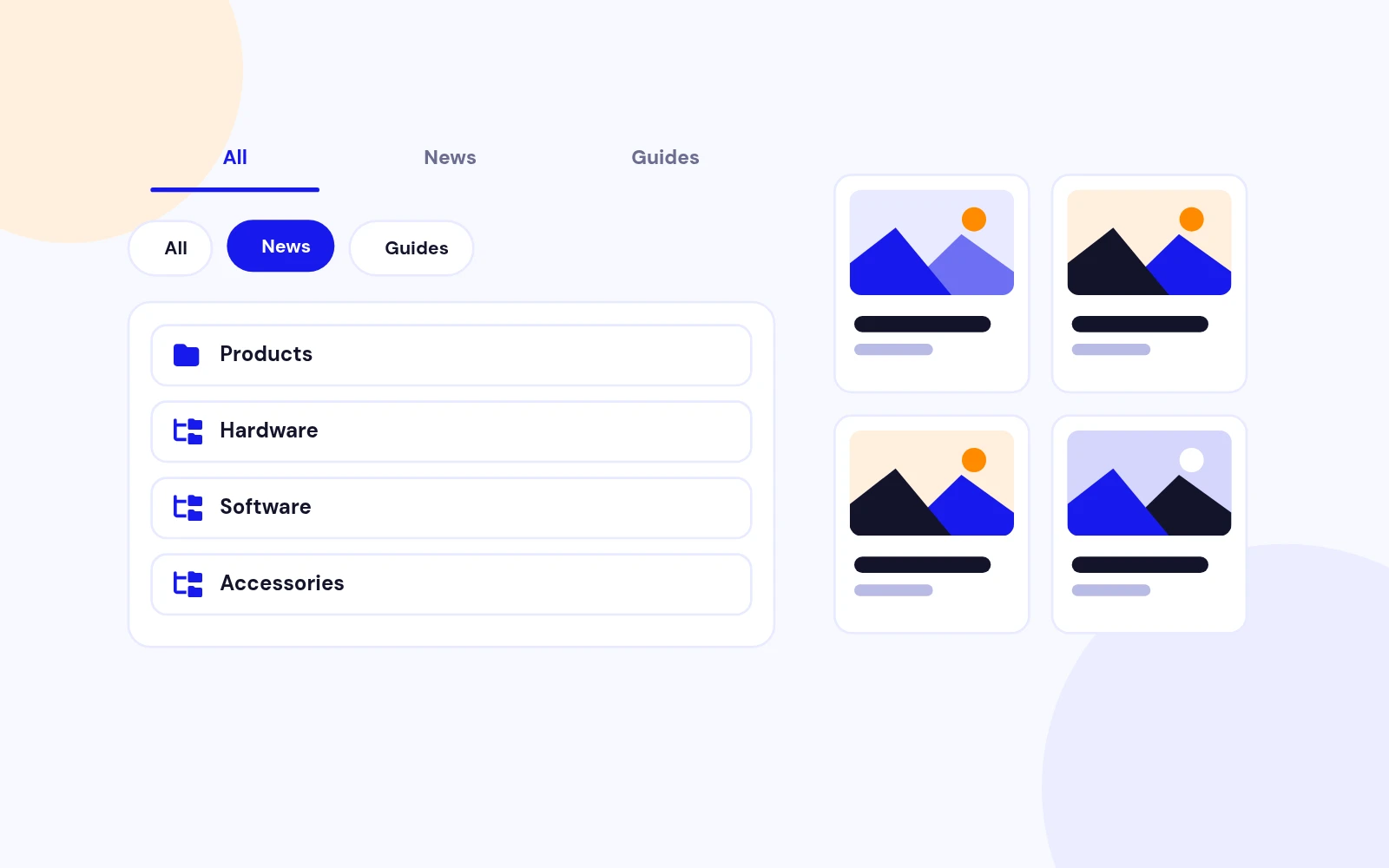
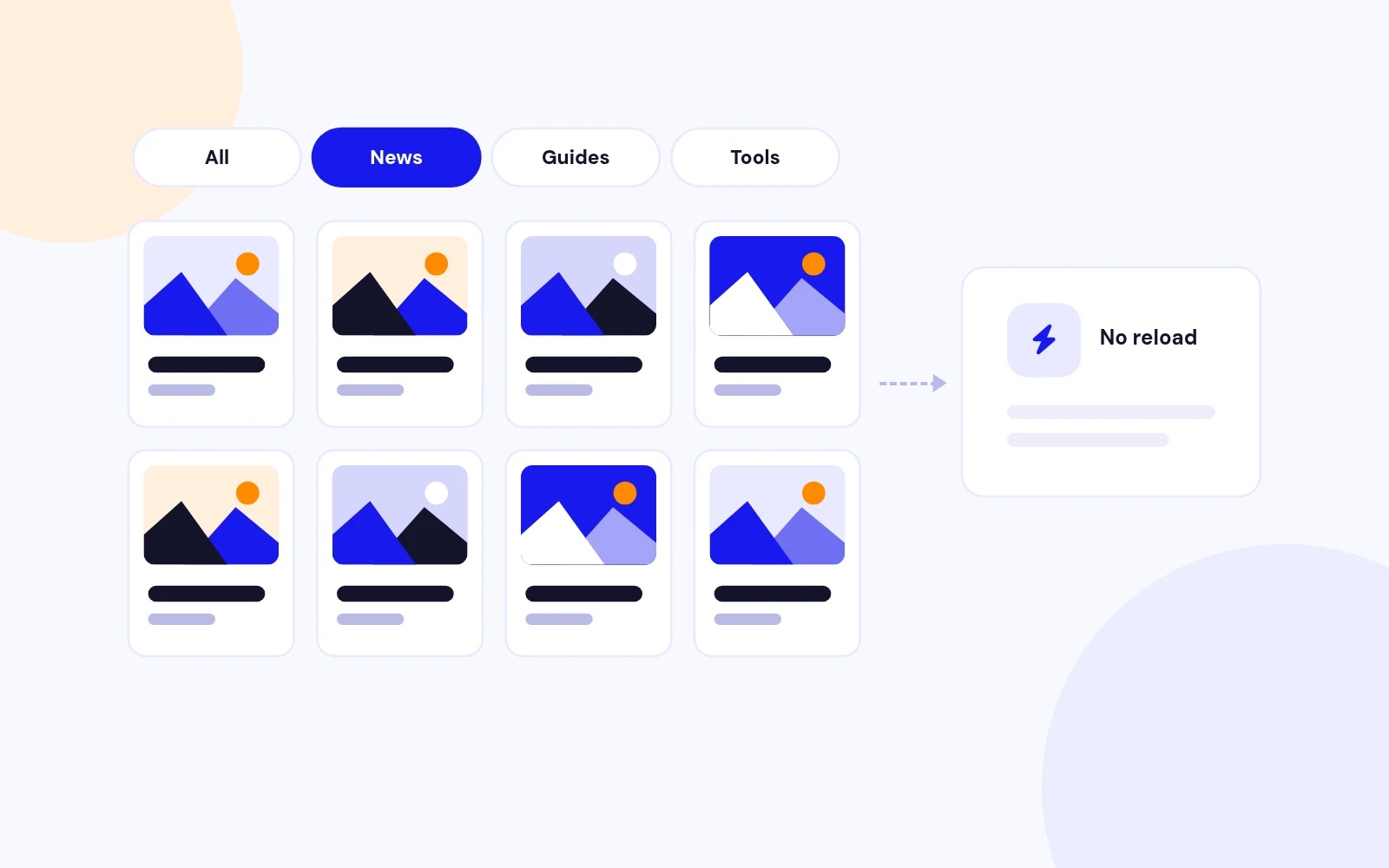
Display standard Joomla articles with clean category filter buttons at the top. Visitors can switch between categories instantly without leaving the page.
Powered by com_ajax
Article cards are loaded through Joomla's Ajax endpoint using the module instance settings, so every published module can have its own source categories, limits, styling, and behaviour.
Works with Native Content
No custom content table is required. The module uses Joomla articles, categories, tags, featured state, intro images, publish dates, access levels, and language filtering.
Search, Tags & Custom Field Filters
Frontend Search
Enable a search box so visitors can quickly narrow results by article title while staying inside the same module view.
Tag Dropdown
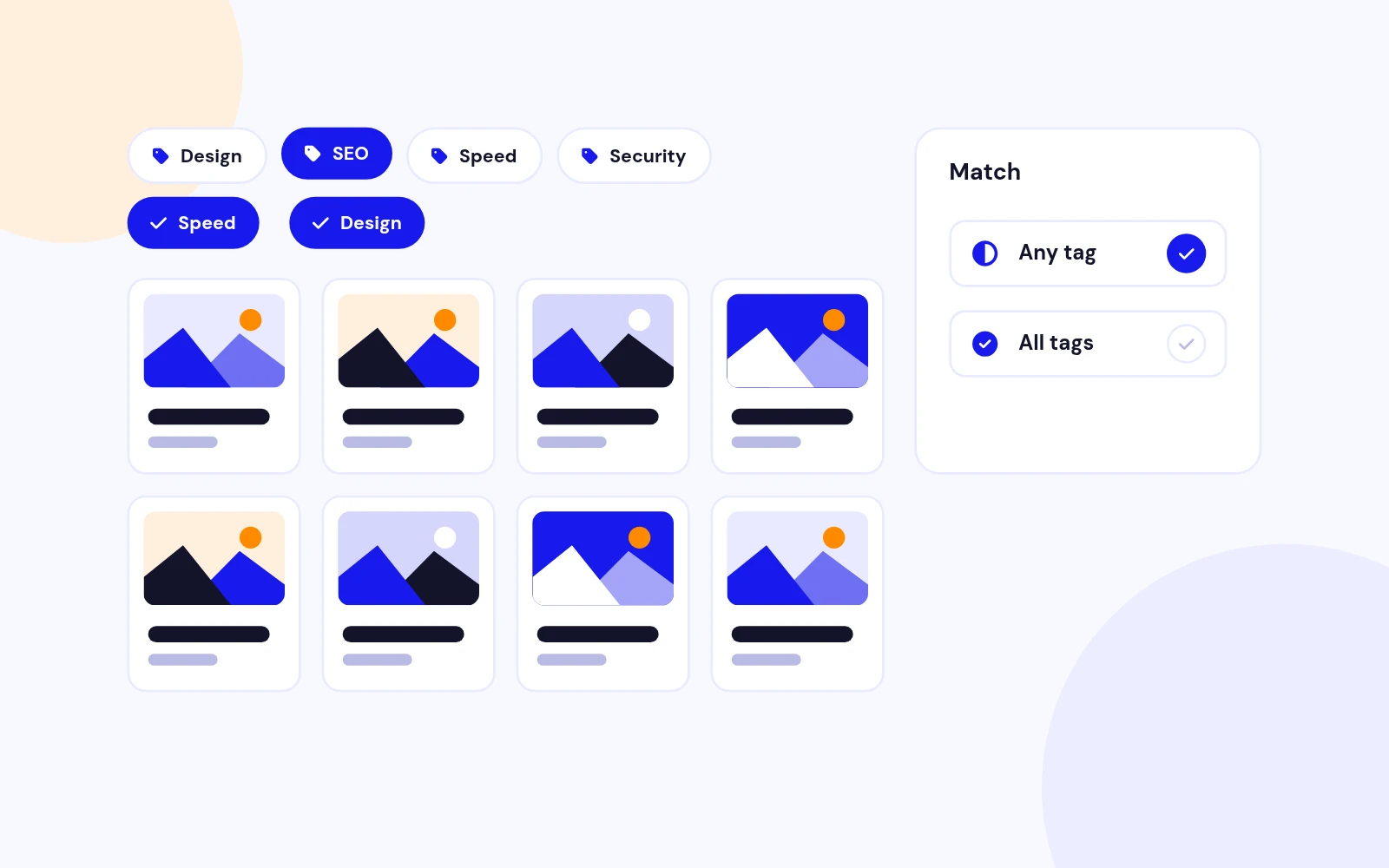
Expose Joomla tags as a filter, automatically limited to tags used by the module's article pool.
Custom Field Filtering
Choose a Joomla custom field by ID, name, or title and show it as a frontend text filter for use cases like audience, location, level, price, city, bedrooms, or any other structured article data.
Frontend Sorting
Sorting Dropdown
Let visitors sort results by newest, oldest, title A-Z, title Z-A, featured first, or manual ordering.
Safe Sort Whitelist
Frontend sort keys are mapped to known server-side ordering values instead of trusting arbitrary request input.
Default Admin Ordering
If frontend sorting is disabled or no sort is selected, the module falls back to the ordering and direction configured in the module settings.
Load More or Infinite Scroll
Load More Button
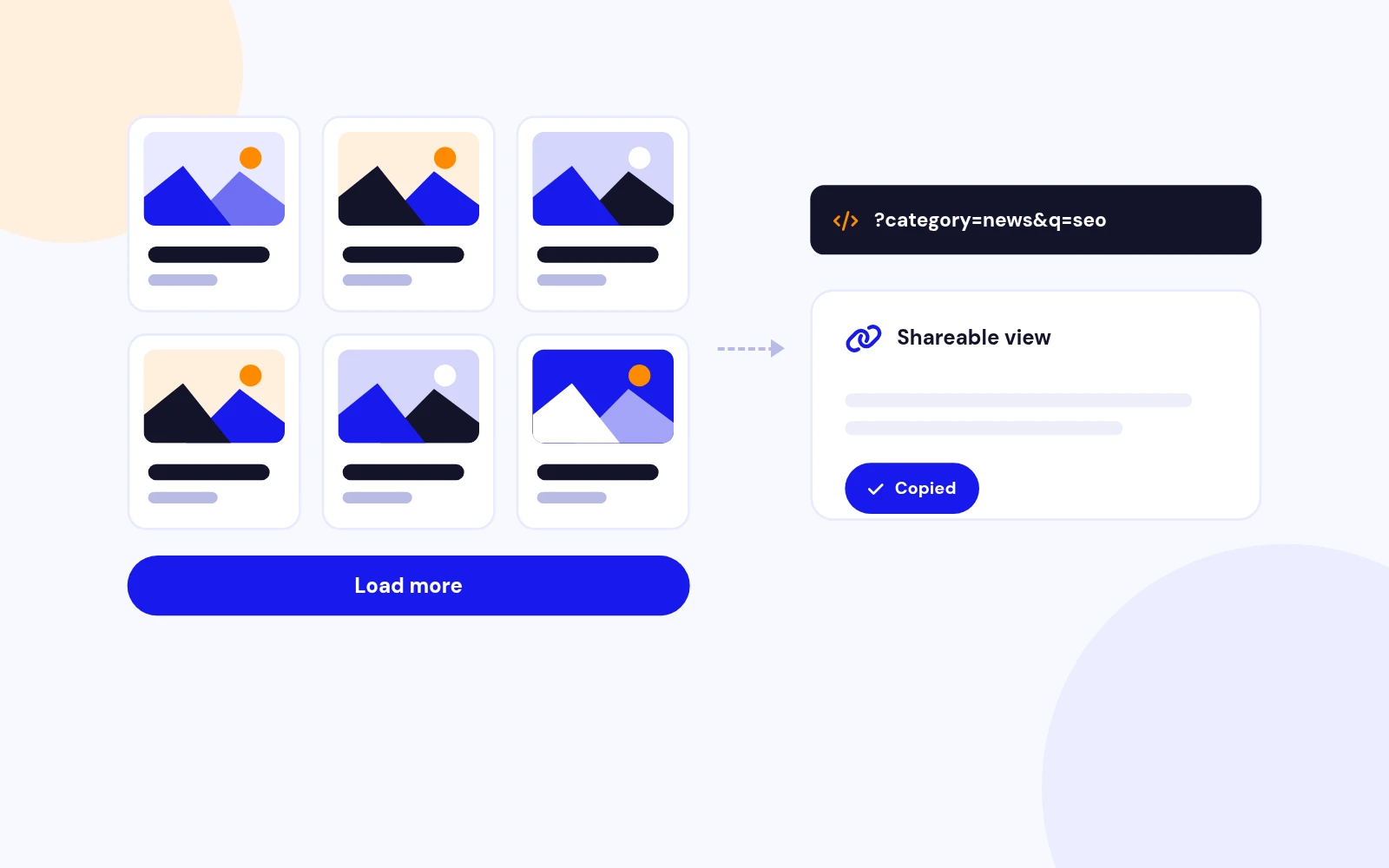
Show an accessible button that appends the next page of cards without refreshing the page.
Infinite Scroll Option
Switch to automatic loading when the visitor reaches the bottom of the current results.
Accurate Result Count
Display a live "Showing X of Y" count that updates after filtering, searching, sorting, and loading more content.
Flexible Article Cards
Images, Meta and Intro Text
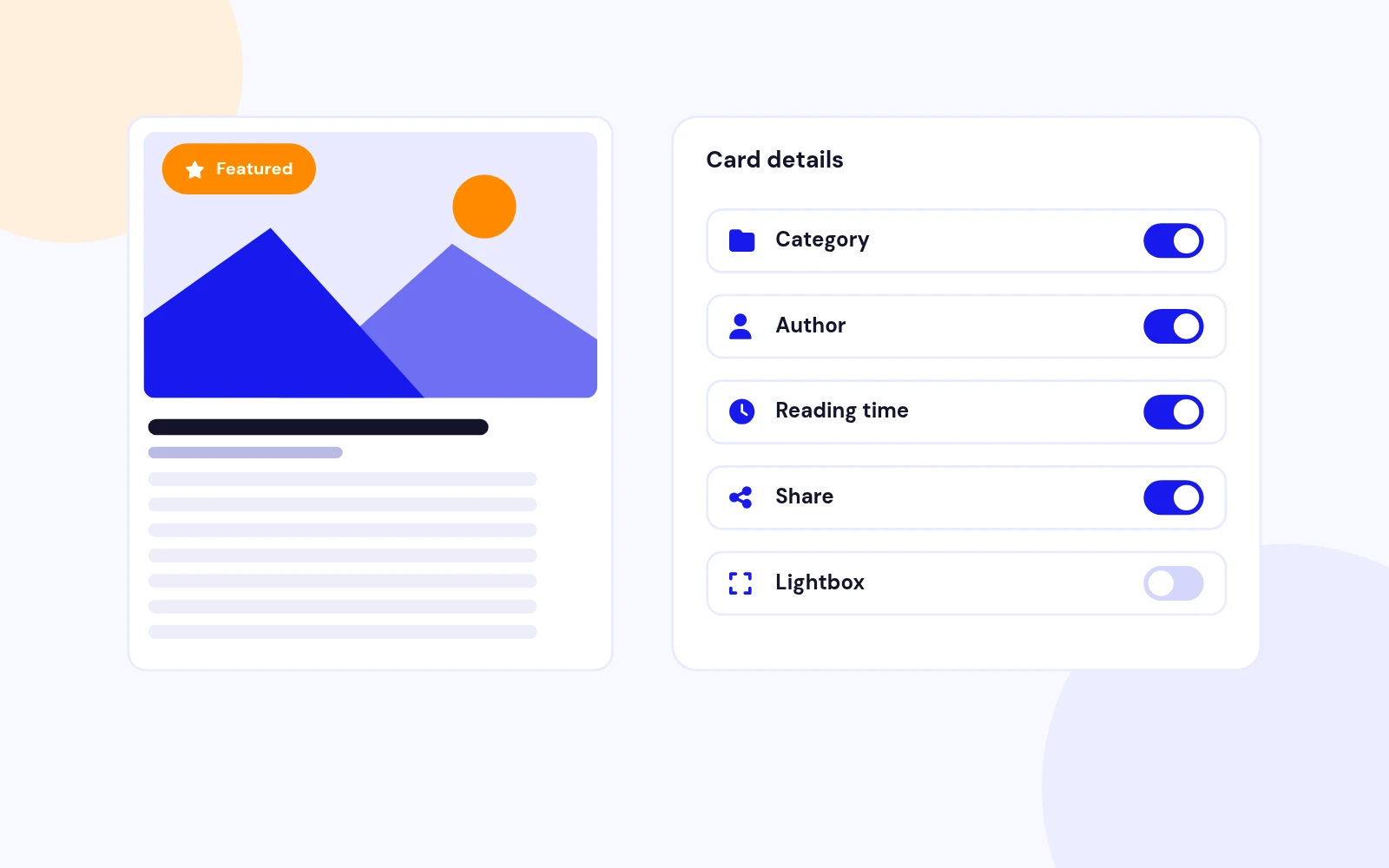
Show intro/full article images, category title, publish date, featured badge, article title, intro text, selected custom fields, and read more link.
Fallback Image
Choose a fallback image for articles that do not have an intro or full image assigned.
Custom Heading Level
Select H2, H3, H4, or H5 for the card title so the module fits the page's semantic heading structure.
Deep Card Styling
Card Style Presets
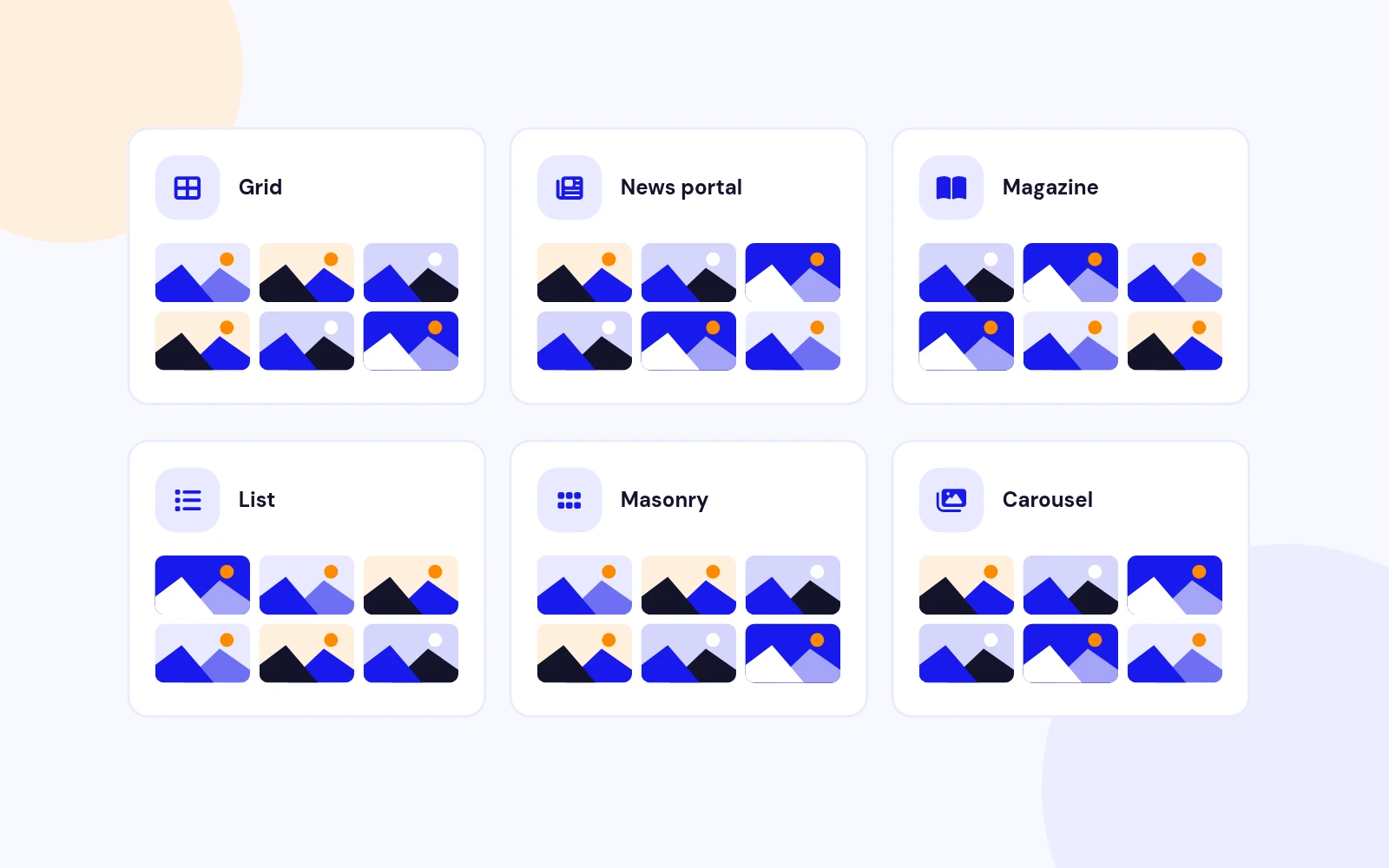
Choose default, outlined, flat, or compact card styles to match different Joomla templates and page sections.
Visual Controls
Configure accent colour, card radius, grid gap, image ratio, card shadow, and button style directly from the module settings.
Responsive Columns
Set separate mobile, tablet, and desktop column counts for better control across screen sizes.
Multiple Instances
Independent Module IDs
Each module instance sends its own module_id to the Ajax endpoint, so categories, limits, filters, styles, and custom CSS are loaded from the correct module settings.
Scoped DOM State
JavaScript state is kept inside each wrapper, allowing multiple Smart Content Filter modules to run on the same page without conflicts.
Instance-Specific Styling
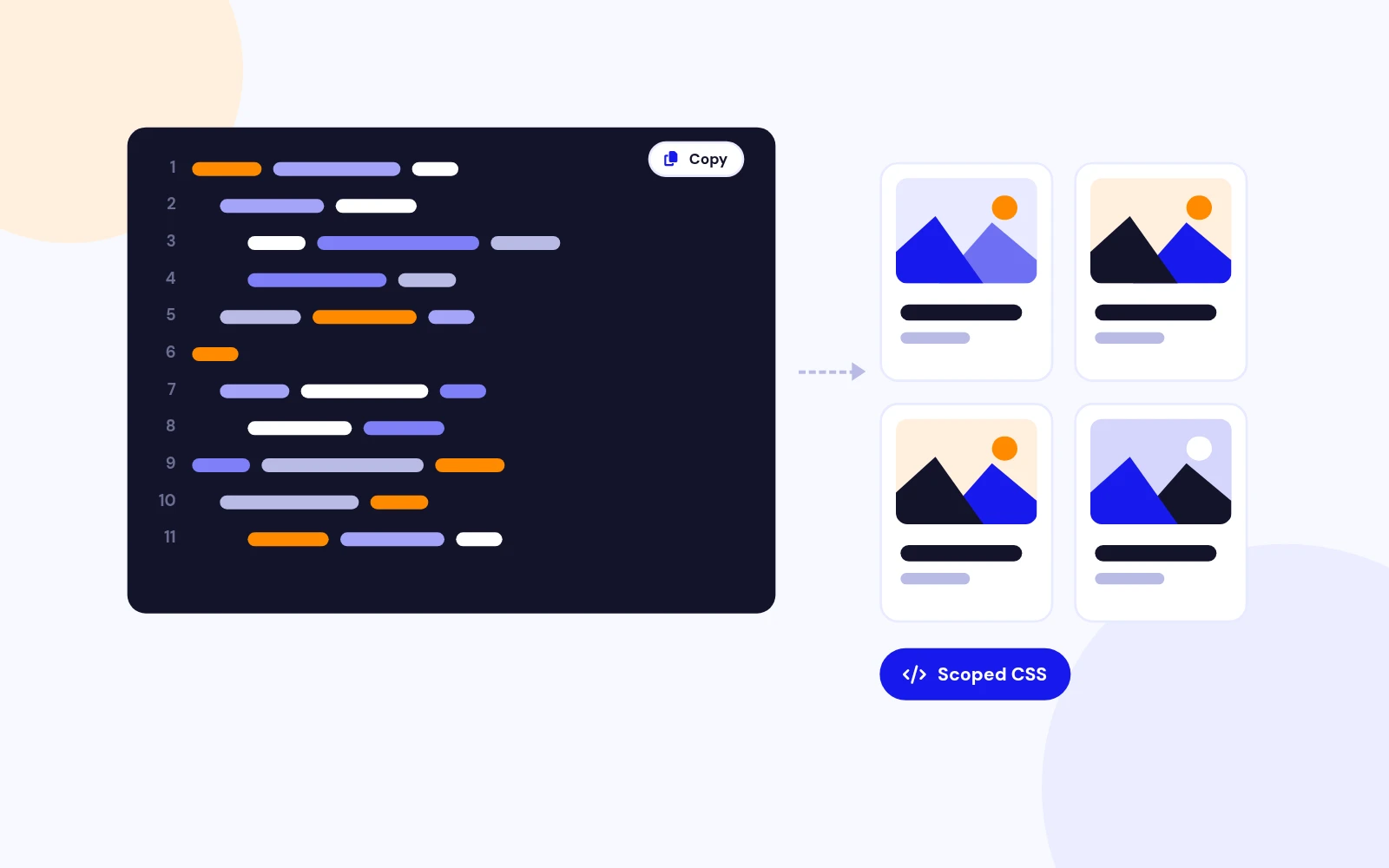
CSS variables and custom CSS are applied per wrapper, making it possible to publish two differently styled filters on the same page.
Advanced Custom CSS
Custom CSS Field
Add extra CSS from the Advanced settings area without editing module files.
{module} Placeholder
Use {module} as a placeholder for the current wrapper selector, for example {module} .scf-card { border-width: 2px; }.
Optional CSS Disable
Turn off the bundled module CSS when a template or site stylesheet should handle the full design.
Accessibility & UX
Live Status Updates
Loading messages, errors, and result counts use live regions so screen readers can announce Ajax changes.
Keyboard-Friendly Tabs
Filter tabs include tab roles, selected states, and arrow-key navigation for easier keyboard use.
Reset Control
A reset button can clear search, tag, sort, custom field filters, and return the active category to the initial state.
Featured Content Support
Featured Filtering
Use Joomla's article featured state to show all articles, hide featured articles, or show only featured articles.
Featured Badge
Optionally show a badge on featured cards so highlighted content stands out in the grid.
Featured-First Sorting
Let visitors sort with featured articles first while still keeping the module generic for blogs, portfolios, directories, catalogues, and news sections.
Modern Joomla Architecture
Namespaced Module Structure
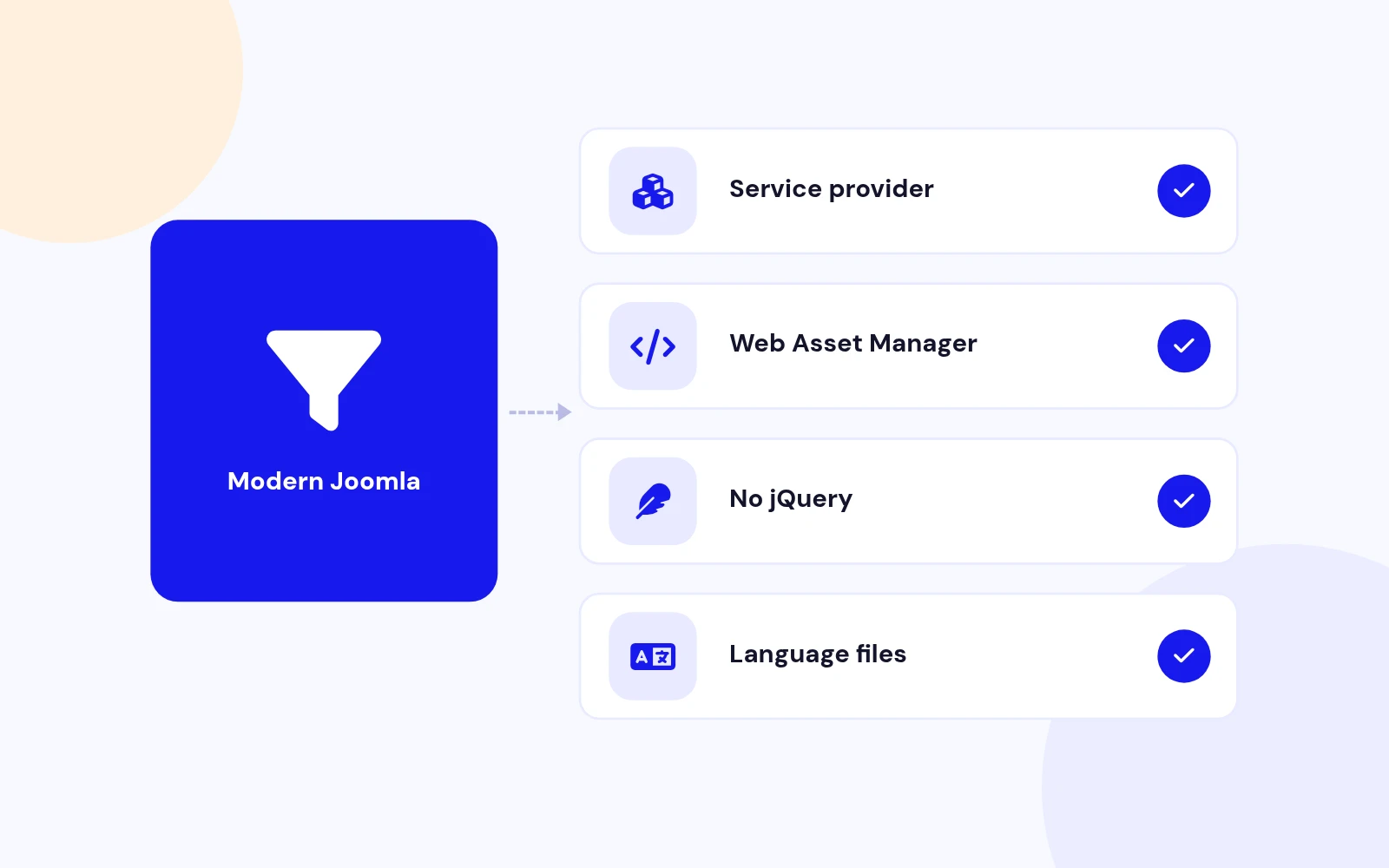
Built with a Joomla 5/6-style service provider, dispatcher, namespaced helper, template layout, language files, and media assets.
WebAssetManager Assets
CSS and JavaScript are registered through Joomla's WebAssetManager with cache-busting support.
Vanilla JavaScript
Frontend interactivity uses lightweight browser APIs and does not require jQuery.
Generic Content Use Cases
Works Across Content Types
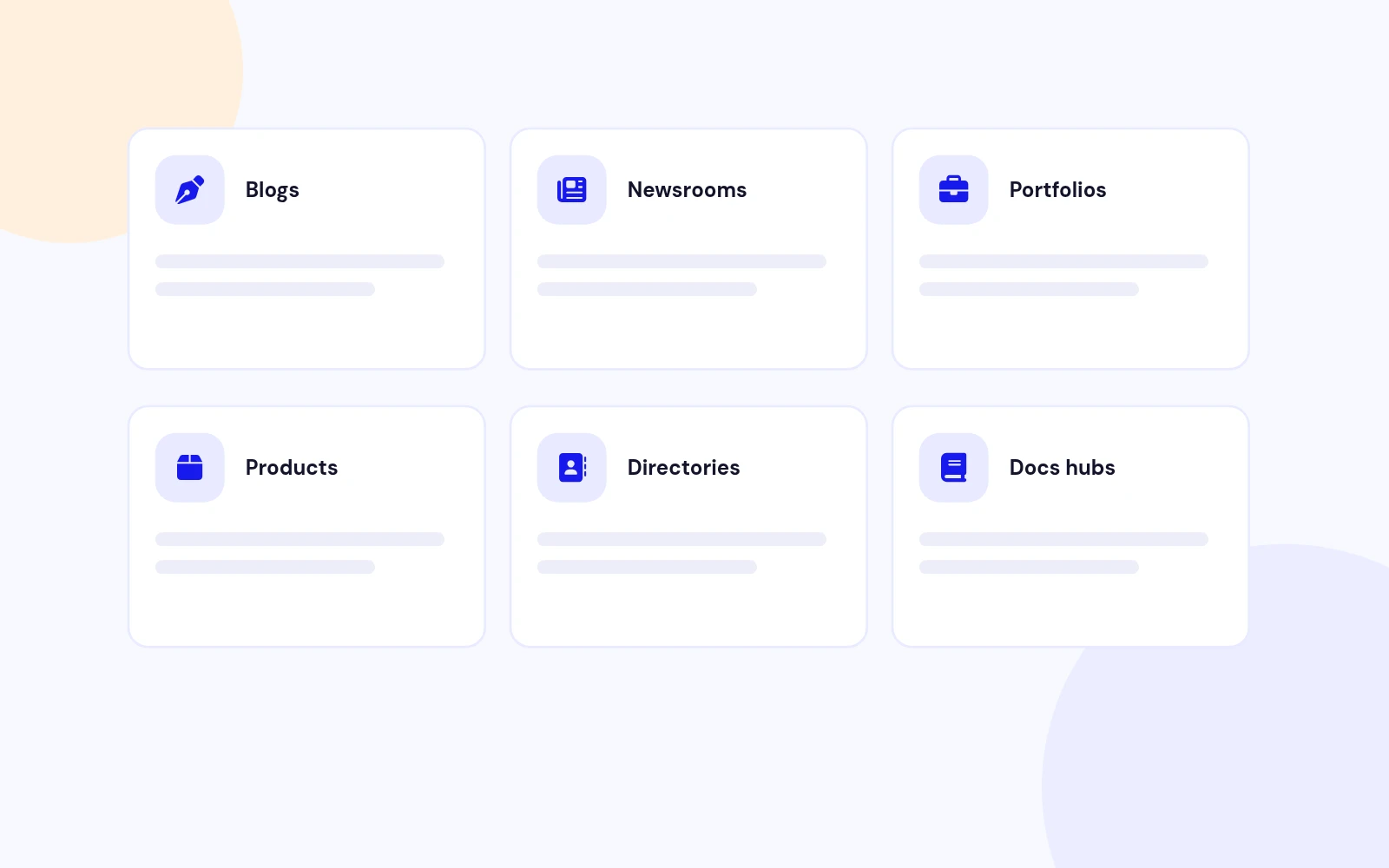
Use the same module for blogs, news, portfolios, product showcases, catalogues, directories, documentation, case studies, and learning resources.
Uses Joomla Categories
Selected categories become filter tabs and child category articles can be included when needed.
Custom Fields Extend Cards
Show selected field values on cards to adapt the module to industry-specific data without making the extension niche-specific.
Category Tabs for Joomla Articles
Display standard Joomla articles with clean category filter buttons at the top. Visitors can switch between categories instantly without leaving the page.
Powered by com_ajax
Article cards are loaded through Joomla's Ajax endpoint using the module instance settings, so every published module can have its own source categories, limits, styling, and behaviour.
Works with Native Content
No custom content table is required. The module uses Joomla articles, categories, tags, featured state, intro images, publish dates, access levels, and language filtering.
Frontend Search
Enable a search box so visitors can quickly narrow results by article title while staying inside the same module view.
Tag Dropdown
Expose Joomla tags as a filter, automatically limited to tags used by the module's article pool.
Custom Field Filtering
Choose a Joomla custom field by ID, name, or title and show it as a frontend text filter for use cases like audience, location, level, price, city, bedrooms, or any other structured article data.
Sorting Dropdown
Let visitors sort results by newest, oldest, title A-Z, title Z-A, featured first, or manual ordering.
Safe Sort Whitelist
Frontend sort keys are mapped to known server-side ordering values instead of trusting arbitrary request input.
Default Admin Ordering
If frontend sorting is disabled or no sort is selected, the module falls back to the ordering and direction configured in the module settings.
Load More Button
Show an accessible button that appends the next page of cards without refreshing the page.
Infinite Scroll Option
Switch to automatic loading when the visitor reaches the bottom of the current results.
Accurate Result Count
Display a live "Showing X of Y" count that updates after filtering, searching, sorting, and loading more content.
Images, Meta and Intro Text
Show intro/full article images, category title, publish date, featured badge, article title, intro text, selected custom fields, and read more link.
Fallback Image
Choose a fallback image for articles that do not have an intro or full image assigned.
Custom Heading Level
Select H2, H3, H4, or H5 for the card title so the module fits the page's semantic heading structure.
Card Style Presets
Choose default, outlined, flat, or compact card styles to match different Joomla templates and page sections.
Visual Controls
Configure accent colour, card radius, grid gap, image ratio, card shadow, and button style directly from the module settings.
Responsive Columns
Set separate mobile, tablet, and desktop column counts for better control across screen sizes.
Independent Module IDs
Each module instance sends its own module_id to the Ajax endpoint, so categories, limits, filters, styles, and custom CSS are loaded from the correct module settings.
Scoped DOM State
JavaScript state is kept inside each wrapper, allowing multiple Smart Content Filter modules to run on the same page without conflicts.
Instance-Specific Styling
CSS variables and custom CSS are applied per wrapper, making it possible to publish two differently styled filters on the same page.
Custom CSS Field
Add extra CSS from the Advanced settings area without editing module files.
{module} Placeholder
Use {module} as a placeholder for the current wrapper selector, for example {module} .scf-card { border-width: 2px; }.
Optional CSS Disable
Turn off the bundled module CSS when a template or site stylesheet should handle the full design.
Live Status Updates
Loading messages, errors, and result counts use live regions so screen readers can announce Ajax changes.
Keyboard-Friendly Tabs
Filter tabs include tab roles, selected states, and arrow-key navigation for easier keyboard use.
Reset Control
A reset button can clear search, tag, sort, custom field filters, and return the active category to the initial state.
Featured Filtering
Use Joomla's article featured state to show all articles, hide featured articles, or show only featured articles.
Featured Badge
Optionally show a badge on featured cards so highlighted content stands out in the grid.
Featured-First Sorting
Let visitors sort with featured articles first while still keeping the module generic for blogs, portfolios, directories, catalogues, and news sections.
Namespaced Module Structure
Built with a Joomla 5/6-style service provider, dispatcher, namespaced helper, template layout, language files, and media assets.
WebAssetManager Assets
CSS and JavaScript are registered through Joomla's WebAssetManager with cache-busting support.
Vanilla JavaScript
Frontend interactivity uses lightweight browser APIs and does not require jQuery.
Works Across Content Types
Use the same module for blogs, news, portfolios, product showcases, catalogues, directories, documentation, case studies, and learning resources.
Uses Joomla Categories
Selected categories become filter tabs and child category articles can be included when needed.
Custom Fields Extend Cards
Show selected field values on cards to adapt the module to industry-specific data without making the extension niche-specific.
Need help getting started?
Our comprehensive documentation provides step-by-step instructions for setting up and installing Smart Content Filter.
We have a pricing plan that's perfect for you!
Choose the subscription plan that suits you.
$19
$29
$49
$99
Frequently Asked Questions
Still have questions?
Create Your Own Joomla Module for Free!
Use our Free Joomla Module Generator to quickly create custom modules for your website.