

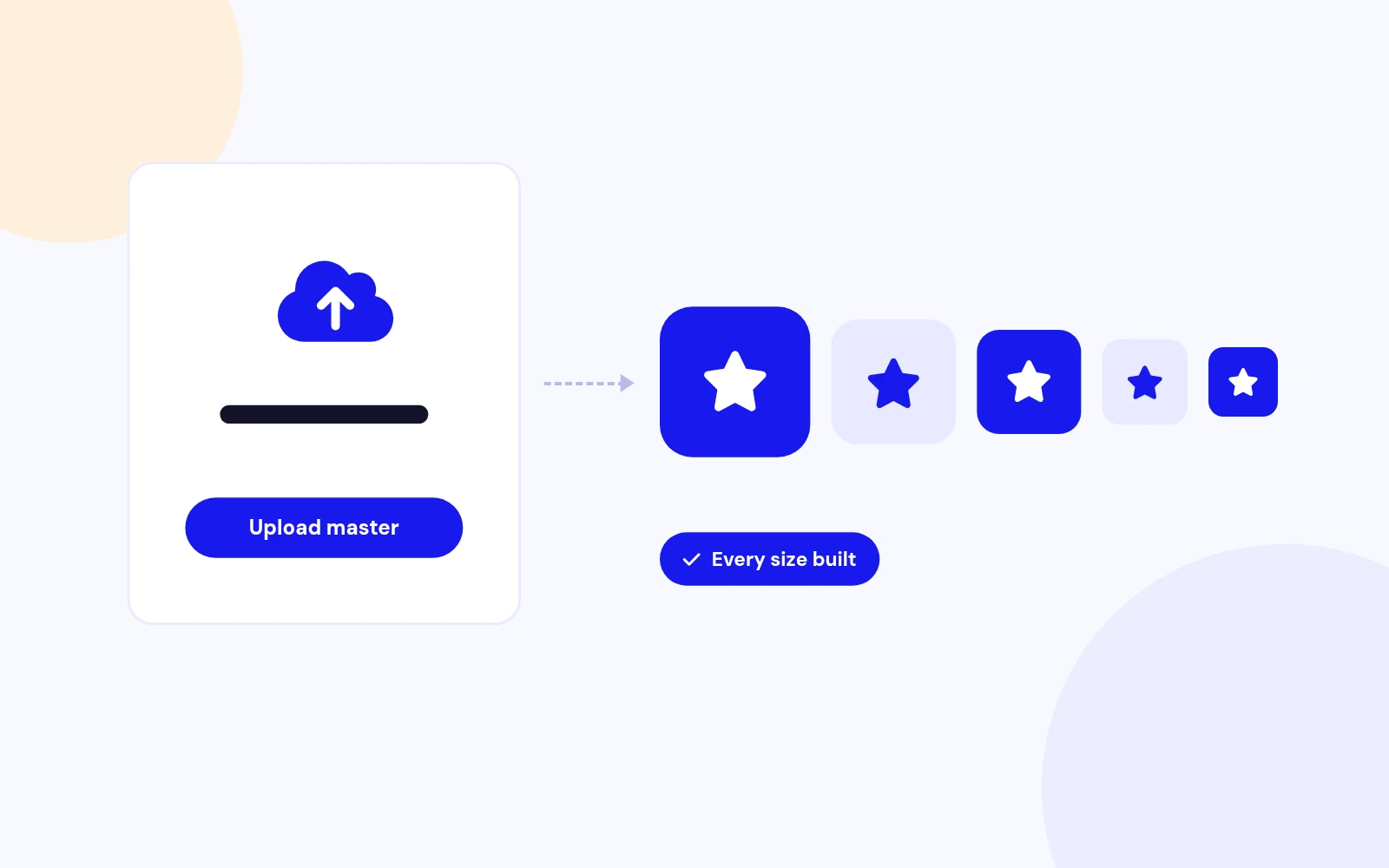
One Upload
Every Favicon Size From One Upload
- Upload one PNG, SVG or JPEG. Every size is created for browsers, Apple and Android devices.
Upload one master image. Every favicon size. Separate admin icon.
Features
Nine feature areas, one install package for Joomla 4, 5 and 6.
One Upload
Admin Icon
Dark Mode
Android Ready
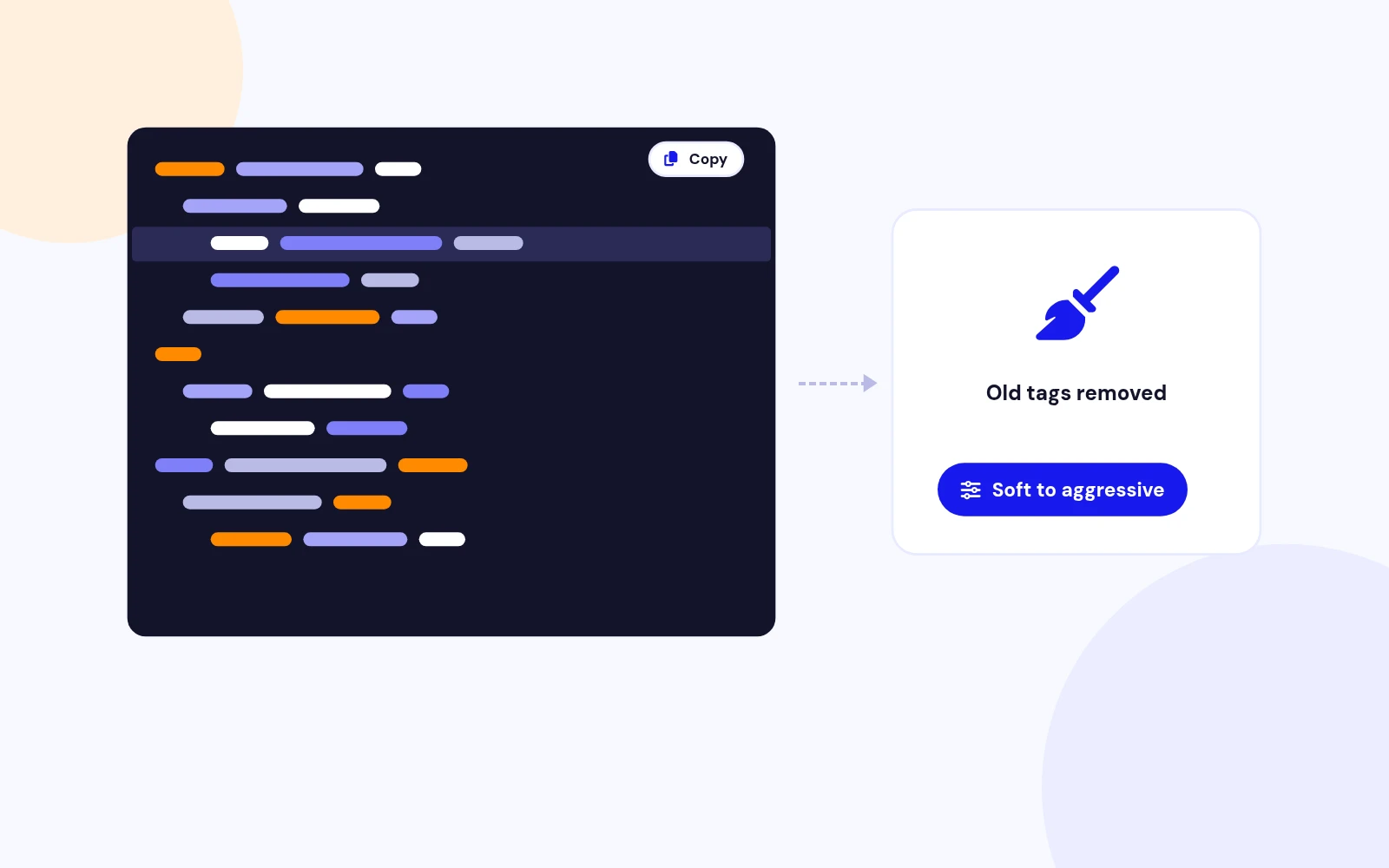
Template Friendly
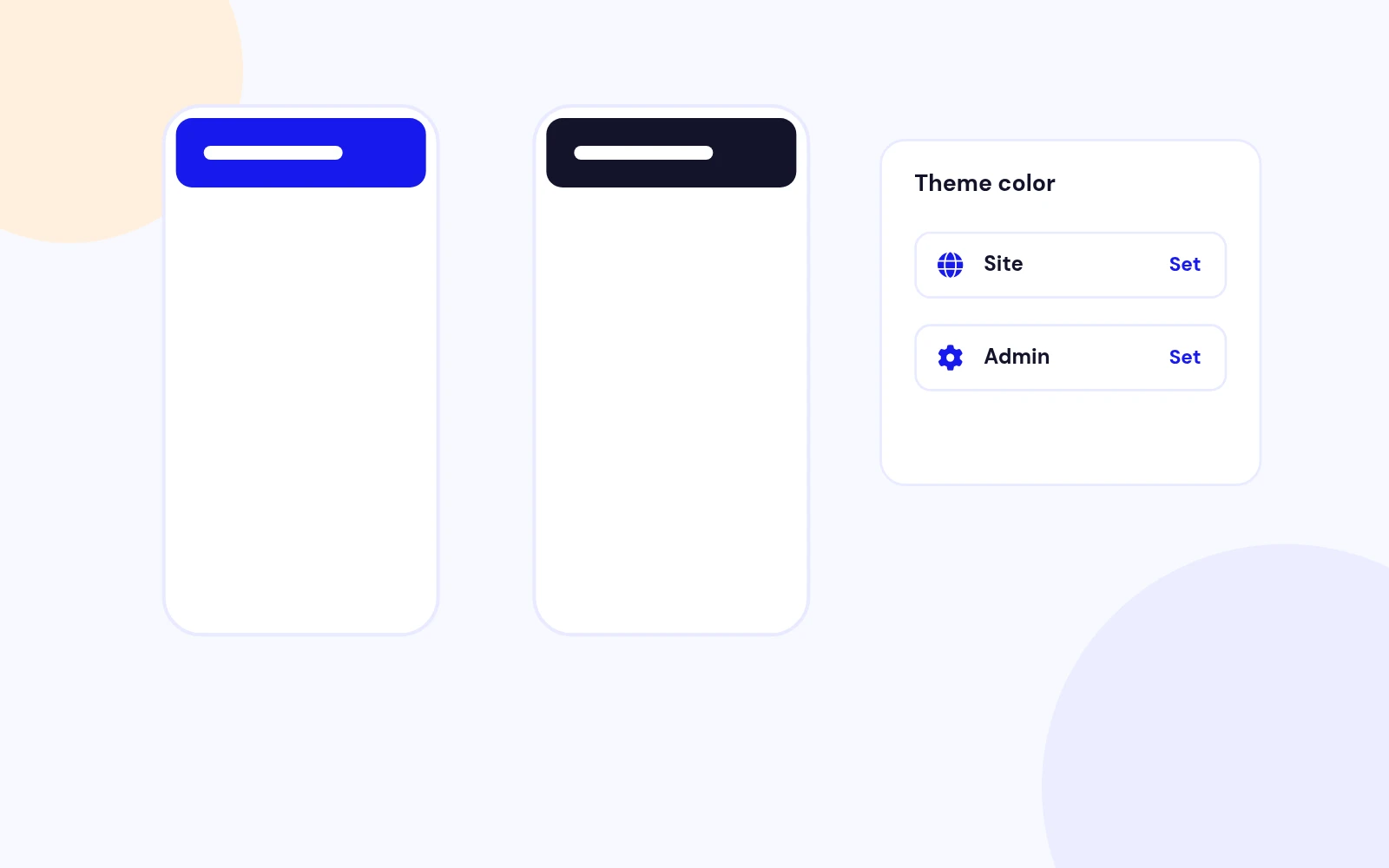
Theme Color
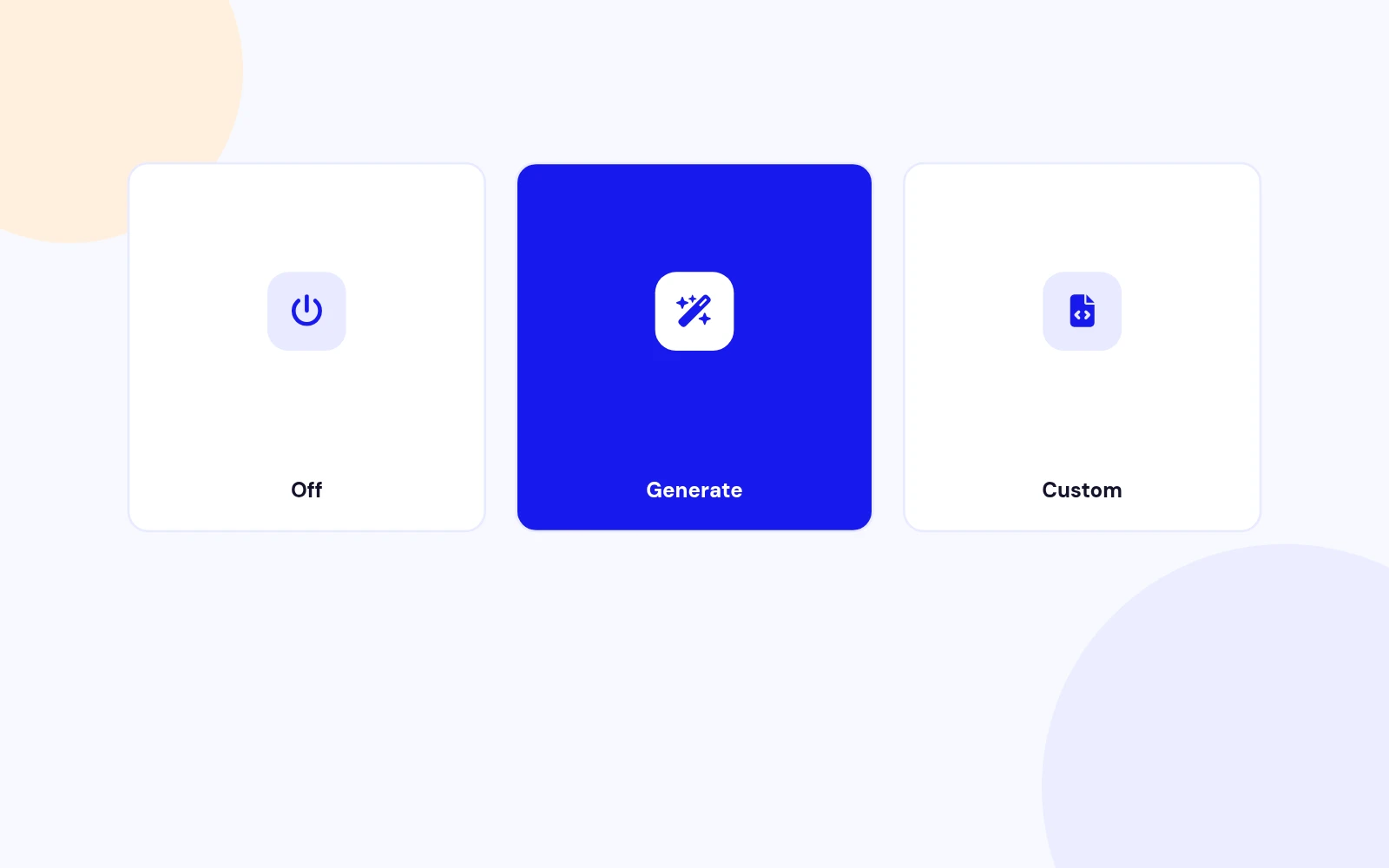
App Manifest
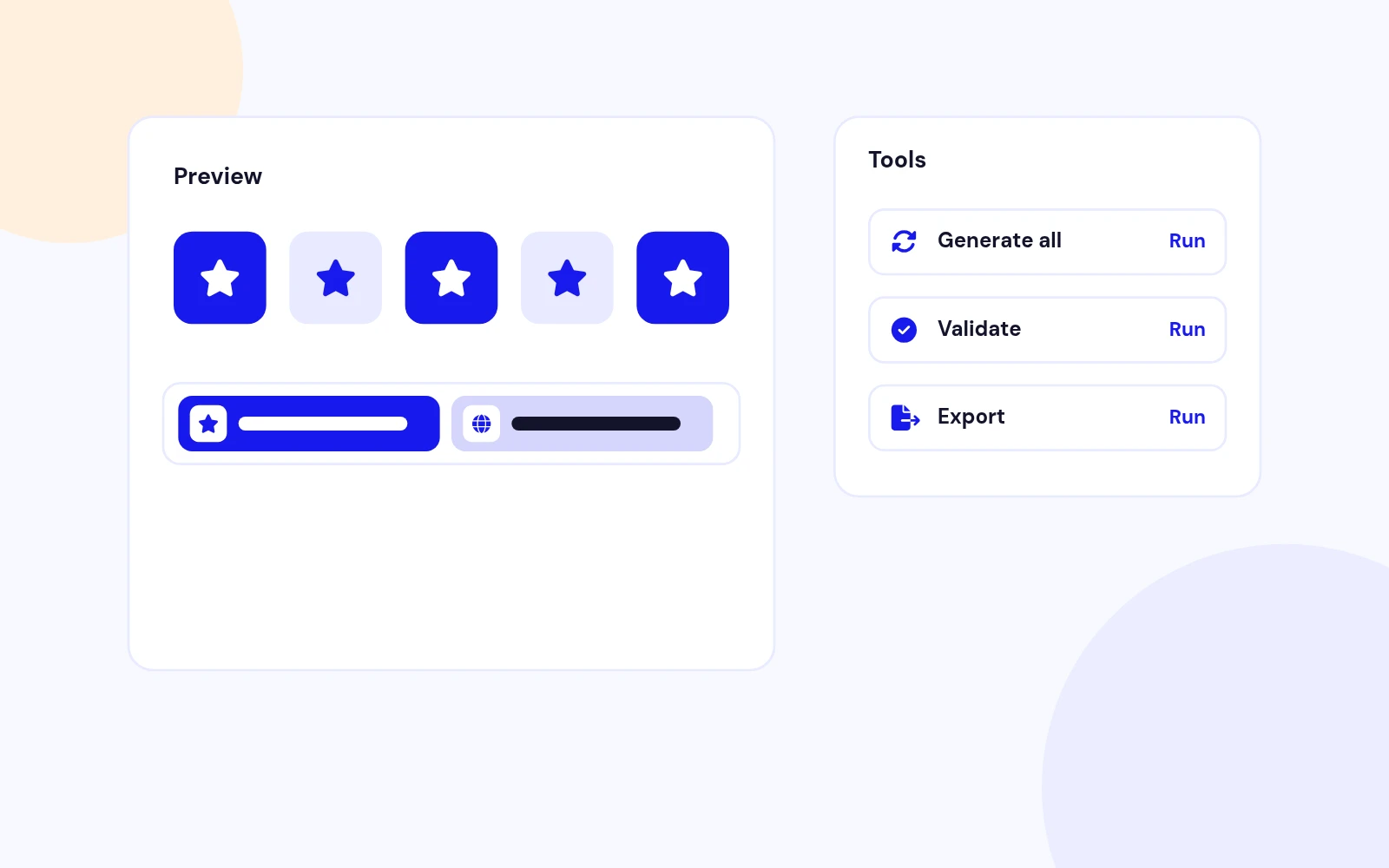
Preview
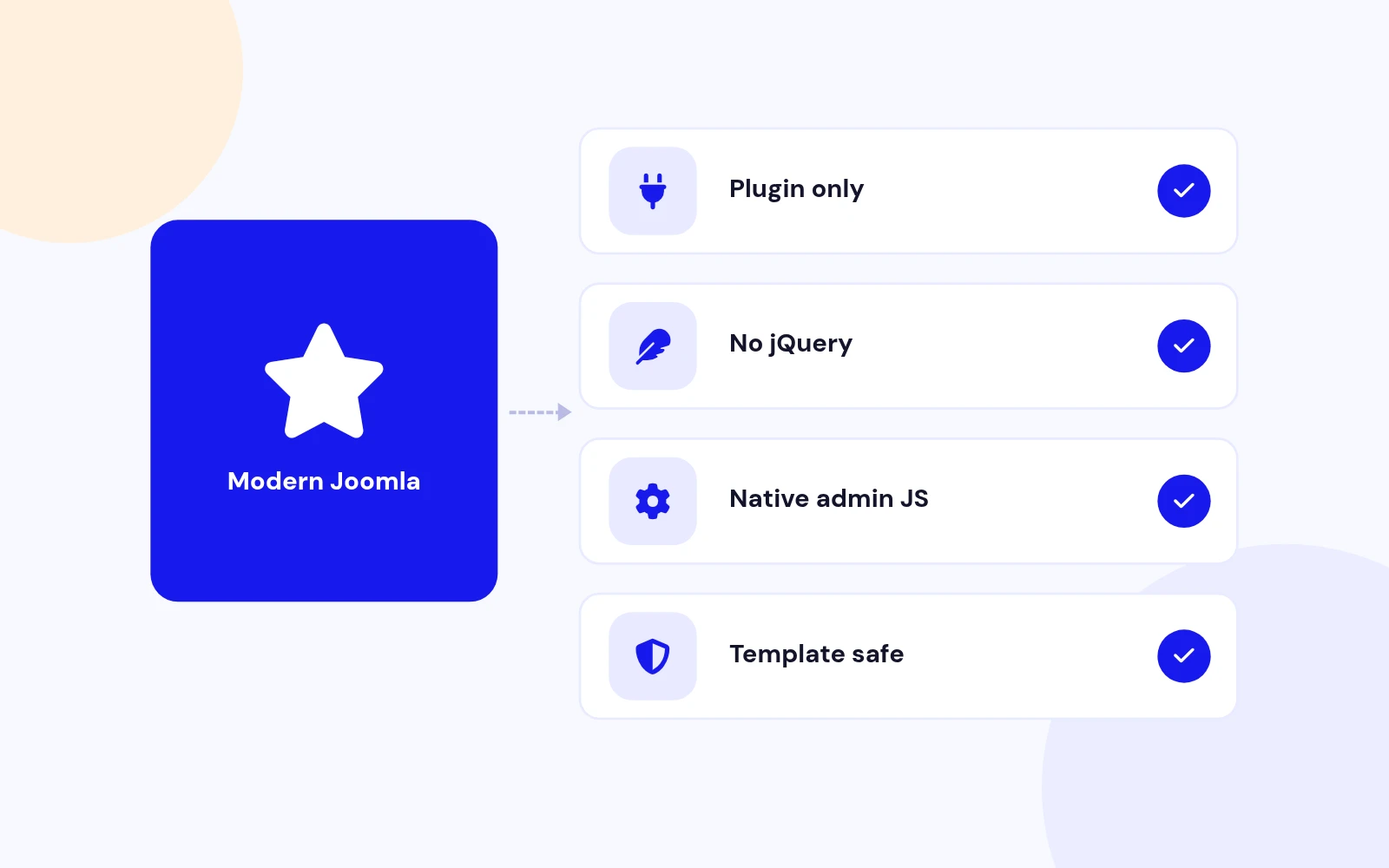
Future-Proof
Changelog
2 releases since version 1.0.0. Updates install from the Joomla admin with a valid licence.
Docs & setup
Written guides for installing and configuring Easy Favicon, from first setup to the options that matter.
Pricing
Save more as you scale — longer access means a bigger discount.
30-day money-back guarantee
30-day money-back guarantee
30-day money-back guarantee
30-day money-back guarantee
Why buy here
All-access bundle
Get all 126 extensions, new releases, ongoing updates and full-time support. Bought one by one, a year of updates for every extension costs over $4,700.
Ideal for small projects and personal sites
$249/ 6 months
Save 91% · $2,900+ value
30-day money-back guarantee
Best for growing businesses and web agencies
$349/ 1 year
Save 92% · $4,700+ value
30-day money-back guarantee
For professional developers and multi-client agencies
$749/ one-time
Pay once · keep forever
30-day money-back guarantee
FAQ
Still unsure? Our support team is one ticket away.
Easy Favicon supports Joomla 4, 5, and 6. PHP 8.1 or later is required, plus GD or Imagick to auto-generate sizes.
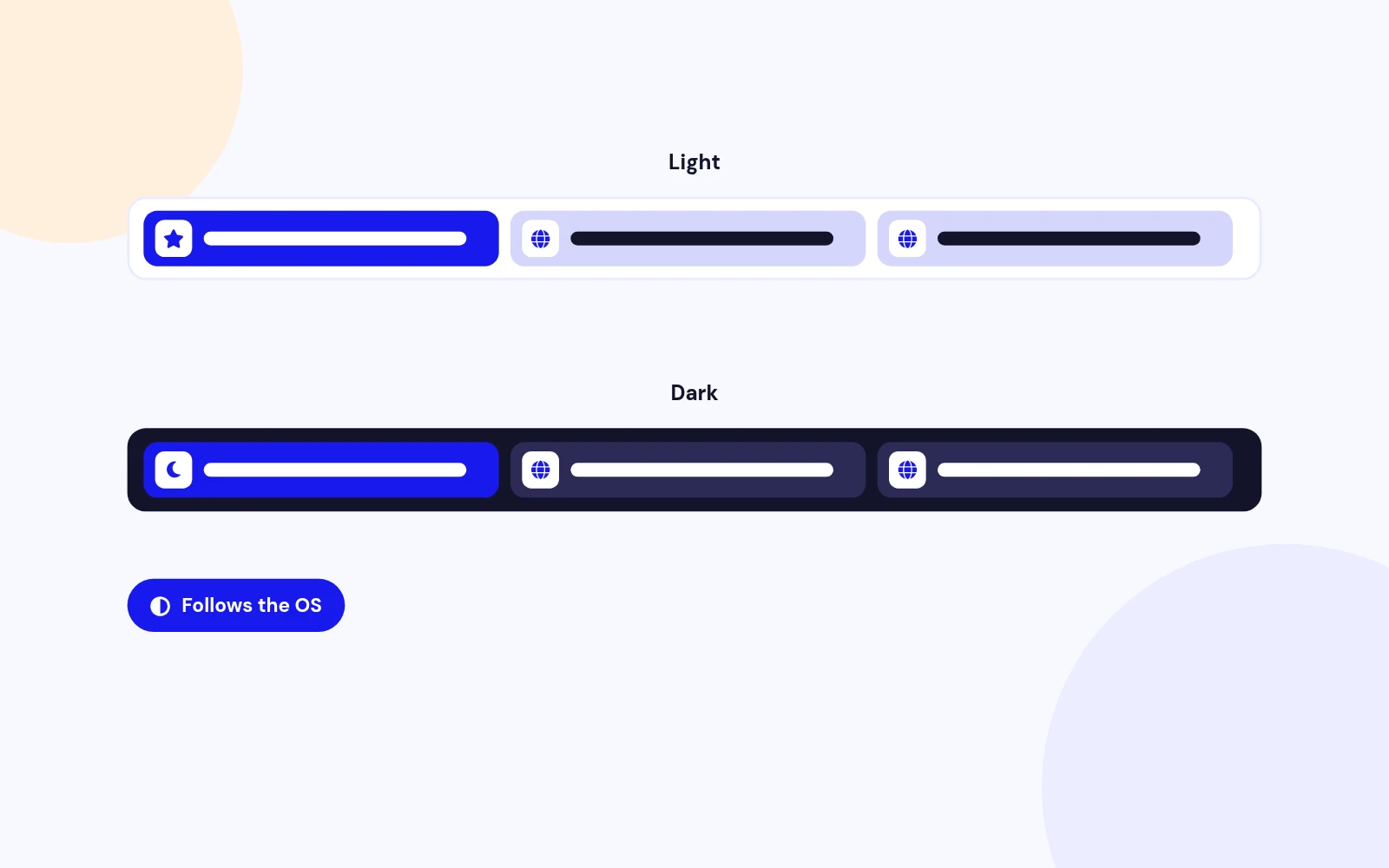
You upload one master image. The plugin generates the favicon sizes browsers, Apple, and Android need, injects them in the page head, strips competing template tags, and can set a separate administrator favicon. Dark mode, maskable icons, theme color, and a minimal manifest option are included.
Set Manifest mode to Defer or Off when another extension already owns the web manifest. Easy Favicon still handles favicons, Apple and Android icons, and theme color.
Use a square PNG or SVG when possible, ideally 512×512 or larger. JPEG works too. The plugin warns when the master is not square or is too small.
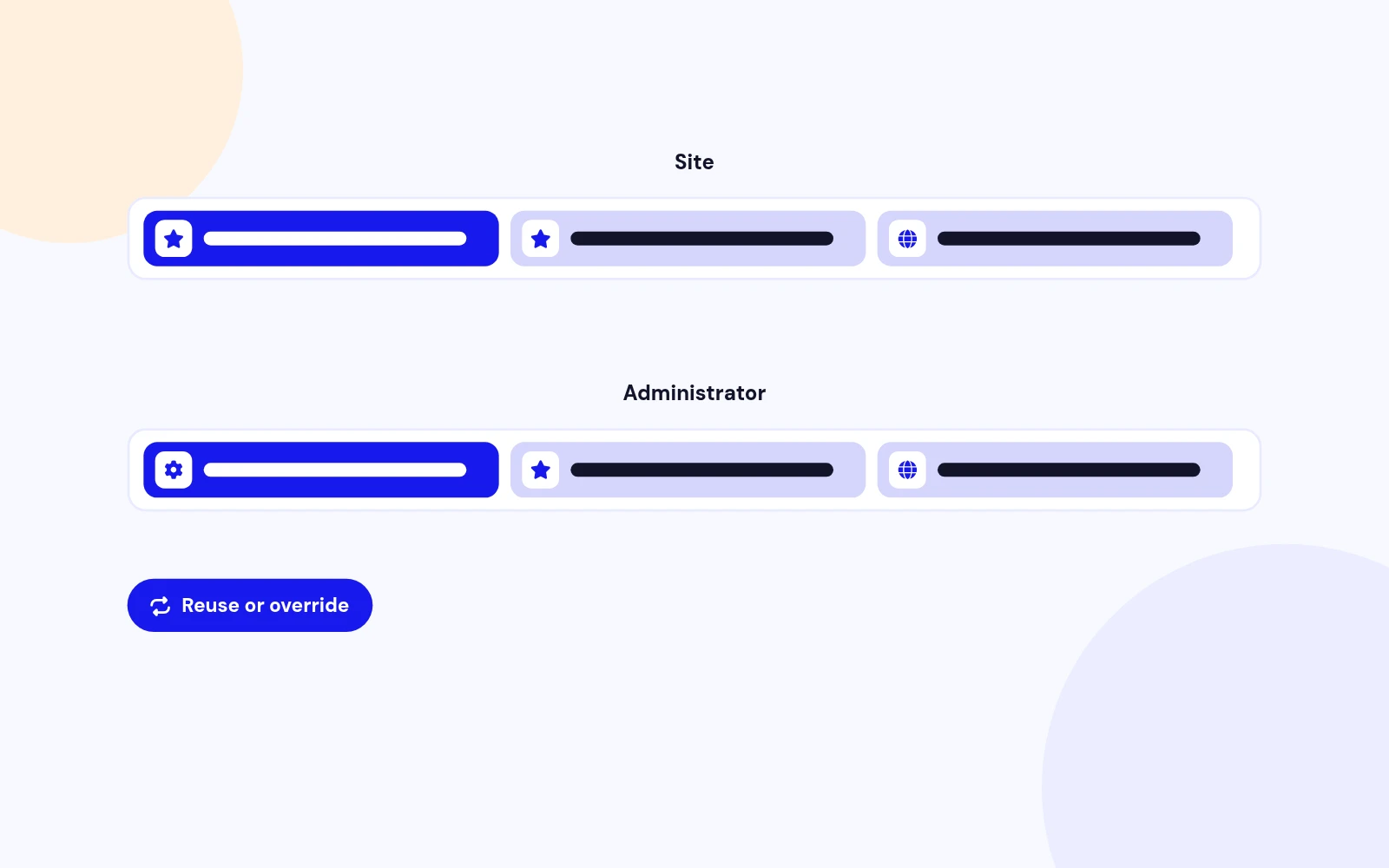
Yes. Enable the administrator pack, then reuse the site icons or upload a separate admin master. You can also set an admin theme color.
Yes. When icons are generated, Easy Favicon strips competing favicon and apple-touch tags from the rendered head so Helix and similar templates stop showing the old icon.
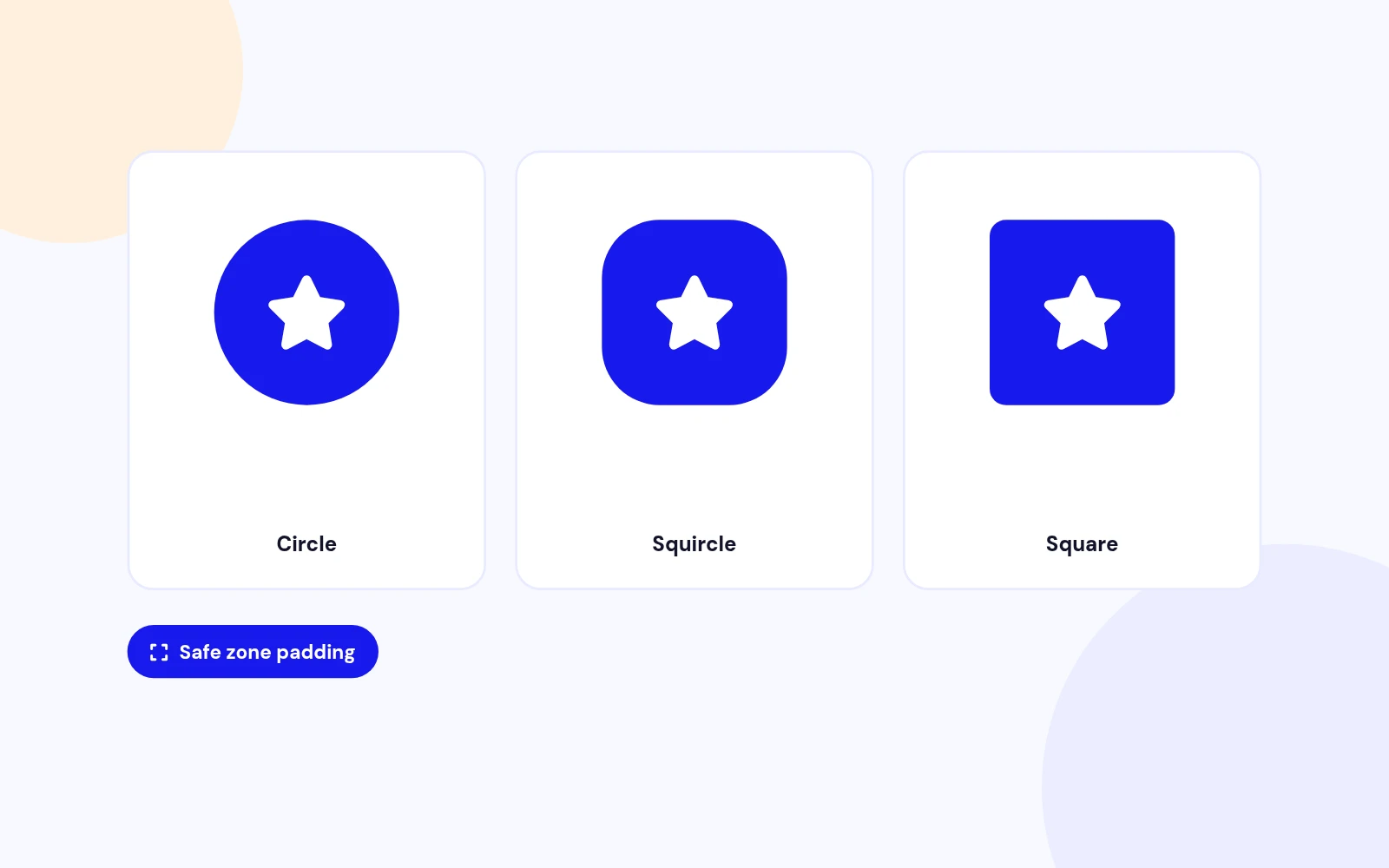
Android adaptive icons crop into circles and squircles. Maskable mode adds safe-zone padding so your mark stays readable after the OS clips the edges.
GD is enough for most PNG and JPEG masters. Imagick helps with SVG sources, or when GD cannot complete a resize. Install at least one of them.
Download EasyFavicon_UNZIP.zip. Unzip it, then install the install package (the .zip inside your download) from System > Install > Extensions.
Visit support.joomlax.com. Include your Joomla version, PHP version, and whether GD or Imagick is installed.
More like this

Module + Plugin
Joomla Extension to Disable Right Click on Mouse
v2.6.1 6,022 downloads
From $9


Plugin + Component
Code Highlighter Plugin for Joomla
v2.2.1 3,537 downloads
From $9


Plugin
Plugin to Include Javascript or CSS files to Joomla
v2.1.1 10,538 downloads
Free


Module
Show Joomla Modules and Articles Randomly in a Position
v1.5.1 3,128 downloads
From $19


Plugin
Joomla plugin for typewriter text effect with adjustable speed and cursor.
v1.4.1 4,412 downloads
From $9