Trusted by over 100k+ users
4.9
Plugin
Utilities

Easy Favicon

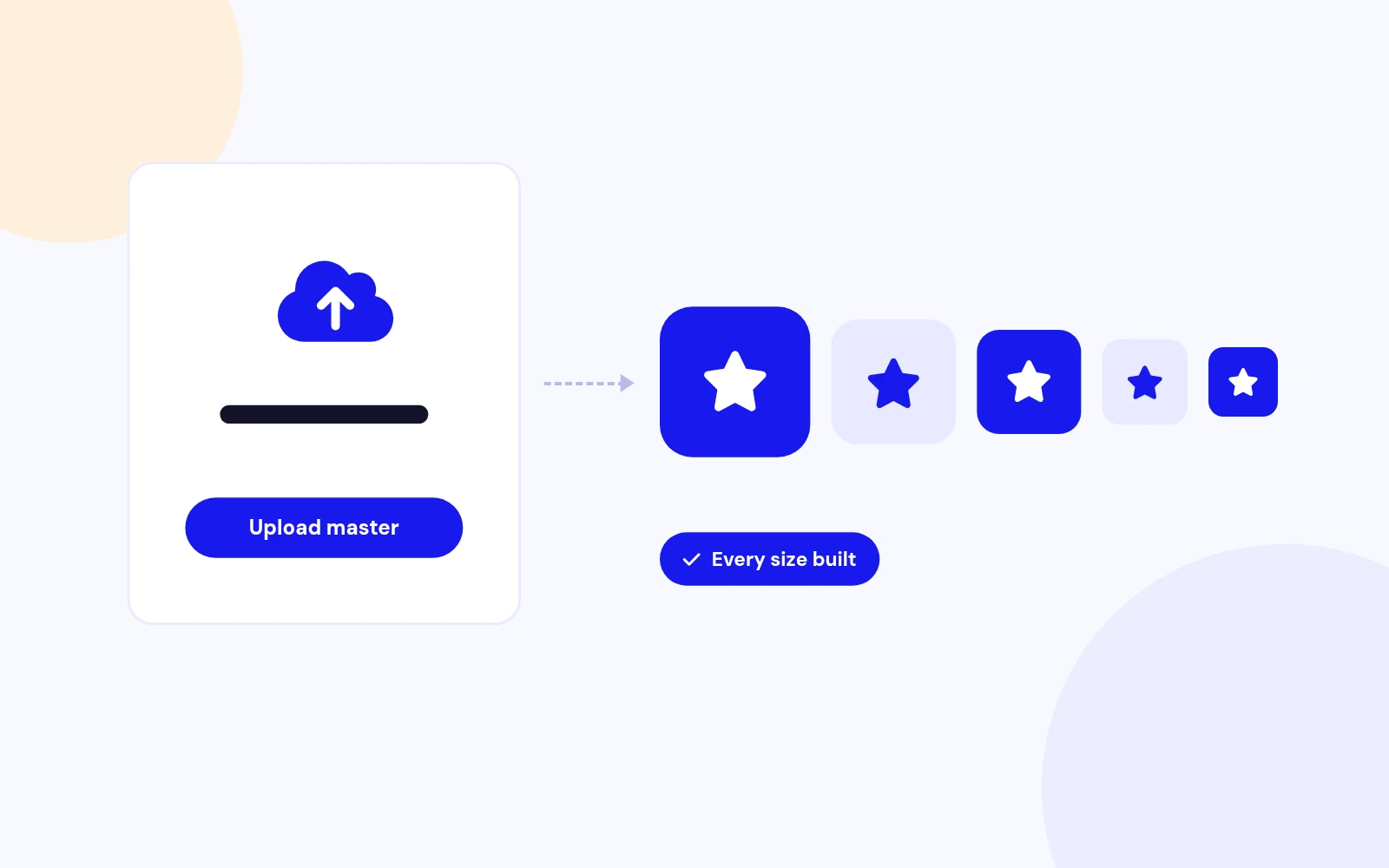
Upload one master image. Every favicon size. Separate admin icon.

5.0 v1.0.0

30-day money-back guarantee

Works with
Joomla 4 Joomla 5 Joomla 6
Easy Favicon

What can Easy Favicon do for you?

Product features

Easy Favicon turns one master image into a complete favicon pack for Joomla. It injects the correct tags on the site and in the administrator, strips competing template icons, and supports dark mode, maskable Android icons, theme color, and a minimal manifest option.

Upload once, generate every size, and keep a separate administrator icon when you want the backend tab to look different from the public site.

Every Size Built

One Upload

Master image
PNG or SVG preferred. JPEG accepted.

Auto sizes
16, 32, 48, Apple 180, Android 192 and 512.

Optional ICO
Multi-size ICO for older clients when you want it.

Backend Tab Clarity

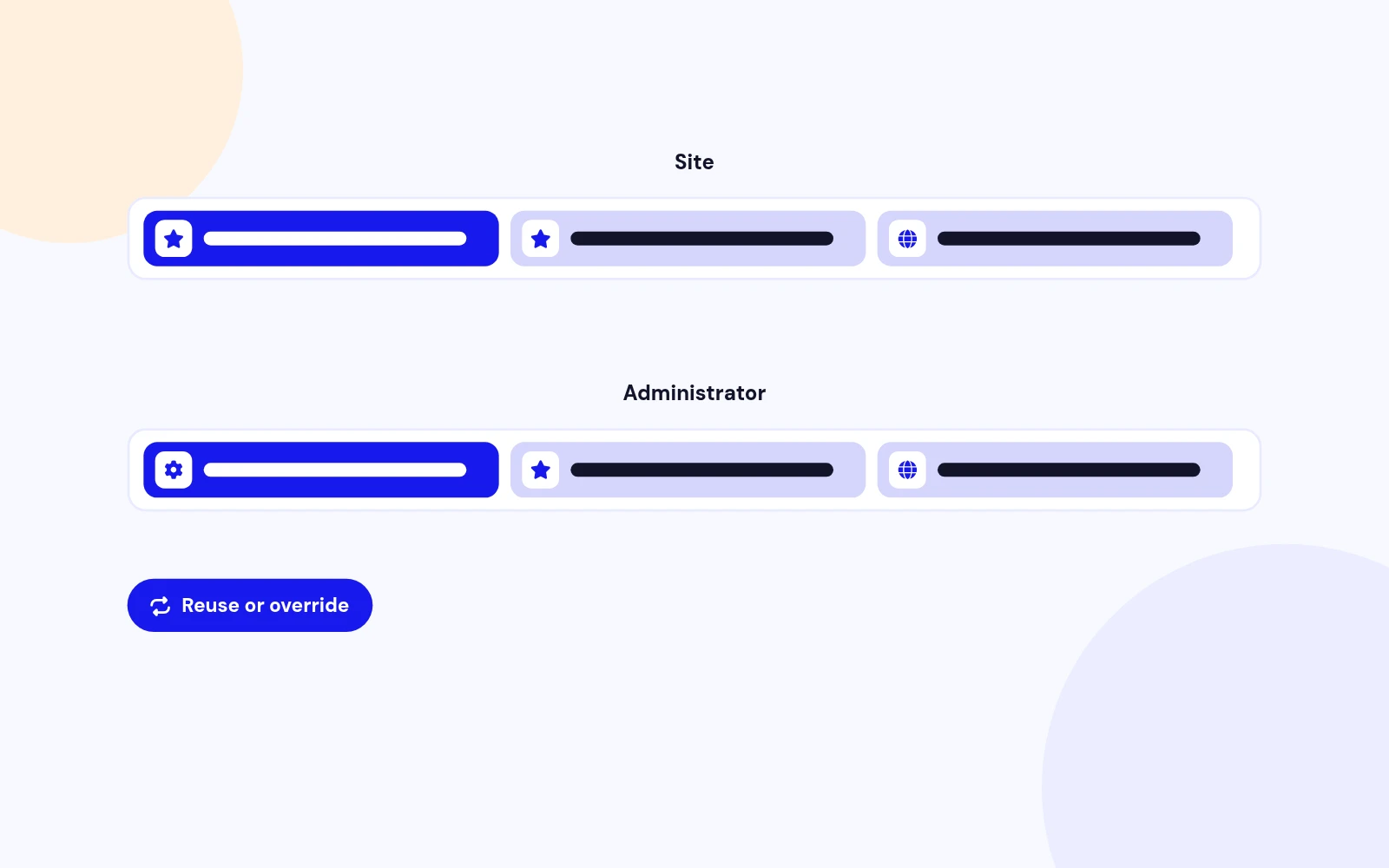
Separate Admin Icon

Reuse site
Keep one pack for both clients.

Or override
Upload a different master for the administrator.

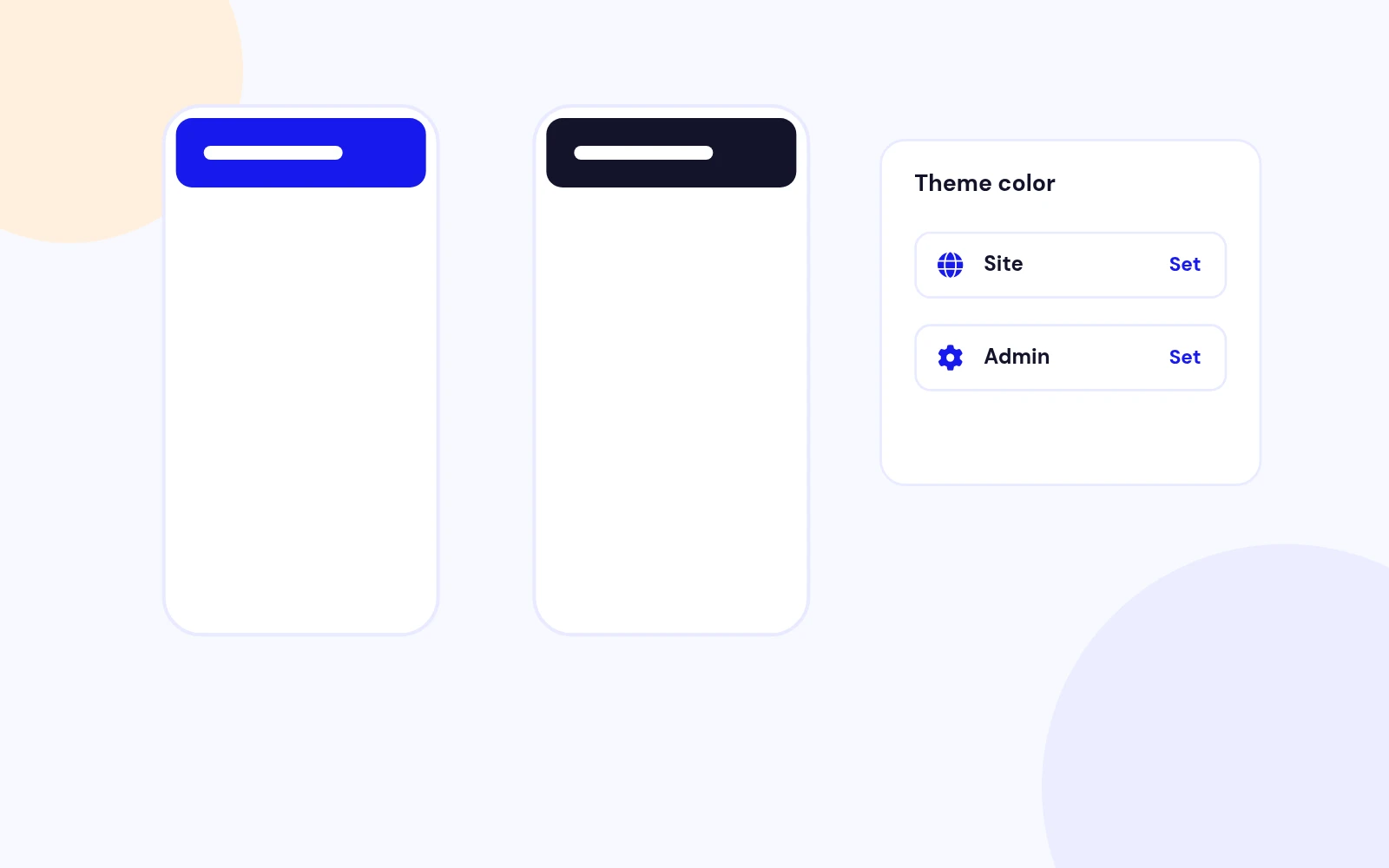
Admin theme color
Match the backend chrome if you like.

OS Preference Aware

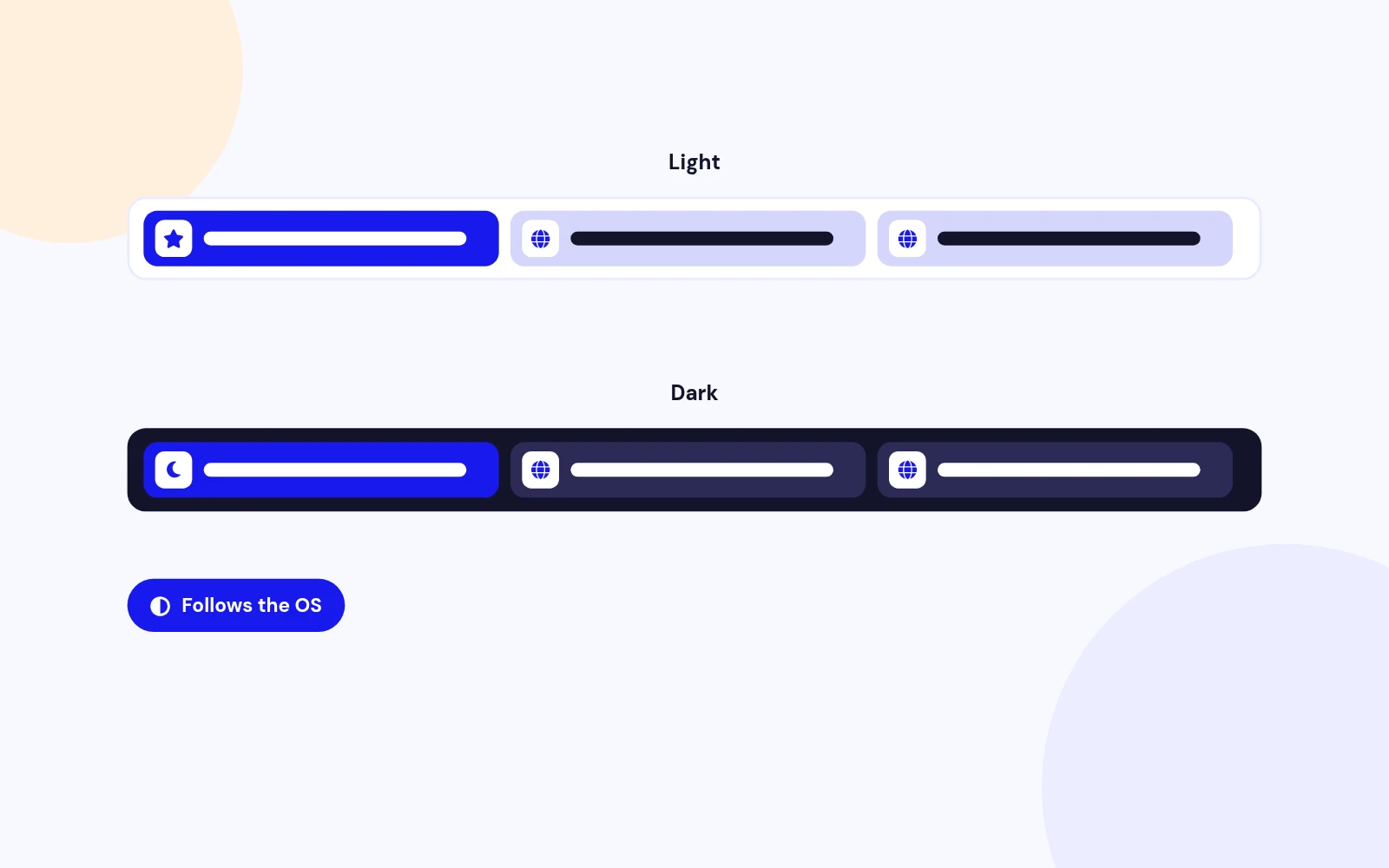
Dark Mode Favicon

Dark master
Optional alternate when the OS prefers dark.

Site and admin
Both packs can carry a dark variant.

No template fight
Injected cleanly with the rest of the pack.

Safe Zone Padding

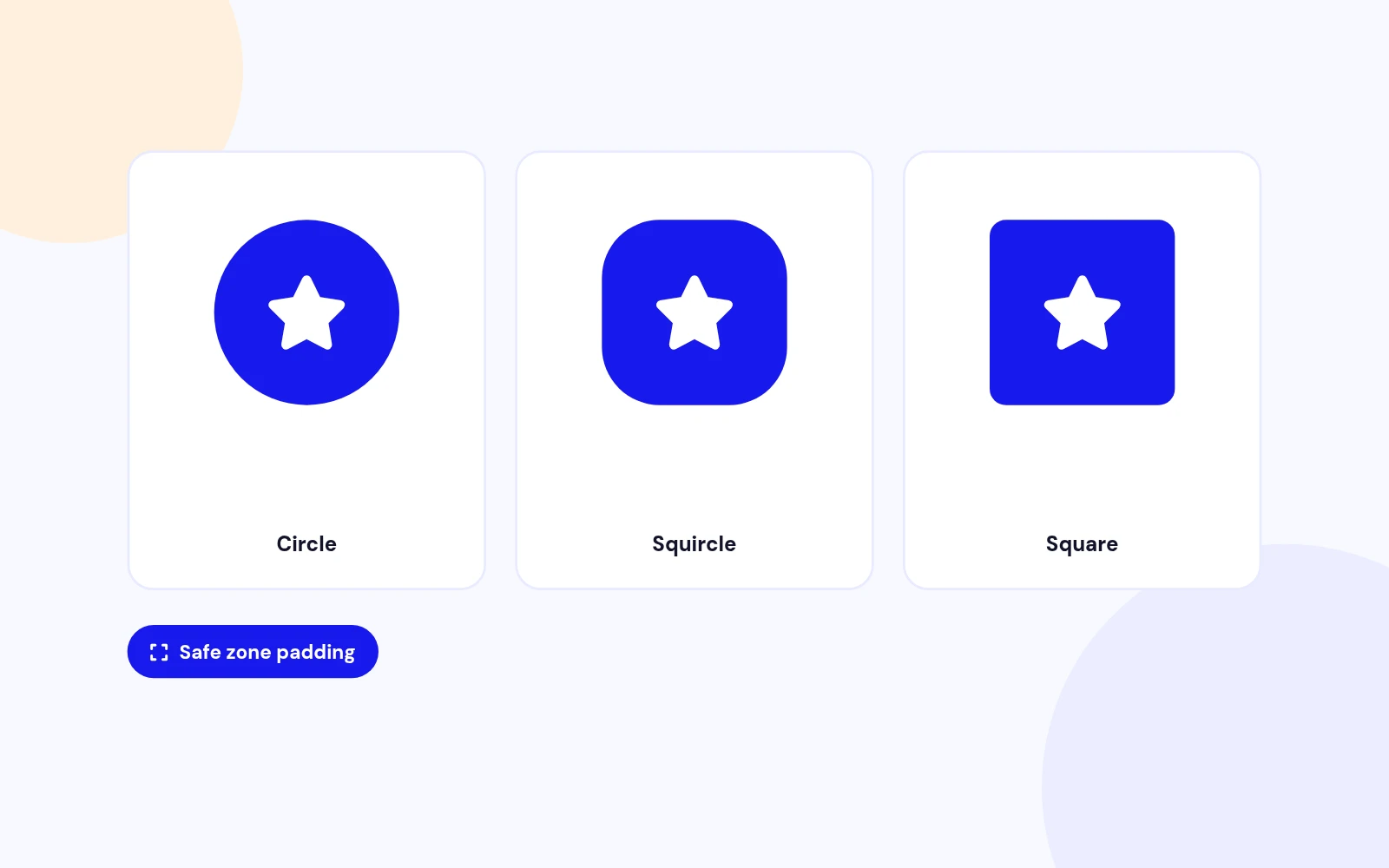
Maskable Android

Adaptive shapes
Circles and squircles no longer clip your mark.

Padding control
Tune the safe zone percentage.

Background color
Fill the maskable canvas cleanly.

Helix Friendly

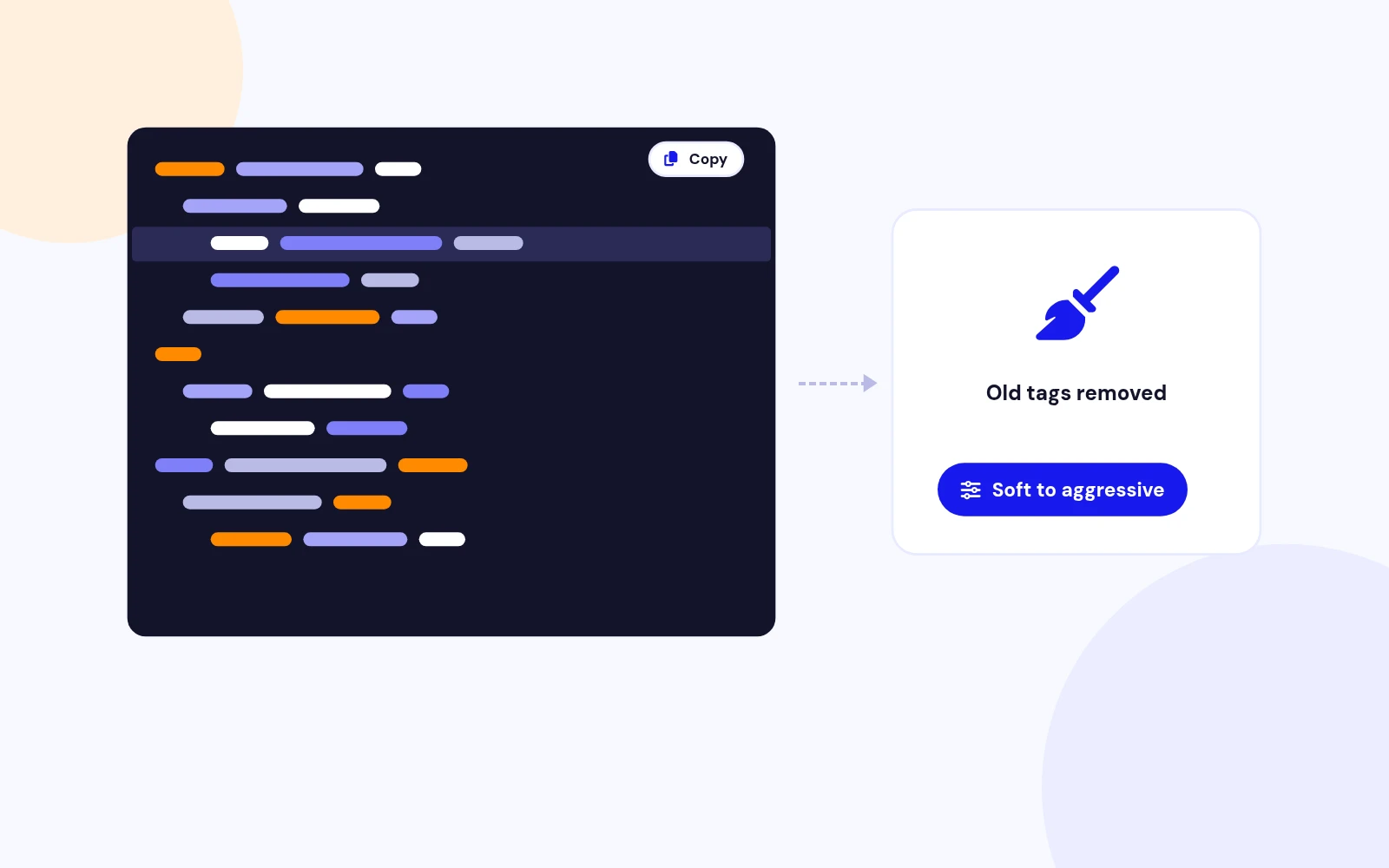
Template Conflict Strip

Remove old tags
Competing favicon and apple-touch links go away.

Soft to aggressive
Choose how firmly to strip.

PWA aware
Soft-strip when a foreign manifest should stay.

Mobile Chrome Tint

Theme Color

Site theme-color
Match brand in mobile browser chrome.

Admin theme-color
Optional separate backend tint.

Background color
Used with the minimal manifest when enabled.

Icons And Colors

Minimal Manifest

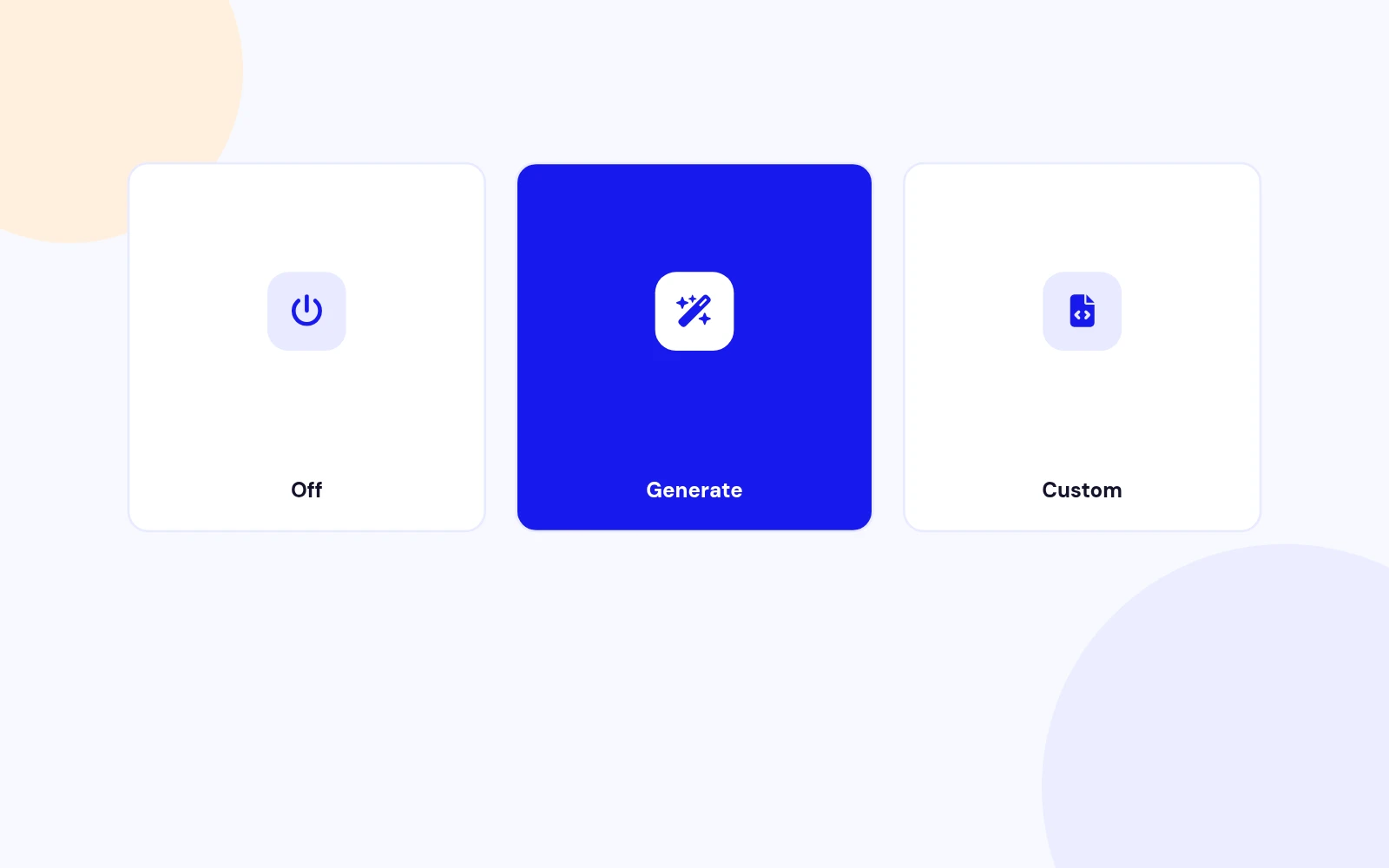
Off
No manifest link at all.

Generate
Write a small icons-and-colors manifest.

Defer
Stay out of the way when another PWA owns it.

Generate, Validate, Export

Admin Preview Tools

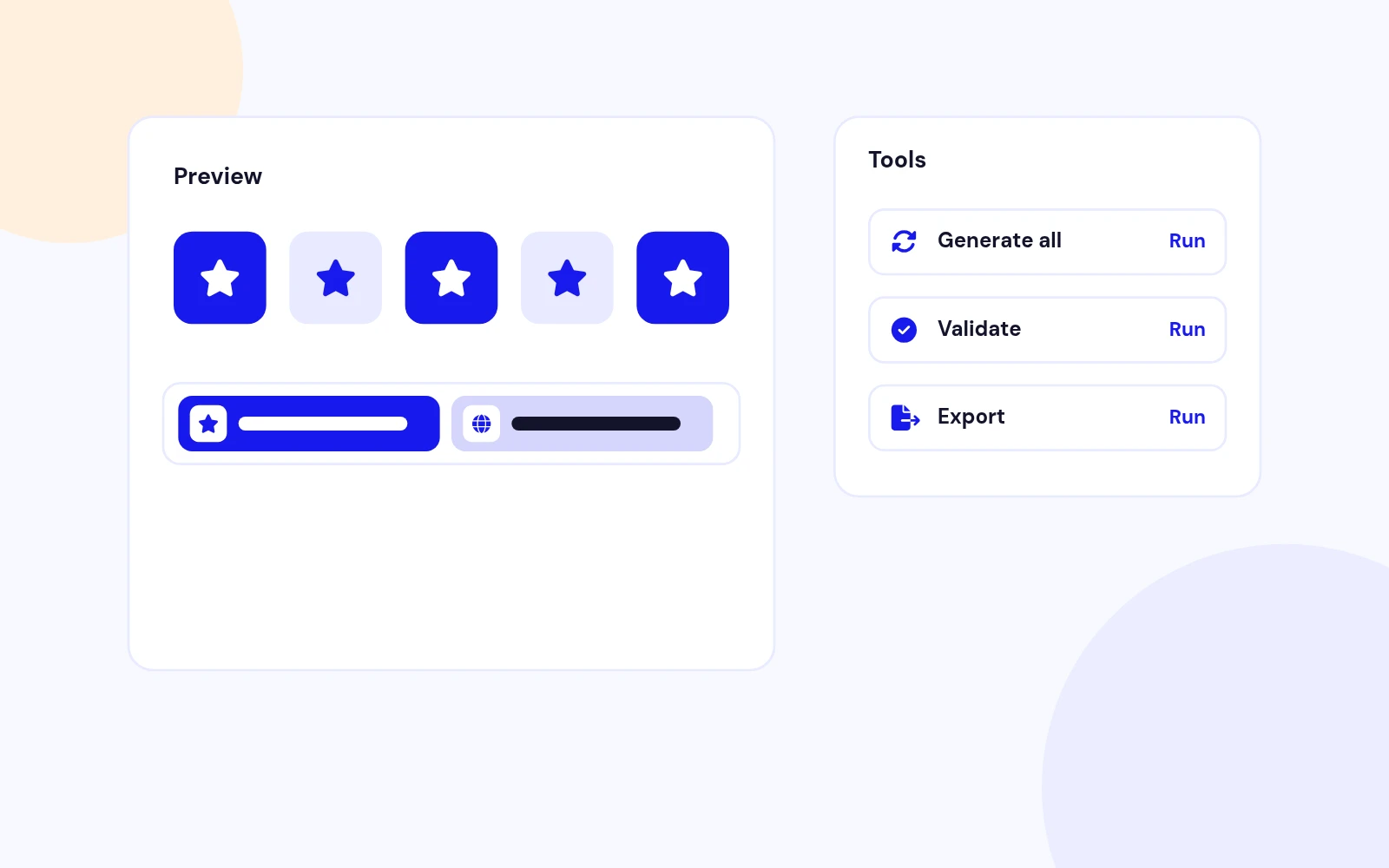
Live preview
See how sizes will look before you leave the form.

Generate all
Rebuild from unsaved form values when needed.

ZIP export
Download the generated pack for archives or handoff.

Joomla 4 / 5 / 6

Modern Joomla Plugin

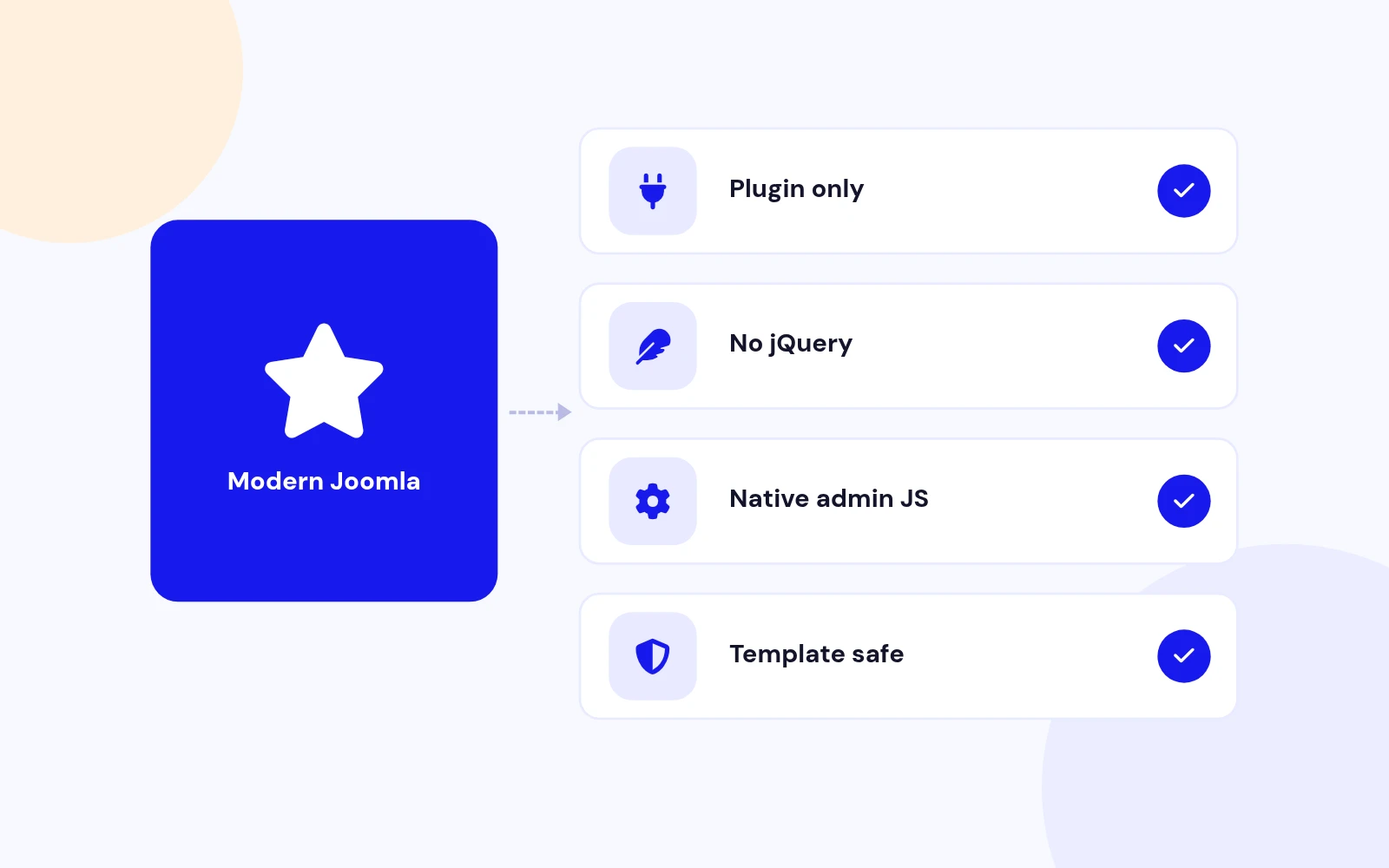
Plugin only
No extra component required.

No jQuery
Native admin JS for actions.

Self-hosted
Icons live on your site under images/easyfavicon.

Master image
PNG or SVG preferred. JPEG accepted.

Auto sizes
16, 32, 48, Apple 180, Android 192 and 512.

Optional ICO
Multi-size ICO for older clients when you want it.

Reuse site
Keep one pack for both clients.

Or override
Upload a different master for the administrator.

Admin theme color
Match the backend chrome if you like.

Dark master
Optional alternate when the OS prefers dark.

Site and admin
Both packs can carry a dark variant.

No template fight
Injected cleanly with the rest of the pack.

Adaptive shapes
Circles and squircles no longer clip your mark.

Padding control
Tune the safe zone percentage.

Background color
Fill the maskable canvas cleanly.

Remove old tags
Competing favicon and apple-touch links go away.

Soft to aggressive
Choose how firmly to strip.

PWA aware
Soft-strip when a foreign manifest should stay.

Site theme-color
Match brand in mobile browser chrome.

Admin theme-color
Optional separate backend tint.

Background color
Used with the minimal manifest when enabled.

Off
No manifest link at all.

Generate
Write a small icons-and-colors manifest.

Defer
Stay out of the way when another PWA owns it.

Live preview
See how sizes will look before you leave the form.

Generate all
Rebuild from unsaved form values when needed.

ZIP export
Download the generated pack for archives or handoff.

Plugin only
No extra component required.

No jQuery
Native admin JS for actions.

Self-hosted
Icons live on your site under images/easyfavicon.

Docs & setup

Get up and running fast

Written guides for installing and configuring Easy Favicon — from first setup to the options that matter.

  • Installation steps
  • Configuration options
  • Practical usage tips

Pricing

Choose the plan that fits

Save more as you scale — longer access means a bigger discount.

Compatible with
Joomla 4 Joomla 5 Joomla 6
Tester plan
30 Days
Basic testing plan. 30 days access only. No priority support. Access expires after 30 days - no future updates.
$9

$9

You save zero
Download Access - 30 Days
Support - 30 Days Email Support
1 Website License
Unlimited Downloads
No Priority Support
No Future Updates After 30 Days
Limited to Testing Only
30-Day Money Back Guarantee
Commercial Use License
6 Months
6 months access with priority support & bug fixes. Perfect for short-term projects and growing businesses.
$54

$19

You save $35
Download Access - 6 Months
Support - 6 Months + Priority Updates
2 Websites License
Unlimited Downloads
Priority Email Support
Priority Bug Fixes
6 Months Free Updates
30-Day Money Back Guarantee
Commercial Use License
Pay once
Lifetime
Lifetime access with dedicated support agent. Never pay again - unlimited updates & custom development support included.
$980

$49

You save 95%
Download Access - Lifetime
Support - Lifetime + Dedicated Support
Unlimited Websites License
Unlimited Downloads
Dedicated Support Agent
Lifetime Free Updates
Feature Request Priority
Custom Development Support
30-Day Money Back Guarantee
Commercial Use License

Have questions about Easy Favicon?

Frequently asked questions

Easy Favicon supports Joomla 4, 5, and 6. PHP 8.1 or later is required, plus GD or Imagick to auto-generate sizes.

You upload one master image. The plugin generates the favicon sizes browsers, Apple, and Android need, injects them in the page head, strips competing template tags, and can set a separate administrator favicon. Dark mode, maskable icons, theme color, and a minimal manifest option are included.

Set Manifest mode to Defer or Off when another extension already owns the web manifest. Easy Favicon still handles favicons, Apple and Android icons, and theme color.

Use a square PNG or SVG when possible, ideally 512×512 or larger. JPEG works too. The plugin warns when the master is not square or is too small.

Yes. Enable the administrator pack, then reuse the site icons or upload a separate admin master. You can also set an admin theme color.

Yes. When icons are generated, Easy Favicon strips competing favicon and apple-touch tags from the rendered head so Helix and similar templates stop showing the old icon.

Android adaptive icons crop into circles and squircles. Maskable mode adds safe-zone padding so your mark stays readable after the OS clips the edges.

GD is enough for most PNG and JPEG masters. Imagick helps with SVG sources, or when GD cannot complete a resize. Install at least one of them.

Download EasyFavicon_UNZIP.zip. Unzip it, then install plg_system_easyfavicon_1.0.0.zip from System > Install > Extensions.

Visit support.joomlax.com. Include your Joomla version, PHP version, and whether GD or Imagick is installed.

Still have questions?

All-access bundle

Unlock every JoomlaX extension in one plan

Get all 60+ extensions, ongoing updates, and full-time support. Plans start at $99.

  • Satisfaction guarantee
  • Secure SSL payment
  • Updates included

Sign in to your account

Don't have an account yet? Register Now!