

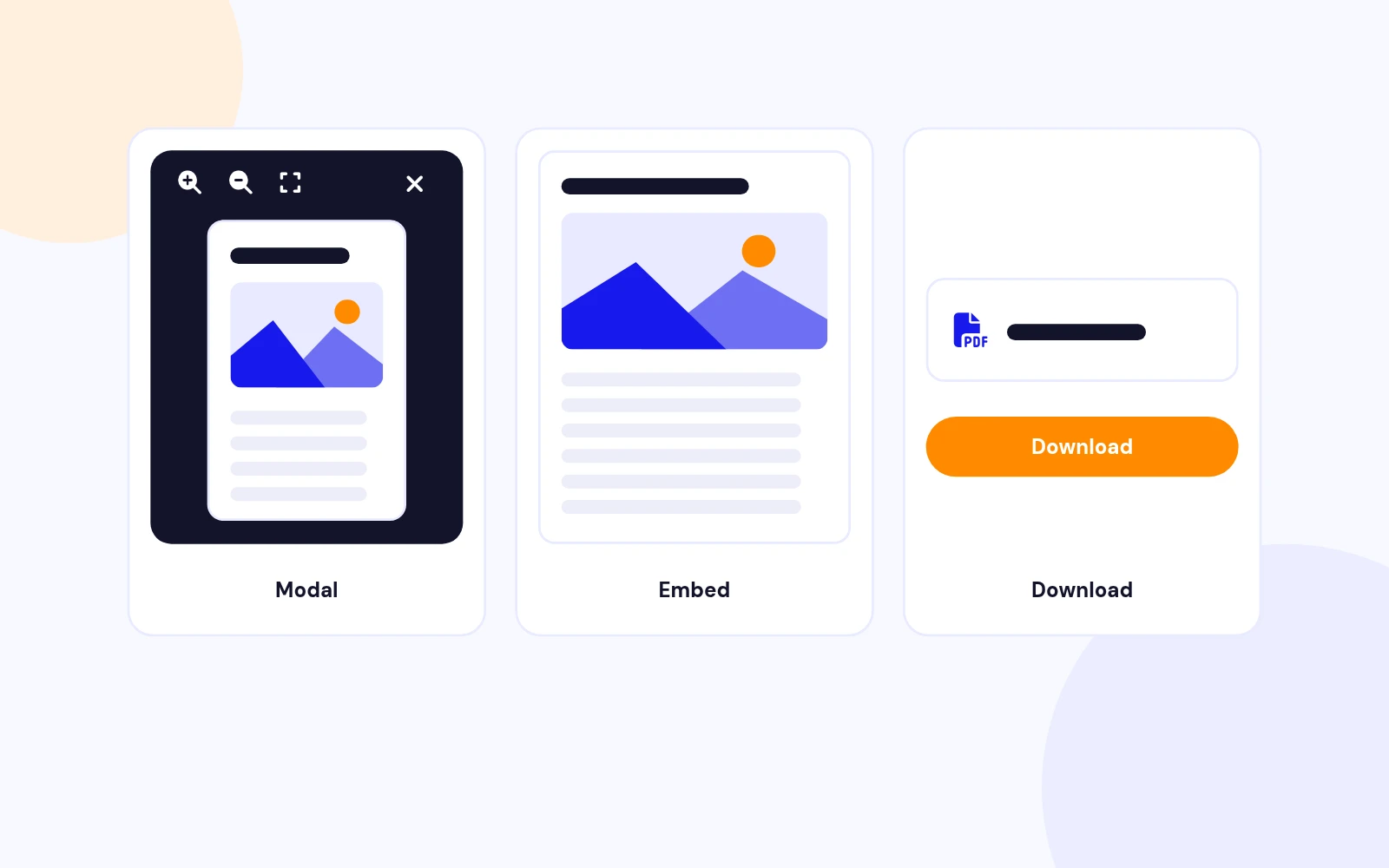
Three Modes
Show PDFs Your Way
- Open PDFs in a popup without leaving the article. Embed them in the page or offer a simple download.
PDF Viewer Plugin for Joomla
Features
Ten feature areas, one install package for Joomla 4, 5 and 6.
Three Modes
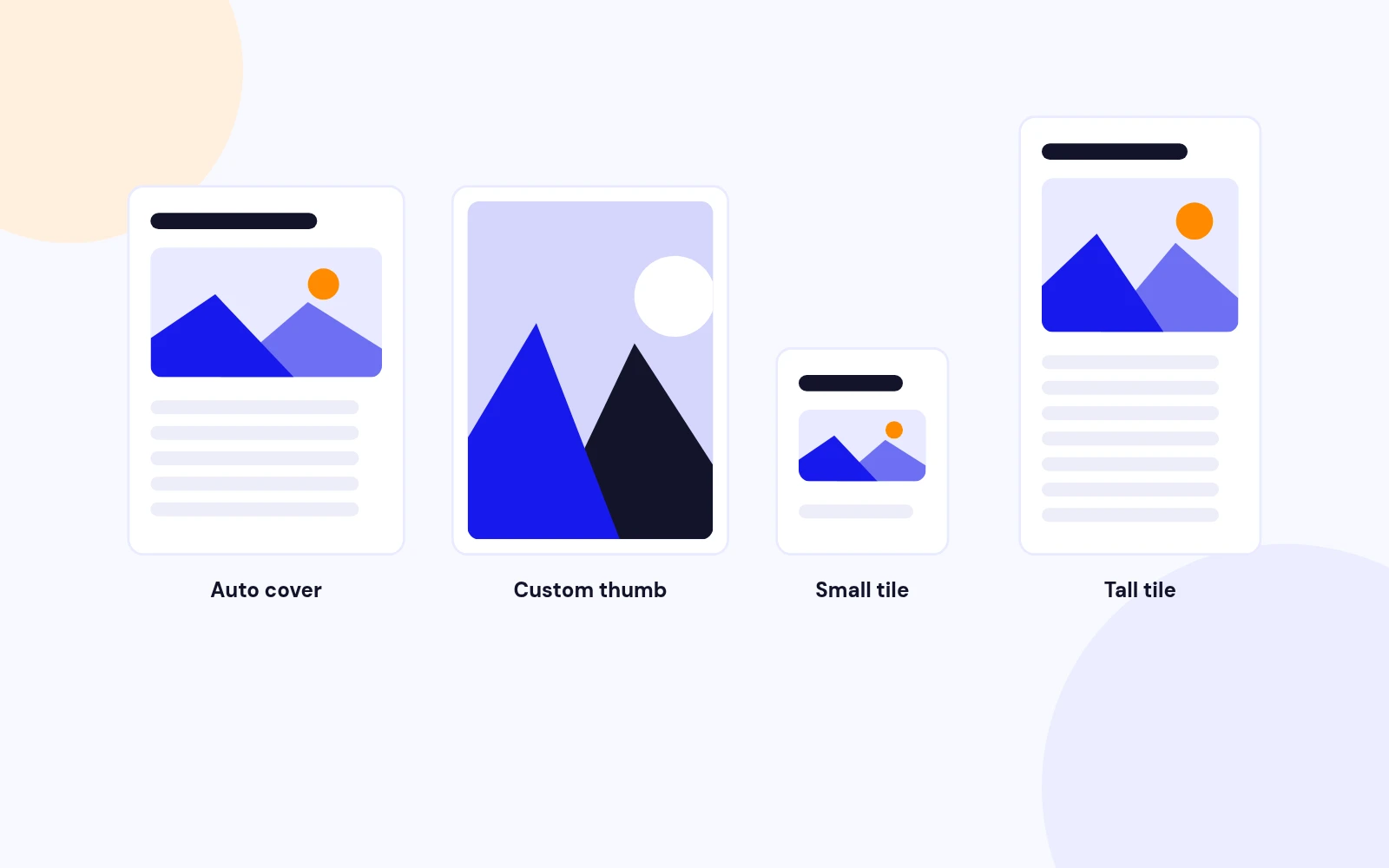
Cover Images

Built-In Viewer
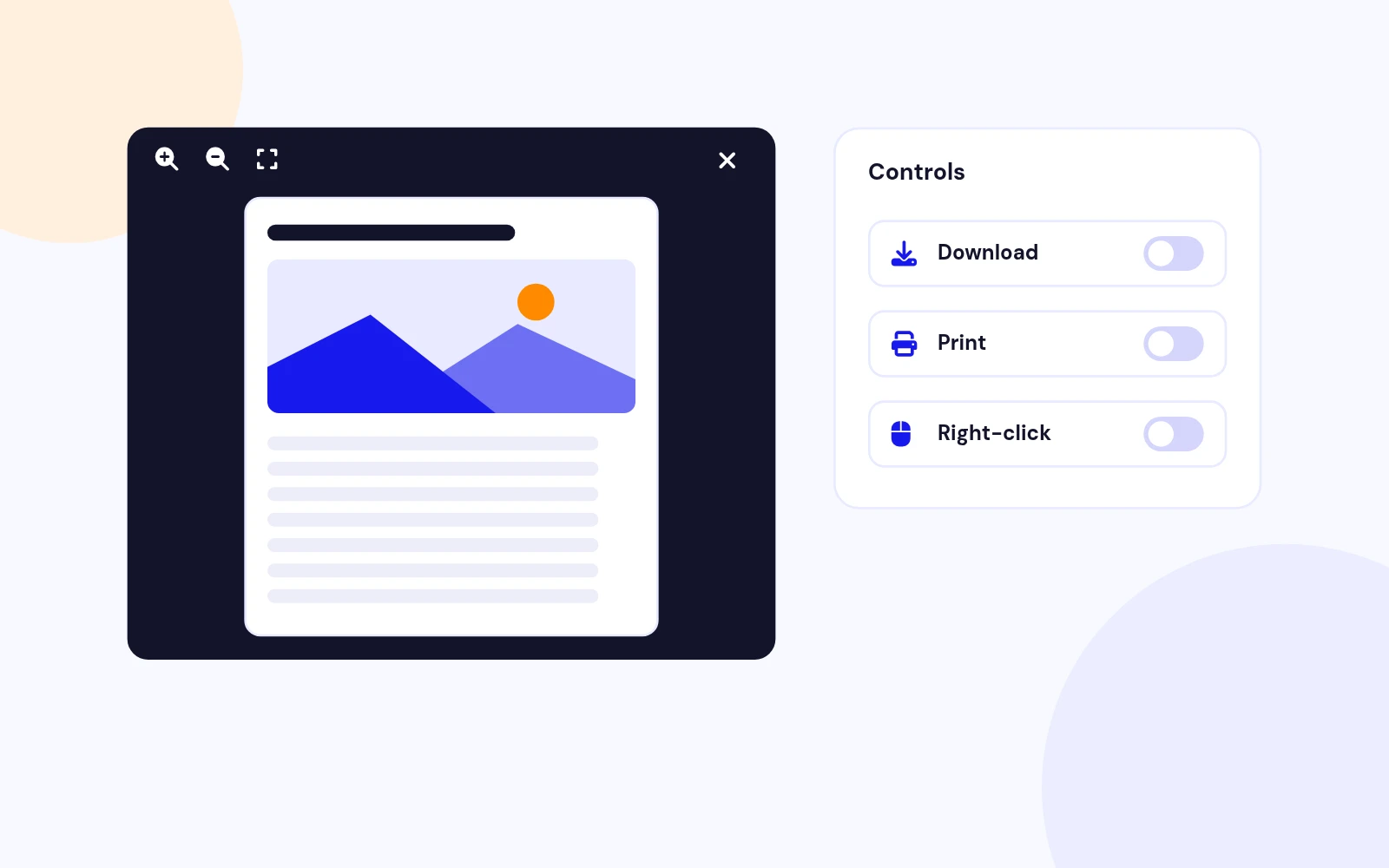
Download Control
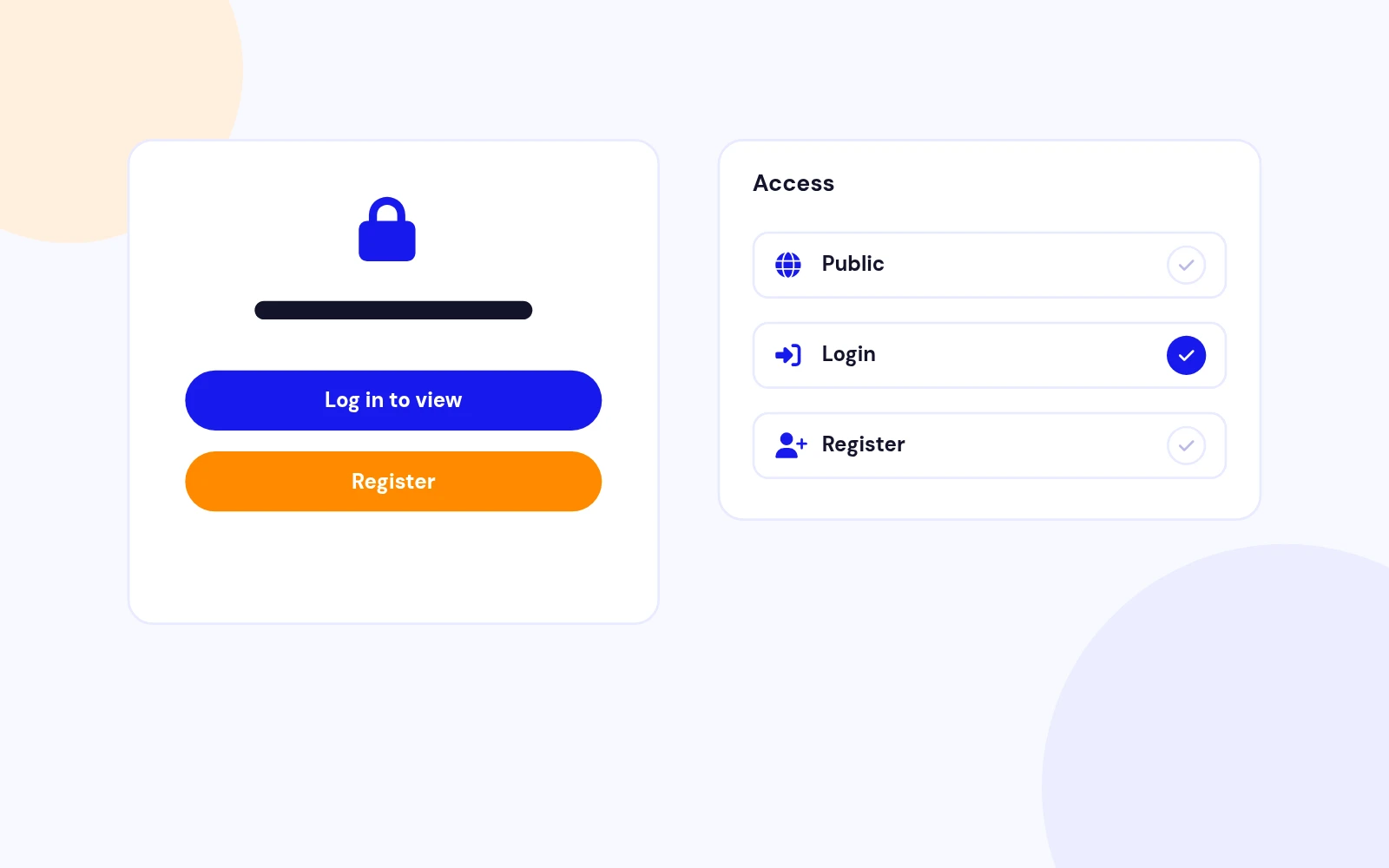
Members Only
Protected Files
Easy Insert
On-Brand
Article Friendly
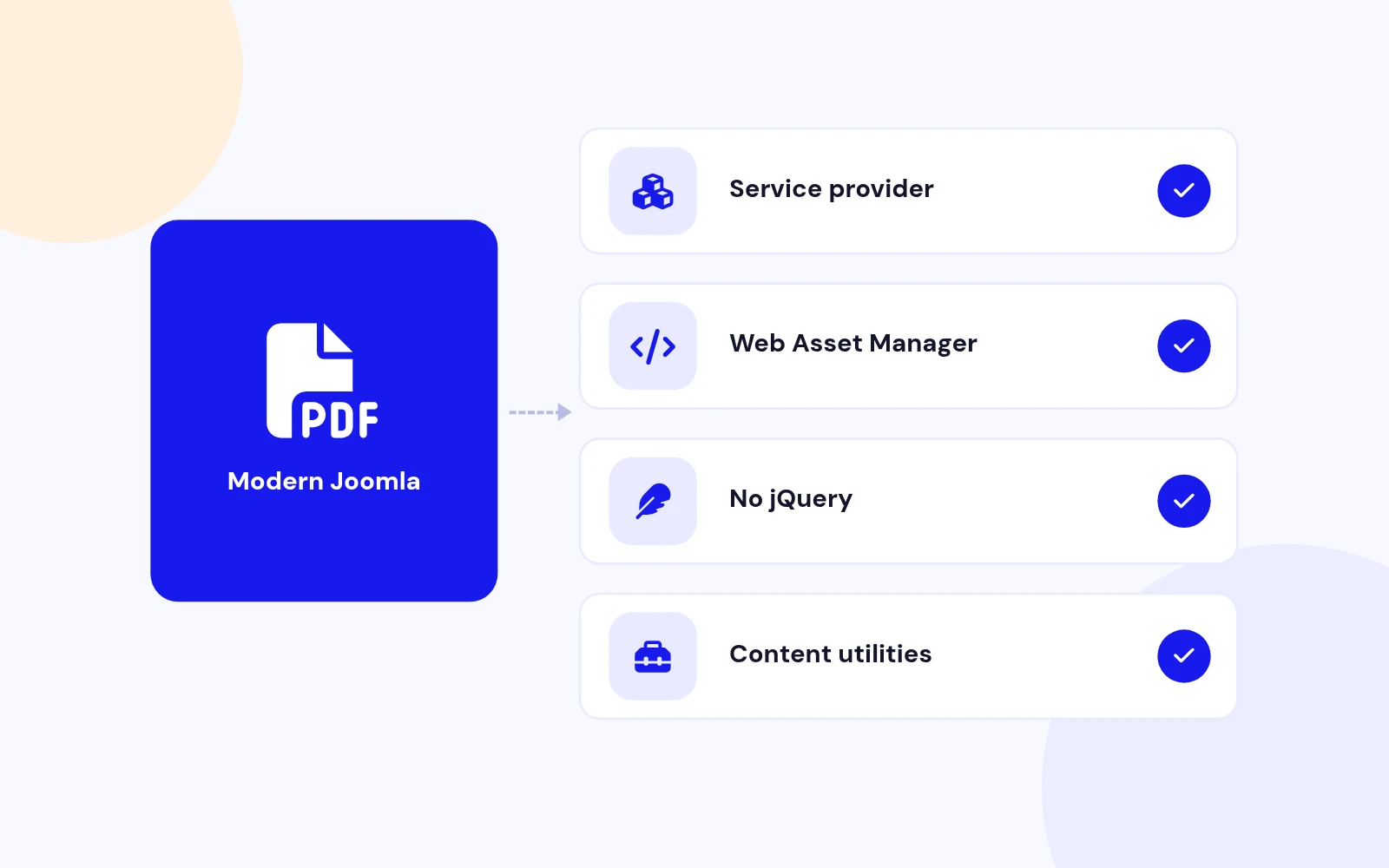
Future-Proof
Changelog
6 releases since version 1.2.0. Updates install from the Joomla admin with a valid licence.
Docs & setup
Written guides for installing and configuring Easy PDF, from first setup to the options that matter.
Pricing
Save more as you scale — longer access means a bigger discount.
30-day money-back guarantee
30-day money-back guarantee
30-day money-back guarantee
30-day money-back guarantee
Why buy here
All-access bundle
Get all 126 extensions, new releases, ongoing updates and full-time support. Bought one by one, a year of updates for every extension costs over $4,700.
Ideal for small projects and personal sites
$249/ 6 months
Save 91% · $2,900+ value
30-day money-back guarantee
Best for growing businesses and web agencies
$349/ 1 year
Save 92% · $4,700+ value
30-day money-back guarantee
For professional developers and multi-client agencies
$749/ one-time
Pay once · keep forever
30-day money-back guarantee
FAQ
Still unsure? Our support team is one ticket away.
Easy PDF supports Joomla 4, 5, and 6 with a service provider, namespaced helper, Web Asset Manager assets, and PHP 8.1 or later recommended.
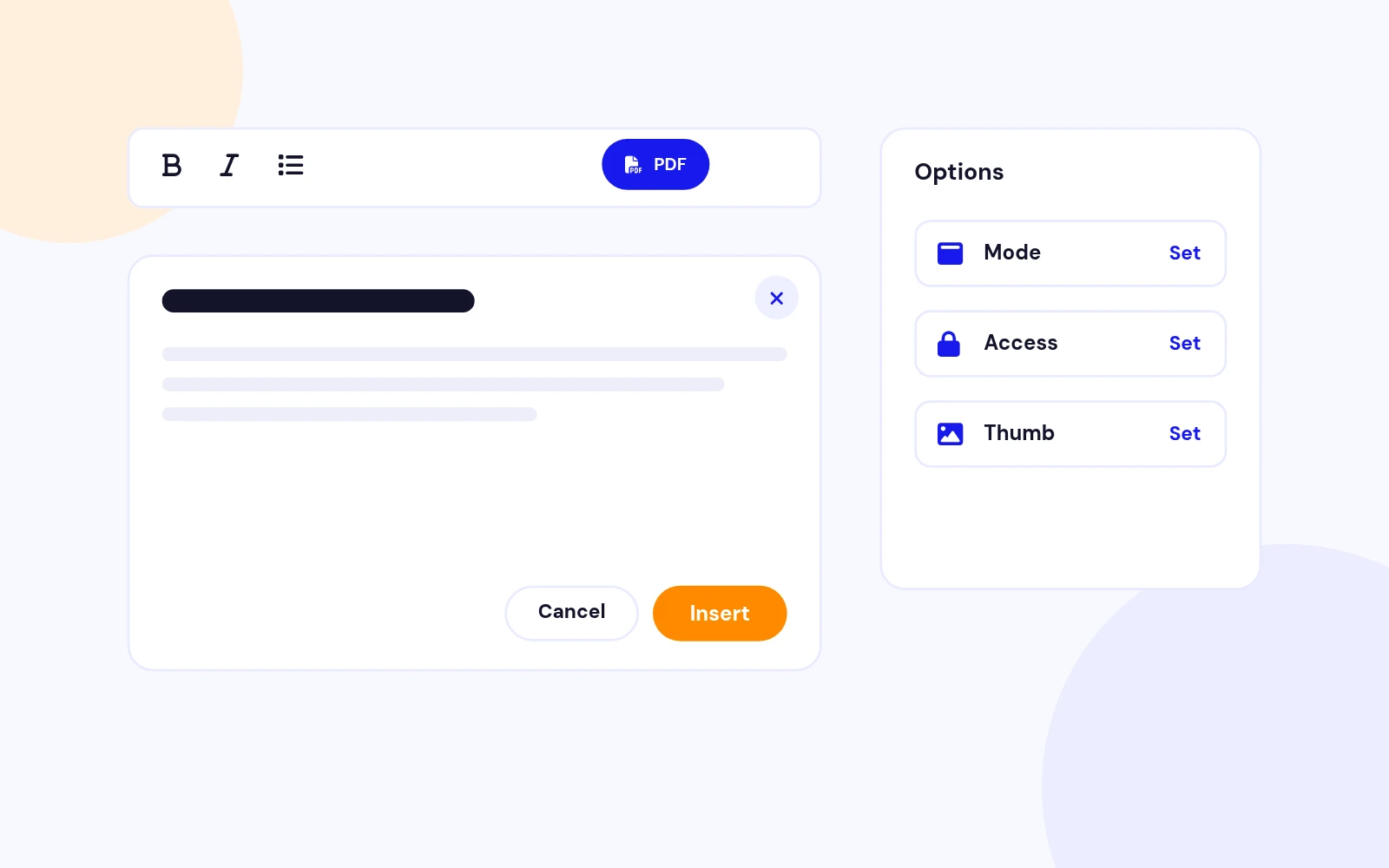
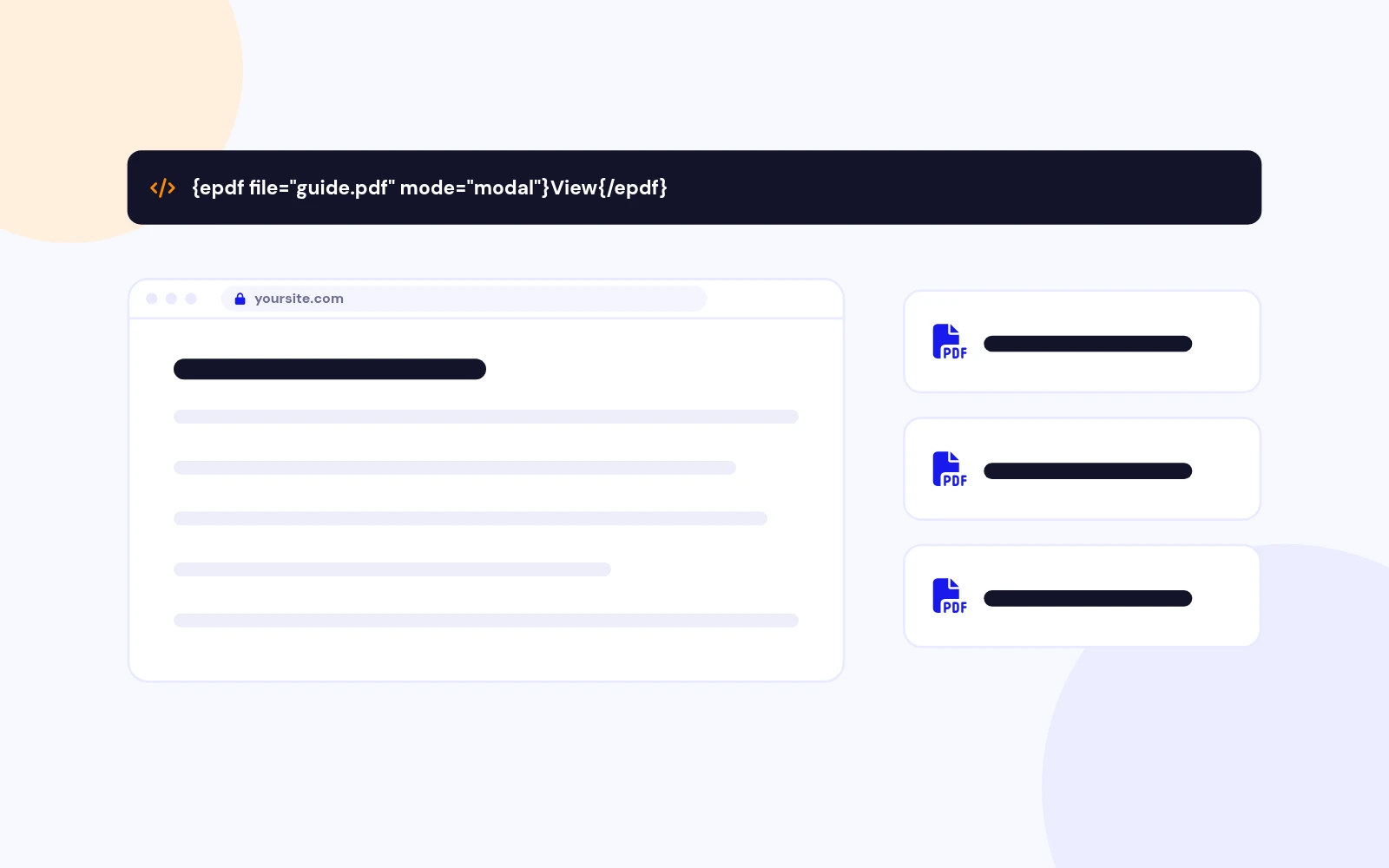
It embeds PDFs in Joomla articles using {epdf} shortcodes. You can open a modal viewer, show an inline embed, or offer a download link, with optional login gates and download/print controls.
{epdf file="images/docs/guide.pdf" mode="modal"}View PDF{/epdf}. Upload the PDF through Media Manager first, then use the relative path.
In modal mode, when Modal thumbnail is enabled and you do not set a custom image, Easy PDF renders the first page as the opener preview. Use thumb="auto", thumb="images/cover.jpg", or thumb="0" for a text button.
Yes. Use download="0" and/or print="0", or change the plugin defaults. Download off also blocks the download token. These are soft controls, not DRM.
Set access="login" or access="register". Guests see gate buttons. Configure login/register menu items or URL overrides in the plugin so return links work on SEF sites.
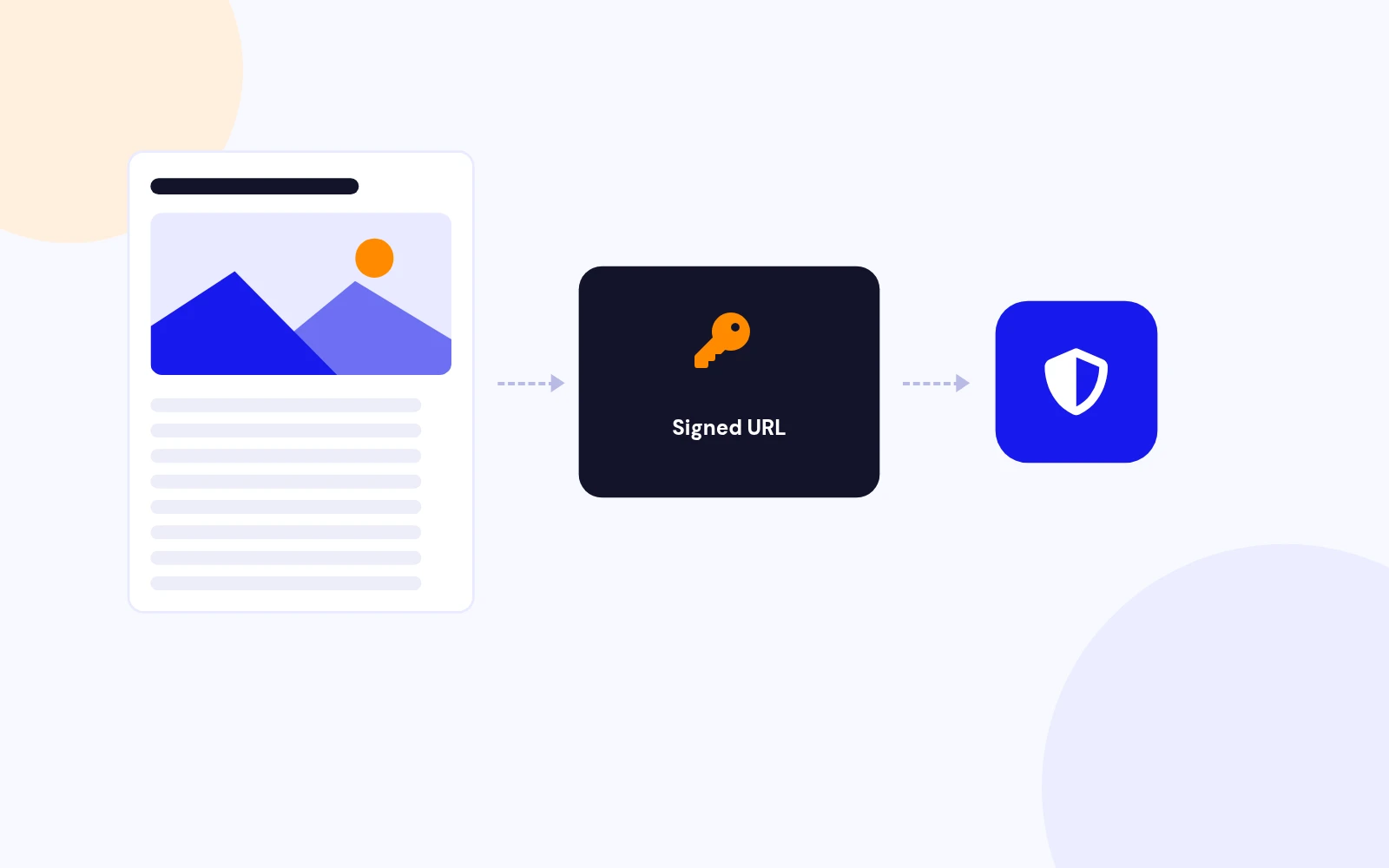
When enabled, PDFs stream through a signed URL handled by Joomla's built-in AJAX handler instead of a bare media path, which helps keep gated documents from being opened by guessing the file location.
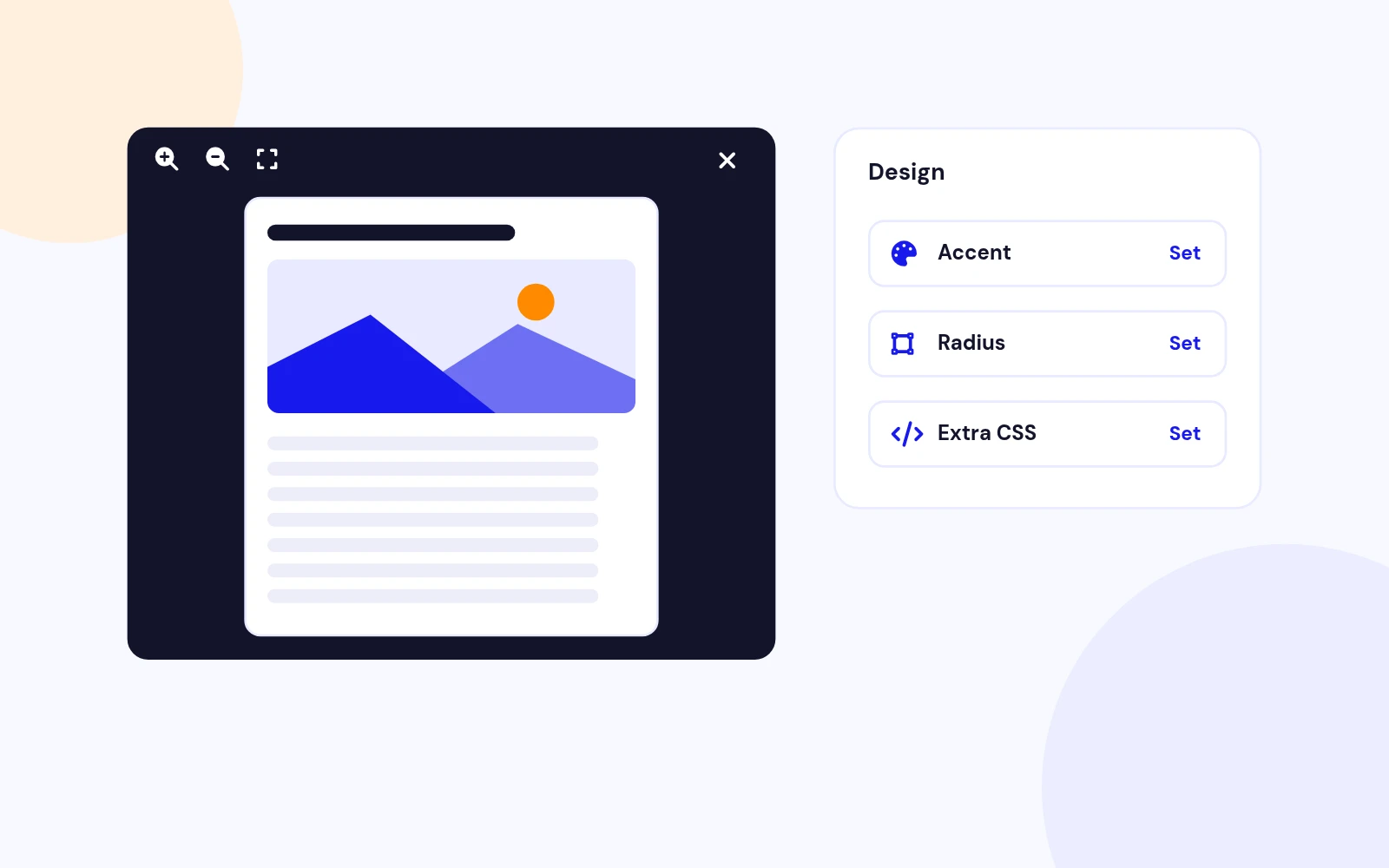
Built-in (default) gives consistent controls and better download UI control. engine="native" uses the device browser PDF viewer inside an iframe.
No. Easy PDF uses native JavaScript and CSS with the Joomla Web Asset Manager.
Download EasyPdf_UNZIP.zip. Unzip it, then install the install package (the .zip inside your download) from System > Install > Extensions.
Visit support.joomlax.com. Include Joomla and PHP versions, page URL, and the shortcode you used.
More like this

Module + Plugin
Joomla Extension to Disable Right Click on Mouse
v2.6.1 6,022 downloads
From $9


Plugin + Component
Code Highlighter Plugin for Joomla
v2.2.1 3,537 downloads
From $9


Plugin
Plugin to Include Javascript or CSS files to Joomla
v2.1.1 10,538 downloads
Free


Module
Show Joomla Modules and Articles Randomly in a Position
v1.5.1 3,128 downloads
From $19


Plugin
Joomla plugin for typewriter text effect with adjustable speed and cursor.
v1.4.1 4,412 downloads
From $9