

Structured Data
Structured Data Without Code
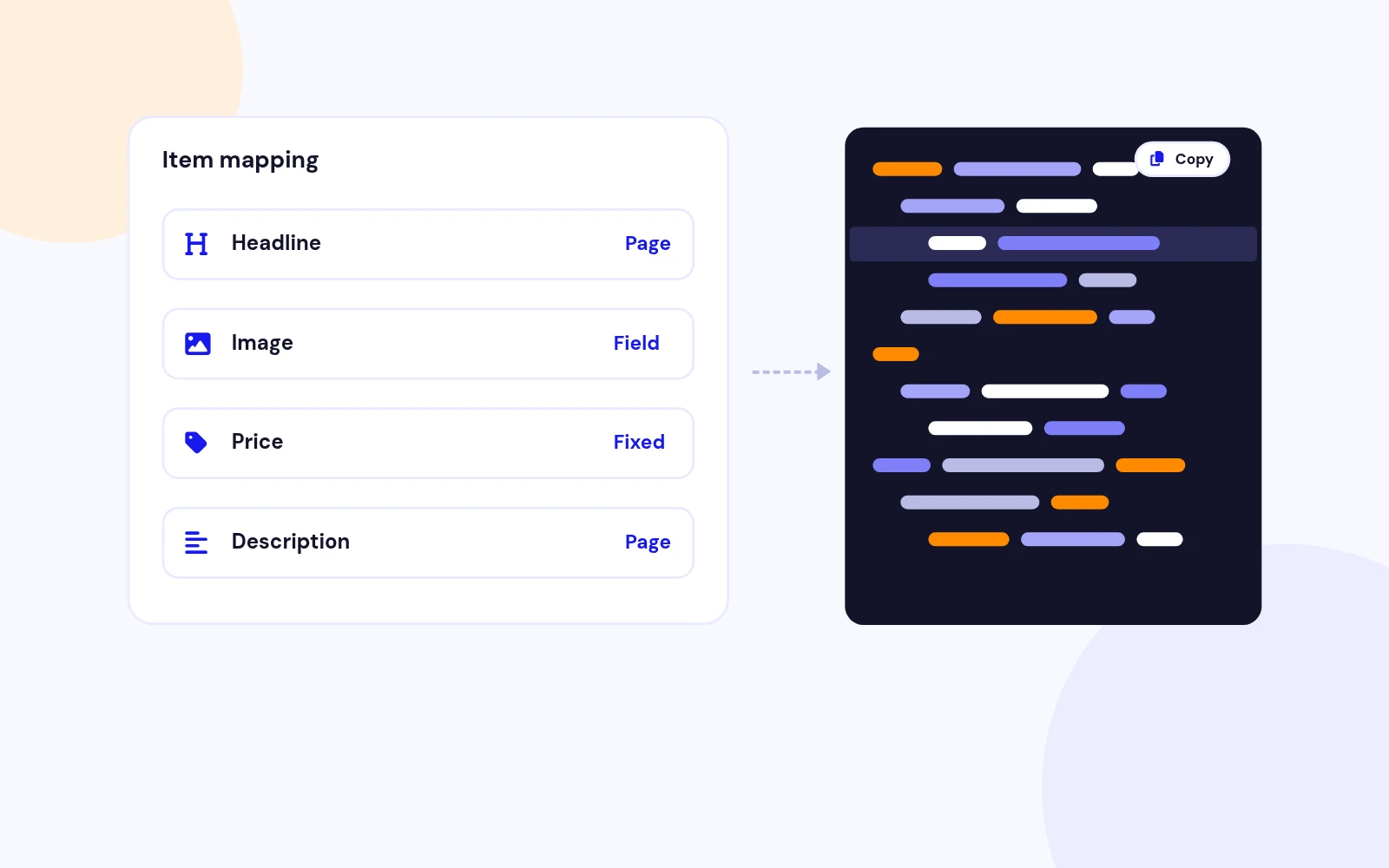
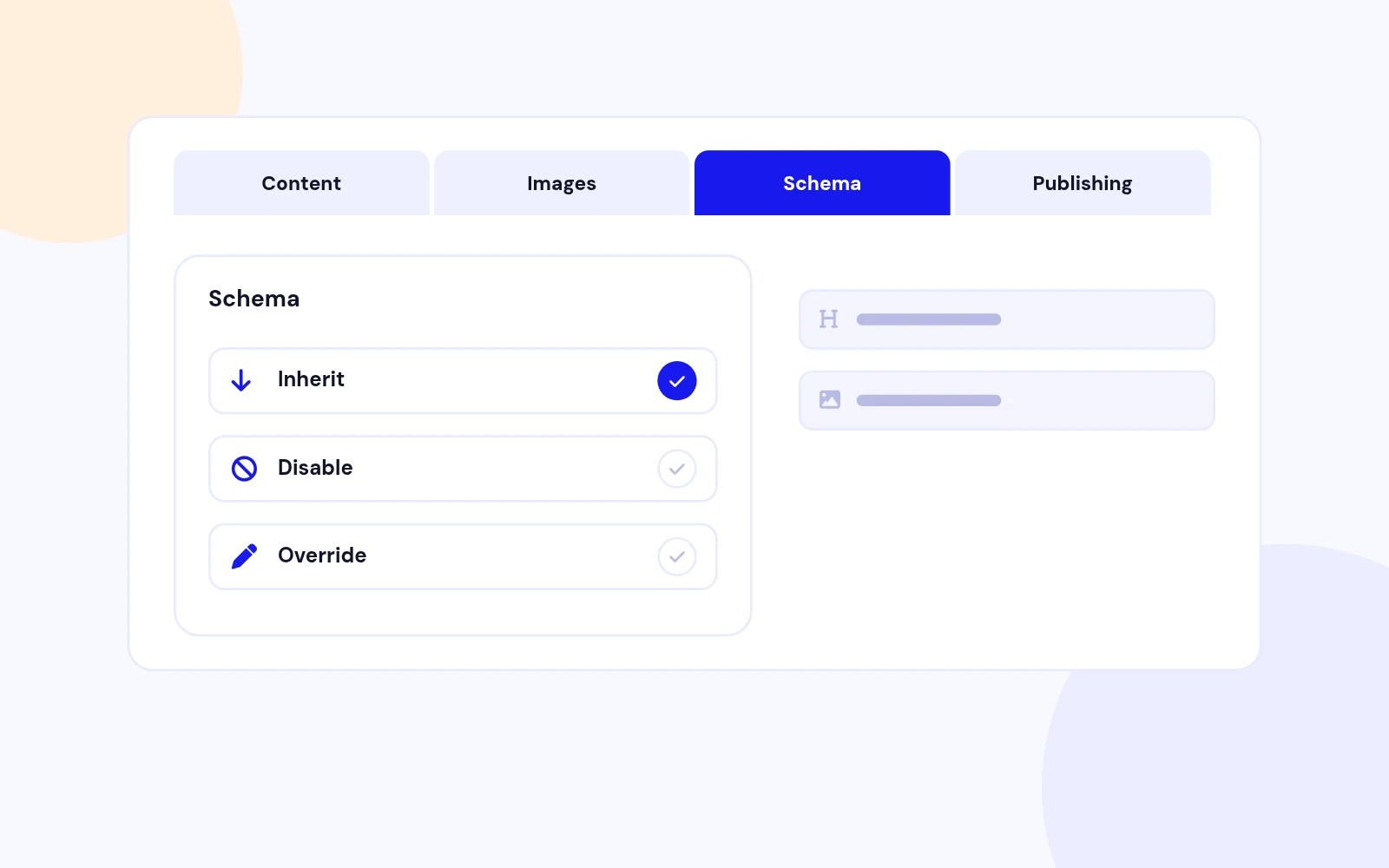
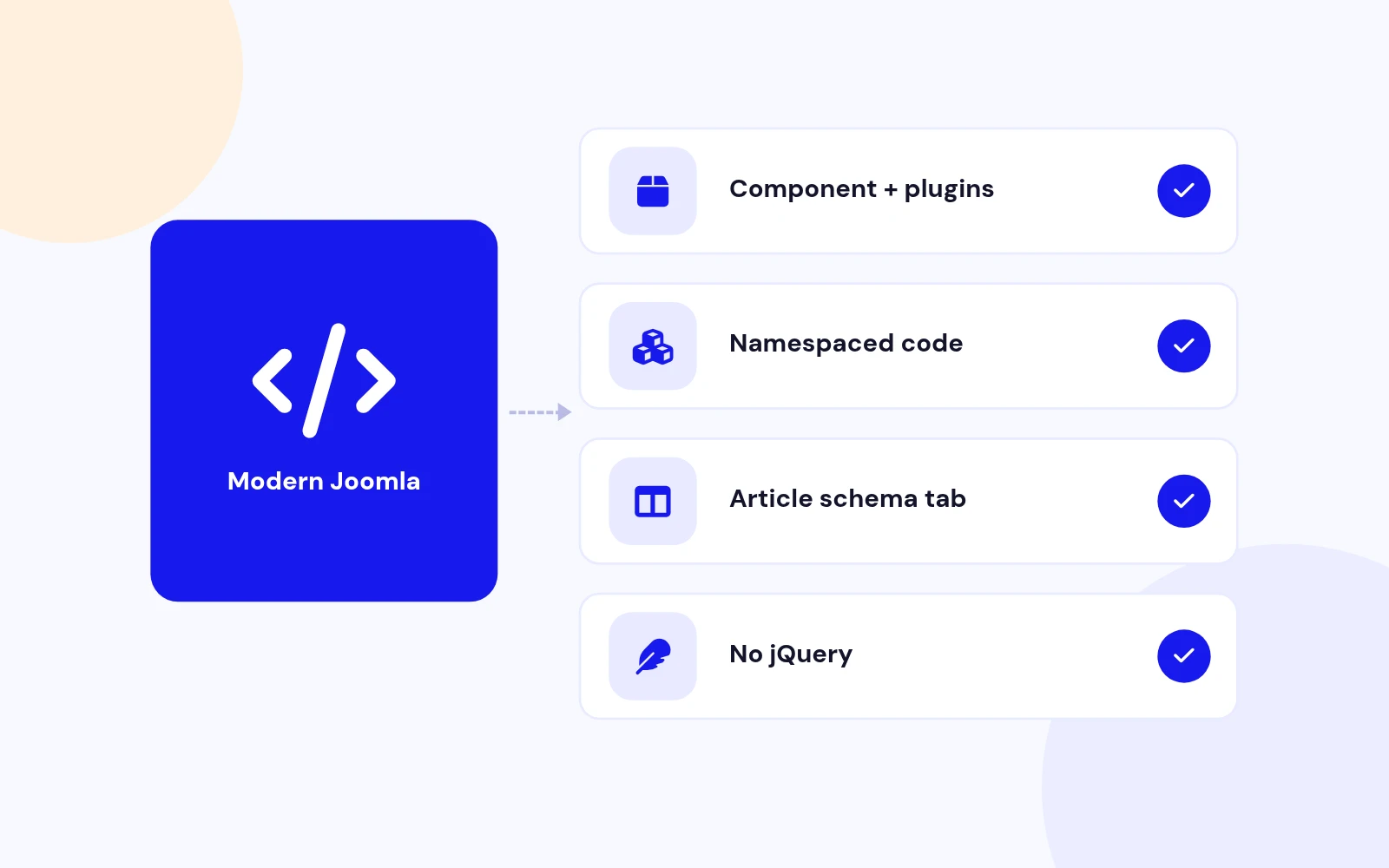
- Create schema for any type and fill it from the page, a custom field or a fixed value. One install adds everything, including an article Schema tab.
JSON-LD structured data for Joomla. Articles, products, FAQ, HowTo, Local Business. Mapping, cleaner, and site identity. No code.
Features
Nine feature areas, one install package for Joomla 4, 5 and 6.
Structured Data
Site Identity
Clean Markup
Per Article
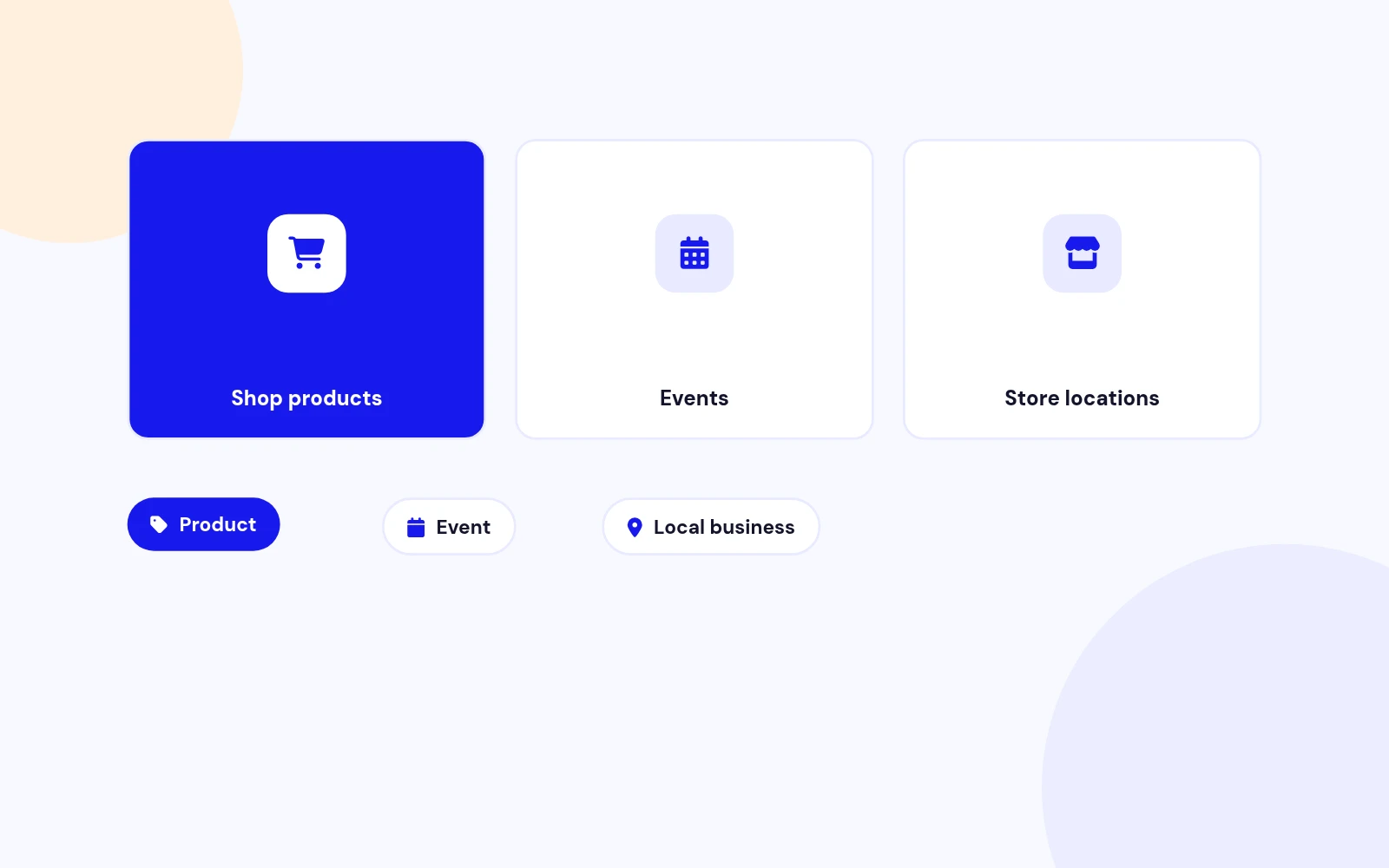
Integrations
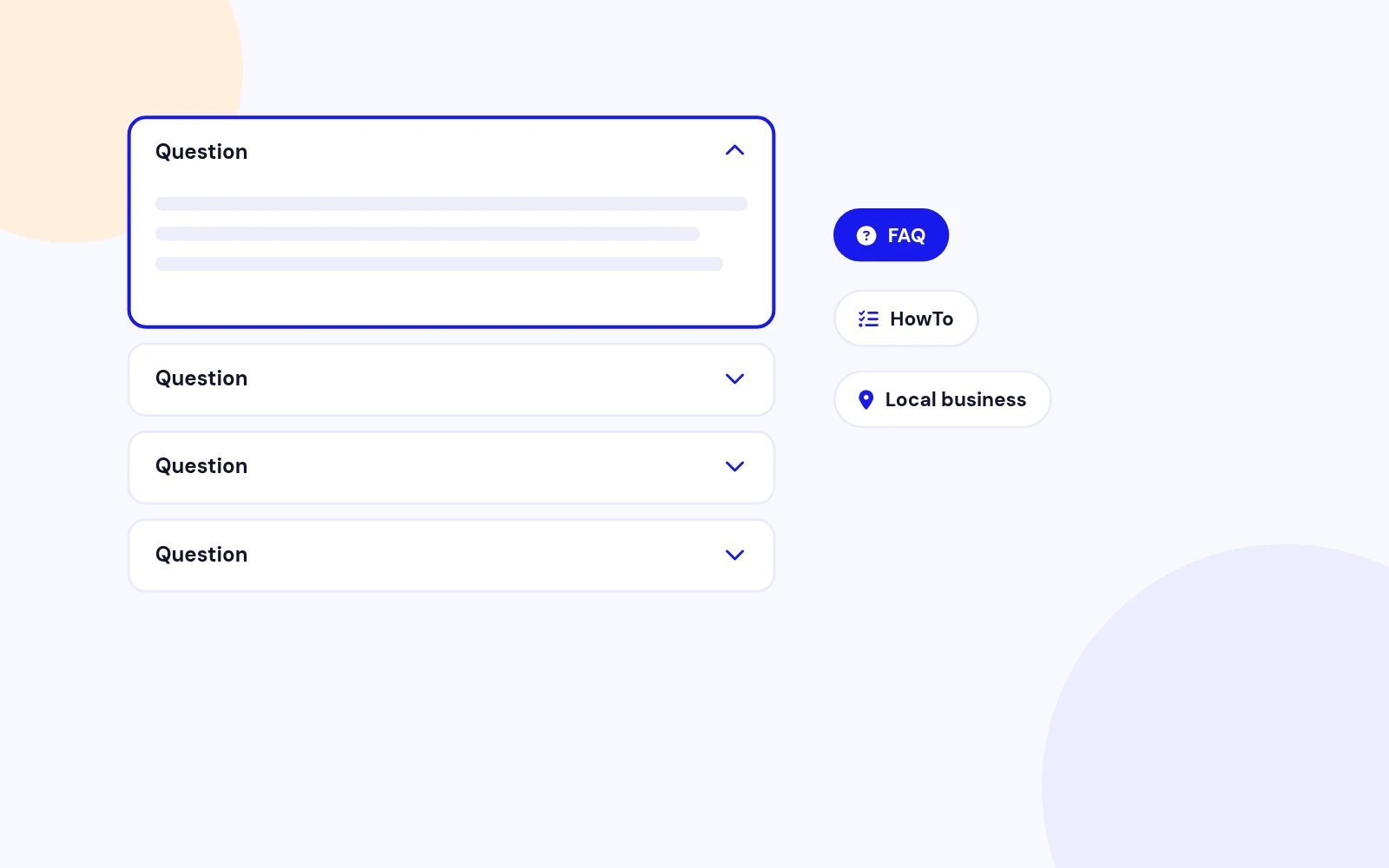
More Types
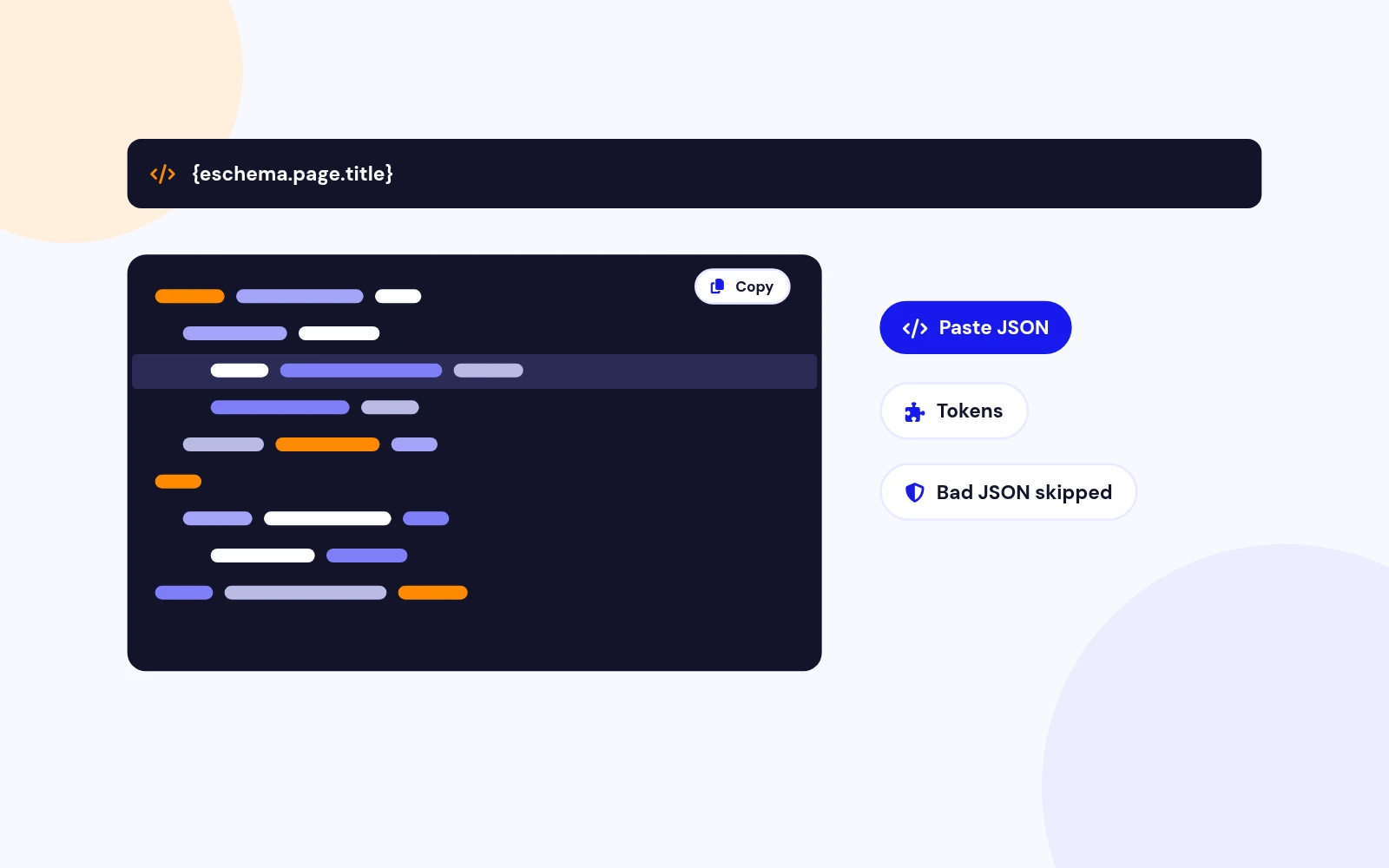
Power Users
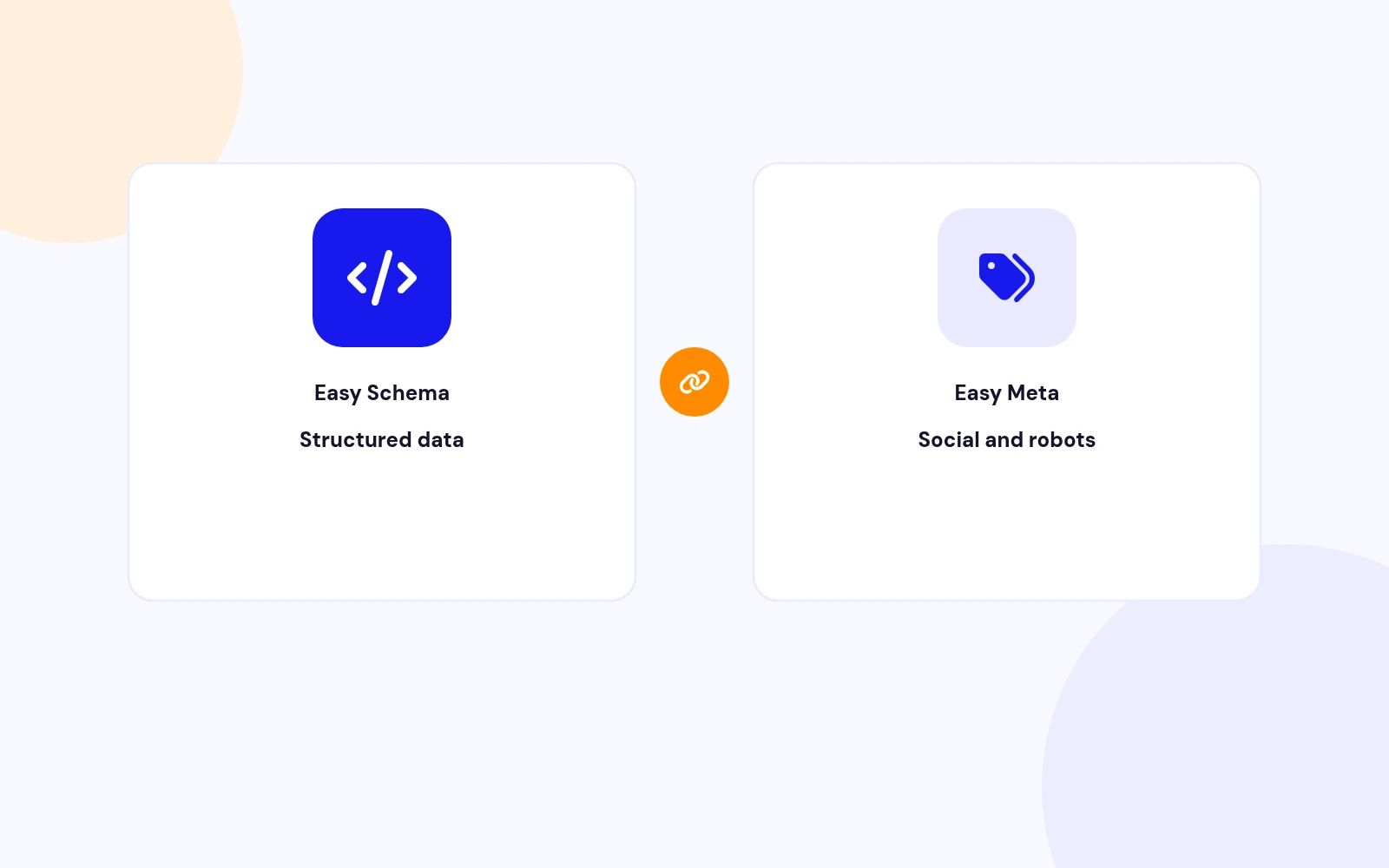
Better Together
Future-Proof
Changelog
5 releases since version 1.0.0. Updates install from the Joomla admin with a valid licence.
Docs & setup
Written guides for installing and configuring Easy Schema, from first setup to the options that matter.
Pricing
Save more as you scale — longer access means a bigger discount.
30-day money-back guarantee
30-day money-back guarantee
30-day money-back guarantee
30-day money-back guarantee
Why buy here
All-access bundle
Get all 126 extensions, new releases, ongoing updates and full-time support. Bought one by one, a year of updates for every extension costs over $4,700.
Ideal for small projects and personal sites
$249/ 6 months
Save 91% · $2,900+ value
30-day money-back guarantee
Best for growing businesses and web agencies
$349/ 1 year
Save 92% · $4,700+ value
30-day money-back guarantee
For professional developers and multi-client agencies
$749/ one-time
Pay once · keep forever
30-day money-back guarantee
FAQ
Still unsure? Our support team is one ticket away.
Easy Schema supports Joomla 4.4+, 5 and 6. PHP 8.1 or later is required.
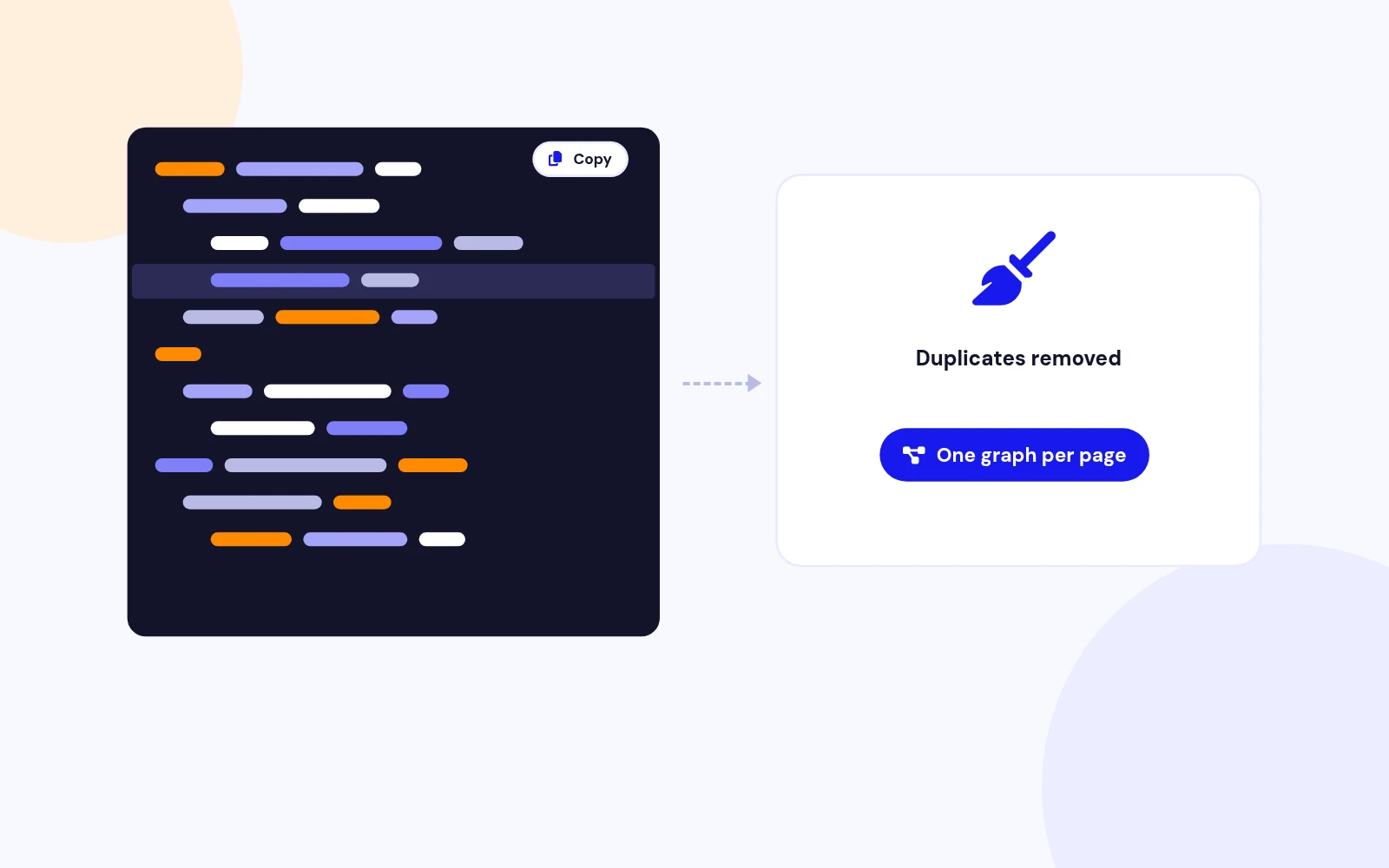
It injects Schema.org JSON-LD on matching pages. You create Items in the component (type, integration, mapping, rules). The system plugin writes one @graph in the page head. A cleaner can strip duplicate JSON-LD from Joomla core and templates.
Yes. The component stores Items and Configuration. System - Easy Schema injects JSON-LD on the public site. Content - Easy Schema adds the article Schema tab. The package installs all three together.
Download EasySchema_UNZIP.zip. Unzip it, then install the install package (the .zip inside your download) from System > Install > Extensions.
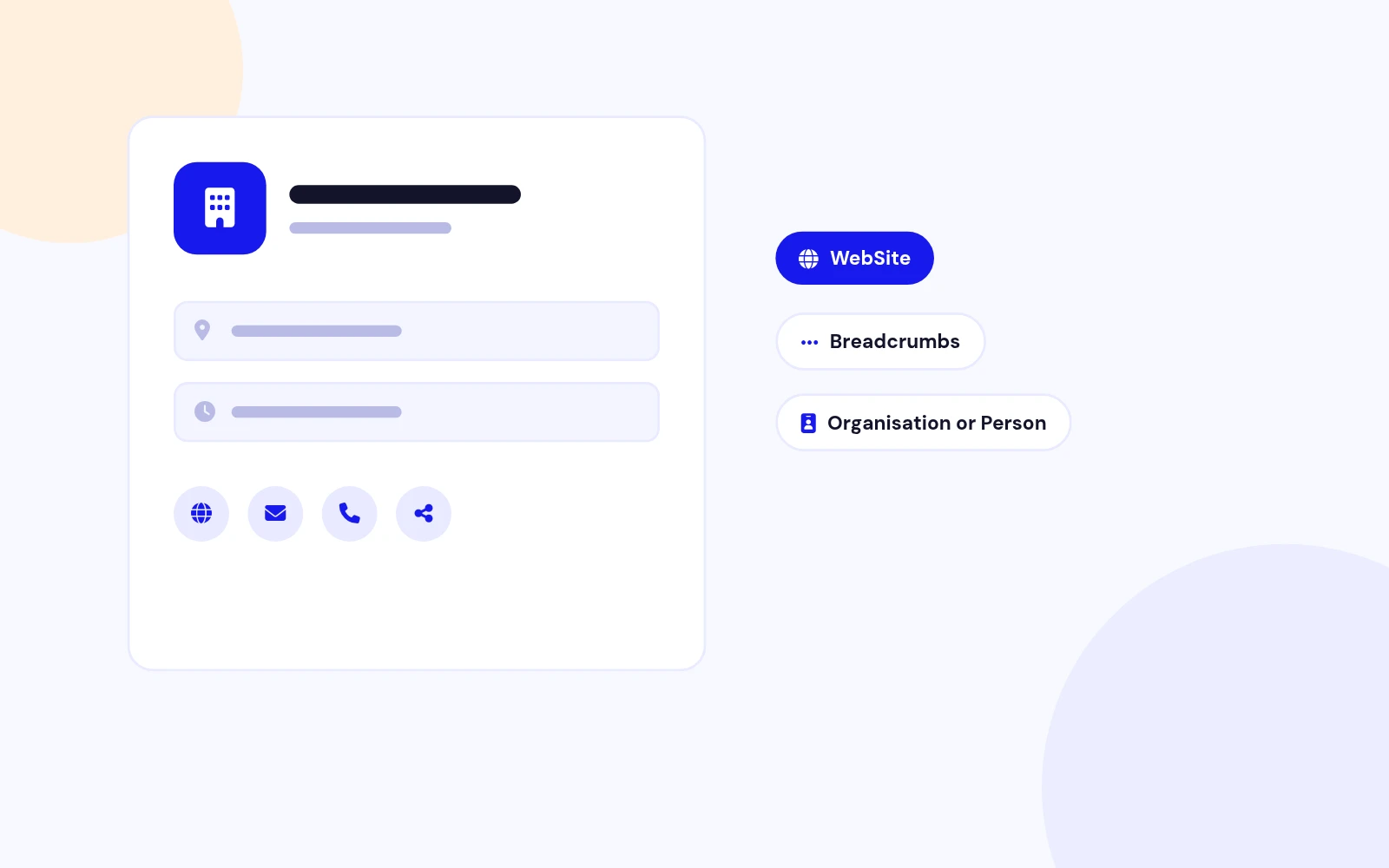
Open Components > Easy Schema. Keep the Articles Item that install creates, or click a Dashboard preset. Fill Configuration with site name and logo. Confirm System - Easy Schema is Enabled, clear cache, then View Source on an article and search for application/ld+json.
No. Easy Meta writes Open Graph, X Cards, canonical, and robots. Easy Schema writes JSON-LD. When Easy Schema is enabled, Easy Meta defers schema so the page does not get two Article graphs.
Google retired FAQ rich results in Search (May 2026). Easy Schema still emits valid FAQPage JSON-LD because other consumers and some surfaces still read it. Docs do not sell FAQ stars as a ranking trick.
Yes. On the Item Mapping tab, set a property source to Custom field and enter the field name. Tokens such as {eschema.item.cf.fieldname} also work in Custom Code.
Yes. Create a Product Item and set Integration to VirtueMart or HikaShop. Price, SKU, and availability are read from the shop tables when those extensions are installed.
More like this

Module + Plugin
Joomla Extension to Disable Right Click on Mouse
v2.6.1 6,022 downloads
From $9


Plugin + Component
Code Highlighter Plugin for Joomla
v2.2.1 3,537 downloads
From $9


Plugin
Plugin to Include Javascript or CSS files to Joomla
v2.1.1 10,538 downloads
Free


Module
Show Joomla Modules and Articles Randomly in a Position
v1.5.1 3,128 downloads
From $19


Plugin
Joomla plugin for typewriter text effect with adjustable speed and cursor.
v1.4.1 4,412 downloads
From $9