Module Component
Utilities

Easy Team

Team Members Module for Joomla

  • Zero B/C pluginRuns without the B/C pluginRuns on Joomla 5 and 6 without the Behaviour - Backward Compatibility plugin, so you can keep it switched off.
  • Joomla 4, 5 & 6Tested and supported on Joomla 4, 5 and 6.
  • 5.0See the reviews
  • v1.1.2· Updated 6 days ago
  • 3.5K+downloads
  • PHP 8.1+
  • Instant accessReady to install right after checkout
  • One-click updatesNew releases install from the Joomla administrator
  • Lifetime optionPay once and keep future releases
  • 30-day guaranteeFull refund if it is not the right fit

Features

What can Easy Team do for you?

Ten feature areas, one install package for Joomla 4, 5 and 6.

Add People Once, Show Them Anywhere

All in One

Add People Once, Show Them Anywhere

  • Add your team in one place and reuse them on team pages and modules. Or add people right in the module for a quick block.
Organize Your Whole Team

Easy Directory

Organize Your Whole Team

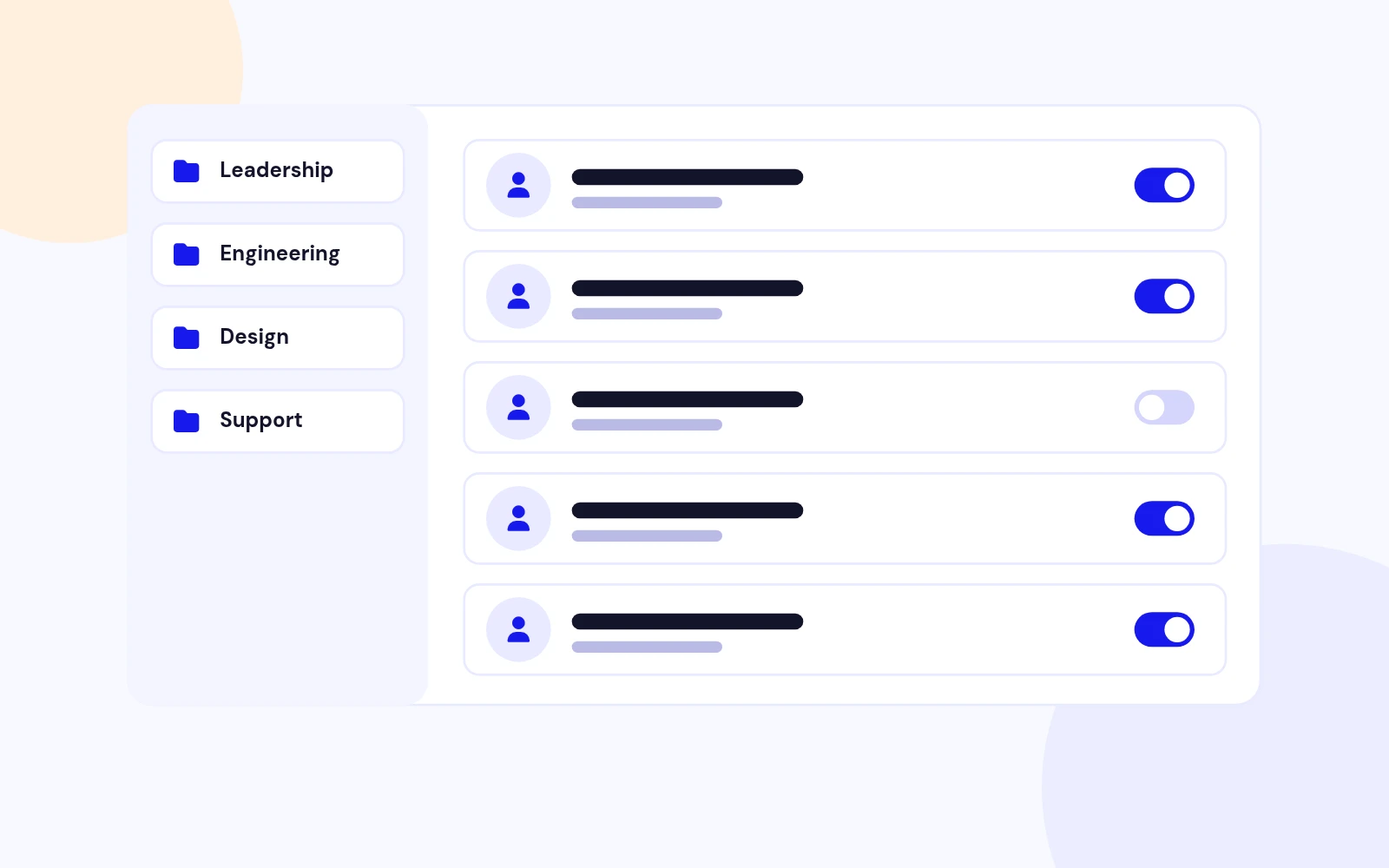
  • Group staff into departments like Leadership, Engineering and Support. Add photos, roles, bios, skills, contact details and social links.
A Full Team Directory Page

Team Page

A Full Team Directory Page

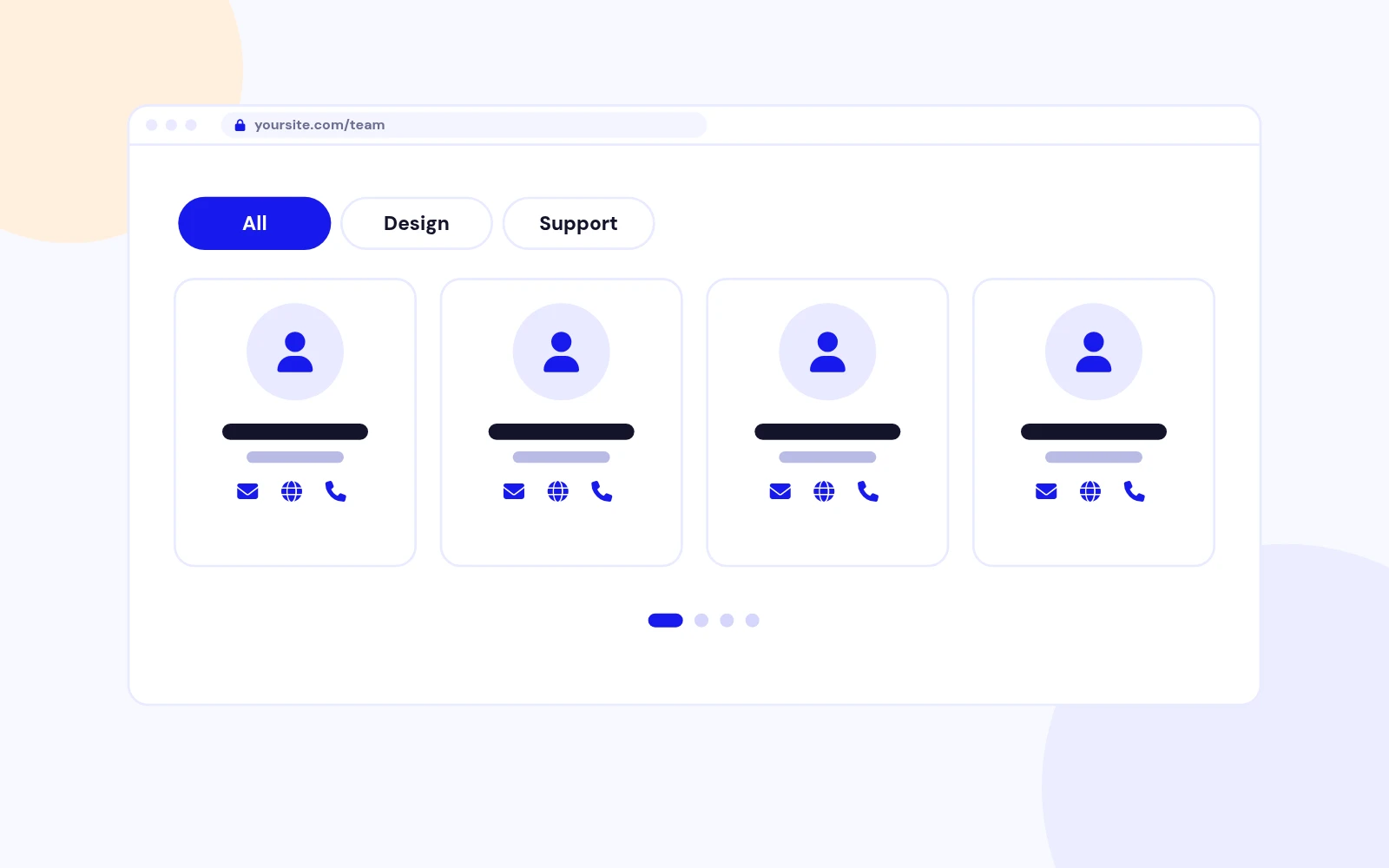
  • Create a team page with intro text and category filters. Use pages, infinite scroll or one long list.
Quick Blocks or Full Directory

Two Sources

Quick Blocks or Full Directory

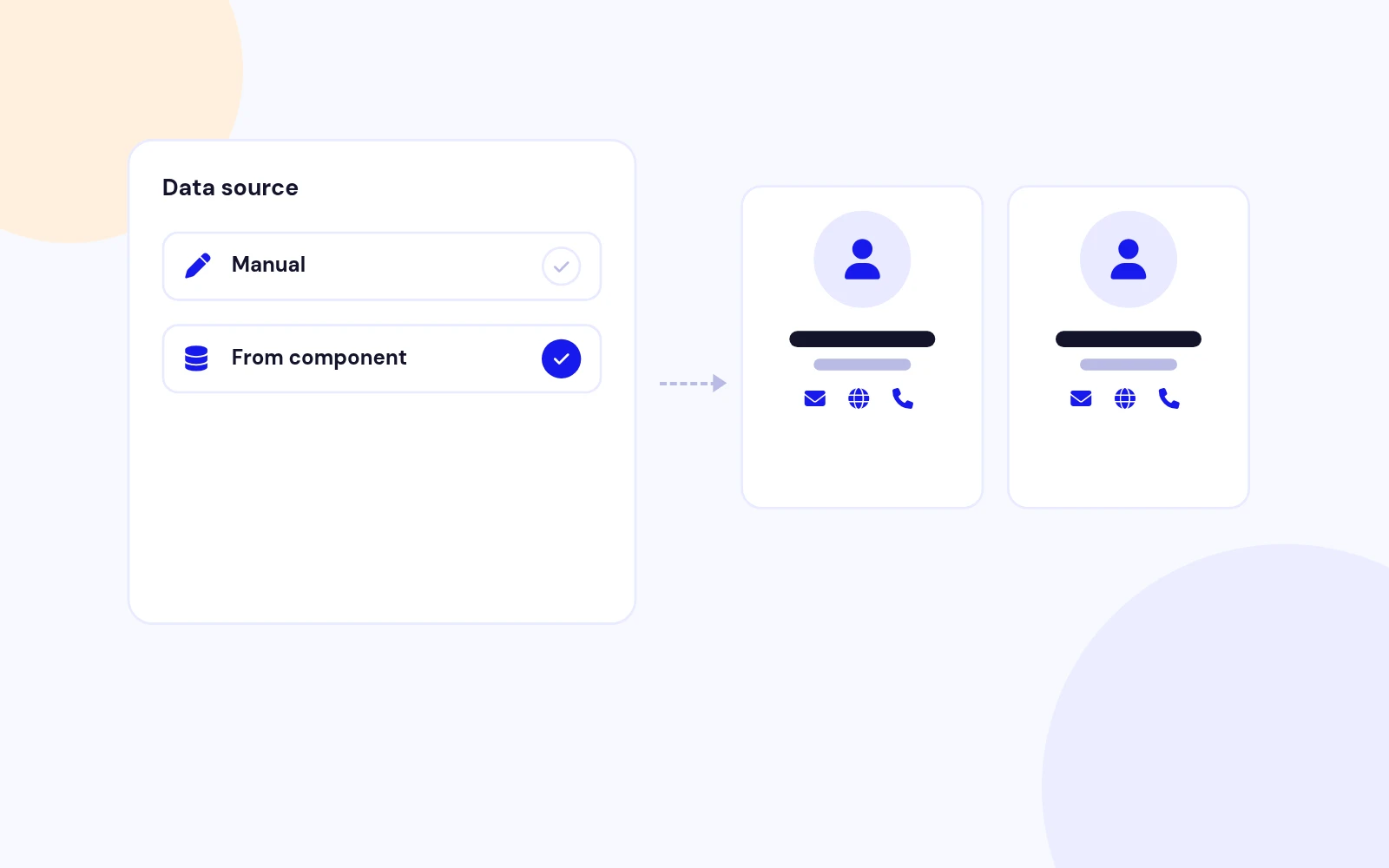
  • Add people directly in the module for a fast About section. Or pull from your shared team list with filters and ordering.
Layouts for Every Team Page

Many Layouts

Layouts for Every Team Page

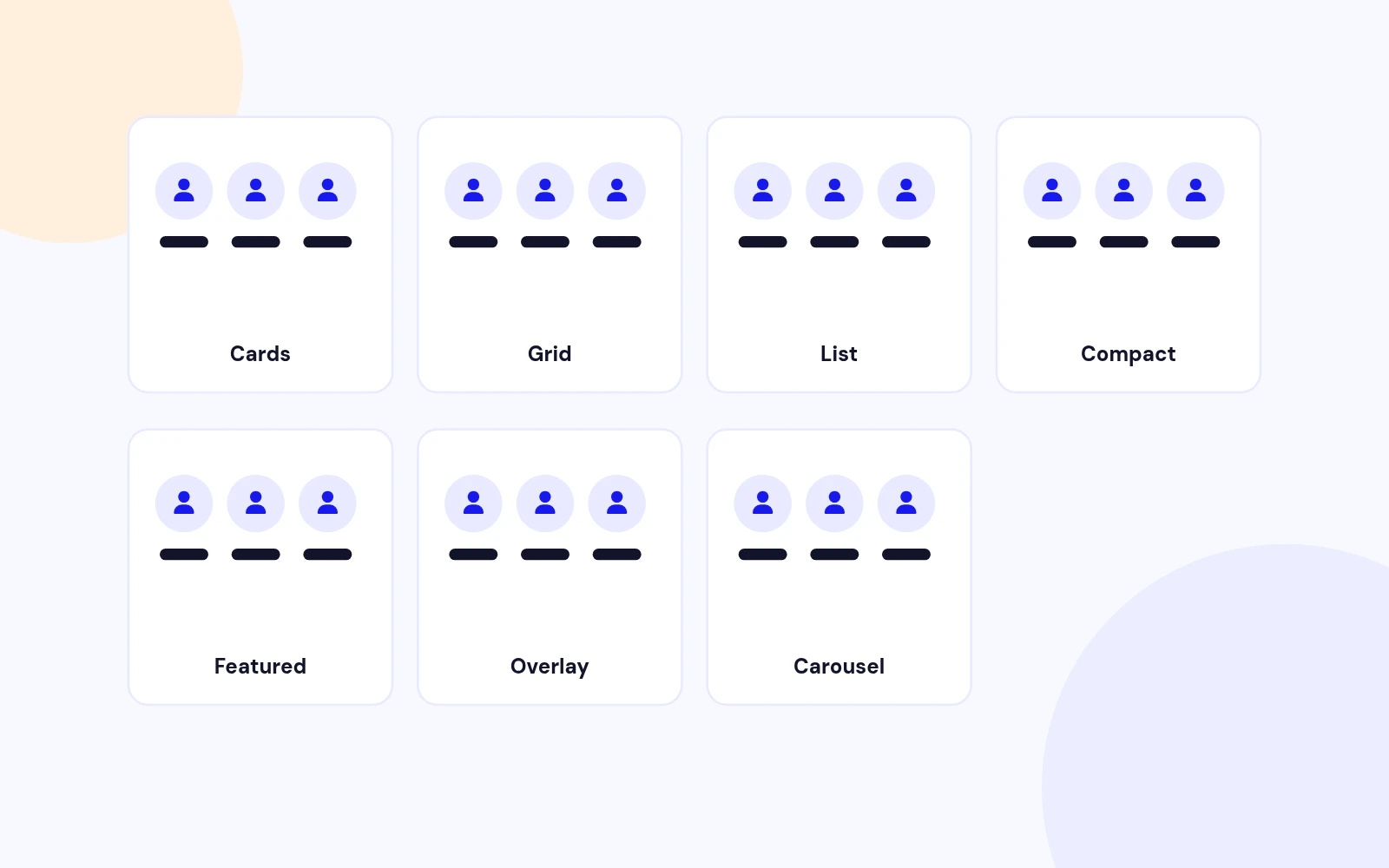
  • Pick the layout that fits your About or Services page. Highlight a lead person or overlay text on photos.
Themes That Match Your Brand

Five Themes

Themes That Match Your Brand

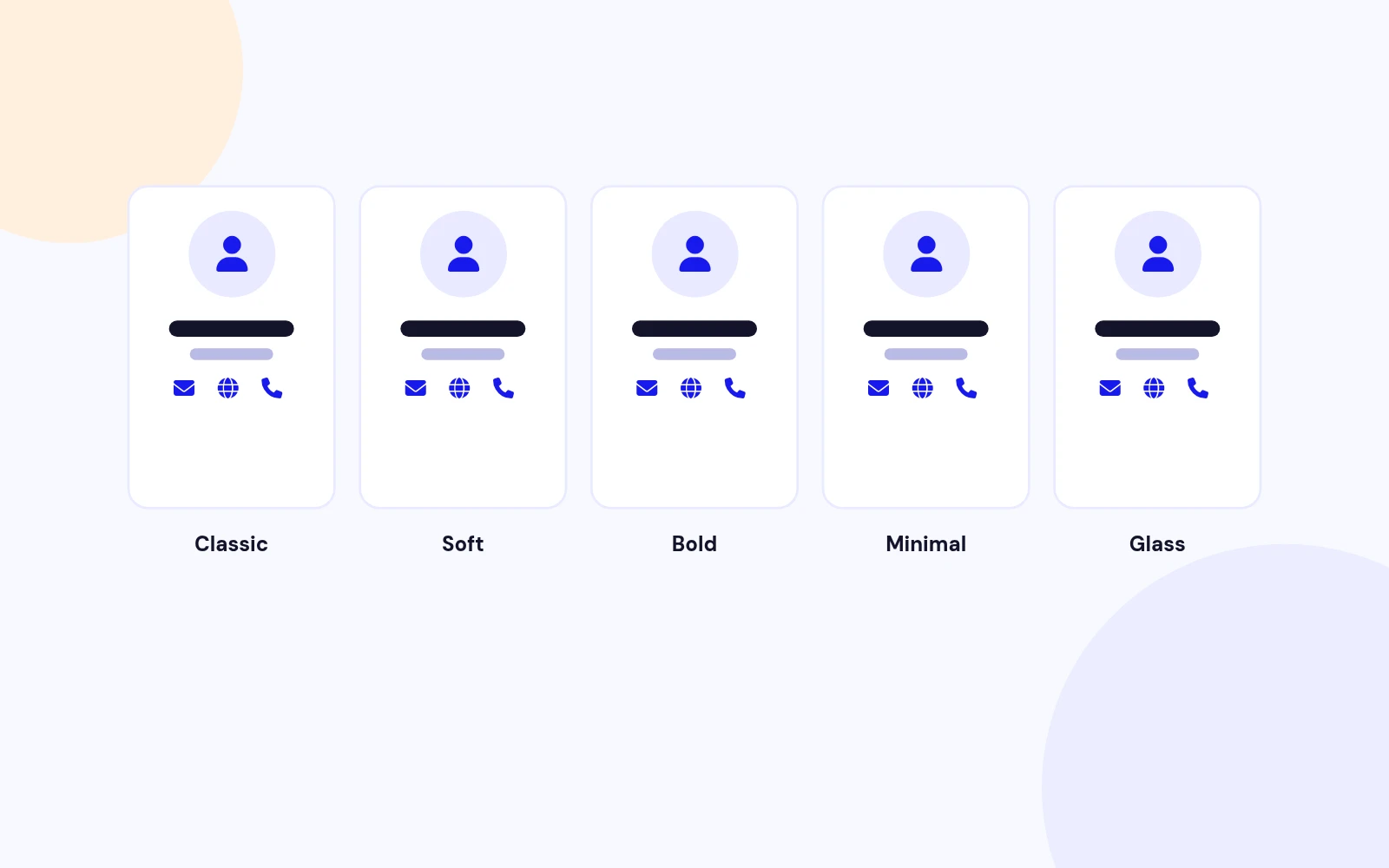
  • Change the look of cards and filters in one setting. Choose photo shape, size, columns and spacing.
Let Visitors Find the Right Person

Filters

Let Visitors Find the Right Person

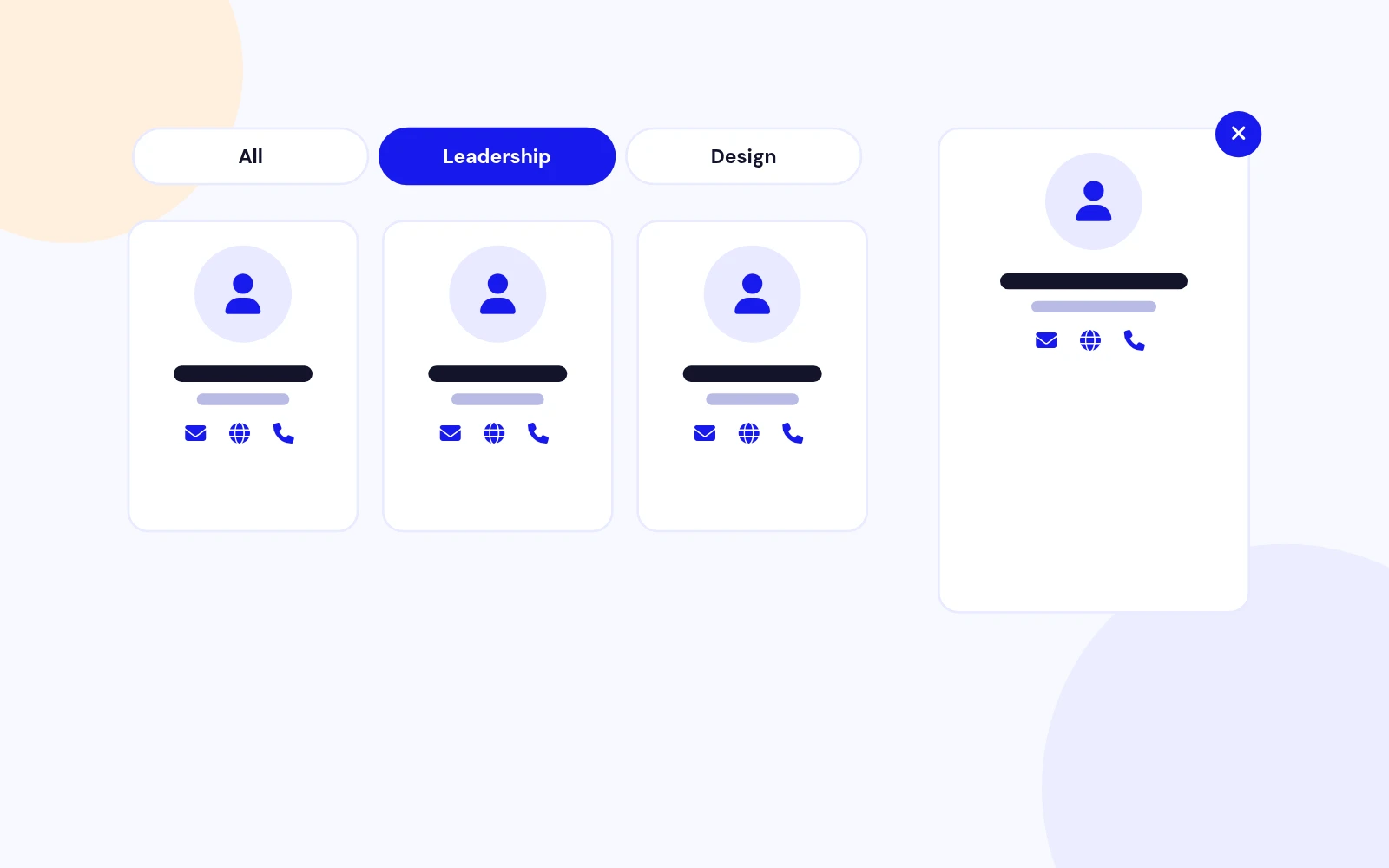
  • Visitors filter by department or category. Share a link that opens a filtered view.
Social and Contact Links

Social Links

Social and Contact Links

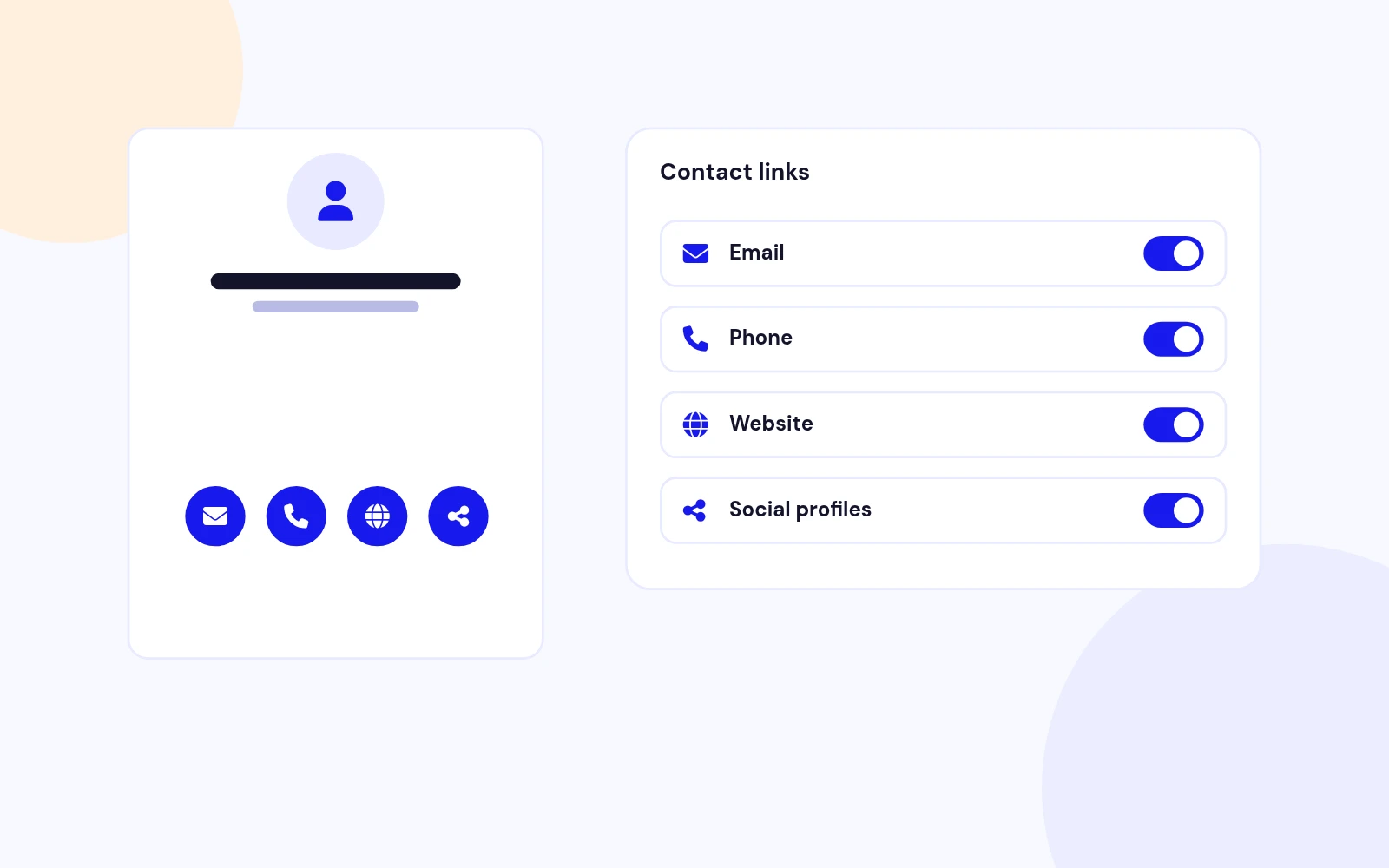
  • Add LinkedIn, X, Facebook, Instagram, GitHub, YouTube, TikTok, WhatsApp and more. Include email, phone and website.
Fast-Loading Team Photos

Fast Images

Fast-Loading Team Photos

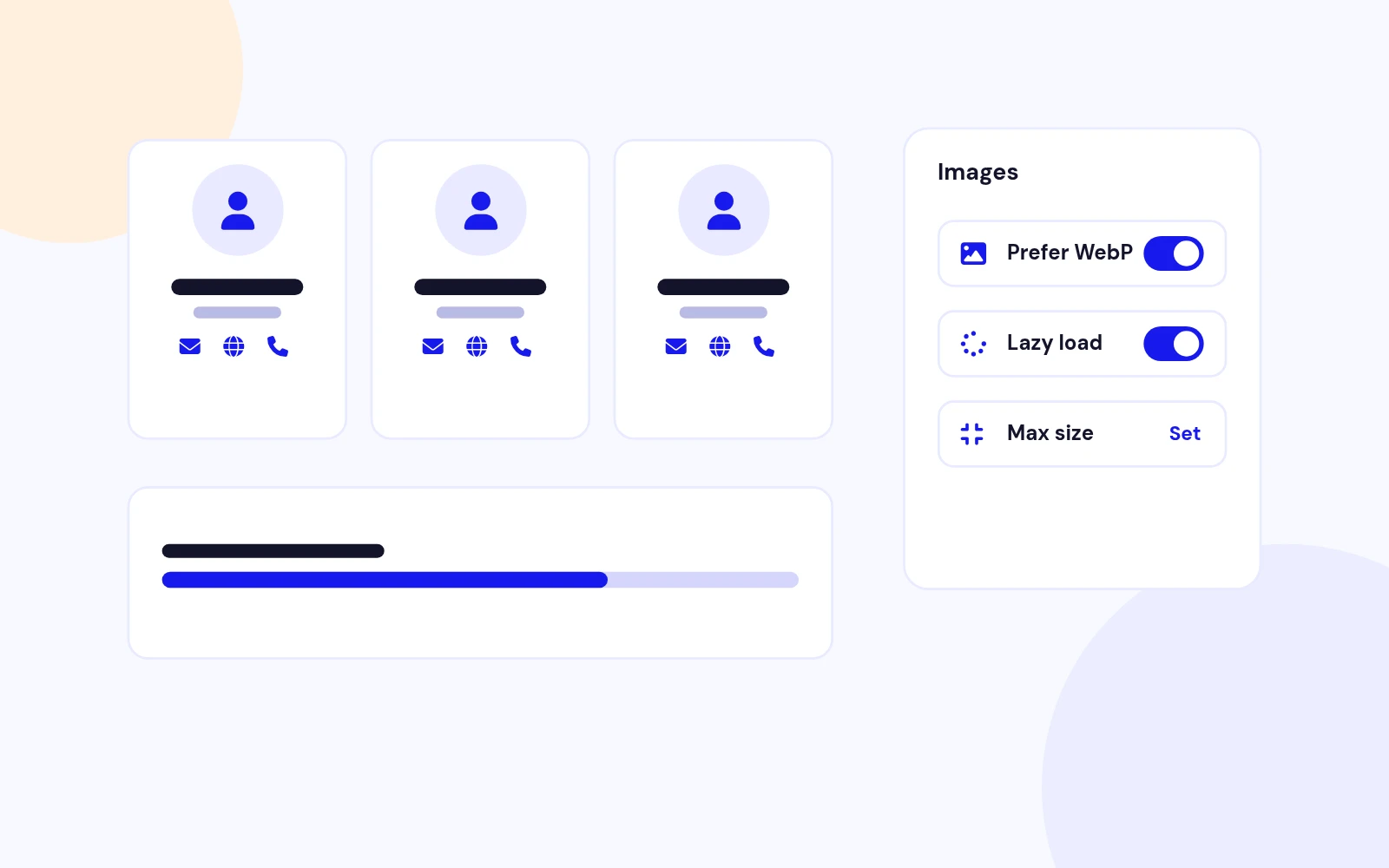
  • Optional WebP keeps photos light. They load as visitors scroll, so pages open quickly.
Search-Friendly and Built for Modern Joomla

SEO Ready

Search-Friendly and Built for Modern Joomla

  • Add Person structured data when you need it. A modern build with no jQuery.

Changelog

What's new

4 releases since version 1.0.0. Updates install from the Joomla admin with a valid licence.

    • Download Key support on the update site (dlid).

Docs & setup

Get up and running fast

Written guides for installing and configuring Easy Team, from first setup to the options that matter.

  • Installation stepsOne install zip for Joomla 4, 5 and 6, installed from System, Install, Extensions.
  • Configuration optionsThe settings in the guide, from first setup to the options that matter.
  • Practical usage tipsShort examples you can adapt to your site.

Pricing

Choose the plan that fits

Save more as you scale — longer access means a bigger discount.

Compatible with
Joomla 4 Joomla 5 Joomla 6
Tester plan
30 Days
Basic testing plan. 30 days access only. No priority support. Access expires after 30 days - no future updates.
$19

$19

You save zero
Download Access - 30 Days
Support - 30 Days Email Support
1 Website License
Unlimited Downloads
No Priority Support
No Future Updates After 30 Days
Limited to Testing Only
30-Day Money Back Guarantee
Commercial Use License
6 Months
6 months access with priority support & bug fixes. Perfect for short-term projects and growing businesses.
$114

$29

You save $85
Download Access - 6 Months
Support - 6 Months + Priority Updates
2 Websites License
Unlimited Downloads
Priority Email Support
Priority Bug Fixes
6 Months Free Updates
30-Day Money Back Guarantee
Commercial Use License
Pay once
Lifetime
Lifetime access with dedicated support agent. Never pay again - unlimited updates & custom development support included.
$1,980

$99

You save 95%
Download Access - Lifetime
Support - Lifetime + Dedicated Support
Unlimited Websites License
Unlimited Downloads
Dedicated Support Agent
Lifetime Free Updates
Feature Request Priority
Custom Development Support
30-Day Money Back Guarantee
Commercial Use License

Why buy here

Why JoomlaX

  • Built, maintained and supported by one team Every product sold on JoomlaX is developed, maintained and supported by Infyways, building Joomla solutions since 2010.
  • Ready for Joomla 4, 5 and 6 118 extensions support Joomla 5 and 6, and 114 support Joomla 4. Each product page lists the versions it works with.
  • One-click Joomla updates Regular updates and feature improvements for licensed customers, delivered straight to your Joomla admin.
  • Support from the developers Tickets go straight to the developers. First replies within 24 business hours.

All-access bundle

Unlock every JoomlaX extension in one plan

Get all 126 extensions, new releases, ongoing updates and full-time support. Bought one by one, a year of updates for every extension costs over $4,700.

  • Basic

    Ideal for small projects and personal sites

    $249/ 6 months

    Save 91% · $2,900+ value

    • Access to 126 extensions
    • Access to new extensions during period
    • 3 websites license
    • 6 months support and updates
    • Unlimited downloads and domain activations
    • Full-time expert technical support
    Buy Basic plan

    30-day money-back guarantee

  • Most popular

    Premium

    Best for growing businesses and web agencies

    $349/ 1 year

    Save 92% · $4,700+ value

    • Access to 126 extensions
    • Access to new extensions during period
    • 5 websites license
    • 1 year support and updates
    • Unlimited downloads and domain activations
    • Priority full-time technical support
    Buy Premium plan

    30-day money-back guarantee

  • Developer

    For professional developers and multi-client agencies

    $749/ one-time

    Pay once · keep forever

    • Access to 126 extensions
    • Access to all future new extensions
    • Unlimited websites license
    • Lifetime support and updates
    • Unlimited downloads and domain activations
    • VIP priority full-time technical support
    Buy Developer plan

    30-day money-back guarantee

FAQ

Questions about Easy Team

Still unsure? Our support team is one ticket away.

Which Joomla versions does Easy Team 1.0 support?

Easy Team 1.0 supports Joomla 4, 5, and 6 with a service provider, dispatcher, namespace, Web Asset Manager assets, and PHP 8.1 or later recommended.

What does Easy Team do?

It showcases staff and team members with photos, roles, bios, departments, social links, and optional contact icons. You can choose from seven layouts and five themes.

Which layouts are included?

Cards, Grid, List, Compact, Featured, Carousel, and Overlay.

How do department filters work?

Add a department on each member. When more than one department exists, filter tabs appear so visitors can show All or one department.

Can visitors open a full bio?

Yes. Enable Bio Modal to open a lightbox with the full profile, photo, and social links.

Which social networks are supported?

LinkedIn, X, Facebook, Instagram, GitHub, YouTube, Dribbble, TikTok, and WhatsApp, plus optional email, phone, and website icons. Icons use Font Awesome.

Can I place more than one team module on a page?

Yes. Each Easy Team module instance runs independently with its own members and settings.

Does it require jQuery?

No. Version 1.0 uses native JavaScript and CSS with the Joomla Web Asset Manager.

What is Person JSON-LD?

An optional schema.org Person markup block for published members. Leave it off unless you want structured data on that page.

What file do I download from the store?

Download EasyTeam_UNZIP.zip. Unzip it, then install the install package (the .zip inside your download) from System > Install > Extensions.

Where can I get support?

Visit support.joomlax.com. Include Joomla and PHP versions, page URL, and module settings.

Help from the people who built it

Don't have an account yet? Register Now!

Sign in to your account