

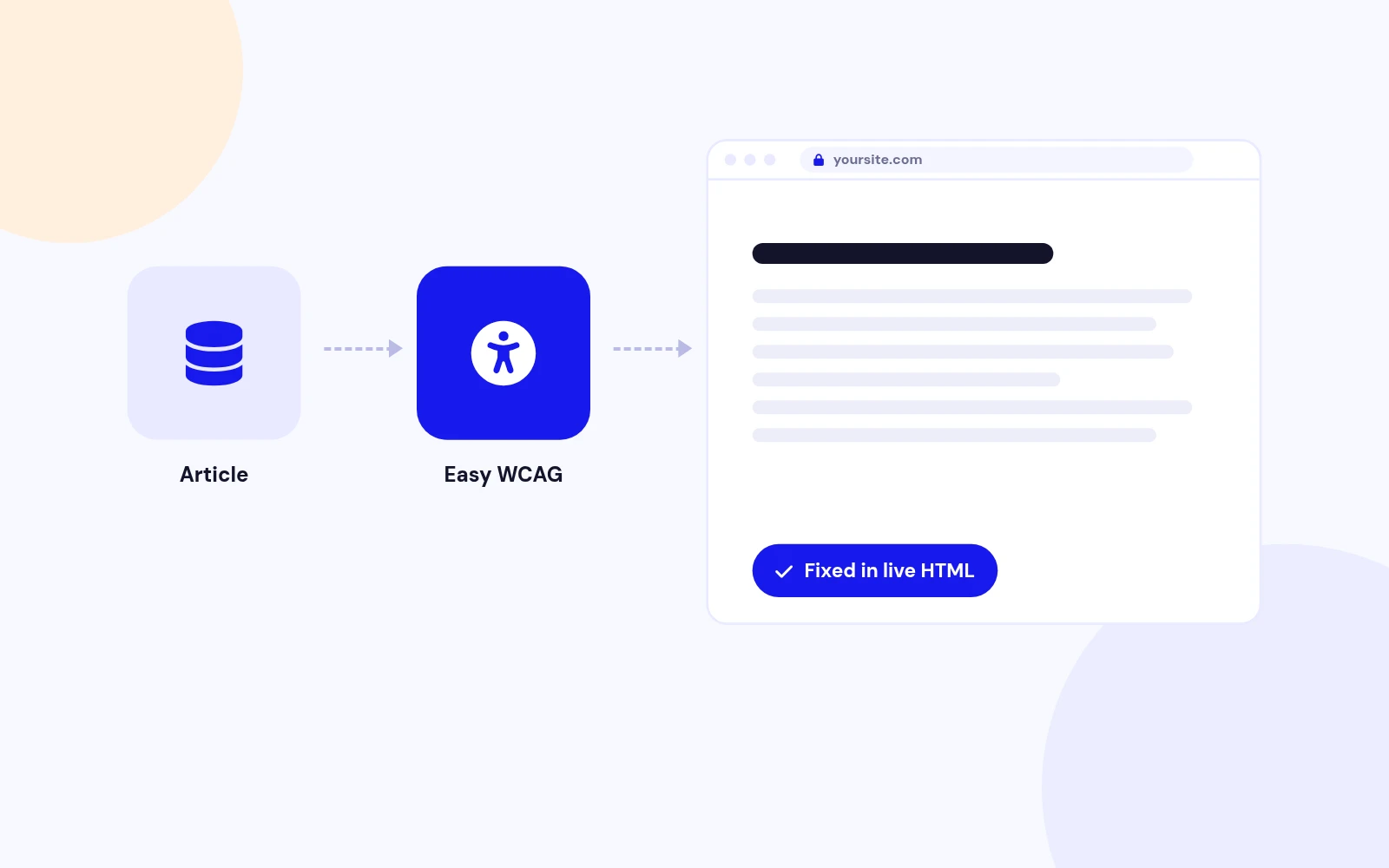
Safe Fixes
Your Articles Stay Untouched
- Fixes are applied to the page as it's served, never to your saved content. Scripts and styles are left alone.
Fix live HTML accessibility gaps. Audit what still needs a human. No overlay.
Features
Fourteen feature areas, one install package for Joomla 4, 5 and 6.
Safe Fixes
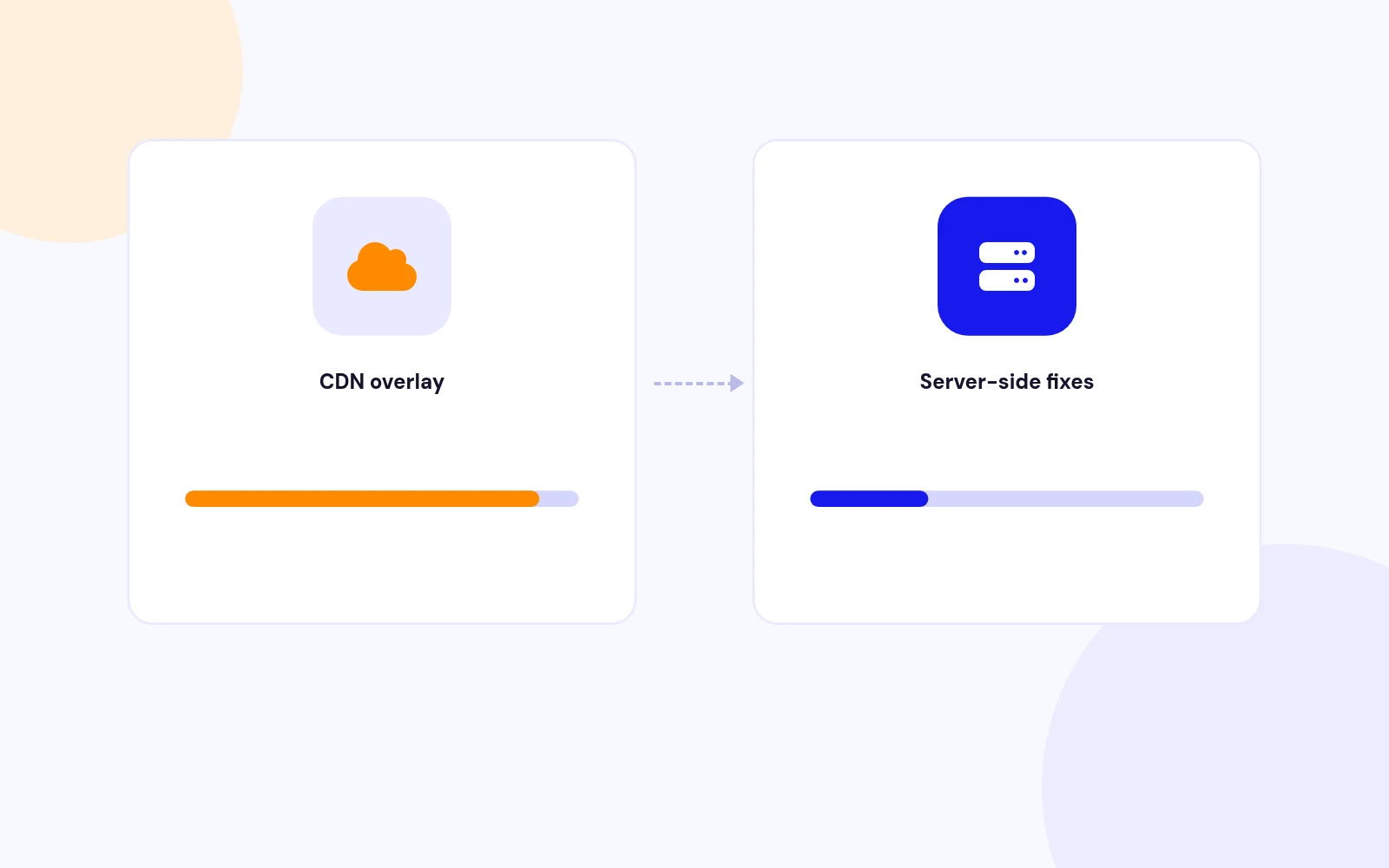
PageSpeed Friendly
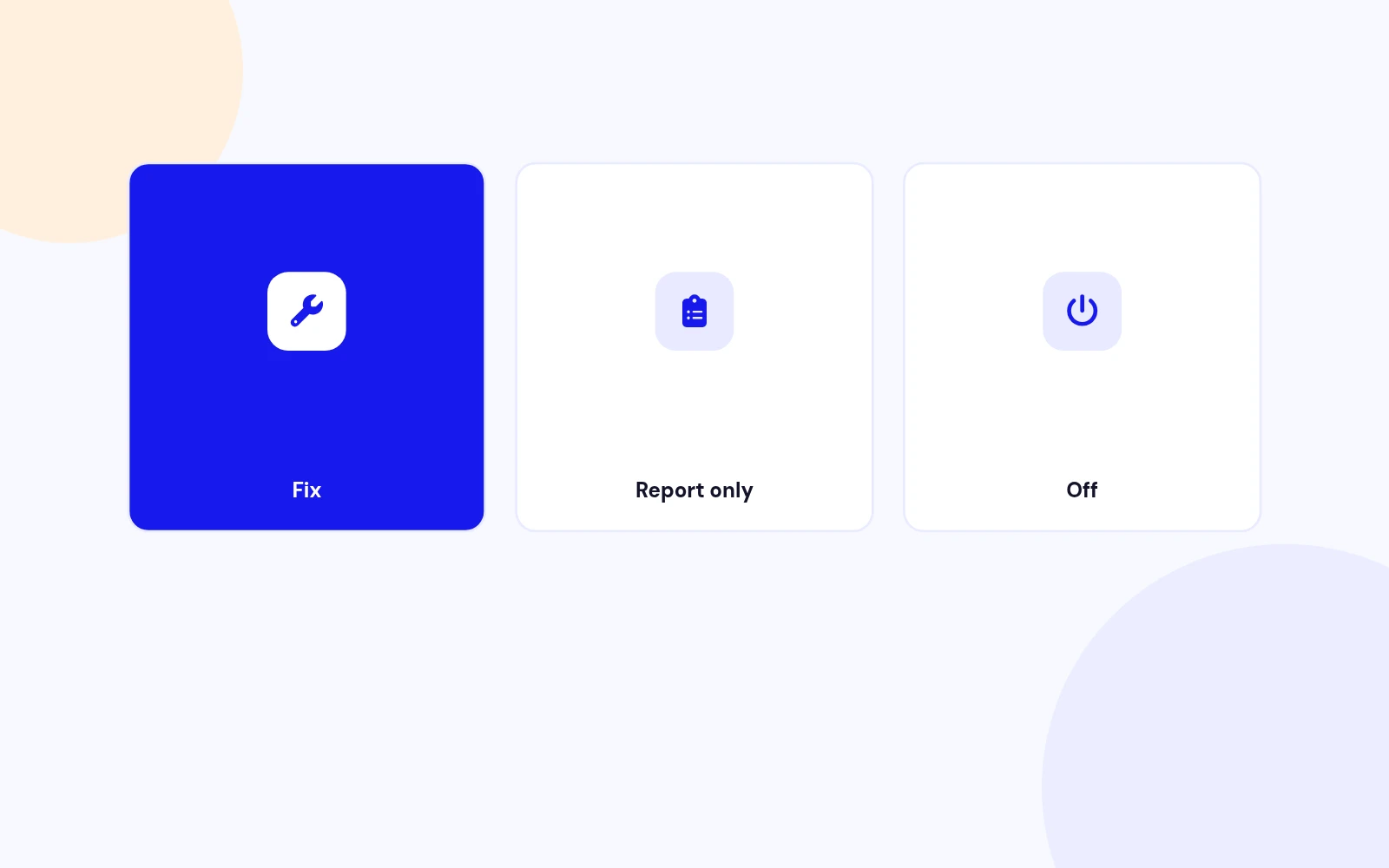
Two Modes
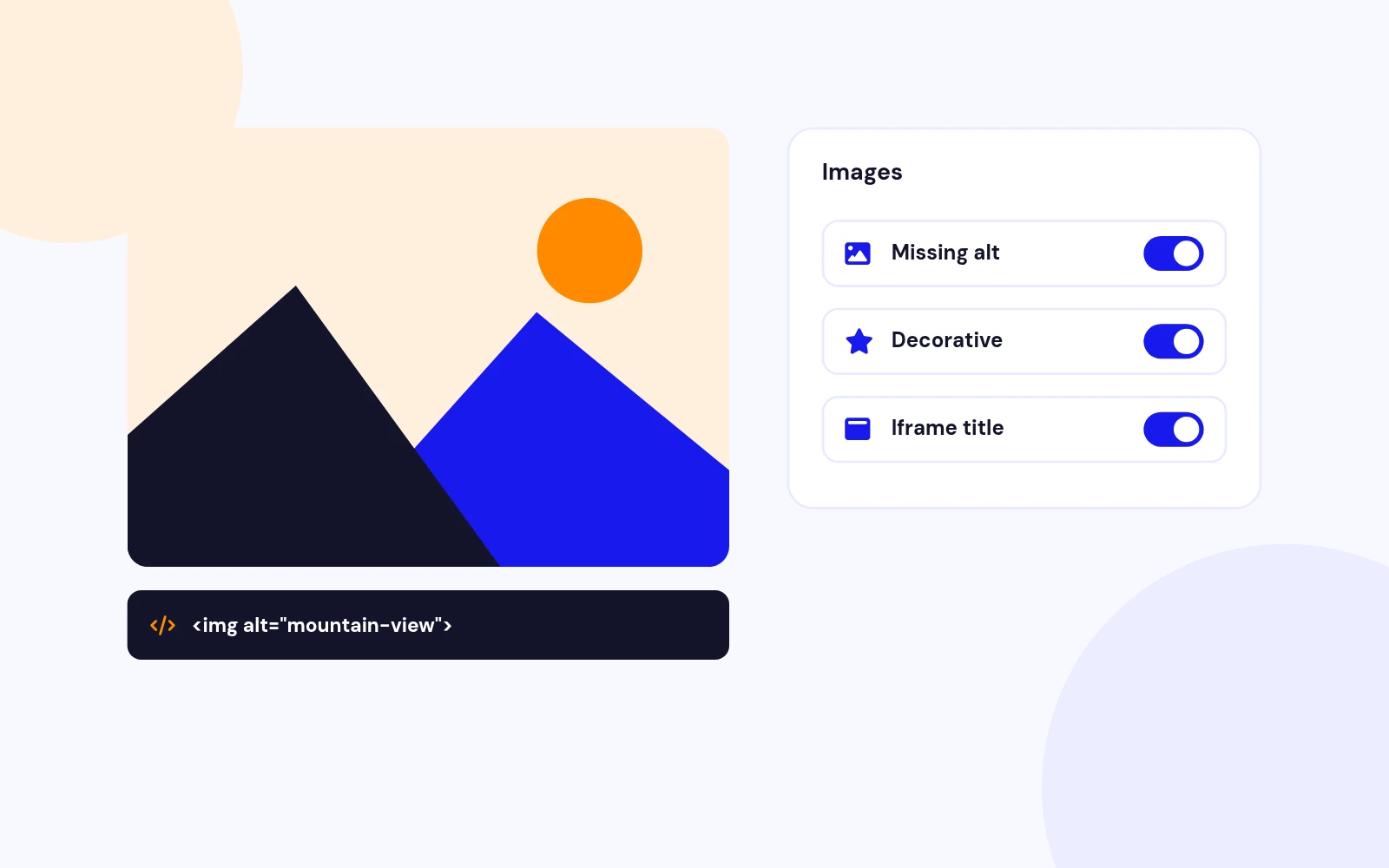
Images
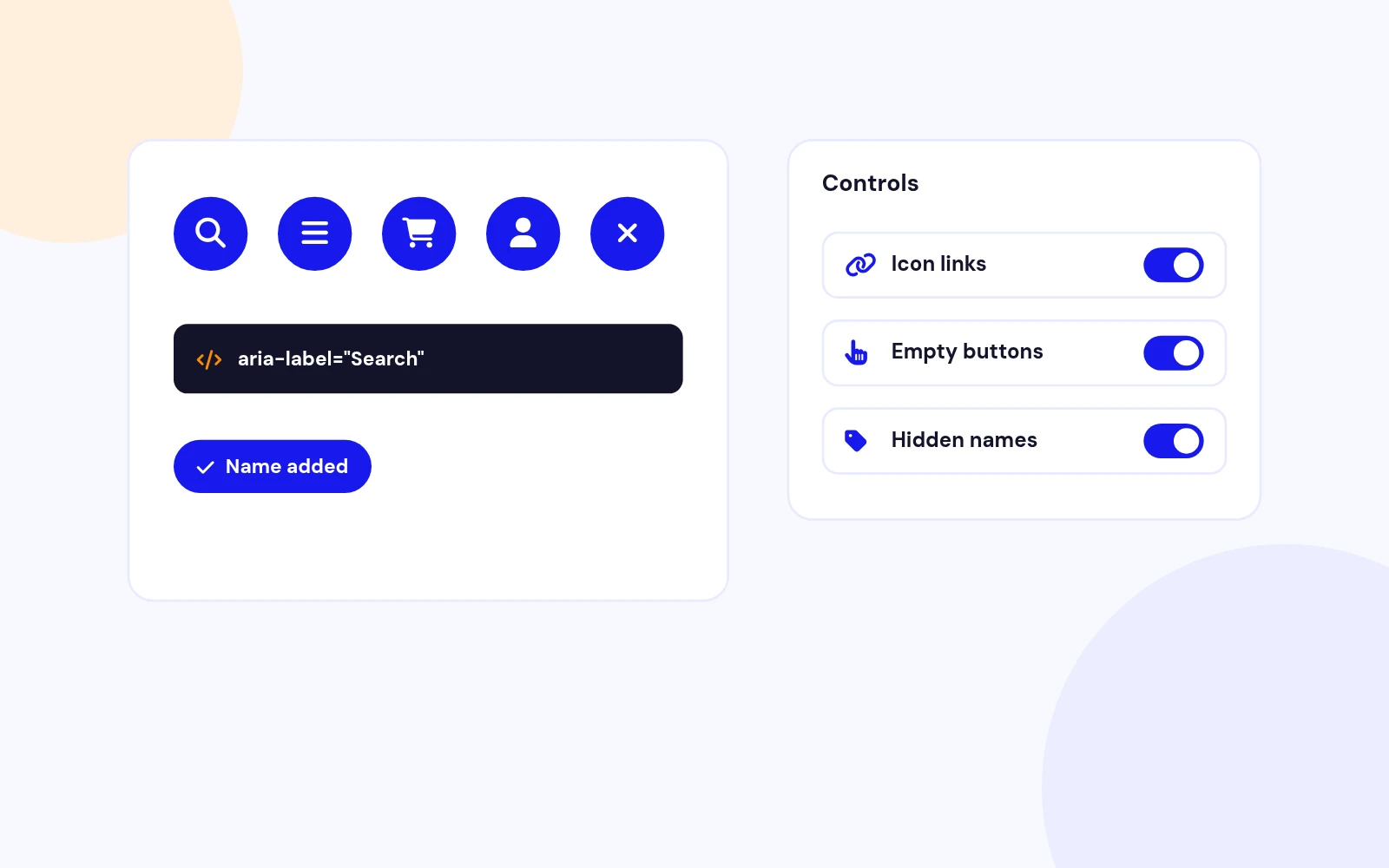
Links and Buttons
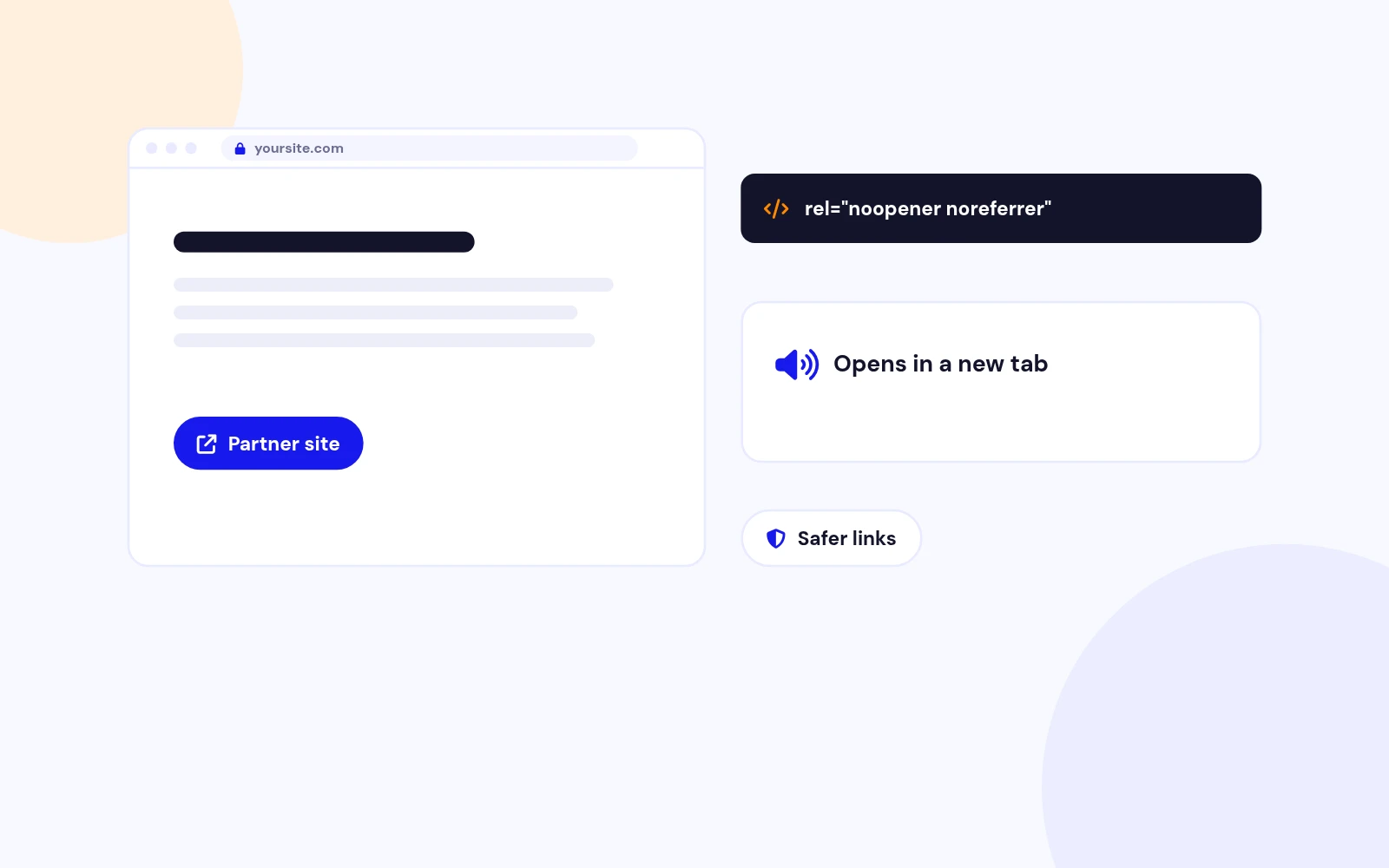
New Tabs
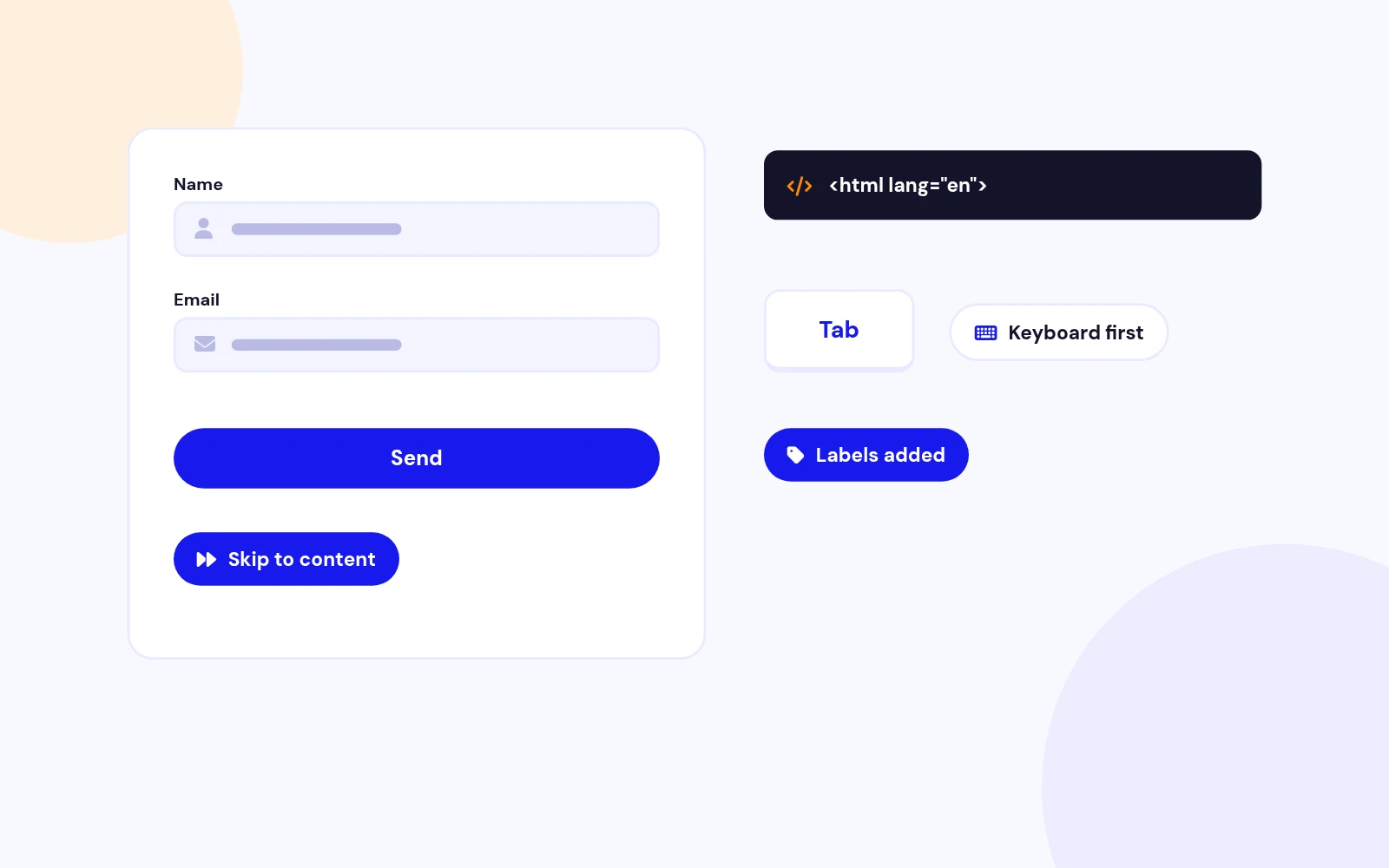
Keyboard First
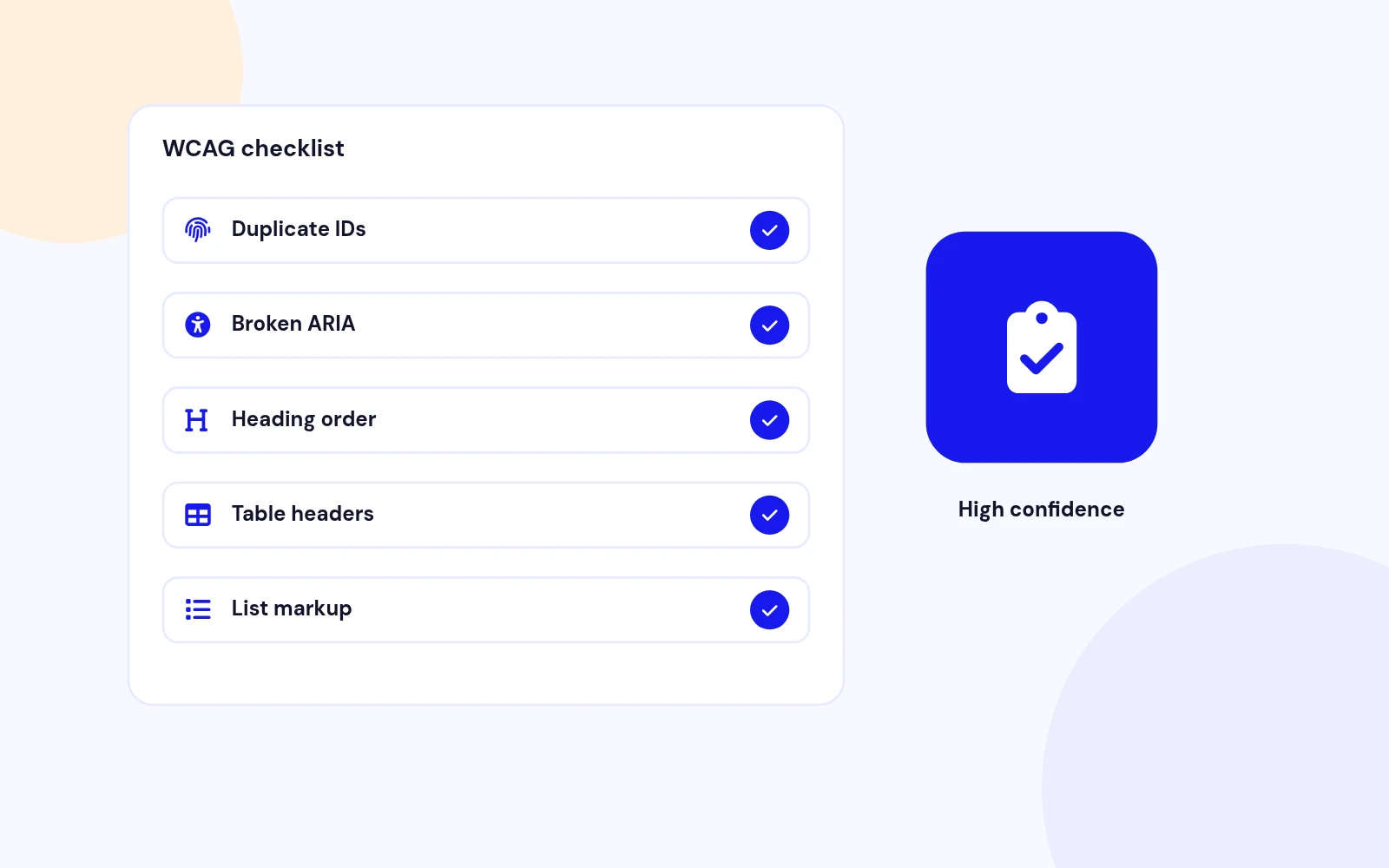
Checklist
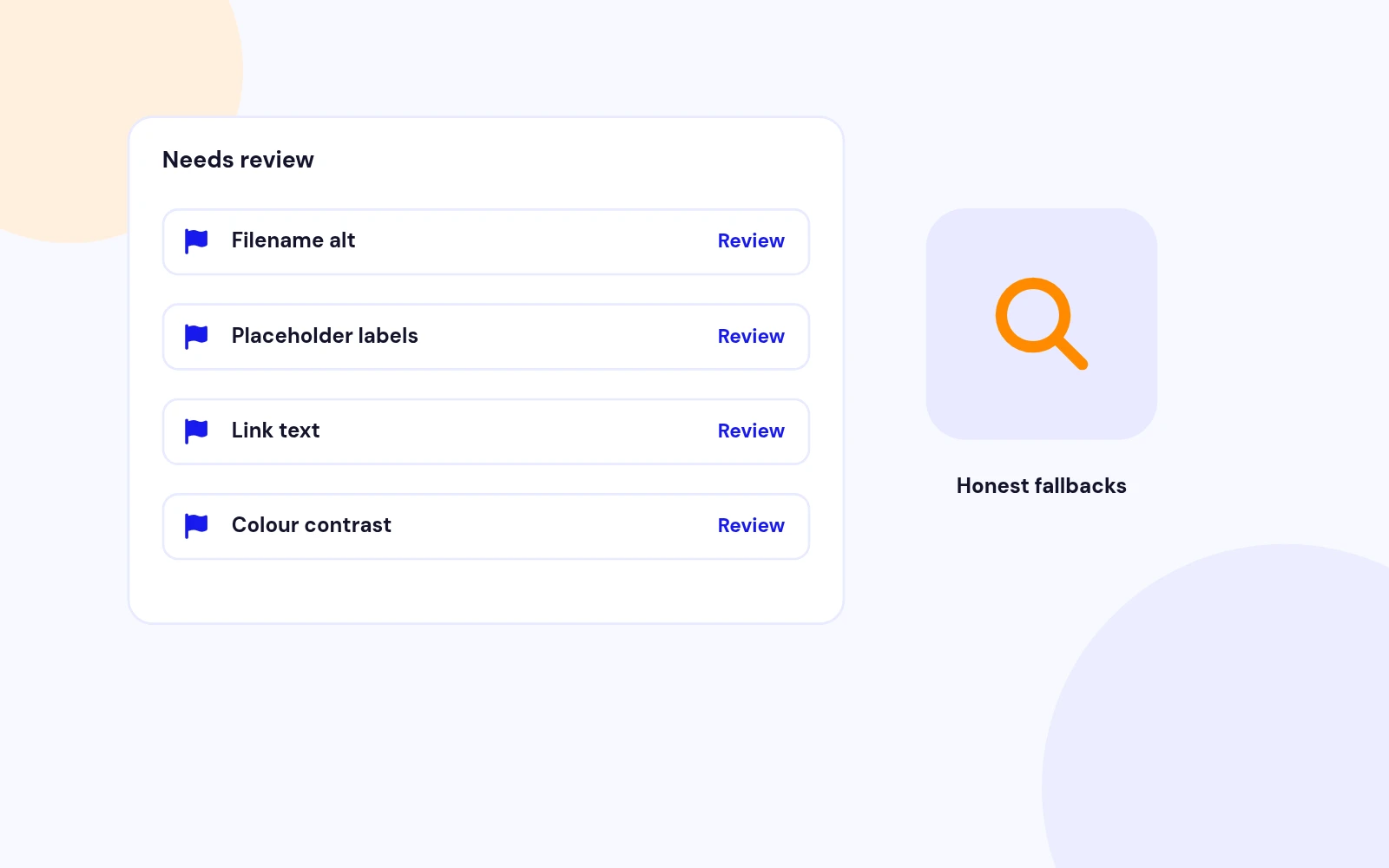
Needs Review
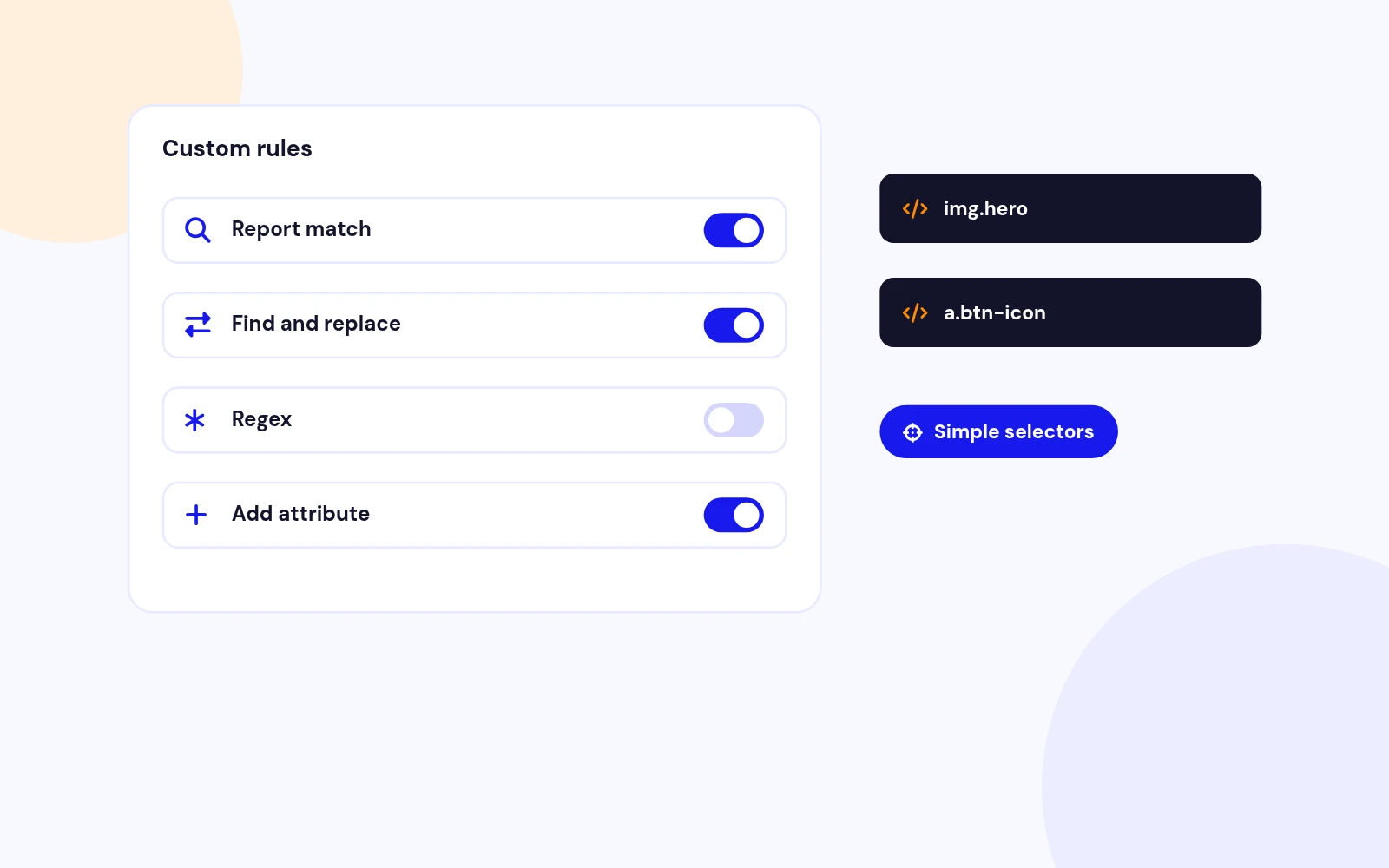
Custom Rules
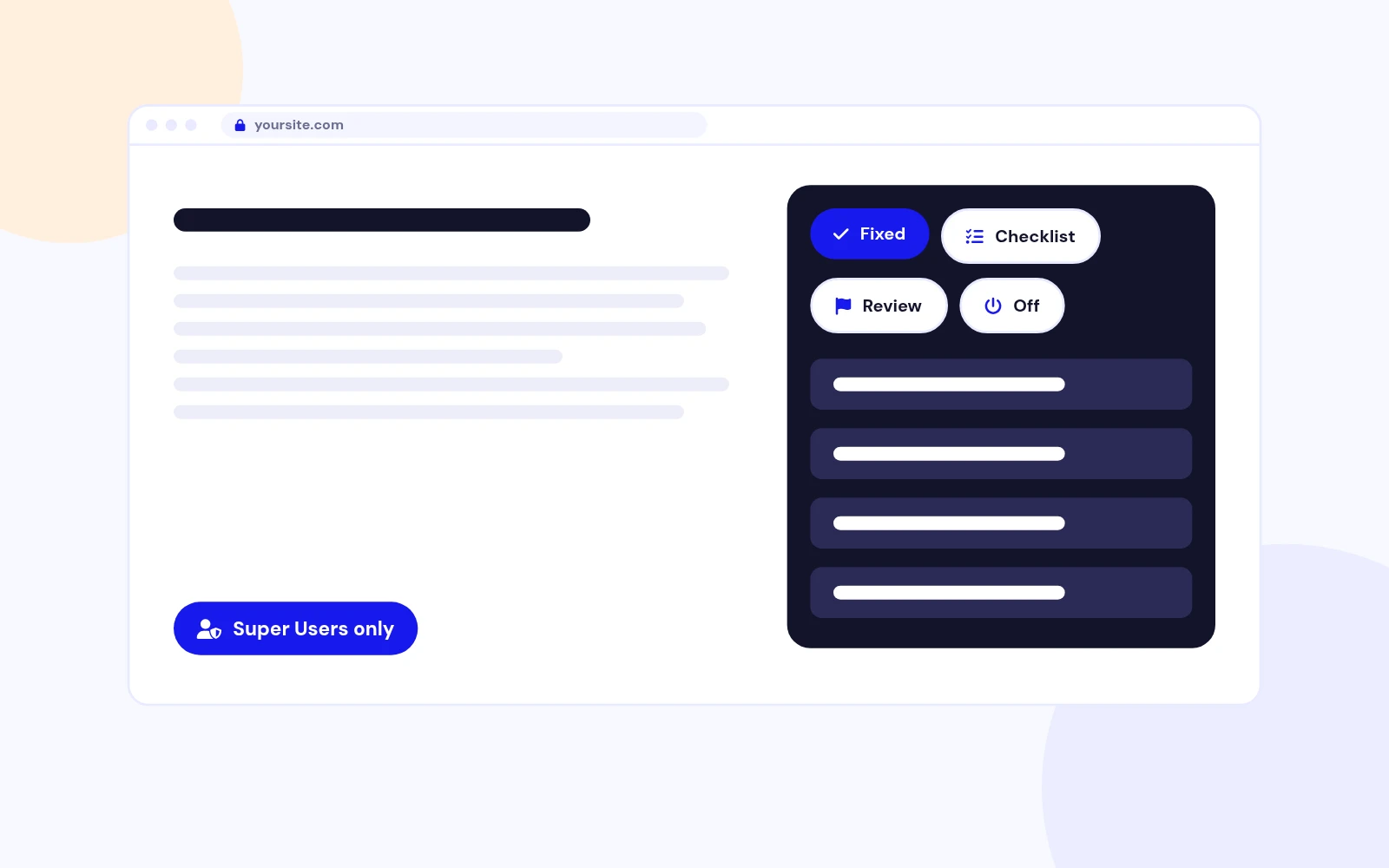
On-Page Report
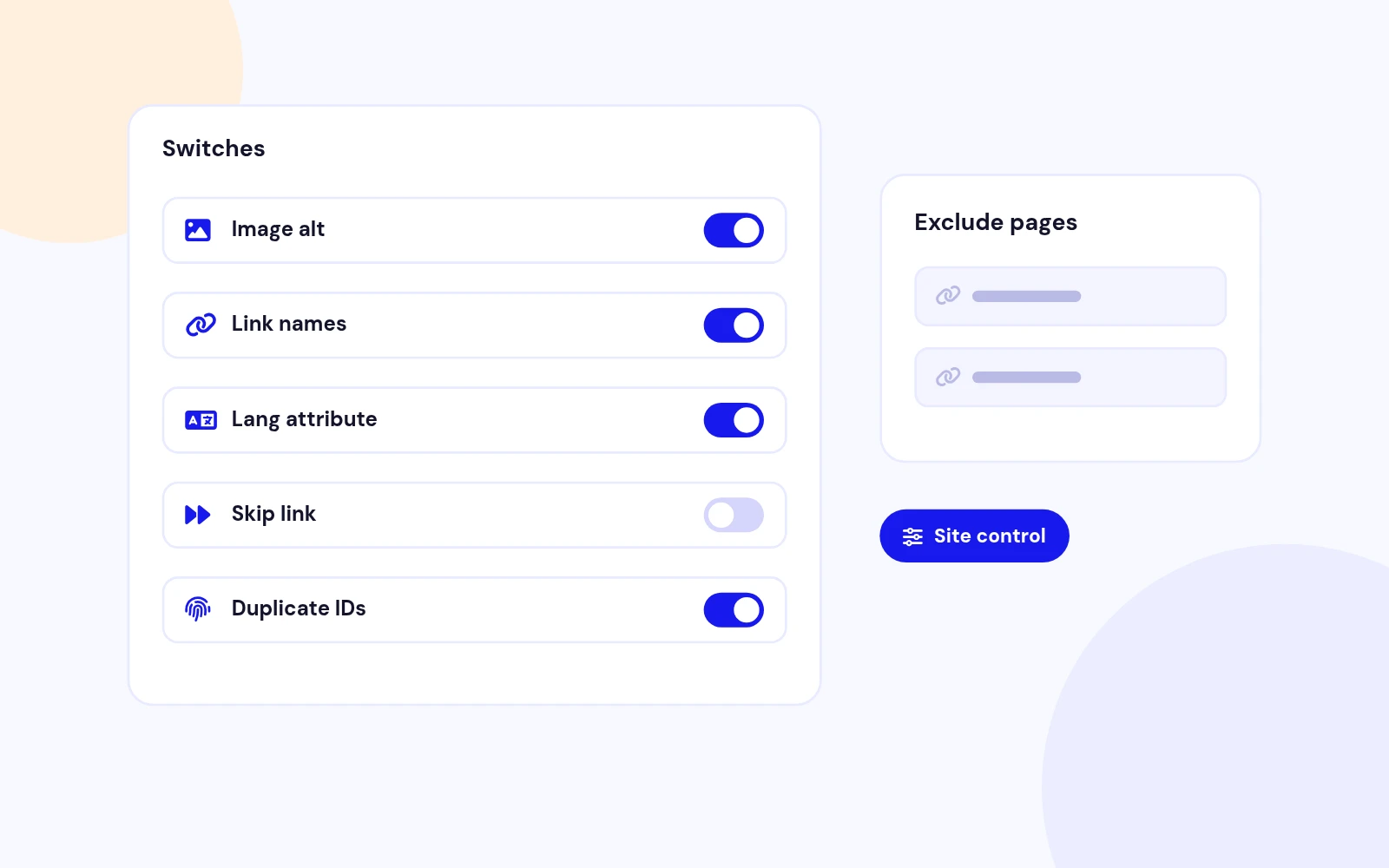
Full Control
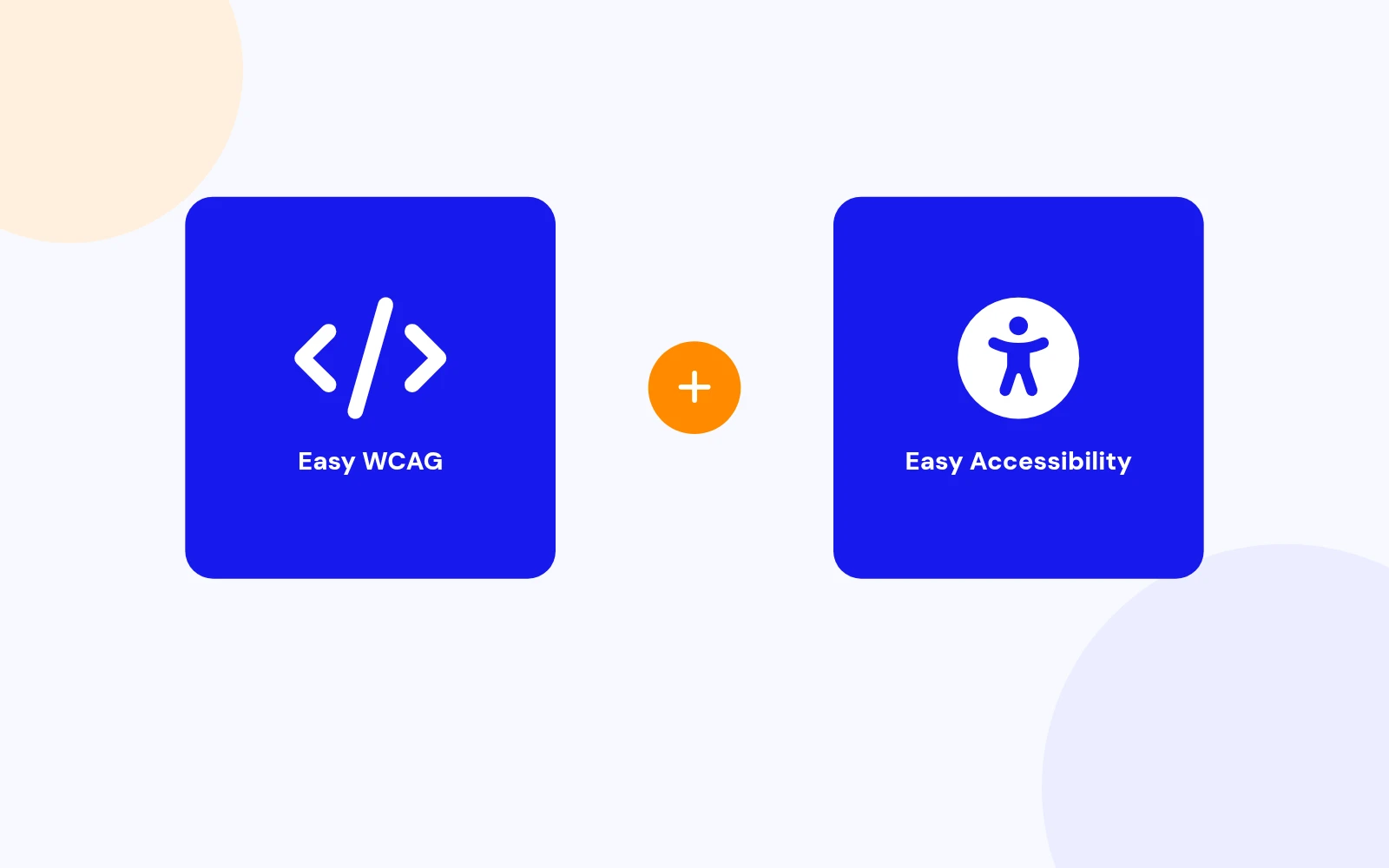
Better Together
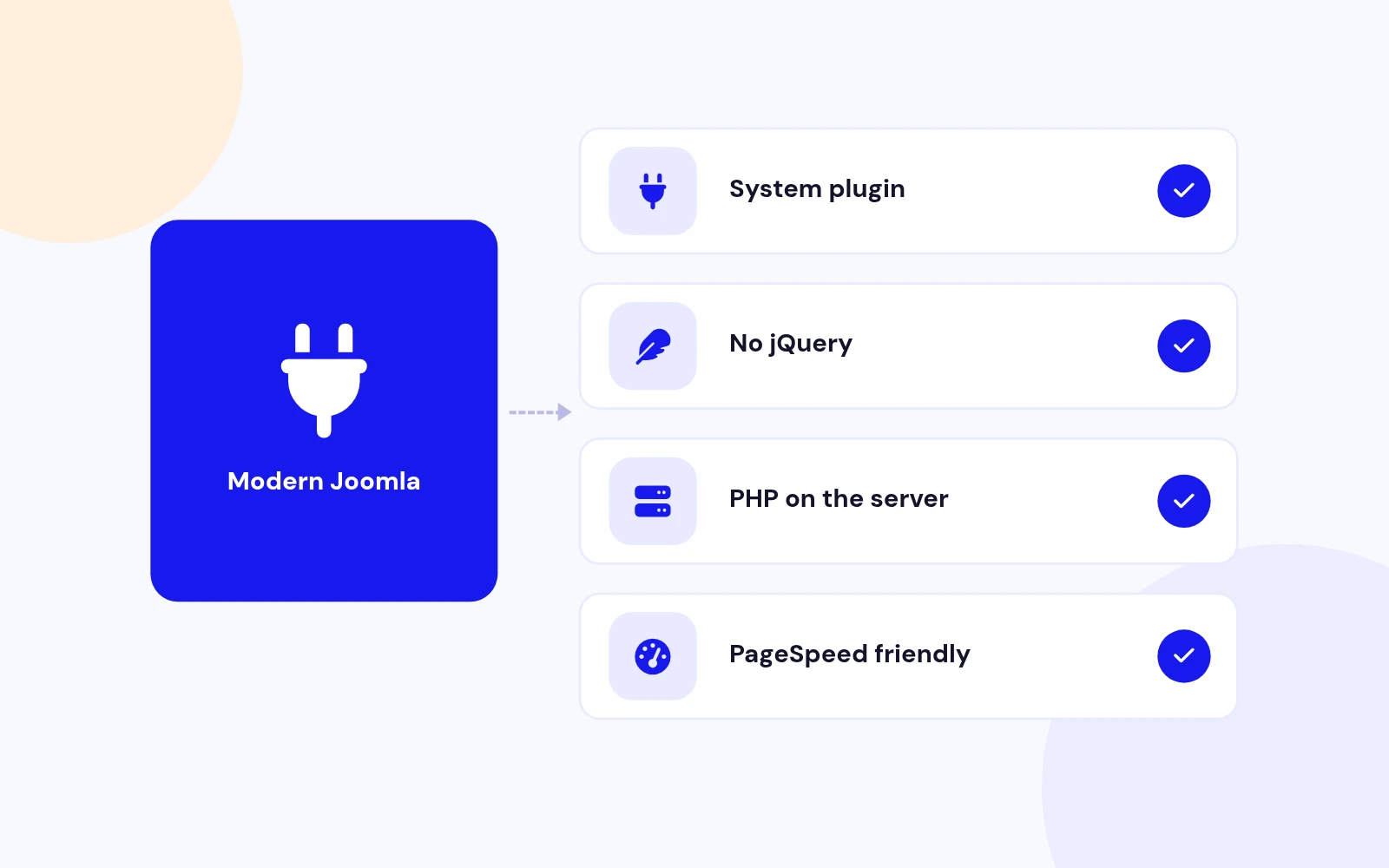
Future-Proof
Changelog
5 releases since version 1.0.0. Updates install from the Joomla admin with a valid licence.
Docs & setup
Written guides for installing and configuring Easy WCAG, from first setup to the options that matter.
Pricing
Save more as you scale — longer access means a bigger discount.
30-day money-back guarantee
30-day money-back guarantee
30-day money-back guarantee
30-day money-back guarantee
Why buy here
All-access bundle
Get all 126 extensions, new releases, ongoing updates and full-time support. Bought one by one, a year of updates for every extension costs over $4,700.
Ideal for small projects and personal sites
$249/ 6 months
Save 91% · $2,900+ value
30-day money-back guarantee
Best for growing businesses and web agencies
$349/ 1 year
Save 92% · $4,700+ value
30-day money-back guarantee
For professional developers and multi-client agencies
$749/ one-time
Pay once · keep forever
30-day money-back guarantee
FAQ
Still unsure? Our support team is one ticket away.
Easy WCAG supports Joomla 4, 5, and 6. PHP 8.1 or later is recommended.
It fixes common accessibility gaps in the HTML Joomla sends to the browser: missing language, missing image alt, iframe titles, empty links and buttons, new-window safety, unlabelled inputs, and a skip-to-content link when a main landmark exists. It also runs a checklist for duplicate IDs, broken ARIA, unnamed controls, heading outline, and title or language problems. You can add your own report or replace rules.
Overlays load a remote visitor script on every page, which can slow Google PageSpeed and still leave the HTML broken. Easy WCAG runs on your server, changes only the live response, and never phones home. Pair it with Easy Accessibility if you also want a visitor preference toolbar that you can sort and recolour.
No. Fixes apply only to the HTML sent to the browser. Articles in the database stay as you saved them.
No. Easy WCAG does not claim WCAG AA or any certification. It covers a focused set of mechanical gaps and reports what still needs a human. Heading order, contrast, keyboard traps, and meaningful alt still need a real review.
Fix rewrites the response HTML. Report only leaves the HTML unchanged and still lists what would have changed. Super Administrators can turn on the debug panel to see Fixed, Checklist, Needs review, and Switched off on the page they visit.
Open System > Plugins > System - Easy WCAG and turn Super User debug panel to Yes. Log in as Super Administrator and visit the frontend. A panel lists fixes and checklist findings. Visitors never see it. You can also view source for the HTML comment, or turn on Mark fixes.
Yes. Every fix rule and every checklist item has its own switch. You can also exclude components, URL fragments, menu items, or simple selectors when a page or tag should stay untouched.
Yes. In plugin settings you can report a match, find and replace, use a regex, or add an attribute on matching tags. Developers can add extra PHP rules without forking the plugin.
When alt is missing, Easy WCAG uses the filename (for example hero-banner.jpg becomes "Hero banner"). Decorative images get empty alt. Intentional empty alt is left alone unless Fill empty alt is on. Filename alt is also listed under Needs review so you can check the wording.
It uses surgical tag edits and skips script, style, and similar blocks. If a page still misbehaves, exclude the component, URL, menu item, or selector, or turn off that rule.
No. Easy WCAG is a PHP system plugin. It does not load a frontend overlay, jQuery, or any remote script.
Use both when you want safer HTML plus visitor preferences. Easy WCAG fixes and audits the response. Easy Accessibility is the customizable visitor toolbar (sort, remove, recolour) without a CDN overlay.
Download EasyWcag_UNZIP.zip. Unzip it, then install the install package (the .zip inside your download) from System > Install > Extensions.
Visit support.joomlax.com. Include your Joomla version, PHP version, page URL, and whether Mode is Fix or Report only.
More like this

Module + Plugin
Joomla Extension to Disable Right Click on Mouse
v2.6.1 6,022 downloads
From $9


Plugin + Component
Code Highlighter Plugin for Joomla
v2.2.1 3,537 downloads
From $9


Plugin
Plugin to Include Javascript or CSS files to Joomla
v2.1.1 10,538 downloads
Free


Module
Show Joomla Modules and Articles Randomly in a Position
v1.5.1 3,128 downloads
From $19


Plugin
Joomla plugin for typewriter text effect with adjustable speed and cursor.
v1.4.1 4,412 downloads
From $9