Trusted by over 100k+ users
4.9
Plugin
Utilities

Easy WCAG

Fix live HTML accessibility gaps. Audit what still needs a human. No overlay.

5.0 3.4K+ downloads v1.1.0

30-day money-back guarantee

Works with
Joomla 4 Joomla 5 Joomla 6
Easy WCAG

What can Easy WCAG do for you?

Product features

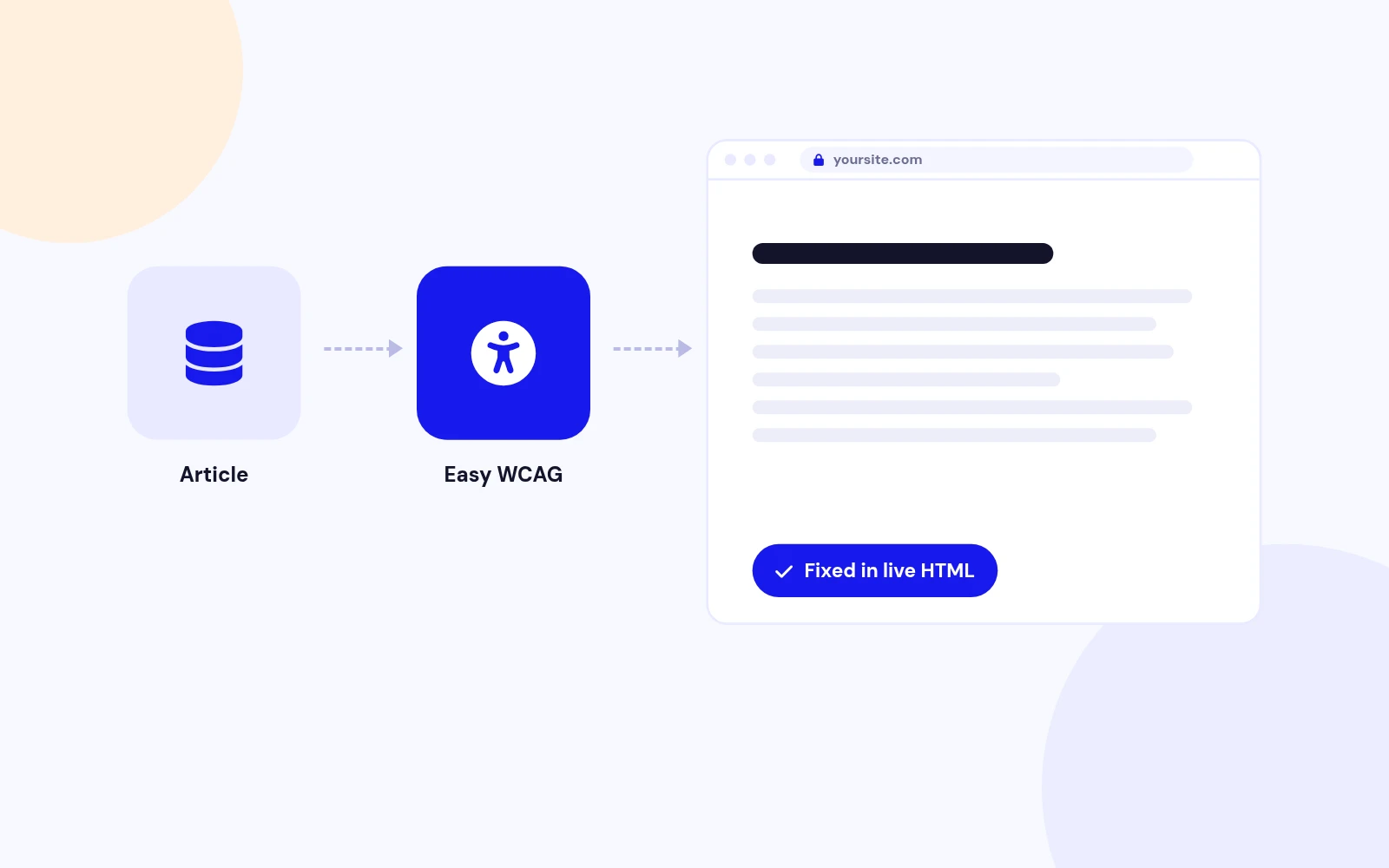
Easy WCAG fixes common accessibility gaps in the HTML Joomla sends to the browser, then reports what still needs a human. Add your own rules. Super Administrators can see every fix on the page they visit. Article source stays unchanged. No overlay, no CDN, and no hit to Google PageSpeed from a visitor widget.

Use Fix mode on production, or Report only while you inspect. Pair it with Easy Accessibility when visitors need their own text size, contrast, or Read Mode. It does not claim WCAG AA certification.

Articles Stay Untouched

Live HTML, Not Source

After the page is built
Fixes apply to the HTML sent to the browser, not to the article in the database.

Surgical edits
Only matched tags change. Scripts and styles are left alone.

Self-hosted
No overlay widget, no CDN, no visitor tracking.

Better For PageSpeed

Faster Than Overlays

No visitor script
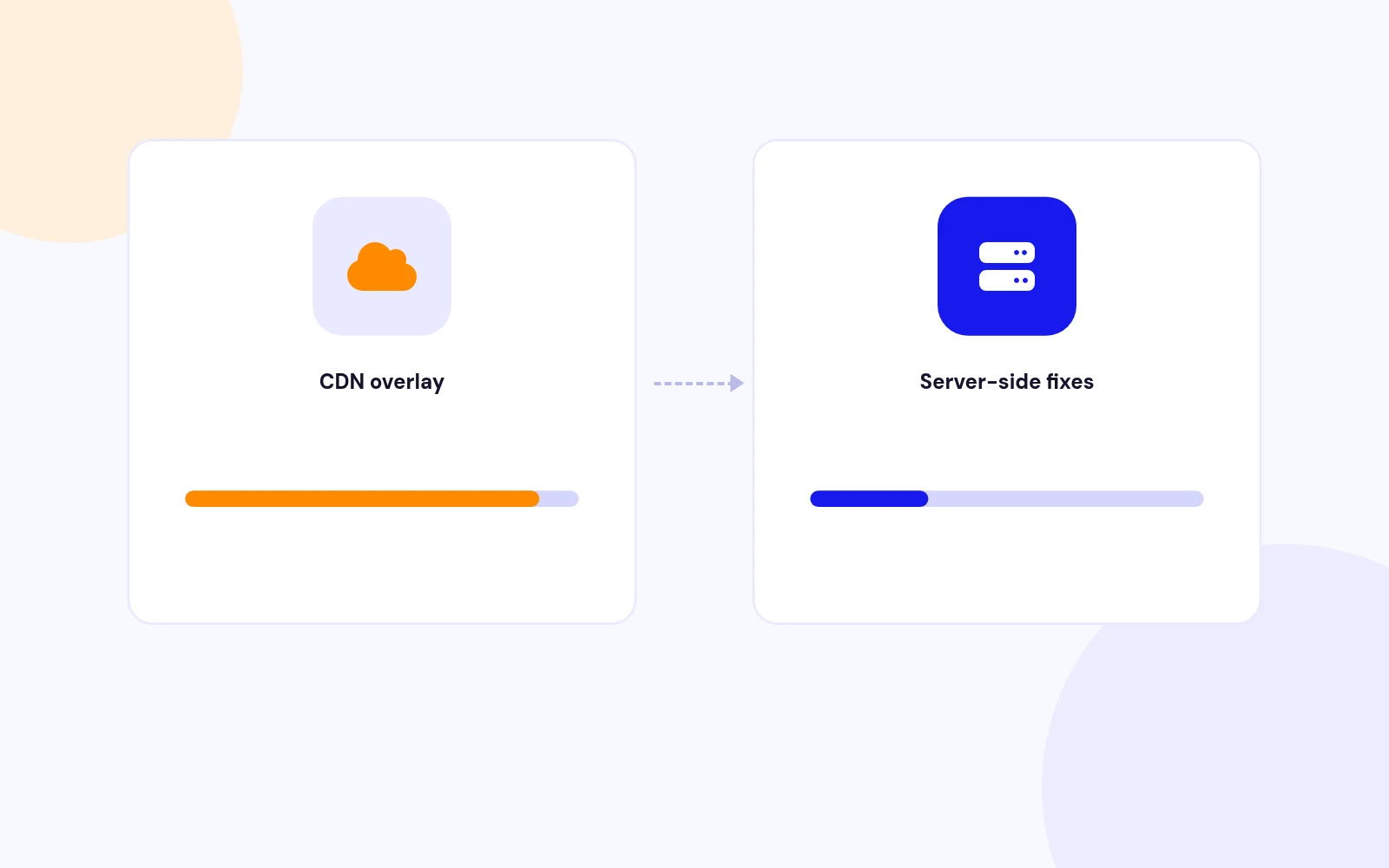
CDN overlays load remote code on every page and slow Google PageSpeed.

Server-side only
Easy WCAG runs on your Joomla site. Visitors get cleaner HTML, not another widget.

No phone-home
Nothing is sent to a third-party accessibility network.

Three Modes

Fix or Report

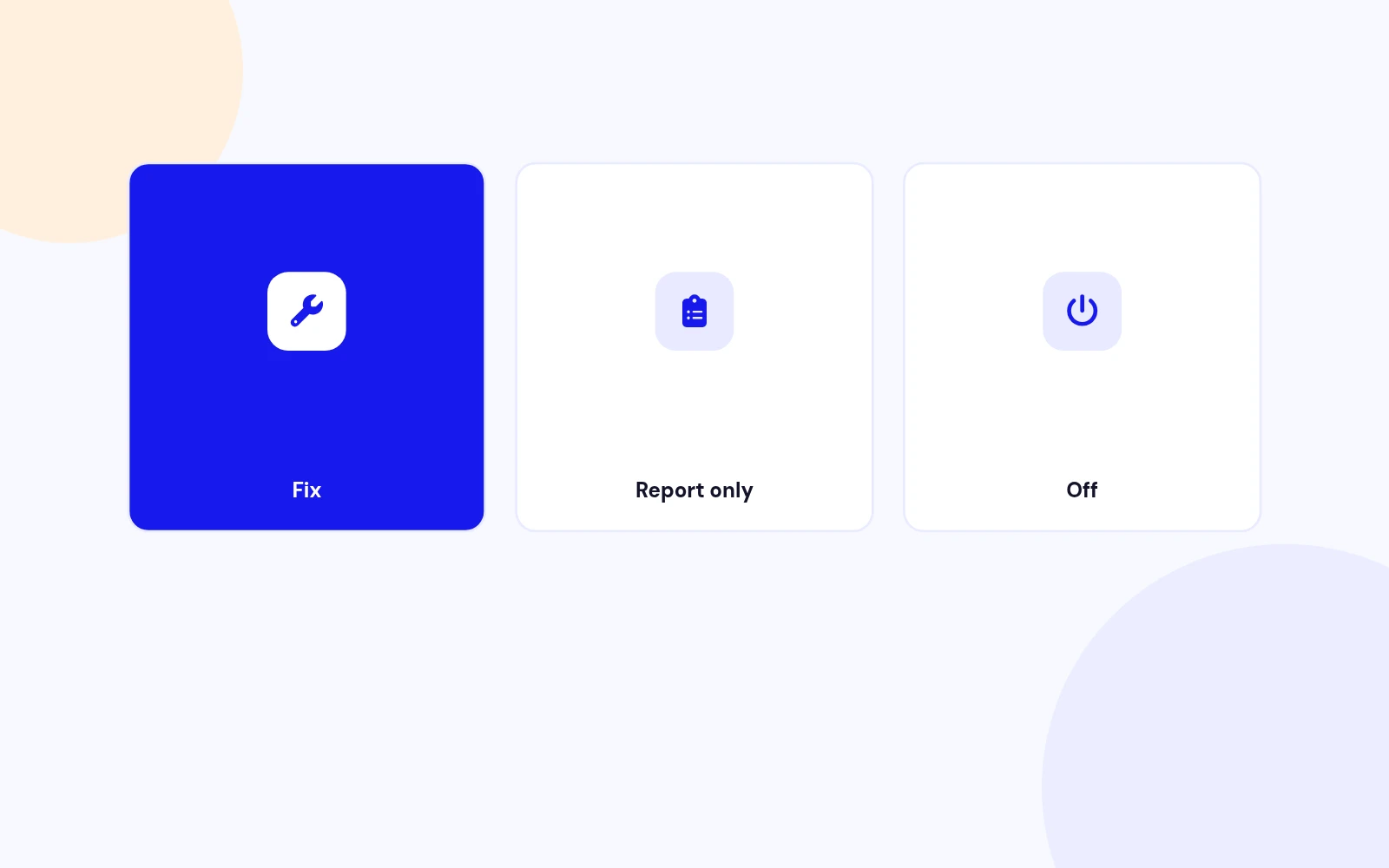
Fix
Apply the selected rules before the page reaches the browser.

Report only
See what would change without rewriting the HTML.

Off
Pause processing without uninstalling.

Alt and Title

Images and Iframes

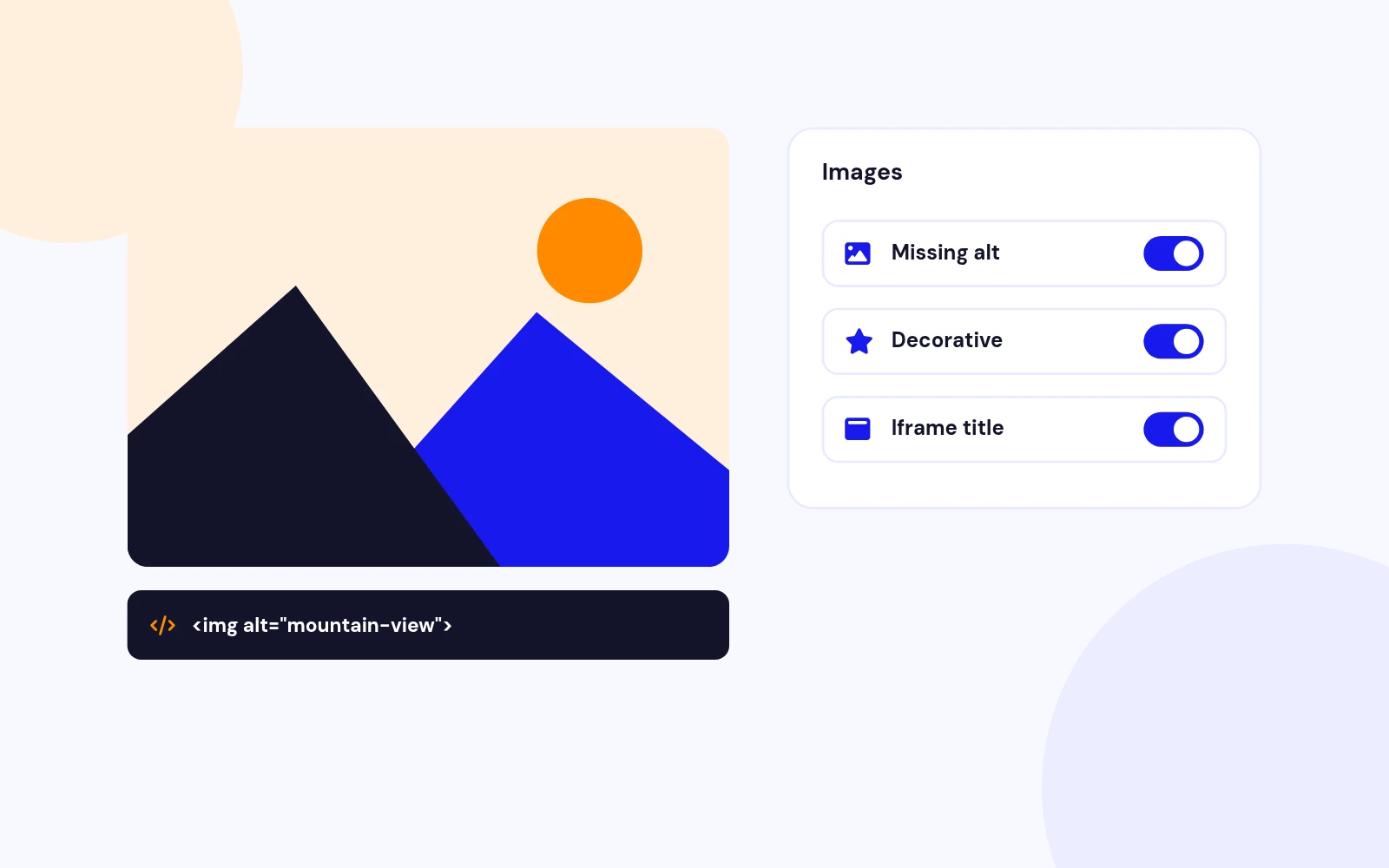
Missing alt
Adds alt from the filename when the attribute is absent.

Decorative
Logo, icon, and hidden images get empty alt.

Iframe title
Uses the embed host when possible (YouTube, Vimeo, Maps).

Links and Buttons

Empty Controls

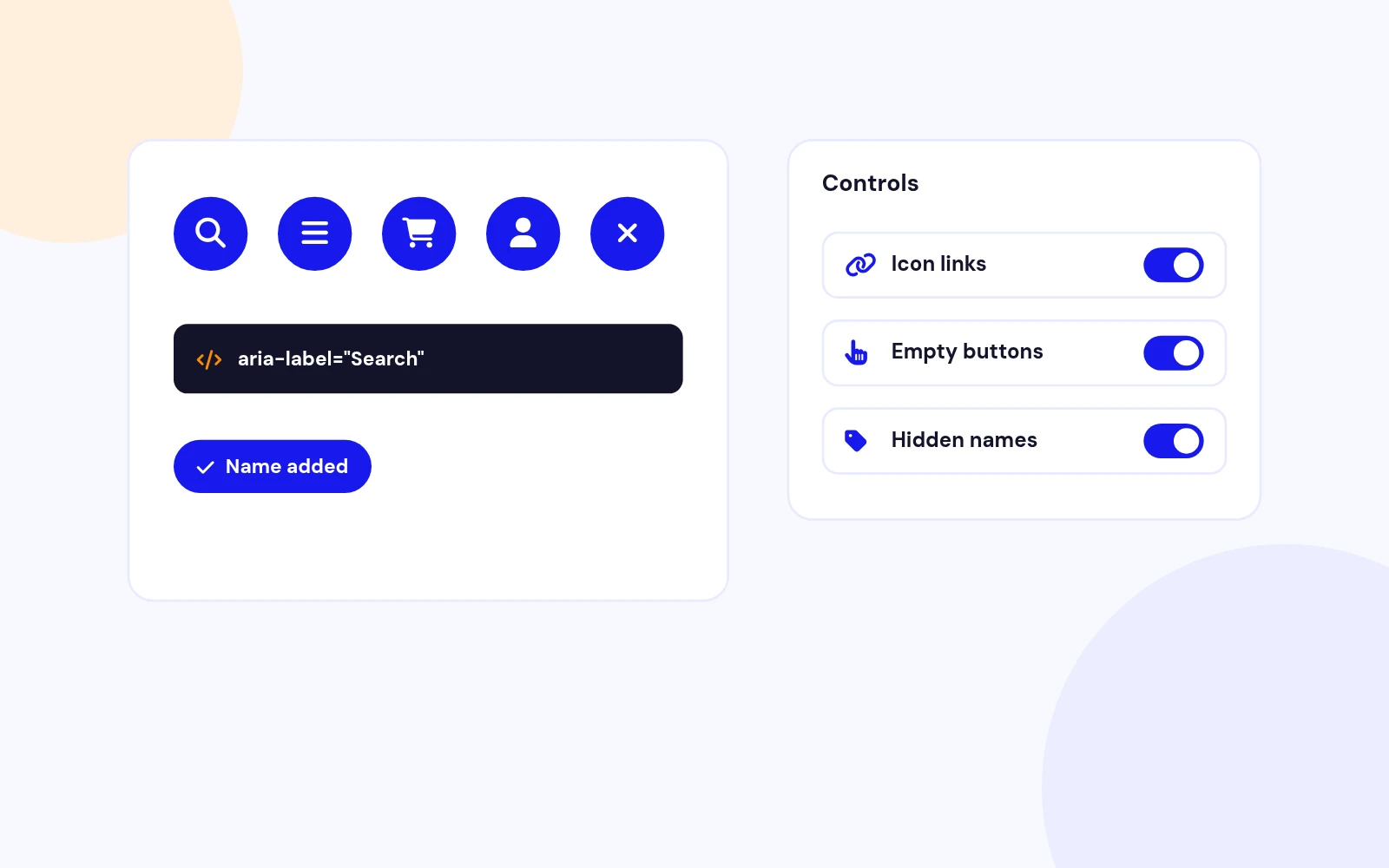
Icon-only links
Adds a name when there is no visible text, title, or image alt.

Empty buttons
Same treatment for buttons with only an icon.

Href-aware labels
Home, email, and phone links get clearer names.

Opens In A New Tab

New Window Safety

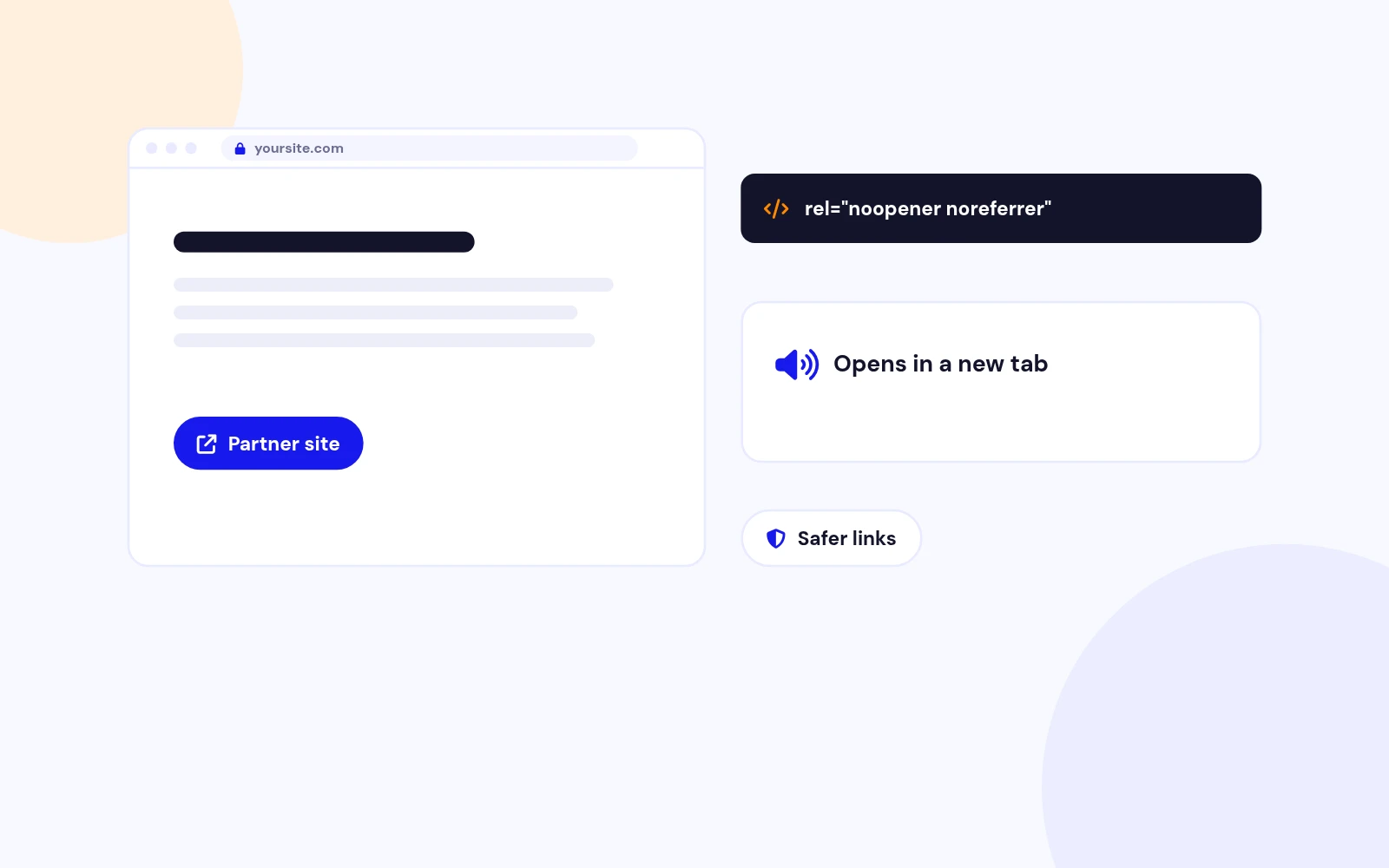
Safer rel
Adds noopener and noreferrer when they are missing.

Screen-reader hint
Announces that the link opens in a new window.

Visible text stays
The hint is hidden on screen unless you already set a label.

Keyboard First

Forms, Lang, Skip

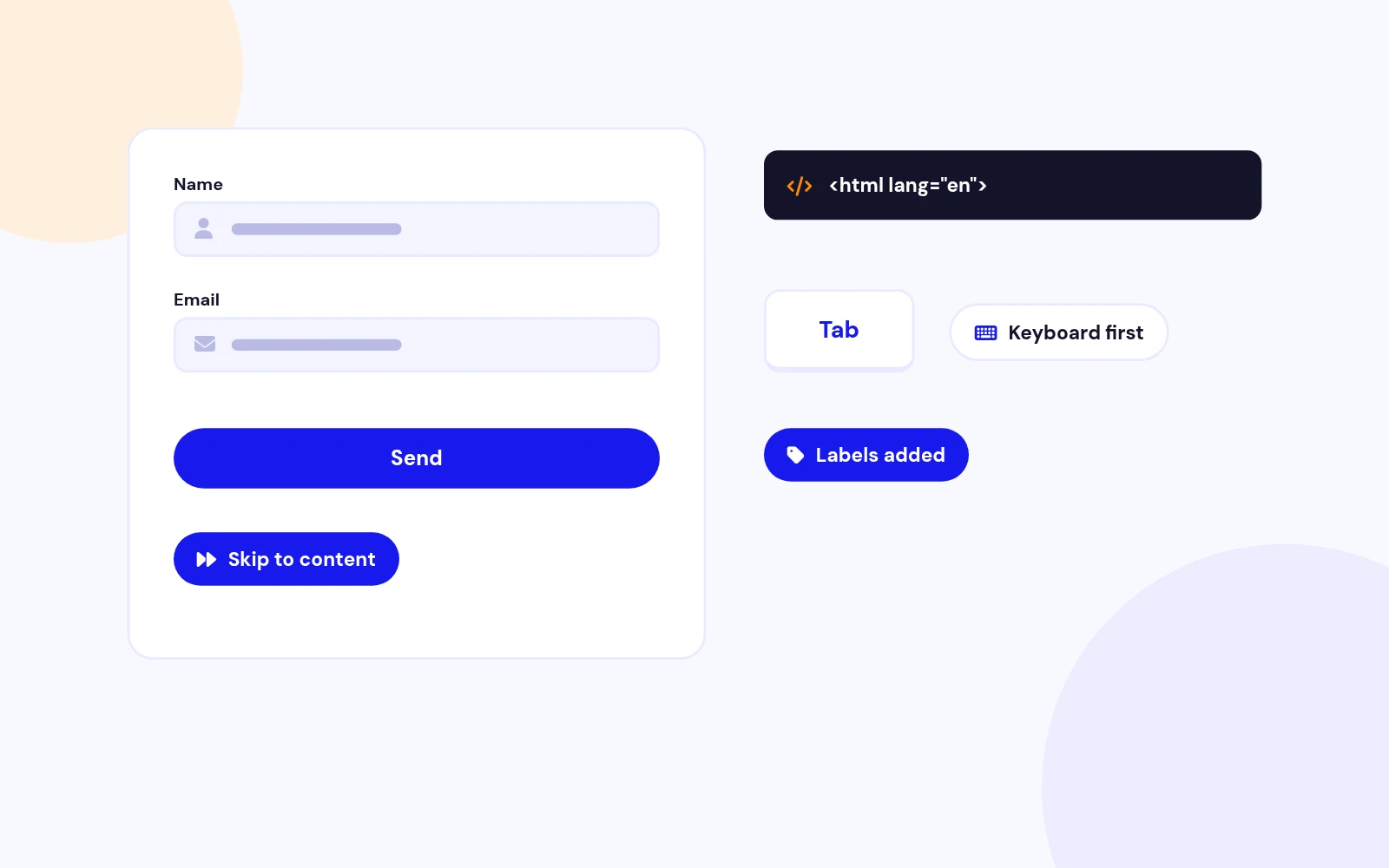
html lang
Sets lang from the active site language when it is missing.

Unlabelled inputs
Adds a name from placeholder or name when no label exists.

Skip to content
Injects a skip link when a main landmark exists and none is present.

High Confidence

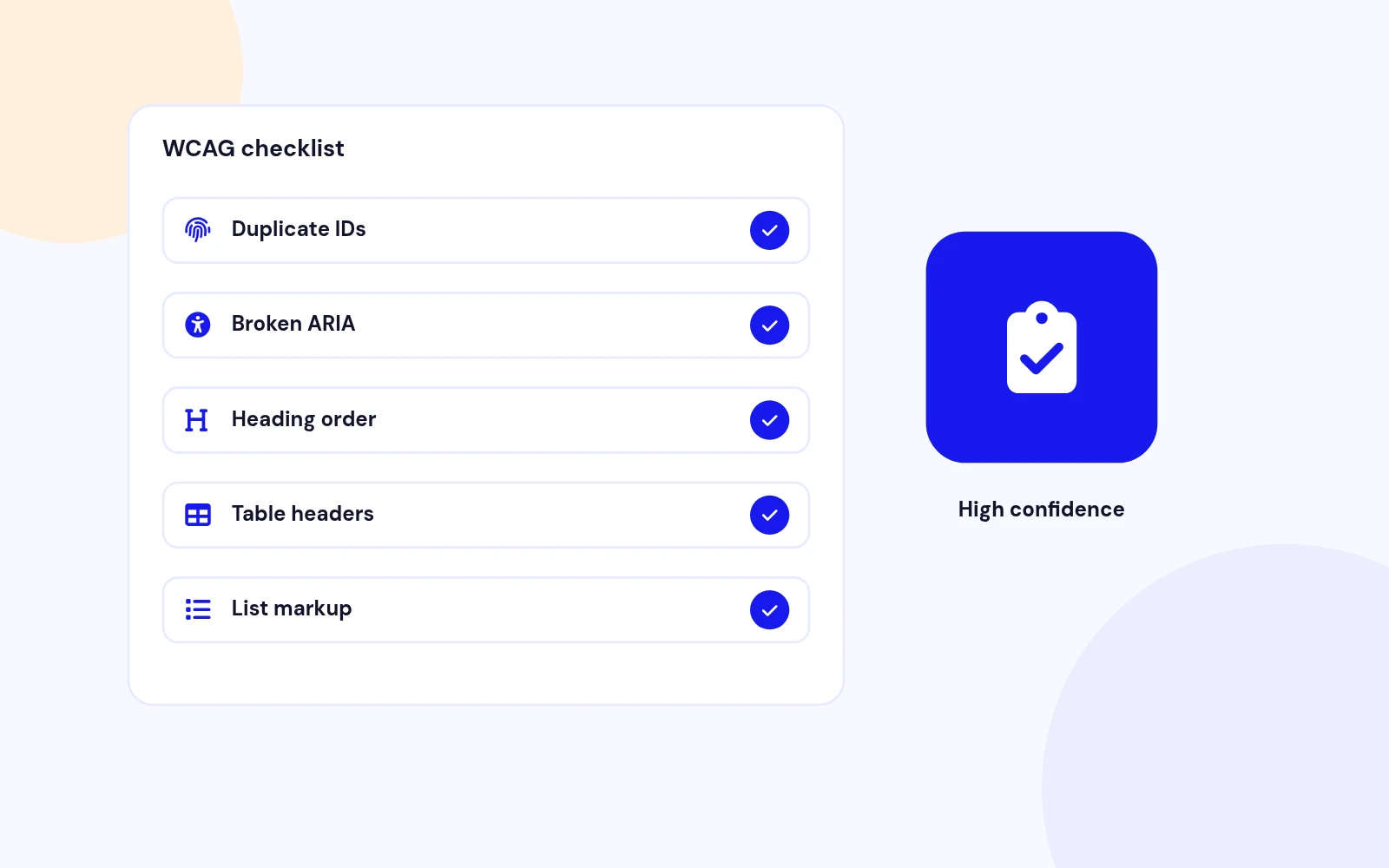
WCAG Checklist

Duplicate IDs
Reported, never renamed.

Broken ARIA
Missing labelledby and describedby targets.

Headings, title, lang
Possible outline issues, empty title, or invalid language.

Honest Fallbacks

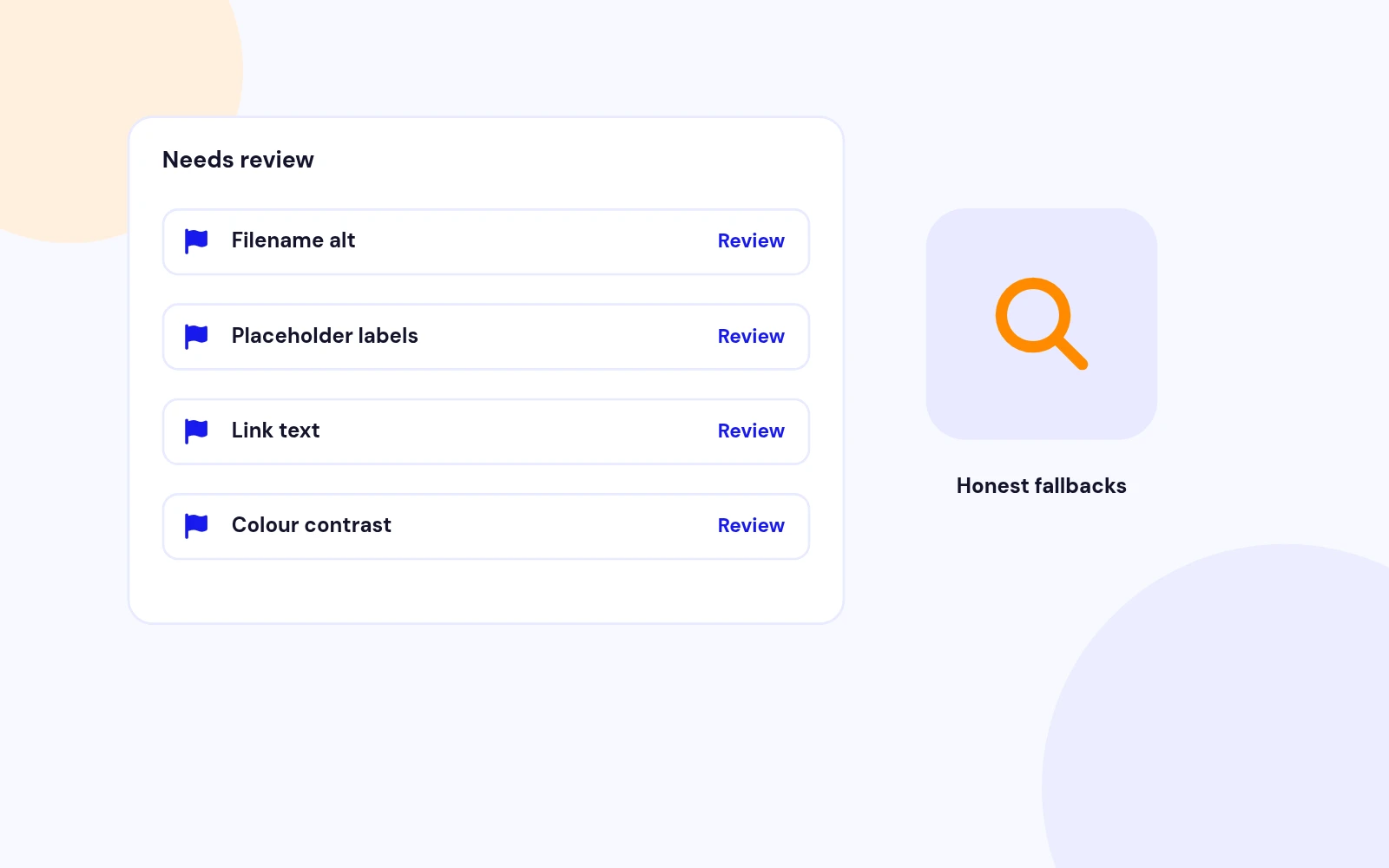
Needs Review

Filename alt
Still added, then flagged so you can check the wording.

Placeholder labels
Useful as a first pass, listed for review.

Generic names
Link or Button fallbacks are called out clearly.

Report, Replace, Or Fix

Your Own Rules

Plugin settings
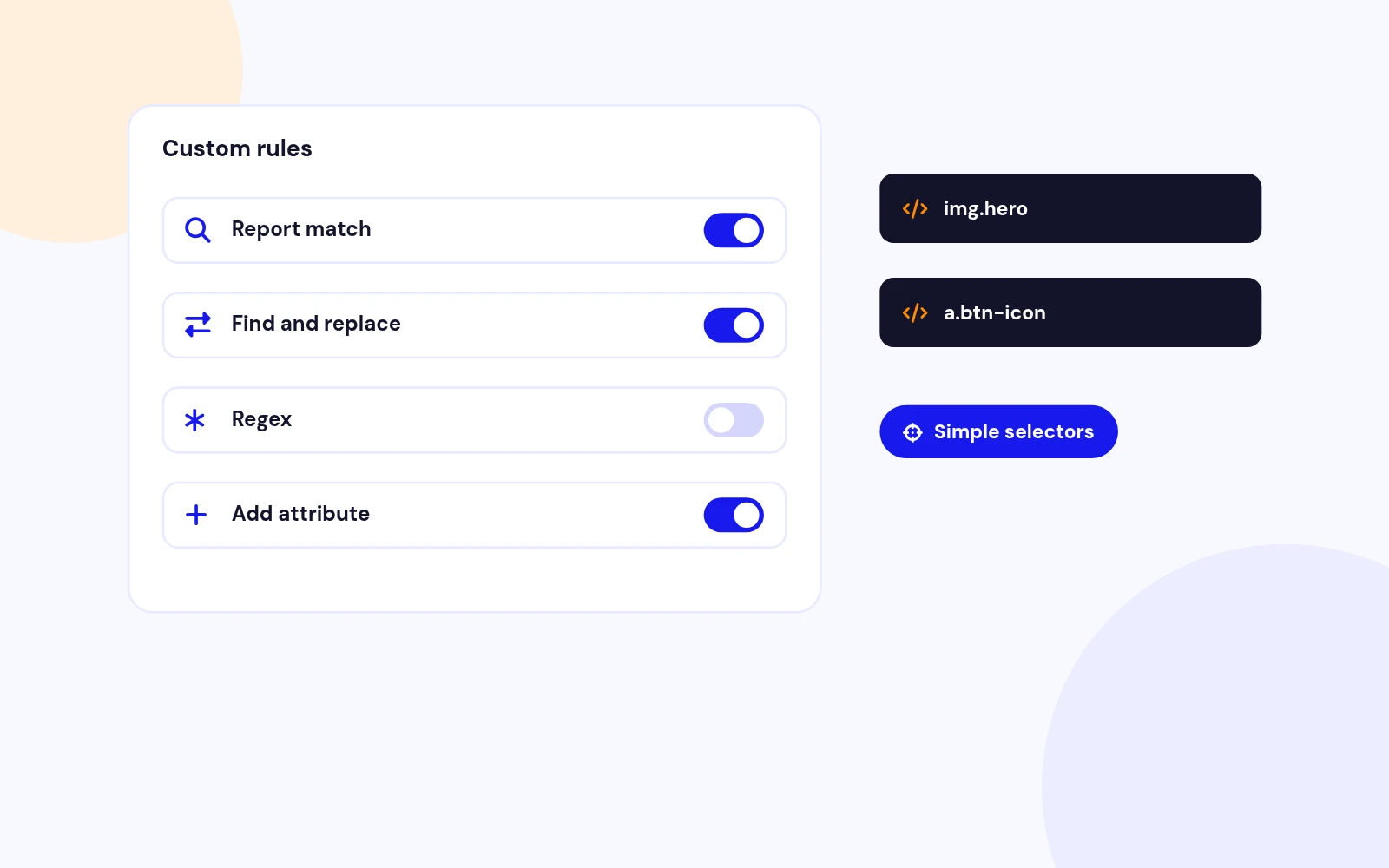
Report a match, find and replace, use regex, or add an attribute.

Simple selectors
Target tags such as a status span or a search field.

Developer rules
Add extra PHP rules without forking the plugin.

See It On The Page

Super User Debug Panel

Logged-in only
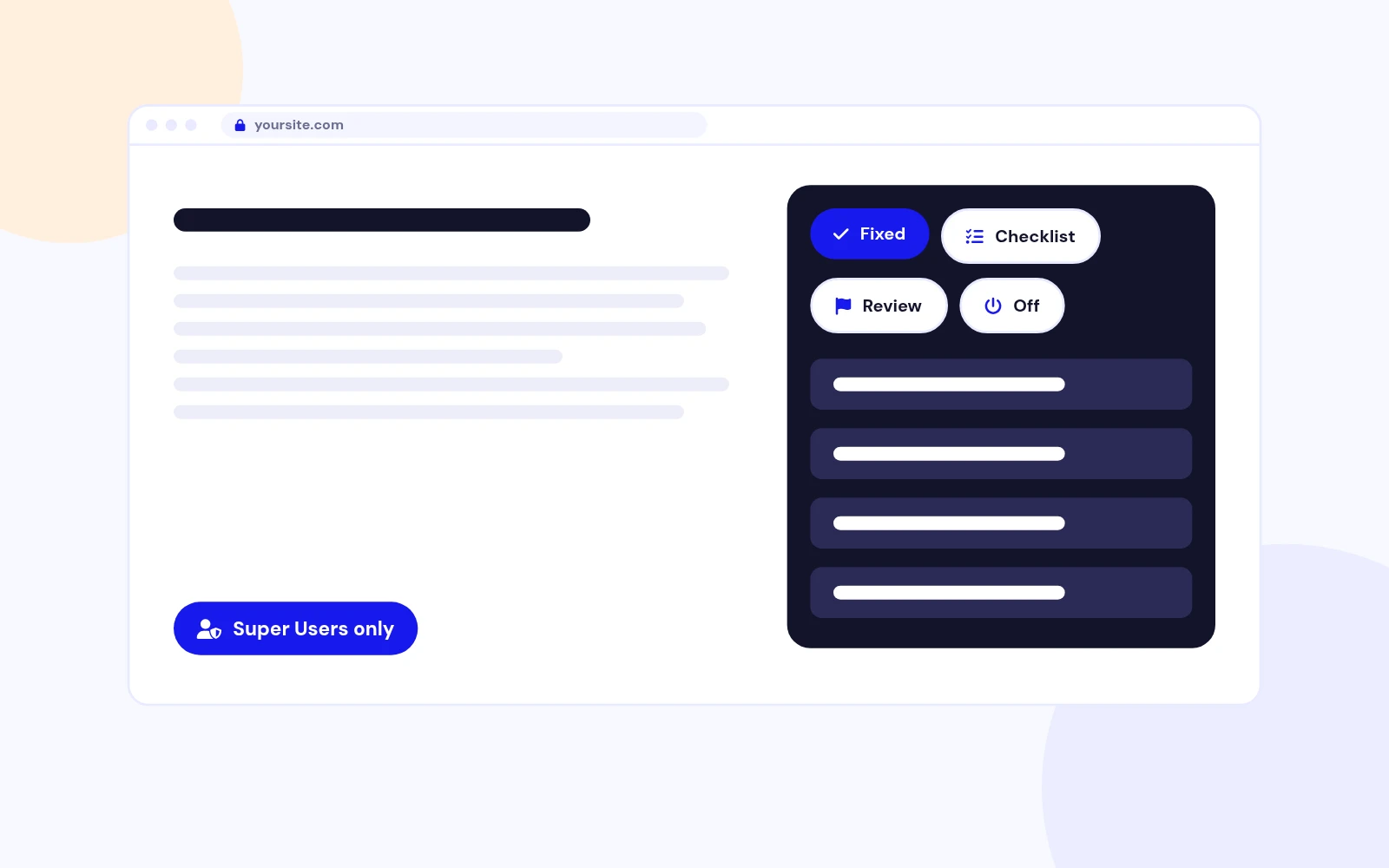
Super Administrators see Fixed, Checklist, Needs review, and Switched off.

Visitors never see it
The panel is hidden from the public site.

Hide or show
Collapse it while you work. Turn it off in plugin settings anytime.

Site Control

Every Switch Is Yours

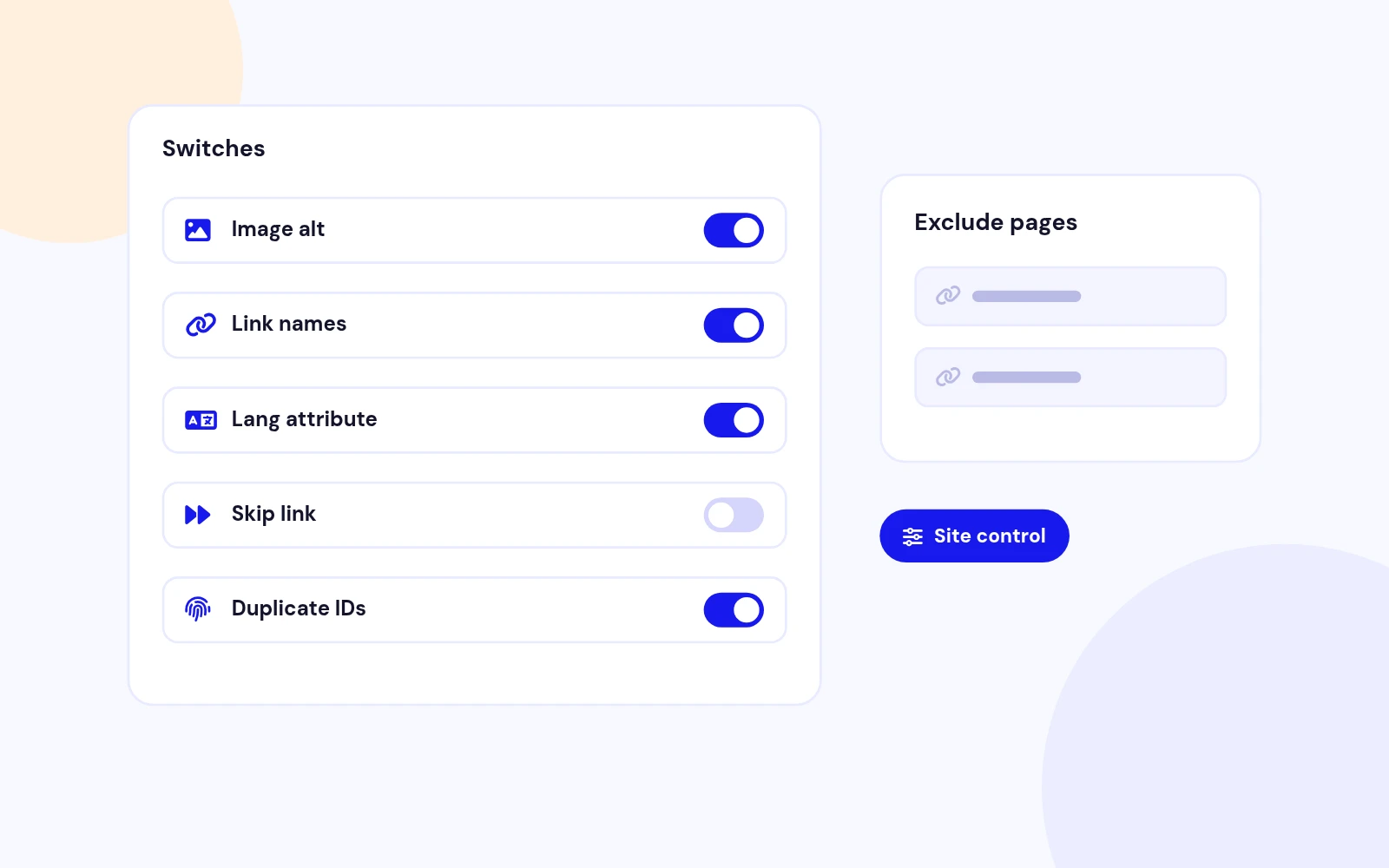
Toggle each item
Turn off any fix or checklist check that does not fit.

Exclude pages
Skip components, URL fragments, or menu items.

Exclude tags
Leave matching selectors untouched, such as checkout chrome.

HTML Plus Preferences

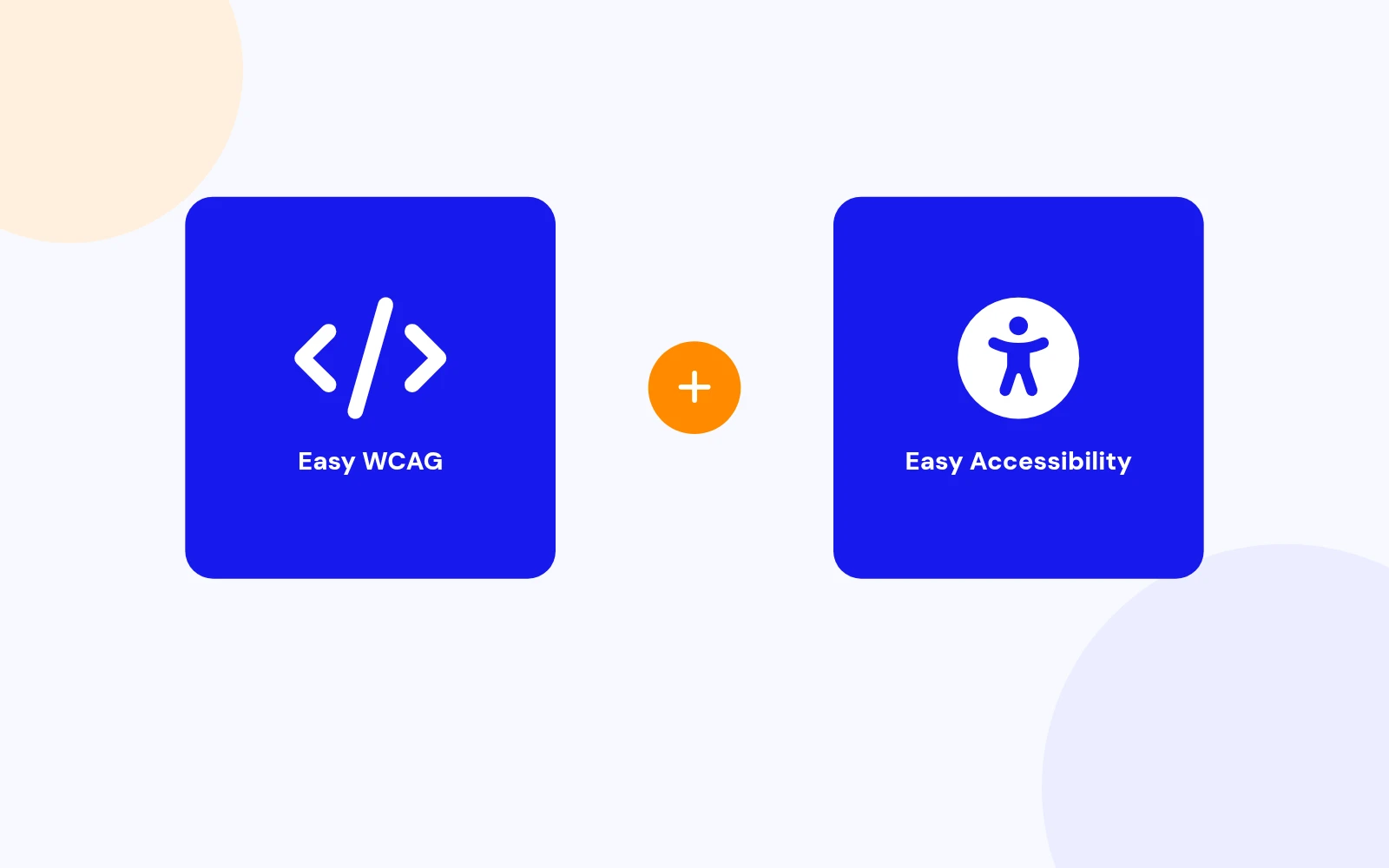
Pairs With Easy Accessibility

Easy WCAG
Fixes and audits the HTML Joomla sends to the browser.

Easy Accessibility
Gives visitors a customizable preference toolbar.

Together
Safer markup plus visitor control, still without a CDN overlay.

Joomla 4 / 5 / 6

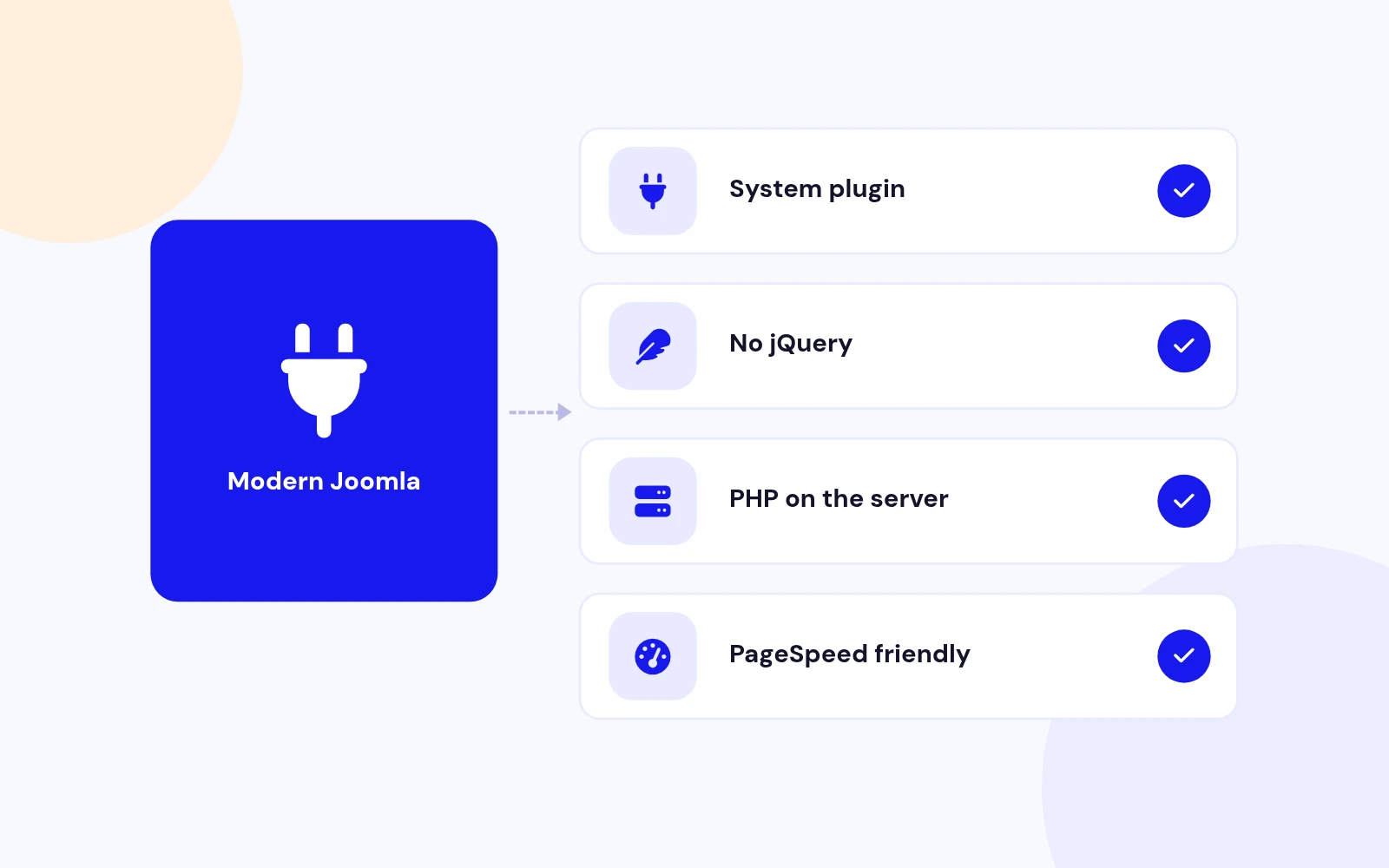
Modern Joomla Plugin

Native stack
Installs as a system plugin. No extra component required.

No jQuery
PHP on the server. No frontend overlay library.

Utilities fit
Sits beside Easy Accessibility and other JoomlaX helpers.

After the page is built
Fixes apply to the HTML sent to the browser, not to the article in the database.

Surgical edits
Only matched tags change. Scripts and styles are left alone.

Self-hosted
No overlay widget, no CDN, no visitor tracking.

No visitor script
CDN overlays load remote code on every page and slow Google PageSpeed.

Server-side only
Easy WCAG runs on your Joomla site. Visitors get cleaner HTML, not another widget.

No phone-home
Nothing is sent to a third-party accessibility network.

Fix
Apply the selected rules before the page reaches the browser.

Report only
See what would change without rewriting the HTML.

Off
Pause processing without uninstalling.

Missing alt
Adds alt from the filename when the attribute is absent.

Decorative
Logo, icon, and hidden images get empty alt.

Iframe title
Uses the embed host when possible (YouTube, Vimeo, Maps).

Icon-only links
Adds a name when there is no visible text, title, or image alt.

Empty buttons
Same treatment for buttons with only an icon.

Href-aware labels
Home, email, and phone links get clearer names.

Safer rel
Adds noopener and noreferrer when they are missing.

Screen-reader hint
Announces that the link opens in a new window.

Visible text stays
The hint is hidden on screen unless you already set a label.

html lang
Sets lang from the active site language when it is missing.

Unlabelled inputs
Adds a name from placeholder or name when no label exists.

Skip to content
Injects a skip link when a main landmark exists and none is present.

Duplicate IDs
Reported, never renamed.

Broken ARIA
Missing labelledby and describedby targets.

Headings, title, lang
Possible outline issues, empty title, or invalid language.

Filename alt
Still added, then flagged so you can check the wording.

Placeholder labels
Useful as a first pass, listed for review.

Generic names
Link or Button fallbacks are called out clearly.

Plugin settings
Report a match, find and replace, use regex, or add an attribute.

Simple selectors
Target tags such as a status span or a search field.

Developer rules
Add extra PHP rules without forking the plugin.

Logged-in only
Super Administrators see Fixed, Checklist, Needs review, and Switched off.

Visitors never see it
The panel is hidden from the public site.

Hide or show
Collapse it while you work. Turn it off in plugin settings anytime.

Toggle each item
Turn off any fix or checklist check that does not fit.

Exclude pages
Skip components, URL fragments, or menu items.

Exclude tags
Leave matching selectors untouched, such as checkout chrome.

Easy WCAG
Fixes and audits the HTML Joomla sends to the browser.

Easy Accessibility
Gives visitors a customizable preference toolbar.

Together
Safer markup plus visitor control, still without a CDN overlay.

Native stack
Installs as a system plugin. No extra component required.

No jQuery
PHP on the server. No frontend overlay library.

Utilities fit
Sits beside Easy Accessibility and other JoomlaX helpers.

Docs & setup

Get up and running fast

Written guides for installing and configuring Easy WCAG — from first setup to the options that matter.

  • Installation steps
  • Configuration options
  • Practical usage tips

Pricing

Choose the plan that fits

Save more as you scale — longer access means a bigger discount.

Compatible with
Joomla 4 Joomla 5 Joomla 6
Tester plan
30 Days
Basic testing plan. 30 days access only. No priority support. Access expires after 30 days - no future updates.
$19

$19

You save zero
Download Access - 30 Days
Support - 30 Days Email Support
1 Website License
Unlimited Downloads
No Priority Support
No Future Updates After 30 Days
Limited to Testing Only
30-Day Money Back Guarantee
Commercial Use License
6 Months
6 months access with priority support & bug fixes. Perfect for short-term projects and growing businesses.
$114

$29

You save $85
Download Access - 6 Months
Support - 6 Months + Priority Updates
2 Websites License
Unlimited Downloads
Priority Email Support
Priority Bug Fixes
6 Months Free Updates
30-Day Money Back Guarantee
Commercial Use License
Pay once
Lifetime
Lifetime access with dedicated support agent. Never pay again - unlimited updates & custom development support included.
$1,980

$99

You save 95%
Download Access - Lifetime
Support - Lifetime + Dedicated Support
Unlimited Websites License
Unlimited Downloads
Dedicated Support Agent
Lifetime Free Updates
Feature Request Priority
Custom Development Support
30-Day Money Back Guarantee
Commercial Use License

Have questions about Easy WCAG?

Frequently asked questions

Easy WCAG supports Joomla 4, 5, and 6. PHP 8.1 or later is recommended.

It fixes common accessibility gaps in the HTML Joomla sends to the browser: missing language, missing image alt, iframe titles, empty links and buttons, new-window safety, unlabelled inputs, and a skip-to-content link when a main landmark exists. It also runs a checklist for duplicate IDs, broken ARIA, unnamed controls, heading outline, and title or language problems. You can add your own report or replace rules.

Overlays load a remote visitor script on every page, which can slow Google PageSpeed and still leave the HTML broken. Easy WCAG runs on your server, changes only the live response, and never phones home. Pair it with Easy Accessibility if you also want a visitor preference toolbar that you can sort and recolour.

No. Fixes apply only to the HTML sent to the browser. Articles in the database stay as you saved them.

No. Easy WCAG does not claim WCAG AA or any certification. It covers a focused set of mechanical gaps and reports what still needs a human. Heading order, contrast, keyboard traps, and meaningful alt still need a real review.

Fix rewrites the response HTML. Report only leaves the HTML unchanged and still lists what would have changed. Super Administrators can turn on the debug panel to see Fixed, Checklist, Needs review, and Switched off on the page they visit.

Open System > Plugins > System - Easy WCAG and turn Super User debug panel to Yes. Log in as Super Administrator and visit the frontend. A panel lists fixes and checklist findings. Visitors never see it. You can also view source for the HTML comment, or turn on Mark fixes.

Yes. Every fix rule and every checklist item has its own switch. You can also exclude components, URL fragments, menu items, or simple selectors when a page or tag should stay untouched.

Yes. In plugin settings you can report a match, find and replace, use a regex, or add an attribute on matching tags. Developers can add extra PHP rules without forking the plugin.

When alt is missing, Easy WCAG uses the filename (for example hero-banner.jpg becomes "Hero banner"). Decorative images get empty alt. Intentional empty alt is left alone unless Fill empty alt is on. Filename alt is also listed under Needs review so you can check the wording.

It uses surgical tag edits and skips script, style, and similar blocks. If a page still misbehaves, exclude the component, URL, menu item, or selector, or turn off that rule.

No. Easy WCAG is a PHP system plugin. It does not load a frontend overlay, jQuery, or any remote script.

Use both when you want safer HTML plus visitor preferences. Easy WCAG fixes and audits the response. Easy Accessibility is the customizable visitor toolbar (sort, remove, recolour) without a CDN overlay.

Download EasyWcag_UNZIP.zip. Unzip it, then install plg_system_easywcag_1.1.0.zip from System > Install > Extensions.

Visit support.joomlax.com. Include your Joomla version, PHP version, page URL, and whether Mode is Fix or Report only.

Still have questions?

All-access bundle

Unlock every JoomlaX extension in one plan

Get all 60+ extensions, ongoing updates, and full-time support. Plans start at $99.

  • Satisfaction guarantee
  • Secure SSL payment
  • Updates included

Sign in to your account

Don't have an account yet? Register Now!