What's new?
Version 13.3: 20 October 2026
- Close, next, and previous controls use buttons so the page no longer jumps to the top on click.
- Focus restore after close keeps the current scroll position.
Version 13.2: 25 September 2026
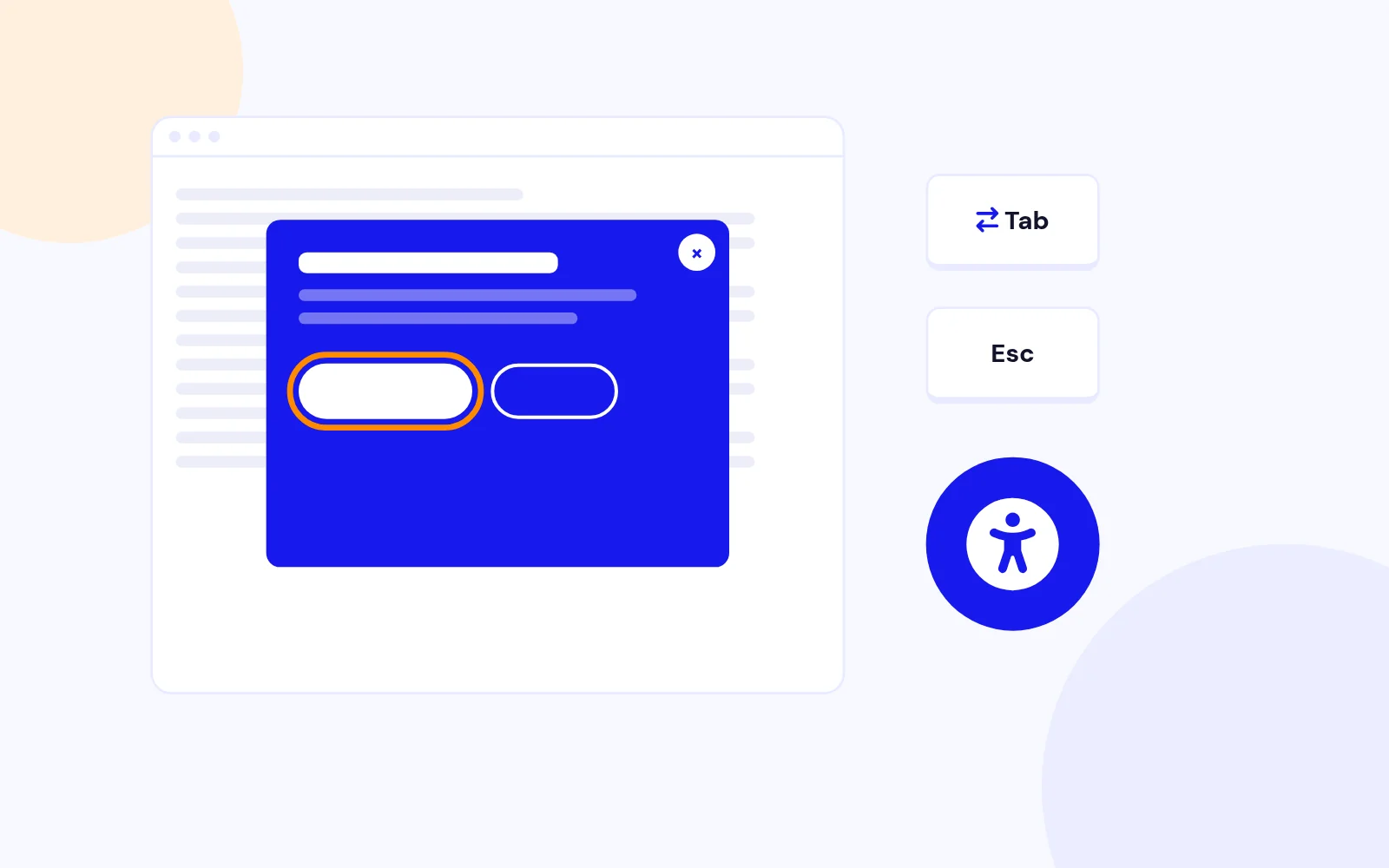
- Accessible dialog: role, labelled close control, focus trap, Escape, and focus restore to the opener.
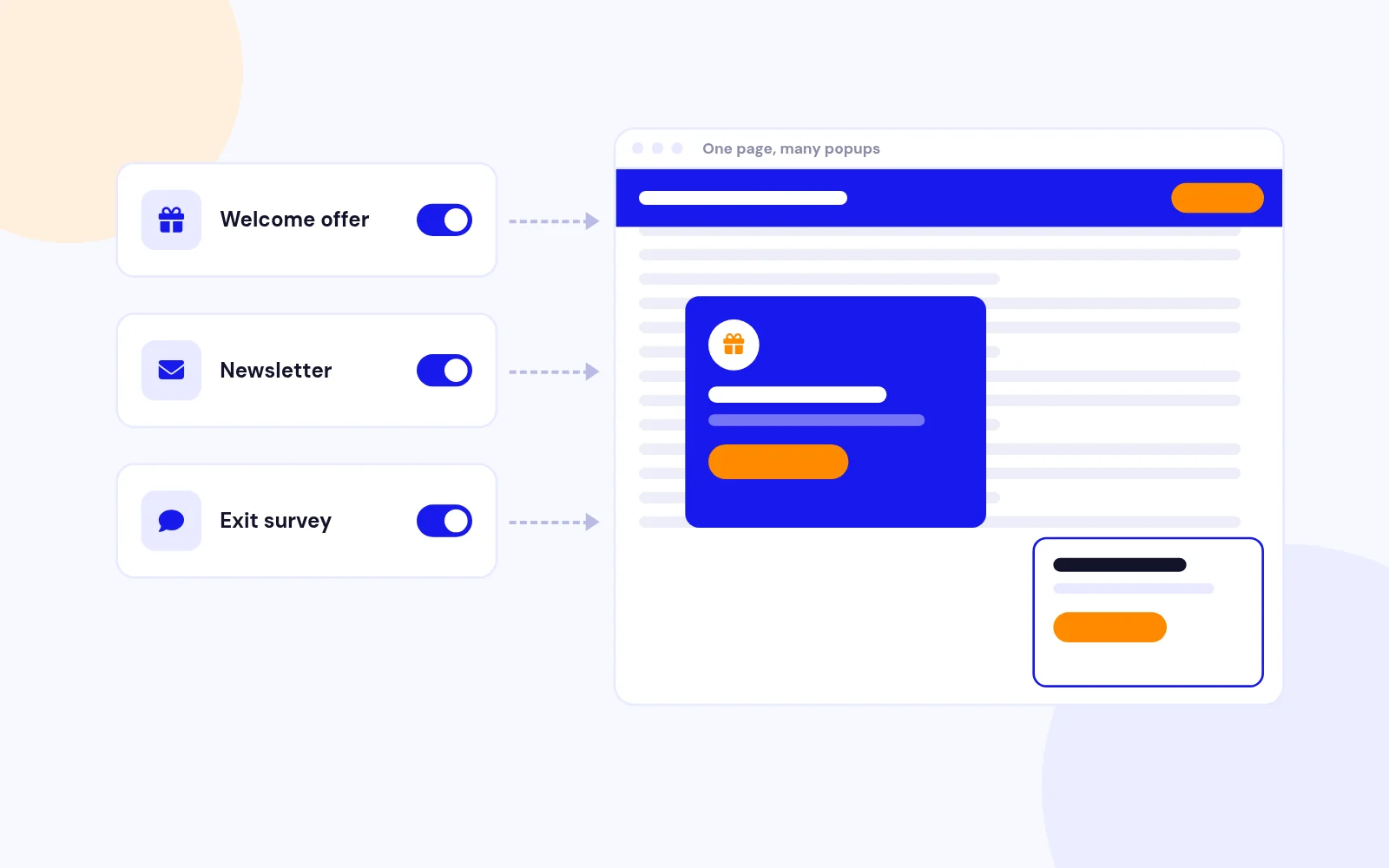
- Open delay and popup queueing work for every trigger, so instances no longer overlap.
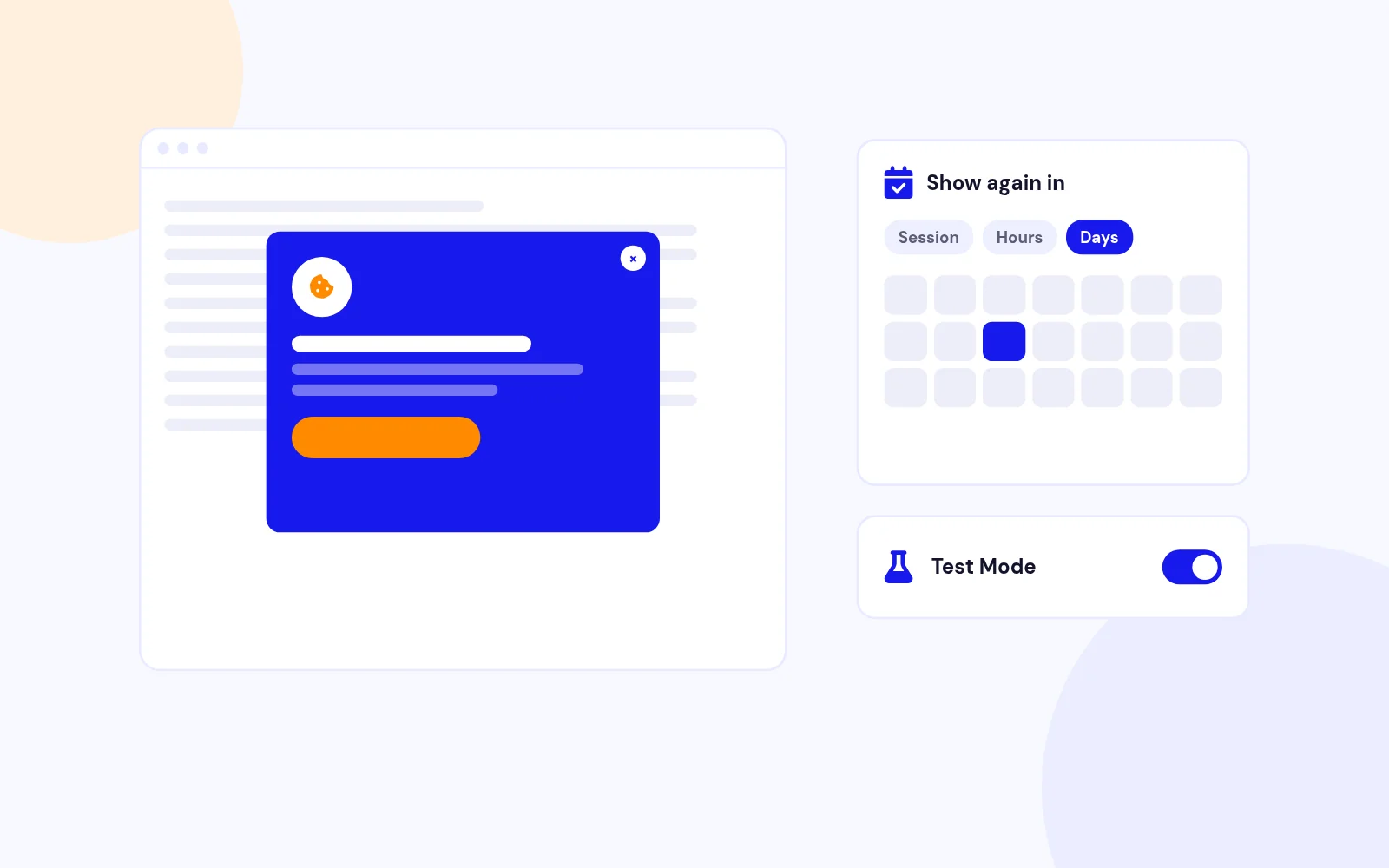
- Close button setting is honoured. Production cookies are set only when configured. Test Mode never writes cookies.
- Tablet and mobile sizing with a scroll lock scoped to the open module.
- External link trigger continues to the destination after the popup closes. Modifier clicks bypass the hold.
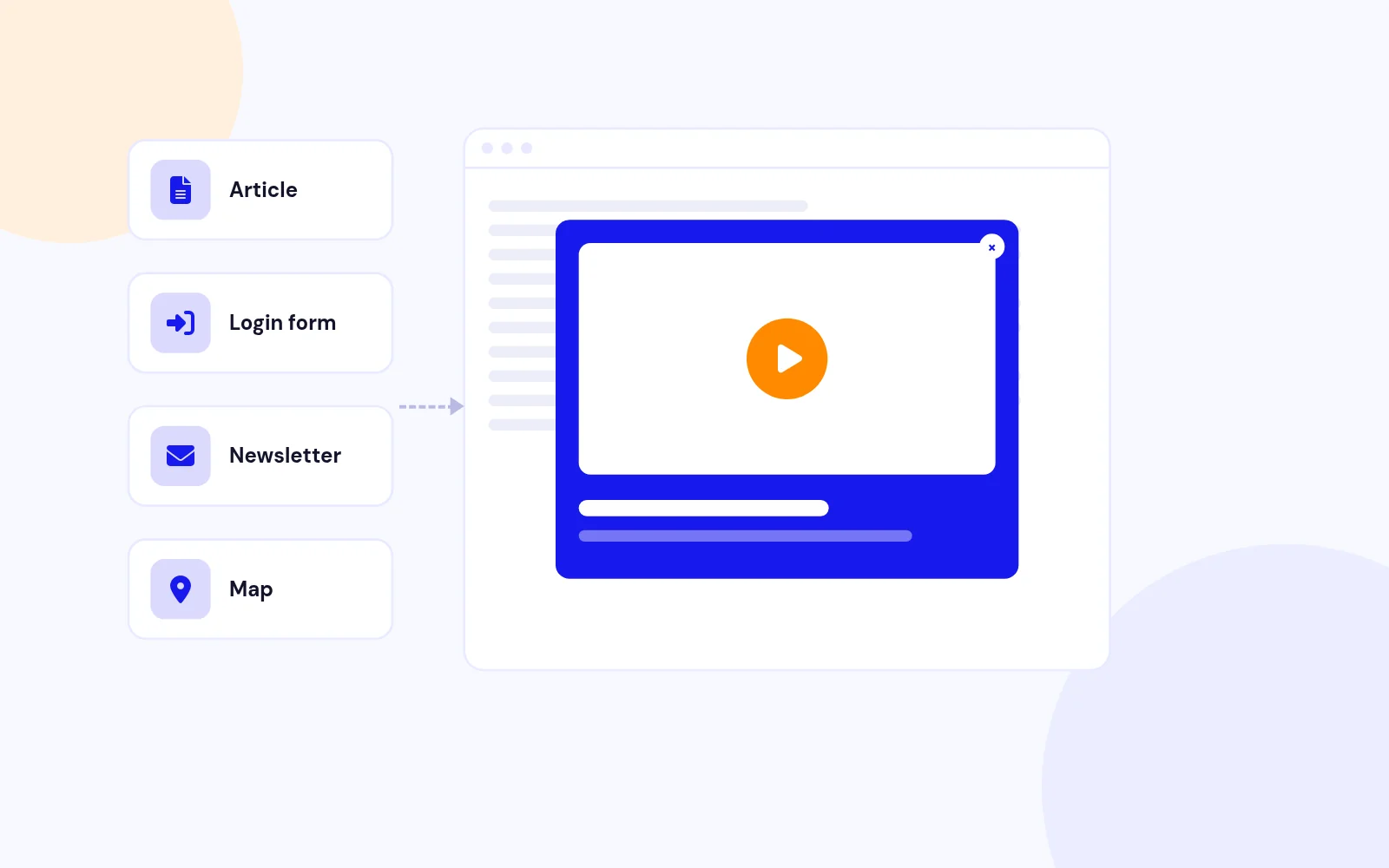
- Media helper: YouTube Shorts, Live, and playlists, Vimeo private hashes, Dailymotion, and current Google Maps URLs.
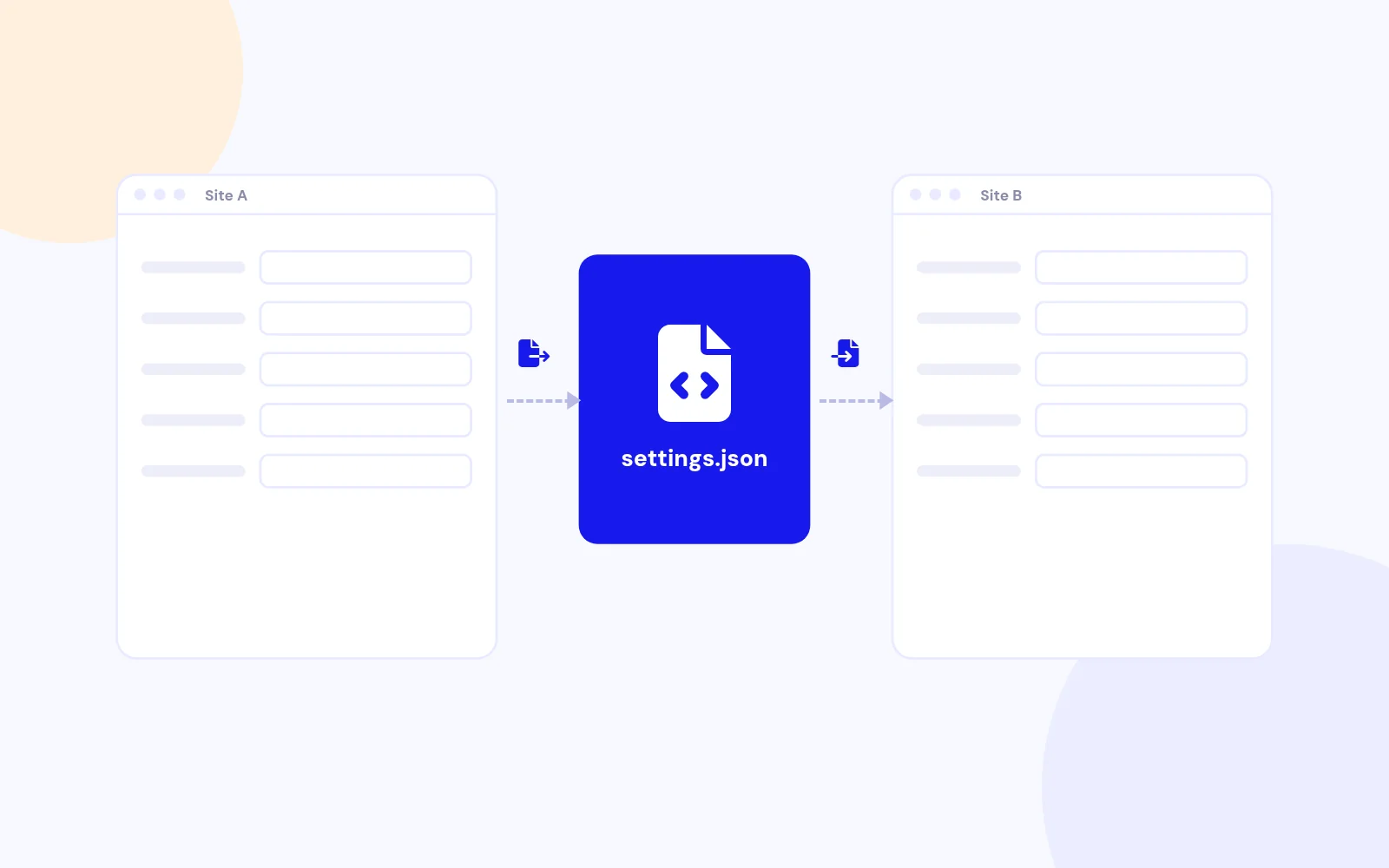
- Import / Export rebuilt without inline scripts. Translated strings and a version-aware JSON file.
- Module picker shows ID, position, and unpublished state. Trashed modules are omitted.
- Complete language files for en-GB, de-DE, fr-FR, and nl-NL.
- Real minified JS and CSS. Unused sprite and overlay images removed.
- jQuery 4 safe APIs. Deprecated jQuery helpers removed.
Version 13.1: 06 August 2026
- Modern theme: extra padding so floating bar and sidebar content clears the close control
- Keyboard focus ring on the modern close button
- Single package for Joomla 4, 5, and 6: mod_onpageload_popup_13.1.zip
Version 13.0: 22 July 2026
- Modern popup theme with CSS close control and layout skins
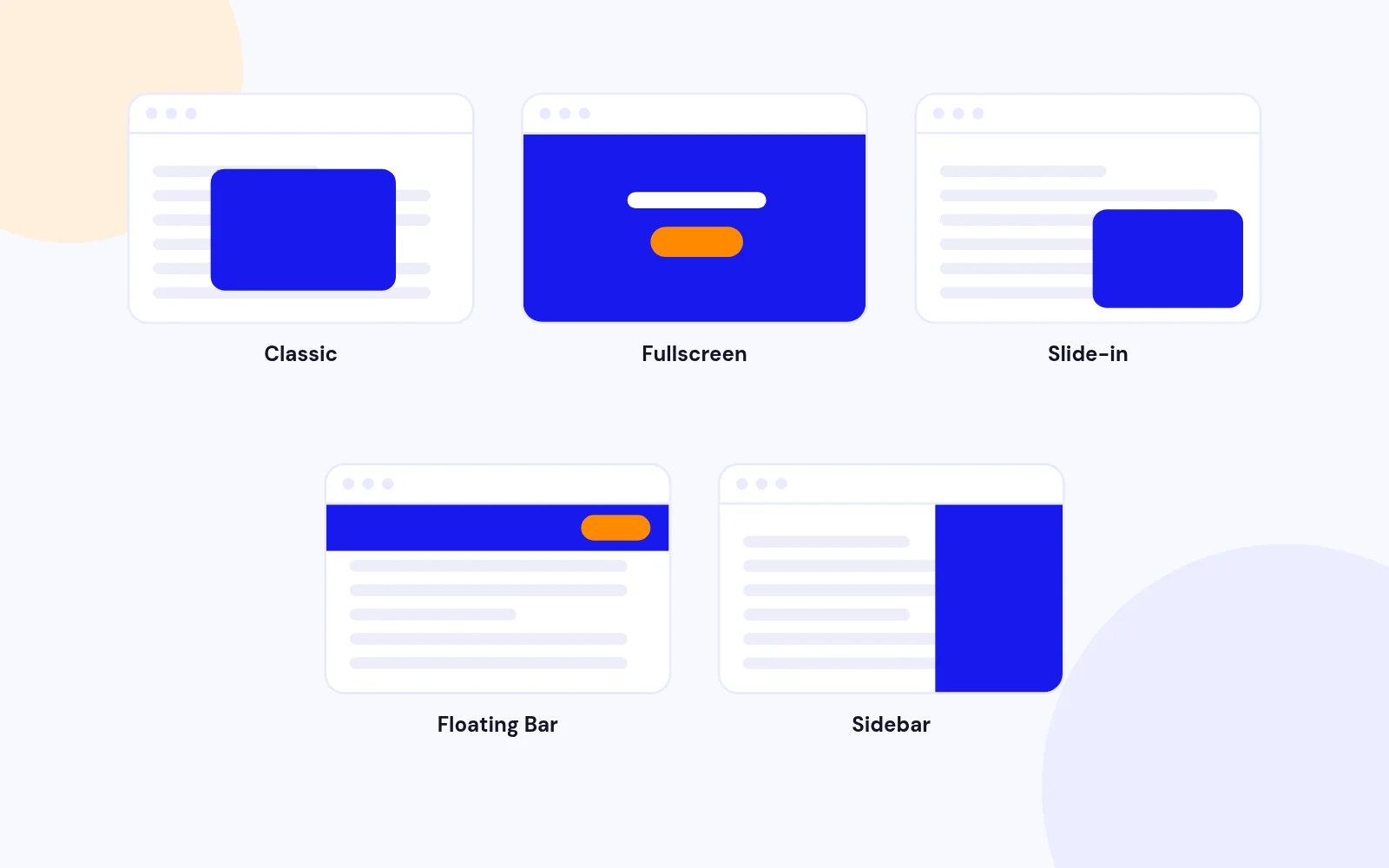
- Popup types: Classic, Fullscreen, Slide-in, Floating Bar, Sidebar
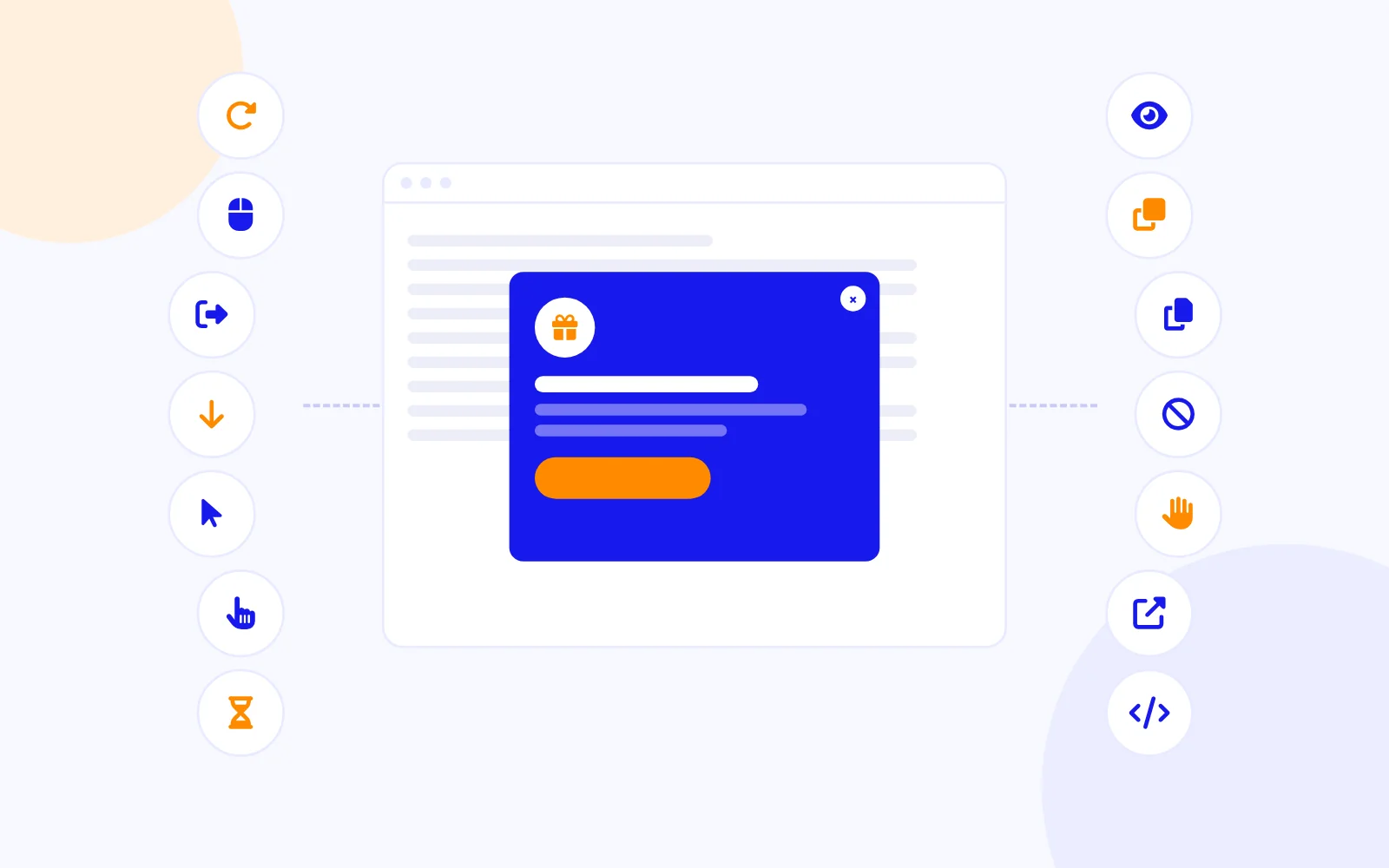
- New triggers: On Hover, External Link Click, On Demand (AOLP.open JS API)
- Behavioural triggers: Inactivity, Element Visibility, After X Page Views, Copy Text, AdBlock Detection
- Import and Export JSON configuration for module settings and gallery templates
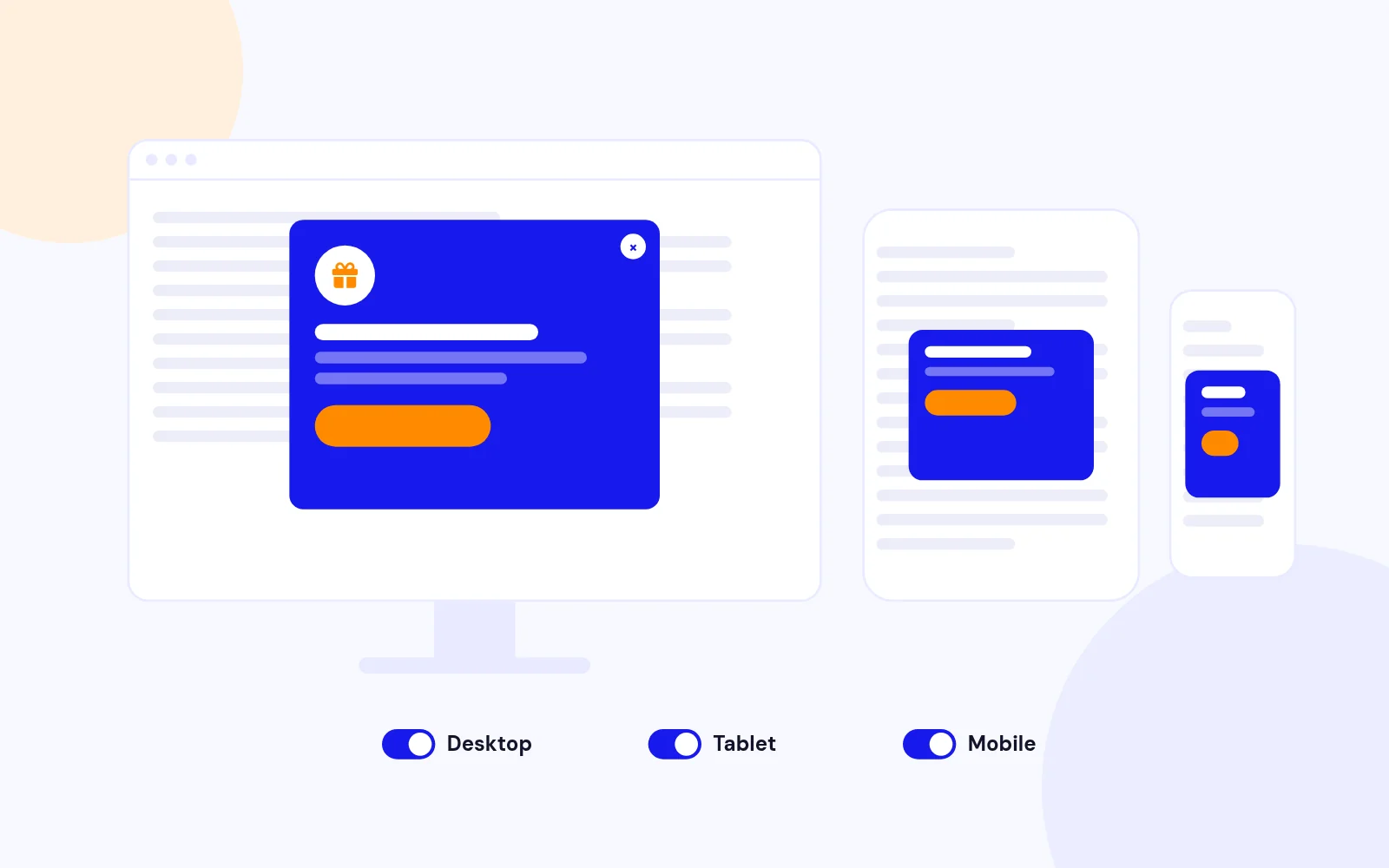
- Device targeting (All, Desktop, Tablet, Mobile) with legacy mobile disable mapping
- Safer defaults for close position, animation duration, and floating bar height
- Single package for Joomla 4, 5, and 6: mod_onpageload_popup_13.0.zip
Version 12.5: 09 February 2026
- New Feature - Max Display Count: You can now limit how many times a popup is shown to each visitor. For example, set it to 3 to show the popup 3 times before it stops appearing. Set to 0 for unlimited (default behavior unchanged).
Version 12.4: 27 January 2026
- Cookie Handling Fixes: Fixed issue where cookie was not being set when popup was closed using the close button or by clicking outside the popup
- Enhanced Cookie Reliability: Added multiple fallback methods to ensure cookie is set reliably: on popup display (afterShow), content load (afterLoad), document-level afterClose event, and direct close button click handler
- Cookie Persistence: Fixed cookie not persisting across page navigations when cookieSet was configured as "on page load" - now cookie is set both on page load AND when popup is closed
- Close Button Cookie Setting: Added direct click event handler on close button (#aolp-close{moduleId}) to ensure cookie is set immediately when user closes popup, even if other events don't fire
- Document-Level Event Handling: Improved afterClose event listening by using document-level event handlers with namespaced events to properly catch aolp library's global event triggers
- Overlay Close Support: Added cookie setting support when popup is closed by clicking on the overlay (when closeClick is enabled)
- Cookie Setting Prevention: Added flag to prevent duplicate cookie setting when cookieSet is configured as "afterLoad" to avoid unnecessary cookie updates
- Fixed issue where popup would reappear on page navigation even after being closed, due to cookie not being set properly on close action
- Improved cookie expiration handling for all cookie types (session, days, hours, minutes, seconds)
- Enhanced error handling in cookie setting functions with try-catch blocks and console warnings for debugging
Version 12.3: 18 January 2026
- JavaScript Architecture Refactoring: Moved all inline JavaScript to external controller file for better maintainability and performance
- Code Consolidation: Merged jquery-cookie.js, jquery.aolp-media.js, and popup-controller.js into a single aolp-bundle.js file, reducing HTTP requests
- Modern Cookie Handling: Replaced legacy jQuery Cookie plugin with native JavaScript implementation while maintaining backward compatibility ($.cookie API)
- Multiple Instance Support: Enhanced core plugin to properly support multiple popup instances on the same page with unique IDs and scoped cleanup operations
- Added advanced trigger options to module configuration: Time on Page (Inactivity), Element Visibility, After X Page Views, Copy Text Event, and AdBlock Detection
- Fixed overlay 404 error for missing aolp_overlay.png image (replaced with CSS-based background)
- Fixed overlay not properly disabling when set to "No" in module parameters (was showing as transparent instead of being removed)
- Fixed overlay remaining visible when disabled with modal:true enabled (deep merge conflict resolved)
- Fixed overlay background images and predefined styles not applying (resolved inline CSS override issue)
- Fixed TypeError: this.overlay.css(...).show is not a function error when overlay CSS was empty array
- Fixed overlay element missing unique module ID preventing CSS targeting for multiple instances
- Fixed page-fixed close buttons (e.g., "Page Top Right") appearing on popup itself instead of being fixed to the page viewport
- Fixed padding and margin values of 0 not being respected (improved numeric value parsing)
- Fixed global cleanup operations affecting all popup instances simultaneously (now properly scoped to individual instances)
- Fixed loading element conflicts in multiple instance scenarios (now uses unique IDs per module)
- Added support for closePopup class on action buttons in templates for consistent popup closing behavior
- Replaced all emoji icons with FontAwesome icons for professional appearance
- Adopted minimalist design philosophy - removed gradients and decorative elements from template browser and templates
- Improved template browser layout with responsive card-based design
- Enhanced template preview and selection experience with side-by-side card view
- Removed all console.log, console.error, and console.warn statements from production code
- Improved code organization with centralized trigger handling in external controller
- Enhanced parameter passing from PHP to JavaScript for cleaner separation of concerns
- Improved event binding and unbinding to prevent memory leaks
- Added proper namespace scoping for jQuery event handlers to prevent conflicts
- Reduced JavaScript file count from 3 to 1 (bundled files) for faster page loads
- Improved minification support with conditional loading of aolp-bundle.min.js when minification is enabled
- Optimized DOM manipulation by scoping operations to specific popup instances
Version 12.1
- Compatible with Joomla 6 Alpha.
Version 12.1
- Fixed issue with closePopup class.
Version 12.0
New Features
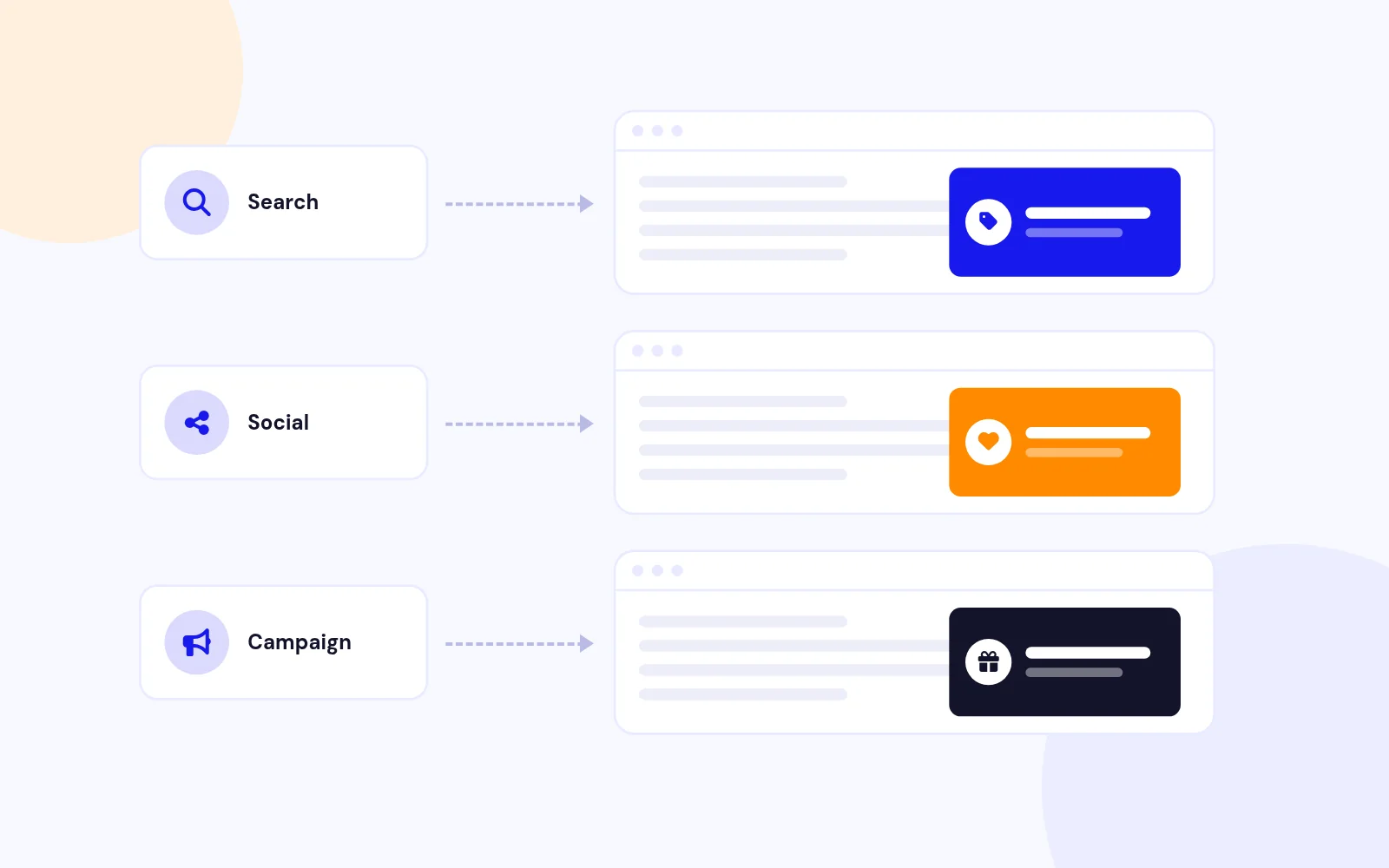
- Added Referrer Targeting system to control popup display based on traffic sources
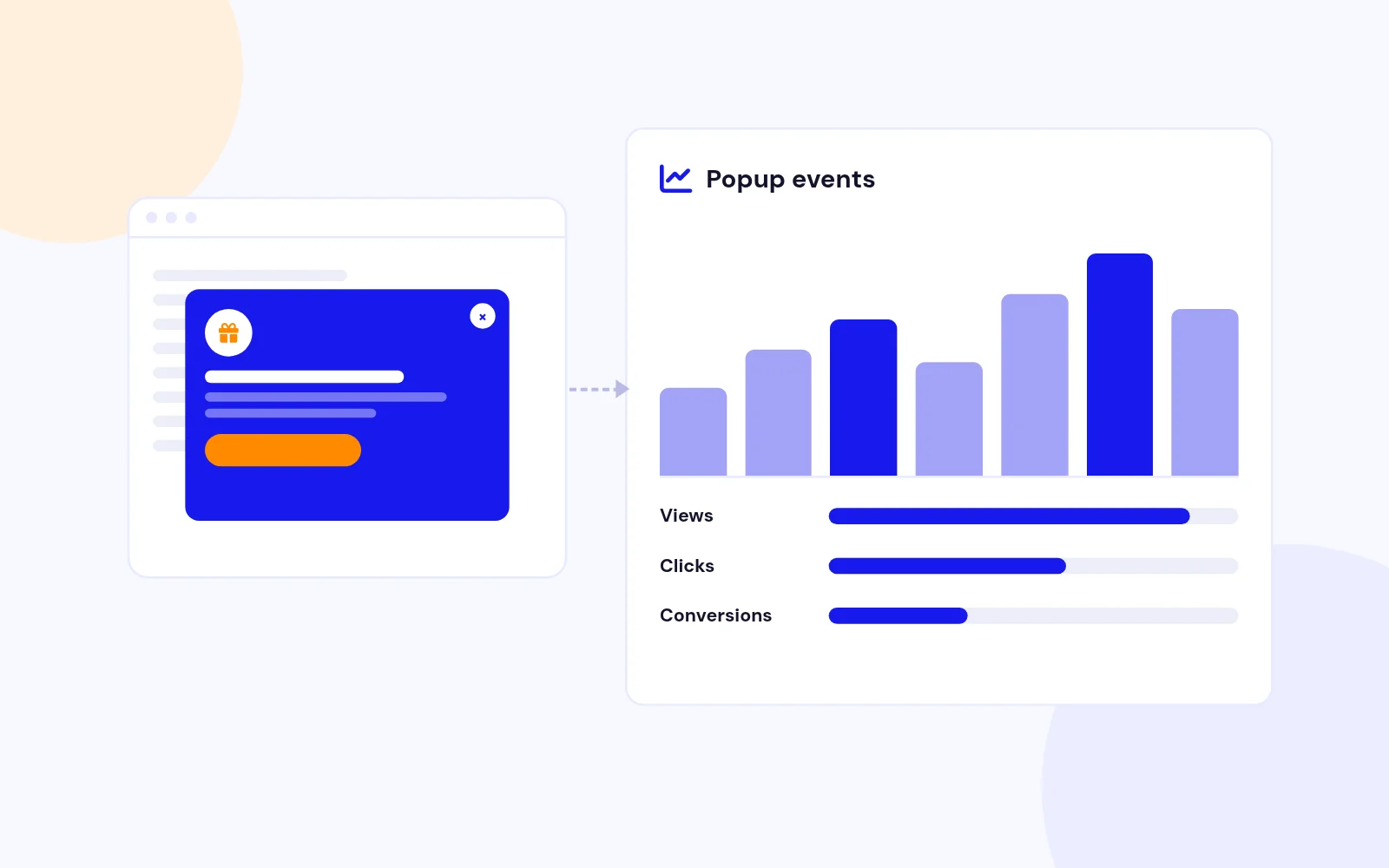
- Integrated Google Analytics tracking for popup interactions
- Added heatmap compatibility with major providers (Hotjar, Crazy Egg, Mouseflow)
Referrer Targeting System
- Show/hide popups based on visitor referral source
- Include/exclude specific domains with wildcard pattern matching
- Control popup display for direct visits
- Target marketing campaign traffic with specific popups
Analytics Integration
- Track popup views, closes, clicks, and conversions in Google Analytics
- Support for both Universal Analytics and GA4
- Conversion element tracking via CSS selectors
- Custom event naming and categorization
Other Improvements
- Enhanced documentation and user guides
- Code optimizations for better performance
- Fixed minor CSS and JavaScript issues
- Improved multilingual support
Version 11.0
New Features
- Added support for percentage-based width and height
- Introduced responsive sizing options
- Enhanced popup positioning capabilities
- Added mobile and tablet breakpoint configurations
Dimension Handling Improvements
- Width and height can now be set in percentages (e.g., '80%')
- Minimum and maximum dimension support
- Responsive sizing with breakpoint detection
- Dynamic viewport-based dimension calculation
Configuration Options
- New parameters:
- width: Supports percentage and pixel values (default: '80%')
- height: Supports percentage and pixel values (default: '70%')
- minWidth: Minimum width in pixels (default: 300)
- minHeight: Minimum height in pixels (default: 200)
- maxWidth: Maximum width in percentage or pixels (default: '95%')
- maxHeight: Maximum height in percentage or pixels (default: '90%')
- responsiveSizing: Enable/disable responsive sizing (default: true)
- mobileBreakpoint: Screen width considered mobile (default: 768px)
- tabletBreakpoint: Screen width considered tablet (default: 1024px)
Positioning Enhancements
- Added more precise popup positioning options
- Improved viewport boundary checking
- Better handling of fixed and absolute positioning
Performance Optimizations
- Improved dimension calculation logic
- More efficient responsive sizing implementation
- Enhanced viewport detection
Version 10.0
- Language support for German and French added.
Version 9.9
- Fixed CSS issue related to close button for flat close icons.
Version 9.8
- Optimized the code within the Helper file to improve performance and maintainability. This includes refactoring to reduce redundancy and ensure more efficient database queries.
- Updated the backend module parameters for enhanced usability and configuration flexibility. This adjustment allows for more intuitive management of module settings by administrators.
Version 9.7: 02 November 2023
- Integrated Web Assets to Scripts and Styes of faster loading. (for Joomla 5)
Version 9.6: 20 October 2023
- Supports Joomla 5.0.0 without Backward Compatibility Plugin
- Optimization of Code
Version 9.5: 25 May 2023
- Supports Dutch Language
- Uses native Joomla Key Update Sites.
Version 9.4: 16 February 2023
- Language Support Integrated.
Version 9.3: 03 February 2022
- Removed Option to load JS file in Head/Body. Loads in the head by default.
- One file to install for both Joomla 3 and Joomla 4.
Version 9.2: 29 November 2022
- Option to enable or disable content prepare. Content Prepare allows Content Plugin to work inside the module
Version 9.1: 15 March 2022
- Update the extension directly from the Joomla Update Manager.
- Add a valid license in the advanced settings of the module parameters.
- Download the license key from the Downloads section of the store by creating an account using the same email address which you have used to purchase the extension.
- Manual Update will once required to get the 9.1 version of the module. The future updates can be done automatically using the Joomla Update Manager.
Version 9.0: 23 November 2021
- Fixed issue with Joomla 4.x article selection from backend
Version 8.9: 25 August 2021
Version 8.8: 01 July 2021
- Fixed CSS layout break issue
Version 8.7: 16 June 2021
- Motion Effects : Animation Parameters added and fixed in the backend.
Version 8.6: 17 May 2021
- Motion Effects : Option to set an animation for the popup from the list of 30+ animation effects.
- Animation Duration Options added for the popup
Version 8.5: 03 May 2021
- Option to directly link an image to a URL
Version 8.4.1: 01 October 2020
Version 8.4: 18 September 2020
- Supports Joomla 4 Beta
- Changes made to the module backend for easy configuration
- Uses Joomla Article Modal in the module backend
Version 8.3: 08 September 2020
- Fixed Multiple instance issues of the module
Version 8.2: 23 July 2020
- Fixed Error on helper file
- Fixed Poup Image Issue
Version 8.1: 06 July 2020
- Complete Code Optimization
- Modification to CSS and jQuery files.
Version 8.0: 22 January 2020
- Option to set the text link to 5 different positions
- Option to set onclick link position to Left top, Right top, Right Bottom, Right Bottom or any module position.
Version 7.9: 21 October 2019
- Trigger Popup on Right Click
- Option to set an element for right click
Version 7.8: 05 August 2019
- Helper file has been updated, removed deprecated functions.
- default file modification, added new classes
Version 7.7: 10 April 2019
- Popup image not showing for inner pages fixed.
- Auto Resize Popup according to the contents. Parameters added to the advanced settings of the module
Version 7.6: 05 March 2019
- Fixed the backend Module selection issue.
Version 7.5: 20 November 2018
A lots of features has been added to this upgrade and the backend layout has been modified and made simpler.
- Option to directly select an image to appear inside the popup
- Option to change the border properties of the popup box
- Option to add custom close button
Version 7.4: 25 October 2018
- Editor for Popup Content Management
Version 7.3: 02 July 2018
- Option to use Minified version of JS and CSS
Version 7.2: 02 July 2018
Version 7.1: 05 June 2018
- Changes in PHP files and jQuery Updates
- Popup Image Responsive Issue Fixed
- Old Vulnerable files removed
Version 7.0: 05 March 2018
- Option to enable or disable the closing of the popup when clicking on the overlay
- Minor PHP issue fix
Version 6.9: 27 January 2018
- Option to show popup on click
- Option to add text or image to open on click
- Option to show or hide the popup link
- Option to hide popup link when cookie is set
Version 6.8: 22 November 2017
- Uses latest version of fancybox 2
- Fixed auto width issue of the popup
- Minor jQuery Changes in default.php file
Version 6.7: 01 October 2017
- Changes made to backend
- Fixed Media URL Issue
- Minor PHP Changes
Version 6.6: 06 June 2017
Version 6.5: 18 April 2017
- Fixed the helper file error issue.
Version 6.4: 20 January 2017
- Backend uses Joomla jQuery Framework
- Backend blank page issue fixed
Version 6.3: 09 January 2017
- Cookie can be set to Minutes, Hours and Days
Version 6.2: 17 December 2016
- Joomla Update System Added
Version 6.1: 04 August 2016
- Clear button has been added to the article select option.
Version 6.0: 07 July 2016
- Missing CSS images issue fixed.
- Multiple instance Popup with option to set different styling has been added.
Version 5.9
- Textbox to Dropdown for selection of modules.
Version 5.8: 11 June 2016
- Option to trigger on Exit
- Option to trigger popup On Scroll
- Option to trigger popup On Scroll to bottom
- Option to set the close button to Left or right corner of the page
- Image cut off on popup issue fixed.
Version 5.7: 07 January 2016
- Backend white screen issue fixed.
Version 5.6: 22 June 2015
- Border Radius of the popup can be modified in the module parameters.
- Show for mobile devices issue has been fixed
- Warning Notices fixed.
- Support Google maps and Vimeo.