

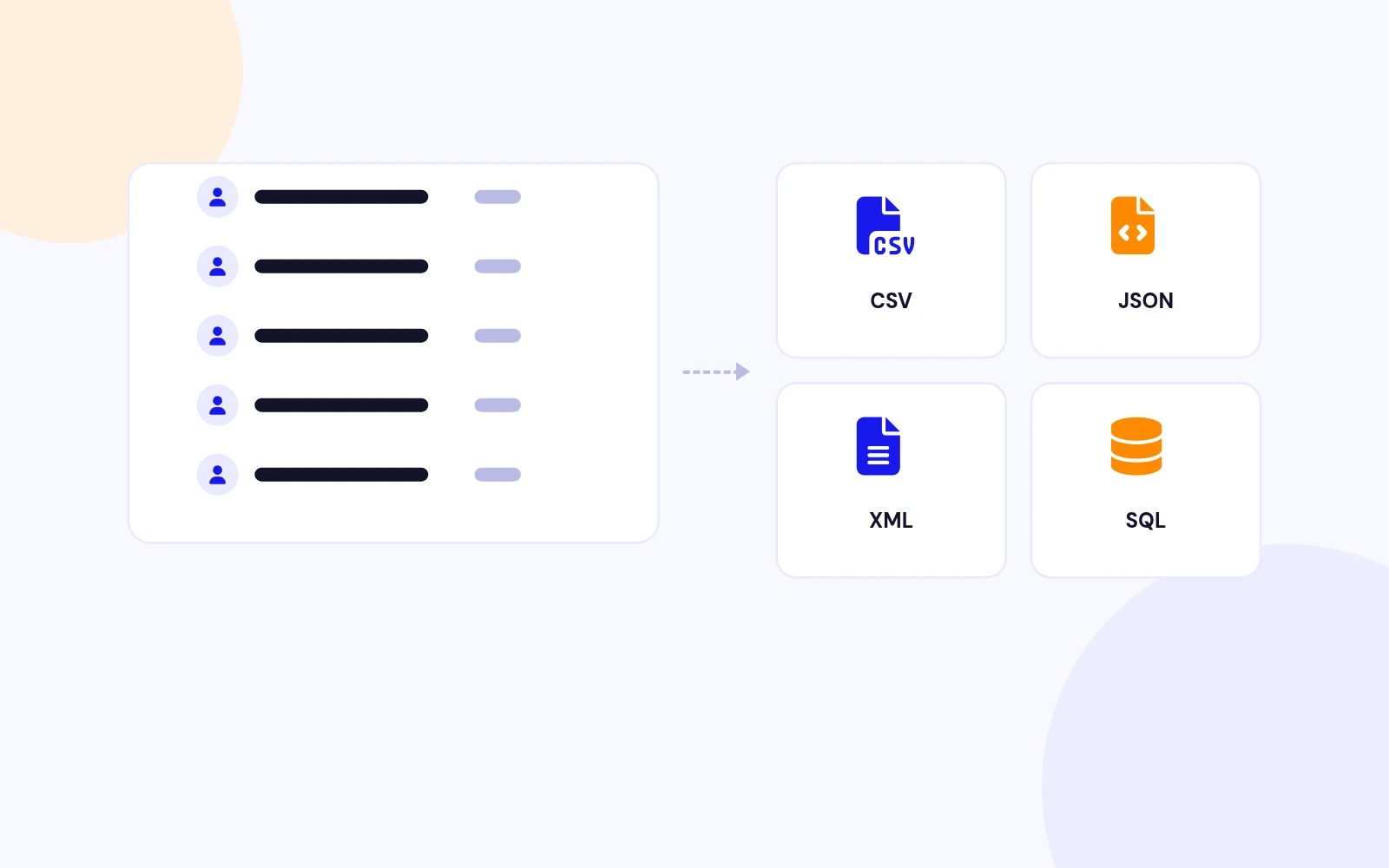
Four Formats
Export Users Your Way
- Export to CSV for spreadsheets, JSON for APIs, XML for data exchange or SQL for migrations.
Import and export Joomla users with multiple format support.
Features
Ten feature areas, one install package for Joomla 5 and 6.
Four Formats
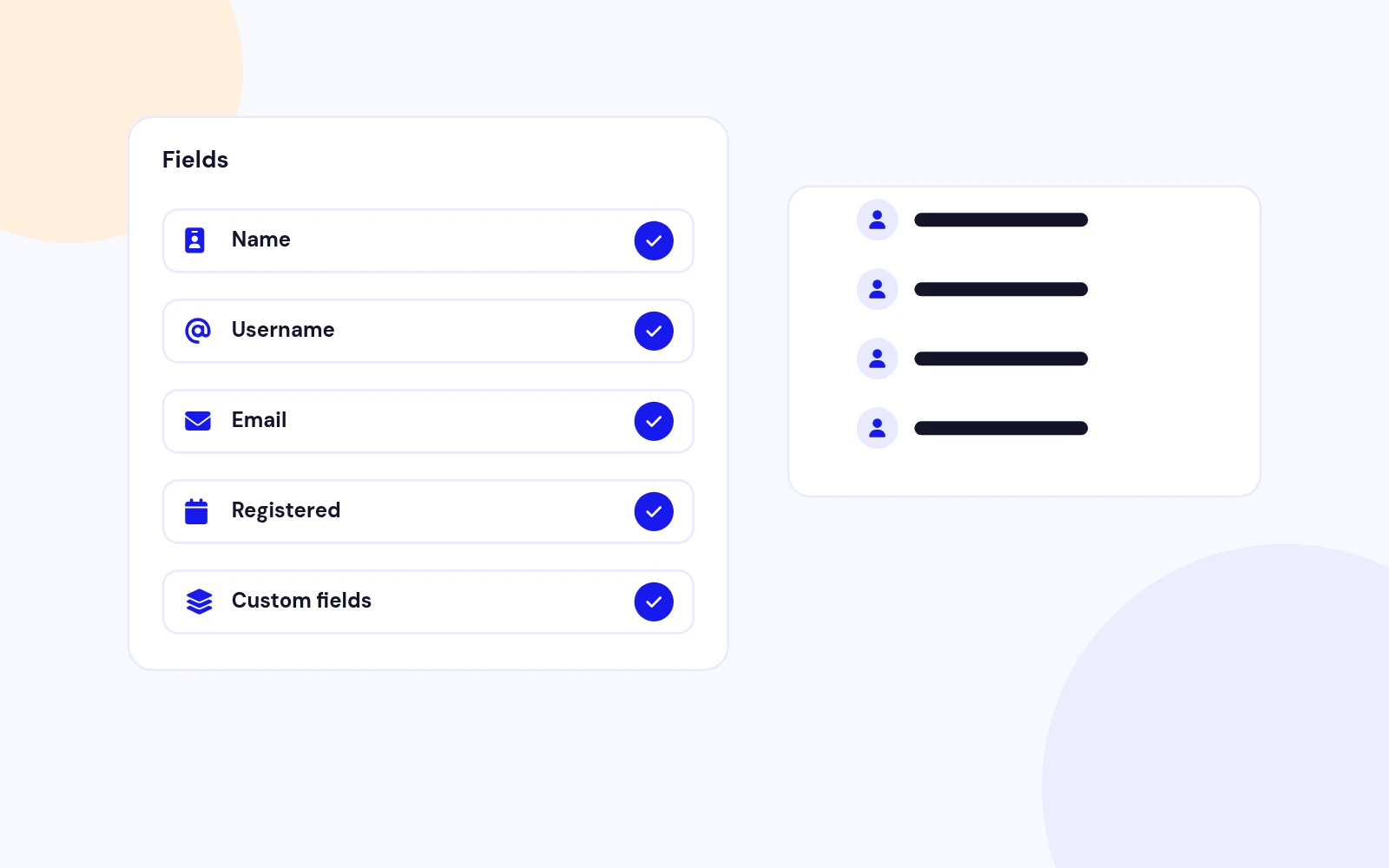
Pick Fields
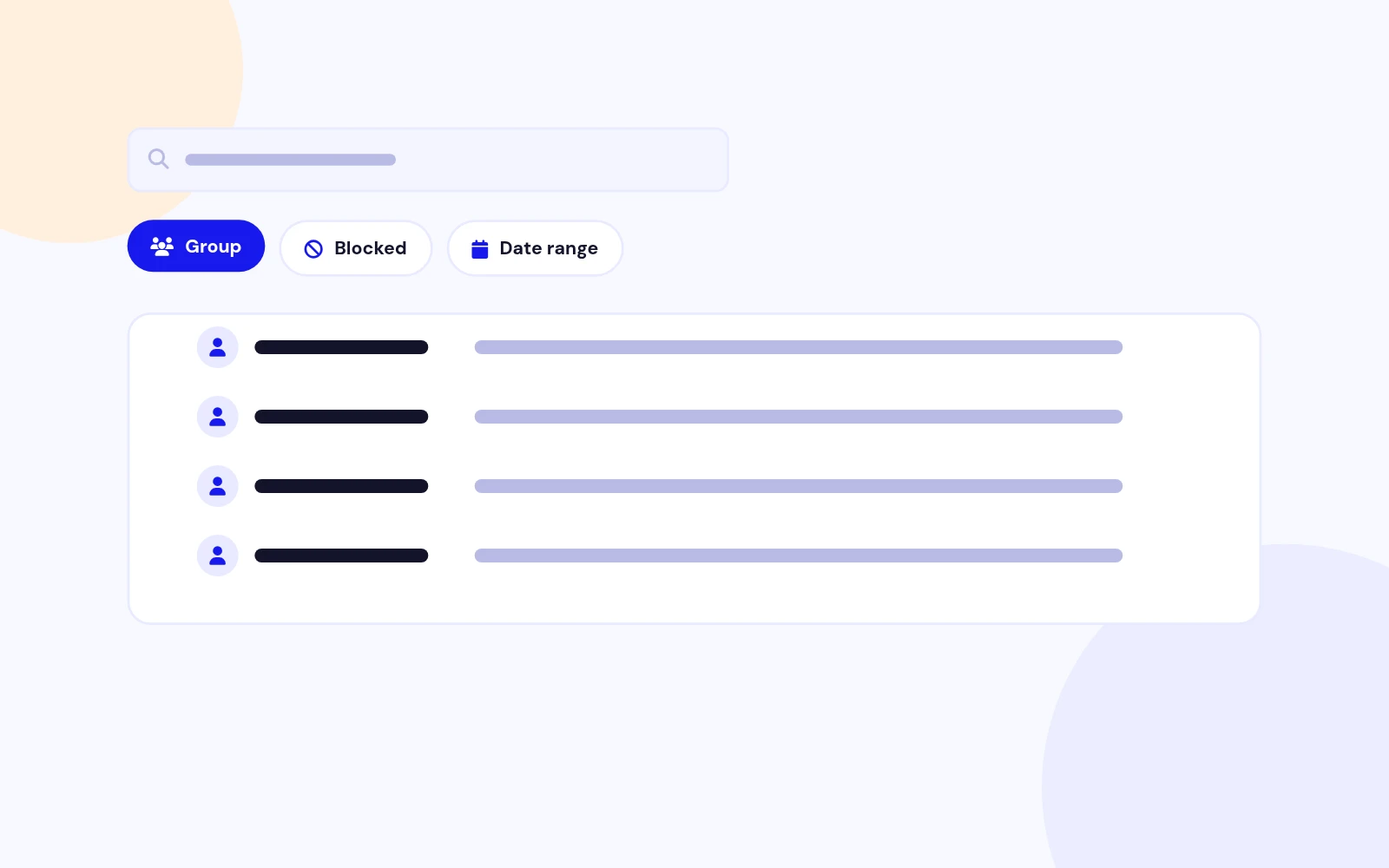
Smart Filters
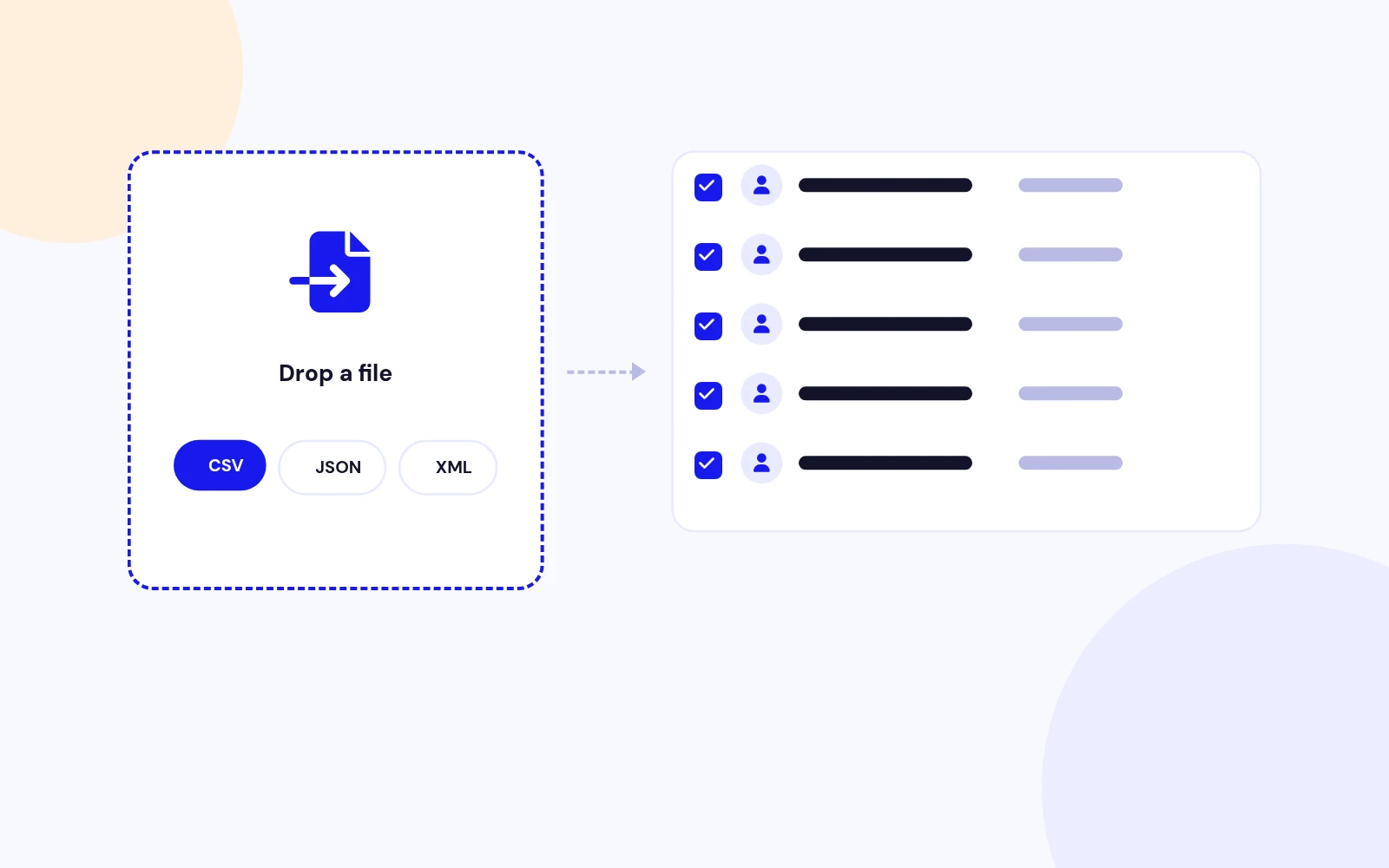
Bulk Import
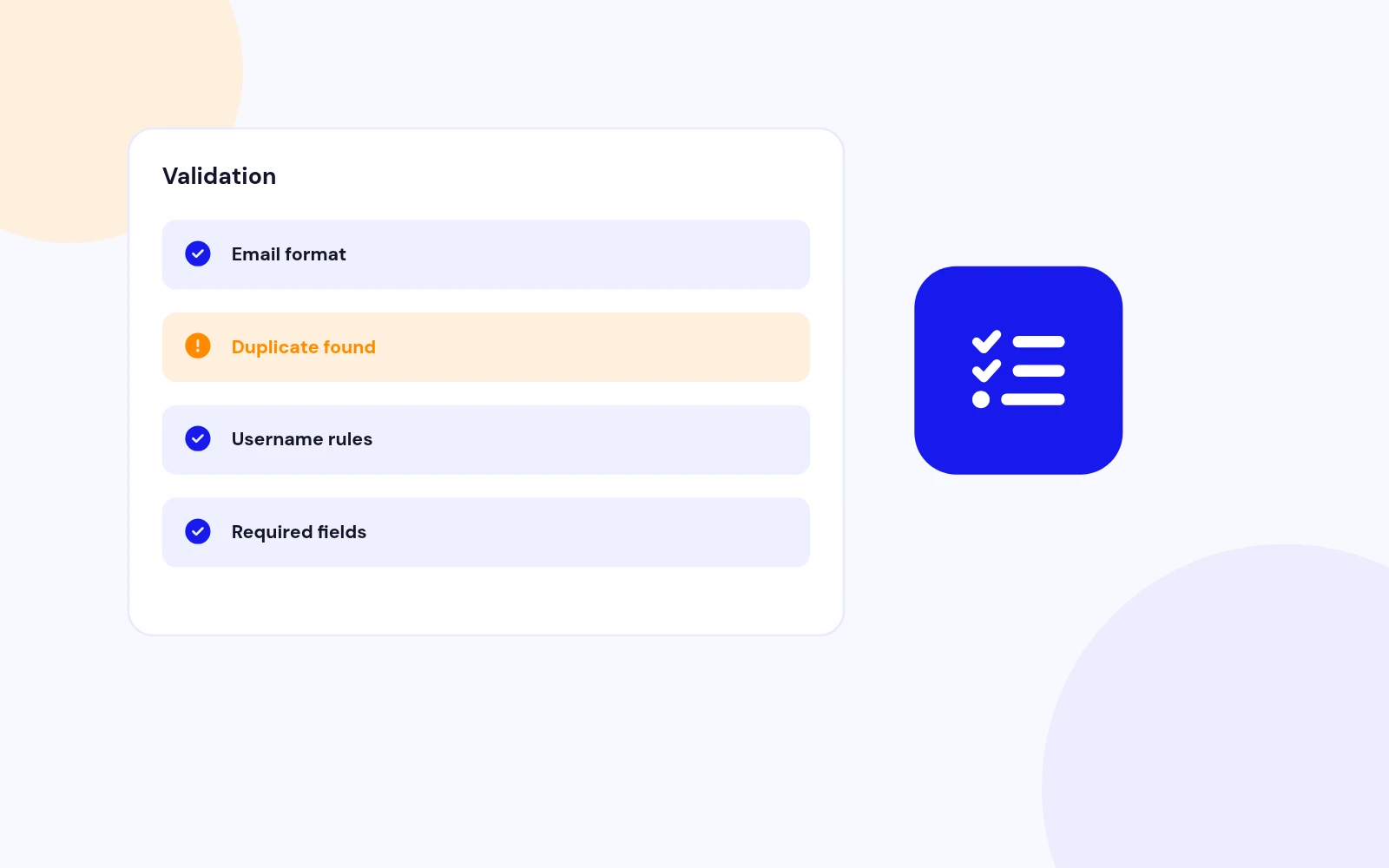
Error-Free
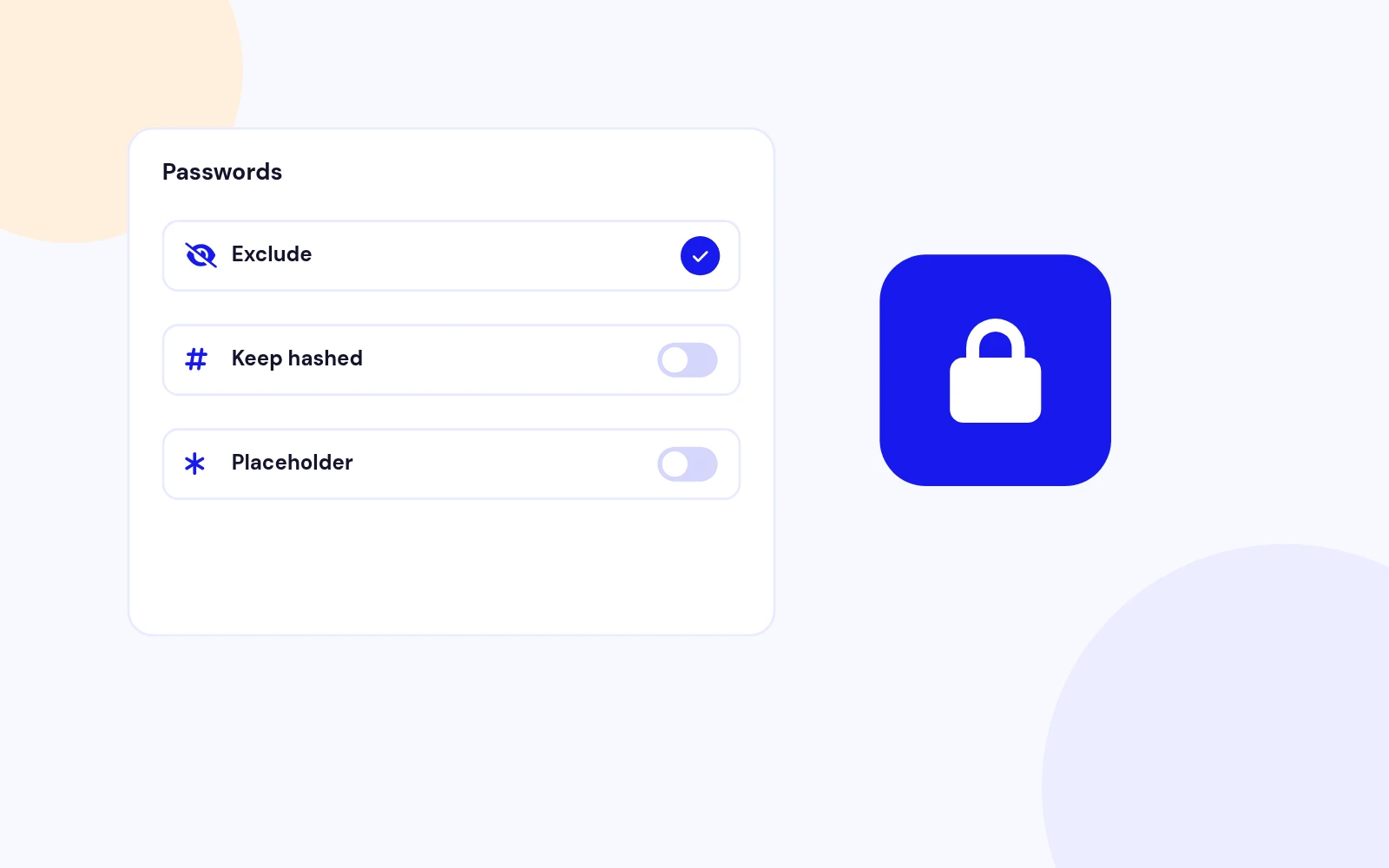
Password Safety
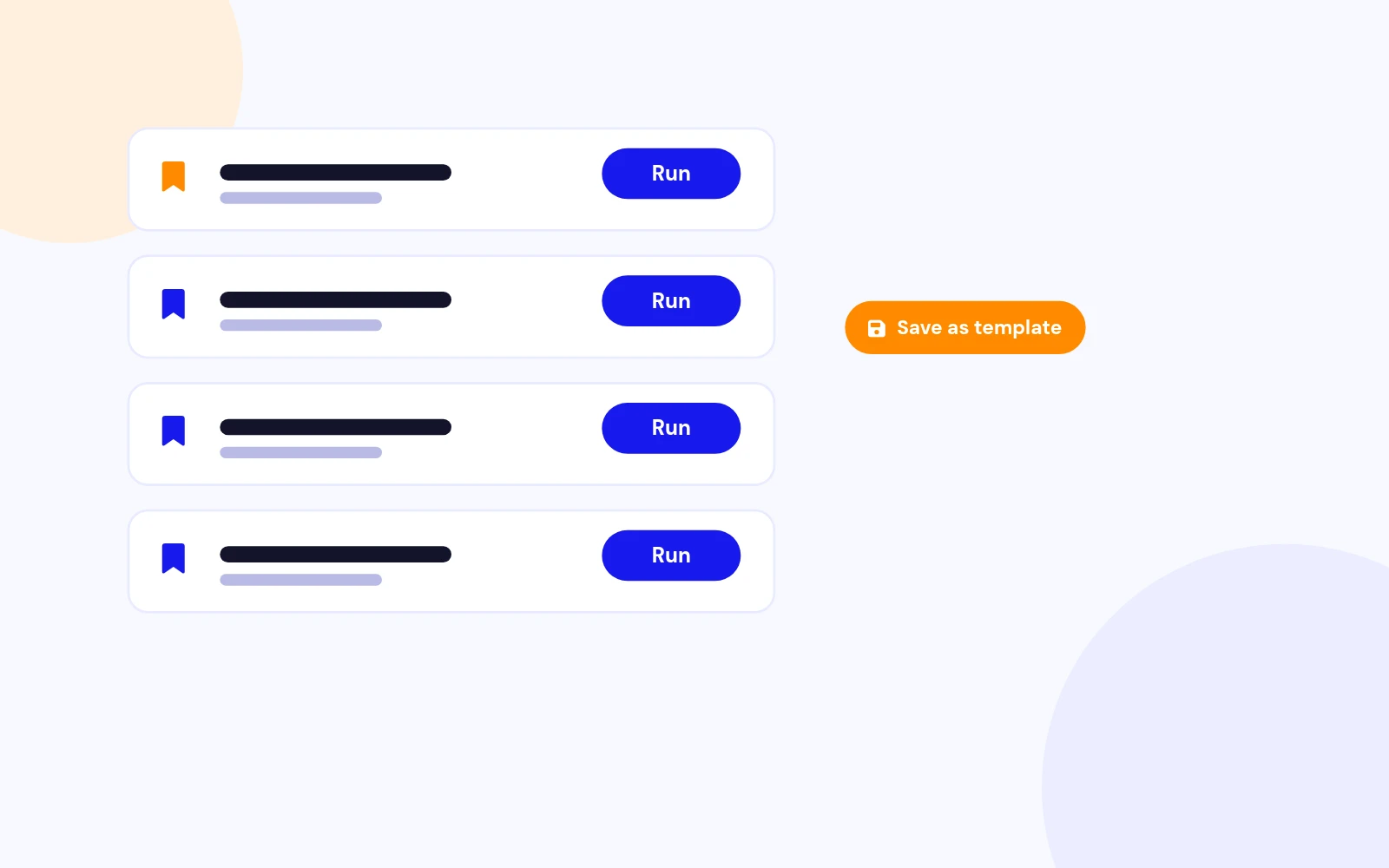
Reusable Templates
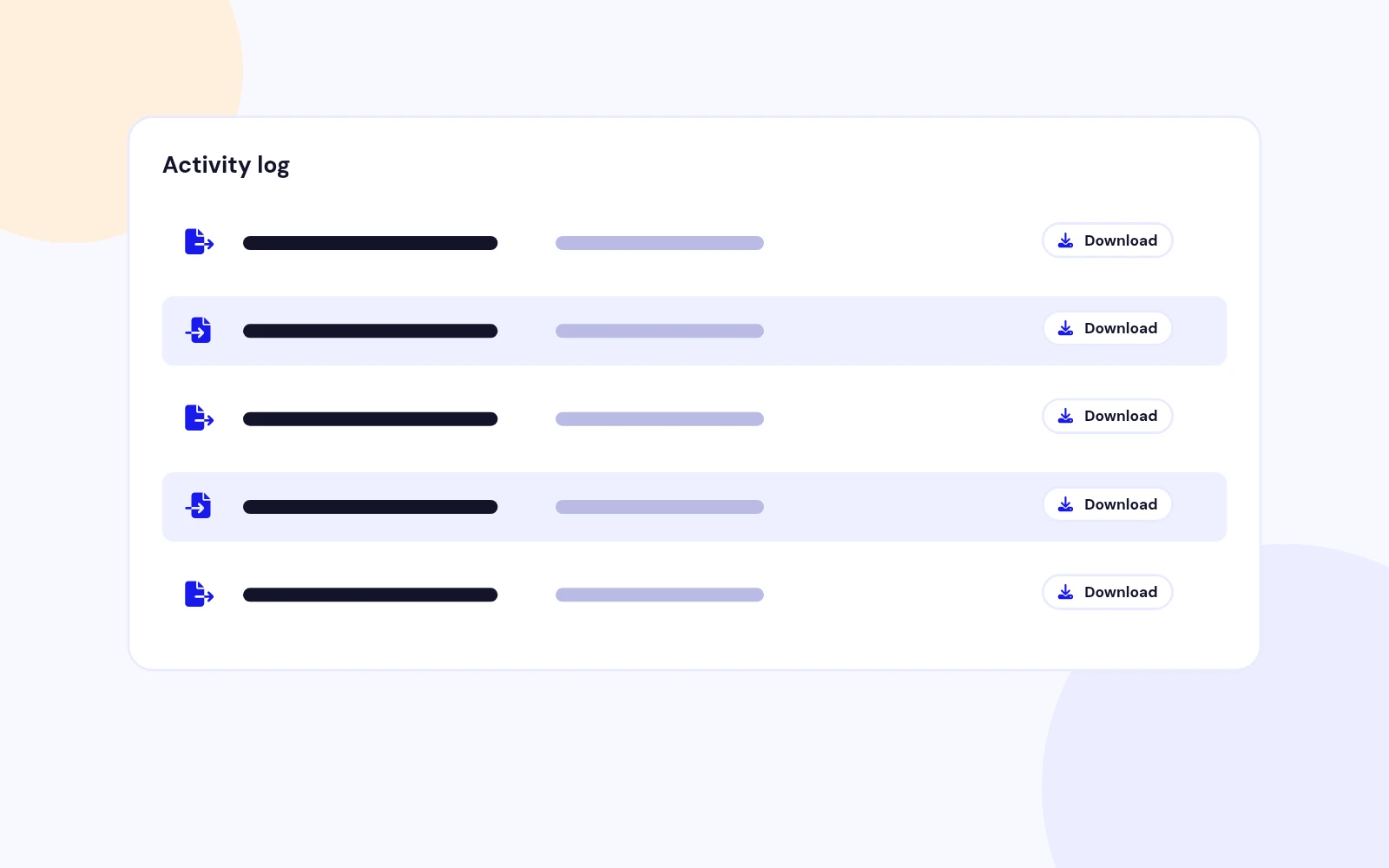
Audit Trail
Easy to Use
Future-Proof
Changelog
7 releases since version 1.0.0. Updates install from the Joomla admin with a valid licence.
Docs & setup
Written guides for installing and configuring User Import Export, from first setup to the options that matter.
Pricing
Save more as you scale — longer access means a bigger discount.
30-day money-back guarantee
30-day money-back guarantee
30-day money-back guarantee
30-day money-back guarantee
Why buy here
All-access bundle
Get all 126 extensions, new releases, ongoing updates and full-time support. Bought one by one, a year of updates for every extension costs over $4,700.
Ideal for small projects and personal sites
$249/ 6 months
Save 91% · $2,900+ value
30-day money-back guarantee
Best for growing businesses and web agencies
$349/ 1 year
Save 92% · $4,700+ value
30-day money-back guarantee
For professional developers and multi-client agencies
$749/ one-time
Pay once · keep forever
30-day money-back guarantee
FAQ
Still unsure? Our support team is one ticket away.
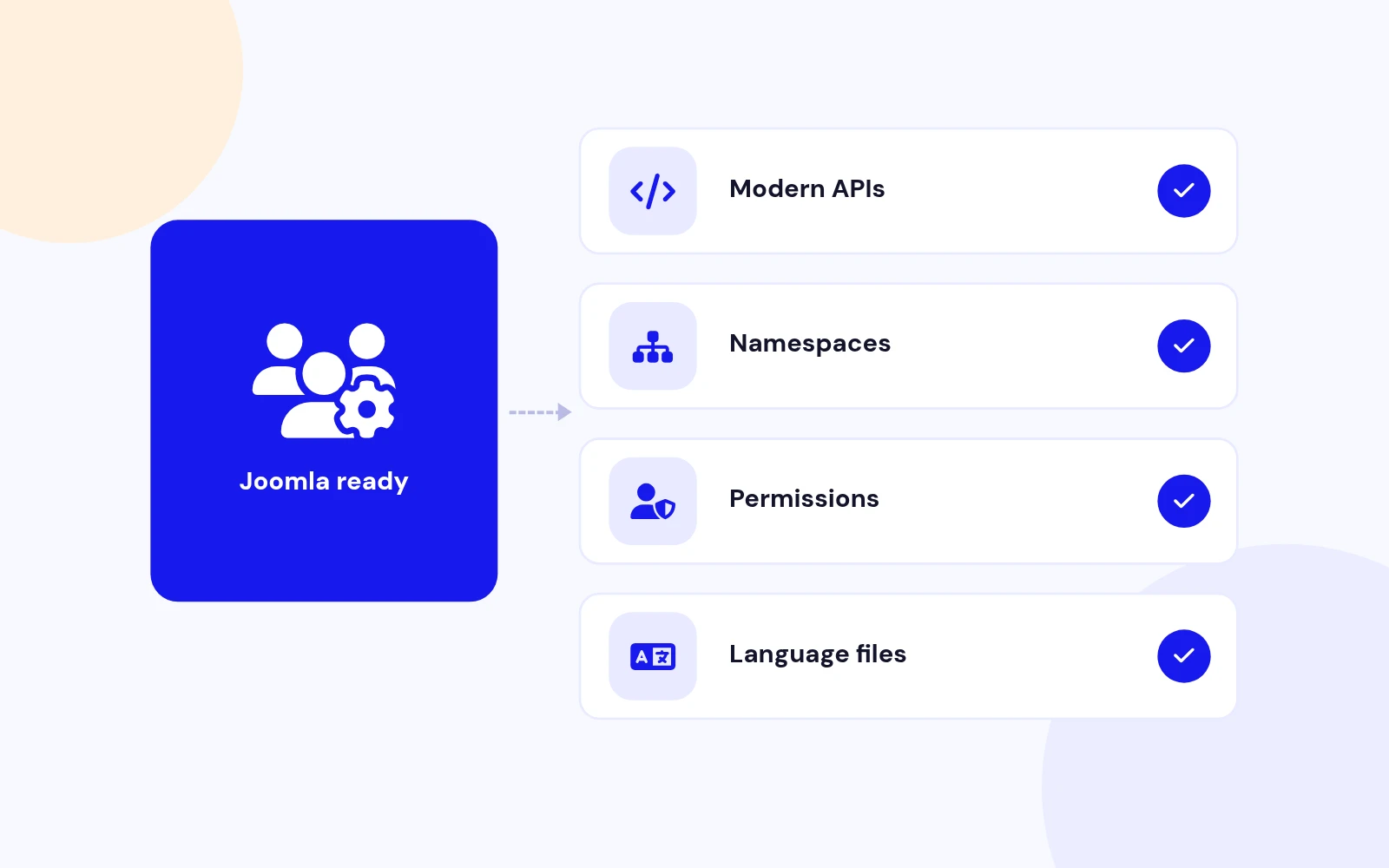
User Import Export is fully compatible with Joomla 5 and Joomla 6. It uses modern Joomla APIs, namespaces, and coding standards.
You can export users to CSV, JSON, XML, or SQL. CSV supports configurable delimiters (comma, semicolon, tab, or pipe), so files open cleanly in any spreadsheet app.
Import users from CSV, JSON, or XML. CSV delimiter detection is automatic, and common header aliases (like email / e-mail / mail) are recognized for field mapping.
Yes. Choose to add new users only, update existing users only, or both. Existing users can be matched by email or username.
Export core Joomla user fields (ID, name, username, email, registration date, last visit, block status, and more), plus user groups, profile fields, custom fields, and user notes. Select only the fields you need.
Yes. Filter by name, username, email, user group, activation/block status, registration date range, or last visit date. You can also preview the first 10 matching records before running the export.
For exports you can exclude passwords, include hashed passwords for migration, or use placeholders. For imports you can auto-generate secure passwords, import pre-hashed passwords, or require a reset on first login. Hashed (bcrypt) passwords are detected automatically.
Yes. Pre-import validation checks email formats, username rules, required fields, duplicates in the file, and existing users in the database. You get row-by-row error details and warnings without blindly importing bad data.
Yes. Save format, selected fields, filters, and options as named templates, then reload and run them with one click for recurring reports or standardized migrations.
Every operation is logged with record counts, success/failure stats, and timestamps. You can re-download previous exports and download error reports straight from the log.
More like this

Module + Plugin
Joomla Extension to Disable Right Click on Mouse
v2.6.1 6,022 downloads
From $9


Plugin + Component
Code Highlighter Plugin for Joomla
v2.2.1 3,537 downloads
From $9


Plugin
Plugin to Include Javascript or CSS files to Joomla
v2.1.1 10,538 downloads
Free


Module
Show Joomla Modules and Articles Randomly in a Position
v1.5.1 3,128 downloads
From $19


Plugin
Joomla plugin for typewriter text effect with adjustable speed and cursor.
v1.4.1 4,412 downloads
From $9