• Client 1
  • Client 2
  • Client 3
  • Client 4
  • Client 5
Trusted by over 100k+ users - 4.9

XBuilder Popup

Drag and Drop Popup Builder for Joomla

J4 J5 J6 Module M Component C

1.0

Current Version

1.00K

Active Users
What can XBuilder Popup do for you?

See our product features

Joomla's first drag-and-drop popup builder - create stunning popups visually with 200+ professional templates, no coding required.
Visual Drag-and-Drop Builder
Intuitive Popup Creation

Visual Drag-and-Drop Builder

React-Powered Visual Editor
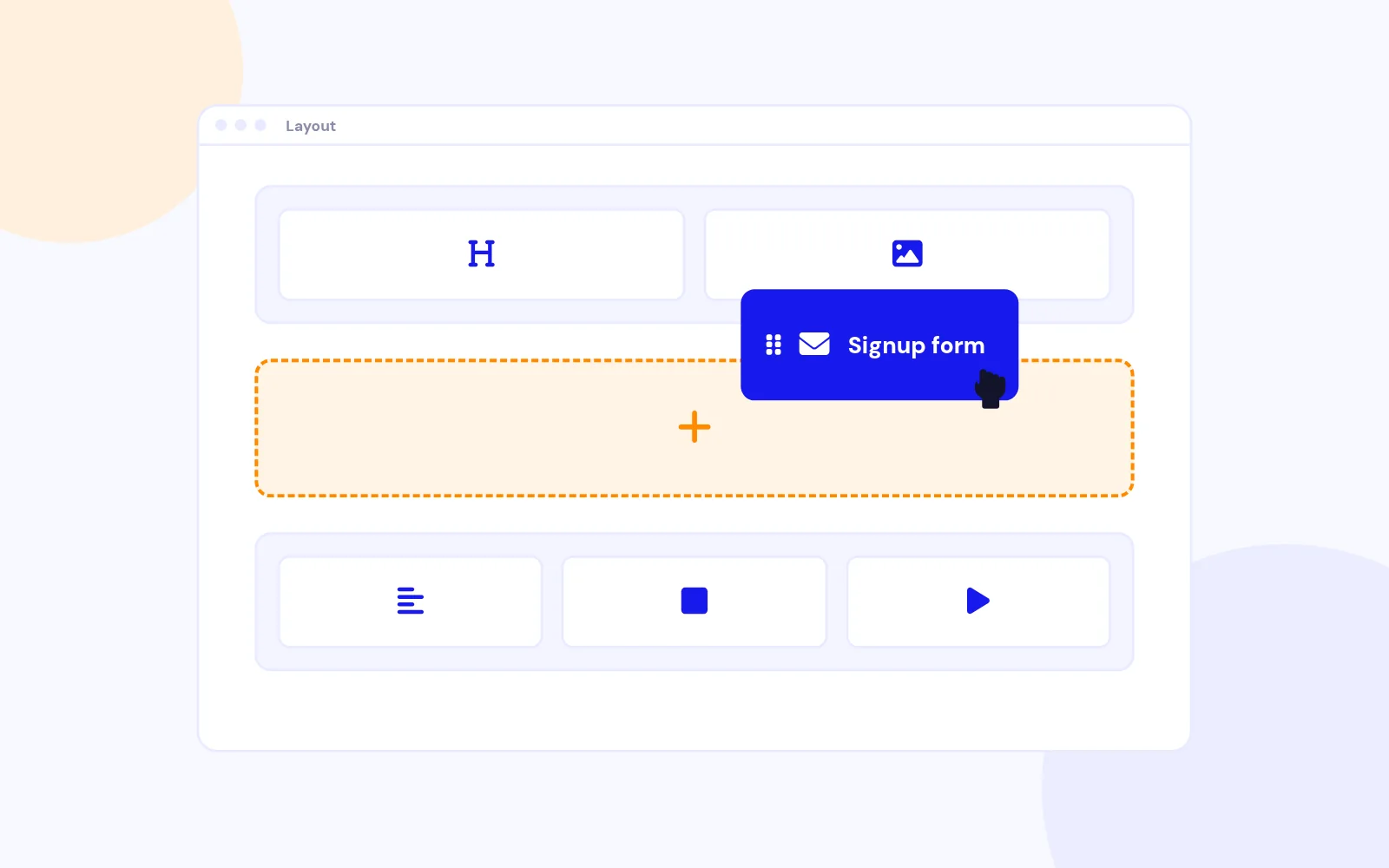
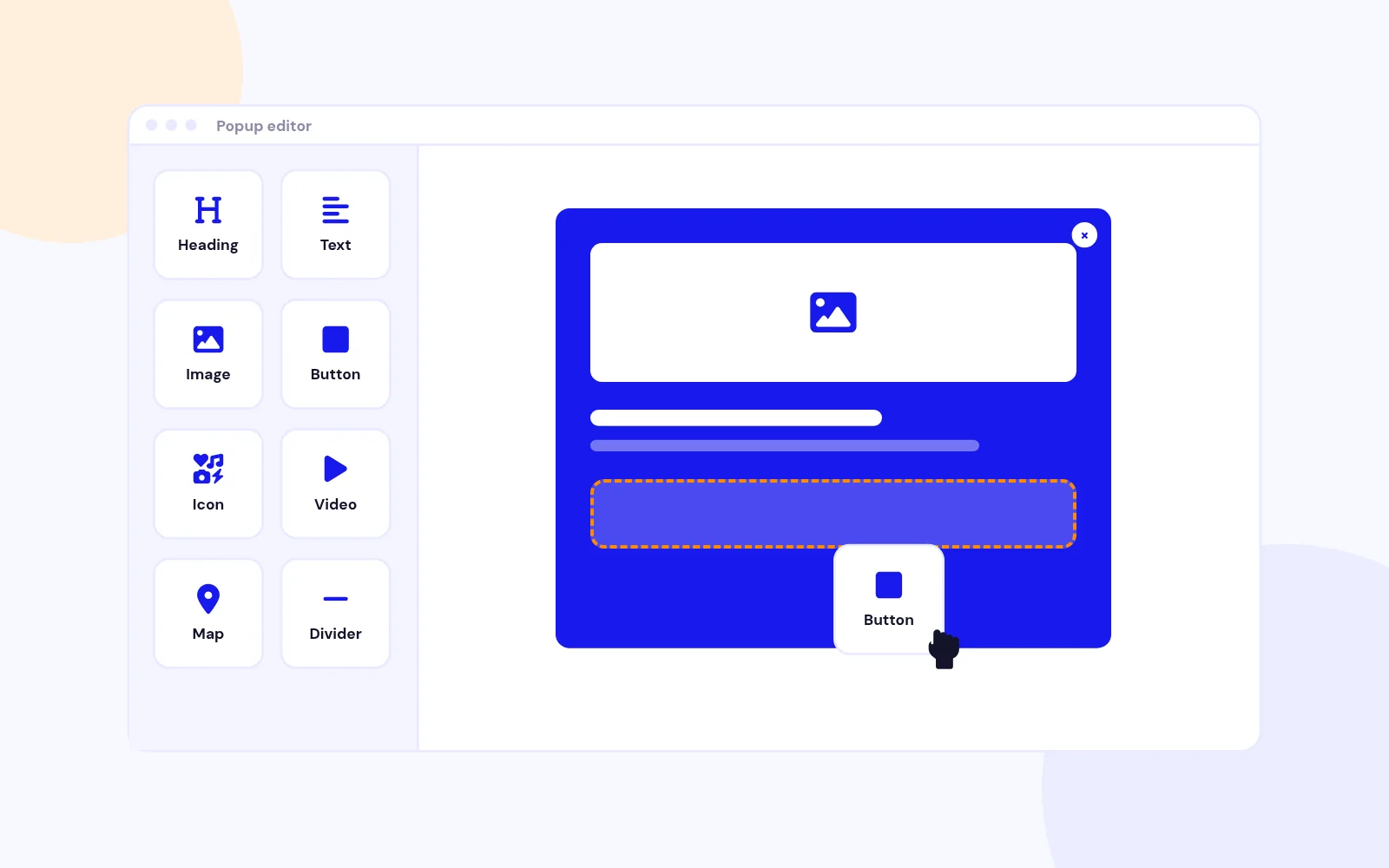
Build stunning popups with a modern drag-and-drop interface. Add headings, text, images, buttons, icons, videos, iframes, maps, dividers, and more.

Real-Time Device Preview
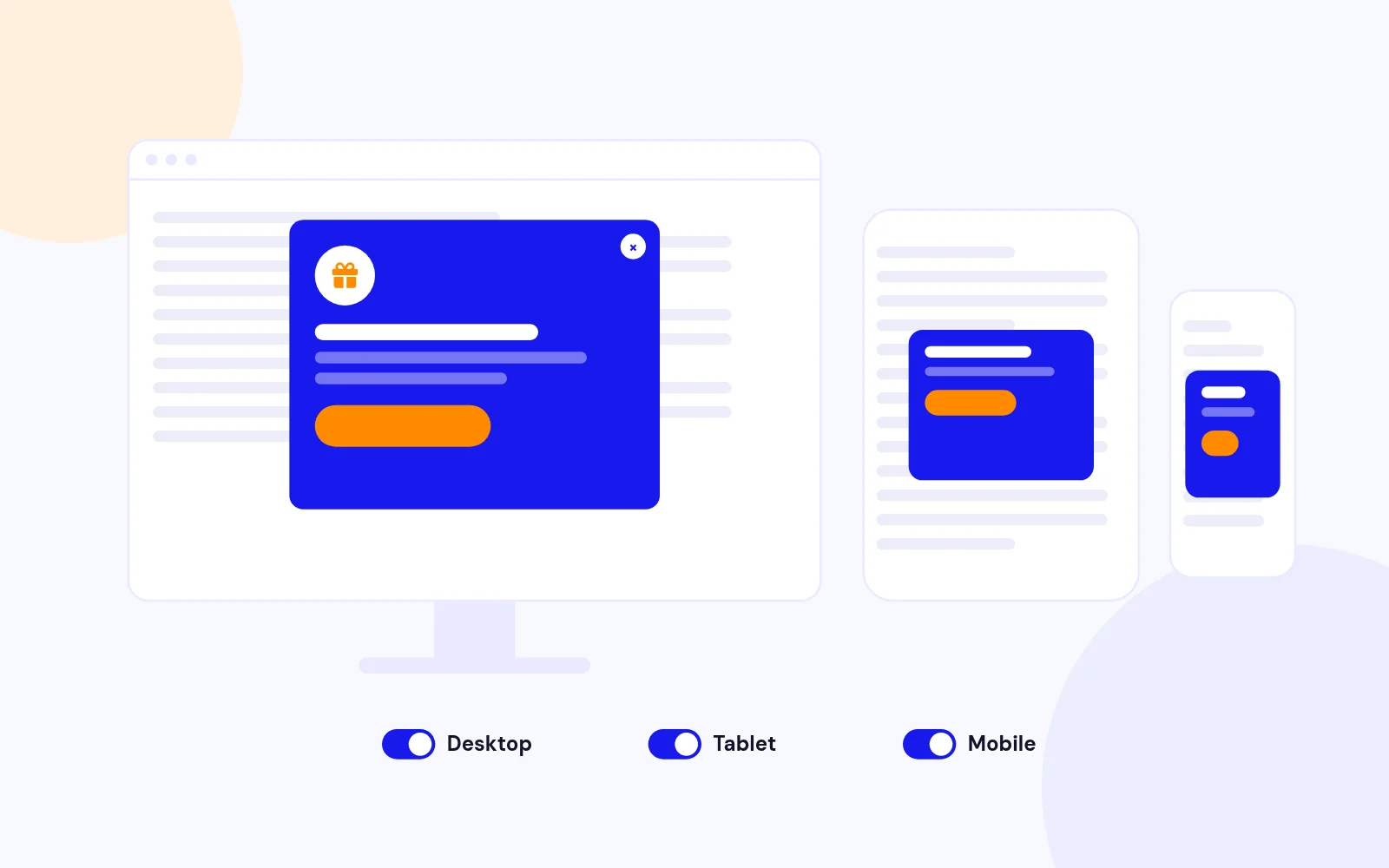
Switch between desktop, tablet, and mobile views instantly. See exactly how your popup will appear on every device before publishing.

Element Structure Panel
Organize elements with an intuitive tree view. Drag to reorder, nest sections and columns, and build complex layouts effortlessly.

200+ Professional Templates
Ready-to-Use Popup Library

200+ Professional Templates

Curated Template Collection
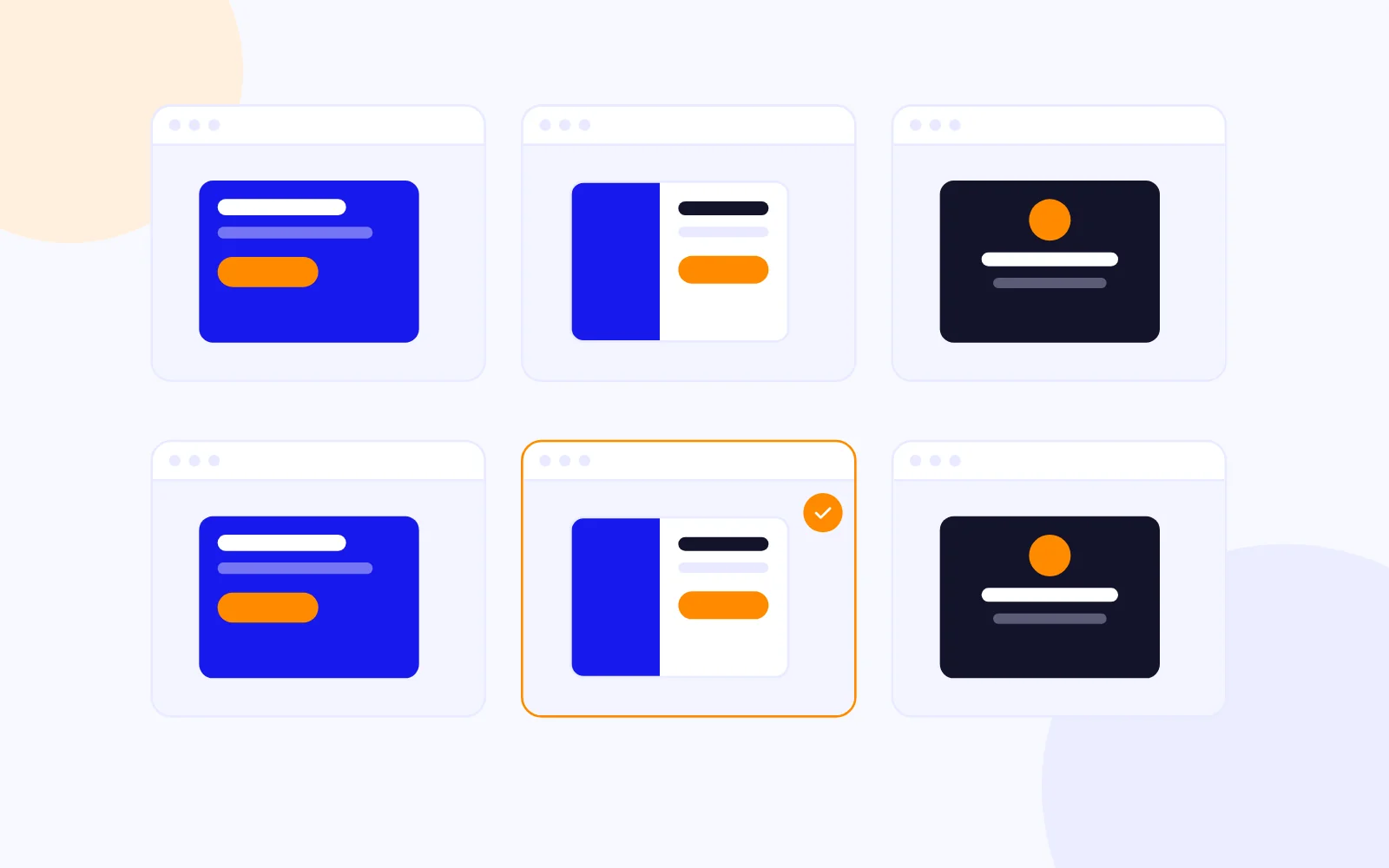
Choose from 200+ professionally designed templates across categories: lead generation, promotions, announcements, cookie consent, age verification, and more.

One-Click Import
Import any template instantly and customize it to match your brand. Filter by category, search by name, or browse similar templates.

Save Custom Templates
Save your own designs as reusable templates. Build once, use anywhere across your Joomla sites.

Smart Display Triggers
Show Popups at the Right Moment

Smart Display Triggers

Multiple Trigger Options
Display popups on page load, after delay, on scroll percentage, on click, on exit intent, on idle, on hover, or via floating button.

Exit Intent Detection
Capture leaving visitors with intelligent exit intent detection. Configurable sensitivity for desktop mouse movement tracking.

Scroll-Based Triggers
Trigger popups when users scroll to a specific percentage or pixel position on your page.

Floating Action Button
Always-Visible Popup Trigger

Floating Action Button

Customizable Floating Button
Add a floating button that stays visible as users scroll. Choose from icon-only, text-only, or icon with text styles.

Position & Animation
Place the button in any corner with custom offsets. Add pulse, bounce, or shake animations to grab attention.

Full Styling Control
Customize size, colors, border radius, rotation, padding, and z-index. Supports Lucide icons, Font Awesome, and custom SVGs.

Display Frequency Control
Smart Popup Scheduling

Display Frequency Control

Preset Frequency Options
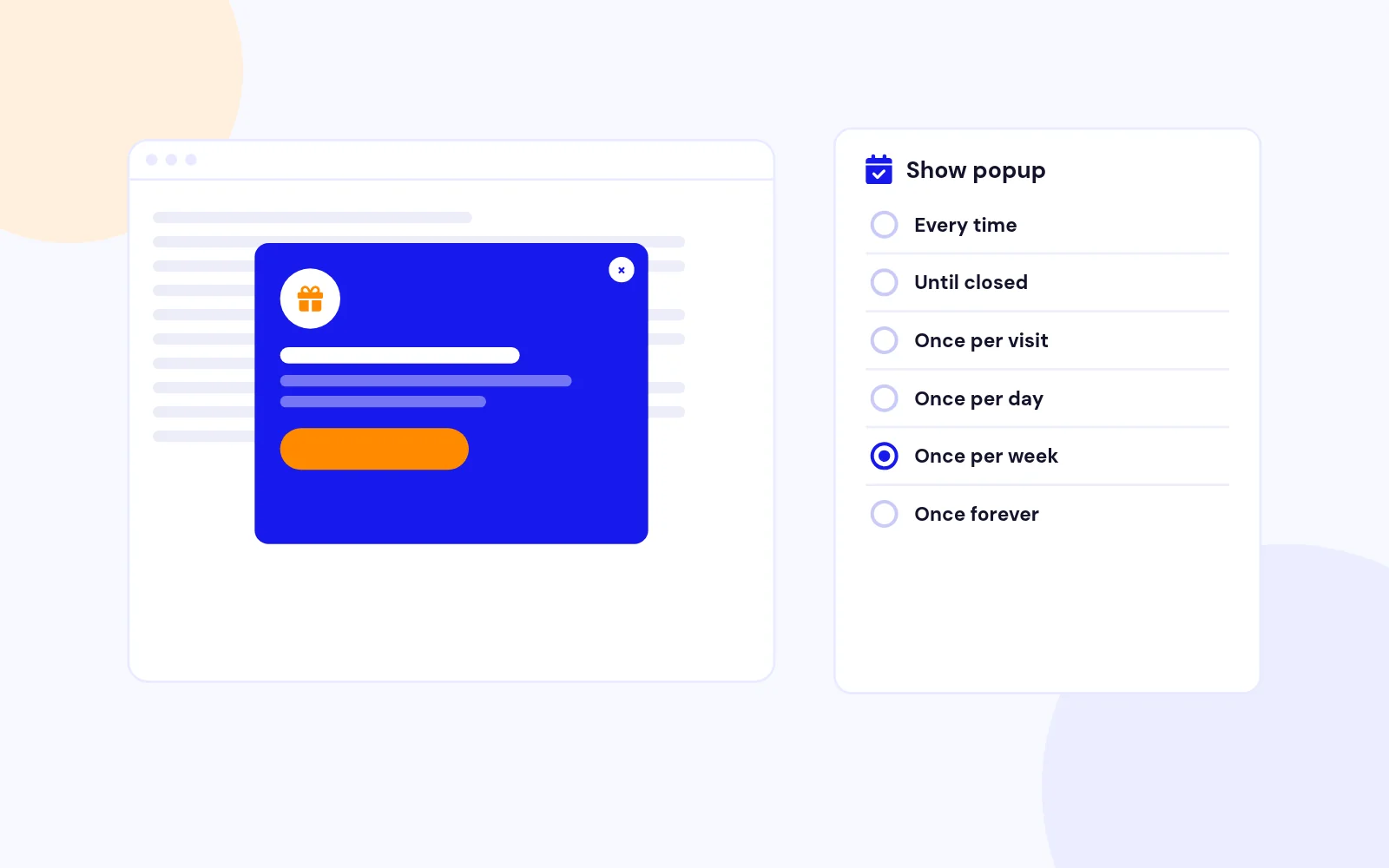
Choose from ready-to-use presets: Show every time, Show until closed, Once per visit, Once per day, Once per week, Once per month, or Once forever.

Custom Frequency Rules
Need more control? Use custom mode to set exact cookie duration, session-based tracking, and choose when to mark the popup as shown.

Cookie & Session Tracking
Automatically tracks popup views using cookies or browser sessions. Prevent popup fatigue by showing content at the right frequency.

Revolutionary for Joomla

First Drag-and-Drop Popup Builder

Industry First for Joomla
XBuilder is the first true drag-and-drop popup builder for Joomla. No more clunky form-based editors or limited customization options.

WordPress-Level Experience
Finally, Joomla users get the same powerful visual building experience that WordPress users have enjoyed. Modern UI, intuitive controls, instant preview.

Built for Joomla, Not Ported
Native Joomla extension built from the ground up. Seamless integration with Joomla's access control, publishing, and media systems.

Complete Design Control

Advanced Styling Options

Background Customization
Set solid colors, gradients, images, or YouTube videos as popup backgrounds. Configure overlay with blur effects.

Typography & Spacing
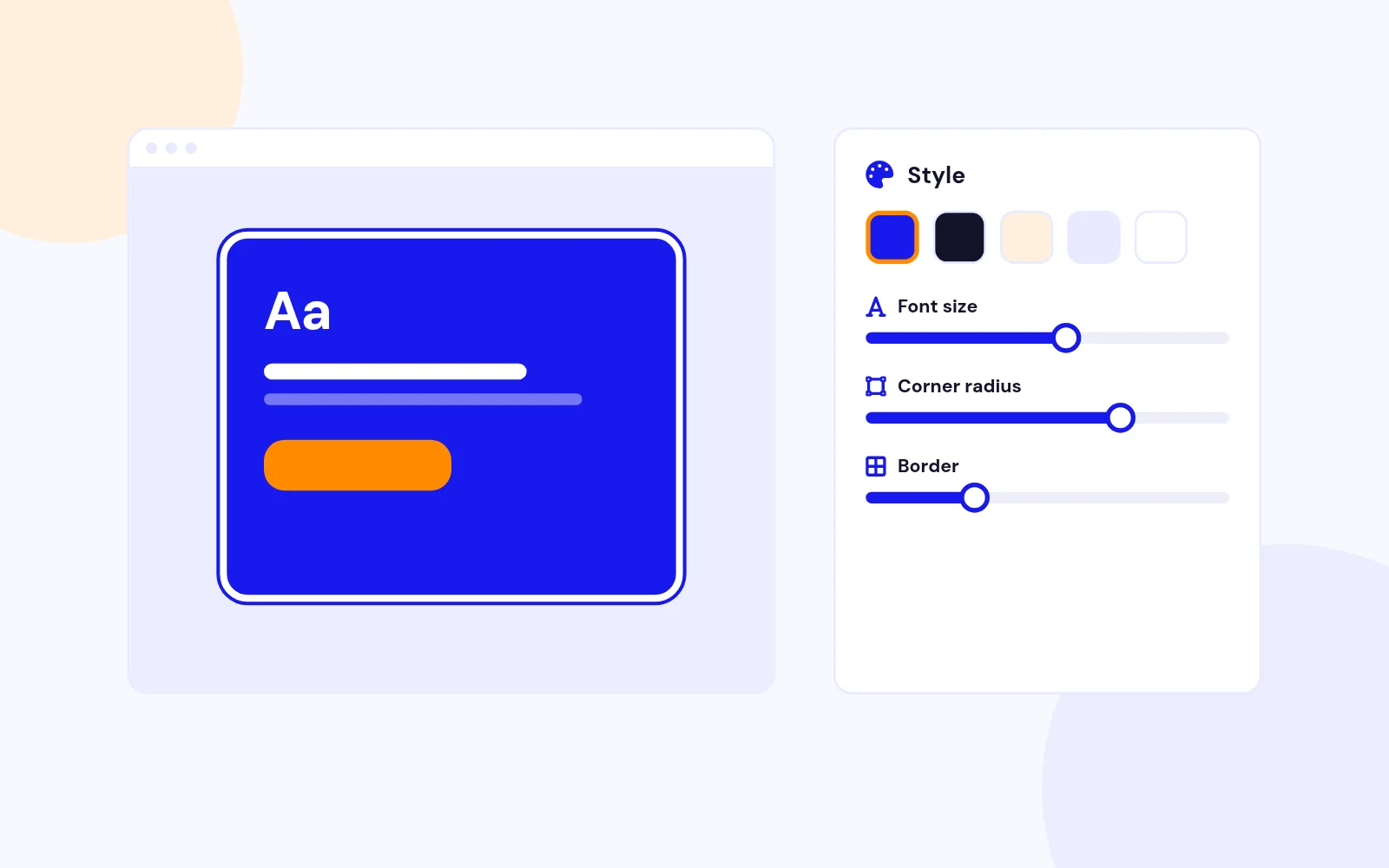
Full control over fonts (Google Fonts support), sizes, colors, spacing, line height, and text shadows for every element.

Borders & Shadows
Add custom borders with individual side control, border radius per corner, and box shadows with full color and blur settings.

Perfect on Every Device

Responsive Design System

Device-Specific Settings
Set different values for desktop, tablet, and mobile. Control width, height, padding, font sizes, and visibility per device.

Hide on Devices
Choose to hide popups or specific elements on certain devices. Show desktop-only promotions or mobile-specific CTAs.

Responsive Breakpoints
Automatic breakpoints at 1024px (tablet) and 768px (mobile) ensure your popups look great everywhere.

Smooth Popup Transitions

Animation & Effects

Open & Close Animations
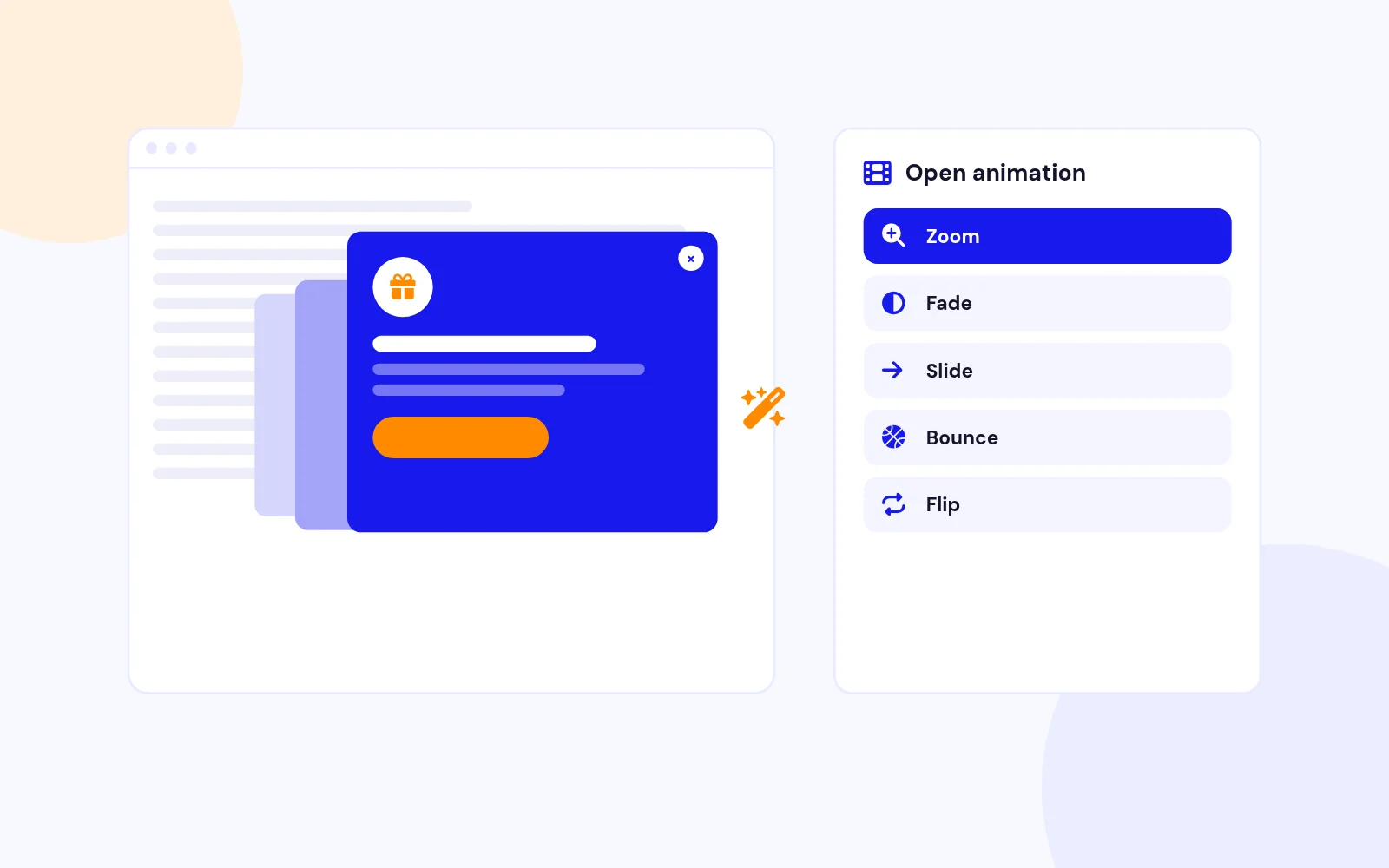
Choose from 50+ animations: zoom, fade, slide, bounce, flip, rotate, and more. Set custom duration for each.

Overlay Effects
Configure overlay opacity, blur amount, and click-to-close behavior. Support for gradient and image overlays.

Element Hover Effects
Add hover animations to images and buttons: grow, shrink, pulse, rotate, shake, bounce, or fade.

Modern Architecture

Joomla 4, 5 & 6 Ready

Full Joomla Compatibility
Built for Joomla 4.x, 5.x, and 6.x using modern APIs, namespaces, and MVC architecture.

Access Control Integration
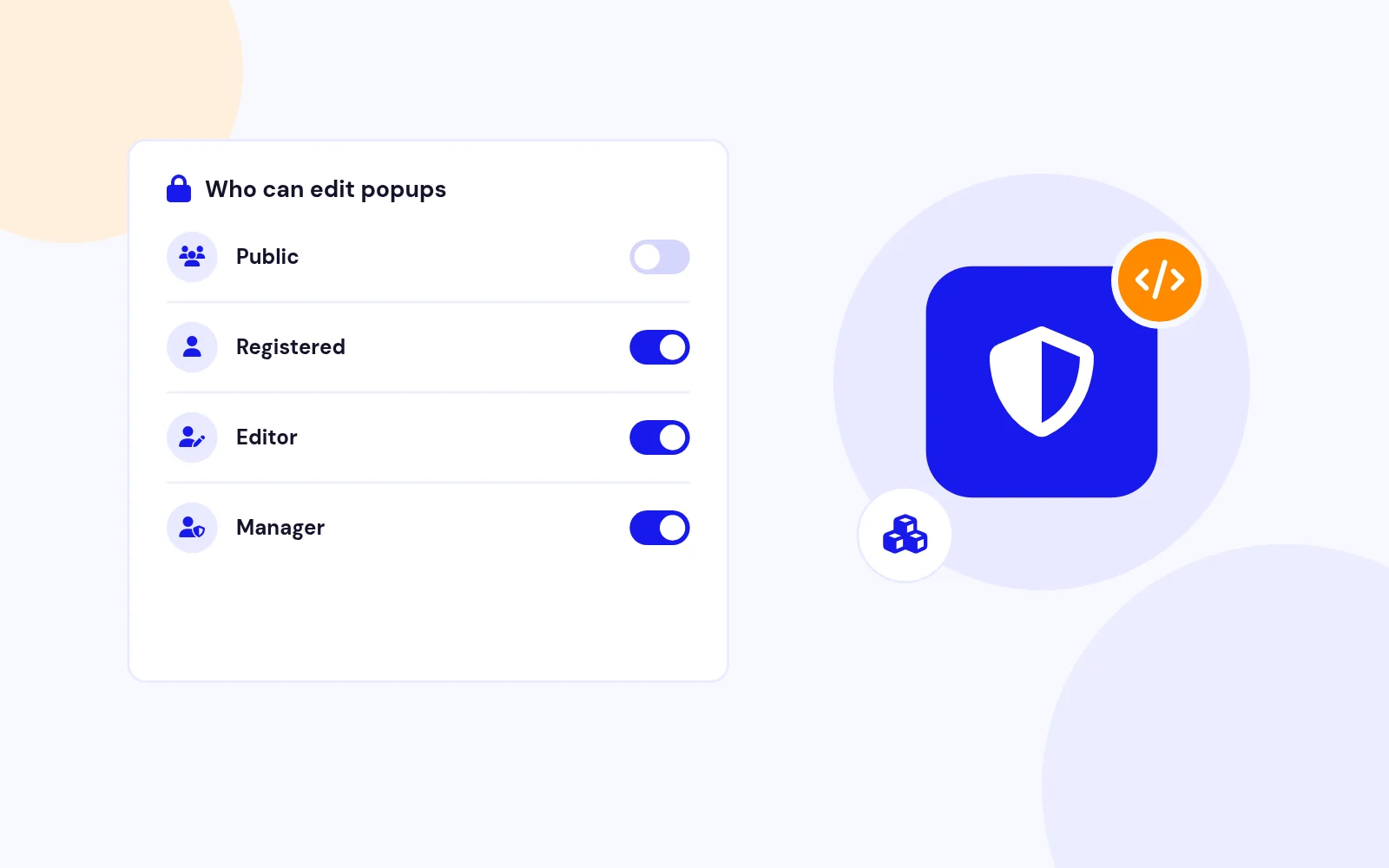
Respects Joomla access levels and user groups. Show different popups to guests, registered users, or specific groups using Module

React-Powered Visual Editor
Build stunning popups with a modern drag-and-drop interface. Add headings, text, images, buttons, icons, videos, iframes, maps, dividers, and more.

Real-Time Device Preview
Switch between desktop, tablet, and mobile views instantly. See exactly how your popup will appear on every device before publishing.

Element Structure Panel
Organize elements with an intuitive tree view. Drag to reorder, nest sections and columns, and build complex layouts effortlessly.

Curated Template Collection
Choose from 200+ professionally designed templates across categories: lead generation, promotions, announcements, cookie consent, age verification, and more.

One-Click Import
Import any template instantly and customize it to match your brand. Filter by category, search by name, or browse similar templates.

Save Custom Templates
Save your own designs as reusable templates. Build once, use anywhere across your Joomla sites.

Multiple Trigger Options
Display popups on page load, after delay, on scroll percentage, on click, on exit intent, on idle, on hover, or via floating button.

Exit Intent Detection
Capture leaving visitors with intelligent exit intent detection. Configurable sensitivity for desktop mouse movement tracking.

Scroll-Based Triggers
Trigger popups when users scroll to a specific percentage or pixel position on your page.

Customizable Floating Button
Add a floating button that stays visible as users scroll. Choose from icon-only, text-only, or icon with text styles.

Position & Animation
Place the button in any corner with custom offsets. Add pulse, bounce, or shake animations to grab attention.

Full Styling Control
Customize size, colors, border radius, rotation, padding, and z-index. Supports Lucide icons, Font Awesome, and custom SVGs.

Preset Frequency Options
Choose from ready-to-use presets: Show every time, Show until closed, Once per visit, Once per day, Once per week, Once per month, or Once forever.

Custom Frequency Rules
Need more control? Use custom mode to set exact cookie duration, session-based tracking, and choose when to mark the popup as shown.

Cookie & Session Tracking
Automatically tracks popup views using cookies or browser sessions. Prevent popup fatigue by showing content at the right frequency.

Industry First for Joomla
XBuilder is the first true drag-and-drop popup builder for Joomla. No more clunky form-based editors or limited customization options.

WordPress-Level Experience
Finally, Joomla users get the same powerful visual building experience that WordPress users have enjoyed. Modern UI, intuitive controls, instant preview.

Built for Joomla, Not Ported
Native Joomla extension built from the ground up. Seamless integration with Joomla's access control, publishing, and media systems.

Background Customization
Set solid colors, gradients, images, or YouTube videos as popup backgrounds. Configure overlay with blur effects.

Typography & Spacing
Full control over fonts (Google Fonts support), sizes, colors, spacing, line height, and text shadows for every element.

Borders & Shadows
Add custom borders with individual side control, border radius per corner, and box shadows with full color and blur settings.

Device-Specific Settings
Set different values for desktop, tablet, and mobile. Control width, height, padding, font sizes, and visibility per device.

Hide on Devices
Choose to hide popups or specific elements on certain devices. Show desktop-only promotions or mobile-specific CTAs.

Responsive Breakpoints
Automatic breakpoints at 1024px (tablet) and 768px (mobile) ensure your popups look great everywhere.

Open & Close Animations
Choose from 50+ animations: zoom, fade, slide, bounce, flip, rotate, and more. Set custom duration for each.

Overlay Effects
Configure overlay opacity, blur amount, and click-to-close behavior. Support for gradient and image overlays.

Element Hover Effects
Add hover animations to images and buttons: grow, shrink, pulse, rotate, shake, bounce, or fade.

Full Joomla Compatibility
Built for Joomla 4.x, 5.x, and 6.x using modern APIs, namespaces, and MVC architecture.

Access Control Integration
Respects Joomla access levels and user groups. Show different popups to guests, registered users, or specific groups using Module

Need help getting started?

Our comprehensive documentation provides step-by-step instructions for setting up and installing XBuilder Popup.

Step-by-step guides
Video tutorials
Configuration examples
Read Documentation
Documentation Preview

We have a pricing plan that's perfect for you!

Choose the subscription plan that suits you.

Save more as you scale — the longer you choose, the bigger the discount!
Limited: 30 Days Only
Plan 30
Basic testing plan. 30 days access only. No priority support. Access expires after 30 days - no future updates.
$19

$19

You save zero
Download Access - 30 Days
Support - 30 Days Email Support
1 Website License
Unlimited Downloads
No Priority Support
No Future Updates After 30 Days
Limited to Testing Only
30-Day Money Back Guarantee
Commercial Use License
Plan 180
6 months access with priority support & bug fixes. Perfect for short-term projects and growing businesses.
$114

$29

You save $85
Download Access - 6 Months
Support - 6 Months + Priority Updates
2 Websites License
Unlimited Downloads
Priority Email Support
Priority Bug Fixes
6 Months Free Updates
30-Day Money Back Guarantee
Commercial Use License
Plan 365
Full year access with VIP support channel. Fastest response time & priority feature requests. Best value!
$228

$49

Download Access - 1 Year
Support - 1 Year + VIP Support Channel
3 Websites License
Unlimited Downloads
VIP Support Channel
Priority Feature Requests
Fastest Response Time
1 Year Free Updates
30-Day Money Back Guarantee
Commercial Use License
Best Value - Never Pay Again
Lifetime
Lifetime access with dedicated support agent. Never pay again - unlimited updates & custom development support included.
$1,980

$99

You save 95%
Download Access - Lifetime
Support - Lifetime + Dedicated Support
Unlimited Websites License
Unlimited Downloads
Dedicated Support Agent
Lifetime Free Updates
Feature Request Priority
Custom Development Support
30-Day Money Back Guarantee
Commercial Use License
Have questions about XBuilder Popup?

Frequently Asked Questions

Still have questions?

SAVE 90%

Supercharge Your Joomla Site with 60+ Premium Extensions

3 Months Support Regular Updates Secure Code
$999
$ 99
One-time payment
Get Access Now
Secure Payment

Create Your Own Joomla Module for Free!

Use our Free Joomla Module Generator to quickly create custom modules for your website.

Sign in to your account

Don't have an account yet? Register Now!