Keyboard shortcuts
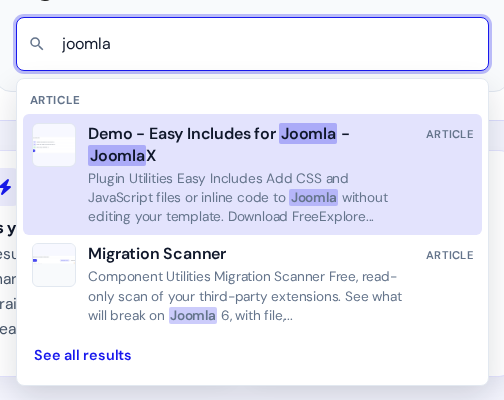
The search field works as a list visitors can move through from the keyboard:
| Key | Action |
|---|---|
| Letters and numbers | Type the query. After the debounce delay, results appear. |
| Down arrow | Move to the next result (when the dropdown is open). |
| Up arrow | Move to the previous result. |
| Enter | Open the highlighted result. If nothing is highlighted, go to the See all results page for the current query. |
| Escape | Close the dropdown and leave the field. |
Clicking outside the box also closes the dropdown. Focusing the field again reopens it if results are still loaded. Screen readers get a live status message while results load, when none are found, or when results are shown.