

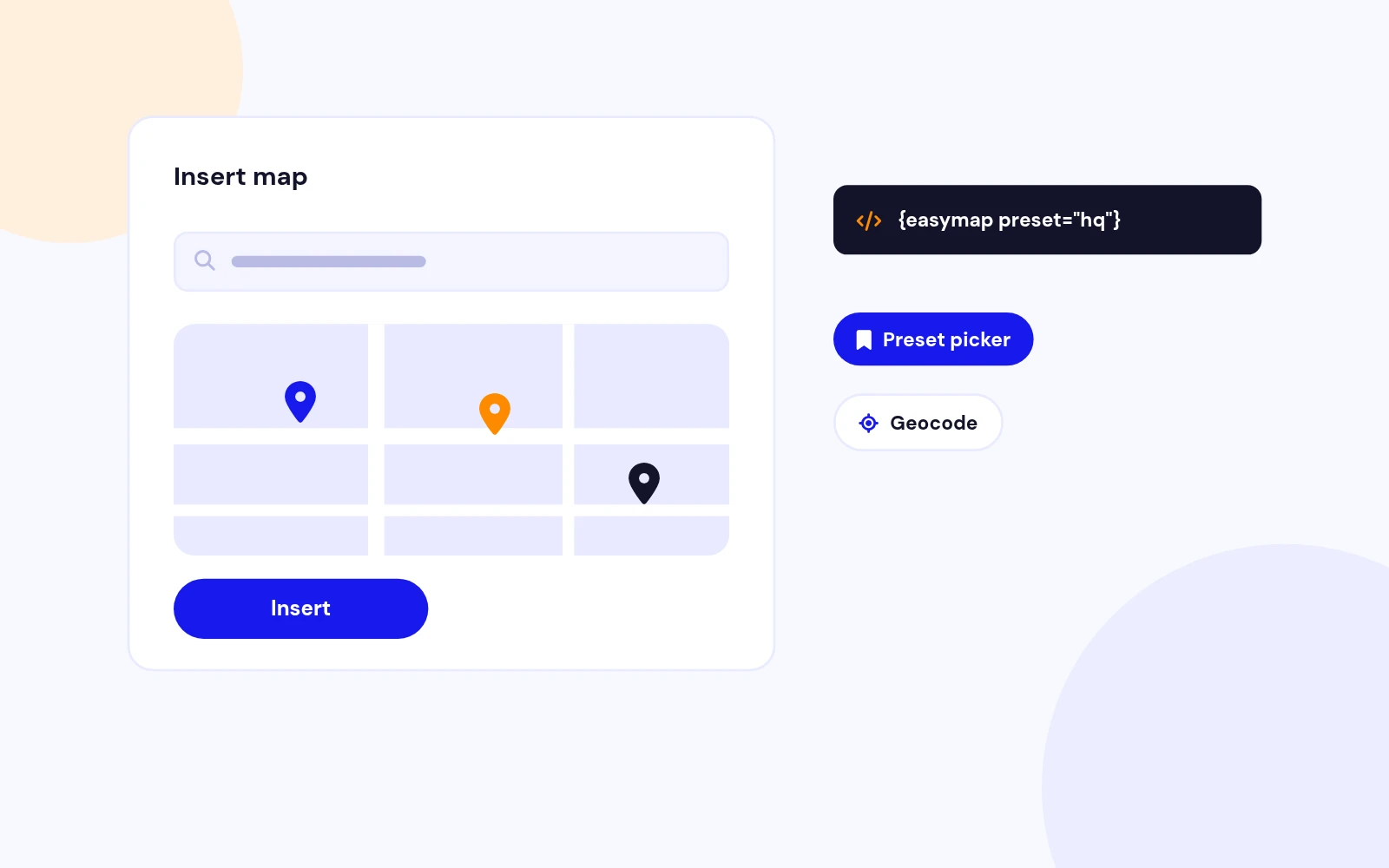
Editor Button
Add Maps Without the Guesswork
- Search an address, pick a preset and insert a map from the editor. Reuse your saved locations.
Embed maps in Joomla articles and modules. Google or OpenStreetMap. Editor button, {easymap} shortcode, saved presets, responsive layout.
Features
Ten feature areas, one install package for Joomla 4, 5 and 6.
Editor Button
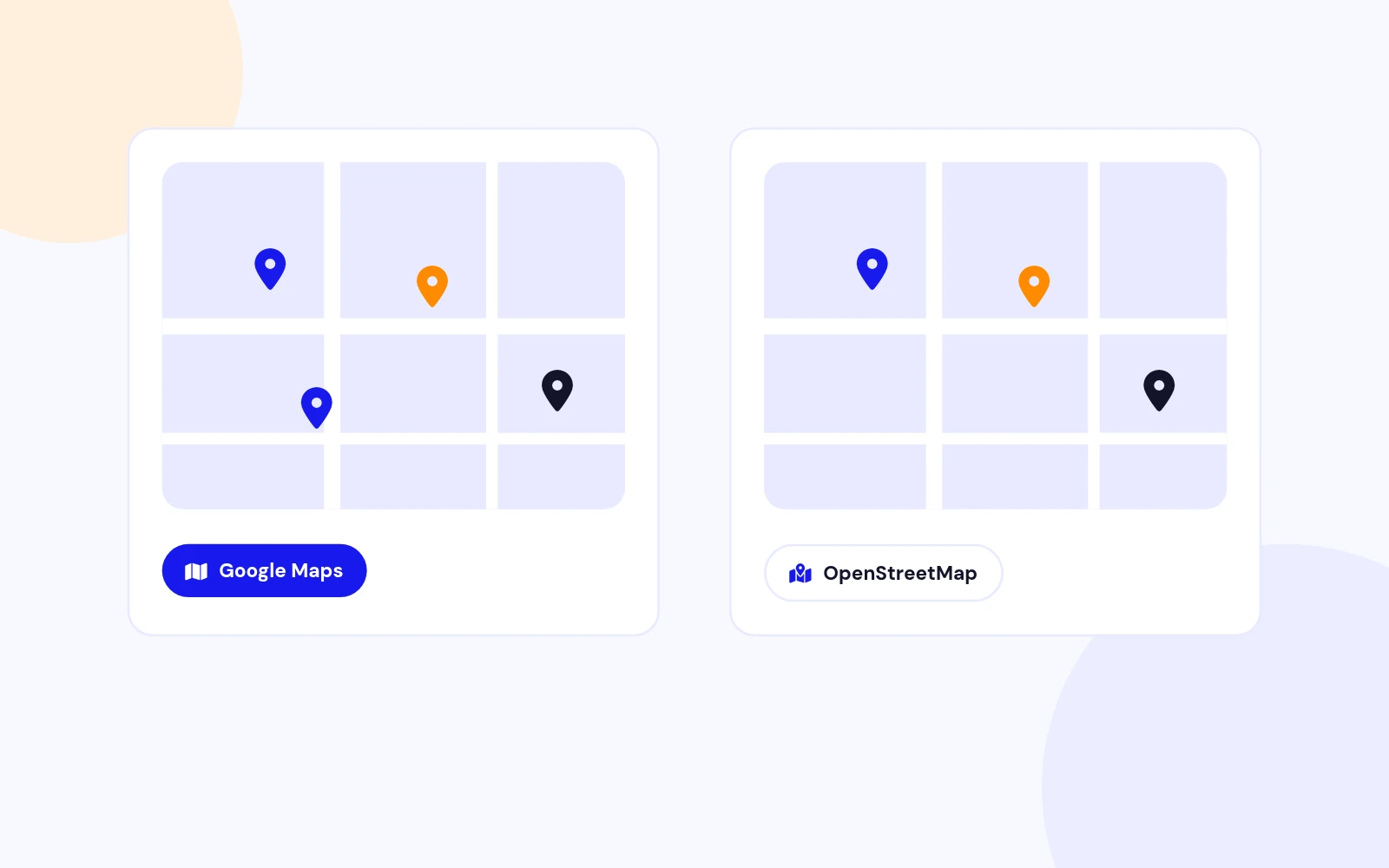
Your Provider
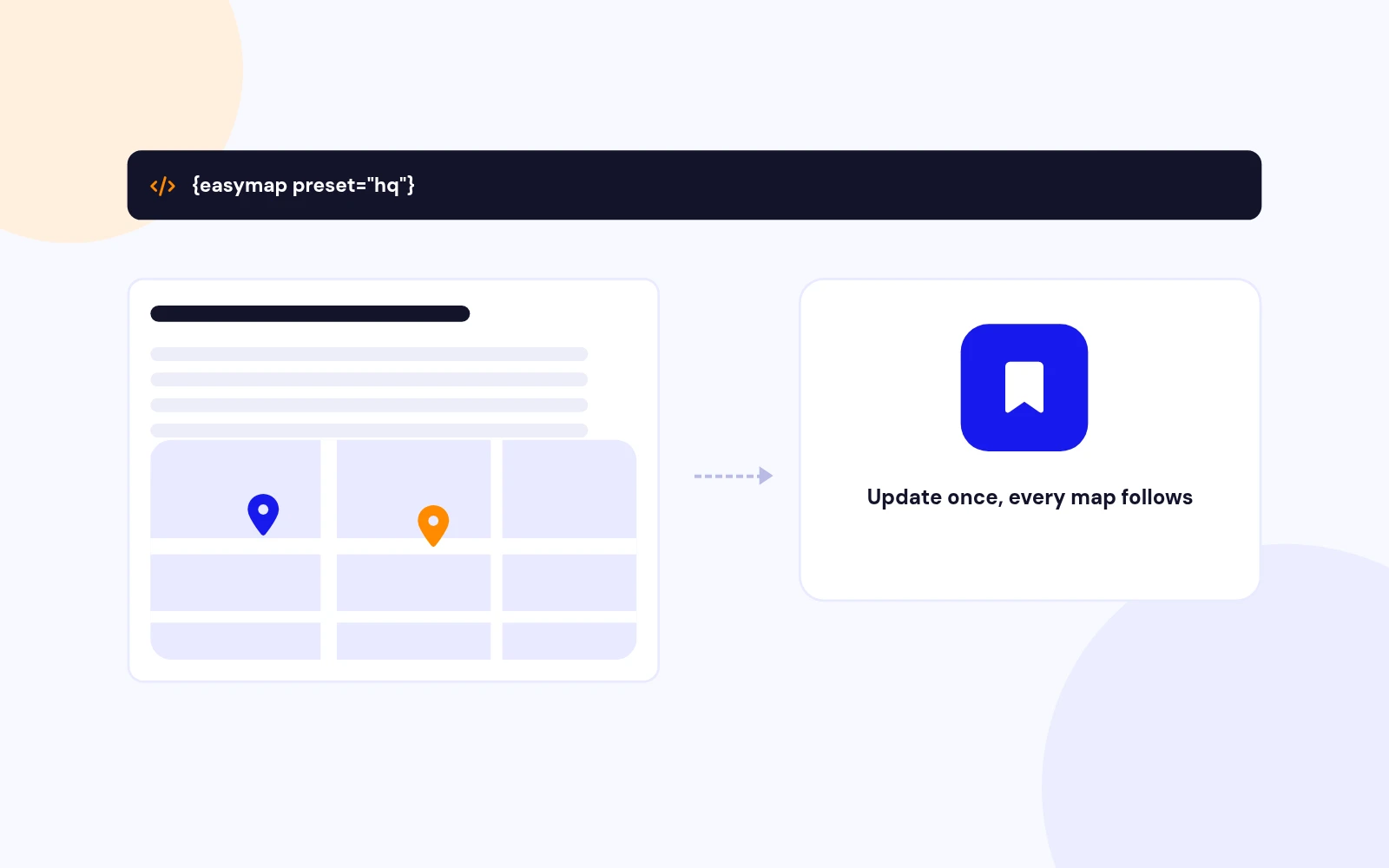
One Line
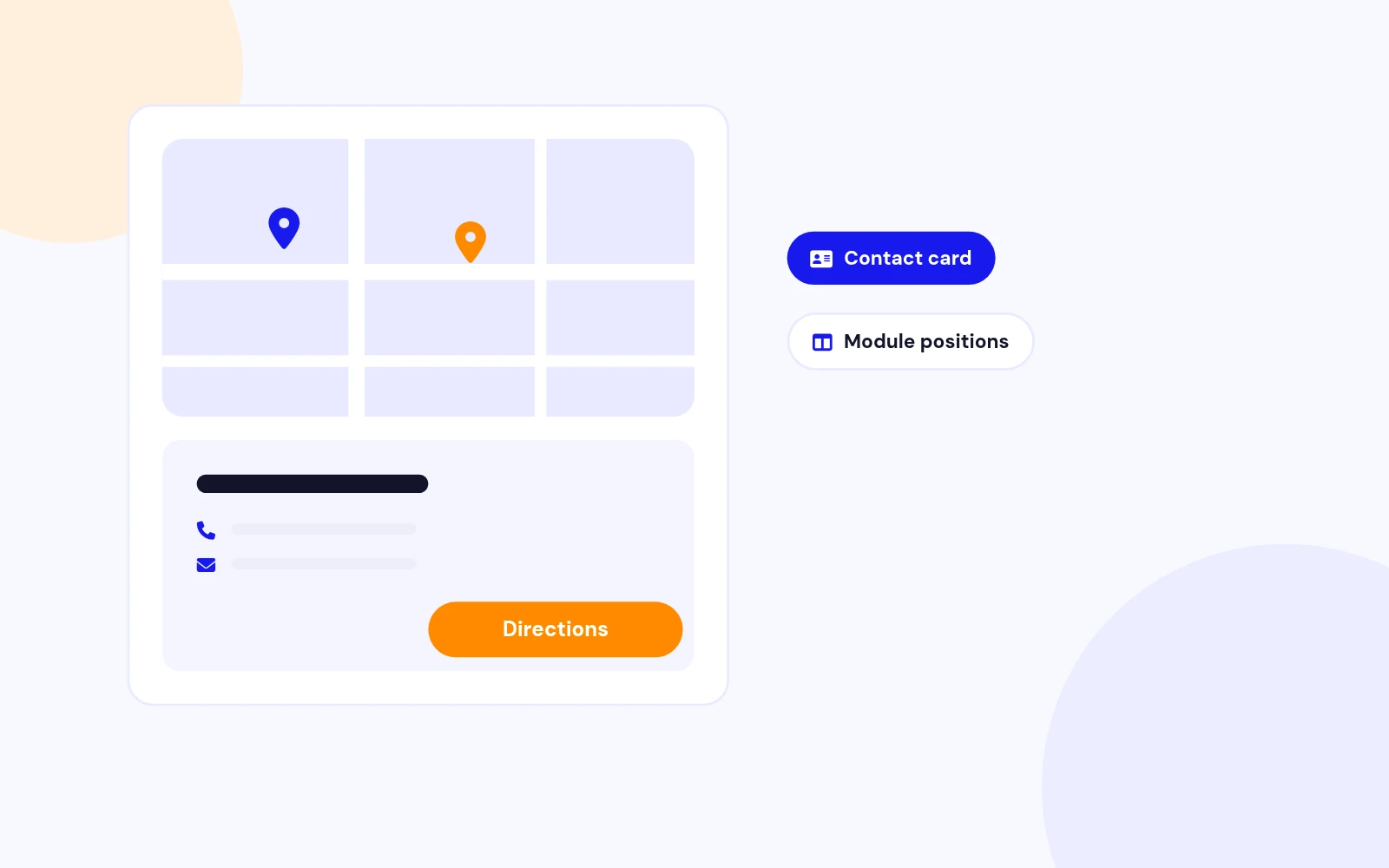
Contact Module
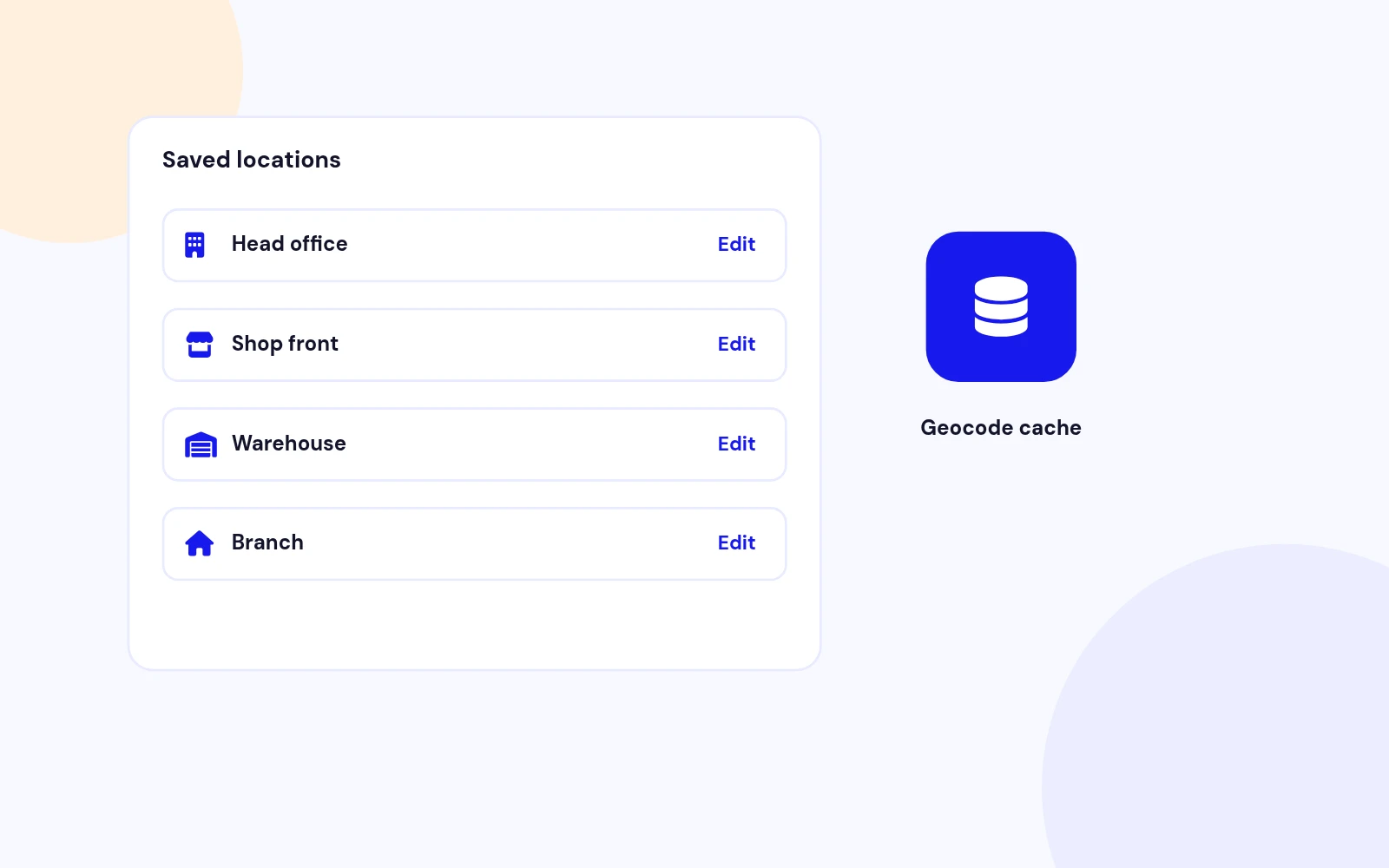
Saved Locations
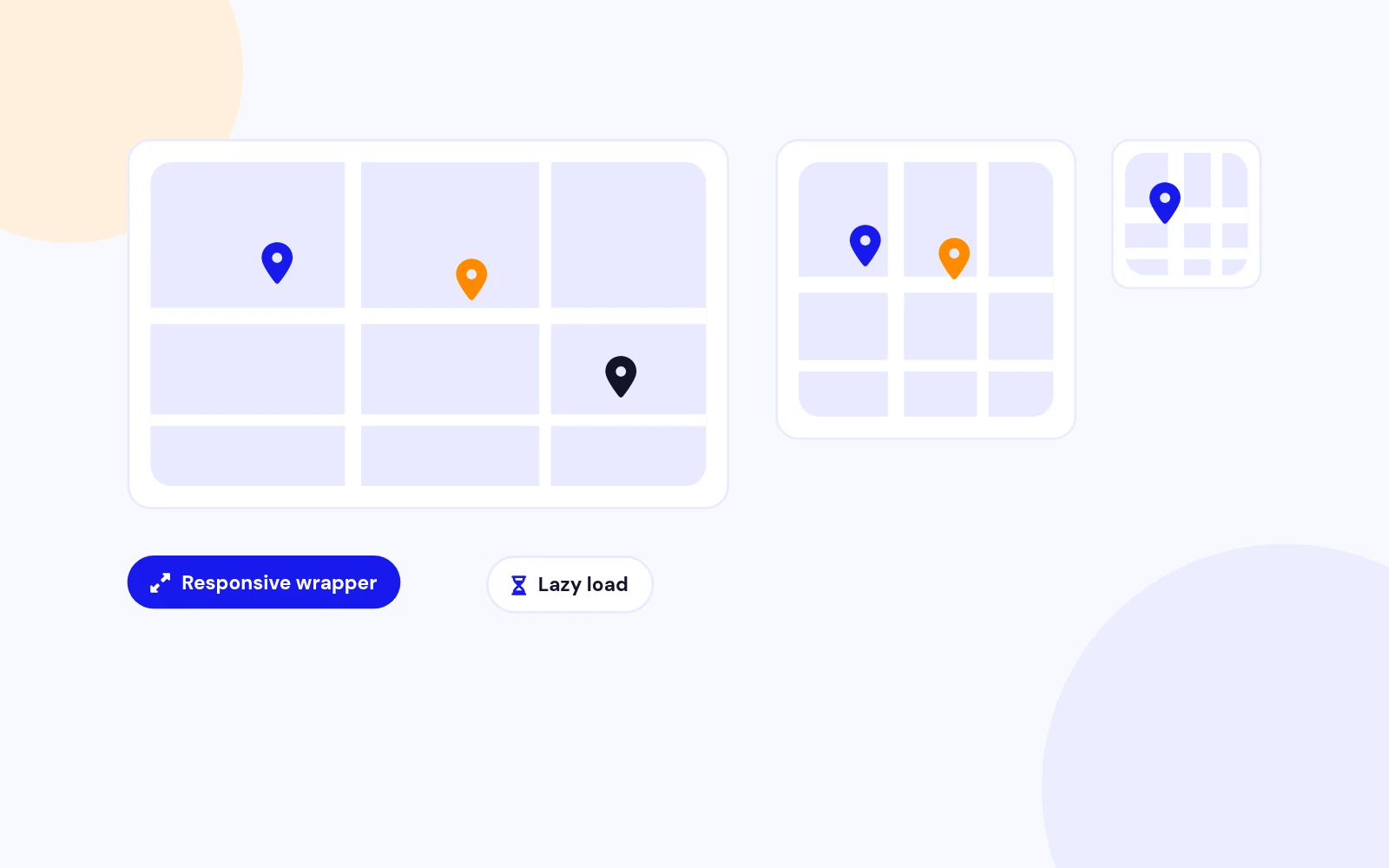
Responsive
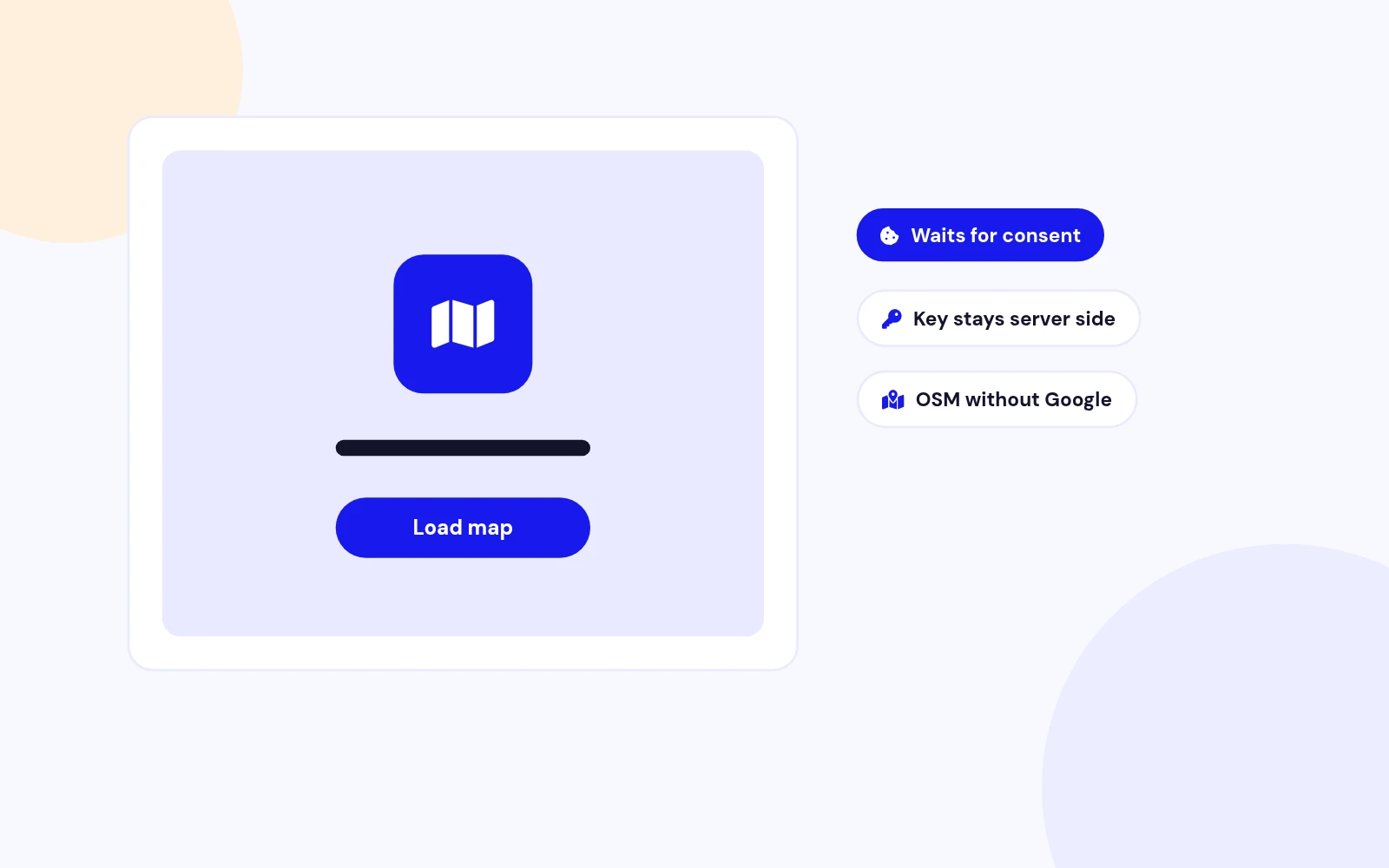
Privacy Friendly
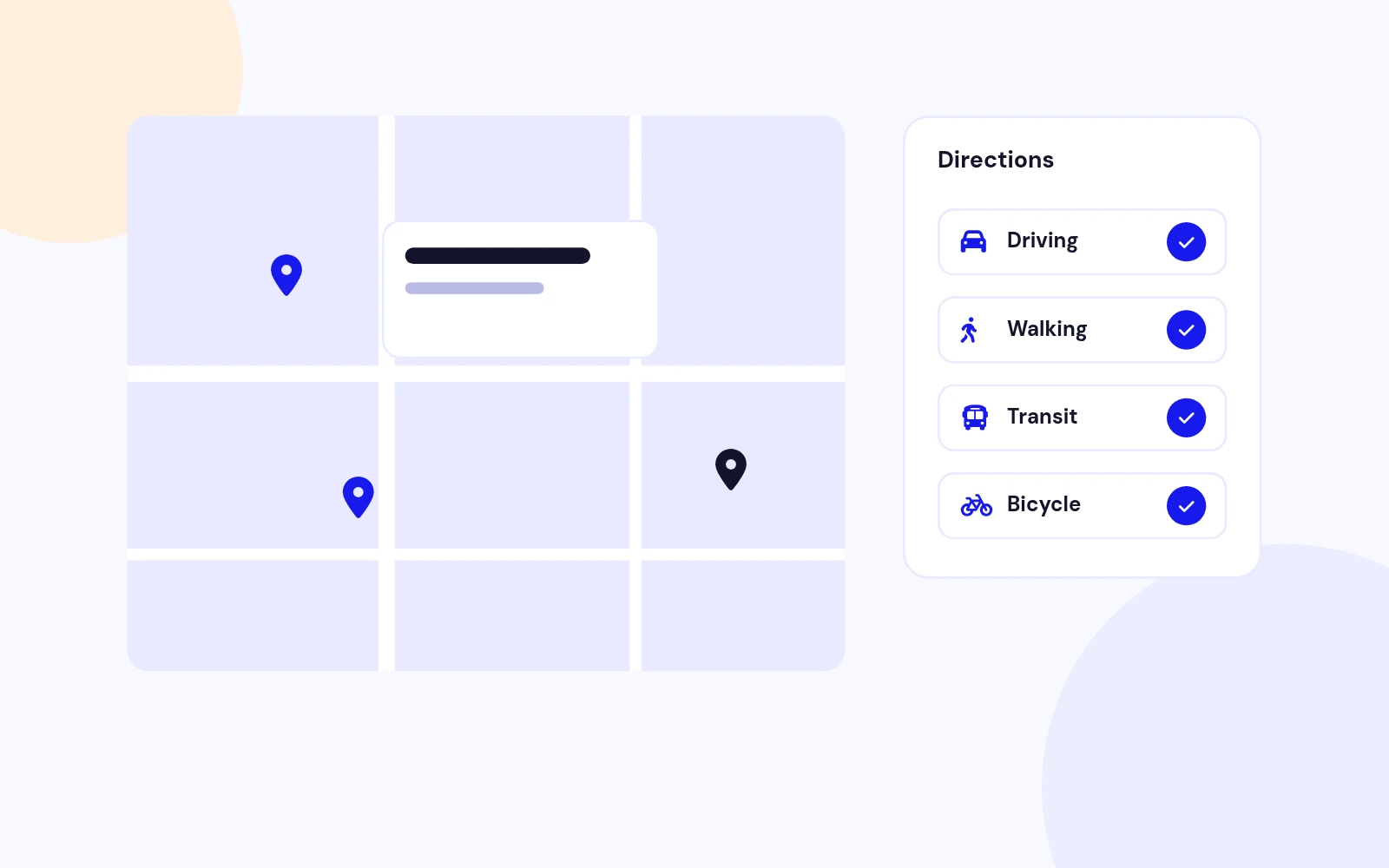
Directions
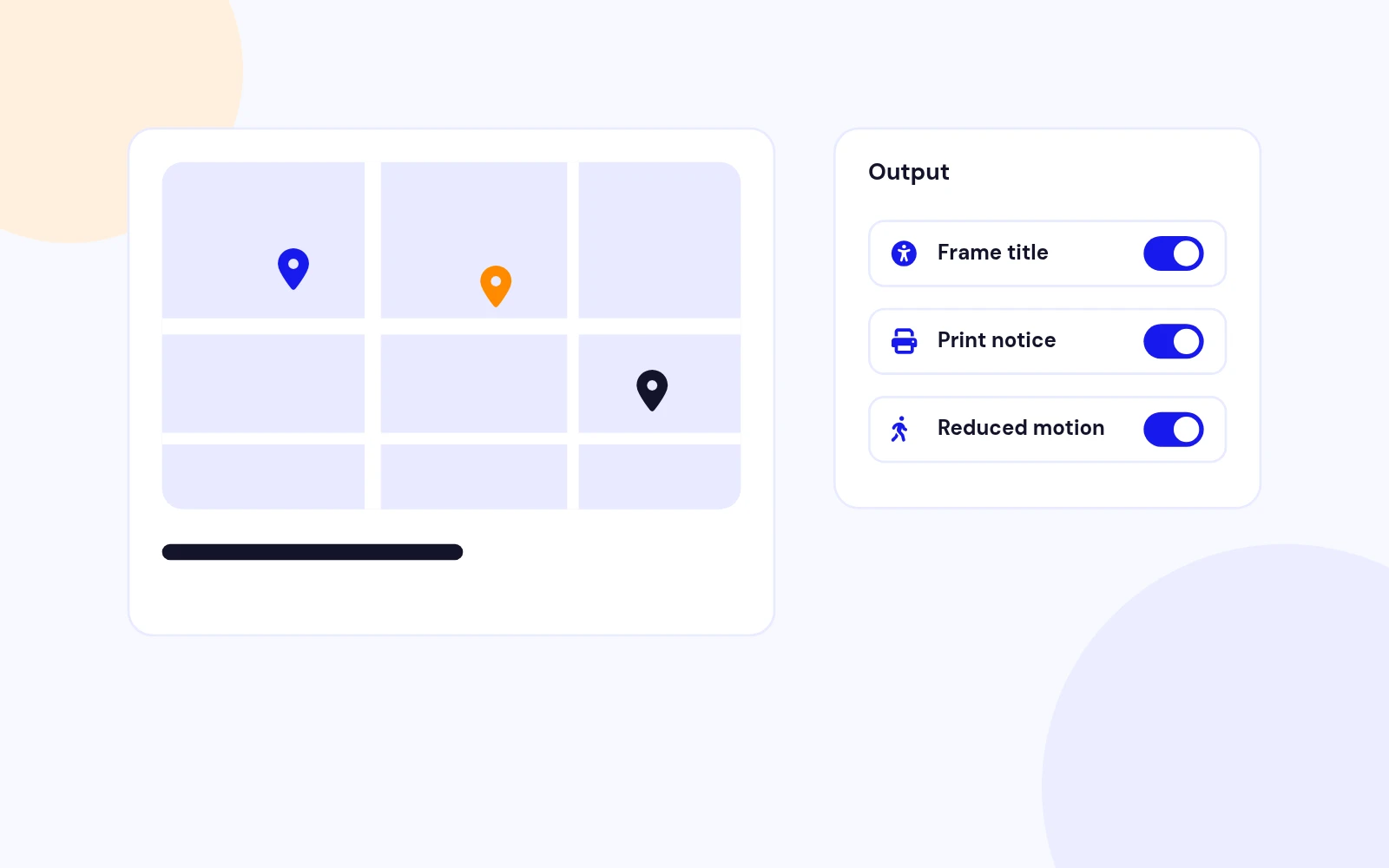
Accessible
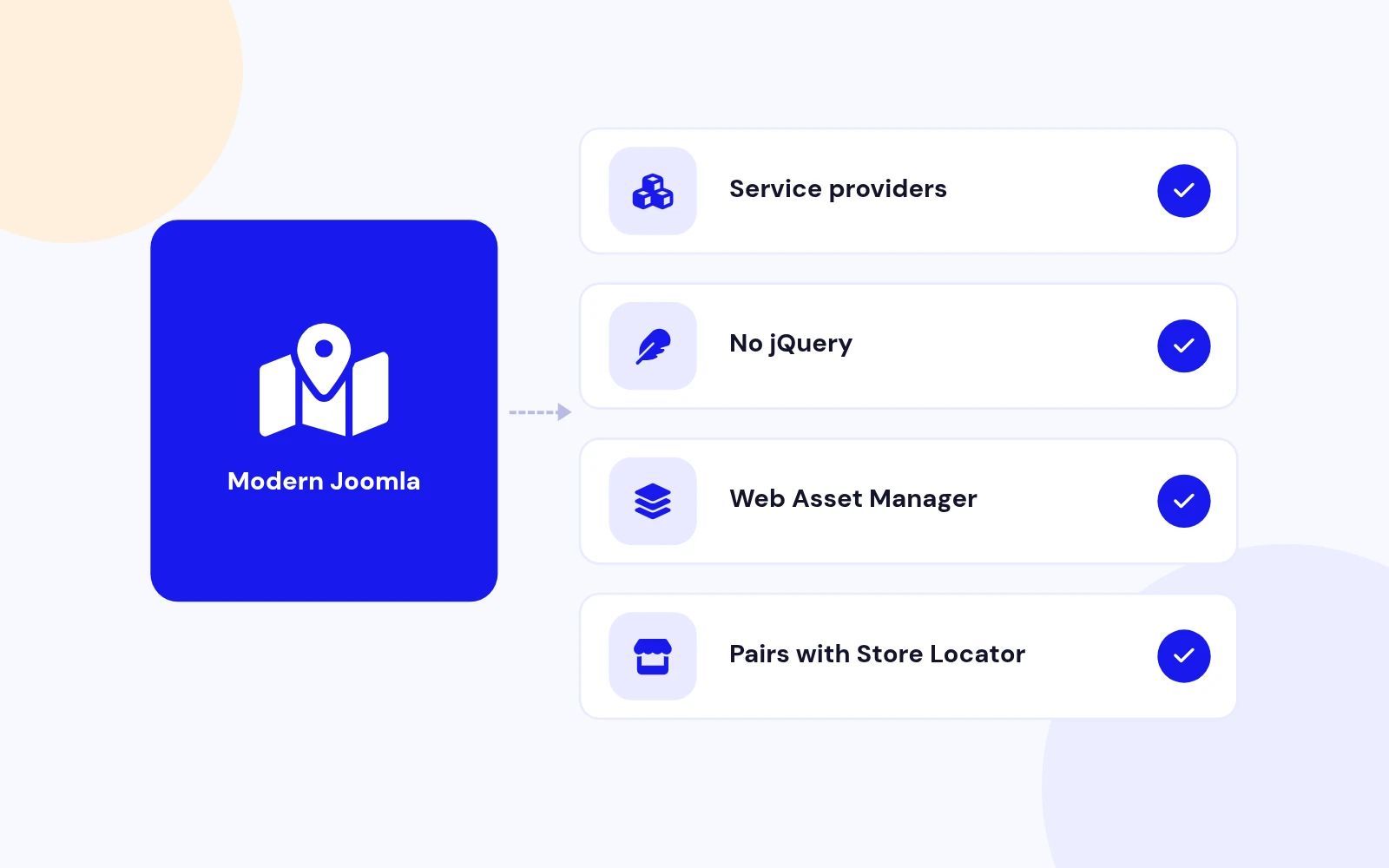
Future-Proof
Changelog
2 releases since version 1.0.0. Updates install from the Joomla admin with a valid licence.
Docs & setup
Written guides for installing and configuring Easy Map, from first setup to the options that matter.
Pricing
Save more as you scale — longer access means a bigger discount.
30-day money-back guarantee
30-day money-back guarantee
30-day money-back guarantee
30-day money-back guarantee
Why buy here
All-access bundle
Get all 126 extensions, new releases, ongoing updates and full-time support. Bought one by one, a year of updates for every extension costs over $4,700.
Ideal for small projects and personal sites
$249/ 6 months
Save 91% · $2,900+ value
30-day money-back guarantee
Best for growing businesses and web agencies
$349/ 1 year
Save 92% · $4,700+ value
30-day money-back guarantee
For professional developers and multi-client agencies
$749/ one-time
Pay once · keep forever
30-day money-back guarantee
FAQ
Still unsure? Our support team is one ticket away.
Easy Map gives you one workflow for articles and module positions: visual insert, reusable presets, responsive layout, and optional OpenStreetMap when you do not want Google billing. Update your HQ address once and every map follows.
Agencies, local businesses, and Joomla site owners who need a contact map on a landing page, about page, or sidebar without custom code. One location per embed. For multi-branch finders, pair it with Store Locator Pro.
Yes. The editor button opens a visual modal: search an address, pick a saved preset, set zoom and mode, then insert. Power users can still type a one-line {easymap} tag when they prefer.
Not for OpenStreetMap mode or when you already know latitude and longitude. Add a Google key only when you want Google JavaScript maps, richer embeds, or address geocoding through Google.
Yes. Save Head Office once as a preset, then reuse it in articles and the contact module. Change the preset later and every reference updates. Ideal for franchises and multi-page sites with a single HQ.
Yes. Module - Easy Map renders the same map engine in any module position. Choose a clean map layout or a contact card with name, phone, email, and a directions button.
Maps use responsive aspect ratios, lazy loading, and optional click-to-load before third-party tiles load. Run OSM-only pages for a Google-free setup, or defer Google until consent when your site requires it.
Use Google when visitors expect familiar Google styling and you already have an API key. Use OpenStreetMap for privacy-first sites, EU-friendly setups, or when you want maps without Google account setup. Switch per map or set a site default.
Easy Map is built for one map embed: contact page, article, or sidebar. Store Locator Pro is for dozens of branches with search, radius, categories, and clusters. Many JoomlaX customers use both.
Joomla 4, 5, and 6. The package includes the content plugin, editor button, site module, and system plugin. Native JavaScript, no jQuery.
Yes. Explore live module previews at demo.joomlax.com/demo/utilities/easy-map. Overview, OpenStreetMap, Google embed, preset reuse, and sidebar layouts are all there.
More like this

Module + Plugin
Joomla Extension to Disable Right Click on Mouse
v2.6.1 6,022 downloads
From $9


Plugin + Component
Code Highlighter Plugin for Joomla
v2.2.1 3,537 downloads
From $9


Plugin
Plugin to Include Javascript or CSS files to Joomla
v2.1.1 10,538 downloads
Free


Module
Show Joomla Modules and Articles Randomly in a Position
v1.5.1 3,128 downloads
From $19


Plugin
Joomla plugin for typewriter text effect with adjustable speed and cursor.
v1.4.1 4,412 downloads
From $9