Dashboard
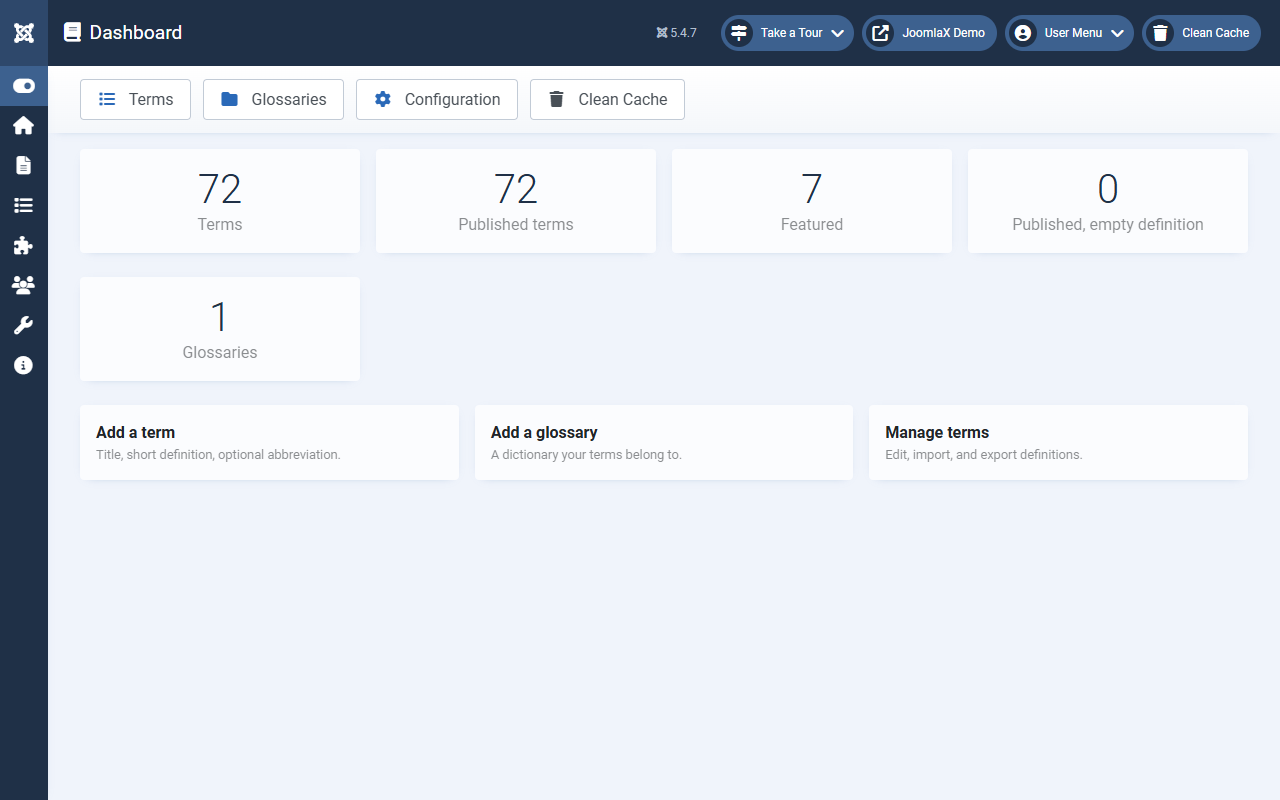
Open Components > Easy Glossary. The Dashboard is your home screen.
Stat cards
- Terms: total terms in the database
- Published terms: terms that can appear on the site
- Featured: terms marked as Featured
- Empty definition: published terms with no short or full text (fix these)
- Glossaries: how many dictionaries you have
Recent terms
A short list of terms you changed lately. Click a title to edit.
Quick actions
- Add term, Add glossary, Manage terms, Glossaries
- Import and Export, Configuration
Sample data box
- Install sample data: wipes Easy Glossary data, then creates a Demo Glossary and 34 A-Z terms
- Reset database: deletes all glossaries and terms
Student tip: If Published terms is 0, tips will not appear. Publish at least one term before testing.