Design tab
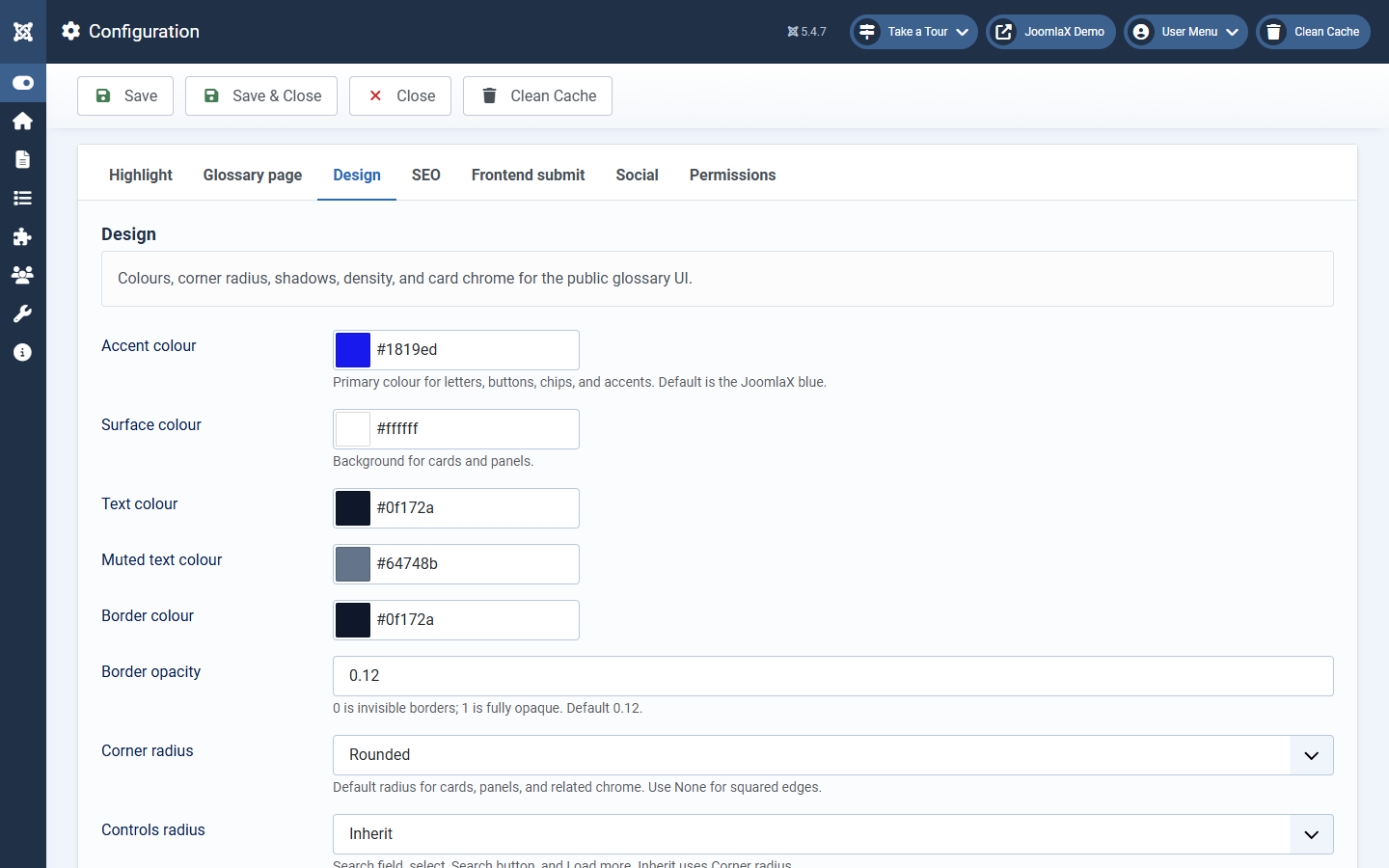
In Configuration, open the Design tab.
- Accent colour: main highlight and link colour
- Surface colours: backgrounds for cards and tips
- Radii and card style: how rounded and dense the public UI looks
- Font scale: slightly larger or smaller glossary text
Save, clear cache, and hard-refresh the front end (Ctrl+F5) so browsers load the new CSS.
Student tip: Match the accent colour to your site brand so tips feel part of the template, not a random add-on.