Highlighting and tips
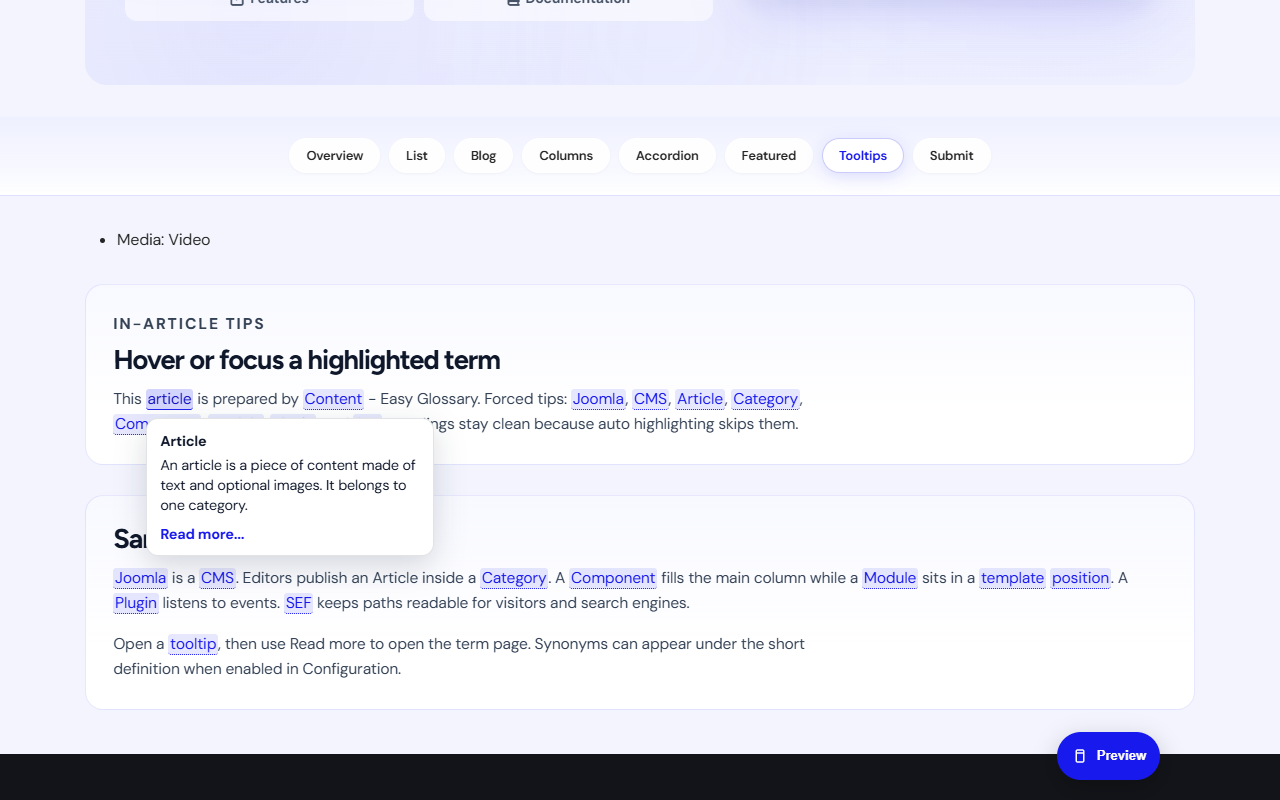
The content plugin finds published term titles (and synonyms) in article text.
Modes (global or per term)
- Tooltip and link: tip on hover, click opens the term page
- Tooltip only: tip only
- Link only: link to the term page, no tip
- Off: no auto highlight for that term (or globally)
What is never wrapped
- Headings, links, buttons, form fields
- Code and preformatted blocks
- Any HTML with class
egloss-skip
Turn auto highlight off for one article
Put this near the top of the article:
{glossary off}
Manual insert
When auto highlight is off, use the editor button Easy Glossary to insert:
{glossary term="YourTerm"}
Replace YourTerm with the exact term title.
Student tip: Write the term as normal words in the article body. Do not put it inside a heading if you want a tip there. Headings are skipped on purpose.